Which controller is best for PC?
Answer 7 short questions and see the 5 game controllers that suit your PC and your games.
26 controllers compared from the makers' spec sheets and expert reviews. How we rank
The questions
26 controllers compared from the makers' spec sheets and expert reviews. How we rank
Picks for common needs
Choose a need to see its top 5. You can change any answer after.
For shooting games
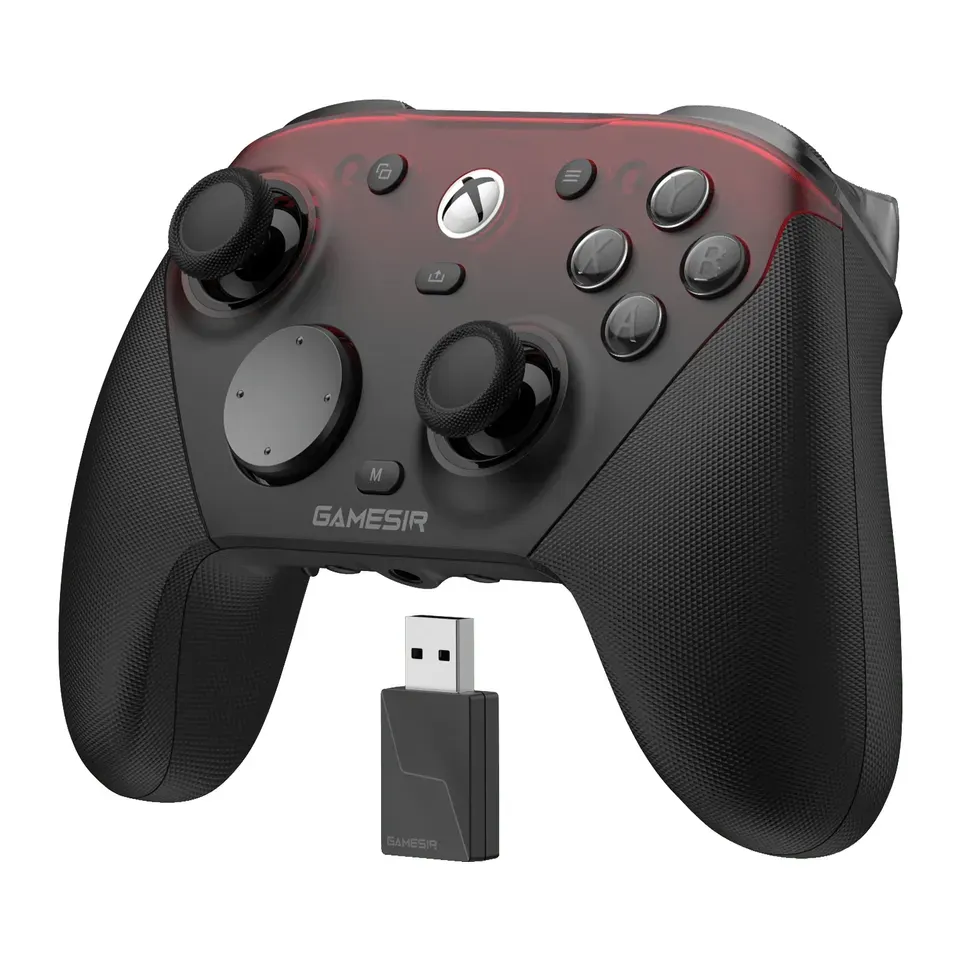
- Number 1: GameSir G7 ProAbout $80
- Number 2: 8BitDo Ultimate 3 for XboxAbout $100
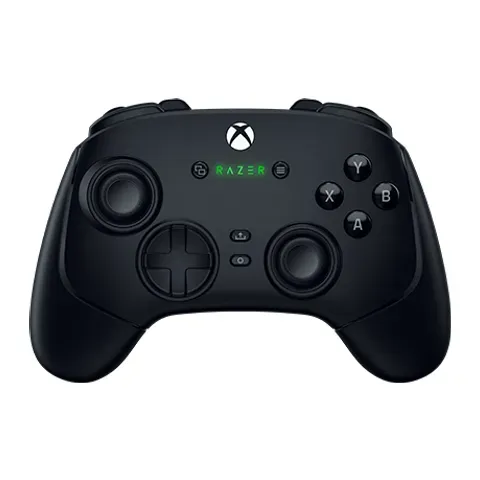
- Number 3: Razer Wolverine V3 ProAbout $200
For a Mac
- Number 1: 8BitDo Ultimate 2 WirelessAbout $55
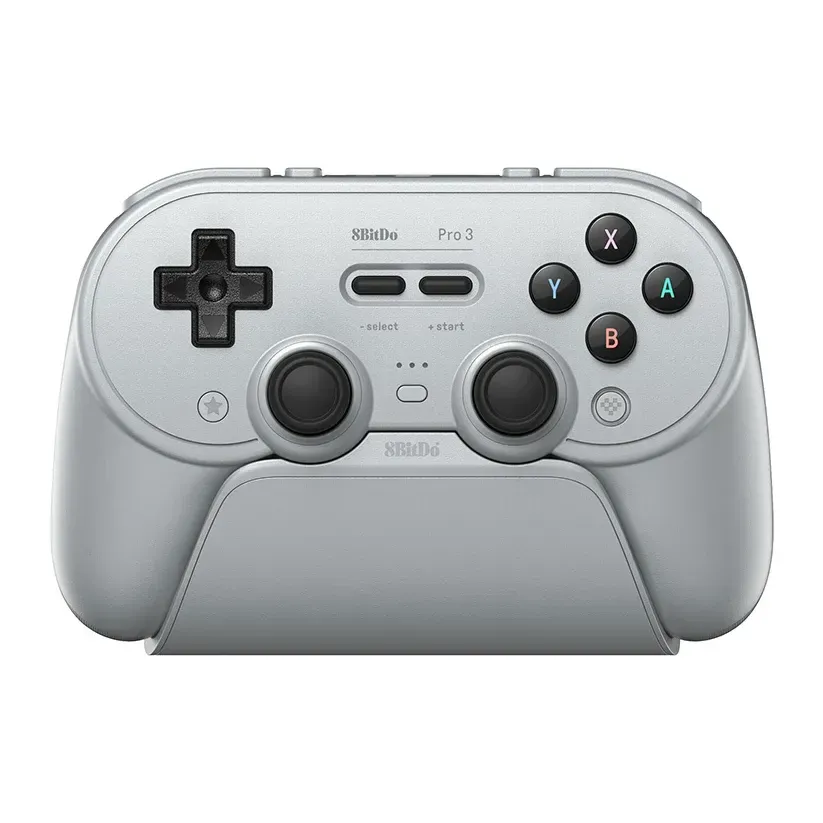
- Number 2: 8BitDo Pro 3About $60
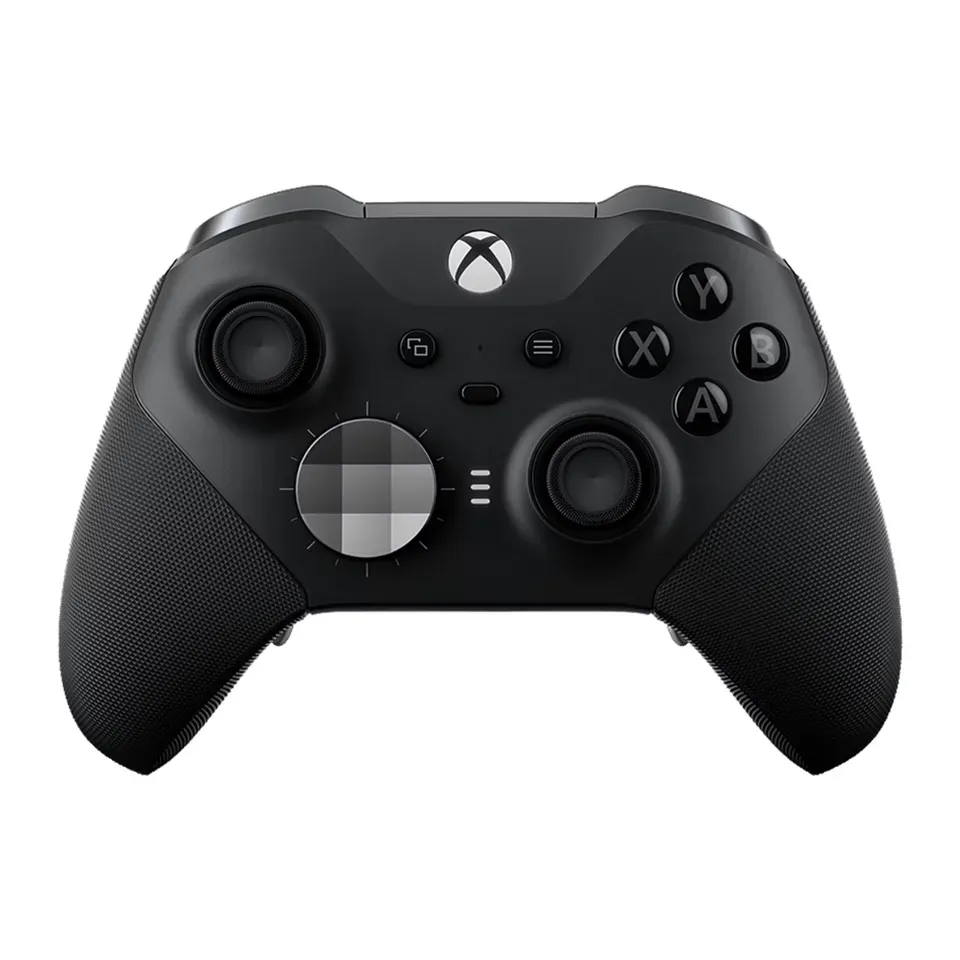
- Number 3: Xbox Elite Wireless Controller Series 2About $200
For a Steam Deck
- Number 1: 8BitDo Ultimate 2 WirelessAbout $55
- Number 2: 8BitDo Pro 3About $60
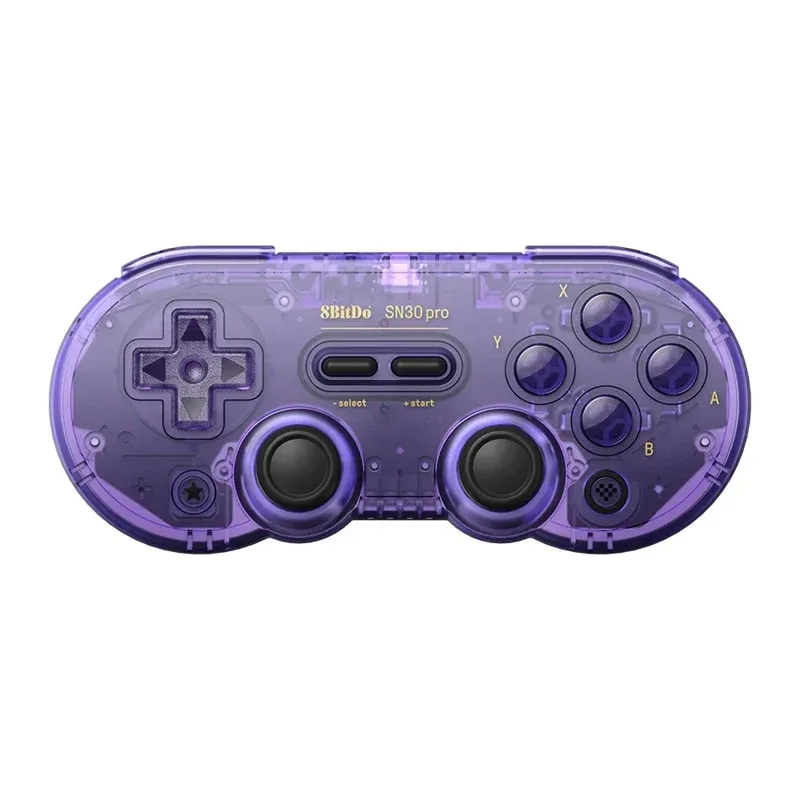
- Number 3: 8BitDo SN30 ProAbout $45
For small hands and children
- Number 1: 8BitDo SN30 ProAbout $45
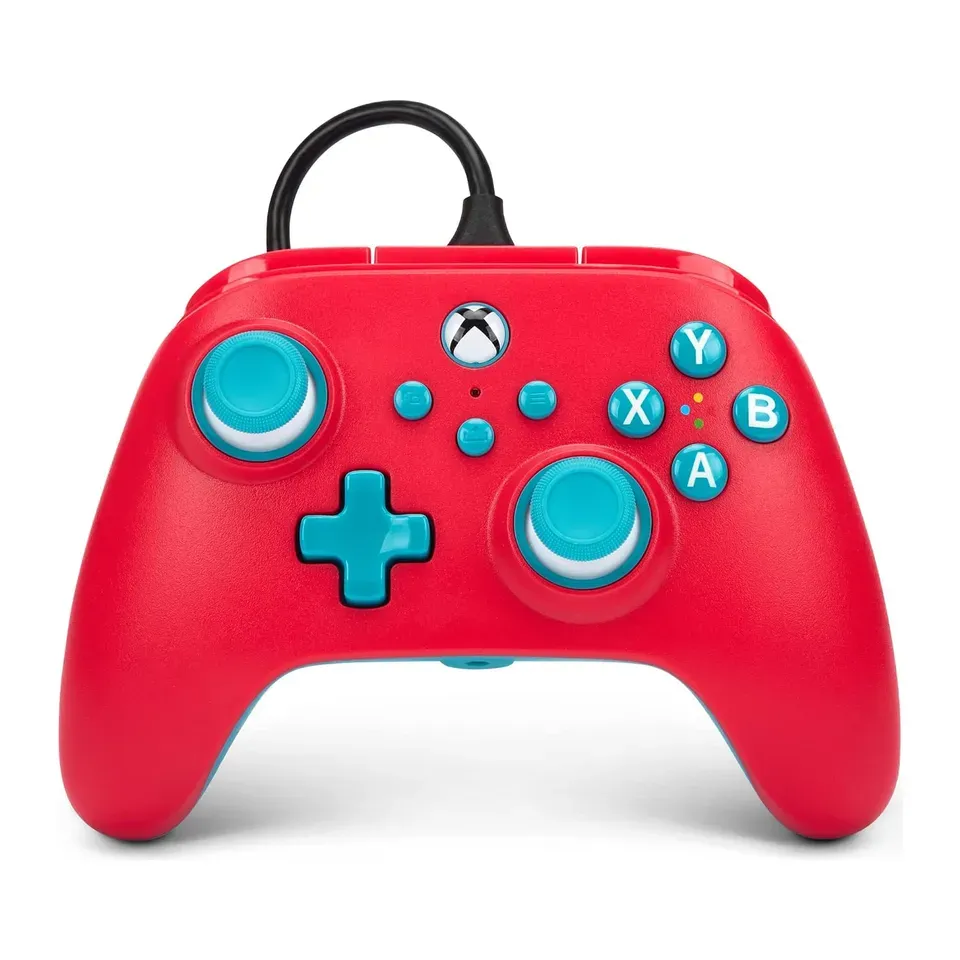
- Number 2: PowerA Nano Enhanced Wired Controller for XboxAbout $35
- Number 3: Xbox Nano ControllerAbout $50
Up to $30
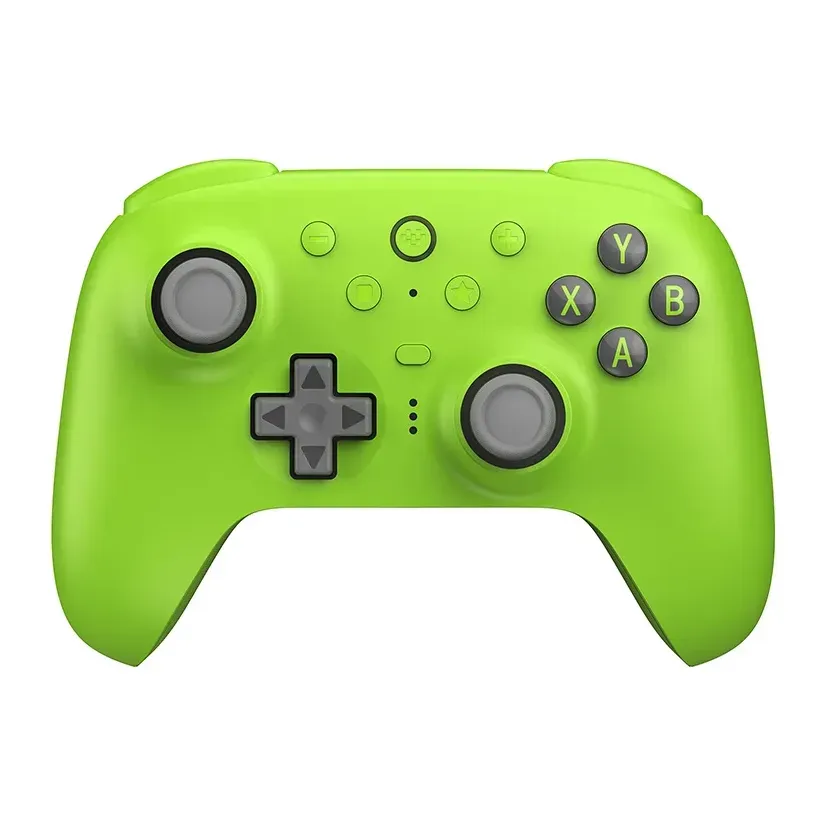
- Number 1: 8BitDo Ultimate 2C WirelessAbout $25
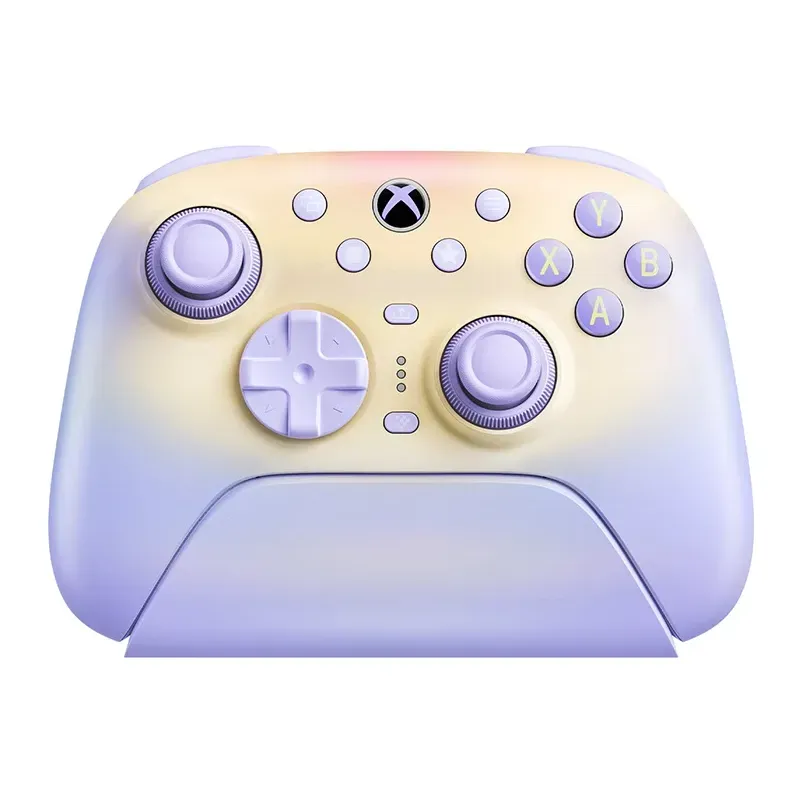
- Number 2: GameSir Nova 2 LiteAbout $30
- Number 3: GameSir Tegenaria LiteAbout $20
Answer the questions
Up to 7 short questions. Your own top 5 at the end.
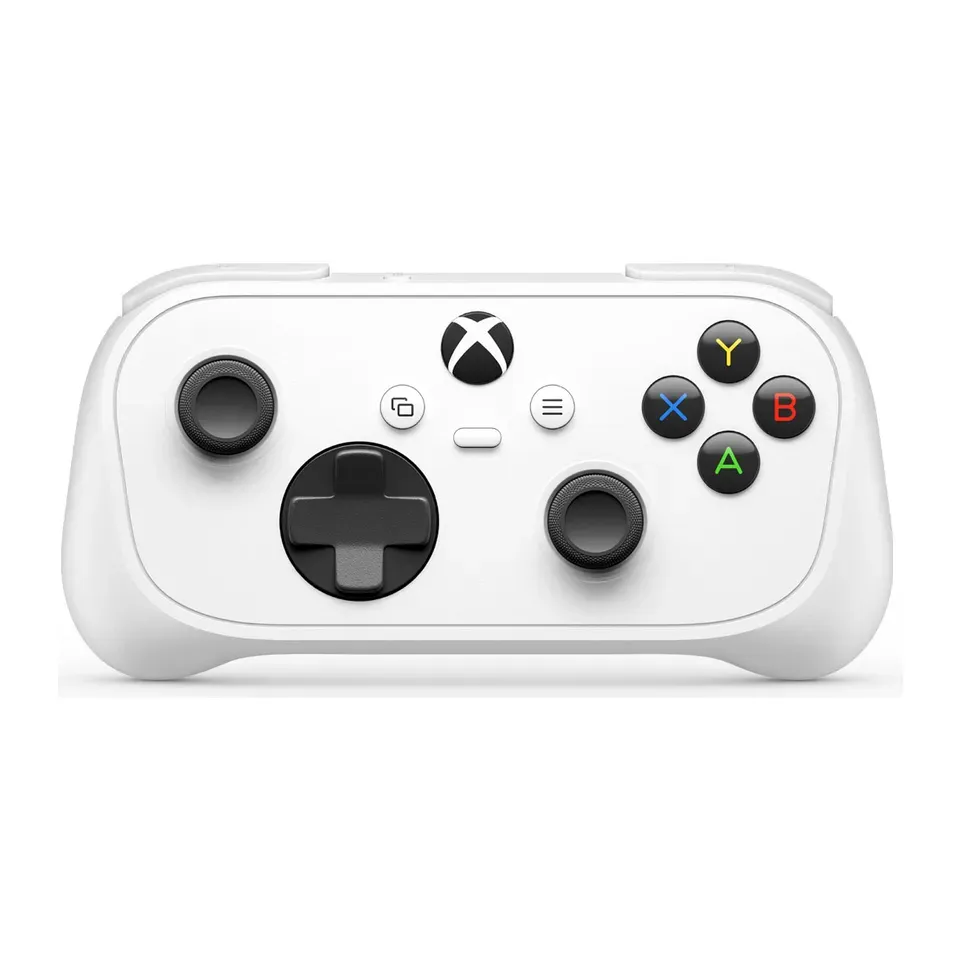
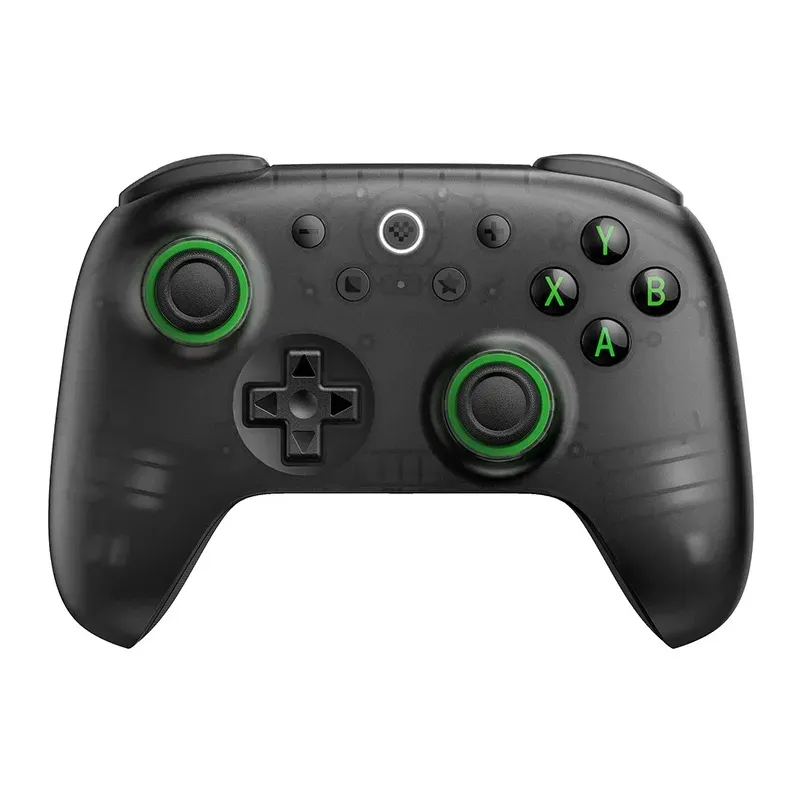
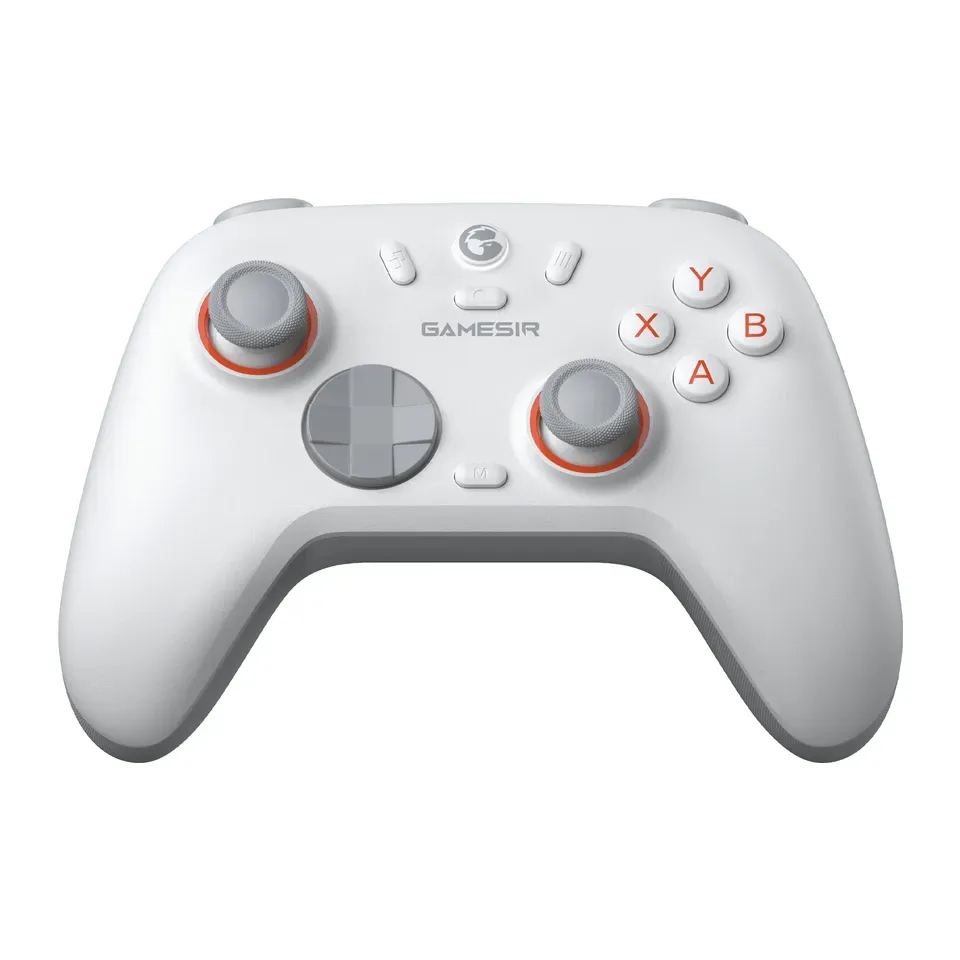
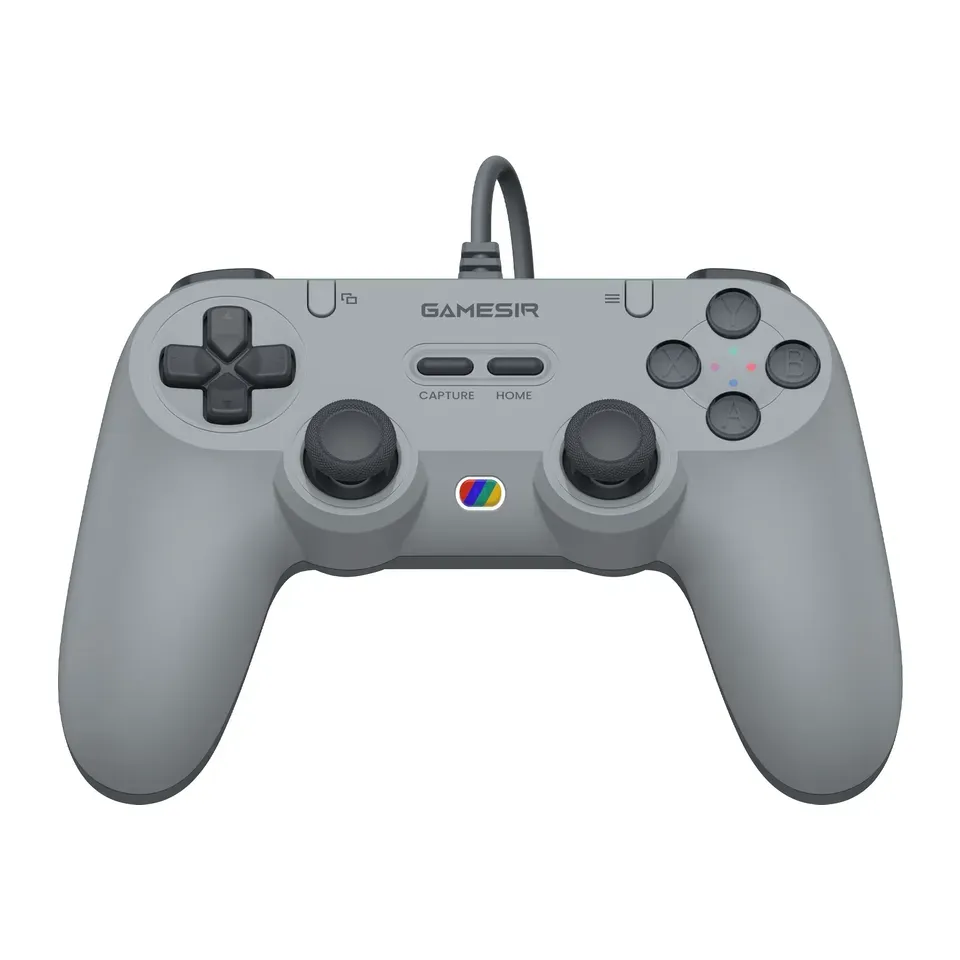
All 26 controllers, ranked
Ranked by expert reviews and value for money, before any answers. How we rank
Prices checked .
Number 1: GameSir G7 SE
About $45
Cable onlySticks: Drift-resistant (Hall effect)
Details: GameSir G7 SE
- Sticks
- Drift-resistant (Hall effect)
- Connects by
- Cable only
- Extra buttons
- 2
- Weight
- 221 g
- Most reviews rate it very highly
- Reviewers find its buttons and cross-shaped pad a little soft
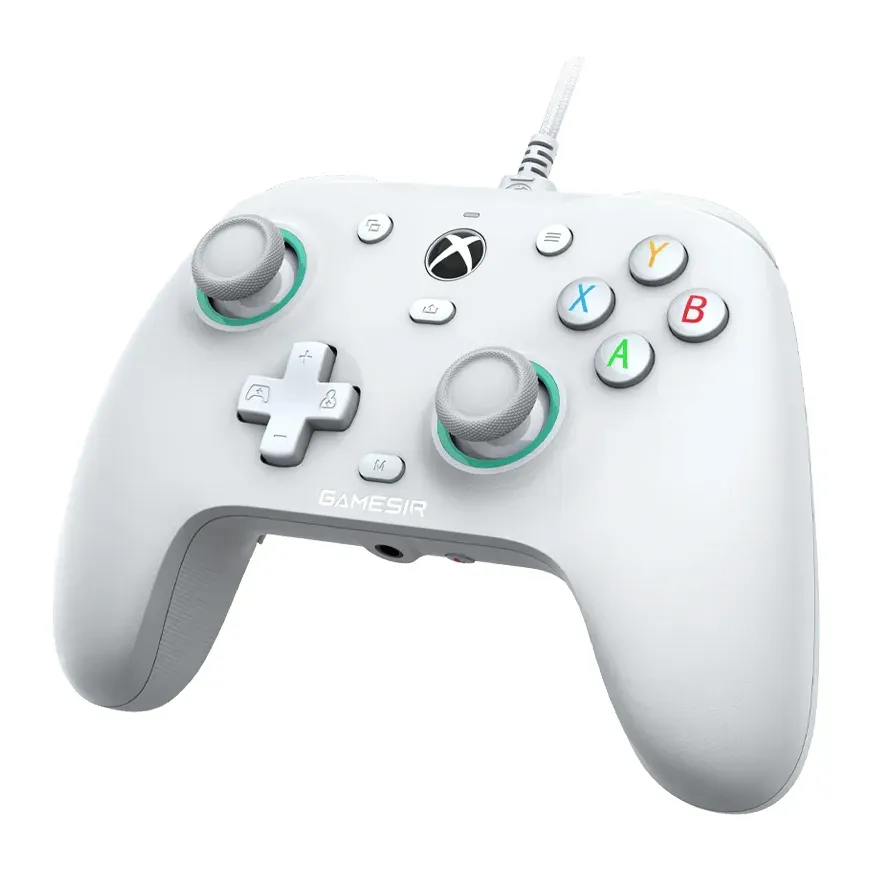
Number 2: GameSir G7 Pro
About $80
USB receiver or cableSticks: Drift-resistant (TMR)
Details: GameSir G7 Pro
- Sticks
- Drift-resistant (TMR)
- Connects by
- USB receiver or cable
- Extra buttons
- 4
- Weight
- 272 g
- Magnetic sticks that resist stick drift
- Only two back buttons, and on an Xbox it needs its cable
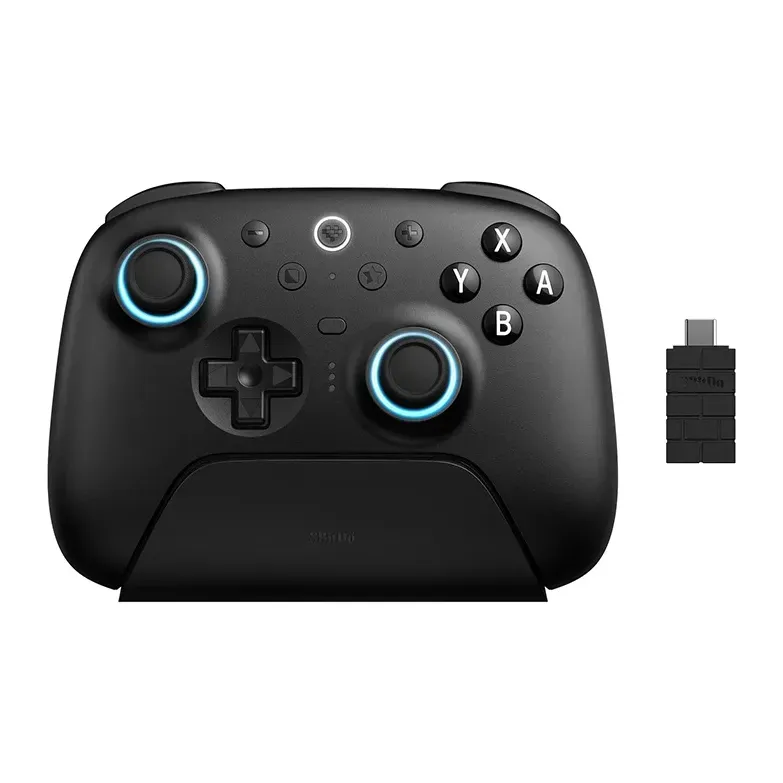
Number 3: 8BitDo Ultimate 3 for Xbox
About $100
USB receiver or cableSticks: Drift-resistant (TMR)
Details: 8BitDo Ultimate 3 for Xbox
- Sticks
- Drift-resistant (TMR)
- Connects by
- USB receiver or cable
- Extra buttons
- 4
- Magnetic sticks that resist stick drift
- Its View and Menu buttons sit in a different place than on an Xbox controller
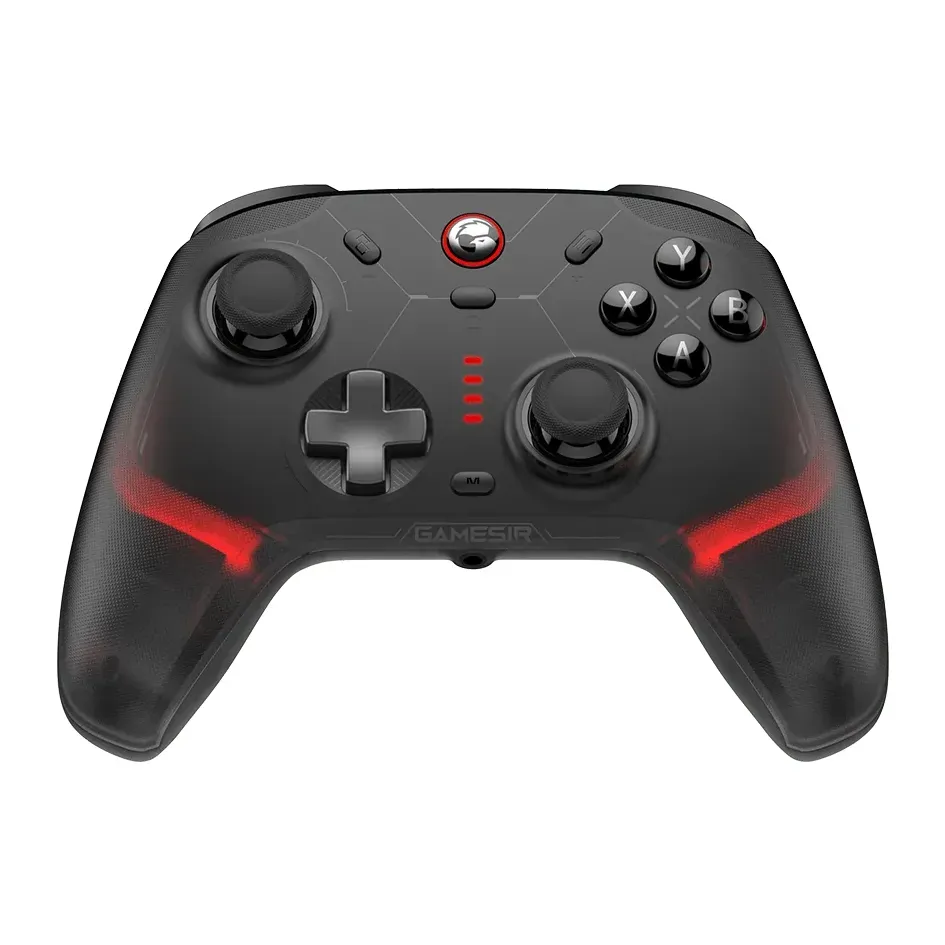
Number 4: GameSir Cyclone 2
About $50
USB receiver or cableSticks: Drift-resistant (TMR)
Details: GameSir Cyclone 2
- Sticks
- Drift-resistant (TMR)
- Connects by
- USB receiver or cable
- Extra buttons
- 2
- Magnetic sticks that resist stick drift
- The maker says a charge lasts about 10 hours, and it doesn't work with an Xbox or PS5
Number 5: 8BitDo Ultimate 2C Wireless
About $25
USB receiver or cableSticks: Drift-resistant (Hall effect)
Details: 8BitDo Ultimate 2C Wireless
- Sticks
- Drift-resistant (Hall effect)
- Connects by
- USB receiver or cable
- Extra buttons
- 2
- Weight
- 218 g
- Magnetic sticks that resist stick drift
- Reviewers find the cross-shaped pad a bit soft, and Bluetooth works with Android only
Number 6: 8BitDo Ultimate 2 Wireless
About $55
USB receiver, Bluetooth or cableSticks: Drift-resistant (TMR)
Details: 8BitDo Ultimate 2 Wireless
- Sticks
- Drift-resistant (TMR)
- Connects by
- USB receiver, Bluetooth or cable
- Extra buttons
- 4
- Weight
- 246 g
- Magnetic sticks that resist stick drift
- Reviewers got 10 to 15 hours from a charge with the lights on
Number 7: GameSir Nova 2 Lite
About $30
USB receiver or cableSticks: Drift-resistant (Hall effect)
Details: GameSir Nova 2 Lite
- Sticks
- Drift-resistant (Hall effect)
- Connects by
- USB receiver or cable
- Extra buttons
- 2
- Weight
- 225 g
- Magnetic sticks that resist stick drift
- The button letters follow Nintendo, and the charging stand costs extra
Number 8: 8BitDo Pro 3
About $60
USB receiver, Bluetooth or cableSticks: Drift-resistant (TMR)
Details: 8BitDo Pro 3
- Sticks
- Drift-resistant (TMR)
- Connects by
- USB receiver, Bluetooth or cable
- Extra buttons
- 4
- Weight
- 242 g
- Magnetic sticks that resist stick drift
- Its buttons click loudly, and reviewers find the sticks short
Number 9: 8BitDo Ultimate 2 Bluetooth
About $70
USB receiver or cableSticks: Drift-resistant (TMR)
Details: 8BitDo Ultimate 2 Bluetooth
- Sticks
- Drift-resistant (TMR)
- Connects by
- USB receiver or cable
- Extra buttons
- 4
- Weight
- 246 g
- Magnetic sticks that resist stick drift
- The button letters follow Nintendo, so A and B sit the other way round from Xbox
Number 10: Razer Wolverine V3 Pro
About $200
USB receiver or cableSticks: Drift-resistant (Hall effect)
Details: Razer Wolverine V3 Pro
- Sticks
- Drift-resistant (Hall effect)
- Connects by
- USB receiver or cable
- Extra buttons
- 6
- Weight
- 304 g
- Most reviews rate it very highly
- No Bluetooth, and reviewers got 10 to 15 hours from a charge
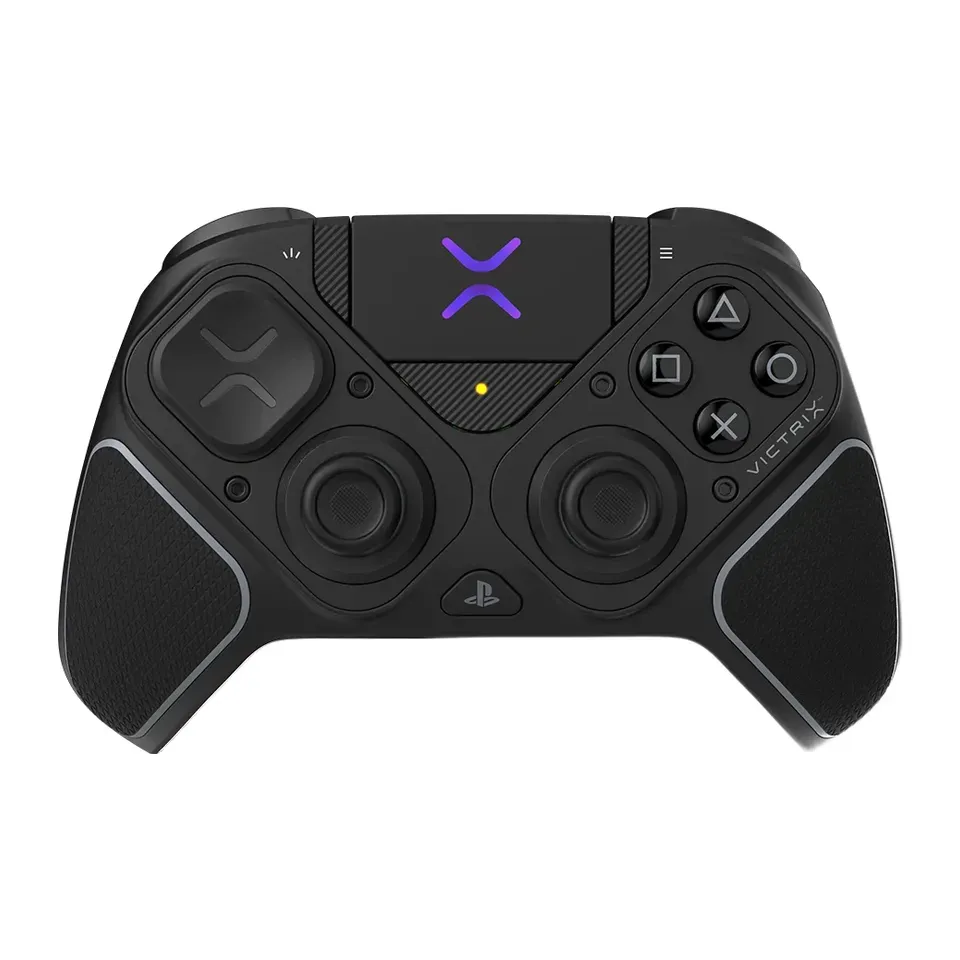
Number 11: Victrix Pro BFG Reloaded (PlayStation)
About $210
USB receiver or cableSticks: Drift-resistant (Hall effect)
Details: Victrix Pro BFG Reloaded (PlayStation)
- Sticks
- Drift-resistant (Hall effect)
- Connects by
- USB receiver or cable
- Extra buttons
- 4
- Weight
- 265 g
- Most reviews rate it very highly
- No vibration at all, and no Bluetooth
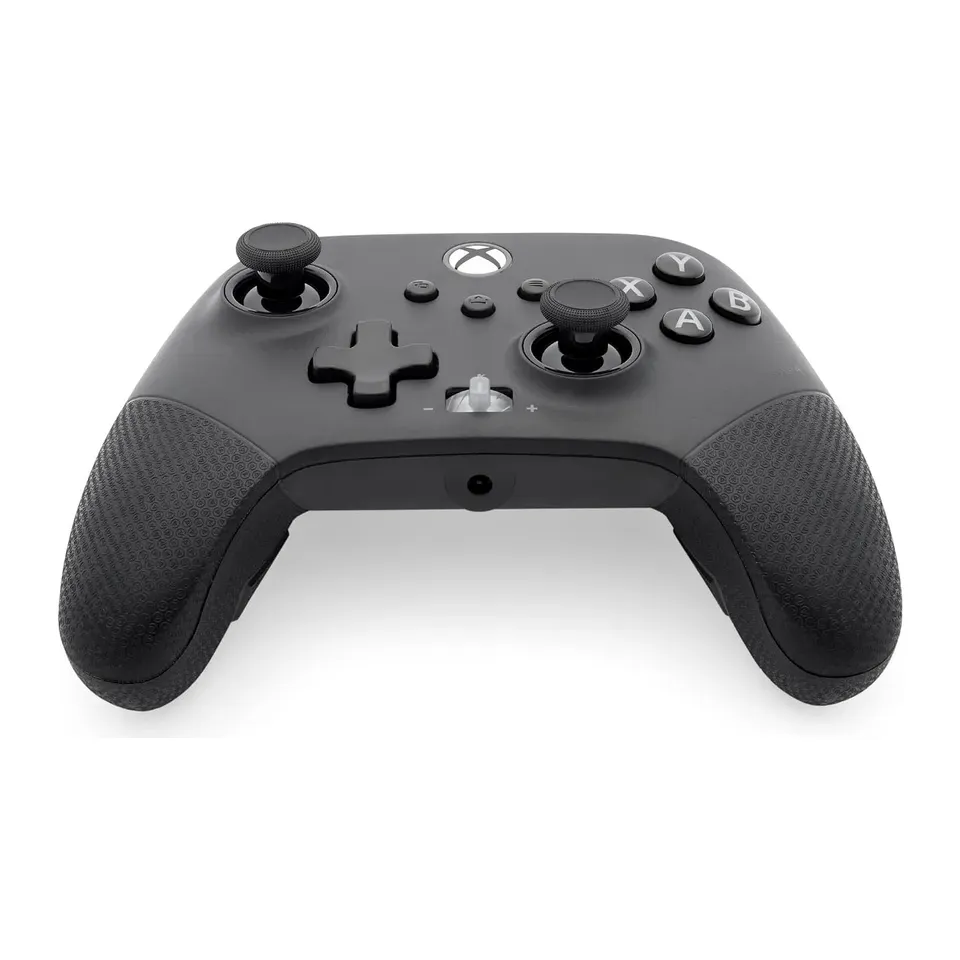
Number 12: PowerA Fusion Pro 4 Wired Controller for Xbox
About $70
Cable onlySticks: Drift-resistant (Hall effect)
Details: PowerA Fusion Pro 4 Wired Controller for Xbox
- Sticks
- Drift-resistant (Hall effect)
- Connects by
- Cable only
- Extra buttons
- 4
- Weight
- 290 g
- Magnetic sticks that resist stick drift
- Cable only, and its app gets mixed reviews
Show all 26 controllers
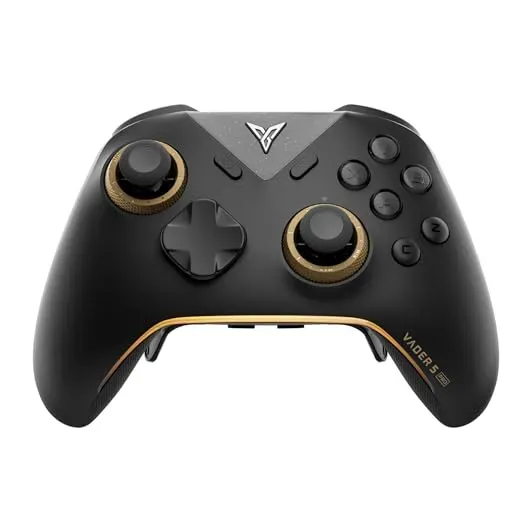
Number 13: Flydigi Vader 5 Pro
About $80
USB receiver or cableSticks: Drift-resistant (Hall effect)
Details: Flydigi Vader 5 Pro
- Sticks
- Drift-resistant (Hall effect)
- Connects by
- USB receiver or cable
- Extra buttons
- 6
- Magnetic sticks that resist stick drift
- Its app isn't fully translated into English, and the charging stand costs extra
Number 14: GameSir Tegenaria Lite
About $20
Cable onlySticks: Drift-resistant (Hall effect)
Details: GameSir Tegenaria Lite
- Sticks
- Drift-resistant (Hall effect)
- Connects by
- Cable only
- Extra buttons
- 2
- Weight
- 230 g
- Magnetic sticks that resist stick drift
- Reviews are mixed
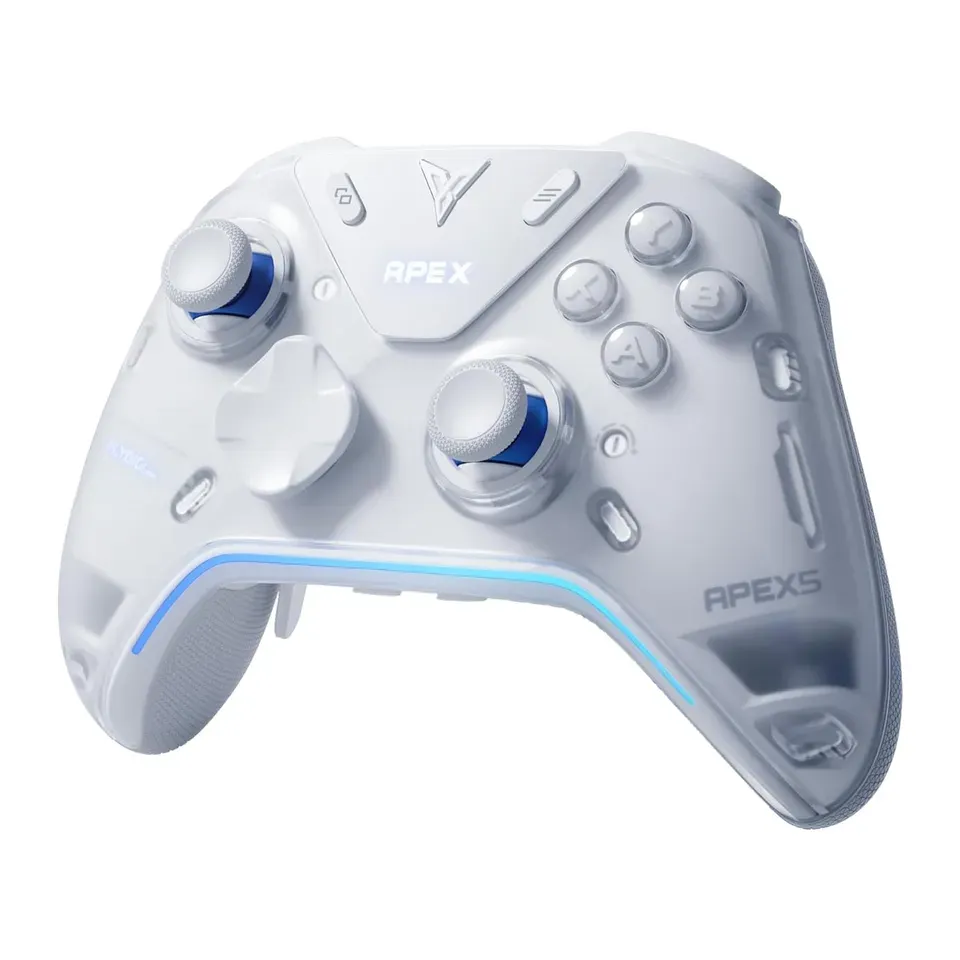
Number 15: Flydigi Apex 5
About $120
USB receiver or cableSticks: Drift-resistant (Hall effect)
Details: Flydigi Apex 5
- Sticks
- Drift-resistant (Hall effect)
- Connects by
- USB receiver or cable
- Extra buttons
- 6
- Weight
- 335 g
- Magnetic sticks that resist stick drift
- Heavy, and its menus start in Chinese until you change the language
Number 16: PowerA Nano Enhanced Wired Controller for Xbox
About $35
Cable onlySticks: Drift-resistant (Hall effect)
Details: PowerA Nano Enhanced Wired Controller for Xbox
- Sticks
- Drift-resistant (Hall effect)
- Connects by
- Cable only
- Extra buttons
- 2
- Weight
- 250 g
- Magnetic sticks that resist stick drift
- Smaller than most: it may feel cramped in big hands
Number 17: 8BitDo SN30 Pro
About $45
Bluetooth or cableSticks: Drift-resistant (Hall effect)
Details: 8BitDo SN30 Pro
- Sticks
- Drift-resistant (Hall effect)
- Connects by
- Bluetooth or cable
- Extra buttons
- 0
- Weight
- 114 g
- Magnetic sticks that resist stick drift
- Smaller than most: it may feel cramped in big hands
Number 18: 8BitDo Ultimate 3-mode Controller for Xbox
About $45
USB receiver or cableSticks: Drift-resistant (Hall effect)
Details: 8BitDo Ultimate 3-mode Controller for Xbox
- Sticks
- Drift-resistant (Hall effect)
- Connects by
- USB receiver or cable
- Extra buttons
- 2
- Weight
- 250 g
- Magnetic sticks that resist stick drift
- Reviews are mixed
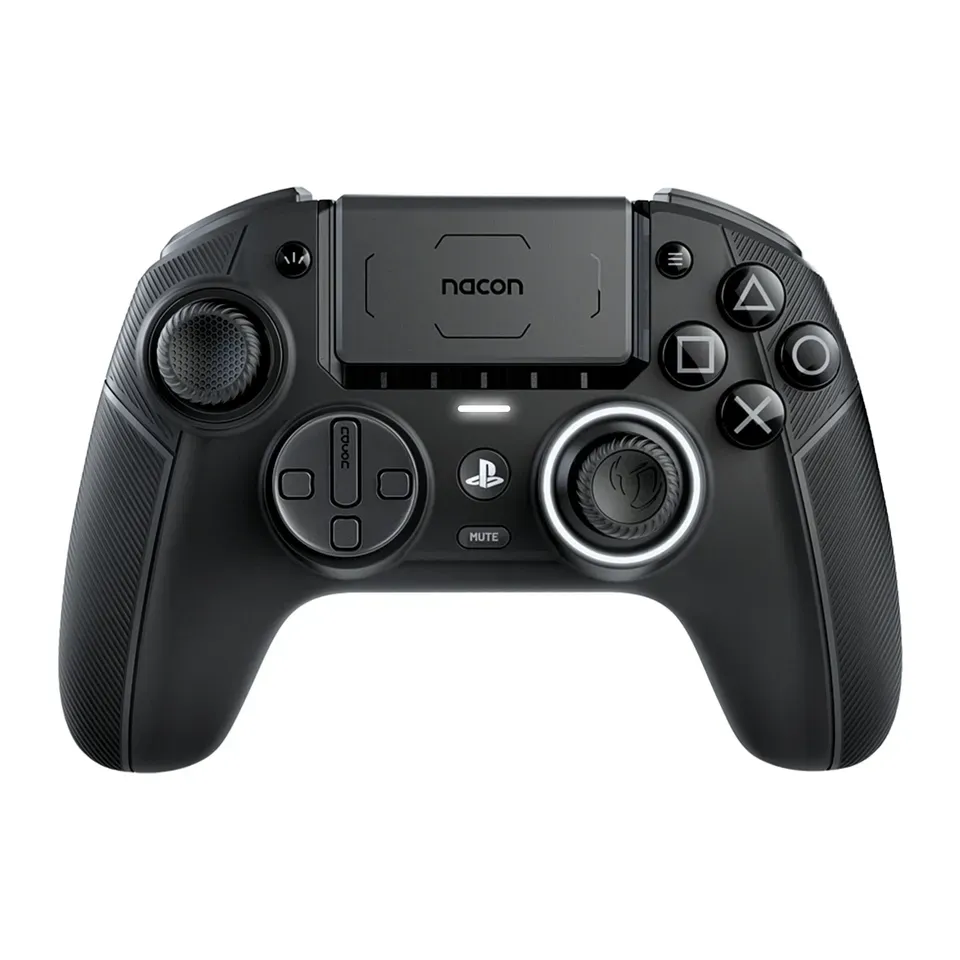
Number 19: Nacon Revolution 5 Pro
About $200
USB receiver or cableSticks: Drift-resistant (Hall effect)
Details: Nacon Revolution 5 Pro
- Sticks
- Drift-resistant (Hall effect)
- Connects by
- USB receiver or cable
- Extra buttons
- 4
- Weight
- 315 g
- Magnetic sticks that resist stick drift
- Reviews are mixed
Number 20: Xbox Elite Wireless Controller Series 2
About $200
Bluetooth or cableSticks: Standard
Details: Xbox Elite Wireless Controller Series 2
- Sticks
- Standard
- Connects by
- Bluetooth or cable
- Extra buttons
- 4
- Weight
- 345 g
- Most reviews rate it very highly
- Standard sticks, the kind that can wear and drift after a year or two
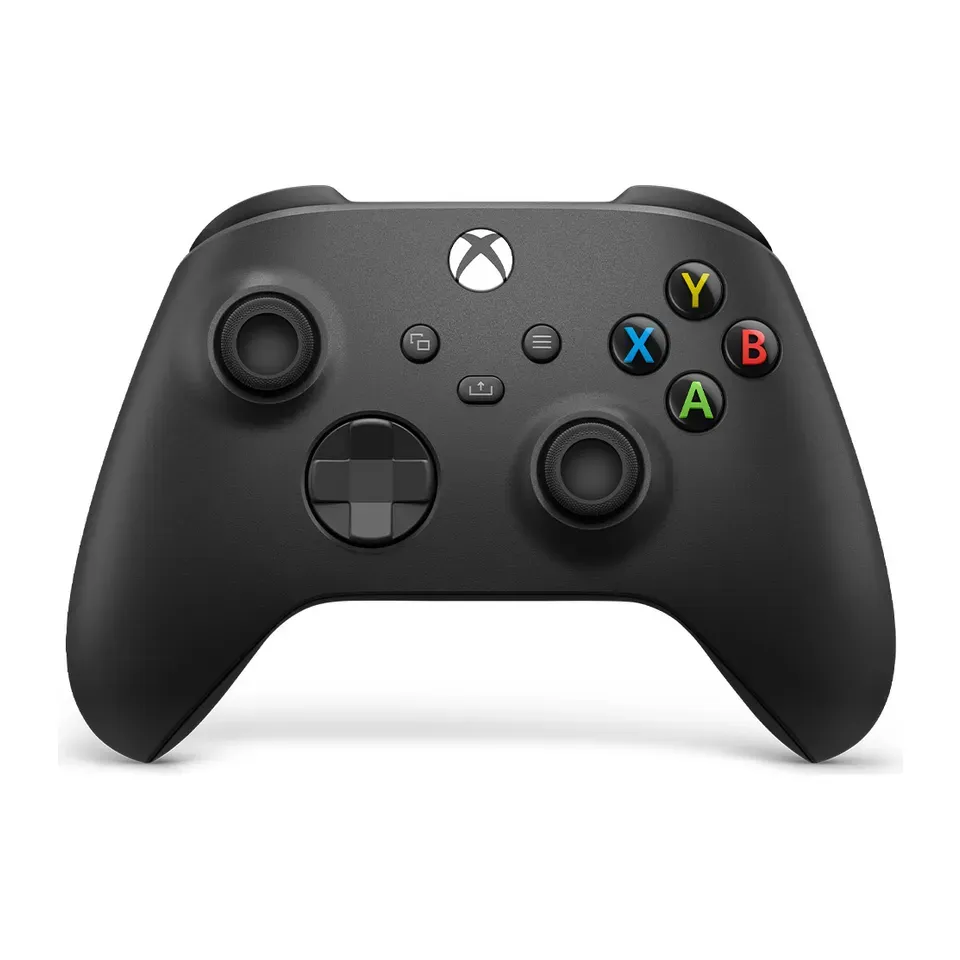
Number 21: Xbox Wireless Controller
About $55
Bluetooth or cableSticks: Standard
Details: Xbox Wireless Controller
- Sticks
- Standard
- Connects by
- Bluetooth or cable
- Extra buttons
- 0
- Weight
- 280 g
- About $55, less than most controllers here
- Standard sticks, the kind that can wear and drift after a year or two
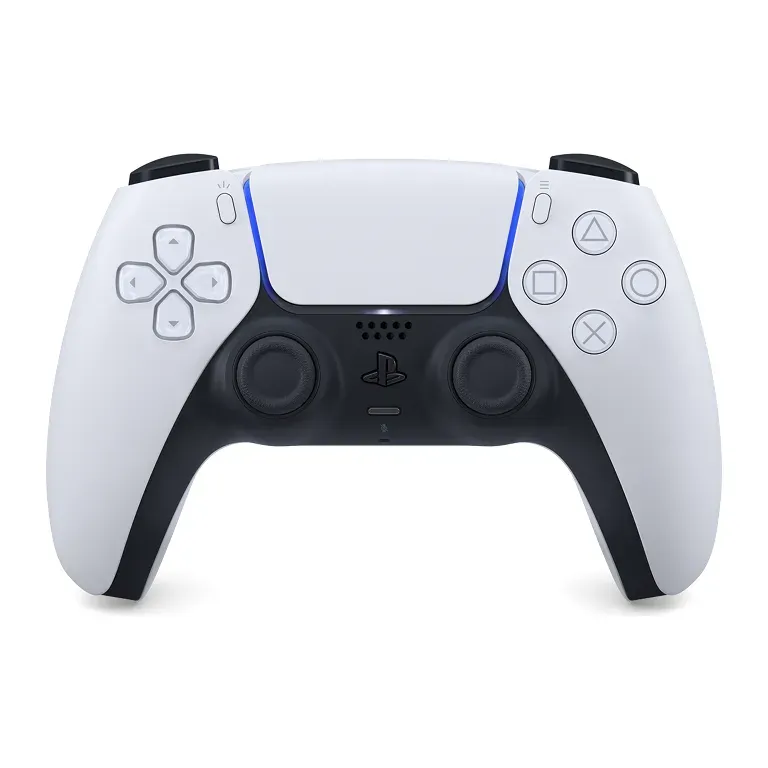
Number 22: Sony DualSense Wireless Controller
About $75
Bluetooth or cableSticks: Standard
Details: Sony DualSense Wireless Controller
- Sticks
- Standard
- Connects by
- Bluetooth or cable
- Extra buttons
- 0
- Weight
- 280 g
- Detailed vibration and resisting triggers in the PC games that support them
- Standard sticks, the kind that can wear and drift after a year or two
Number 23: Xbox Nano Controller
About $50
Bluetooth or cableSticks: Not stated by the maker
Details: Xbox Nano Controller
- Sticks
- Not stated by the maker
- Connects by
- Bluetooth or cable
- Extra buttons
- 0
- Weight
- 99 g
- About $50, less than most controllers here
- Smaller than most: it may feel cramped in big hands
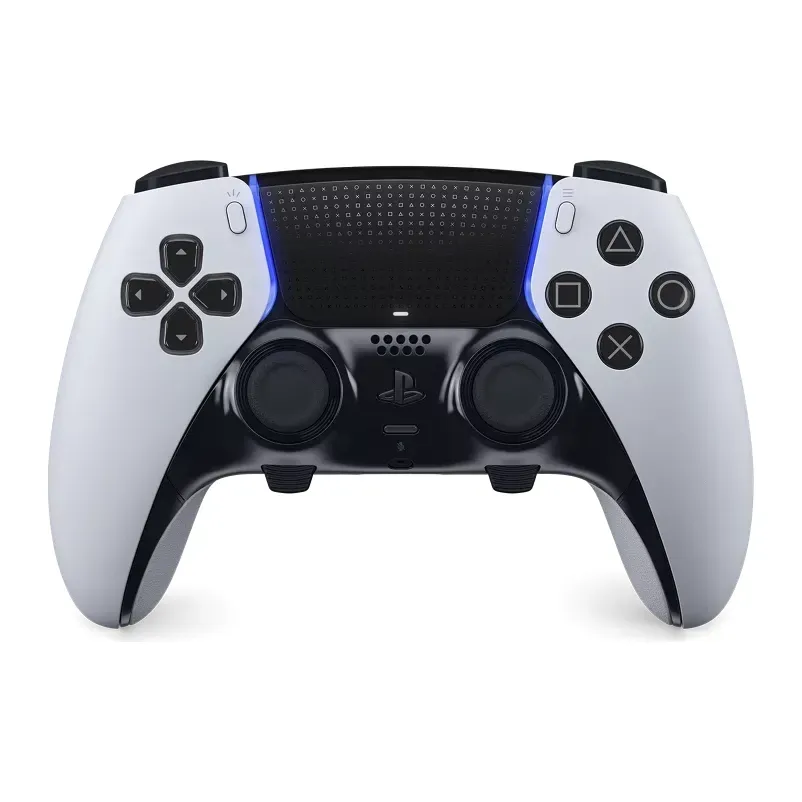
Number 24: Sony DualSense Edge
About $200
Bluetooth or cableSticks: Standard
Details: Sony DualSense Edge
- Sticks
- Standard
- Connects by
- Bluetooth or cable
- Extra buttons
- 2
- Weight
- 322 g
- Stick modules you can replace yourself when they wear out
- Reviews are mixed
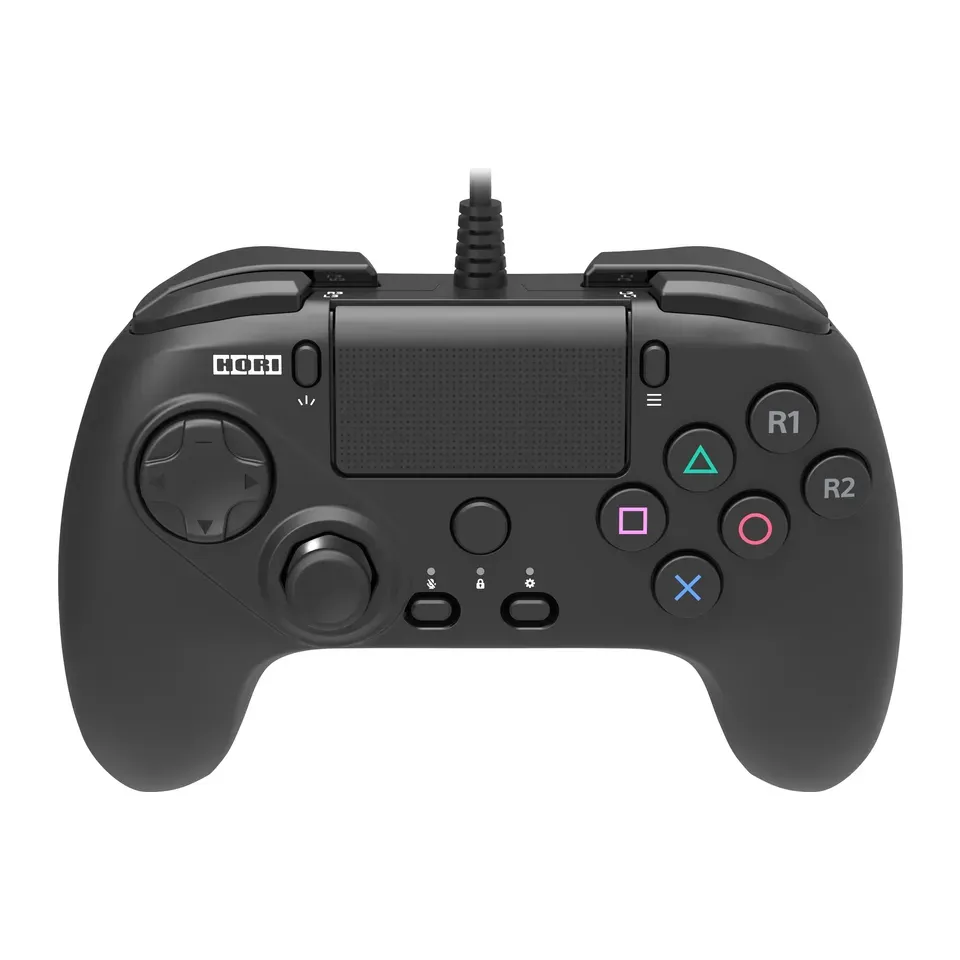
Number 25: HORI Fighting Commander OCTA for PS5 and PC
About $60
Cable onlySticks: Standard
Details: HORI Fighting Commander OCTA for PS5 and PC
- Sticks
- Standard
- Connects by
- Cable only
- Extra buttons
- 0
- Weight
- 250 g
- Six large face buttons and a cross-shaped pad made for fighting games
- Only one thumbstick, so it suits fighting and 2D games best
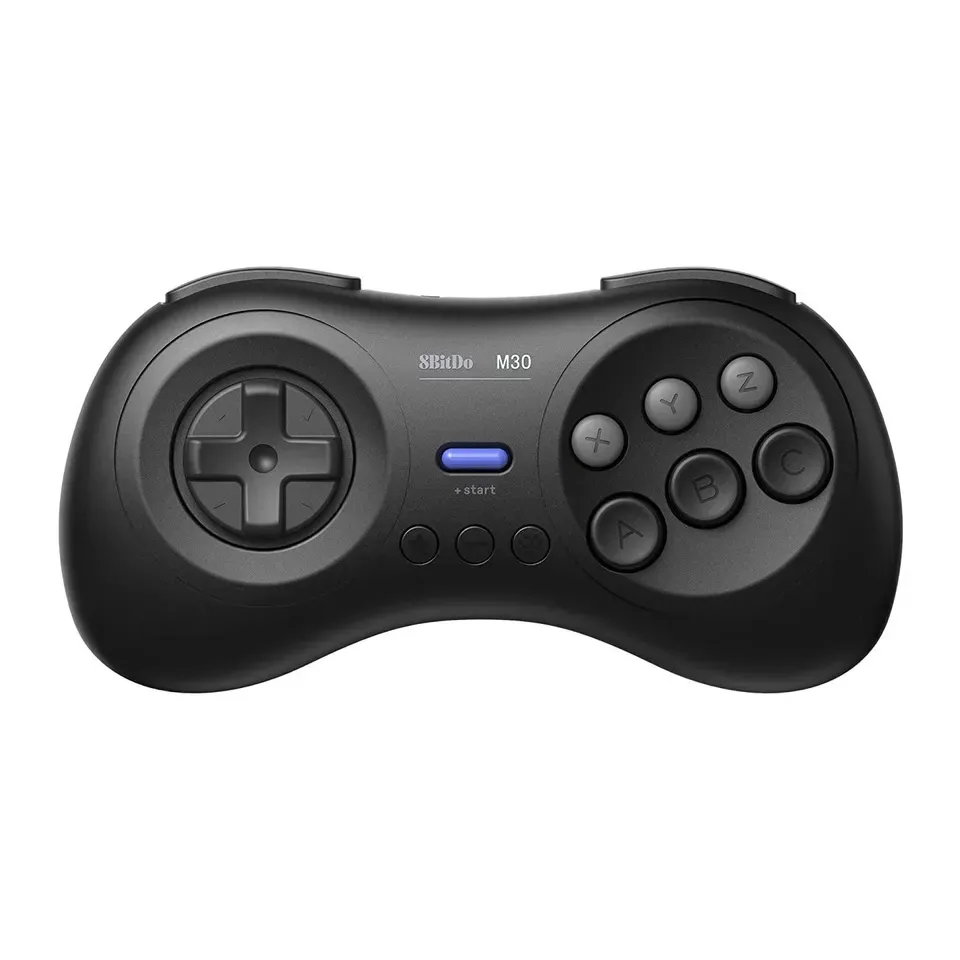
Number 26: 8BitDo M30 Bluetooth
About $25
Bluetooth or cableSticks: No sticks
Details: 8BitDo M30 Bluetooth
- Sticks
- No sticks
- Connects by
- Bluetooth or cable
- Extra buttons
- 0
- Weight
- 115 g
- About $25, less than most controllers here
- No thumbsticks, so it only suits 2D games
What matters when you choose a controller
Where you play. Almost every controller works with a Windows PC. A Mac is pickier: many PC controllers have no Mac mode at all. A game console only accepts controllers made for it, so a PC controller rarely works on an Xbox or a PlayStation 5 as well.
Sticks that don’t drift. Stick drift is when your character moves on its own. It happens when a worn stick no longer sends “center”. Most standard sticks wear like this after a year or two of play. Sticks that read a magnet (called Hall effect or TMR) don’t rub, so they resist drift. Many cheap controllers have them now, so we rank them higher.
The shape. Xbox controllers have the left stick high. PlayStation controllers have both sticks low. Neither is better. Pick the one your hands already know.
Your games. Shooting games are easier with back buttons, so your thumb can stay on the right stick. Fighting and old 2D games need a good cross-shaped pad. Racing games feel better with smooth triggers and rumble in the triggers.
What doesn’t matter much. A higher “polling rate” or lower lag number is hard to notice for most people. Colored lights and a brand name don’t make you play better.
How we ranked them
The list comes from the makers’ spec sheets and from published reviews by sites such as PC Gamer, TechRadar, Tom’s Guide, GamesRadar and Windows Central. We checked every product, price and link in November 2026. We only list controllers sold in the US right now.
Every controller gets a base score from three things: how well reviewers rate it, whether its sticks resist drift, and its price.
Your answers then change the order:
- A Mac shows only controllers that the maker, or Apple, says work with a Mac.
- A console or phone puts controllers that work with it first. Others appear only as close matches, with the missing part as the first thing to keep in mind.
- Your games, hands and shape move the controllers that suit them up the list.
- Your budget hides more expensive controllers, unless fewer than 5 fit. Prices can move, so we allow about 10% over.
No maker or shop paid to be on this list. If only a few controllers fit your answers, we show only those and say so. When your controller arrives, test its buttons and sticks with our free controller tester.
Questions and answers
Is an Xbox or a PS5 controller better for PC?
Both work well on a Windows PC. Most PC games show Xbox buttons, so an Xbox controller needs no setup. A PS5 controller works too, best through Steam, and its vibration feels richer in some games. Pick the shape that feels right in your hands.
What is stick drift, and how do I avoid it?
Stick drift is when your character moves by itself because a worn stick no longer sends "center". Most controllers use sticks that wear with time. Sticks that read a magnet instead (called Hall effect or TMR) don't wear the same way, so we rank them higher. You can check any controller with our stick drift test.
Do I need a wireless controller?
No. A cable never needs charging and costs less. Wireless is nicer from a sofa or across a room. Most wireless controllers also work with their cable plugged in, so you can switch when the battery runs out.
Which controllers work with a Mac?
The Xbox and PlayStation controllers work with a Mac over Bluetooth, and so do a few others. Many cheaper PC controllers use a USB receiver that only works with Windows. If you choose Mac, we only show controllers that the maker, or Apple, says work with a Mac.
Will this controller work with my Steam Deck?
Most will, over Bluetooth or a USB-C cable. A controller with a USB receiver needs a USB-C port or an adapter on the Steam Deck. If you choose Steam Deck, we put controllers whose maker lists the Steam Deck first.
Not affiliated with or endorsed by any maker or shop. Product photos are the makers' own. To have one removed, email hello@devicetests.com.