Which laptop should I buy?
Answer up to 7 short questions and see the 5 laptops that suit you best.
30 laptops compared from the makers' spec sheets and expert reviews. How we rank
The questions
30 laptops compared from the makers' spec sheets and expert reviews. How we rank
Picks for common needs
Choose a need to see its top 5. You can change any answer after.
For students
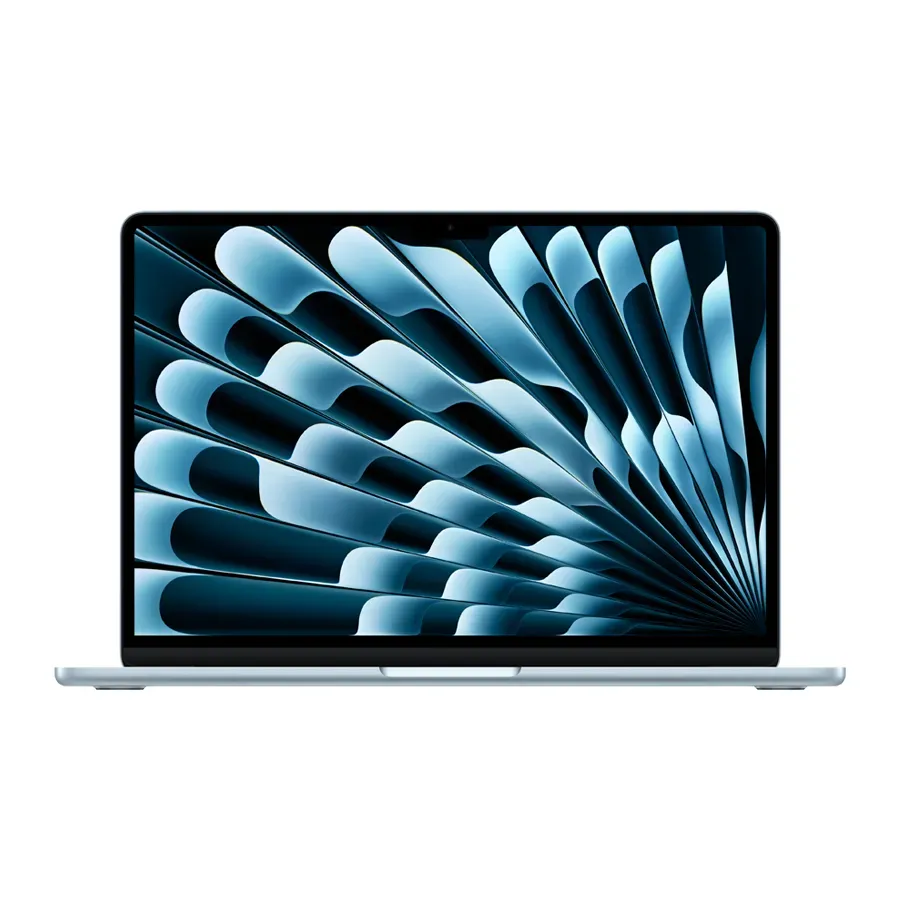
- Number 1: Apple MacBook Air 13 (M5)About $1,200
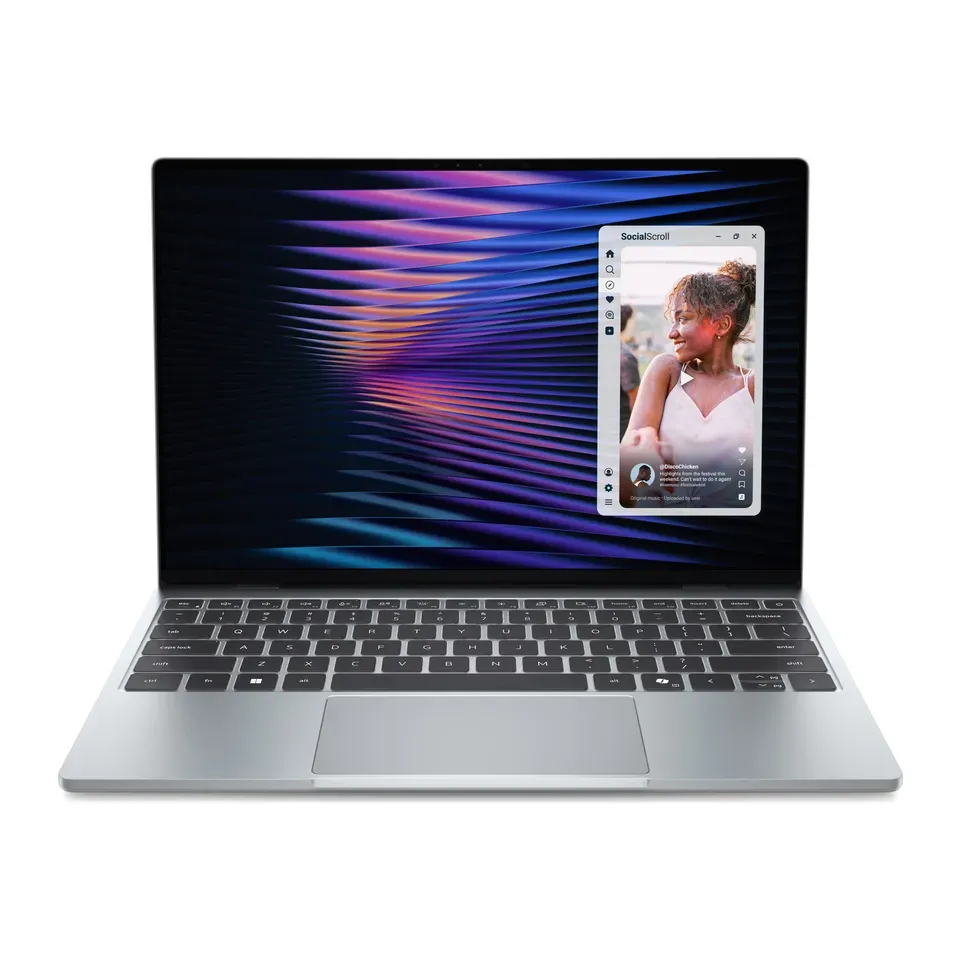
- Number 2: Dell XPS 13 (2026)About $1,000
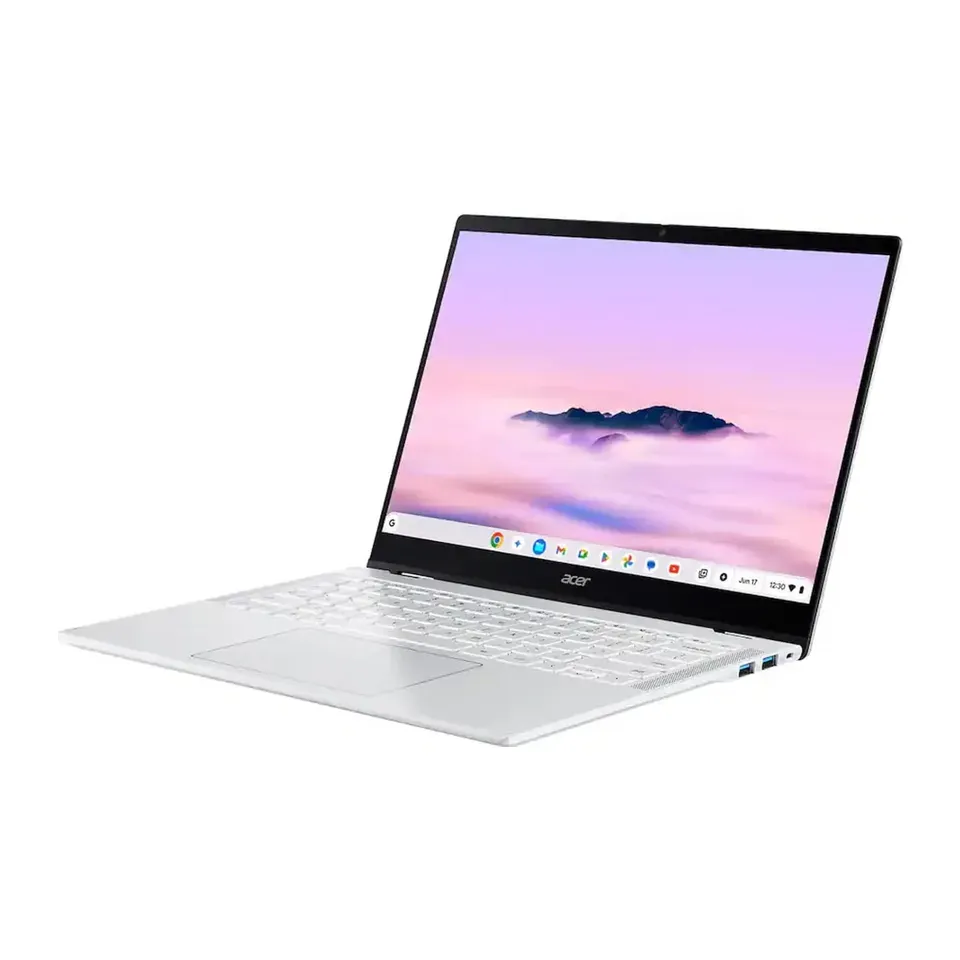
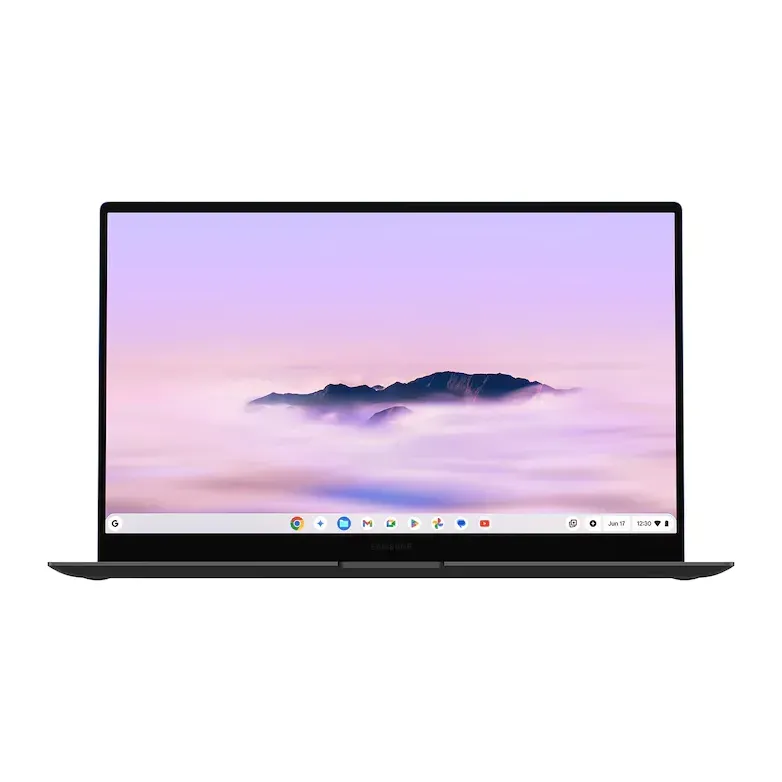
- Number 3: Acer Chromebook Plus Spin 514 (CP514-5HN)About $700
Simple to use
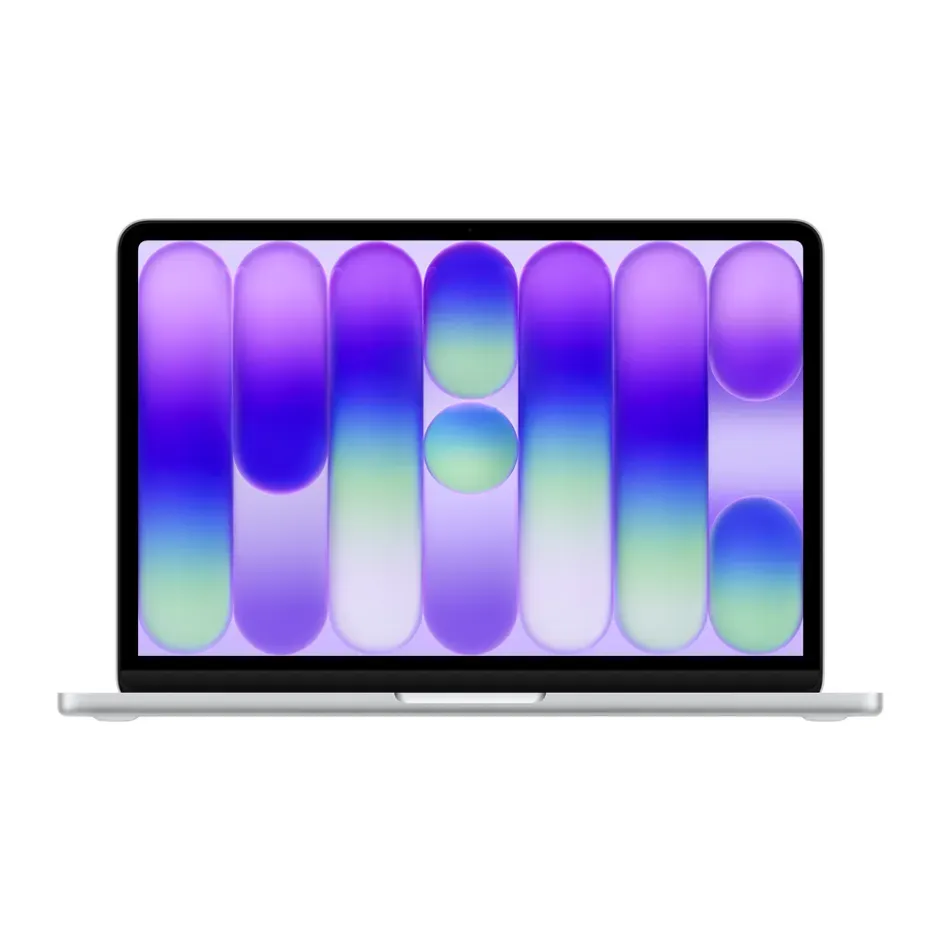
- Number 1: Apple MacBook Neo (A18 Pro)About $700
- Number 2: Acer Chromebook Plus Spin 514 (CP514-5HN)About $700
- Number 3: Samsung Galaxy Chromebook PlusAbout $780
Big screen
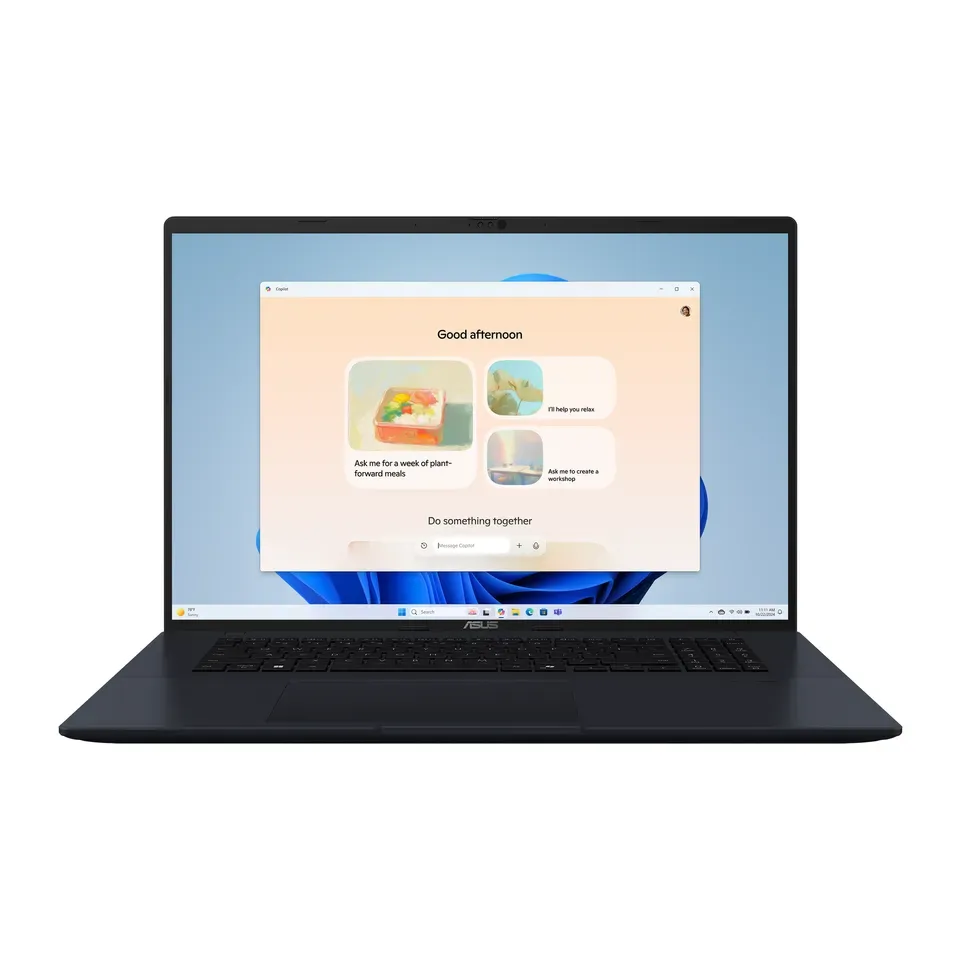
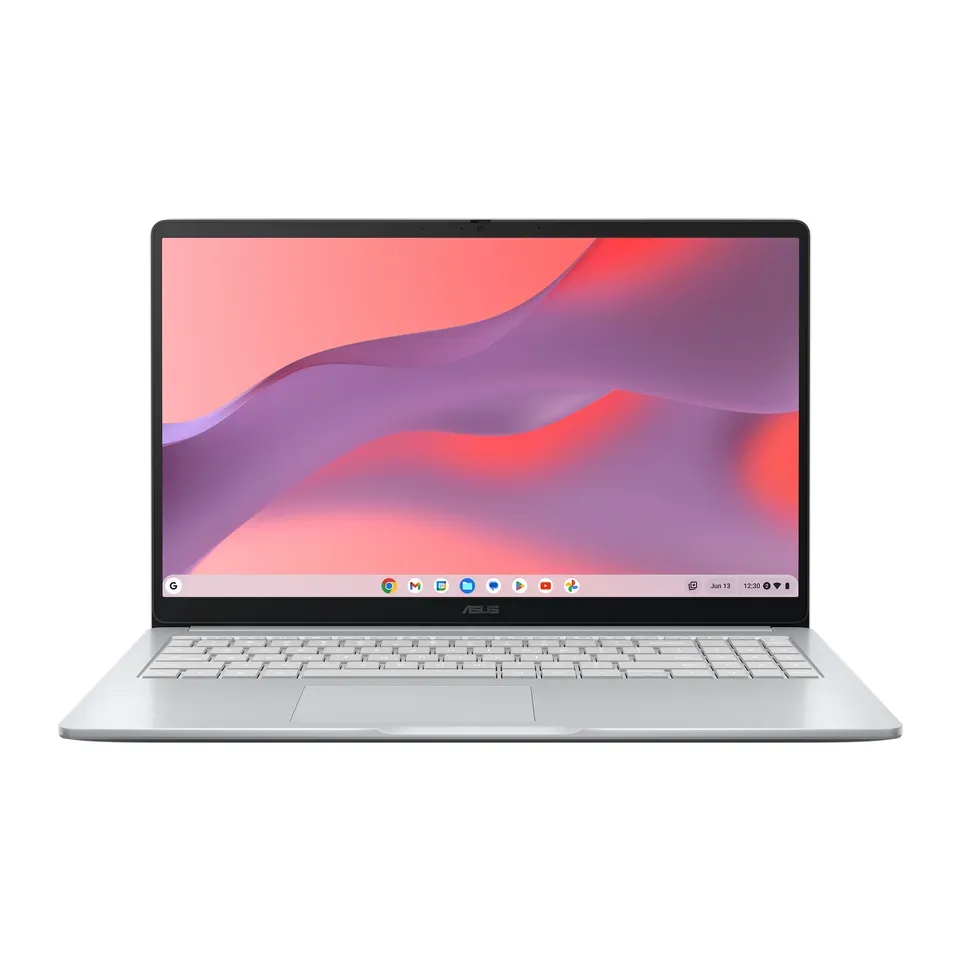
- Number 1: ASUS Vivobook 18 (M1807)About $1,000
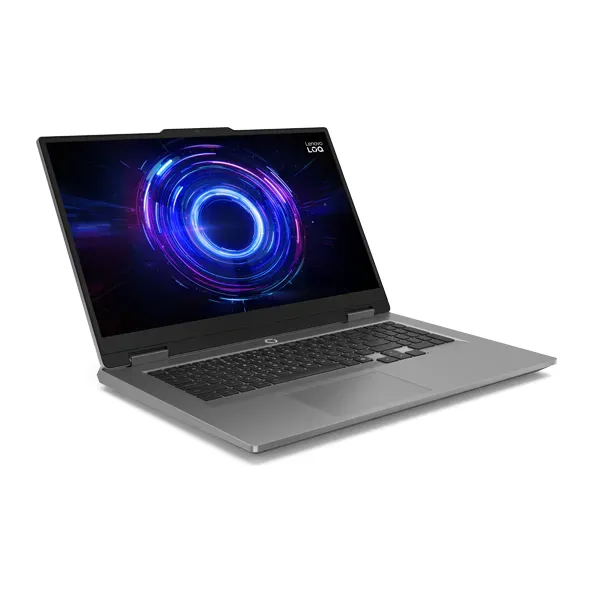
- Number 2: Lenovo LOQ 17 (17IRX10)About $1,500
- Number 3: Alienware 18 Area-51About $4,250
For games
- Number 1: Lenovo LOQ 17 (17IRX10)About $1,500
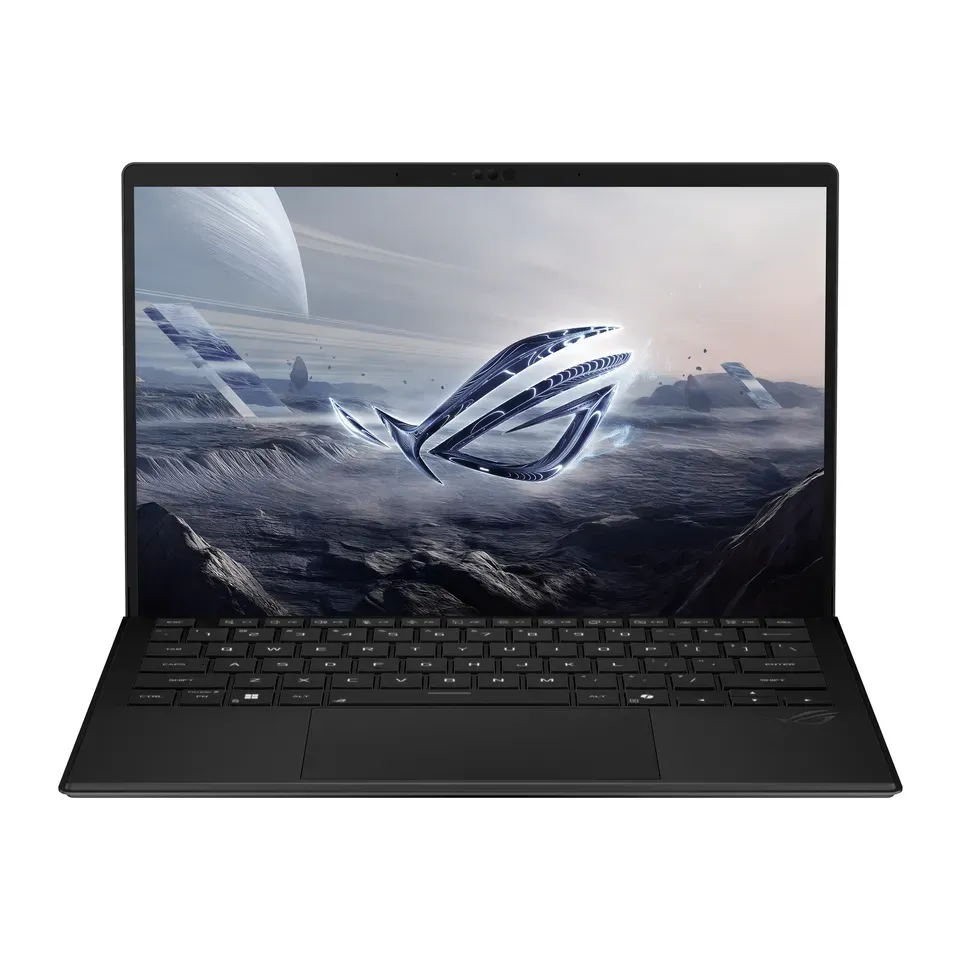
- Number 2: ASUS ROG Flow Z13 (2025)About $2,100
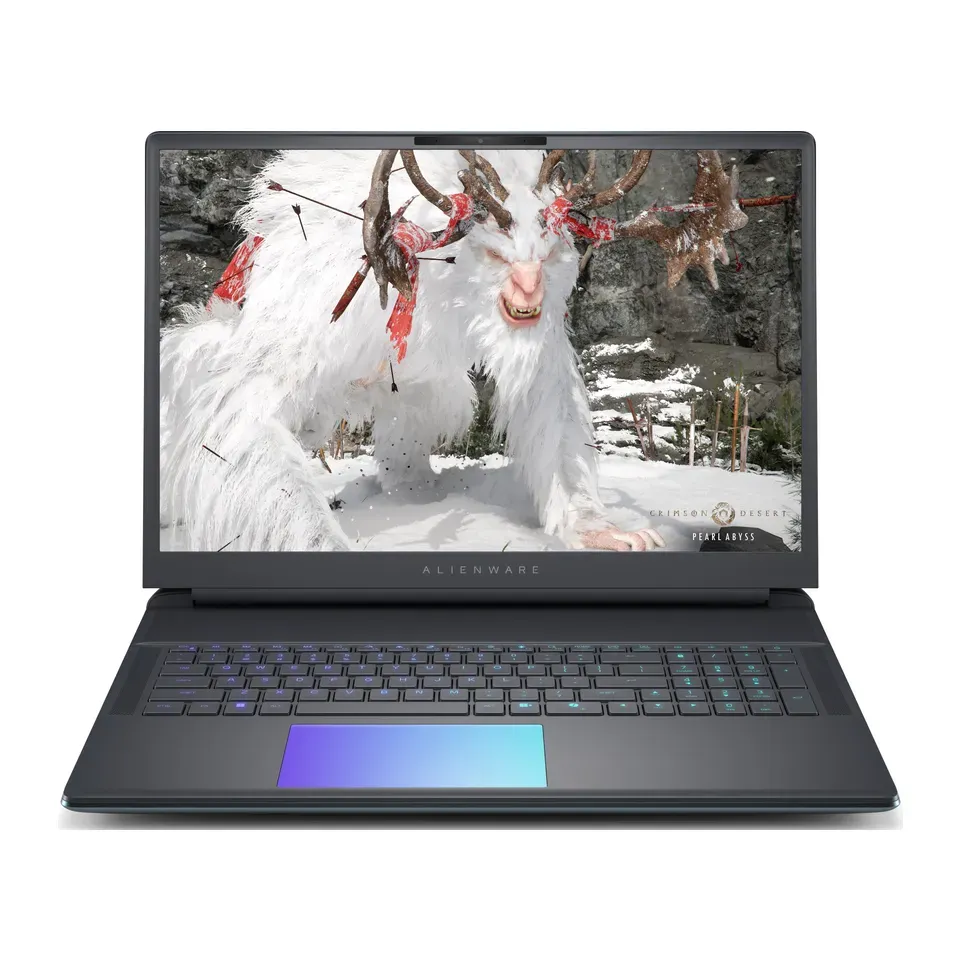
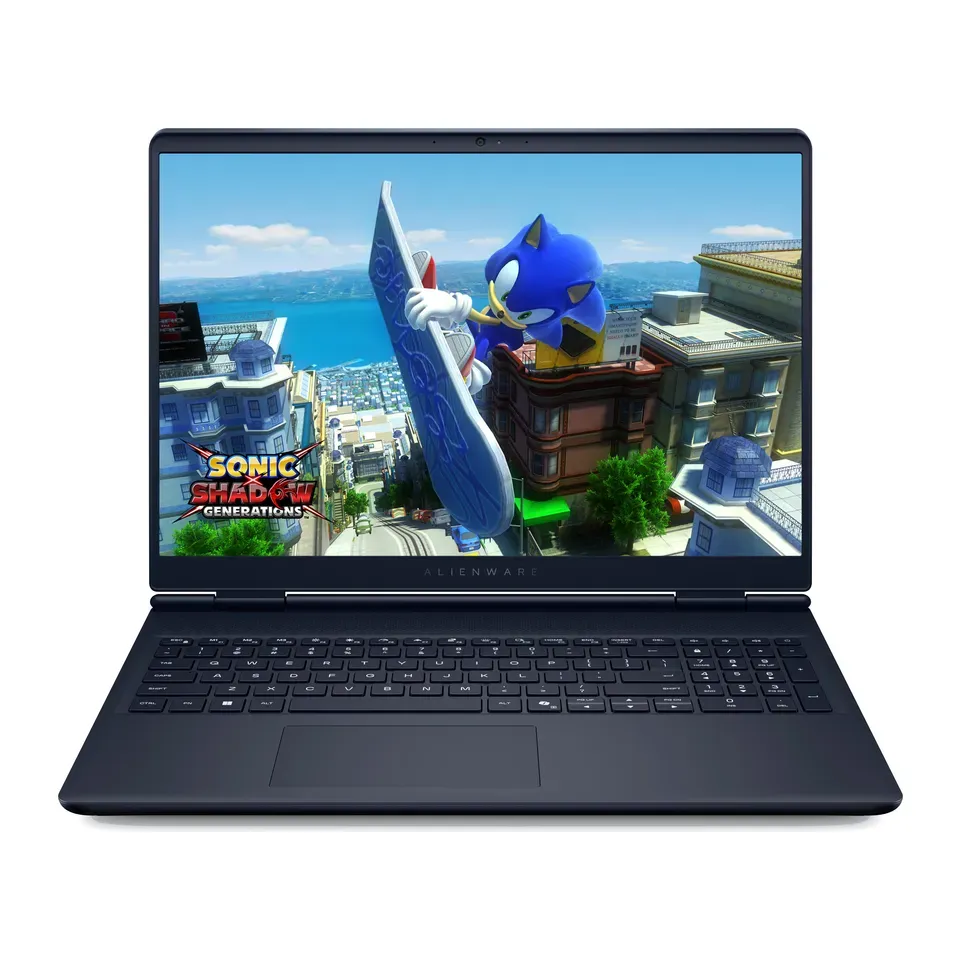
- Number 3: Alienware 16 Aurora (AC16250)About $1,350
Under $500
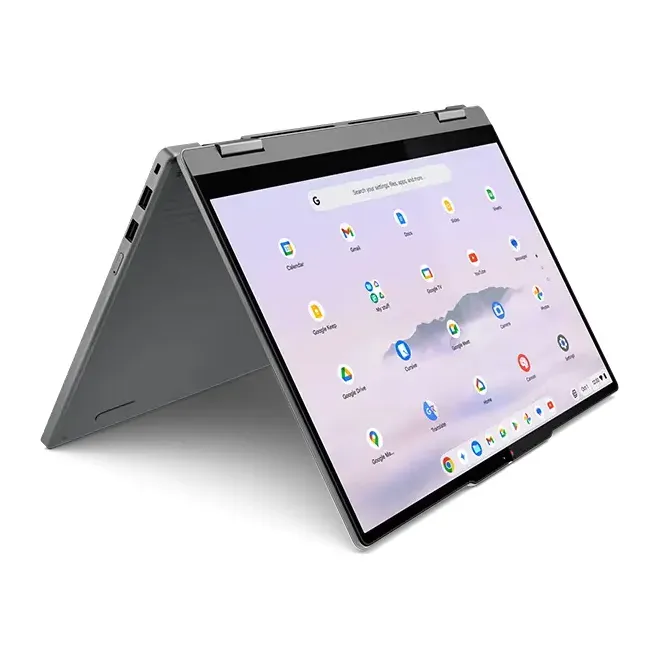
- Number 1: Lenovo Chromebook Plus 2-in-1 14 (Gen 10)About $440
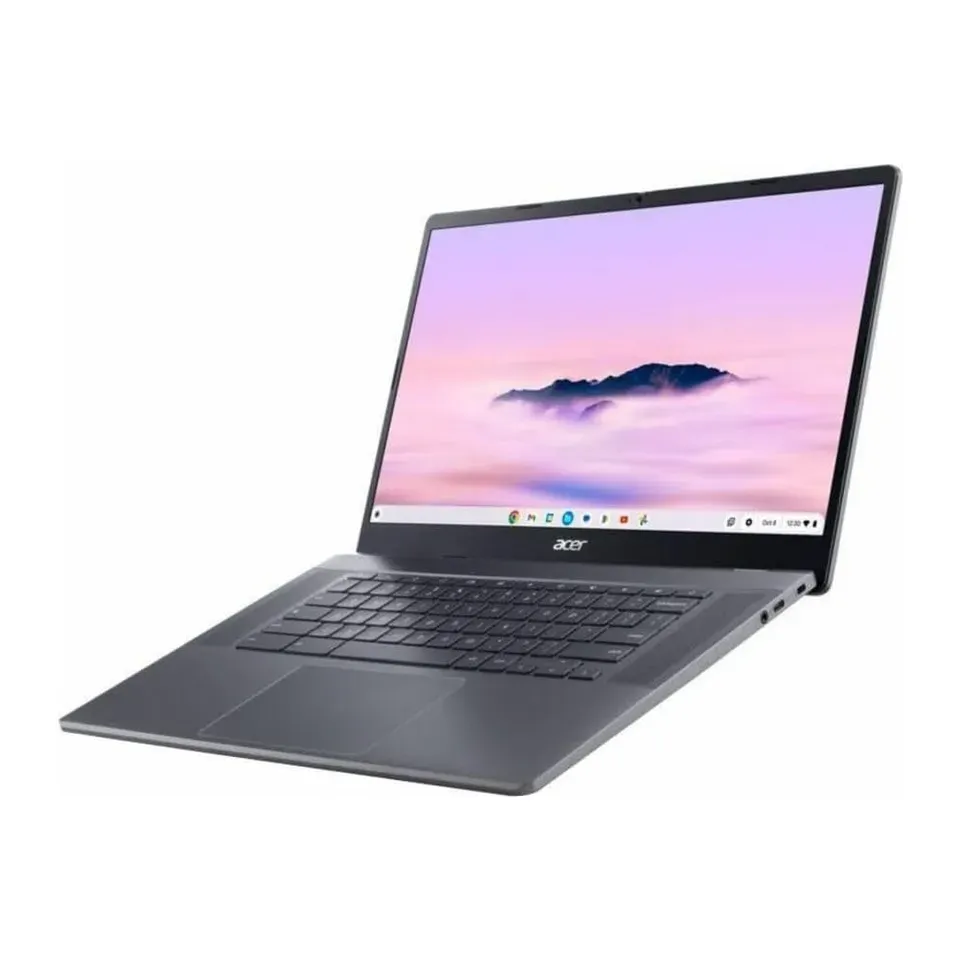
- Number 2: Acer Chromebook Plus 515 (CB515-2H)About $400
- Number 3: ASUS Chromebook CX15 (CX1505)About $300
Answer the questions
Up to 7 short questions. Your own top 5 at the end.
All 30 laptops, ranked
Ranked by expert reviews and value for money, before any answers. How we rank
Prices checked .
Number 1: Apple MacBook Neo (A18 Pro)
About $700
Screen: 13 inWeight: 2.7 lb
Details: Apple MacBook Neo (A18 Pro)
- Screen
- 13 in
- Weight
- 2.7 lb
- Battery (tested)
- 13 hr
- The version we priced
- Apple A18 Pro, 8 GB, 256 GB
- Expert reviewers rate it highly
- The keys don't light up in the dark
Number 2: Dell XPS 13 (2026)
About $1,000
Screen: 13.4 inWeight: 2.2 lb
Details: Dell XPS 13 (2026)
- Screen
- 13.4 in
- Weight
- 2.2 lb
- Battery (tested)
- 14 hr
- The version we priced
- Intel Core 5 320, 16 GB, 512 GB
- Expert reviewers rate it highly
- No headphone socket: use Bluetooth or a USB-C adapter
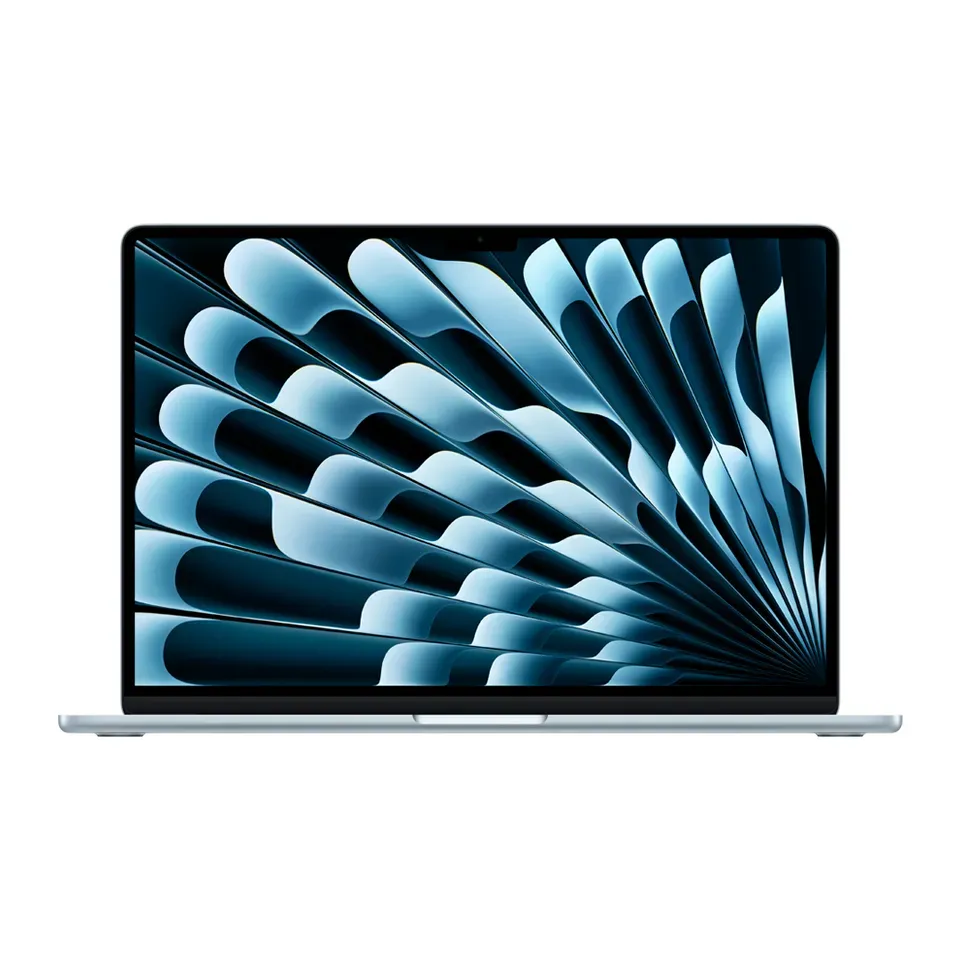
Number 3: Apple MacBook Air 13 (M5)
About $1,200
Screen: 13.6 inWeight: 2.7 lb
Details: Apple MacBook Air 13 (M5)
- Screen
- 13.6 in
- Weight
- 2.7 lb
- Battery (tested)
- 15 hr
- The version we priced
- Apple M5, 16 GB, 512 GB
- Expert reviewers rate it highly
- Only USB-C plugs: you may need an adapter
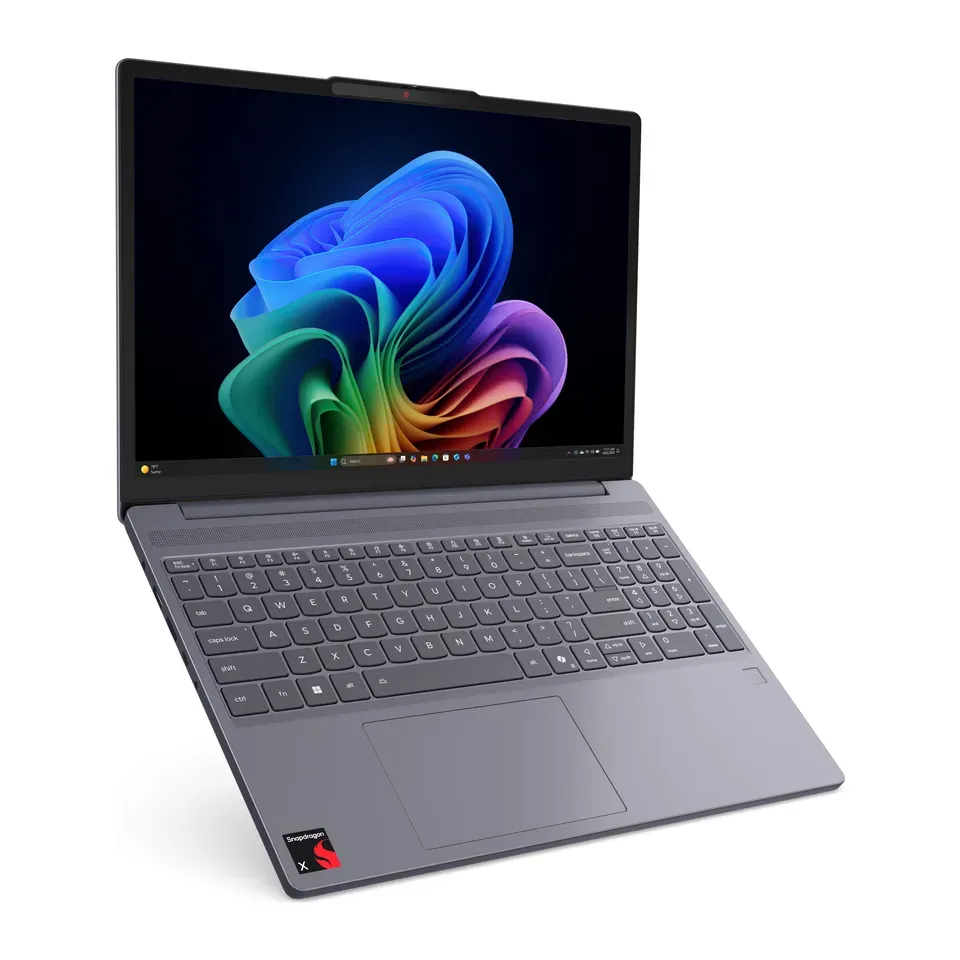
Number 4: Lenovo IdeaPad Slim 3x 15 (Snapdragon X)
About $600
Screen: 15.3 inWeight: 3.4 lb
Details: Lenovo IdeaPad Slim 3x 15 (Snapdragon X)
- Screen
- 15.3 in
- Weight
- 3.4 lb
- Battery (tested)
- 16 hr
- The version we priced
- Snapdragon X, 16 GB, 256 GB
- Long battery: about 16 hr in tests
- A few older programs and games don't run on its Snapdragon chip
Number 5: Acer Chromebook Plus Spin 514 (CP514-5HN)
About $700
Screen: 14 inWeight: 2.9 lb
Details: Acer Chromebook Plus Spin 514 (CP514-5HN)
- Screen
- 14 in
- Weight
- 2.9 lb
- Battery (tested)
- 15 hr
- The version we priced
- MediaTek Kompanio Ultra 910, 12 GB, 256 GB
- Long battery: about 15 hr in tests
- Runs web and Android apps, not Windows programs
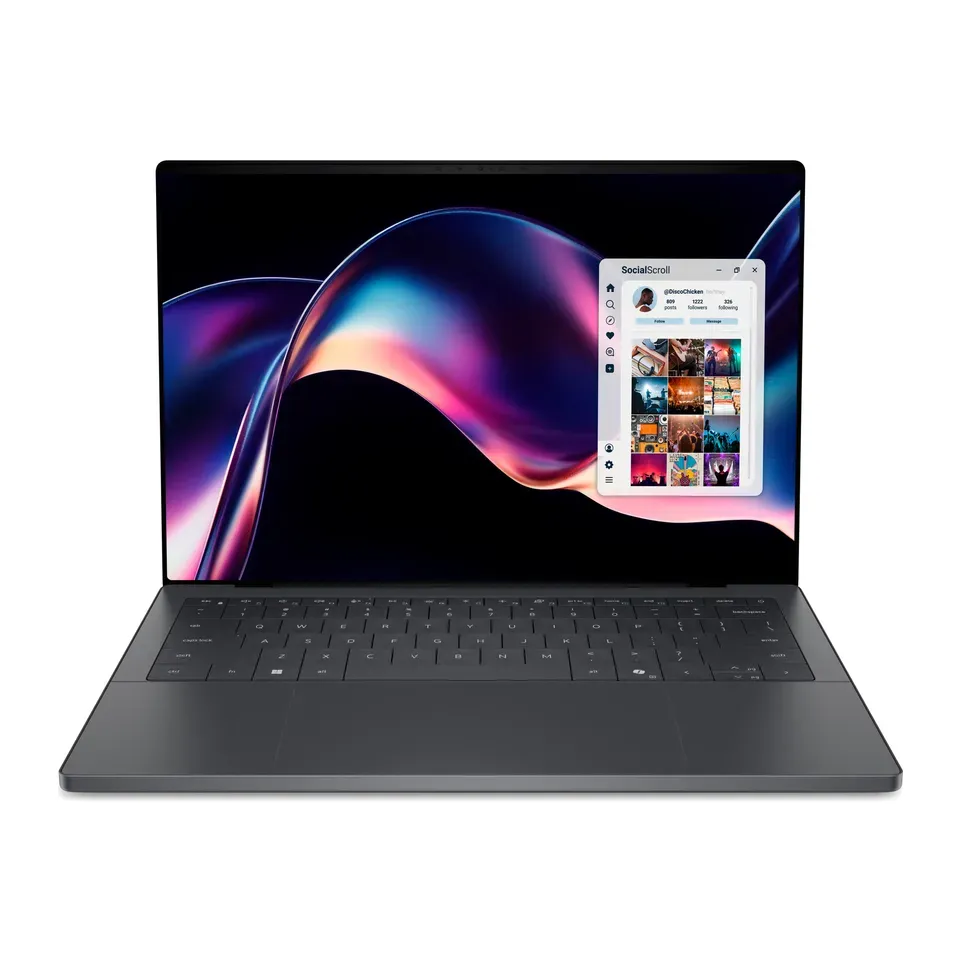
Number 6: Dell XPS 14 (2026)
About $1,700
Screen: 14 inWeight: 3.1 lb
Details: Dell XPS 14 (2026)
- Screen
- 14 in
- Weight
- 3.1 lb
- Battery (tested)
- 20 hr
- The version we priced
- Intel Core Ultra 5 325, 16 GB, 512 GB
- Expert reviewers rate it highly
- Only USB-C plugs: you may need an adapter
Number 7: Apple MacBook Air 15 (M5)
About $1,400
Screen: 15.3 inWeight: 3.3 lb
Details: Apple MacBook Air 15 (M5)
- Screen
- 15.3 in
- Weight
- 3.3 lb
- Battery (tested)
- 15 hr
- The version we priced
- Apple M5, 16 GB, 512 GB
- Expert reviewers rate it highly
- Only USB-C plugs: you may need an adapter
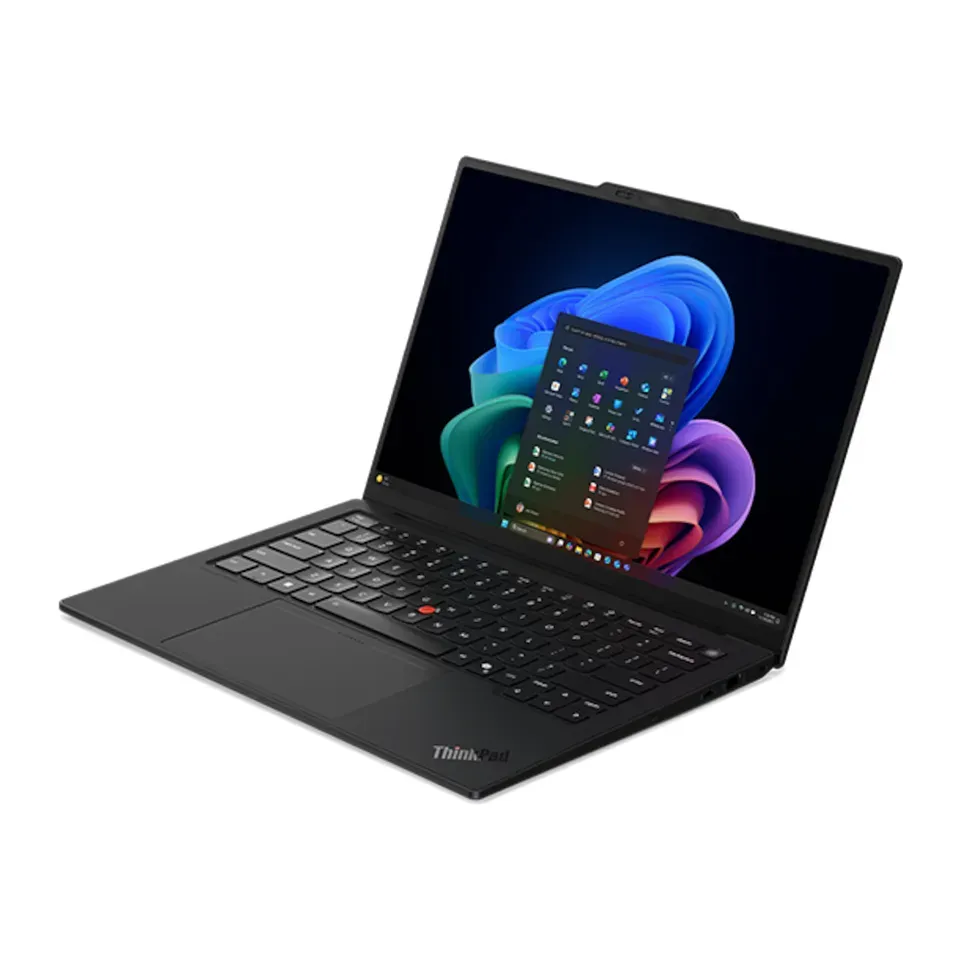
Number 8: Lenovo ThinkPad X1 Carbon Gen 14 Aura Edition
About $2,250
Screen: 14 inWeight: 2.5 lb
Details: Lenovo ThinkPad X1 Carbon Gen 14 Aura Edition
- Screen
- 14 in
- Weight
- 2.5 lb
- Battery (tested)
- 23 hr
- The version we priced
- Intel Core Ultra (Series 3), 16 GB, 512 GB
- Expert reviewers rate it highly
- Prices change with memory and storage: check you get the version we priced
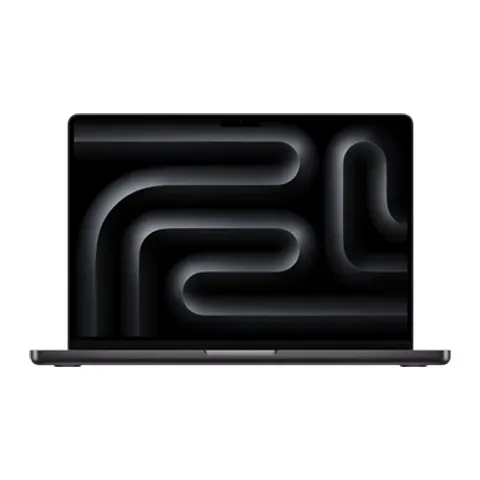
Number 9: Apple MacBook Pro 14 (M6)
About $2,000
Screen: 14.2 inWeight: 3.4 lb
Details: Apple MacBook Pro 14 (M6)
- Screen
- 14.2 in
- Weight
- 3.4 lb
- Battery (tested)
- 19 hr
- The version we priced
- Apple M6, 16 GB, 1 TB
- Expert reviewers rate it highly
- Prices change with memory and storage: check you get the version we priced
Number 10: Samsung Galaxy Chromebook Plus
About $780
Screen: 15.6 inWeight: 2.6 lb
Details: Samsung Galaxy Chromebook Plus
- Screen
- 15.6 in
- Weight
- 2.6 lb
- Battery (tested)
- 11 hr
- The version we priced
- Intel Core 3 100U, 8 GB, 256 GB
- Light to carry: 2.6 lb
- Runs web and Android apps, not Windows programs
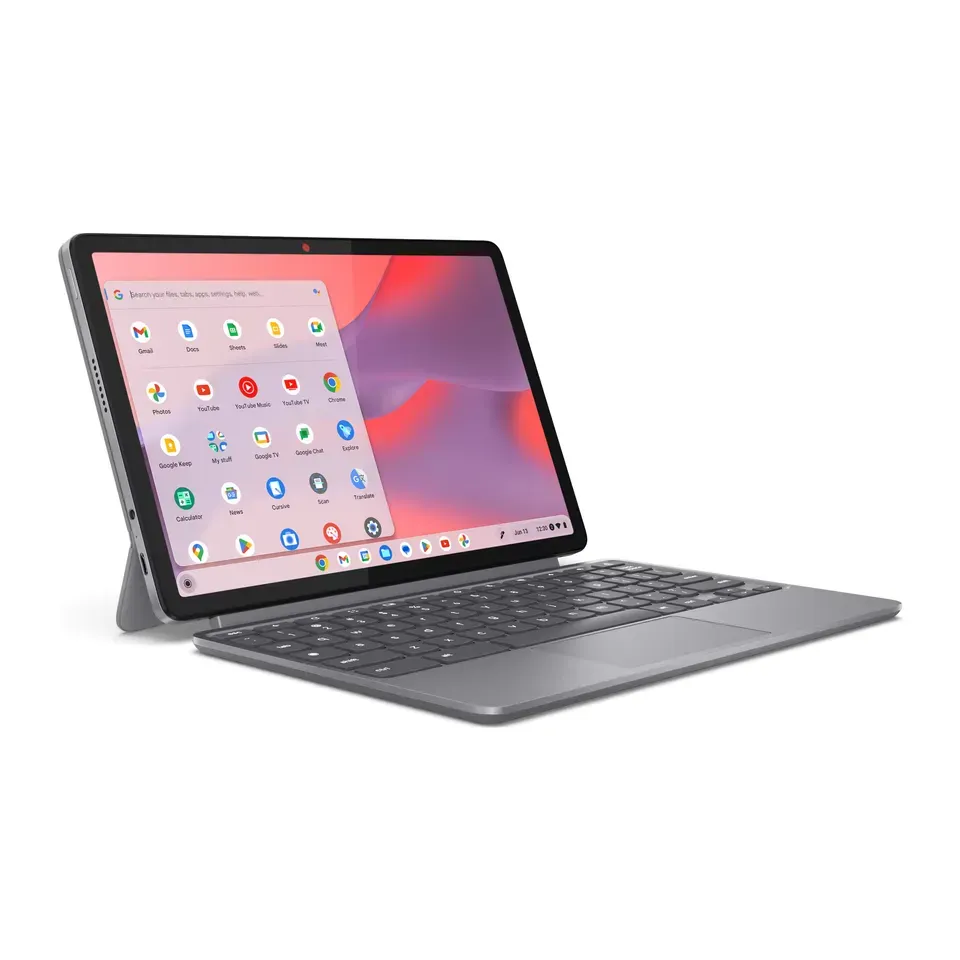
Number 11: Lenovo Chromebook Plus 2-in-1 14 (Gen 10)
About $440
Screen: 14 inWeight: 3.3 lb
Details: Lenovo Chromebook Plus 2-in-1 14 (Gen 10)
- Screen
- 14 in
- Weight
- 3.3 lb
- Battery (tested)
- 9 hr
- The version we priced
- Intel Core 3 N355, 8 GB, 128 GB
- About $440, less than most laptops here
- Short battery: about 9 hr in tests
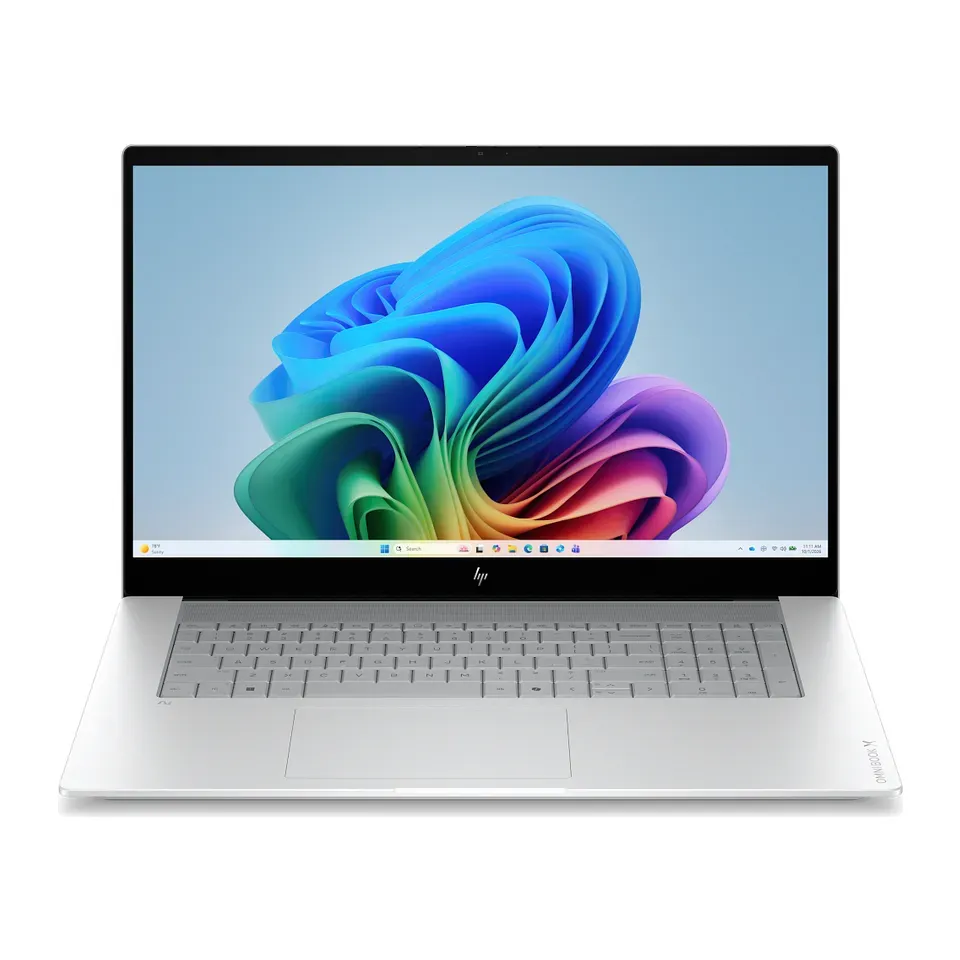
Number 12: HP OmniBook X Flip 14
About $600
Screen: 14 inWeight: 3.1 lb
Details: HP OmniBook X Flip 14
- Screen
- 14 in
- Weight
- 3.1 lb
- Battery (tested)
- 9 hr
- The version we priced
- Intel Core Ultra 5 226V, 16 GB, 512 GB
- About $600, less than most laptops here
- Short battery: about 9 hr in tests
Show all 30 laptops
Number 13: Acer Chromebook Plus 515 (CB515-2H)
About $400
Screen: 15.6 inWeight: 3.7 lb
Details: Acer Chromebook Plus 515 (CB515-2H)
- Screen
- 15.6 in
- Weight
- 3.7 lb
- Battery (tested)
- 8 hr
- The version we priced
- Intel Core i5-1235U, 8 GB, 256 GB
- About $400, less than most laptops here
- Short battery: about 8 hr in tests
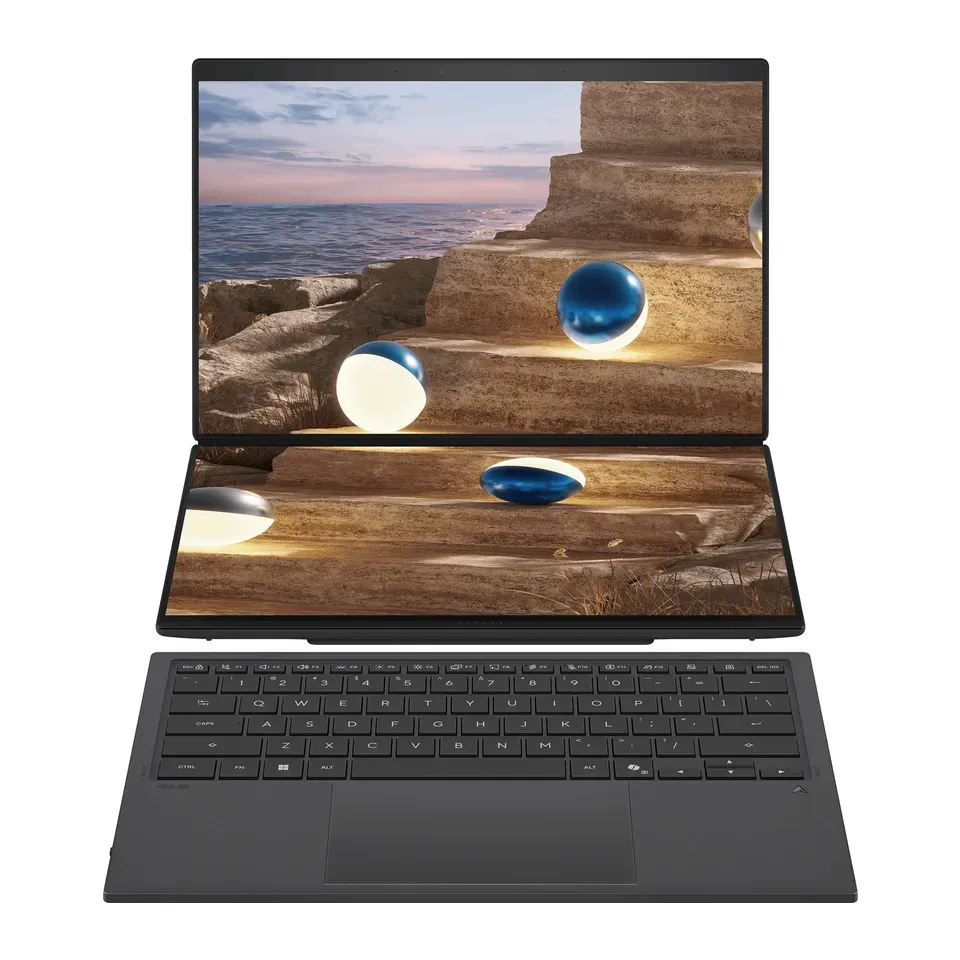
Number 14: ASUS Zenbook Duo (2026, UX8407)
About $2,300
Screen: 14 inWeight: 3.6 lb
Details: ASUS Zenbook Duo (2026, UX8407)
- Screen
- 14 in
- Weight
- 3.6 lb
- Battery (tested)
- 14 hr
- The version we priced
- Intel Core Ultra X9 388H, 32 GB, 1 TB
- Expert reviewers rate it highly
- Two screens: the keyboard is a separate one you charge
Number 15: Dell XPS 16 (2026)
About $1,900
Screen: 16 inWeight: 3.9 lb
Details: Dell XPS 16 (2026)
- Screen
- 16 in
- Weight
- 3.9 lb
- Battery (tested)
- 13 hr
- The version we priced
- Intel Core Ultra 5 325, 16 GB, 512 GB
- Expert reviewers rate it highly
- Only USB-C plugs: you may need an adapter
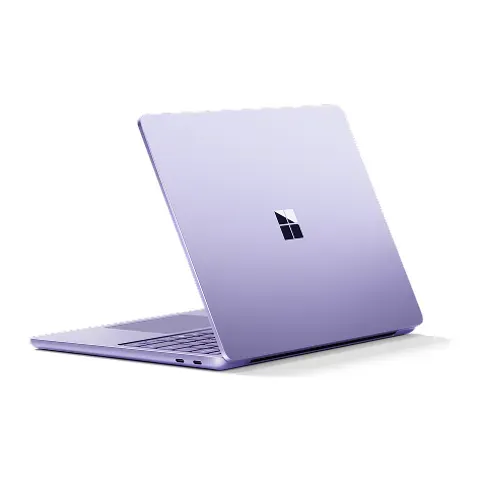
Number 16: Microsoft Surface Laptop 13.8-inch (8th Edition)
About $1,300
Screen: 13.8 inWeight: 3 lb
Details: Microsoft Surface Laptop 13.8-inch (8th Edition)
- Screen
- 13.8 in
- Weight
- 3 lb
- Battery (tested)
- 12 hr
- The version we priced
- Snapdragon X2 Plus, 16 GB, 512 GB
- Light to carry: 3 lb
- A few older programs and games don't run on its Snapdragon chip
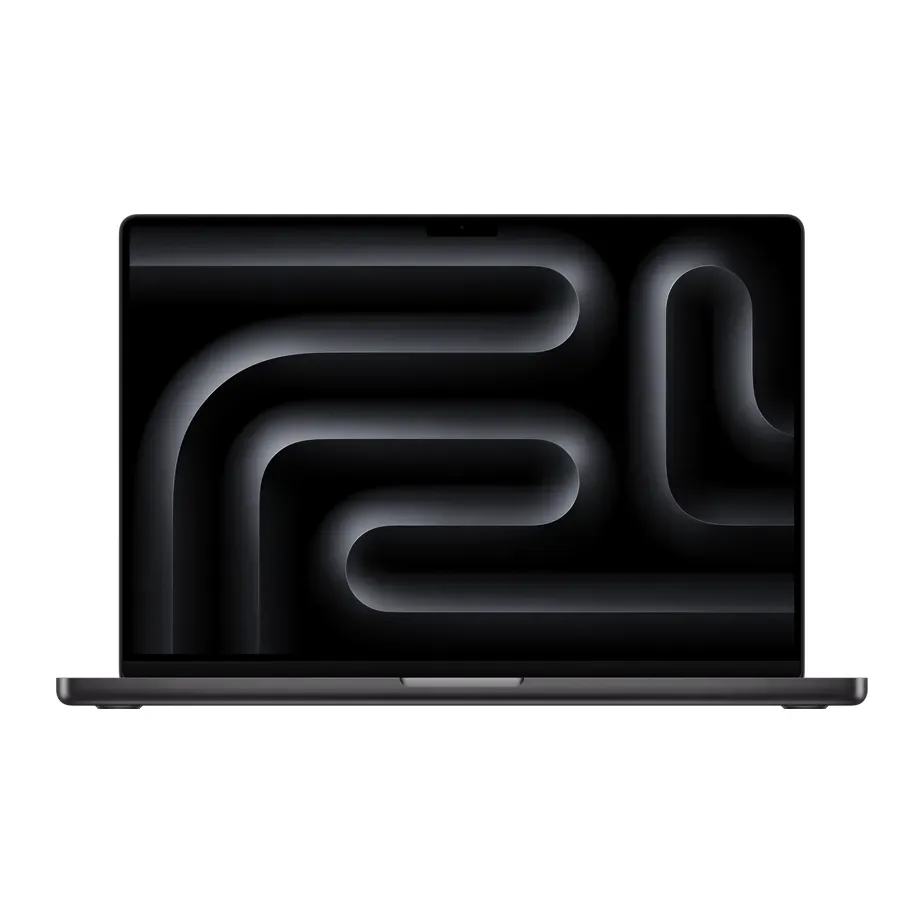
Number 17: Apple MacBook Pro 16 (M5 Pro)
About $3,000
Screen: 16.2 inWeight: 4.7 lb
Details: Apple MacBook Pro 16 (M5 Pro)
- Screen
- 16.2 in
- Weight
- 4.7 lb
- Battery (tested)
- 20 hr
- The version we priced
- Apple M5 Pro (18-core), 24 GB, 1 TB
- Expert reviewers rate it highly
- Prices change with memory and storage: check you get the version we priced
Number 18: ASUS Chromebook CX15 (CX1505)
About $300
Screen: 15.6 inWeight: 3.5 lb
Details: ASUS Chromebook CX15 (CX1505)
- Screen
- 15.6 in
- Weight
- 3.5 lb
- Battery (tested)
- 7 hr
- The version we priced
- Intel Celeron N4500, 8 GB, 128 GB
- About $300, less than most laptops here
- Short battery: about 7 hr in tests
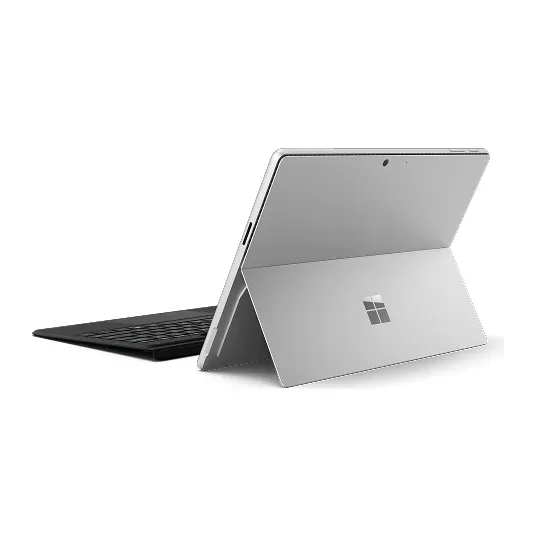
Number 19: Microsoft Surface Pro 13-inch (12th Edition)
About $1,200
Screen: 13 inWeight: 2 lb
Details: Microsoft Surface Pro 13-inch (12th Edition)
- Screen
- 13 in
- Weight
- 2 lb
- Battery (tested)
- 11 hr
- The version we priced
- Snapdragon X2 Plus, 16 GB, 512 GB (tablet only)
- Light to carry: 2 lb
- The keyboard is a thin cover, wobbly on your lap
Number 20: Lenovo Chromebook Duet 11 (Gen 9)
About $400
Screen: 11 inWeight: 2.1 lb
Details: Lenovo Chromebook Duet 11 (Gen 9)
- Screen
- 11 in
- Weight
- 2.1 lb
- Battery (tested)
- 10 hr
- The version we priced
- MediaTek Kompanio 838, 8 GB, 128 GB, keyboard and pen in the box
- About $400, less than most laptops here
- The keyboard is a thin cover, wobbly on your lap
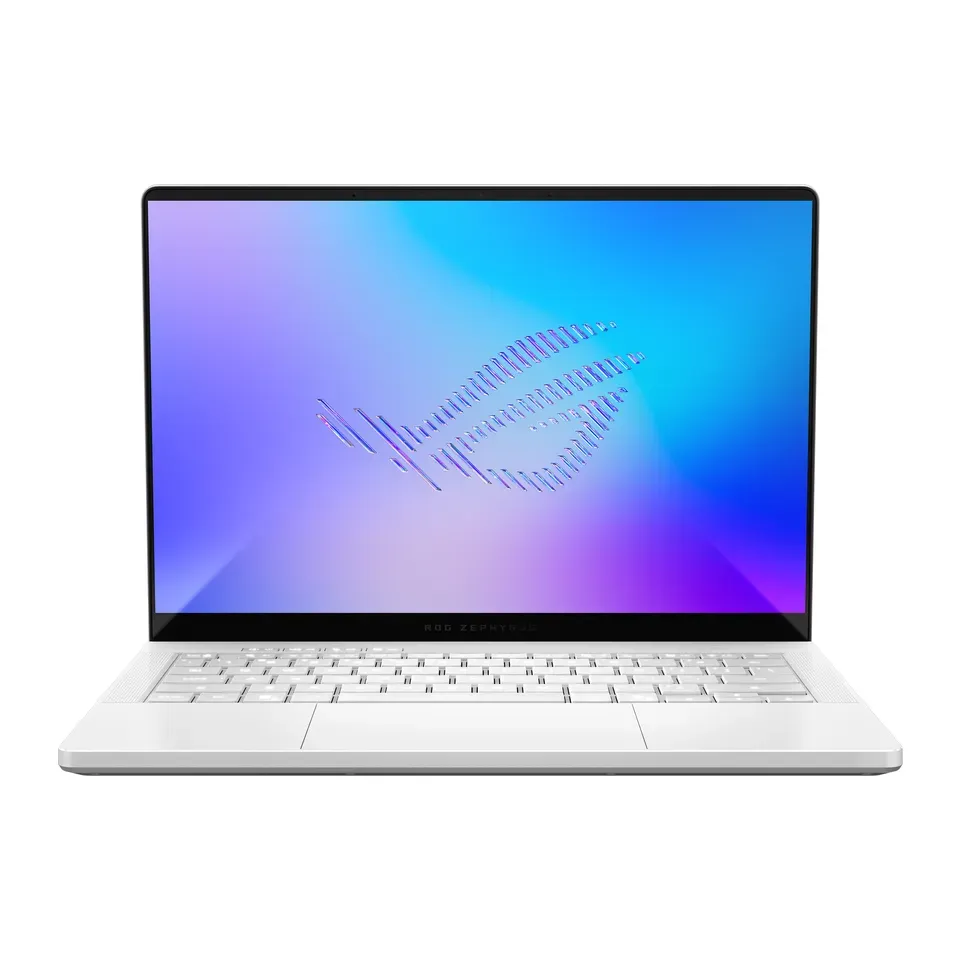
Number 21: ASUS ROG Zephyrus G14 (2026)
About $3,100
Screen: 14 inWeight: 3.5 lb
Details: ASUS ROG Zephyrus G14 (2026)
- Screen
- 14 in
- Weight
- 3.5 lb
- Battery (tested)
- 9 hr
- The version we priced
- Intel Core Ultra 9 386H, RTX 5070 Ti, 32 GB, 1 TB
- Expert reviewers rate it highly
- A gaming laptop: you pay for graphics you may not use, and it's heavier
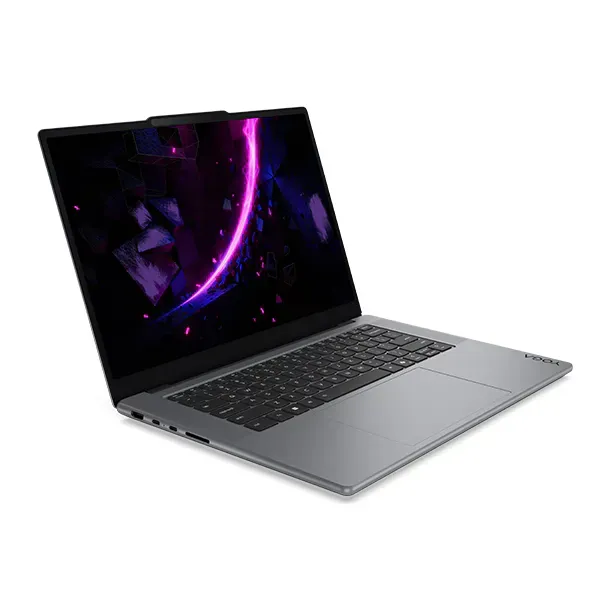
Number 22: Lenovo Yoga Pro 7i 15 Aura Edition (RTX 5060)
About $2,600
Screen: 15.3 inWeight: 3.8 lb
Details: Lenovo Yoga Pro 7i 15 Aura Edition (RTX 5060)
- Screen
- 15.3 in
- Weight
- 3.8 lb
- Battery (tested)
- 12 hr
- The version we priced
- Intel Core Ultra (Series 3), RTX 5060, 32 GB, 1 TB
- OLED screen with deep blacks and rich colours
- A gaming laptop: you pay for graphics you may not use, and it's heavier
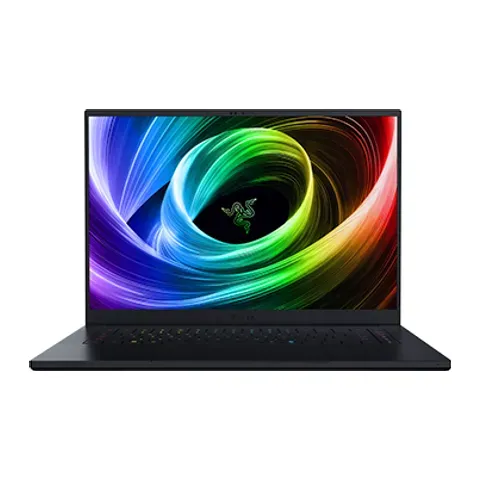
Number 23: Razer Blade 16 (2025, RTX 5060)
About $2,400
Screen: 16 inWeight: 4.6 lb
Details: Razer Blade 16 (2025, RTX 5060)
- Screen
- 16 in
- Weight
- 4.6 lb
- Battery (tested)
- 8 hr
- The version we priced
- AMD Ryzen AI 9 365, RTX 5060, 16 GB, 1 TB
- Expert reviewers rate it highly
- A gaming laptop: you pay for graphics you may not use, and it's heavier
Number 24: ASUS Vivobook 18 (M1807)
About $1,000
Screen: 18 inWeight: 5.7 lb
Details: ASUS Vivobook 18 (M1807)
- Screen
- 18 in
- Weight
- 5.7 lb
- Battery (tested)
- 11 hr
- The version we priced
- AMD Ryzen AI 7 445, 16 GB, 512 GB
- Number keys on the right
- The screen is dim and its colours are dull
Number 25: Lenovo Legion 5i 15 (15IAX11)
About $2,300
Screen: 15.3 inWeight: 4.3 lb
Details: Lenovo Legion 5i 15 (15IAX11)
- Screen
- 15.3 in
- Weight
- 4.3 lb
- Battery (tested)
- 9 hr
- The version we priced
- Intel Core Ultra 7 251HX, RTX 5070, 32 GB, 1 TB
- Strong gaming graphics: new games run well on high settings
- A gaming laptop: you pay for graphics you may not use, and it's heavier
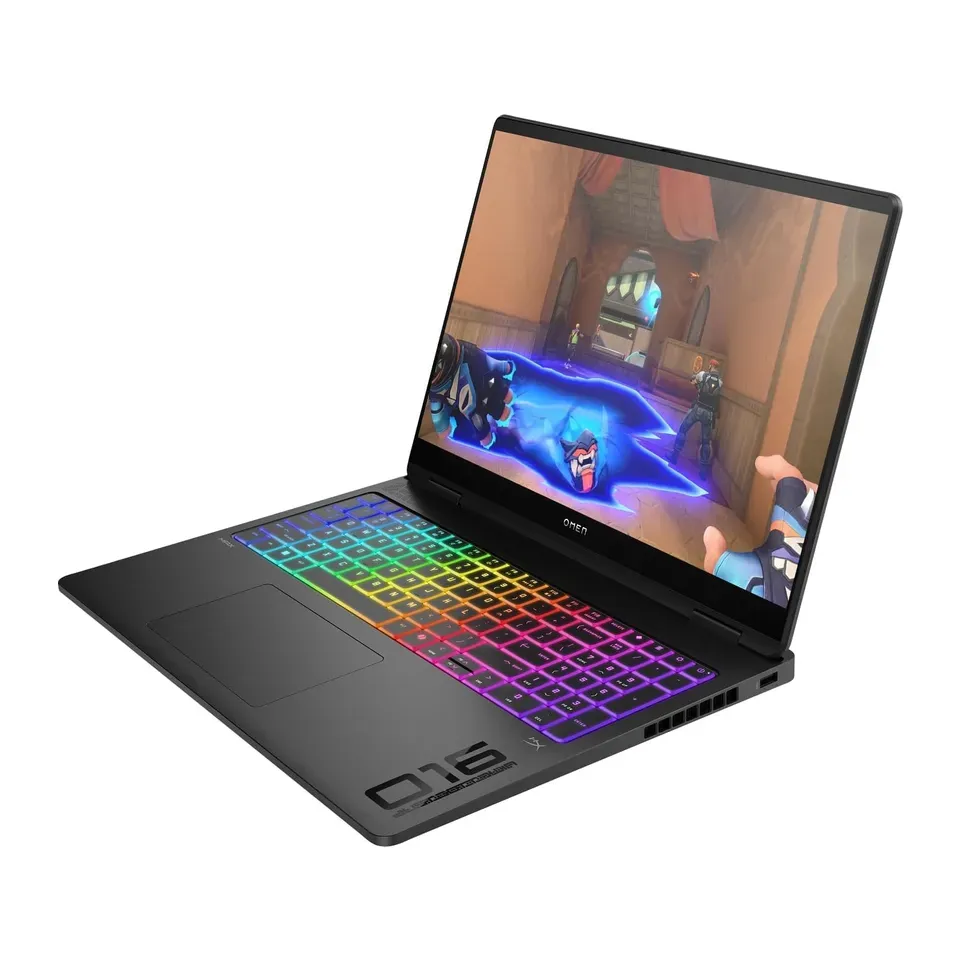
Number 26: HP Omen Max 16
About $2,500
Screen: 16 inWeight: 5.9 lb
Details: HP Omen Max 16
- Screen
- 16 in
- Weight
- 5.9 lb
- Battery (tested)
- 7 hr
- The version we priced
- Intel Core Ultra 7 255HX, RTX 5070 Ti, 16 GB, 512 GB
- Expert reviewers rate it highly
- Short battery: about 7 hr in tests
Number 27: Alienware 16 Aurora (AC16250)
About $1,350
Screen: 16 inWeight: 5.7 lb
Details: Alienware 16 Aurora (AC16250)
- Screen
- 16 in
- Weight
- 5.7 lb
- Battery (tested)
- 7 hr
- The version we priced
- Intel Core 7 240H, RTX 5050, 16 GB, 512 GB
- Number keys on the right
- Short battery: about 7 hr in tests
Number 28: ASUS ROG Flow Z13 (2025)
About $2,100
Screen: 13.4 inWeight: 2.7 lb
Details: ASUS ROG Flow Z13 (2025)
- Screen
- 13.4 in
- Weight
- 2.7 lb
- Battery (tested)
- 9 hr
- The version we priced
- AMD Ryzen AI Max+ 395, 32 GB, 1 TB, keyboard in the box
- Light to carry: 2.7 lb
- A gaming laptop: you pay for graphics you may not use, and it's heavier
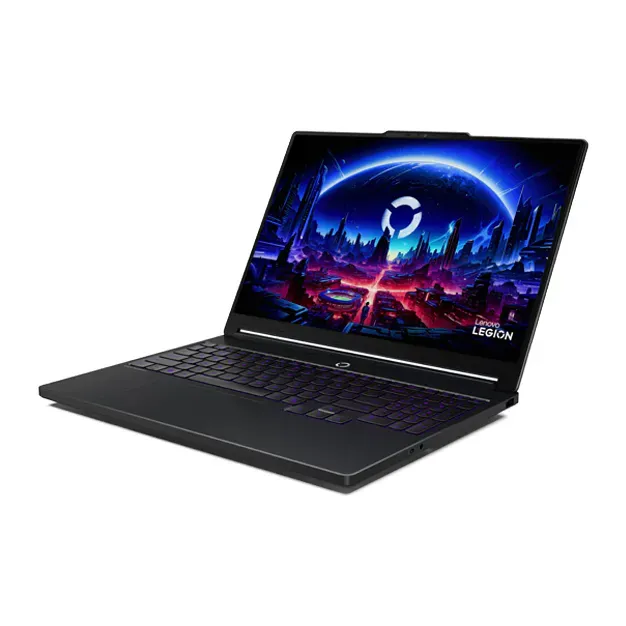
Number 29: Lenovo LOQ 17 (17IRX10)
About $1,500
Screen: 17.3 inWeight: 6.4 lb
Details: Lenovo LOQ 17 (17IRX10)
- Screen
- 17.3 in
- Weight
- 6.4 lb
- Battery (tested)
- 3 hr
- The version we priced
- Intel Core i7-14700HX, RTX 5070, 16 GB, 1 TB
- Strong gaming graphics: new games run well on high settings
- Short battery: about 3 hr in tests
Number 30: Alienware 18 Area-51
About $4,250
Screen: 18 inWeight: 9.6 lb
Details: Alienware 18 Area-51
- Screen
- 18 in
- Weight
- 9.6 lb
- Battery (tested)
- 4 hr
- The version we priced
- Intel Core Ultra 9 290HX Plus, RTX 5070 Ti, 32 GB, 1 TB
- Strong gaming graphics: new games run well on high settings
- Short battery: about 4 hr in tests
What matters when you choose a laptop
Only a few things really change which laptop suits you.
- What you do on it. Web, email and films need little power. Work with many tabs needs a faster chip and 16 GB of memory. Photo and video editing needs a fast chip, lots of memory and a screen with good colours. New games need a separate graphics chip.
- Windows, Mac or Chromebook. They run different apps, so we only show the kind you choose. If you just want it simple, we lean towards a Mac or a Chromebook.
- Size and weight. A 13 or 14 inch laptop is easy to carry every day. A 15 or 16 inch one gives more room. A 17 or 18 inch laptop is big and easy to read, but it mostly stays on a desk.
- Battery. Some laptops last more than 15 hours. Gaming laptops often last 3 to 8.
- Plugs. Many thin laptops have only USB-C. If you use a memory stick, a TV or a camera card, say so.
Some things matter less than ads suggest:
- “AI PC” labels. Today they change little for most people.
- The fastest chip. For web and email, a mid-range chip feels the same.
- Huge storage. 256 GB is enough if your photos are in the cloud. 512 GB gives room to spare.
How we ranked them
For every laptop we read the maker’s spec sheet and at least one expert review, mostly from RTINGS, Notebookcheck and Tom’s Guide. Battery hours are what reviewers measured, not the maker’s claim. Each laptop comes in many versions. We picked the one a friend who knows laptops would buy, and checked its US price in November 2026.
Before you answer, the list is sorted by how highly reviews rate each laptop and how much you get for the money. Your answers then add weight to what you need. Choose all-day battery, and battery hours count most. Choose games, and the graphics chip counts most.
Some answers rule laptops out. A Mac is never swapped for Windows, or the other way round. If you ask for a size, a plug, a touch screen or a budget, we show laptops that have it first. If fewer than 5 fit, we show the closest ones and say what they miss. A few paths are thin: there is no large Mac, and there is no good gaming laptop under $1,200.
Each pick says why it fits you and what to keep in mind. We never call a laptop “the best” for everyone. Nobody paid to be on this list.
Questions and answers
Should I get Windows, a Mac or a Chromebook?
Get what you already know, or what your work or school uses. Windows runs the most programs and games. A Mac is simple and works well with an iPhone. A Chromebook is cheap and simple, but it runs only web and Android apps.
Not sure? Choose Whatever is simplest to use and the finder leans towards a Mac or a Chromebook.
How much memory do I need?
8 GB is fine for web, email and homework on a Mac or a Chromebook. For Windows, or for work with many tabs and video calls, get 16 GB. For video editing, get 32 GB. On most new laptops you can't add memory later, so buy enough at the start.
Why are laptops more expensive in 2026?
Memory chips cost much more in 2026, so many makers raised their prices. We checked every price in November 2026. Each pick names the exact version we priced, because the same name can cost hundreds of dollars more with more memory.
Do I need a gaming laptop?
Only for new games, like those on Steam or Xbox. A gaming laptop costs more, weighs more and runs down faster. Simple games, films and video calls run fine on any laptop here.
What should I check when my new laptop arrives?
Try every key, look for dead pixels on a plain screen, and test the touchpad, webcam and speakers. Our free tests below do this in your browser. Most shops let you return a faulty laptop within 14 to 30 days.
Not affiliated with or endorsed by any maker or shop. Product photos are the makers' own. To have one removed, email hello@devicetests.com.