Which Wi-Fi router should I buy?
Answer up to 6 short questions and see the 5 Wi-Fi routers or mesh kits that suit your home.
34 routers and mesh systems compared from the makers' spec sheets and expert reviews. How we rank
The questions
34 routers and mesh systems compared from the makers' spec sheets and expert reviews. How we rank
Picks for common needs
Choose a need to see its top 5. You can change any answer after.
For a small apartment
- Number 1: TP-Link Archer BE230 (BE3600)About $80
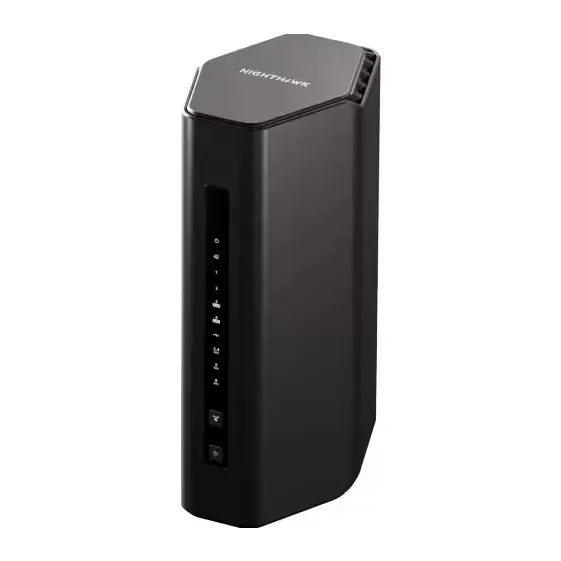
- Number 2: Netgear Nighthawk RS100About $150
- Number 3: ASUS RT-BE82UAbout $170
For a big or two-floor home
- Number 1: TP-Link Deco 7 Pro BE63 (2-pack)About $300
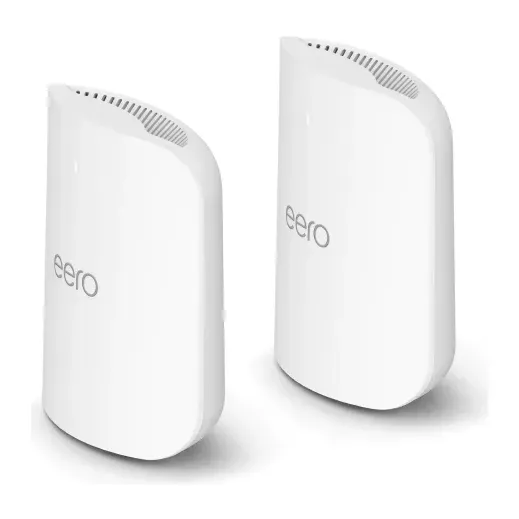
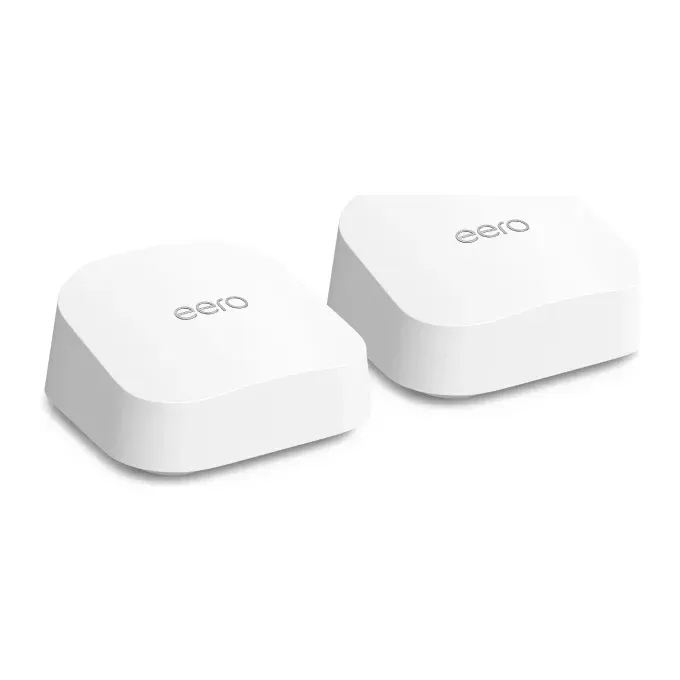
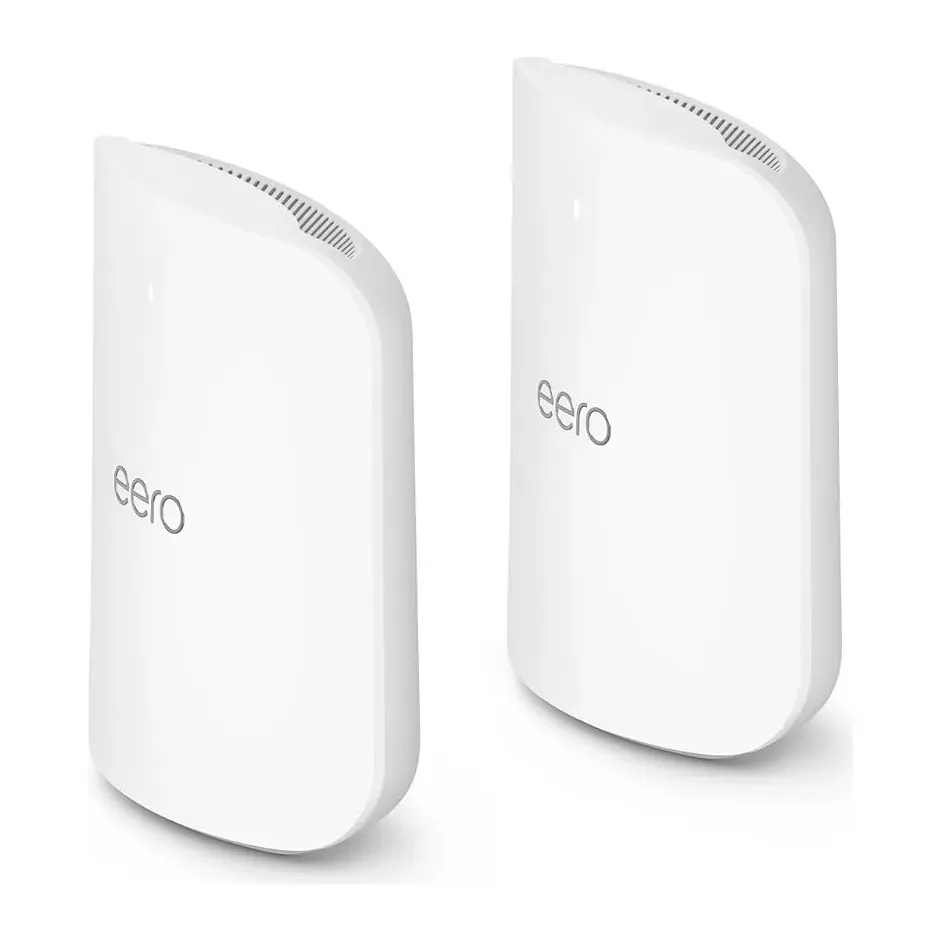
- Number 2: eero Pro 7 (2-pack)About $550
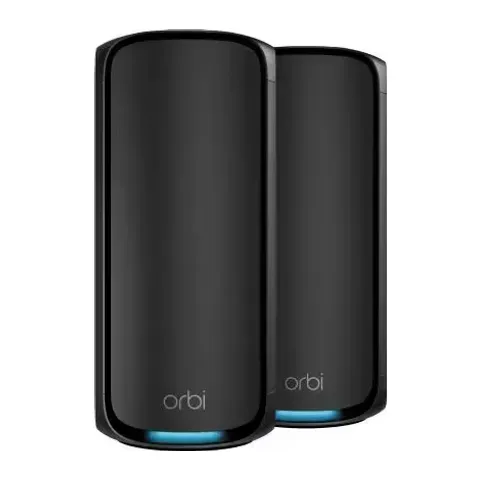
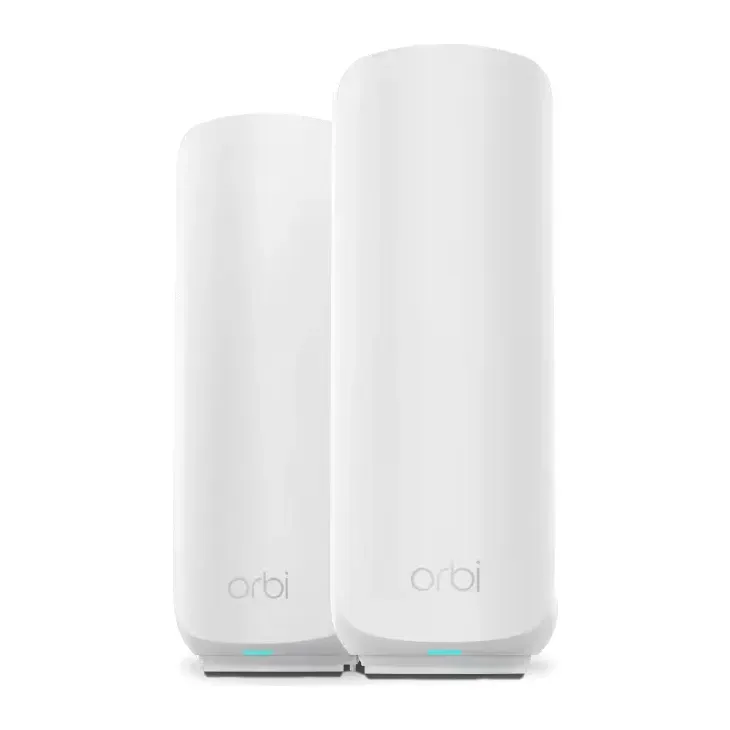
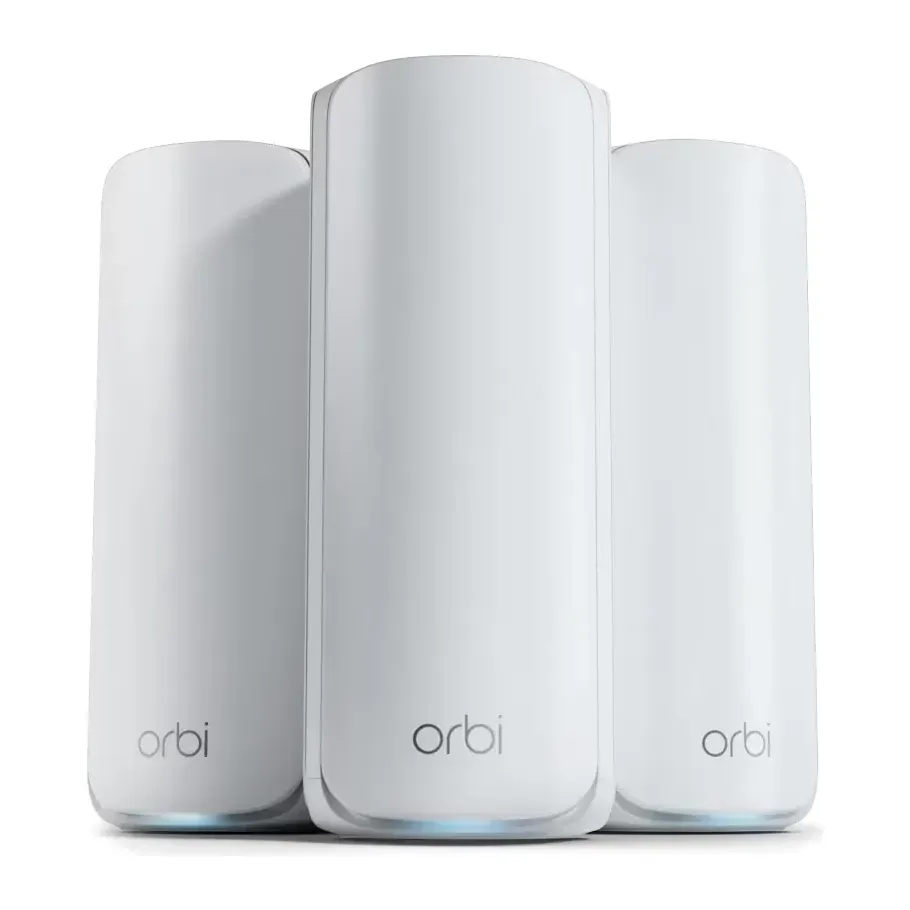
- Number 3: Netgear Orbi 970 (2-pack)About $1,200
For calls and games without lag
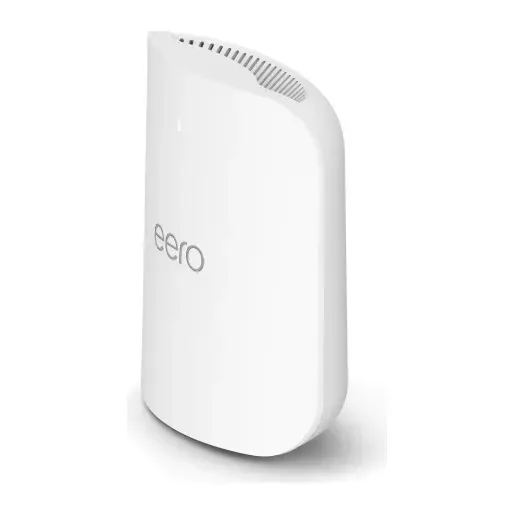
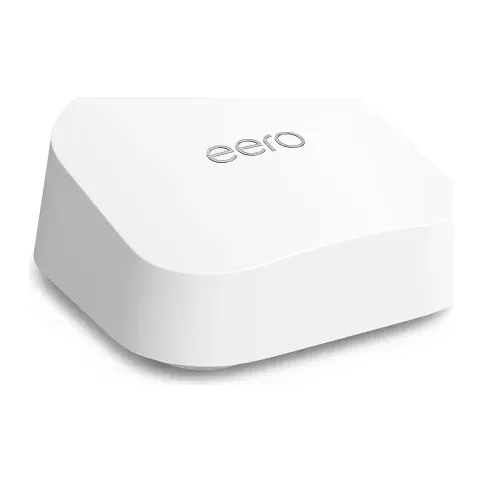
- Number 1: eero Pro 7 (1-pack)About $300
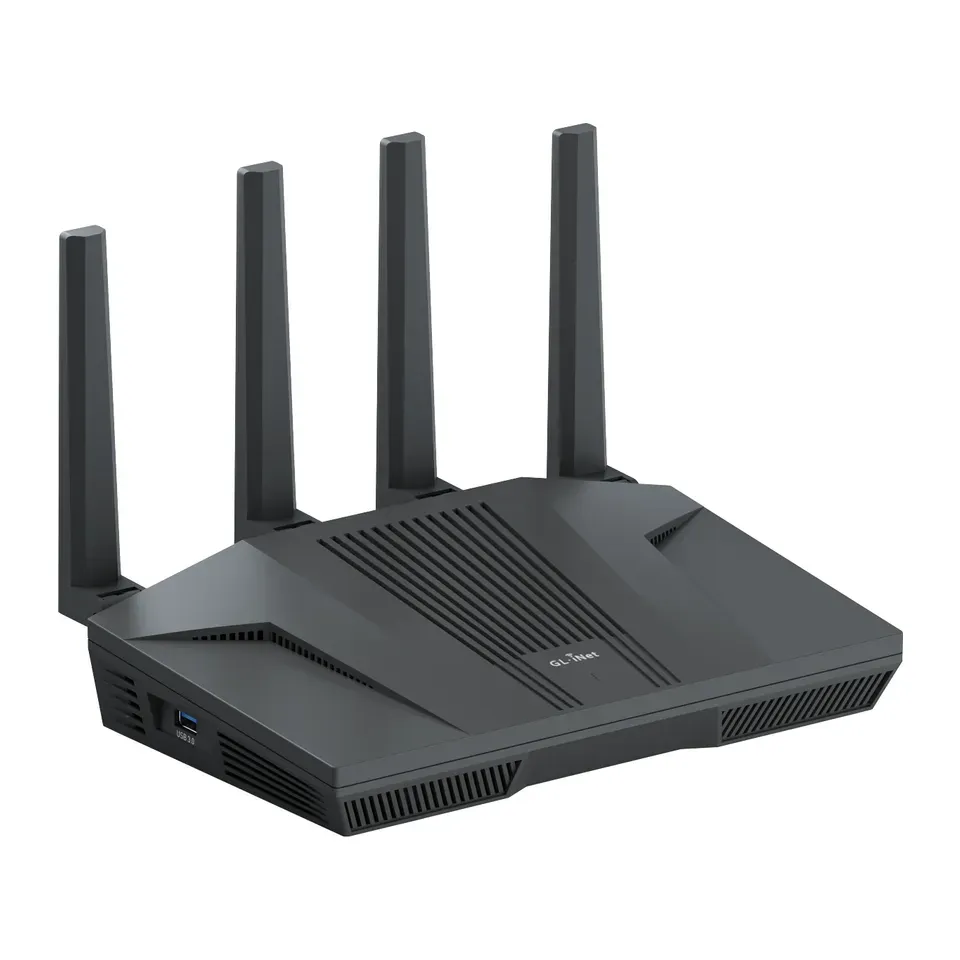
- Number 2: GL.iNet Flint 2 (GL-MT6000)About $170
- Number 3: eero 7 (1-pack)About $170
Easiest to set up
- Number 1: TP-Link Archer BE230 (BE3600)About $80
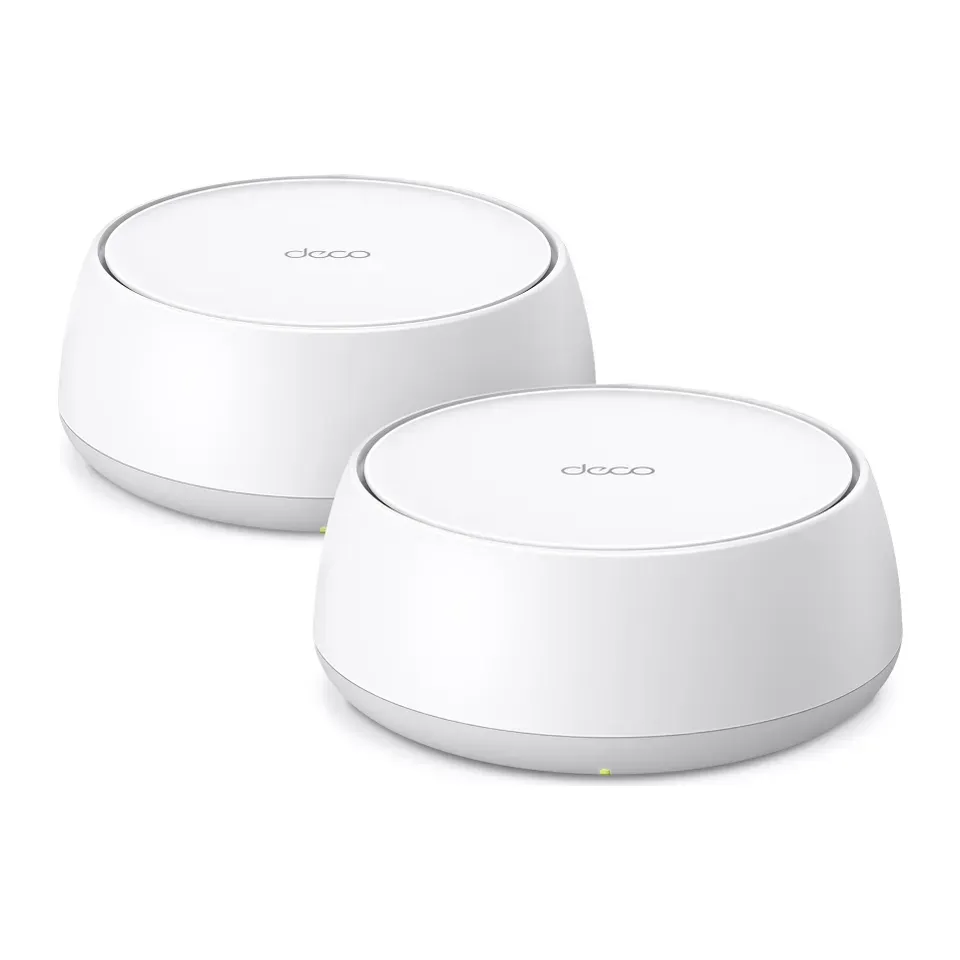
- Number 2: TP-Link Deco 7 BE25 (2-pack)About $150
- Number 3: eero Pro 7 (1-pack)About $300
For fiber plans over 1 Gig
- Number 1: eero Pro 7 (1-pack)About $300
- Number 2: TP-Link Archer BE800 (BE19000)About $350
- Number 3: Netgear Orbi 970 (2-pack)About $1,200
Answer the questions
Up to 6 short questions. Your own top 5 at the end.
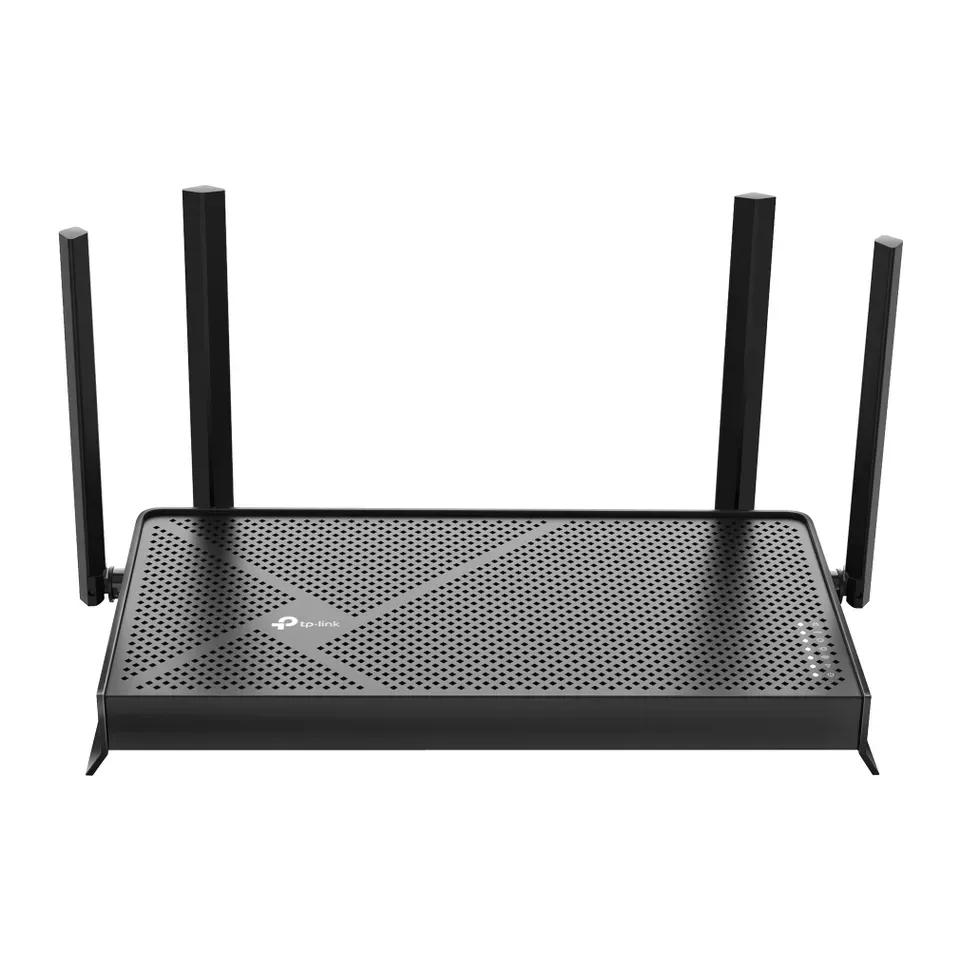
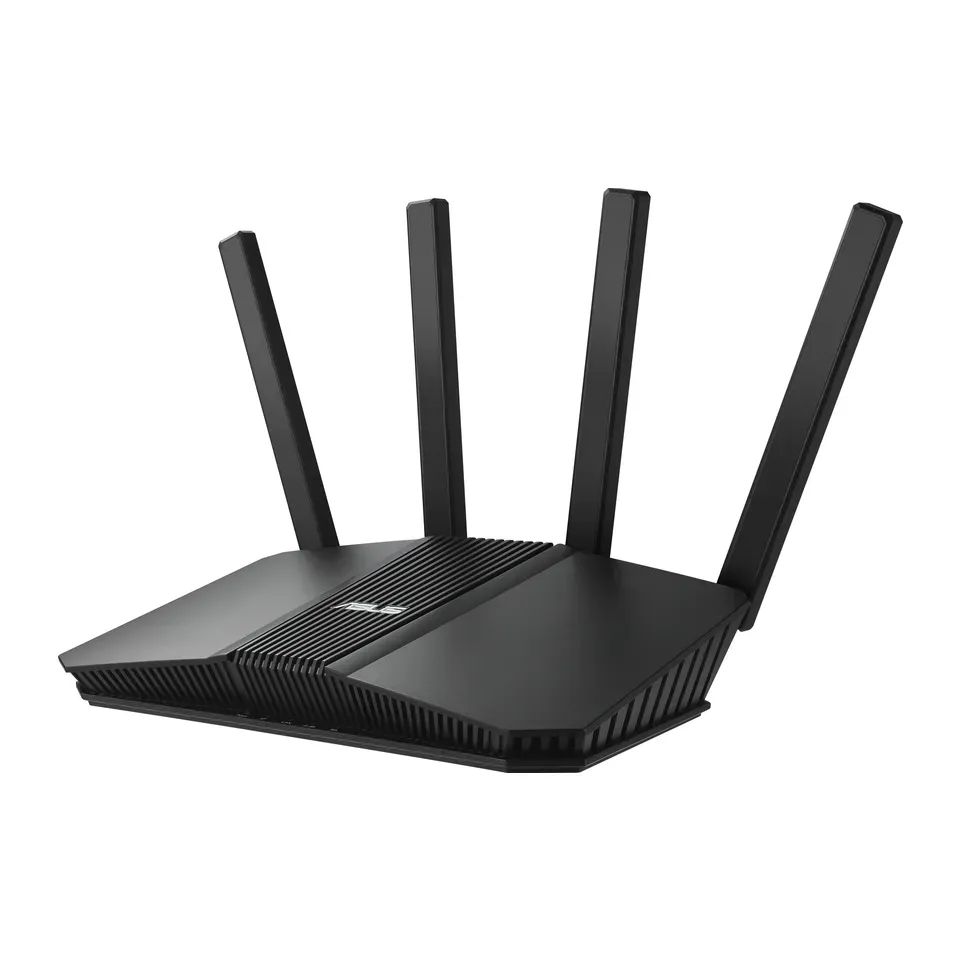
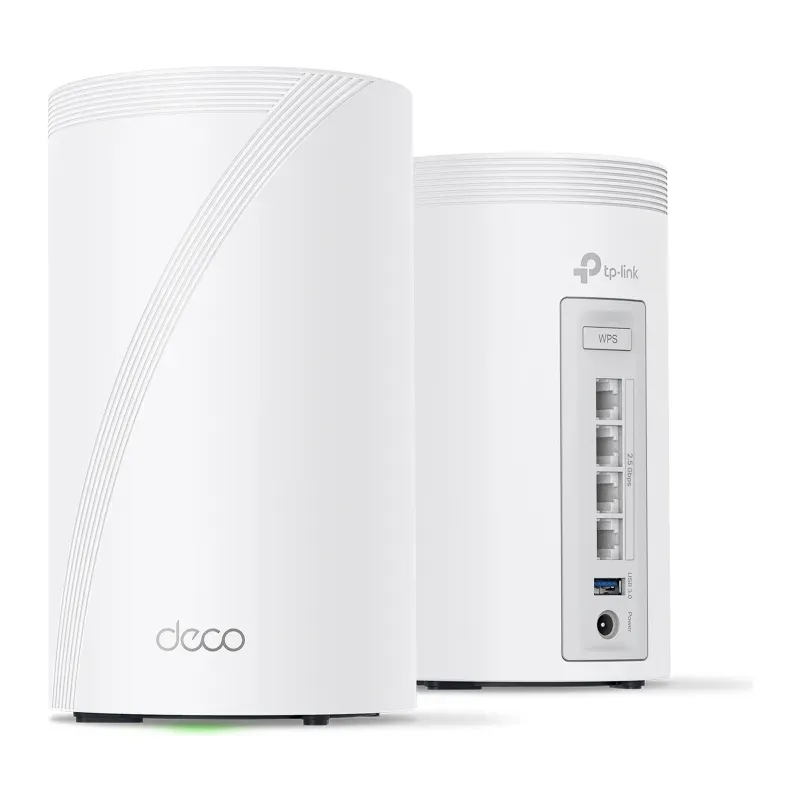
All 34 routers and mesh systems, ranked
Ranked by expert reviews and value for money, before any answers. How we rank
Prices checked .
Number 1: TP-Link Archer BE230 (BE3600)
About $80
Units in the box: 1Settings: Phone app and web page
Details: TP-Link Archer BE230 (BE3600)
- Units in the box
- 1
- Internet port
- 2.5 Gb/s
- Lag control
- Basic priority only
- Settings
- Phone app and web page
- Good value for what it does: about $80
- Some extras need HomeShield Security+, about $5 a month
Number 2: TP-Link Deco 7 BE25 (2-pack)
About $150
Units in the box: 2Settings: Phone app only
Details: TP-Link Deco 7 BE25 (2-pack)
- Units in the box
- 2
- Internet port
- 2.5 Gb/s
- Lag control
- Basic priority only
- Settings
- Phone app only
- Good value for what it does: about $150
- Some extras need HomeShield Security+, about $5 a month
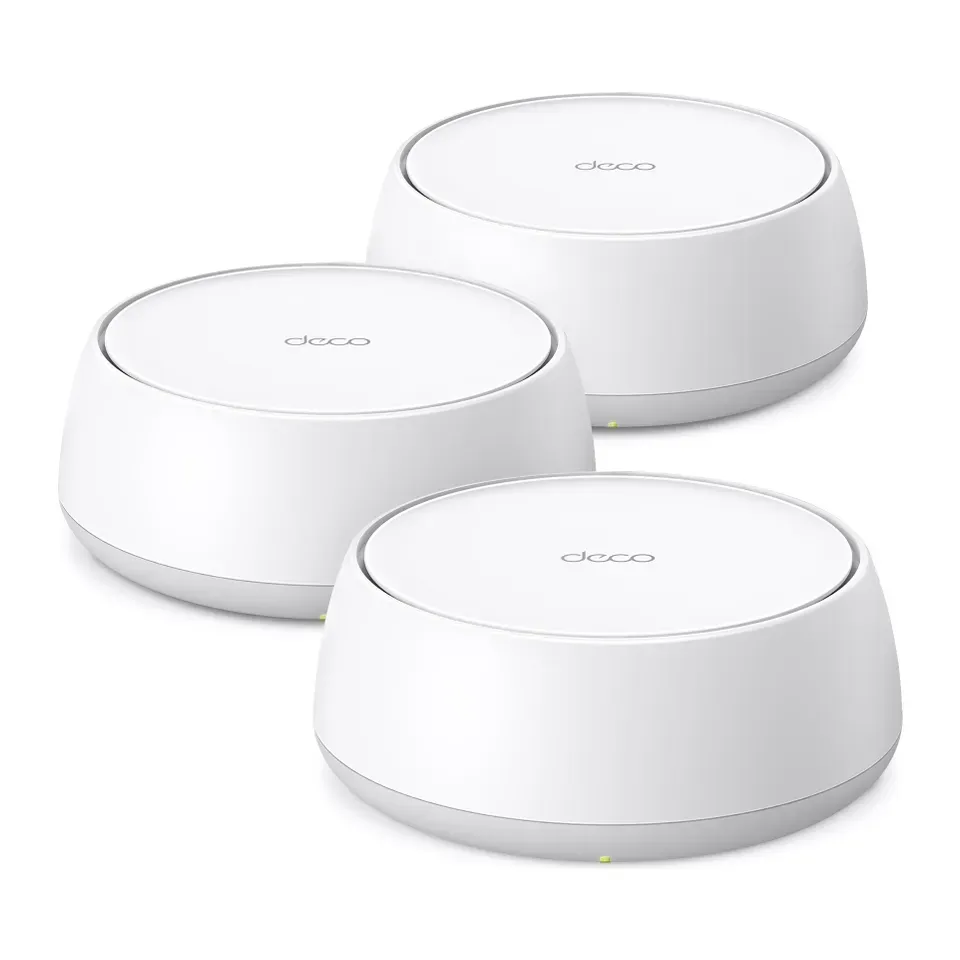
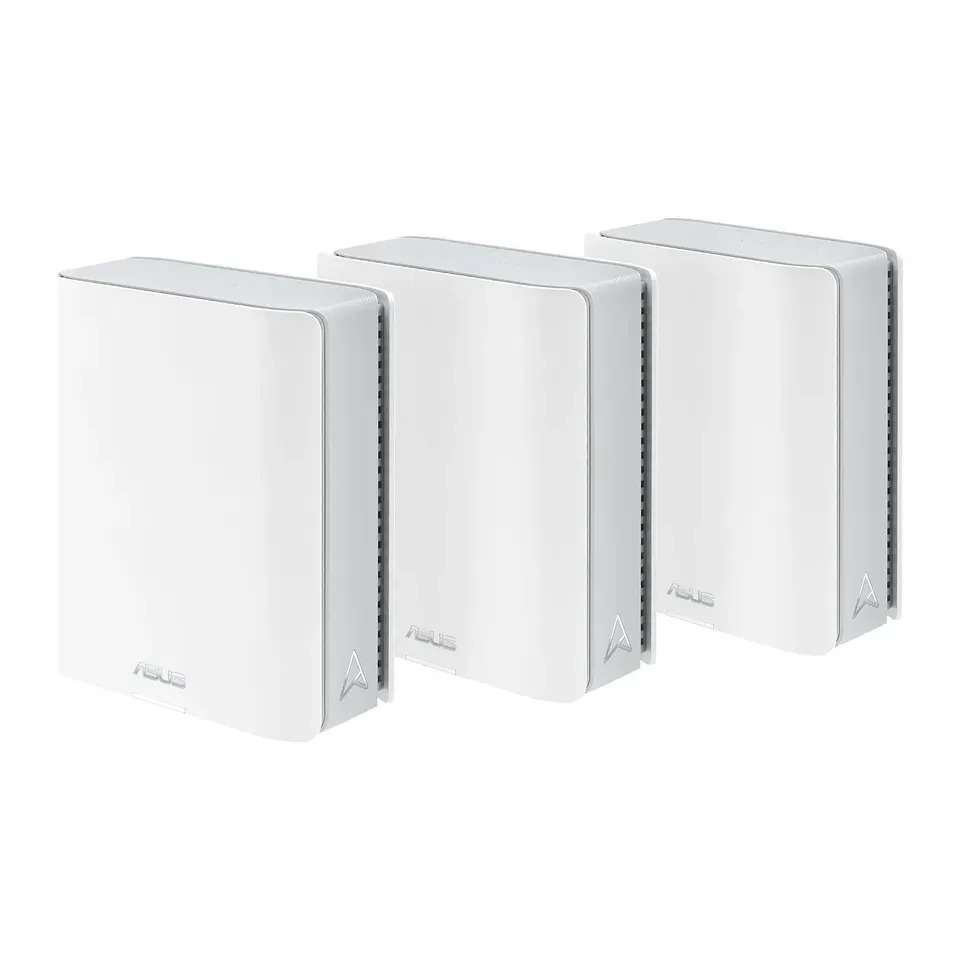
Number 3: TP-Link Deco 7 BE23 (3-pack)
About $180
Units in the box: 3Settings: Phone app only
Details: TP-Link Deco 7 BE23 (3-pack)
- Units in the box
- 3
- Internet port
- 2.5 Gb/s
- Lag control
- Basic priority only
- Settings
- Phone app only
- Reviewers found setup quick: the phone app guides you
- Some extras need HomeShield Security+, about $5 a month
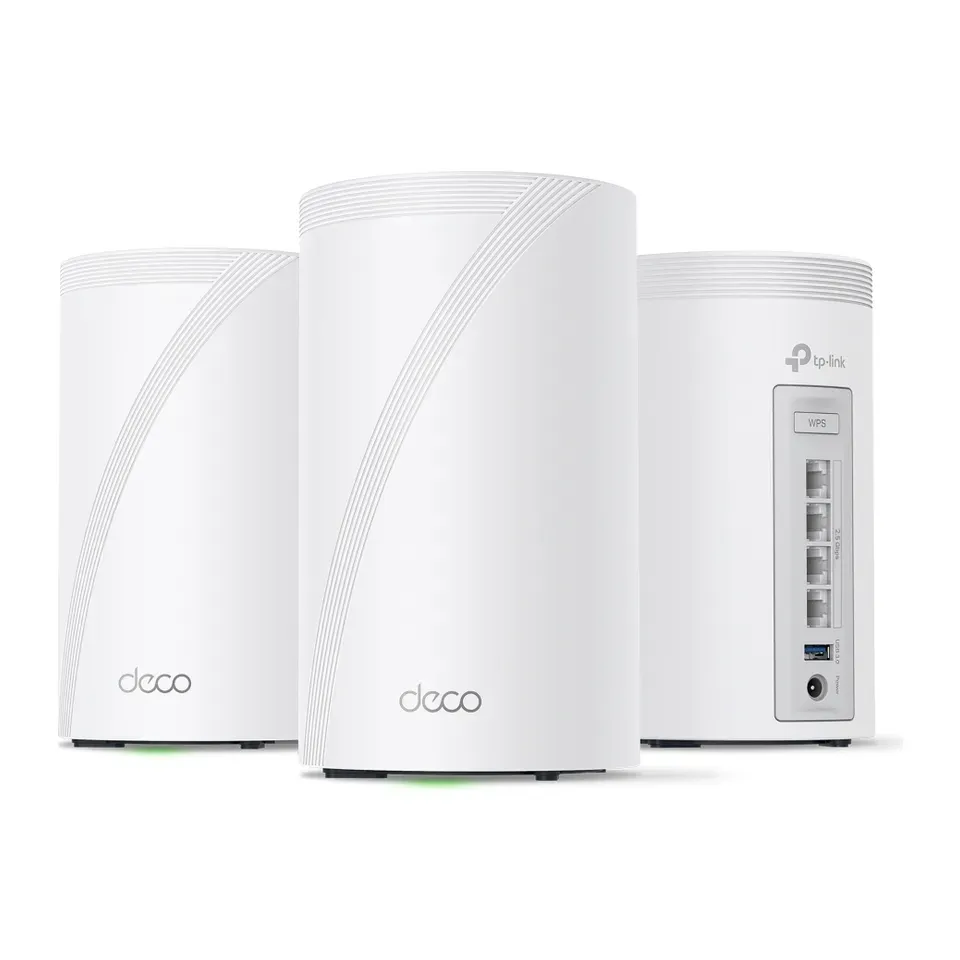
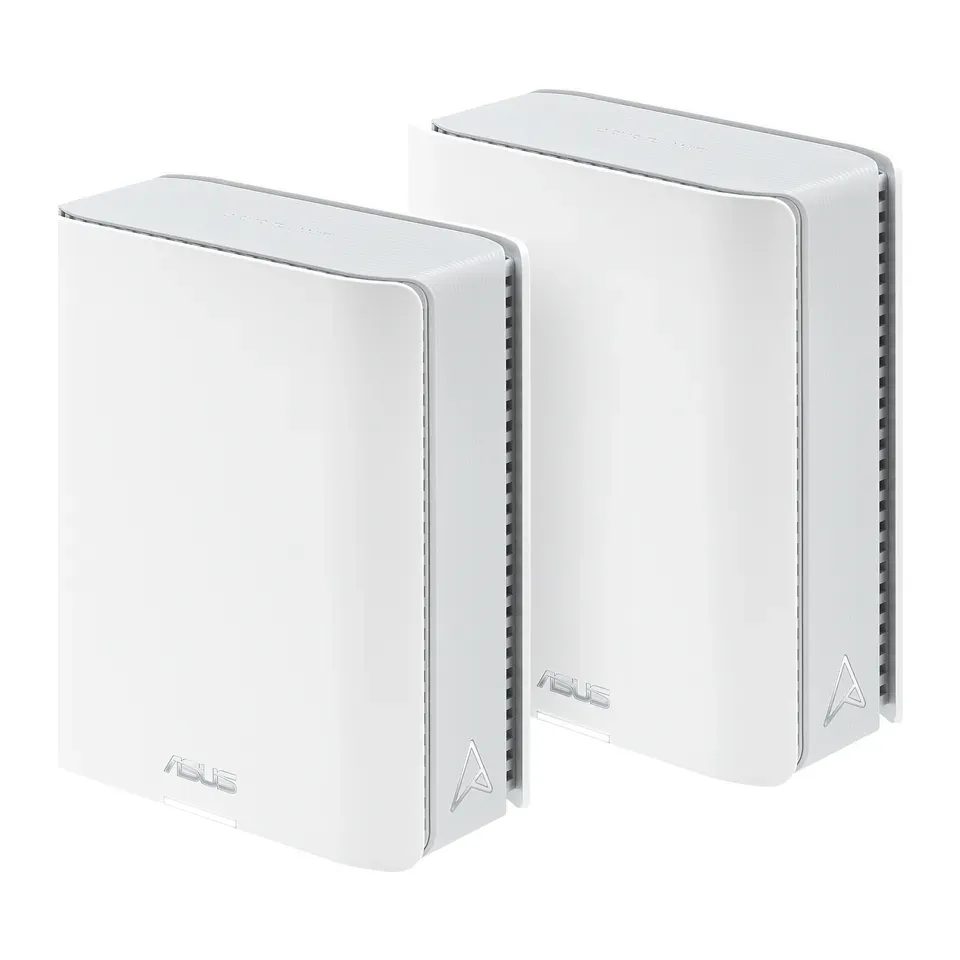
Number 4: TP-Link Deco 7 Pro BE63 (2-pack)
About $300
Units in the box: 2Settings: Phone app only
Details: TP-Link Deco 7 Pro BE63 (2-pack)
- Units in the box
- 2
- Internet port
- 2.5 Gb/s
- Lag control
- Basic priority only
- Settings
- Phone app only
- Most expert reviews rate it highly
- Some extras need HomeShield Security+, about $5 a month
Number 5: TP-Link Deco 7 BE25 (3-pack)
About $200
Units in the box: 3Settings: Phone app only
Details: TP-Link Deco 7 BE25 (3-pack)
- Units in the box
- 3
- Internet port
- 2.5 Gb/s
- Lag control
- Basic priority only
- Settings
- Phone app only
- Reviewers found setup quick: the phone app guides you
- Some extras need HomeShield Security+, about $5 a month
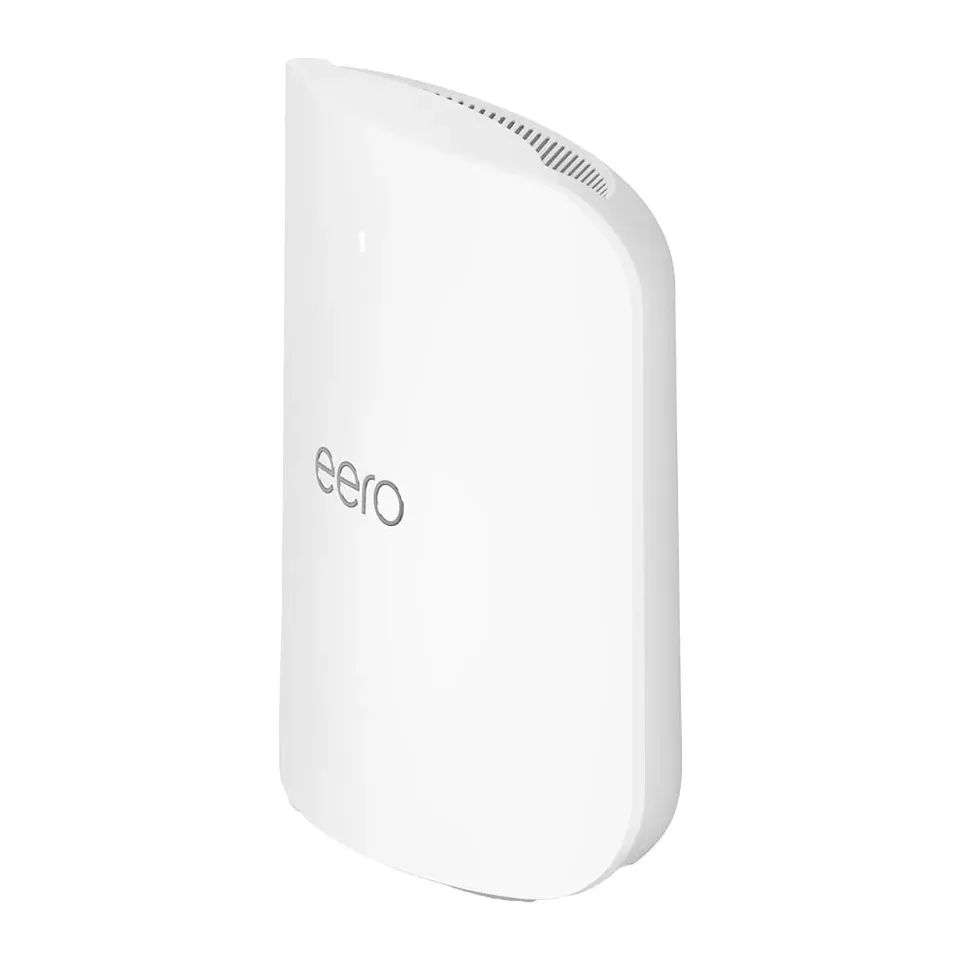
Number 6: eero Pro 7 (1-pack)
About $300
Units in the box: 1Settings: Phone app only
Details: eero Pro 7 (1-pack)
- Units in the box
- 1
- Internet port
- 5 Gb/s
- Lag control
- Smart Queue Management
- Settings
- Phone app only
- Fast in reviewers' speed measurements, near the router and farther away
- Some extras need eero Plus, about $10 a month
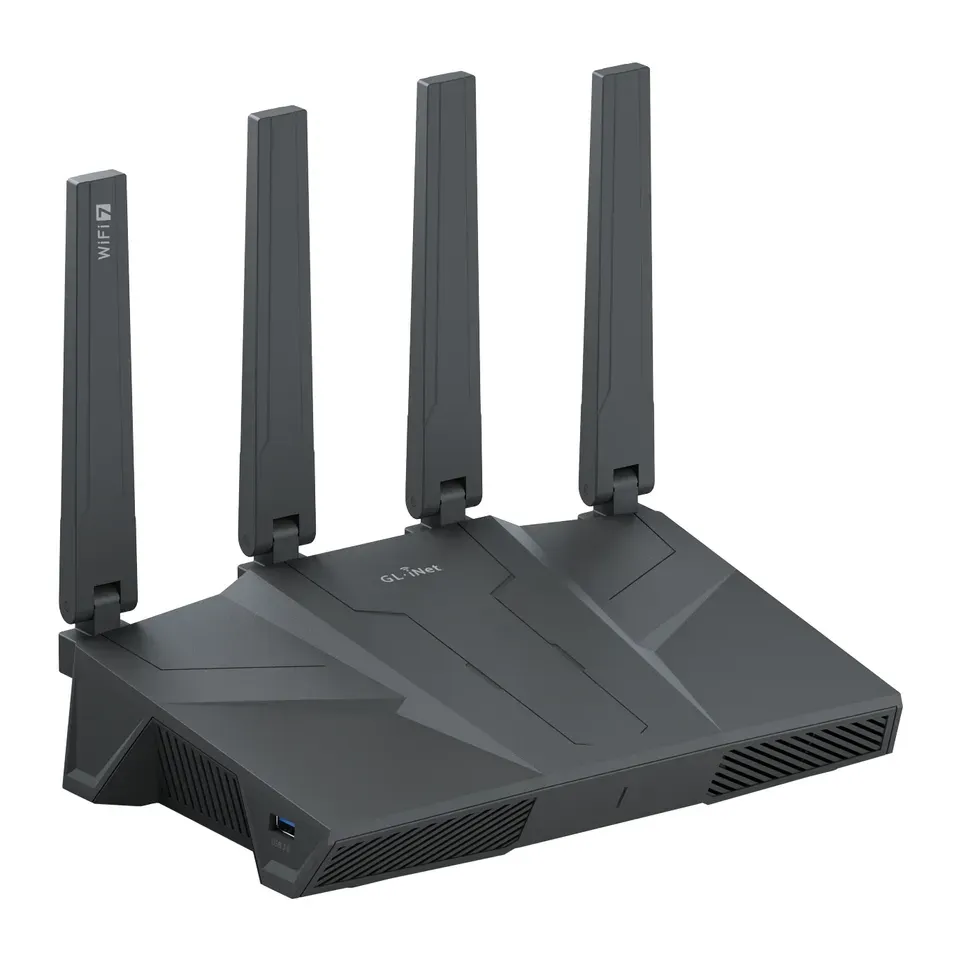
Number 7: GL.iNet Flint 2 (GL-MT6000)
About $170
Units in the box: 1Settings: Web page, many settings
Details: GL.iNet Flint 2 (GL-MT6000)
- Units in the box
- 1
- Internet port
- 2.5 Gb/s
- Lag control
- Smart Queue Management
- Settings
- Web page, many settings
- Has Smart Queue Management, which stops lag when the line is busy
- An older model, now replaced by the Flint 3
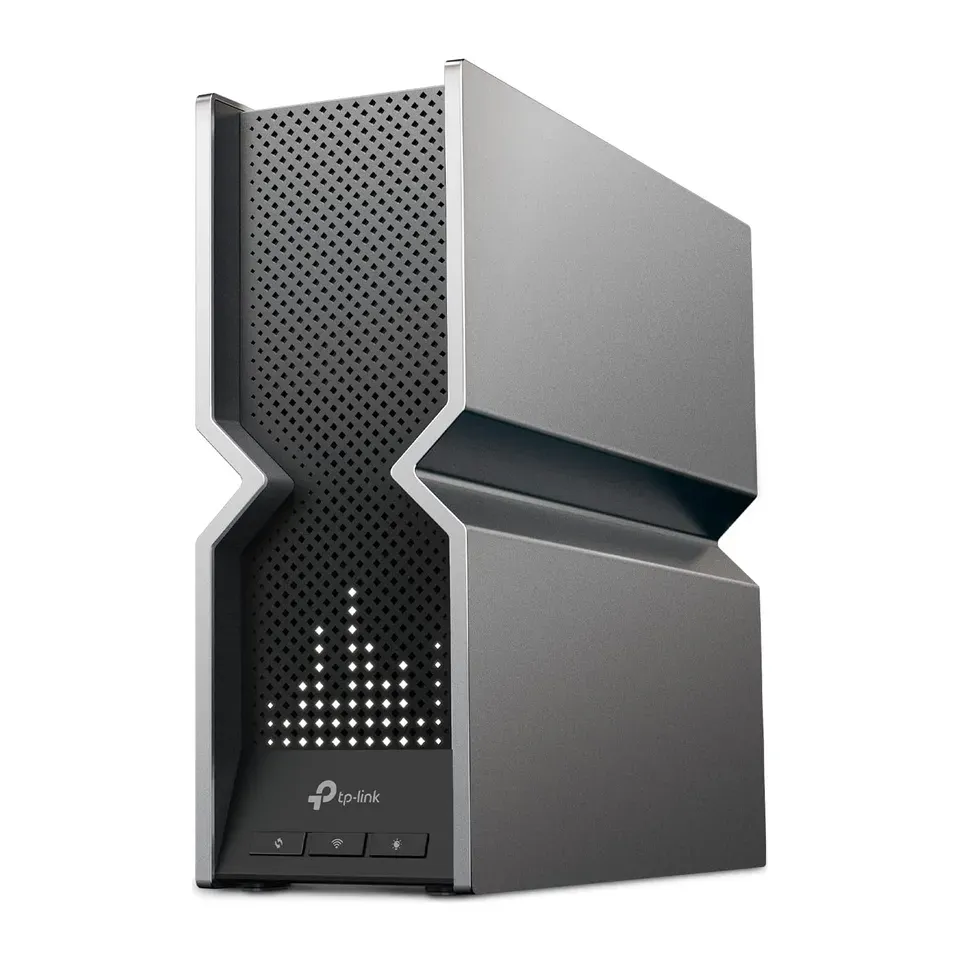
Number 8: TP-Link Archer BE800 (BE19000)
About $350
Units in the box: 1Settings: Phone app and web page
Details: TP-Link Archer BE800 (BE19000)
- Units in the box
- 1
- Internet port
- 10 Gb/s
- Lag control
- Basic priority only
- Settings
- Phone app and web page
- Fast in reviewers' speed measurements, near the router and farther away
- Costs more than most: about $350
Number 9: eero 7 (1-pack)
About $170
Units in the box: 1Settings: Phone app only
Details: eero 7 (1-pack)
- Units in the box
- 1
- Internet port
- 2.5 Gb/s
- Lag control
- Smart Queue Management
- Settings
- Phone app only
- Reviewers found setup quick: the phone app guides you
- Some extras need eero Plus, about $10 a month
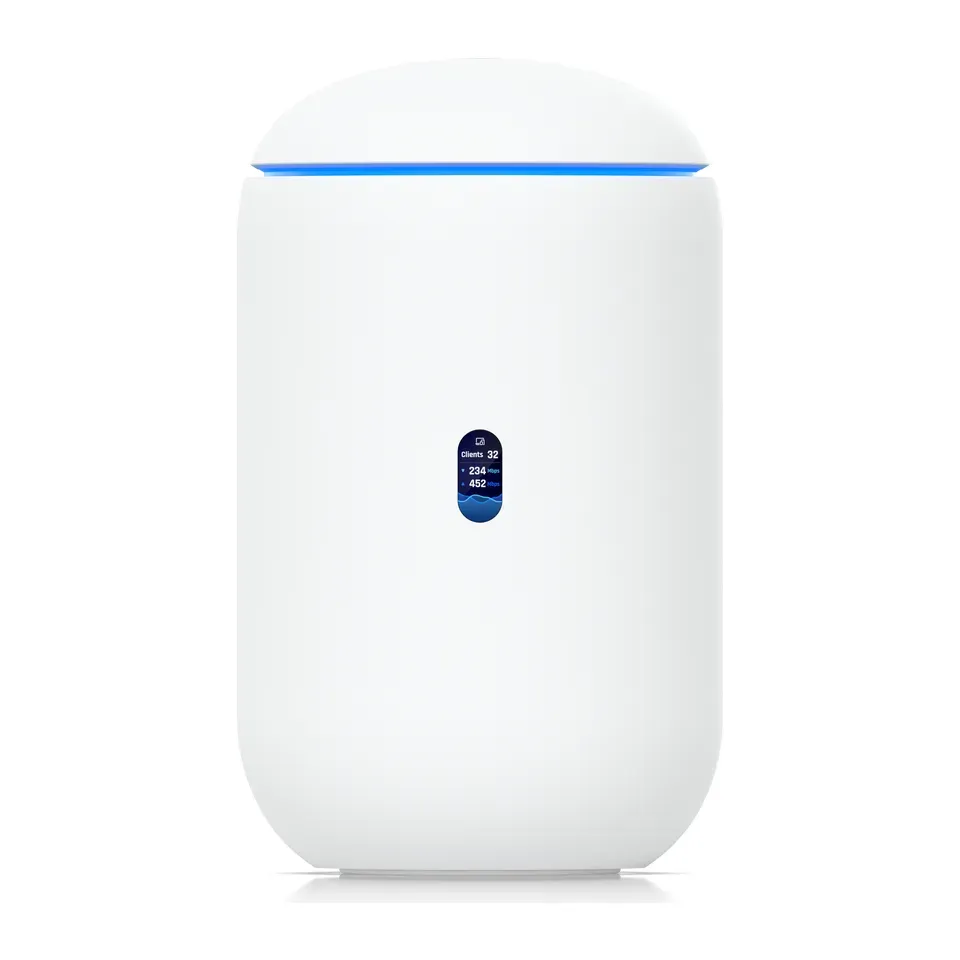
Number 10: Ubiquiti UniFi Dream Router 7 (UDR7)
About $310
Units in the box: 1Settings: Phone app and web page
Details: Ubiquiti UniFi Dream Router 7 (UDR7)
- Units in the box
- 1
- Internet port
- 10 Gb/s
- Lag control
- Smart Queue Management
- Settings
- Phone app and web page
- Most expert reviews rate it highly
- Some extras need UniFi CyberSecure, about $8 a month
Number 11: GL.iNet Flint 3 (GL-BE9300)
About $210
Units in the box: 1Settings: Web page, many settings
Details: GL.iNet Flint 3 (GL-BE9300)
- Units in the box
- 1
- Internet port
- 2.5 Gb/s
- Lag control
- Smart Queue Management
- Settings
- Web page, many settings
- Has Smart Queue Management, which stops lag when the line is busy
- Adding mesh units works poorly, reviewers say: it suits one router in one place
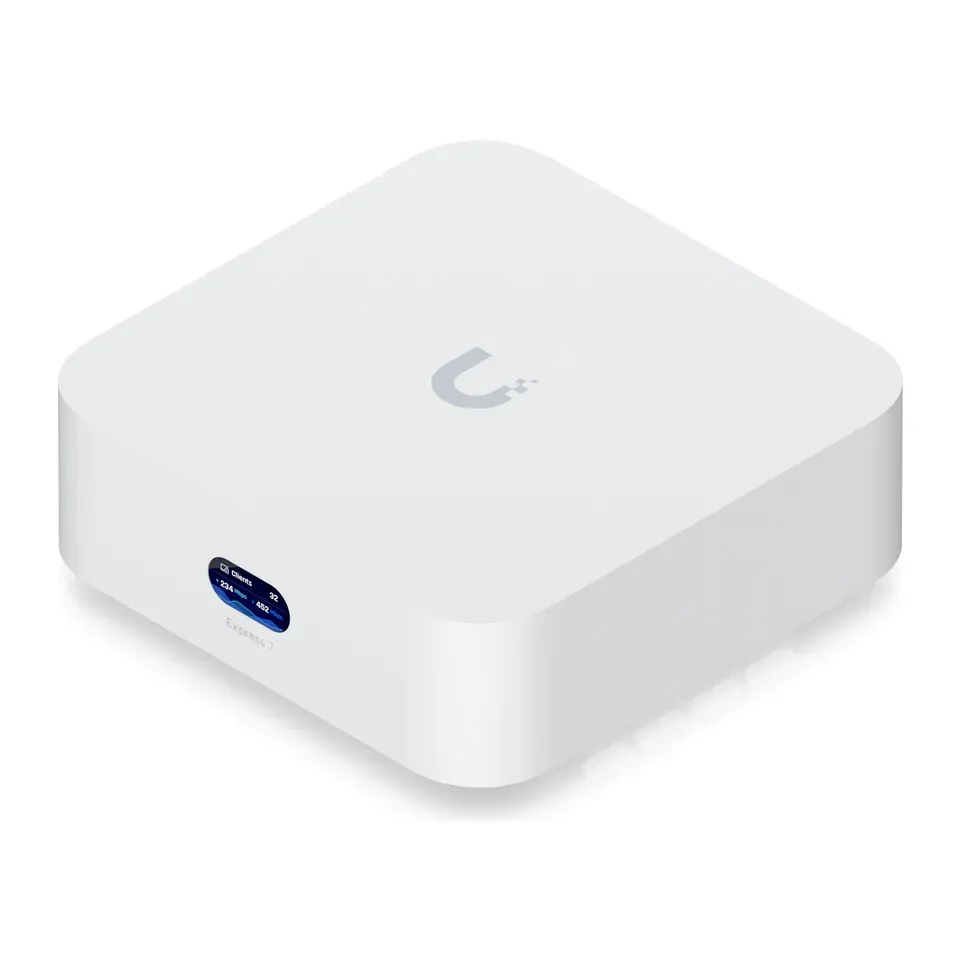
Number 12: Ubiquiti UniFi Express 7 (UX7)
About $220
Units in the box: 1Settings: Phone app and web page
Details: Ubiquiti UniFi Express 7 (UX7)
- Units in the box
- 1
- Internet port
- 10 Gb/s
- Lag control
- Smart Queue Management
- Settings
- Phone app and web page
- Has Smart Queue Management, which stops lag when the line is busy
- Some extras need UniFi CyberSecure, about $8 a month
Show all 34 routers and mesh systems
Number 13: TP-Link Deco 7 Pro BE63 (3-pack)
About $400
Units in the box: 3Settings: Phone app only
Details: TP-Link Deco 7 Pro BE63 (3-pack)
- Units in the box
- 3
- Internet port
- 2.5 Gb/s
- Lag control
- Basic priority only
- Settings
- Phone app only
- Most expert reviews rate it highly
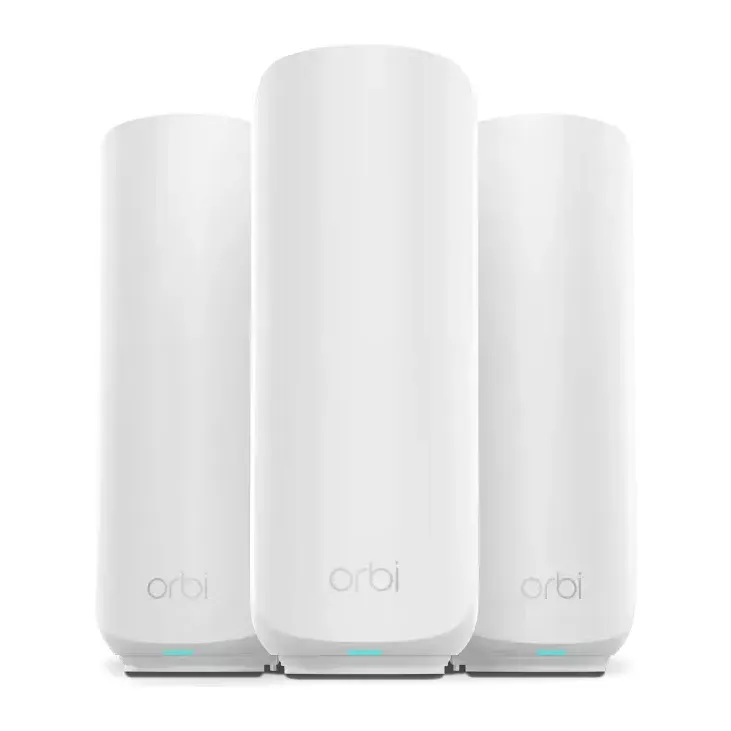
- Costs more than most: about $400
Number 14: Netgear Orbi 970 (2-pack)
About $1,200
Units in the box: 2Settings: Phone app and web page
Details: Netgear Orbi 970 (2-pack)
- Units in the box
- 2
- Internet port
- 10 Gb/s
- Lag control
- None
- Settings
- Phone app and web page
- Most expert reviews rate it highly
- Costs more than most: about $1,200
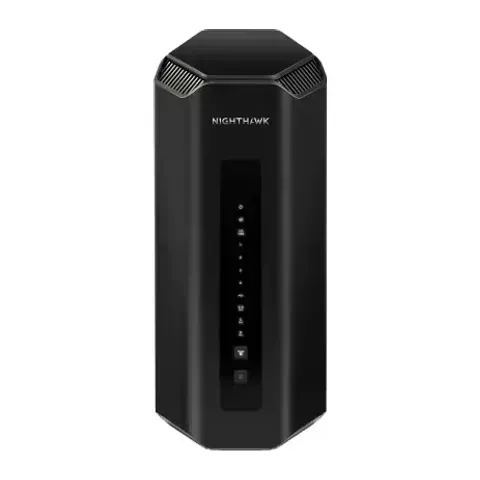
Number 15: Netgear Nighthawk RS300
About $300
Units in the box: 1Settings: Phone app and web page
Details: Netgear Nighthawk RS300
- Units in the box
- 1
- Internet port
- 2.5 Gb/s
- Lag control
- None
- Settings
- Phone app and web page
- Reviewers found setup quick: the phone app guides you
- Some extras need Netgear Armor, about $8 a month
Number 16: Netgear Orbi 370 (2-pack)
About $220
Units in the box: 2Settings: Phone app and web page
Details: Netgear Orbi 370 (2-pack)
- Units in the box
- 2
- Internet port
- 2.5 Gb/s
- Lag control
- None
- Settings
- Phone app and web page
- Reviewers found setup quick: the phone app guides you
- Some extras need Netgear Armor, about $8 a month
Number 17: ASUS RT-BE82U
About $170
Units in the box: 1Settings: Phone app and web page
Details: ASUS RT-BE82U
- Units in the box
- 1
- Internet port
- 2.5 Gb/s
- Lag control
- Basic priority only
- Settings
- Phone app and web page
- Ready for plans faster than 1 Gig: 2.5 Gb/s internet port
- Slower than most in reviewers' speed measurements
Number 18: Netgear Nighthawk RS100
About $150
Units in the box: 1Settings: Phone app and web page
Details: Netgear Nighthawk RS100
- Units in the box
- 1
- Internet port
- 2.5 Gb/s
- Lag control
- None
- Settings
- Phone app and web page
- Good value for what it does: about $150
- Slower than most in reviewers' speed measurements
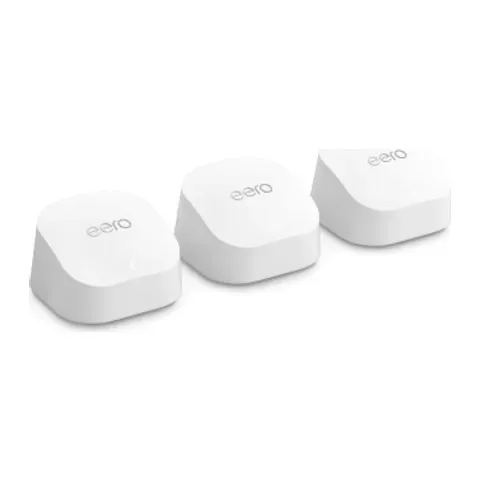
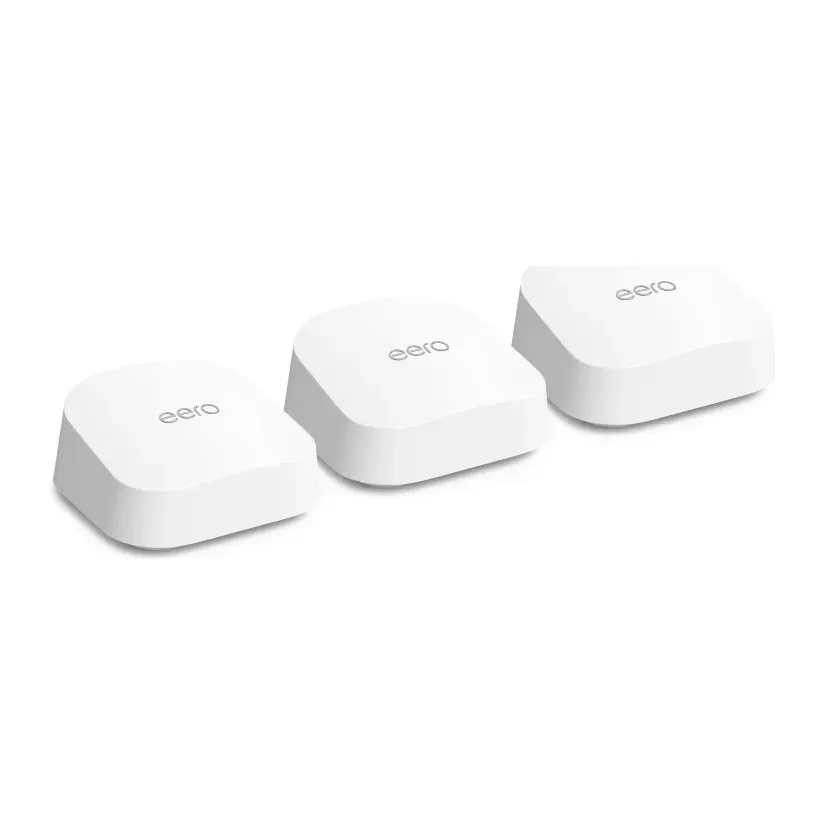
Number 19: eero 6+ (3-pack)
About $280
Units in the box: 3Settings: Phone app only
Details: eero 6+ (3-pack)
- Units in the box
- 3
- Internet port
- 1 Gb/s
- Lag control
- Smart Queue Management
- Settings
- Phone app only
- Reviewers found setup quick: the phone app guides you
- Slower than most in reviewers' speed measurements
Number 20: eero 7 (2-pack)
About $290
Units in the box: 2Settings: Phone app only
Details: eero 7 (2-pack)
- Units in the box
- 2
- Internet port
- 2.5 Gb/s
- Lag control
- Smart Queue Management
- Settings
- Phone app only
- Reviewers found setup quick: the phone app guides you
- Some extras need eero Plus, about $10 a month
Number 21: Netgear Orbi 370 (3-pack)
About $300
Units in the box: 3Settings: Phone app and web page
Details: Netgear Orbi 370 (3-pack)
- Units in the box
- 3
- Internet port
- 2.5 Gb/s
- Lag control
- None
- Settings
- Phone app and web page
- Reviewers found setup quick: the phone app guides you
- Some extras need Netgear Armor, about $8 a month
Number 22: Netgear Nighthawk RS700S
About $540
Units in the box: 1Settings: Phone app and web page
Details: Netgear Nighthawk RS700S
- Units in the box
- 1
- Internet port
- 10 Gb/s
- Lag control
- Basic priority only
- Settings
- Phone app and web page
- Fast in reviewers' speed measurements, near the router and farther away
- Costs more than most: about $540
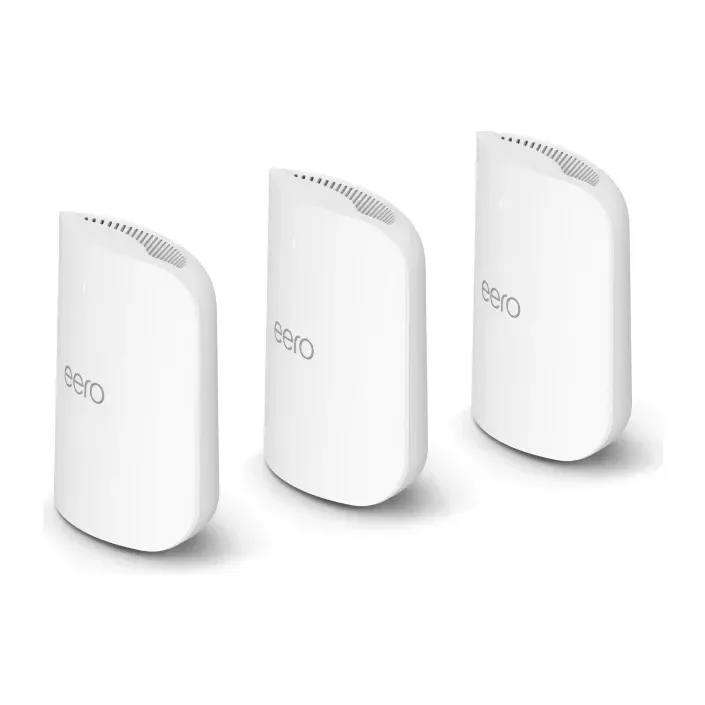
Number 23: eero Pro 7 (2-pack)
About $550
Units in the box: 2Settings: Phone app only
Details: eero Pro 7 (2-pack)
- Units in the box
- 2
- Internet port
- 5 Gb/s
- Lag control
- Smart Queue Management
- Settings
- Phone app only
- Fast in reviewers' speed measurements, near the router and farther away
- Costs more than most: about $550
Number 24: eero Max 7 (1-pack)
About $600
Units in the box: 1Settings: Phone app only
Details: eero Max 7 (1-pack)
- Units in the box
- 1
- Internet port
- 10 Gb/s
- Lag control
- Smart Queue Management
- Settings
- Phone app only
- Fast in reviewers' speed measurements, near the router and farther away
- Costs more than most: about $600
Number 25: eero Pro 7 (3-pack)
About $800
Units in the box: 3Settings: Phone app only
Details: eero Pro 7 (3-pack)
- Units in the box
- 3
- Internet port
- 5 Gb/s
- Lag control
- Smart Queue Management
- Settings
- Phone app only
- Fast in reviewers' speed measurements, near the router and farther away
- Costs more than most: about $800
Number 26: eero Max 7 (2-pack)
About $1,150
Units in the box: 2Settings: Phone app only
Details: eero Max 7 (2-pack)
- Units in the box
- 2
- Internet port
- 10 Gb/s
- Lag control
- Smart Queue Management
- Settings
- Phone app only
- Fast in reviewers' speed measurements, near the router and farther away
- Costs more than most: about $1,150
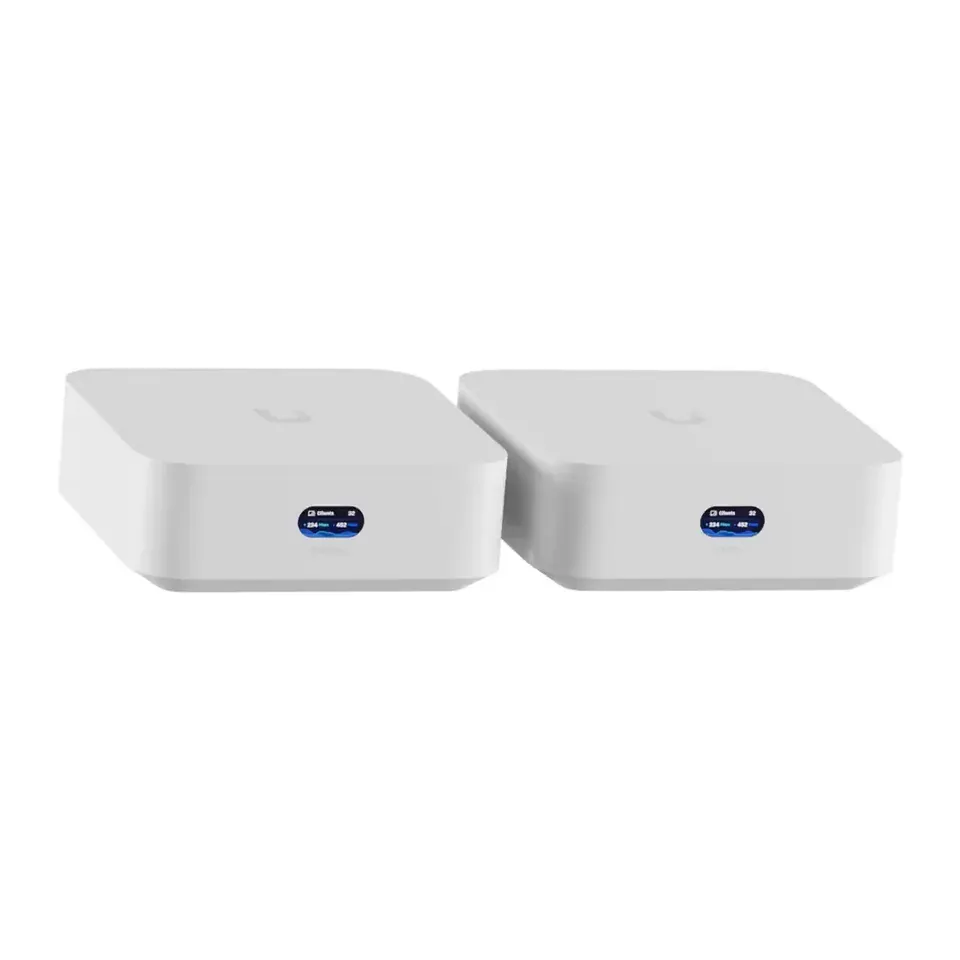
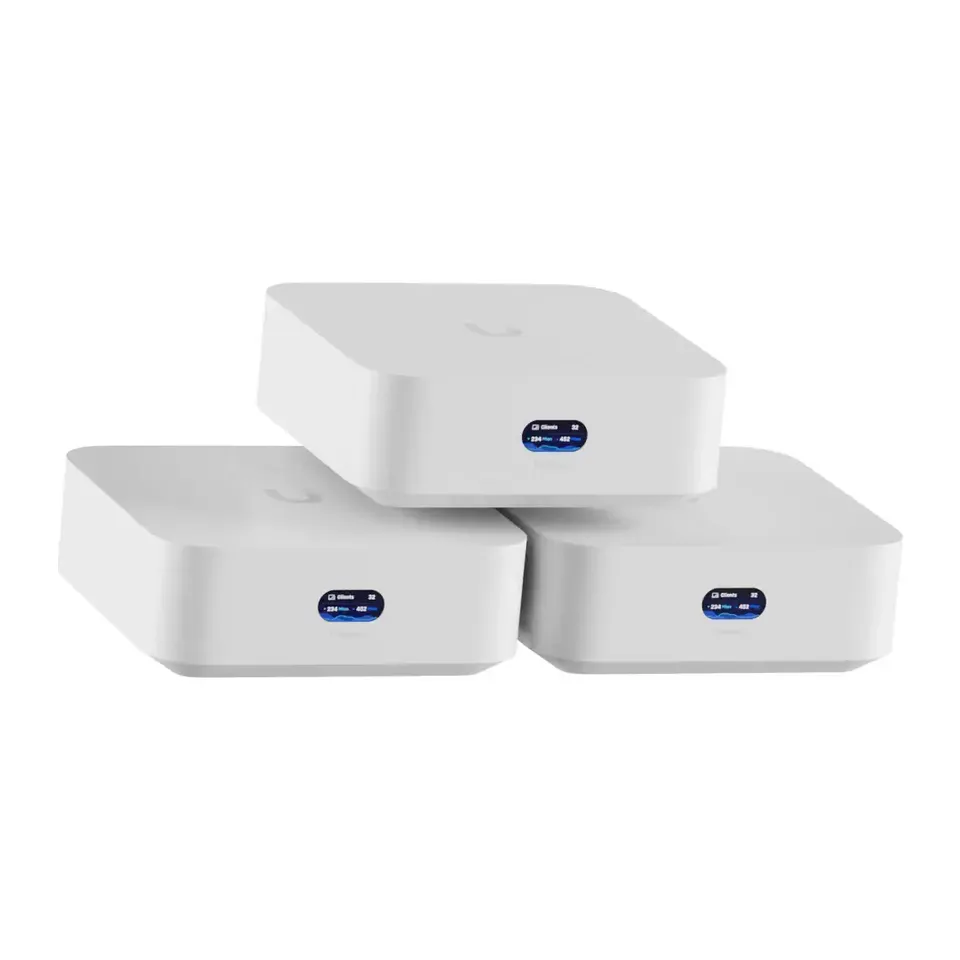
Number 27: Ubiquiti UniFi Express 7 (2-pack)
About $420
Units in the box: 2Settings: Phone app and web page
Details: Ubiquiti UniFi Express 7 (2-pack)
- Units in the box
- 2
- Internet port
- 10 Gb/s
- Lag control
- Smart Queue Management
- Settings
- Phone app and web page
- Has Smart Queue Management, which stops lag when the line is busy
- Costs more than most: about $420
Number 28: Google Nest Wifi Pro (2-pack)
About $300
Units in the box: 2Settings: Phone app only
Details: Google Nest Wifi Pro (2-pack)
- Units in the box
- 2
- Internet port
- 1 Gb/s
- Lag control
- Basic priority only
- Settings
- Phone app only
- Reviewers found setup quick: the phone app guides you
- Slower than most in reviewers' speed measurements
Number 29: eero 7 (3-pack)
About $400
Units in the box: 3Settings: Phone app only
Details: eero 7 (3-pack)
- Units in the box
- 3
- Internet port
- 2.5 Gb/s
- Lag control
- Smart Queue Management
- Settings
- Phone app only
- Reviewers found setup quick: the phone app guides you
- Costs more than most: about $400
Number 30: Netgear Orbi 770 (3-pack)
About $630
Units in the box: 3Settings: Phone app and web page
Details: Netgear Orbi 770 (3-pack)
- Units in the box
- 3
- Internet port
- 2.5 Gb/s
- Lag control
- None
- Settings
- Phone app and web page
- Reviewers found setup quick: the phone app guides you
- Costs more than most: about $630
Number 31: ASUS ZenWiFi BT8 (2-pack)
About $580
Units in the box: 2Settings: Phone app and web page
Details: ASUS ZenWiFi BT8 (2-pack)
- Units in the box
- 2
- Internet port
- 2.5 Gb/s
- Lag control
- Basic priority only
- Settings
- Phone app and web page
- Ready for plans faster than 1 Gig: 2.5 Gb/s internet port
- Costs more than most: about $580
Number 32: Ubiquiti UniFi Express 7 (3-pack)
About $620
Units in the box: 3Settings: Phone app and web page
Details: Ubiquiti UniFi Express 7 (3-pack)
- Units in the box
- 3
- Internet port
- 10 Gb/s
- Lag control
- Smart Queue Management
- Settings
- Phone app and web page
- Has Smart Queue Management, which stops lag when the line is busy
- Costs more than most: about $620
Number 33: ASUS ZenWiFi BT8 (3-pack)
About $730
Units in the box: 3Settings: Phone app and web page
Details: ASUS ZenWiFi BT8 (3-pack)
- Units in the box
- 3
- Internet port
- 2.5 Gb/s
- Lag control
- Basic priority only
- Settings
- Phone app and web page
- Ready for plans faster than 1 Gig: 2.5 Gb/s internet port
- Costs more than most: about $730
Number 34: Google Nest Wifi Pro (3-pack)
About $400
Units in the box: 3Settings: Phone app only
Details: Google Nest Wifi Pro (3-pack)
- Units in the box
- 3
- Internet port
- 1 Gb/s
- Lag control
- Basic priority only
- Settings
- Phone app only
- Reviewers found setup quick: the phone app guides you
- Costs more than most: about $400

What matters when you choose a Wi-Fi router
The size of your home matters most. One good router covers a small apartment, and often a medium home on one floor. Walls, floors and distance weaken Wi-Fi. For two floors or a big home, a mesh system works better: two or three units that share one Wi-Fi name and pass your devices between them.
Wall cables help a mesh kit a lot. If you have network sockets in more than one room, you can join the units with a cable, and every unit stays fast. Without cables, choose a kit whose units have a spare radio just for talking to each other.
Lag is a different problem from slow speed. If calls freeze when someone streams, the cause is often bufferbloat: the line is full and everything waits in a queue. Smart Queue Management keeps that queue short. Few routers have it, and a faster router without it lags just as much. Our bufferbloat test tells you in about a minute.
Your plan speed decides the ports you need. Plans over 1 Gig need an internet port faster than 1 Gbps. Slower plans don’t, so you can save money.
What matters less than the box says: the big speed number on the front, “Wi-Fi 7” on its own, the number of antennas, “gaming” looks and “200 devices” claims. Coverage in square feet is the maker’s best case, and real walls cut it down.
Some routers ask a monthly fee for extras like security filters or parental controls. Wi-Fi works without it, and we list the fee under “Keep in mind”.
How we ranked them
We read the maker’s spec sheet for every router and mesh kit, and expert reviews from sites like Tom’s Guide, Tom’s Hardware, CNET, RTINGS and TechRadar. From the reviews we take the measured speed and range, how easy setup was, and the overall verdict. Each kit size is listed on its own, because you pay for the whole kit.
With no answers, the list is sorted by how well reviewers rate each kit, its measured speed and its price. Your answers then change the weights:
- Home size carries the most weight. A small home gets one unit, a very big home gets three.
- Lag that happens often keeps only routers with Smart Queue Management, unless too few fit.
- Plan speed puts fast ports and measured speed first for fast plans, and price first for slower ones.
- Wall cables: without them, kits with a spare linking radio come first.
- Setup puts easy phone apps first, or full settings pages if you like them.
- Budget is a limit with about 10% slack, because prices change.
If fewer than five kits fit every answer, we show the closest ones after them and say what they miss.
Prices are rounded US street prices from November 2026, and they change often. No maker or shop paid to be here.
Questions and answers
Do I need a mesh system, or is one router enough?
One good router usually covers a small or medium home on one floor. If you have two or more floors, thick walls, or rooms where Wi-Fi is weak now, a mesh system works better. It is two or three units that share one Wi-Fi name, so your phone moves between them without you noticing.
Is a mesh system better than a Wi-Fi extender?
Usually, yes. A cheap extender repeats the signal on the same radio it talks to you on, so speed often halves and some phones stay stuck on the weak box. A mesh kit is built to work as one network, and most let you add a unit later. For one far room, a powerline or MoCA adapter that runs over your power lines or TV cable can beat both.
My internet company gave me a router. Do I need another one?
Not always. If Wi-Fi reaches every room and calls don't freeze, keep it. If it doesn't, plug your new router or mesh into it and turn the provider box's Wi-Fi off, or ask them to switch it to bridge mode. Then only one Wi-Fi network is left.
Do I need Wi-Fi 7?
No. It helps most with phones and laptops that support it and with plans faster than 1 Gig. Coverage, Smart Queue Management and an easy app matter more for most homes. We choose the speed class for you from your plan and your budget, so you don't need to know the version numbers.
Will a new router fix lag on video calls and games?
Only if the lag comes from a full line, called bufferbloat, and the router has Smart Queue Management turned on. A faster router without it often lags just as much. Run our bufferbloat test first. If it gives a grade of C or worse, choose "Yes, often" in the lag question.
Not affiliated with or endorsed by any maker or shop. Product photos are the makers' own. To have one removed, email hello@devicetests.com.