Which keyboard should I buy?
Answer up to 8 short questions and see the 5 keyboards that suit you best.
44 keyboards compared from the makers' spec sheets and expert reviews. How we rank
The questions
44 keyboards compared from the makers' spec sheets and expert reviews. How we rank
Picks for common needs
Choose a need to see its top 5. You can change any answer after.
For everyday typing
- Number 1: Logitech MX Keys MiniAbout $90
- Number 2: Logitech MX Keys SAbout $120
- Number 3: Keychron B33About $35
For sore wrists
- Number 1: Logitech ERGO K860About $130
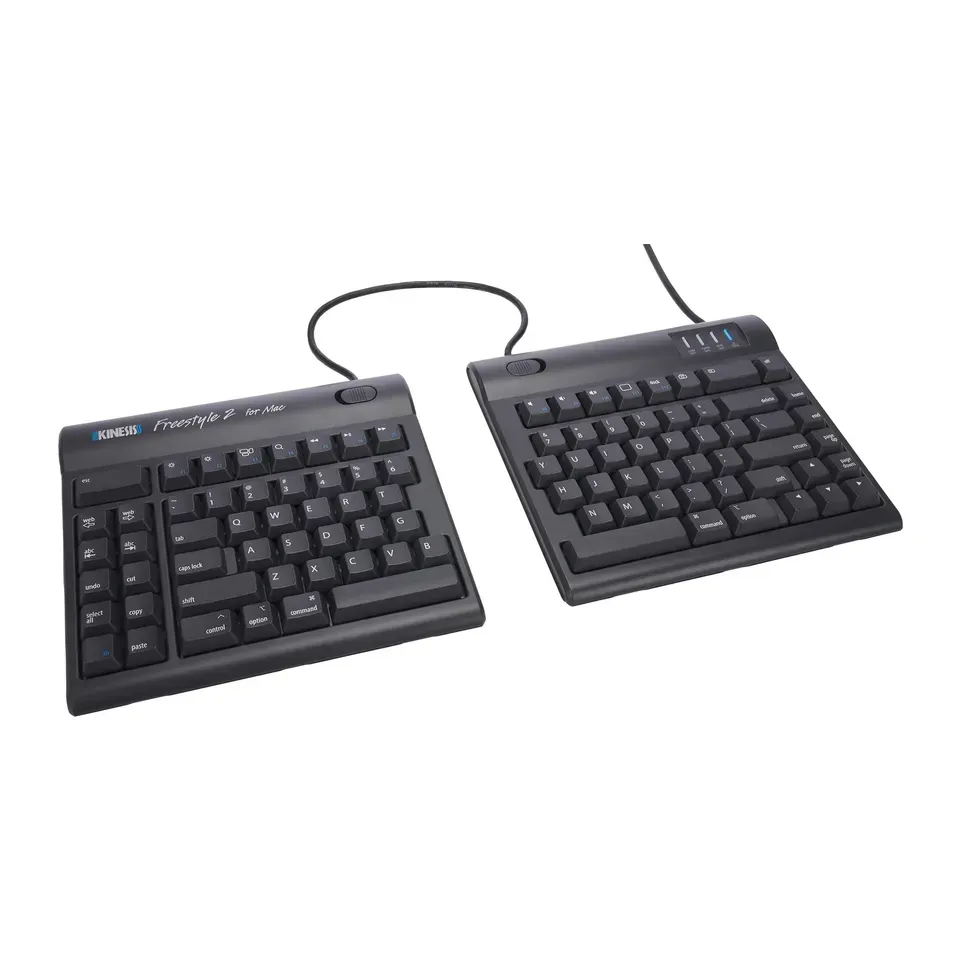
- Number 2: Kinesis Freestyle2About $100
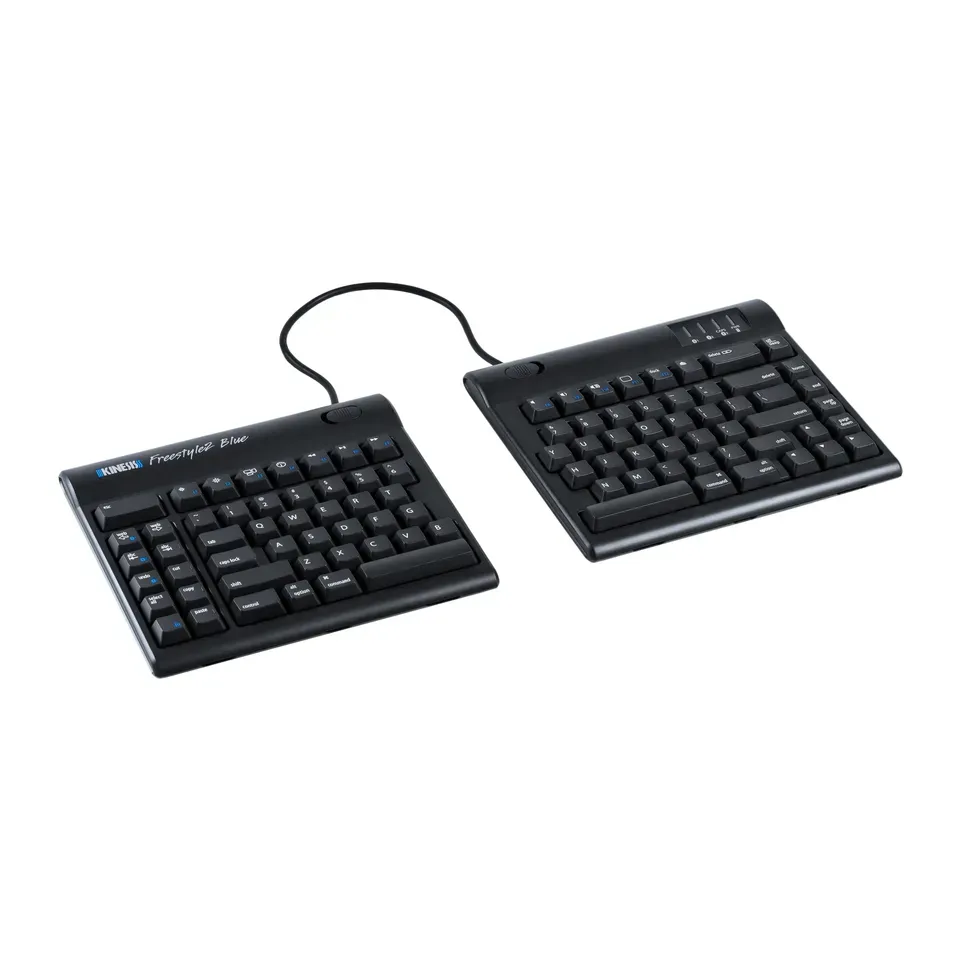
- Number 3: Kinesis Freestyle2 BlueAbout $120
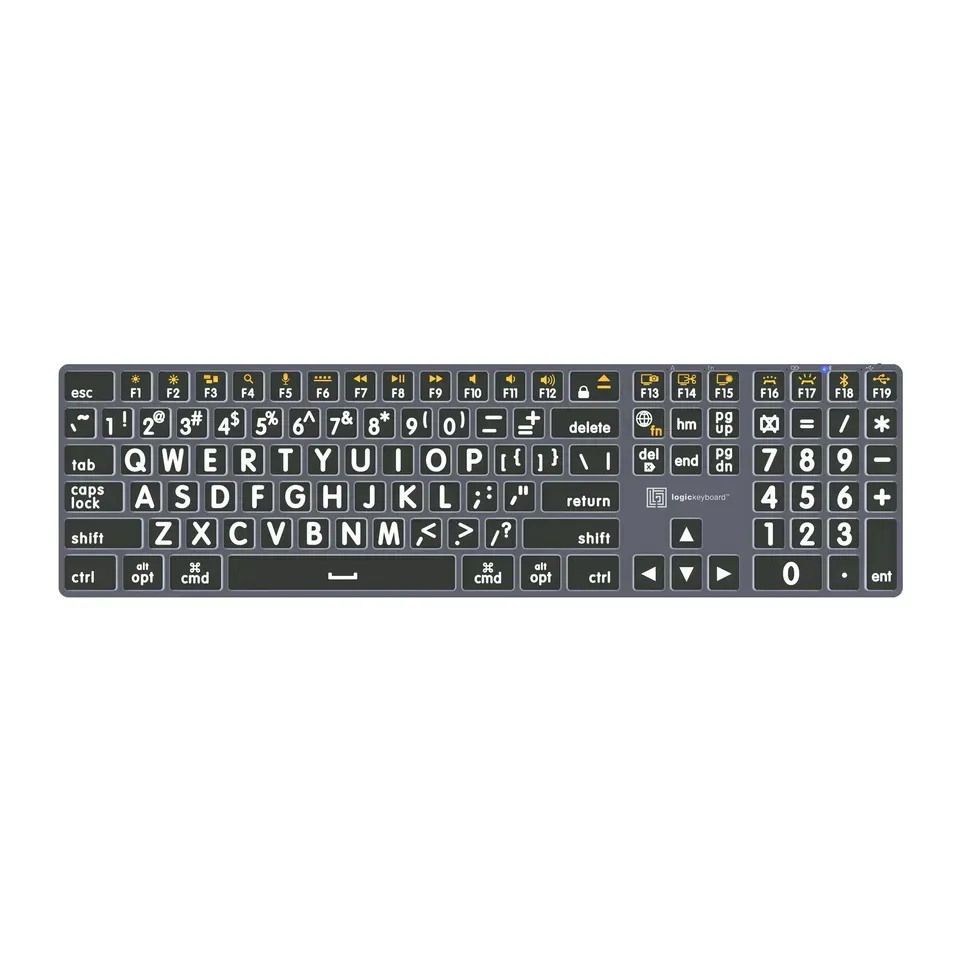
For big, easy-to-read letters
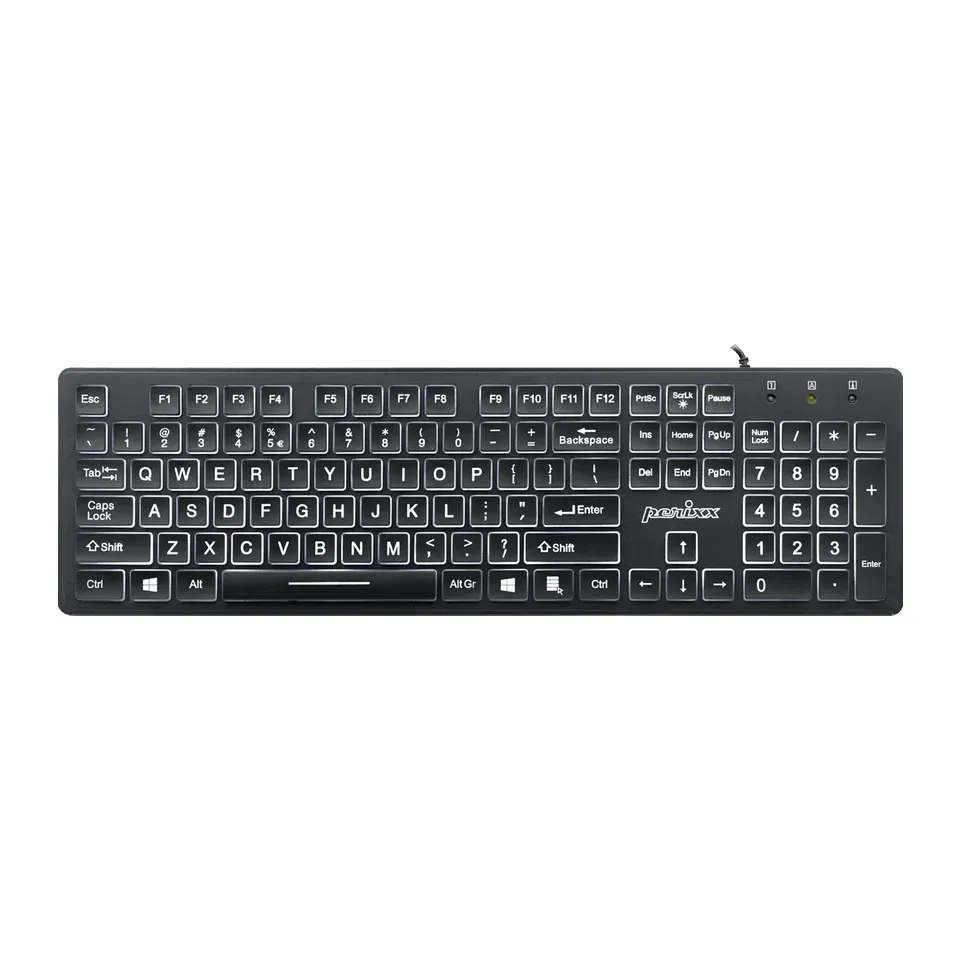
- Number 1: Perixx PERIBOARD-317About $25
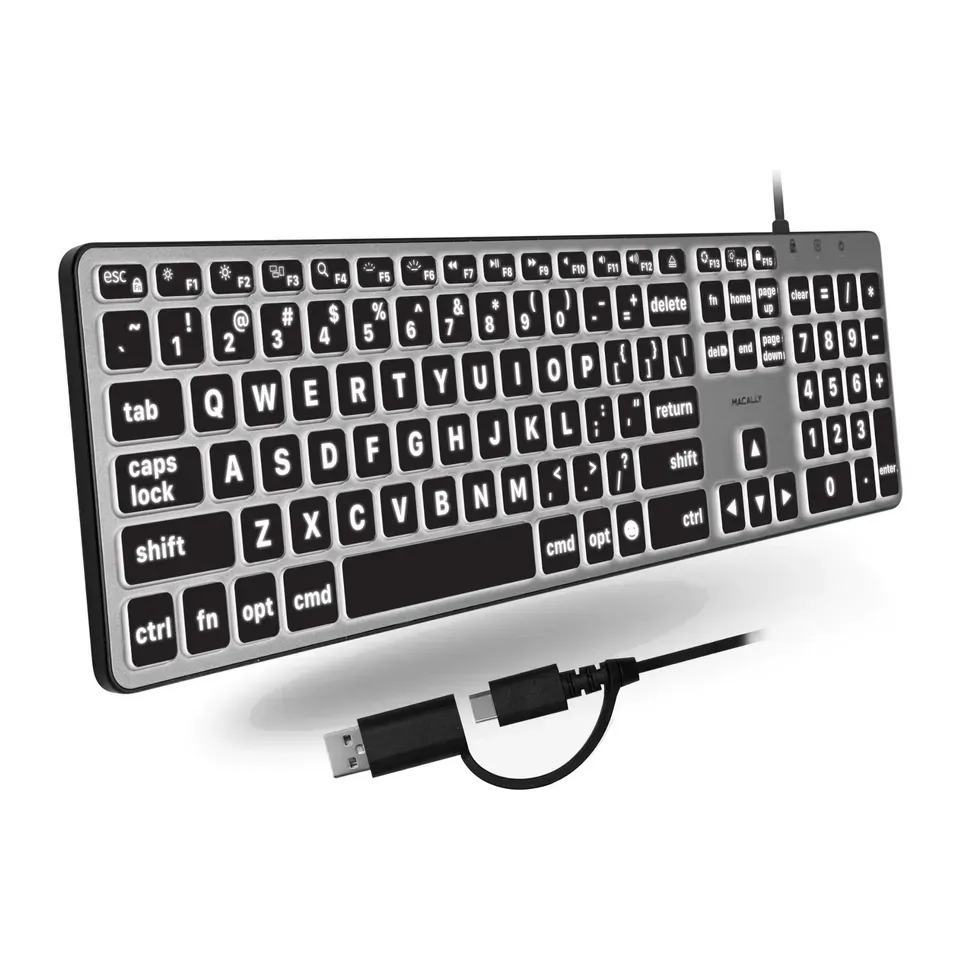
- Number 2: Macally Backlit Large Print Keyboard for MacAbout $70
- Number 3: Logickeyboard TITAN Large Print Backlit KeyboardAbout $140
For fast games
- Number 1: Wooting 60HE v2About $180
- Number 2: Wooting 80HE+About $200
- Number 3: MonsGeek FUN60 UltraAbout $60
For a Mac
- Number 1: Logitech MX Keys MiniAbout $90
- Number 2: Logitech MX Keys SAbout $120
- Number 3: Keychron B33About $35
Answer the questions
Up to 8 short questions. Your own top 5 at the end.
All 44 keyboards, ranked
Ranked by expert reviews and value for money, before any answers. How we rank
Prices checked .
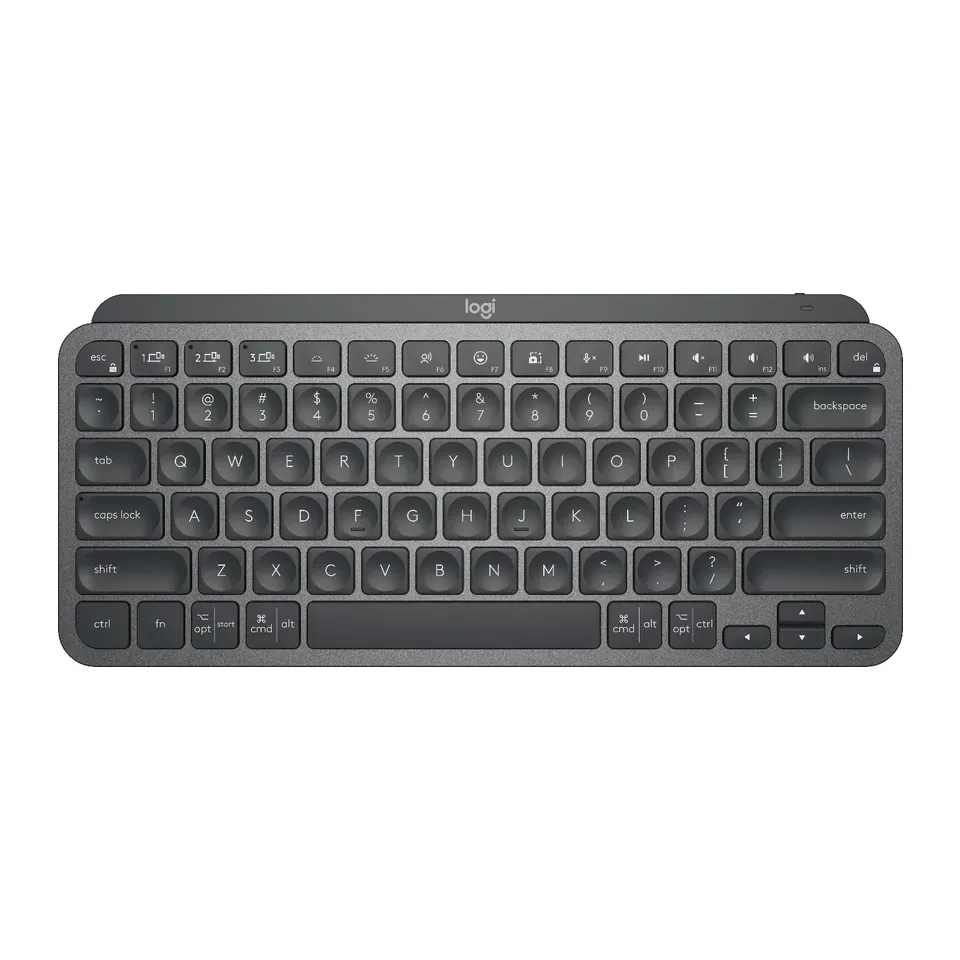
Number 1: Logitech MX Keys Mini
About $90
Number keys: NoWireless
Details: Logitech MX Keys Mini
- Keys
- Flat, like a laptop
- Connection
- Wireless
- Number keys
- No
- Shape
- Straight
- Most reviews agree it's very good
- Bluetooth only: no USB receiver in the box
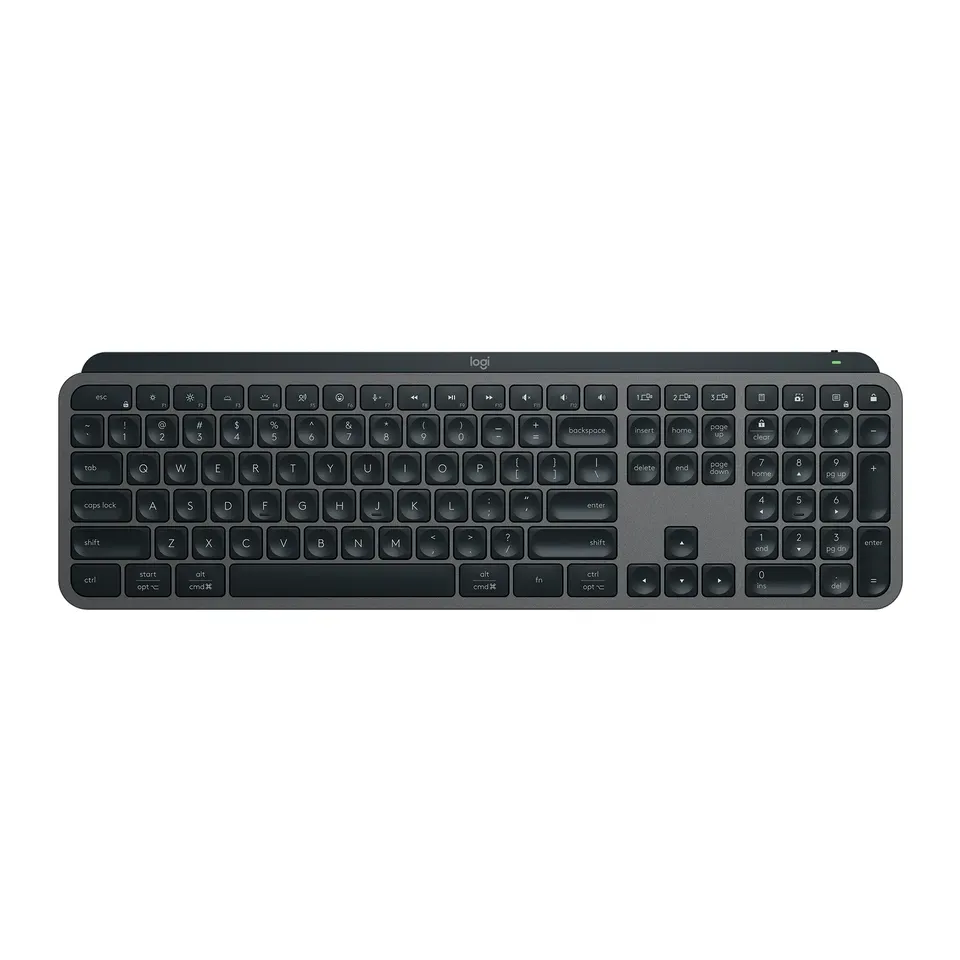
Number 2: Logitech MX Keys S
About $120
Number keys: YesWireless
Details: Logitech MX Keys S
- Keys
- Flat, like a laptop
- Connection
- Wireless
- Number keys
- Yes
- Shape
- Straight
- Most reviews agree it's very good
- Needs charging from time to time
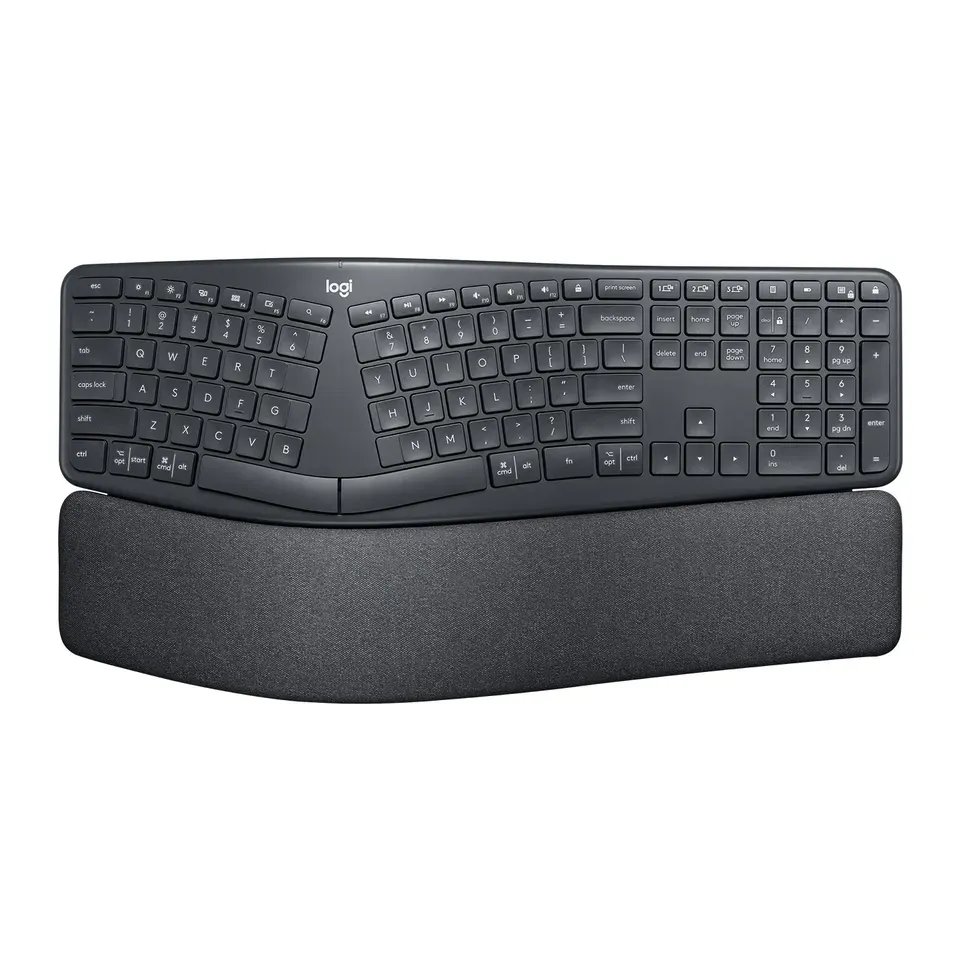
Number 3: Logitech ERGO K860
About $130
Number keys: YesWireless
Details: Logitech ERGO K860
- Keys
- Flat, like a laptop
- Connection
- Wireless
- Number keys
- Yes
- Shape
- Split in one piece
- Most reviews agree it's very good
- Large, unusual shape: most people need a week or two to get used to it
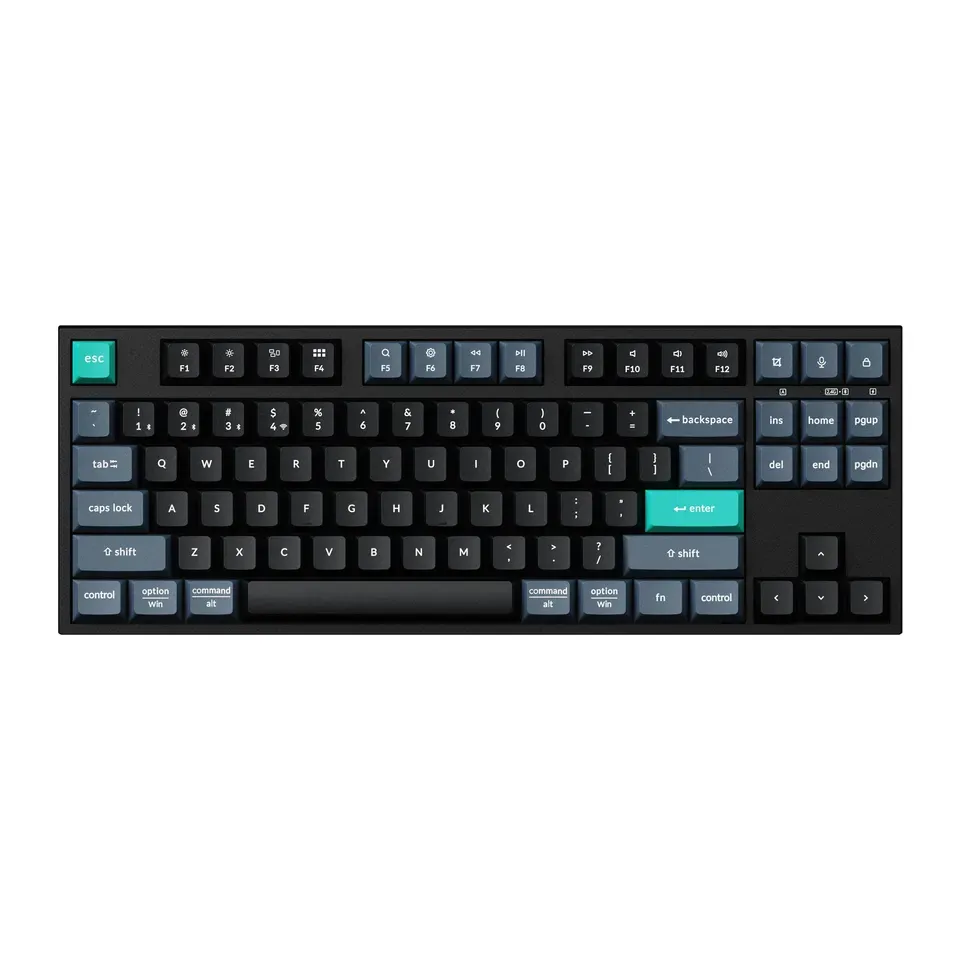
Number 4: Keychron B33
About $35
Number keys: NoWireless or cable
Details: Keychron B33
- Keys
- Flat, like a laptop
- Connection
- Wireless or cable
- Number keys
- No
- Shape
- Straight
- Good value at about $35
- Keys don't light up in the dark
Number 5: NuPhy Air75 V3
About $140
Number keys: NoWireless or cable
Details: NuPhy Air75 V3
- Keys
- Low mechanical
- Connection
- Wireless or cable
- Number keys
- No
- Shape
- Straight
- Most reviews agree it's very good
- Flat key tops and a tight layout take a little getting used to
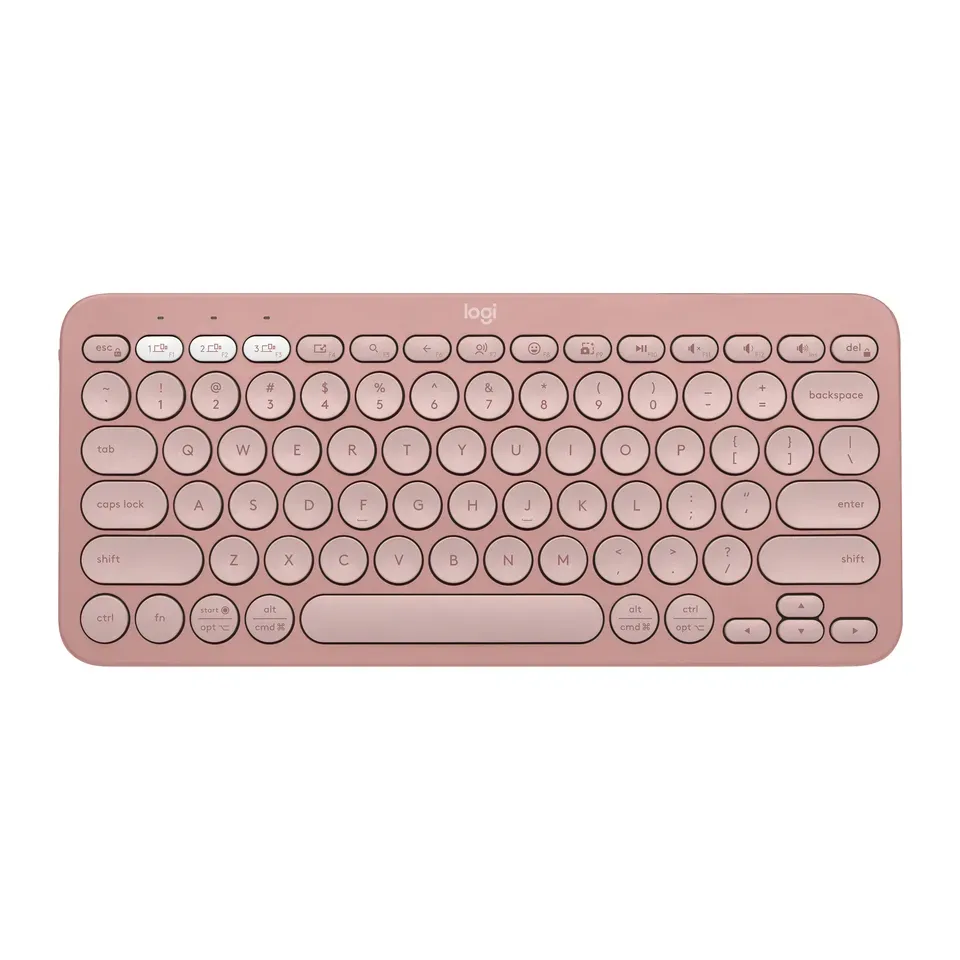
Number 6: Logitech Pebble Keys 2 K380s
About $40
Number keys: NoWireless
Details: Logitech Pebble Keys 2 K380s
- Keys
- Flat, like a laptop
- Connection
- Wireless
- Number keys
- No
- Shape
- Straight
- Good value at about $40
- Round keys sit close together and take a few days to get used to
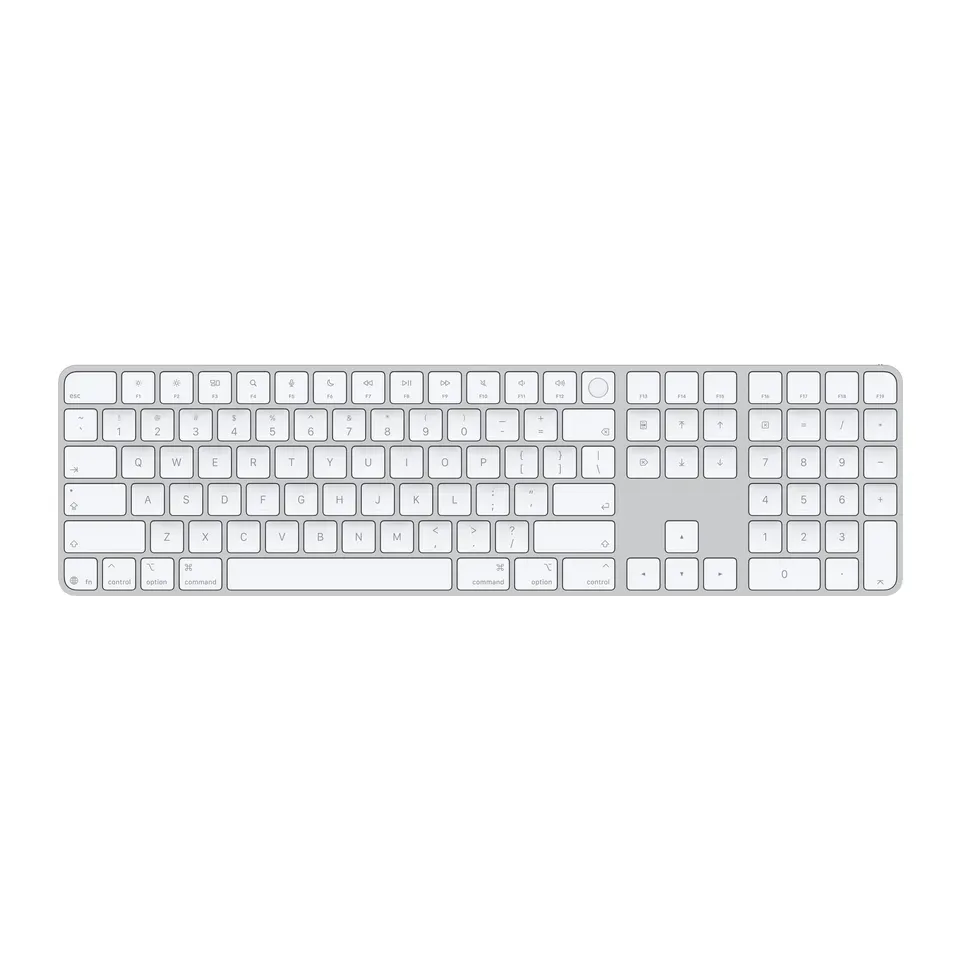
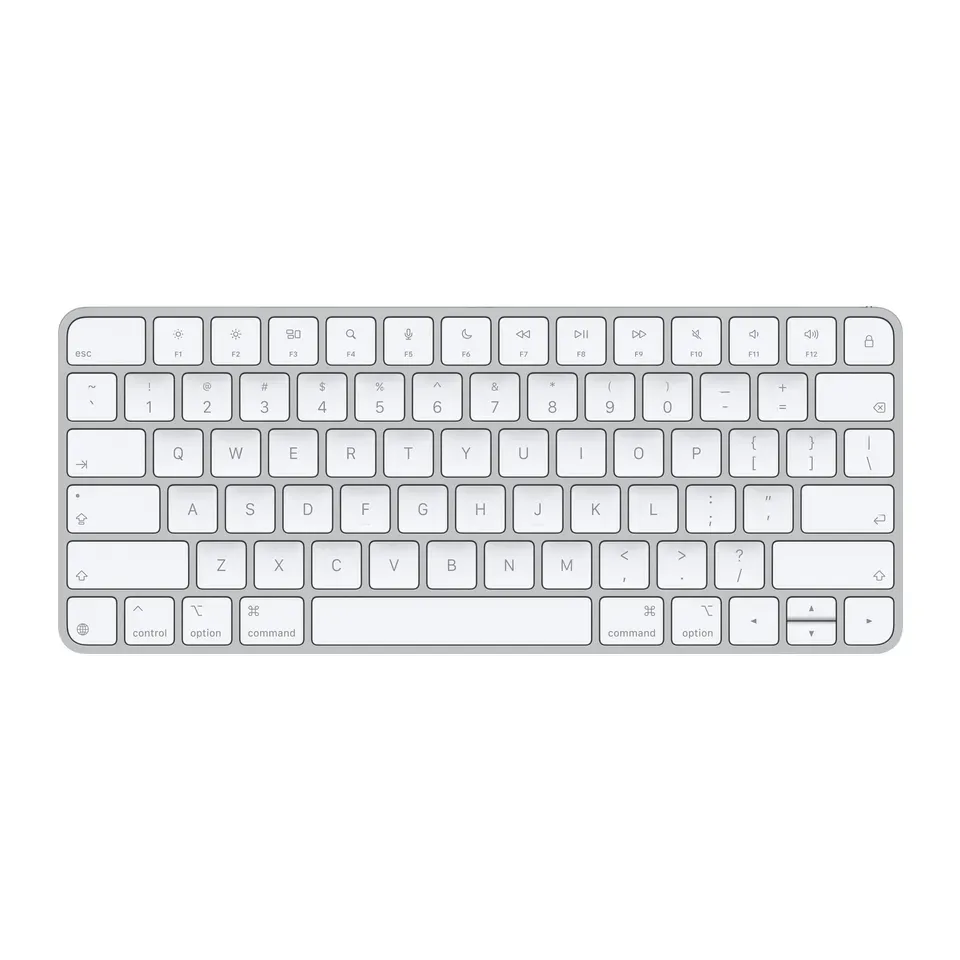
Number 7: Apple Magic Keyboard with Touch ID and Numeric Keypad
About $180
Number keys: YesWireless or cable
Details: Apple Magic Keyboard with Touch ID and Numeric Keypad
- Keys
- Flat, like a laptop
- Connection
- Wireless or cable
- Number keys
- Yes
- Shape
- Straight
- Most reviews agree it's very good
- Touch ID works only on Macs with Apple chips, and it connects to one device at a time
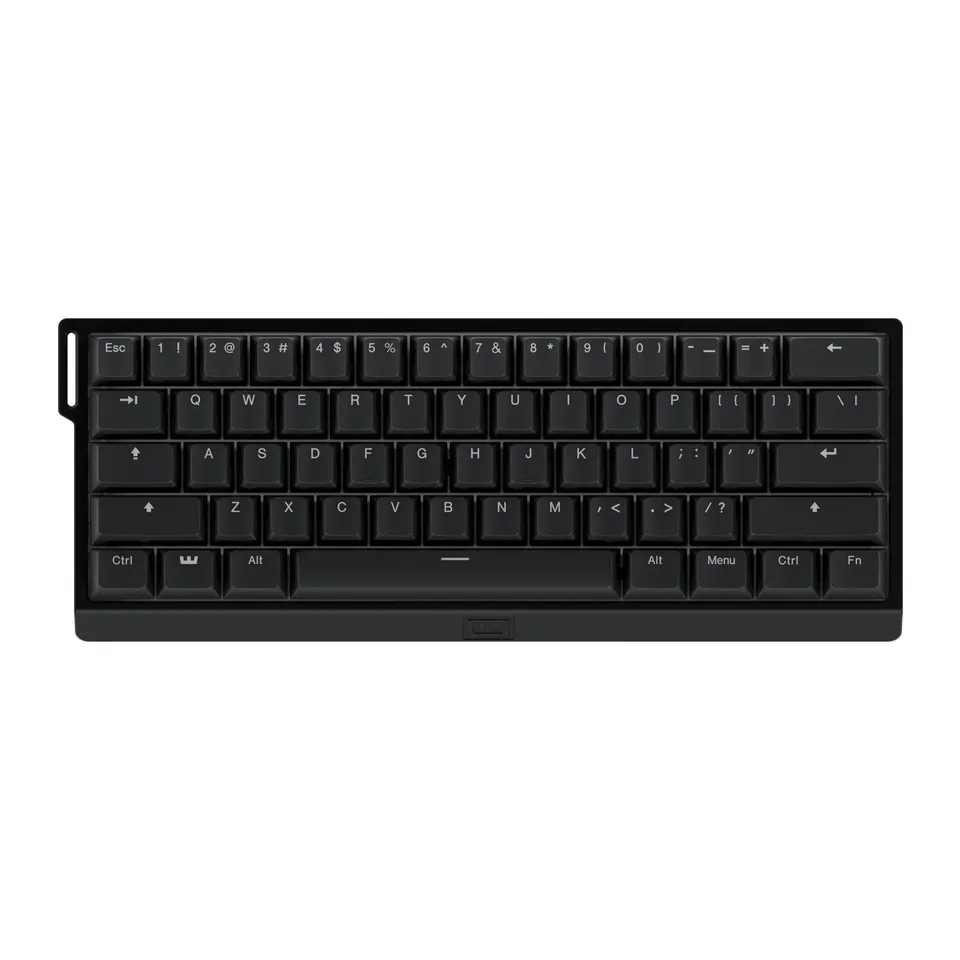
Number 8: Wooting 60HE v2
About $180
Number keys: NoCable
Details: Wooting 60HE v2
- Keys
- Magnetic, for games
- Connection
- Cable
- Number keys
- No
- Shape
- Straight
- Most reviews agree it's very good
- Very small: arrows and F-keys share other keys
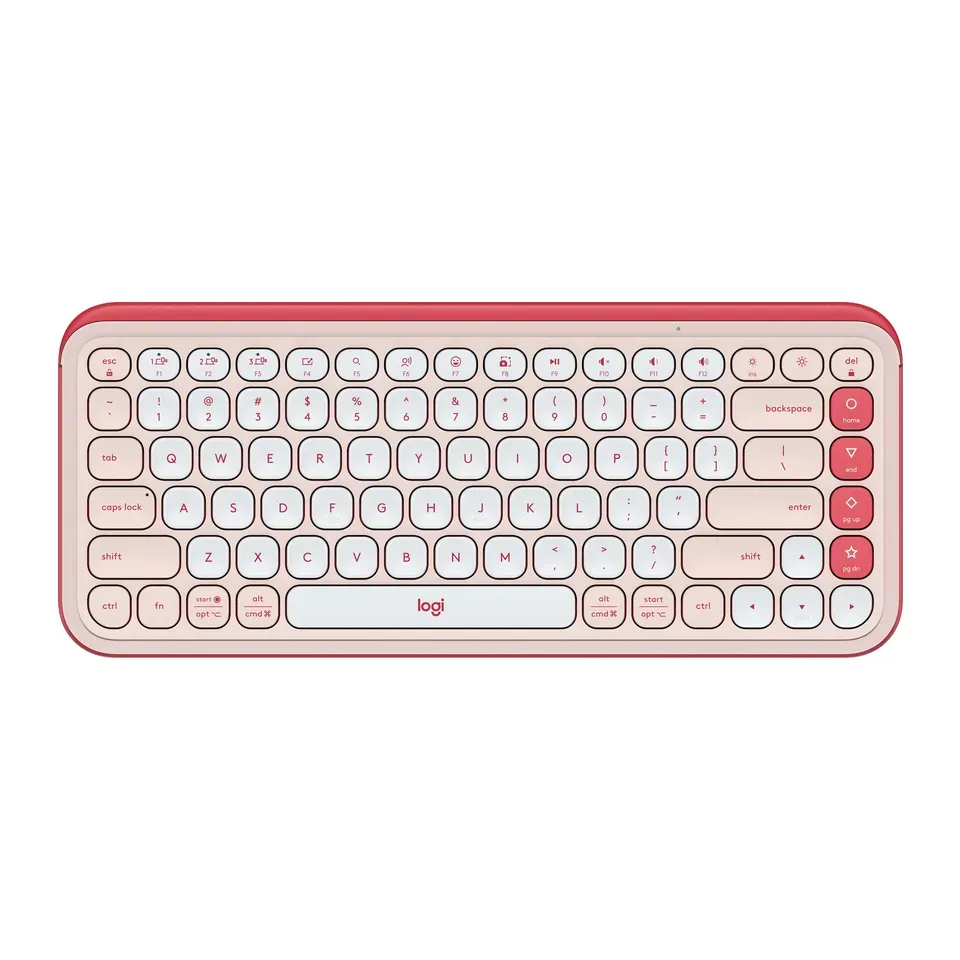
Number 9: Logitech POP Icon Keys
About $50
Number keys: NoWireless
Details: Logitech POP Icon Keys
- Keys
- Flat, like a laptop
- Connection
- Wireless
- Number keys
- No
- Shape
- Straight
- Reviewers like it
- Bluetooth only: no USB receiver in the box
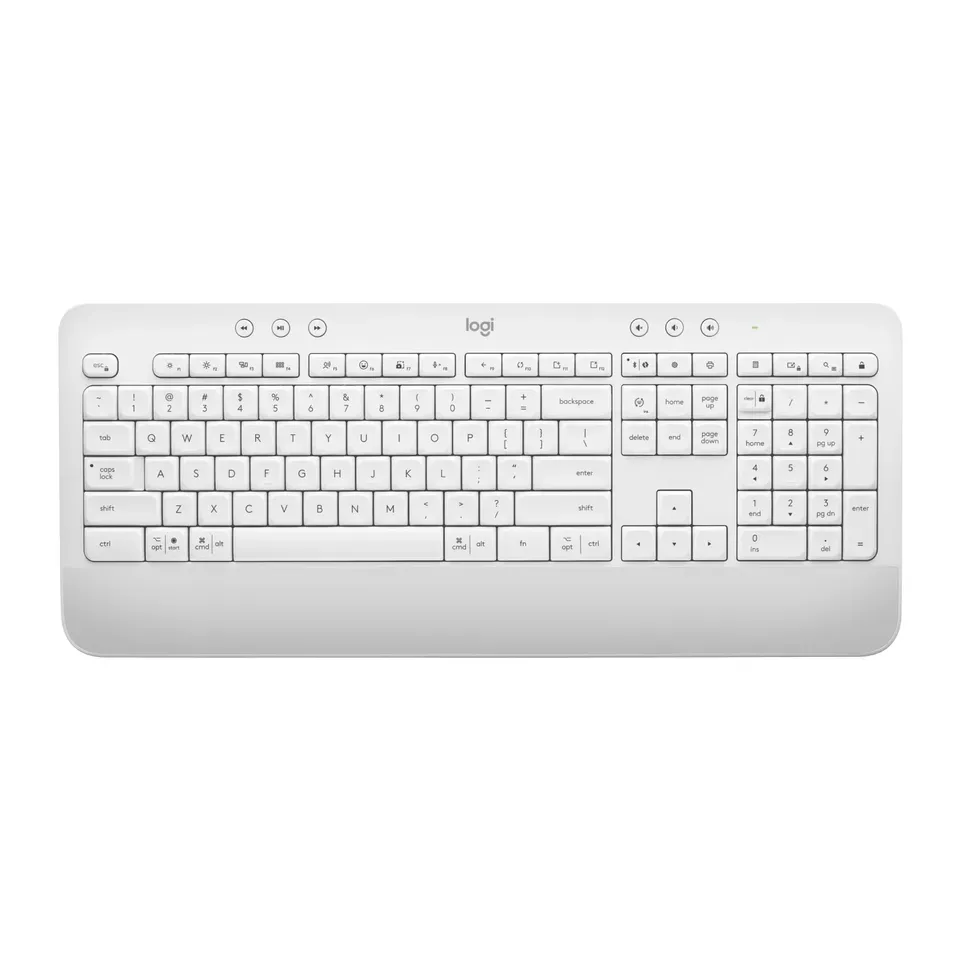
Number 10: Logitech Signature K650
About $50
Number keys: YesWireless
Details: Logitech Signature K650
- Keys
- Soft and quiet
- Connection
- Wireless
- Number keys
- Yes
- Shape
- Straight
- Reviewers like it
- Soft keys feel a bit mushy, reviewers say
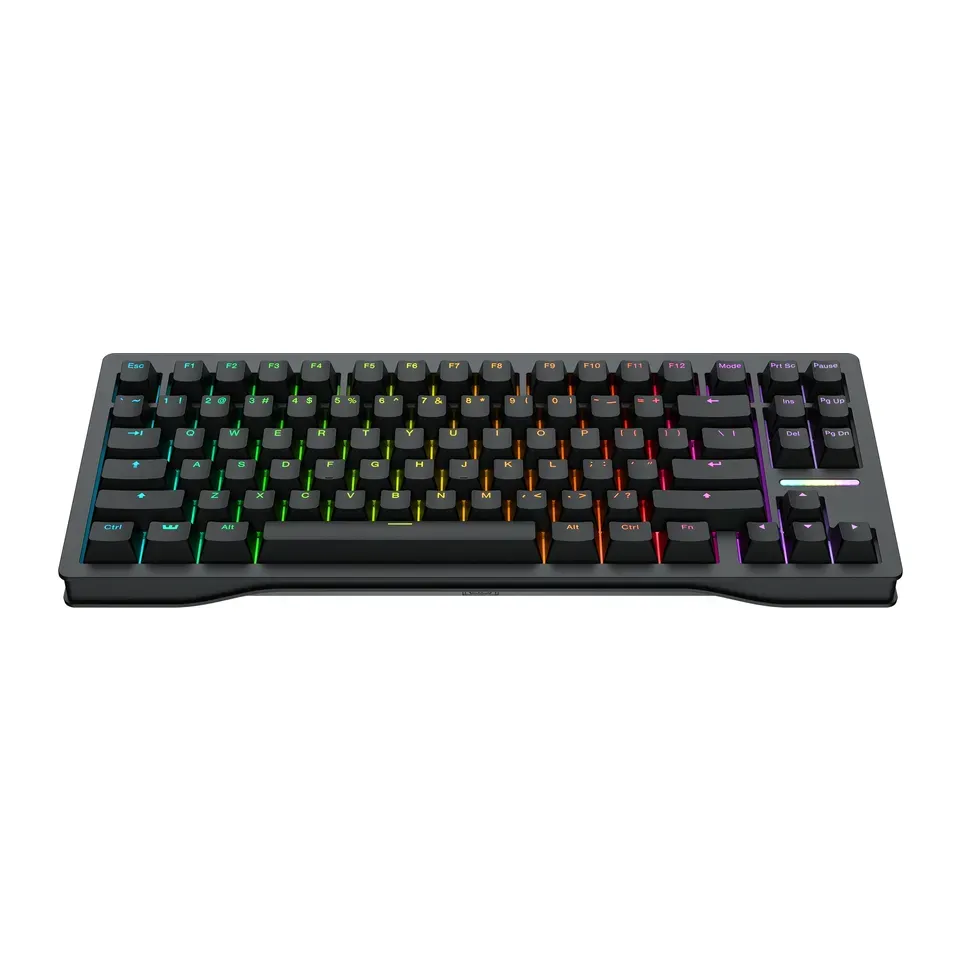
Number 11: Wooting 80HE+
About $200
Number keys: NoCable
Details: Wooting 80HE+
- Keys
- Magnetic, for games
- Connection
- Cable
- Number keys
- No
- Shape
- Straight
- Most reviews agree it's very good
- Sold mostly on Wooting's own website
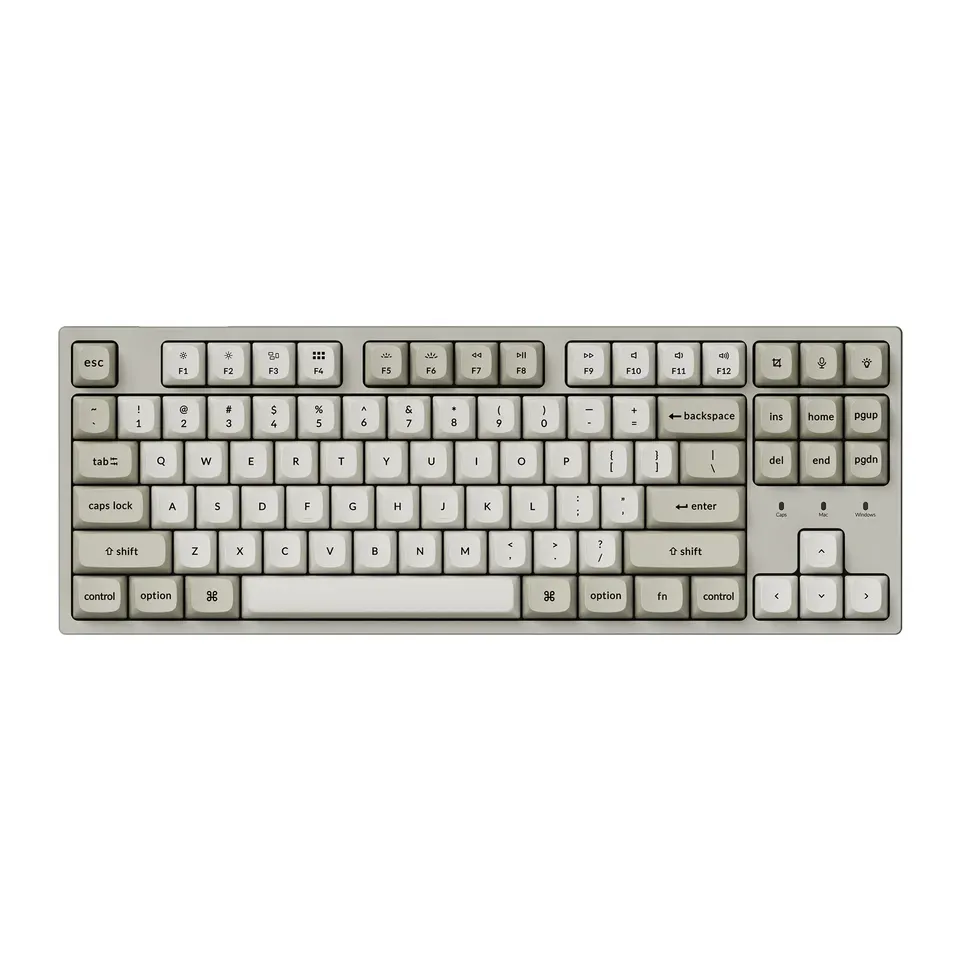
Number 12: Keychron C1 Pro 8K
About $55
Number keys: NoCable
Details: Keychron C1 Pro 8K
- Keys
- Tall mechanical
- Connection
- Cable
- Number keys
- No
- Shape
- Straight
- Reviewers like it
- Cable only: it isn't wireless
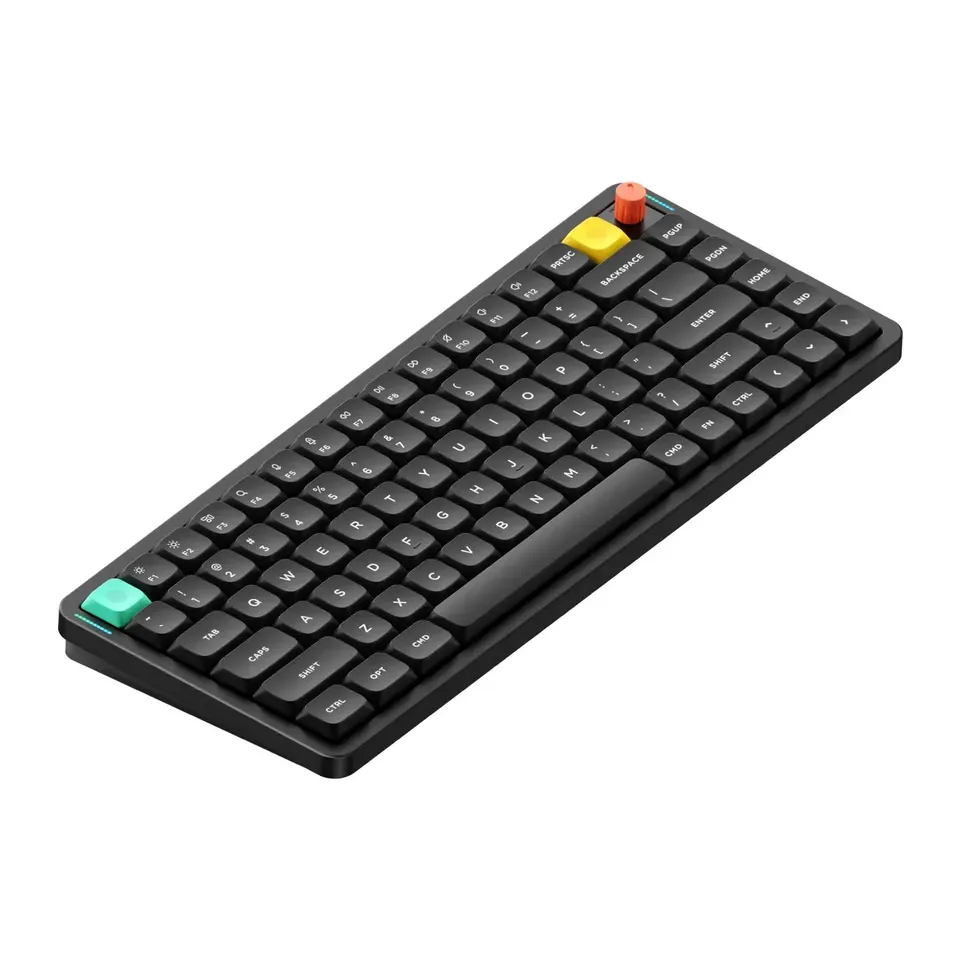
Show all 44 keyboards
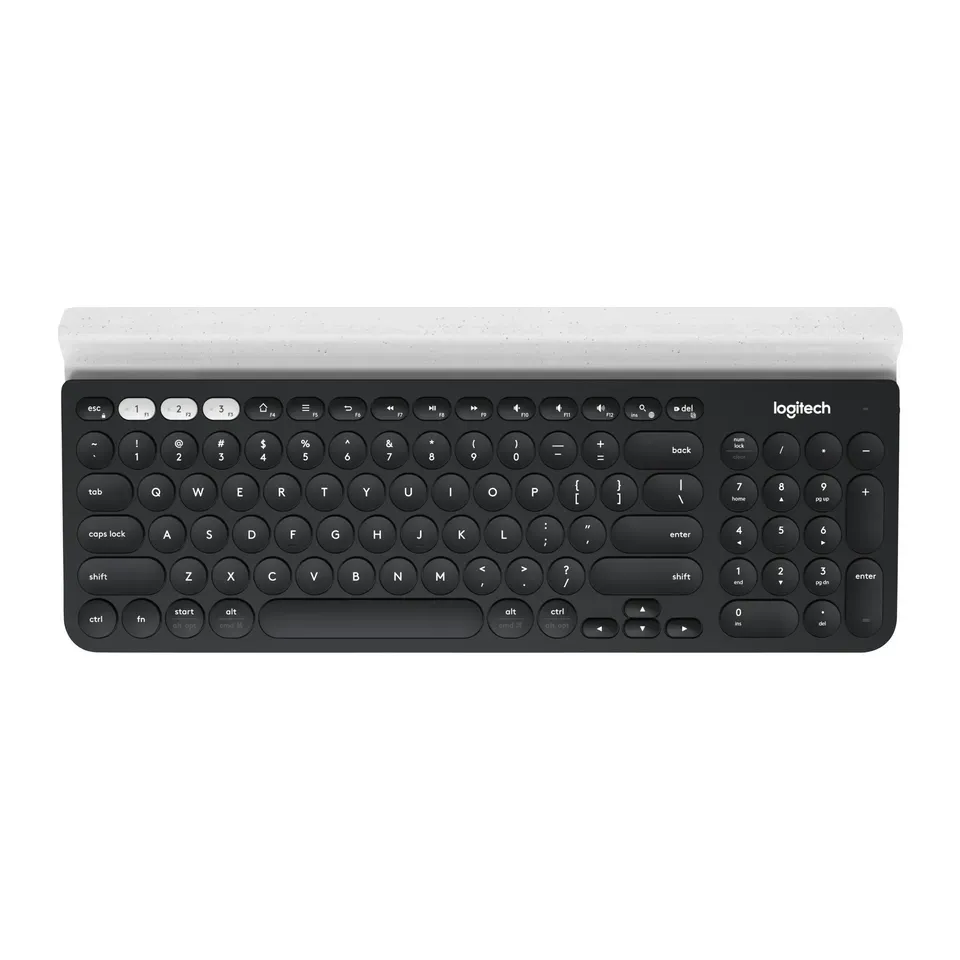
Number 13: Logitech K780 Multi-Device
About $60
Number keys: YesWireless
Details: Logitech K780 Multi-Device
- Keys
- Flat, like a laptop
- Connection
- Wireless
- Number keys
- Yes
- Shape
- Straight
- Reviewers like it
- Runs on batteries you replace (they last a long time)
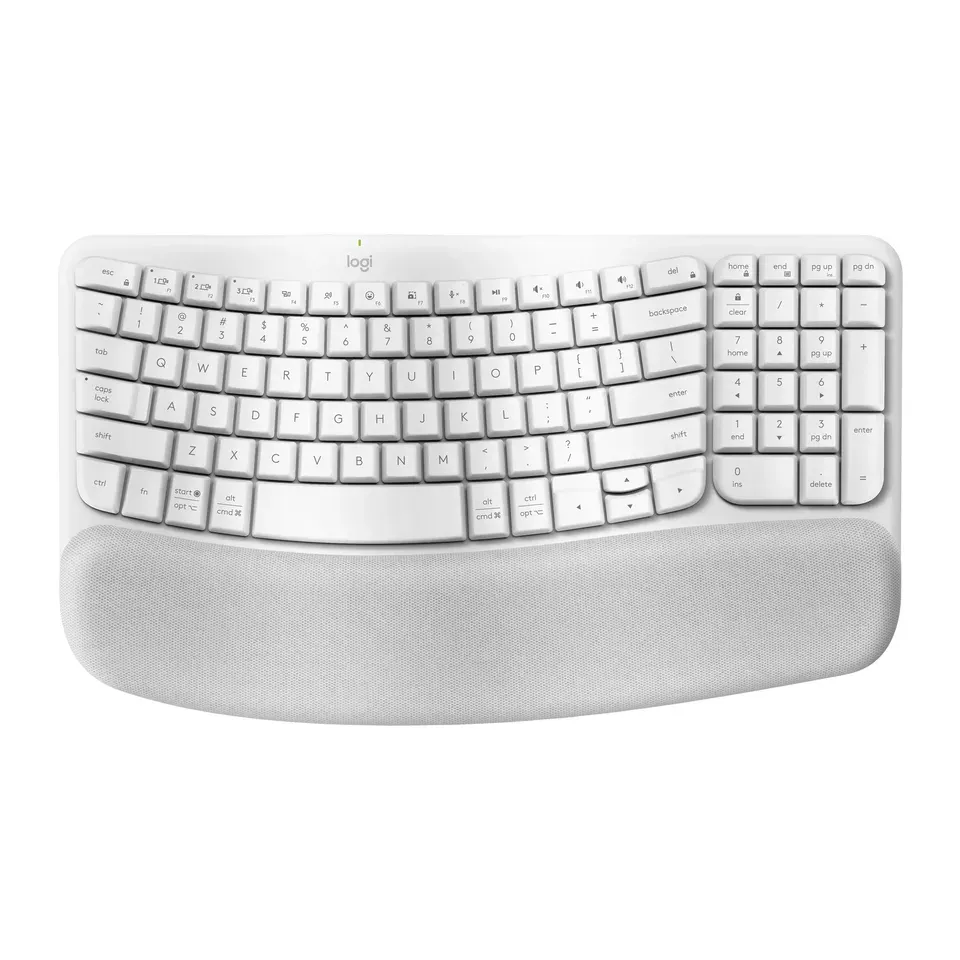
Number 14: Logitech Wave Keys
About $60
Number keys: YesWireless
Details: Logitech Wave Keys
- Keys
- Soft and quiet
- Connection
- Wireless
- Number keys
- Yes
- Shape
- Gentle curve
- Reviewers like it
- Runs on batteries you replace (they last a long time)
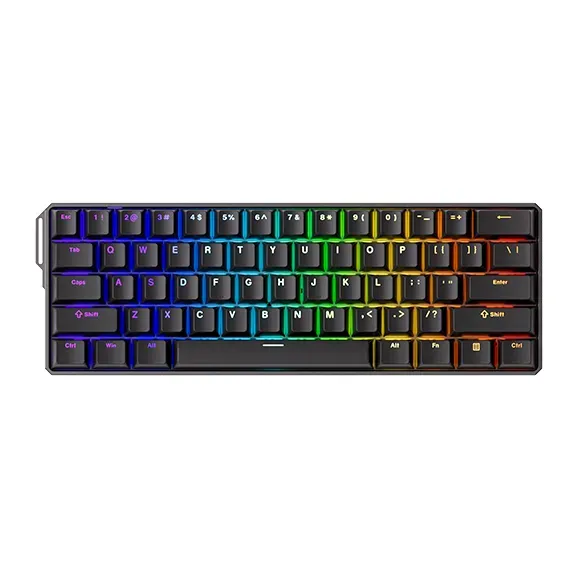
Number 15: MonsGeek FUN60 Ultra
About $60
Number keys: NoCable
Details: MonsGeek FUN60 Ultra
- Keys
- Magnetic, for games
- Connection
- Cable
- Number keys
- No
- Shape
- Straight
- Reviewers like it
- Very small: arrows and F-keys share other keys. We list the wired version; the wireless one was sold out
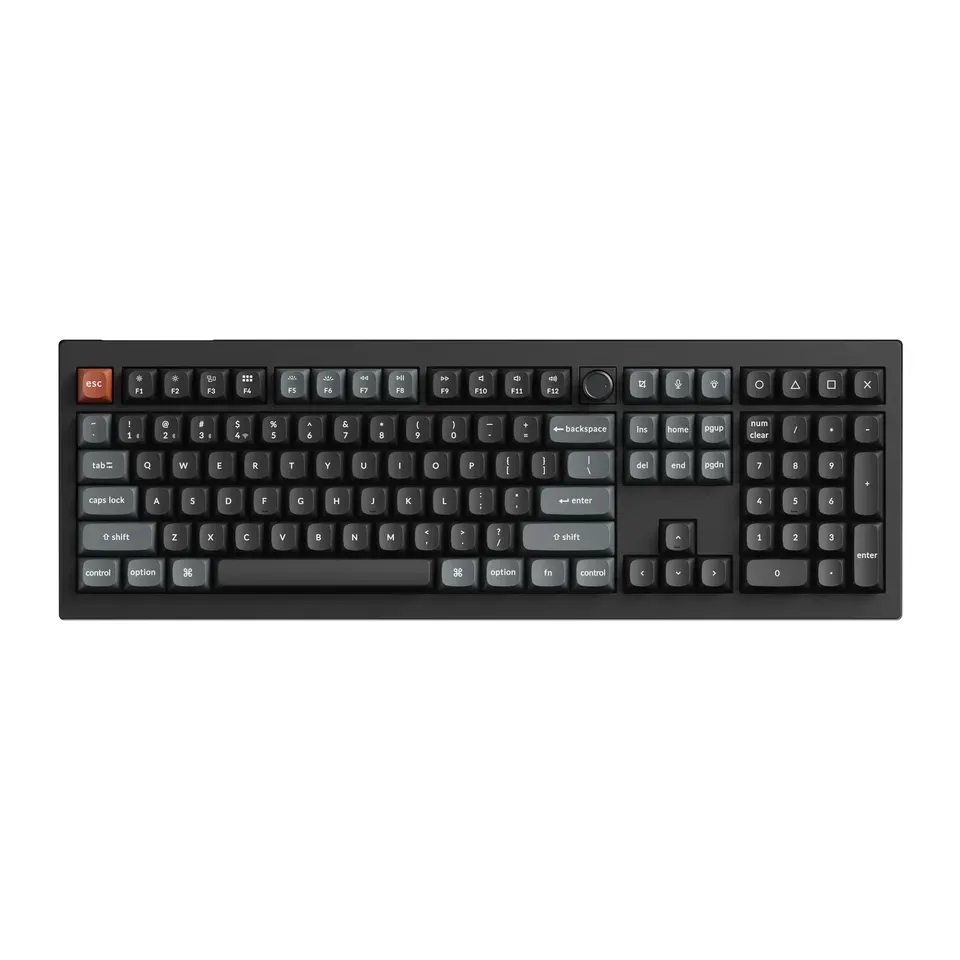
Number 16: Keychron Q6 Ultra 8K
About $240
Number keys: YesWireless or cable
Details: Keychron Q6 Ultra 8K
- Keys
- Tall mechanical
- Connection
- Wireless or cable
- Number keys
- Yes
- Shape
- Straight
- Most reviews agree it's very good
- Very heavy: the case is solid metal
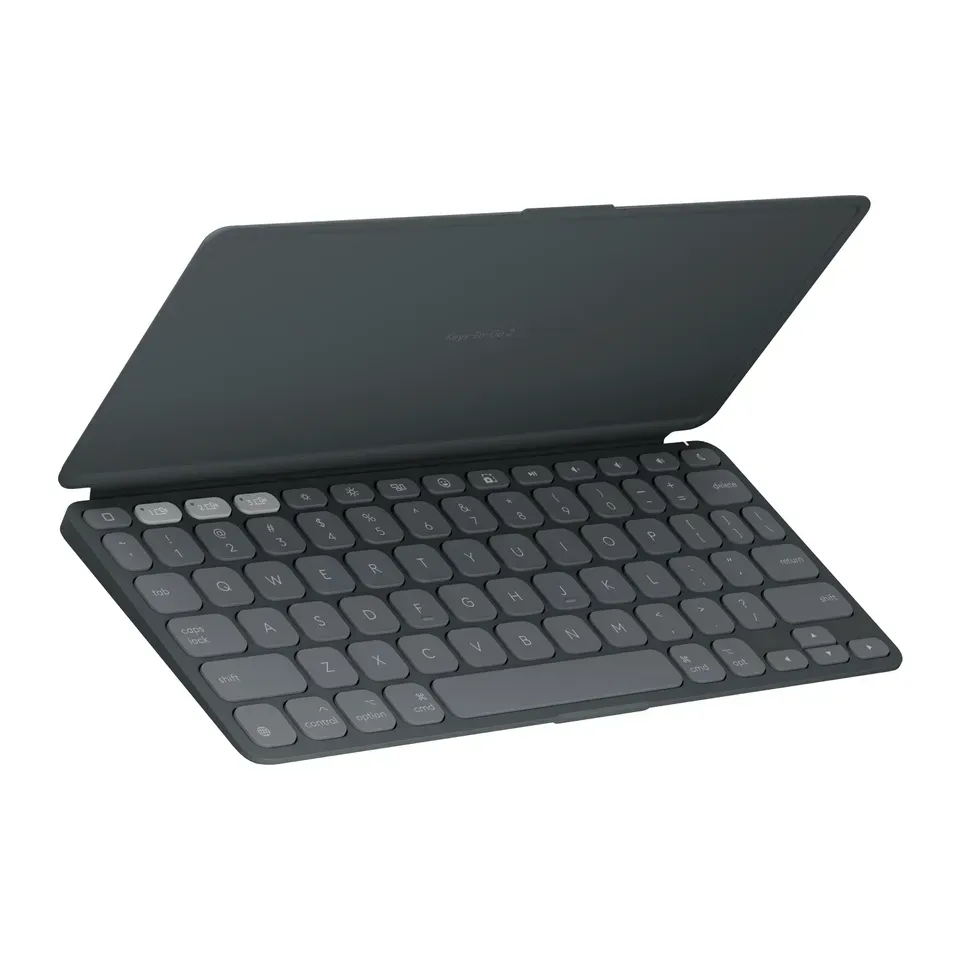
Number 17: Logitech Keys-To-Go 2
About $70
Number keys: NoWireless
Details: Logitech Keys-To-Go 2
- Keys
- Flat, like a laptop
- Connection
- Wireless
- Number keys
- No
- Shape
- Straight
- Reviewers like it
- Keys sit close together: fine for travel, cramped for long typing
Number 18: Corsair K70 CORE
About $80
Number keys: YesCable
Details: Corsair K70 CORE
- Keys
- Tall mechanical
- Connection
- Cable
- Number keys
- Yes
- Shape
- Straight
- Reviewers like it
- Cable only: it isn't wireless
Number 19: Logitech Signature Slim K950
About $80
Number keys: YesWireless
Details: Logitech Signature Slim K950
- Keys
- Flat, like a laptop
- Connection
- Wireless
- Number keys
- Yes
- Shape
- Straight
- Reviewers like it
- Runs on batteries you replace (they last a long time)
Number 20: Perixx PERIBOARD-317
About $25
Number keys: YesCable
Details: Perixx PERIBOARD-317
- Keys
- Soft and quiet
- Connection
- Cable
- Number keys
- Yes
- Shape
- Straight
- Good value at about $25
- Made for Windows, and no lab has reviewed it yet
Number 21: Apple Magic Keyboard (USB-C)
About $100
Number keys: NoWireless or cable
Details: Apple Magic Keyboard (USB-C)
- Keys
- Flat, like a laptop
- Connection
- Wireless or cable
- Number keys
- No
- Shape
- Straight
- Reviewers like it
- Made for Apple devices: on Windows some keys don't work as labeled
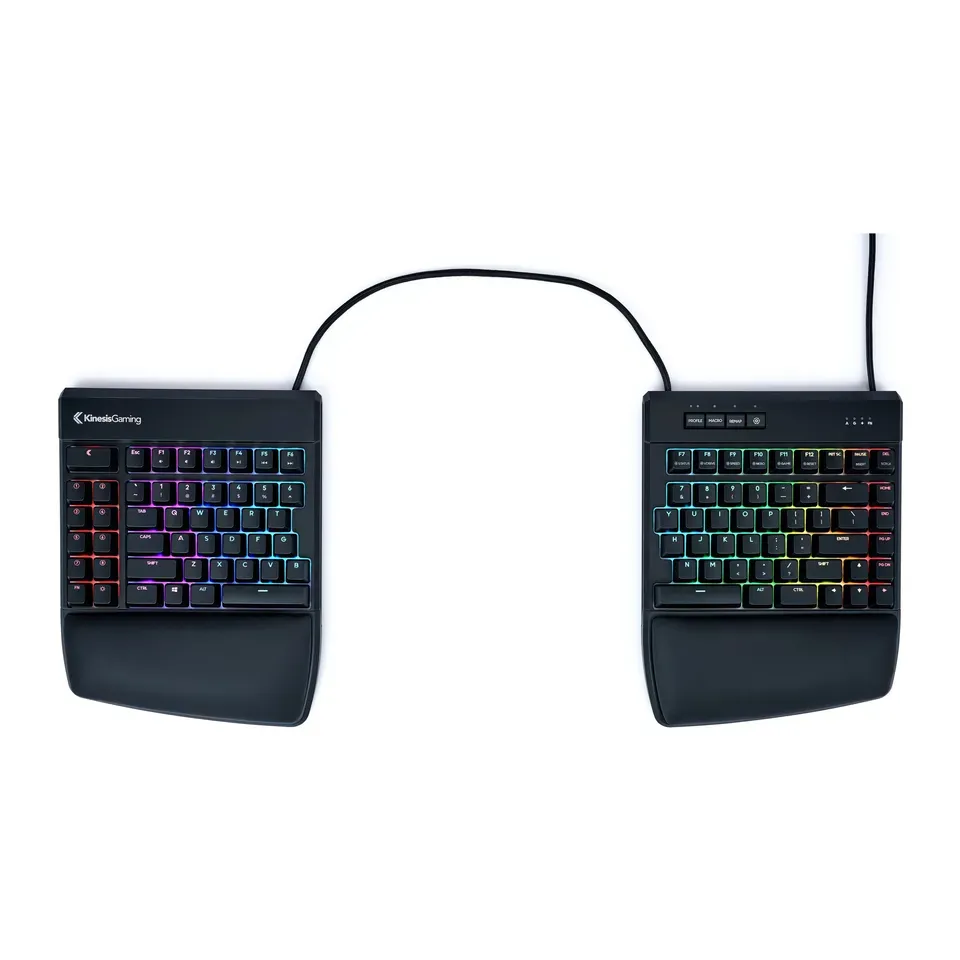
Number 22: Kinesis Freestyle2
About $100
Number keys: NoCable
Details: Kinesis Freestyle2
- Keys
- Soft and quiet
- Connection
- Cable
- Number keys
- No
- Shape
- Two separate halves
- Reviewers like it
- Raising the middle of the halves needs an extra kit
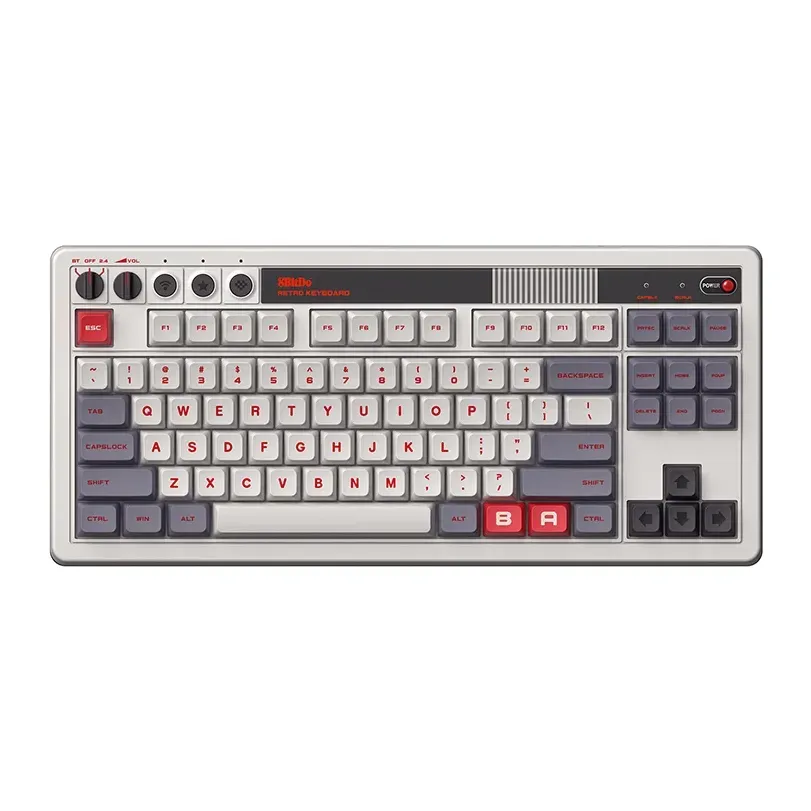
Number 23: 8BitDo Retro Mechanical Keyboard
About $100
Number keys: NoWireless or cable
Details: 8BitDo Retro Mechanical Keyboard
- Keys
- Tall mechanical
- Connection
- Wireless or cable
- Number keys
- No
- Shape
- Straight
- Reviewers like it
- Loud clicky keys, no light, and it connects to one device at a time
Number 24: Kinesis Freestyle2 Blue
About $120
Number keys: NoWireless
Details: Kinesis Freestyle2 Blue
- Keys
- Soft and quiet
- Connection
- Wireless
- Number keys
- No
- Shape
- Two separate halves
- Reviewers like it
- Buy the Mac or the PC version; raising the halves needs an extra kit
Number 25: Keychron V6 Ultra 8K
About $120
Number keys: YesWireless or cable
Details: Keychron V6 Ultra 8K
- Keys
- Tall mechanical
- Connection
- Wireless or cable
- Number keys
- Yes
- Shape
- Straight
- Reviewers like it
- Tall keys: most people want a wrist rest, which isn't included
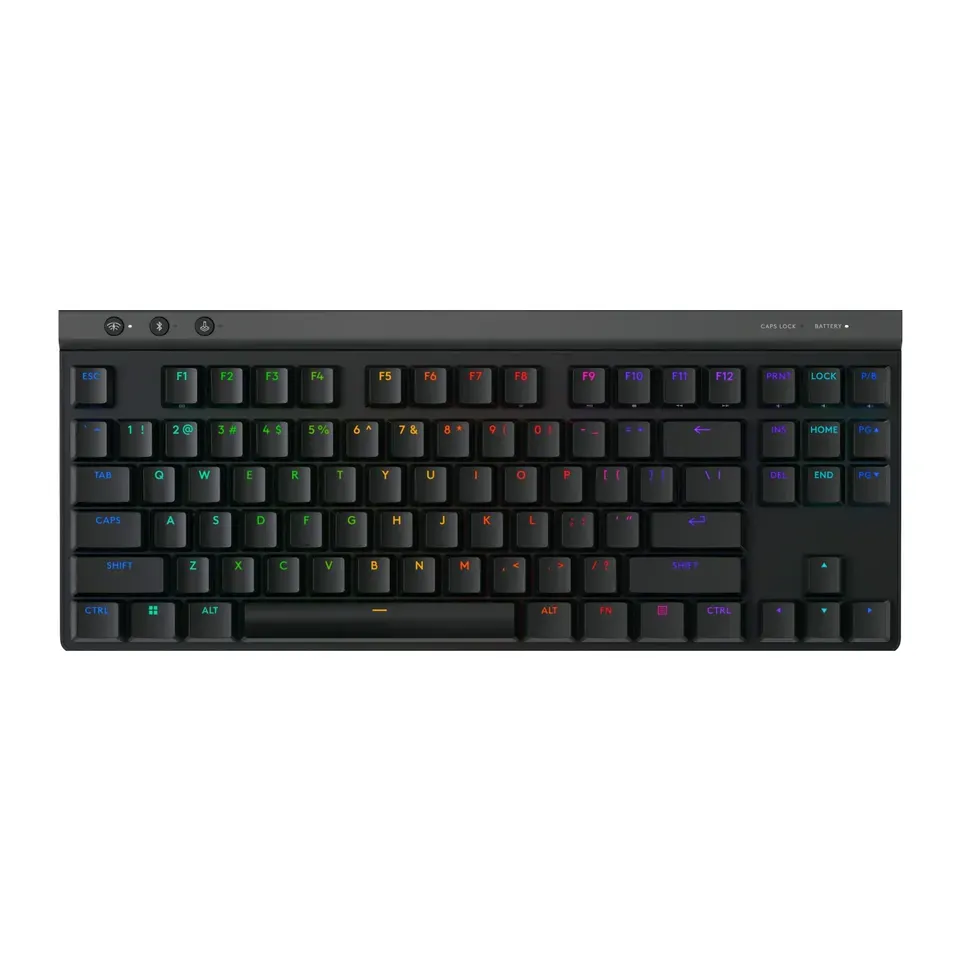
Number 26: Logitech G515 LIGHTSPEED TKL
About $120
Number keys: NoWireless or cable
Details: Logitech G515 LIGHTSPEED TKL
- Keys
- Low mechanical
- Connection
- Wireless or cable
- Number keys
- No
- Shape
- Straight
- Reviewers like it
- Needs charging from time to time
Number 27: Keychron K2 HE
About $130
Number keys: NoWireless or cable
Details: Keychron K2 HE
- Keys
- Magnetic, for games
- Connection
- Wireless or cable
- Number keys
- No
- Shape
- Straight
- Reviewers like it
- Tall keys: most people want a wrist rest, which isn't included
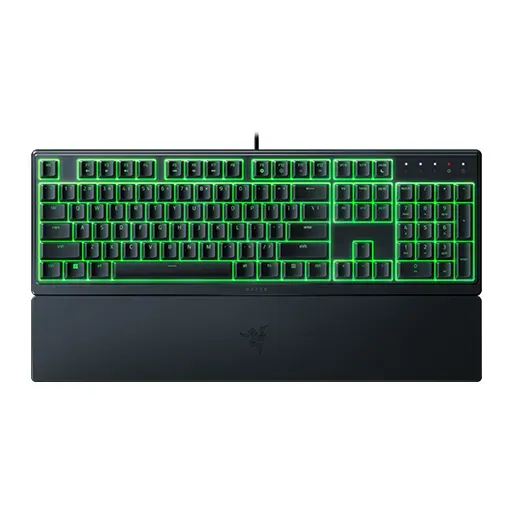
Number 28: Razer Ornata V3 X
About $40
Number keys: YesCable
Details: Razer Ornata V3 X
- Keys
- Soft and quiet
- Connection
- Cable
- Number keys
- Yes
- Shape
- Straight
- Good value at about $40
- Cable only: it isn't wireless
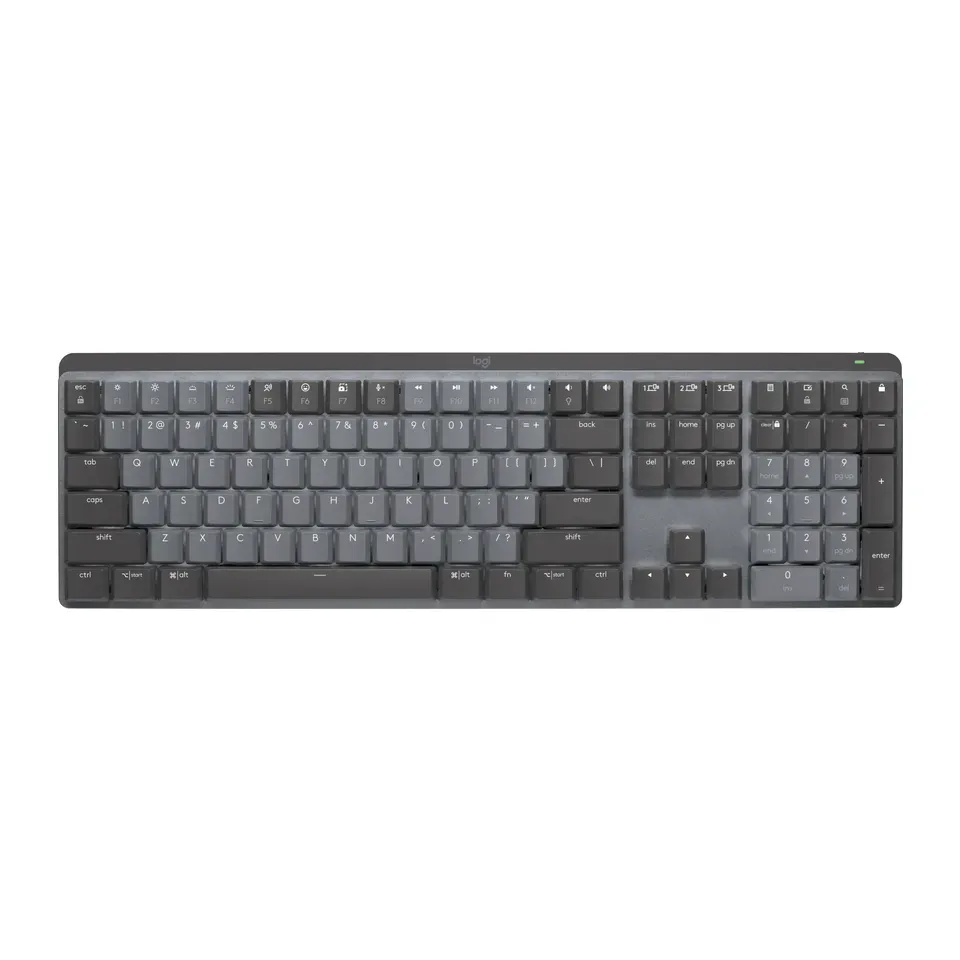
Number 29: Logitech MX Mechanical
About $160
Number keys: YesWireless
Details: Logitech MX Mechanical
- Keys
- Low mechanical
- Connection
- Wireless
- Number keys
- Yes
- Shape
- Straight
- Reviewers like it
- Pick the key type when you buy: Tactile Quiet, Clicky or Linear
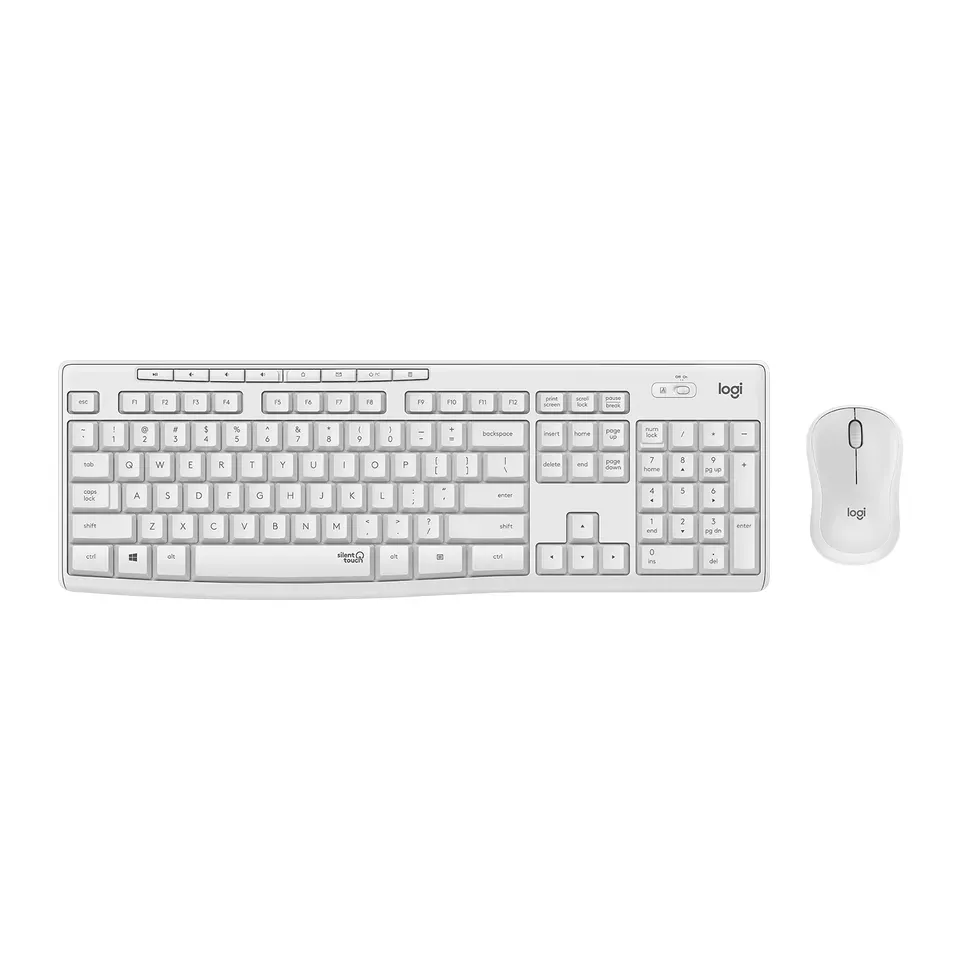
Number 30: Logitech MK295 Silent Wireless Combo
About $35
Number keys: YesWireless
Details: Logitech MK295 Silent Wireless Combo
- Keys
- Soft and quiet
- Connection
- Wireless
- Number keys
- Yes
- Shape
- Straight
- Good value at about $35
- Runs on batteries you replace (they last a long time)
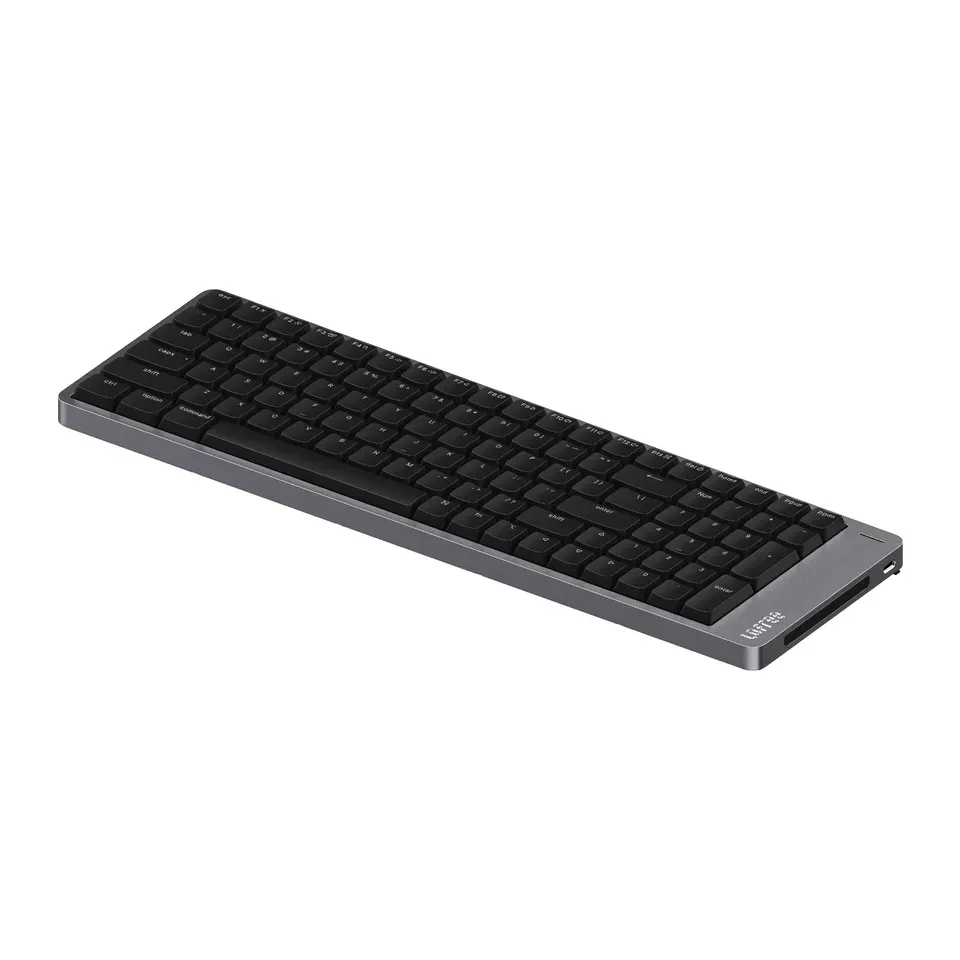
Number 31: Lofree Flow 2 (100 keys)
About $170
Number keys: YesWireless or cable
Details: Lofree Flow 2 (100 keys)
- Keys
- Low mechanical
- Connection
- Wireless or cable
- Number keys
- Yes
- Shape
- Straight
- Reviewers like it
- The touch strip on the side is easy to bump, reviewers say
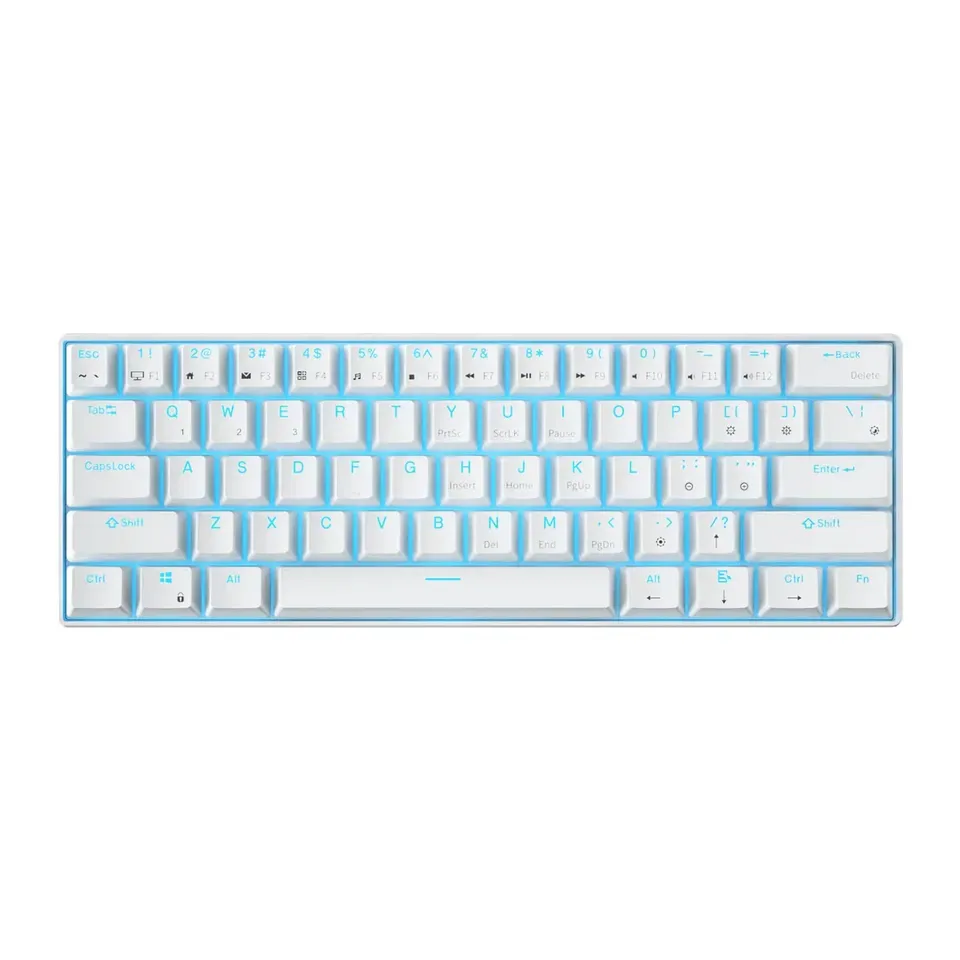
Number 32: Royal Kludge RK61
About $50
Number keys: NoWireless or cable
Details: Royal Kludge RK61
- Keys
- Tall mechanical
- Connection
- Wireless or cable
- Number keys
- No
- Shape
- Straight
- Switches between 3 devices
- Very small: arrows and F-keys share other keys. Choose the Blue keys if you want a click
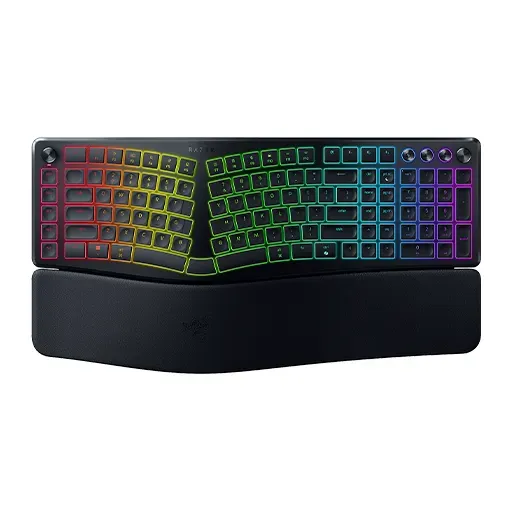
Number 33: Razer Pro Type Ergo
About $190
Number keys: YesWireless or cable
Details: Razer Pro Type Ergo
- Keys
- Flat, like a laptop
- Connection
- Wireless or cable
- Number keys
- Yes
- Shape
- Split in one piece
- Reviewers like it
- Very large, and the palm rest doesn't come off
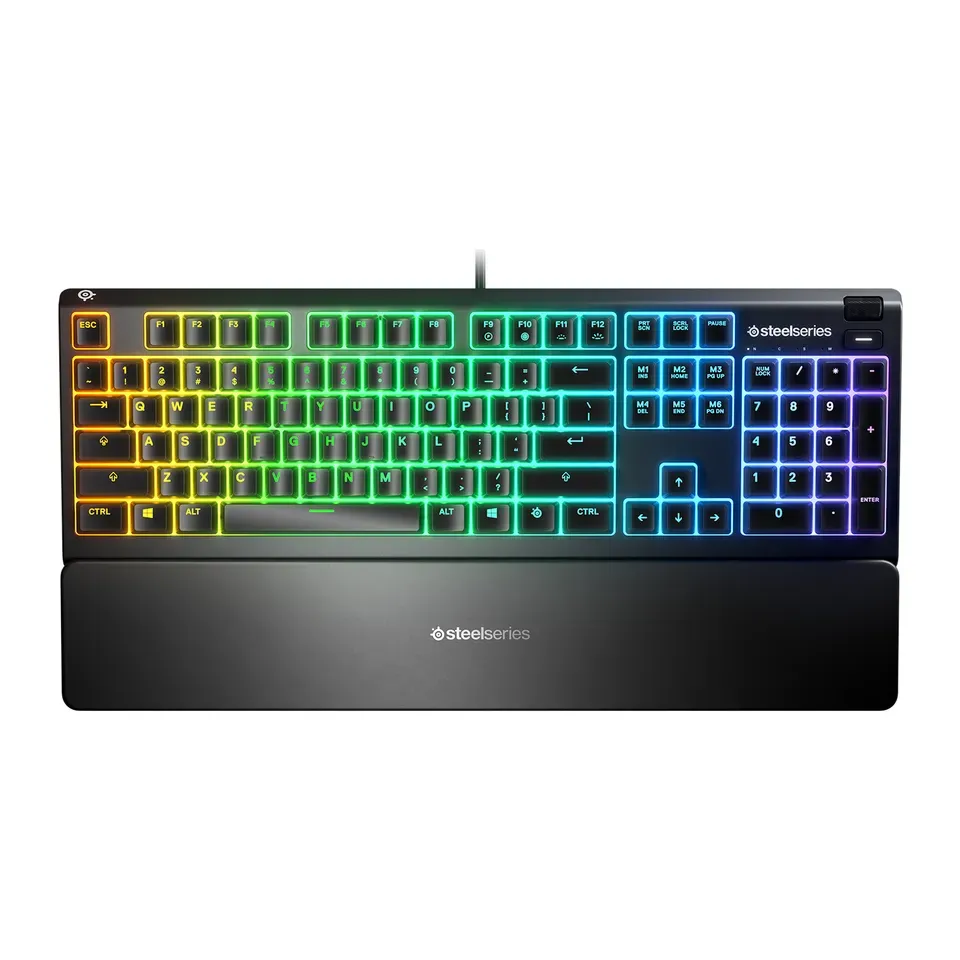
Number 34: SteelSeries Apex 3
About $55
Number keys: YesCable
Details: SteelSeries Apex 3
- Keys
- Soft and quiet
- Connection
- Cable
- Number keys
- Yes
- Shape
- Straight
- Quiet to type on
- Cable only: it isn't wireless
Number 35: Kinesis Freestyle Edge RGB+
About $220
Number keys: NoCable
Details: Kinesis Freestyle Edge RGB+
- Keys
- Tall mechanical
- Connection
- Cable
- Number keys
- No
- Shape
- Two separate halves
- Reviewers like it
- Cable only: it isn't wireless
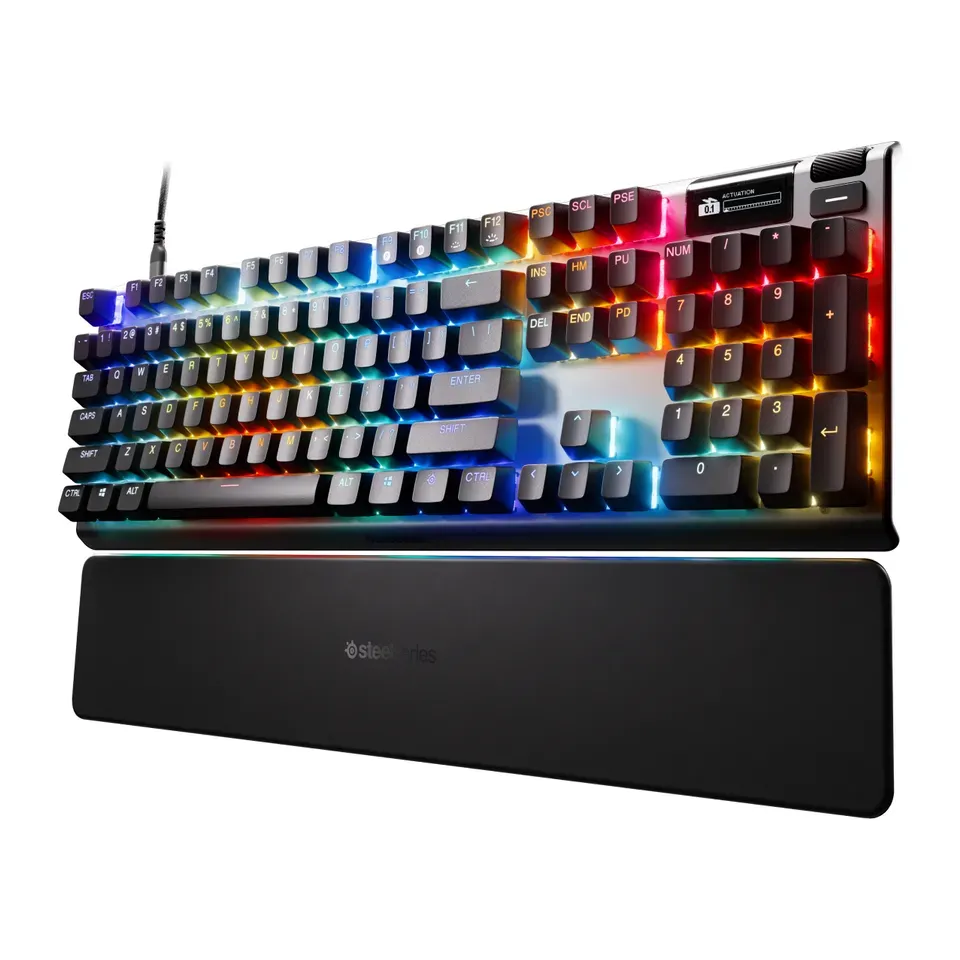
Number 36: SteelSeries Apex Pro Gen 3
About $230
Number keys: YesCable
Details: SteelSeries Apex Pro Gen 3
- Keys
- Magnetic, for games
- Connection
- Cable
- Number keys
- Yes
- Shape
- Straight
- Reviewers like it
- Big and heavy, and it works with a cable only
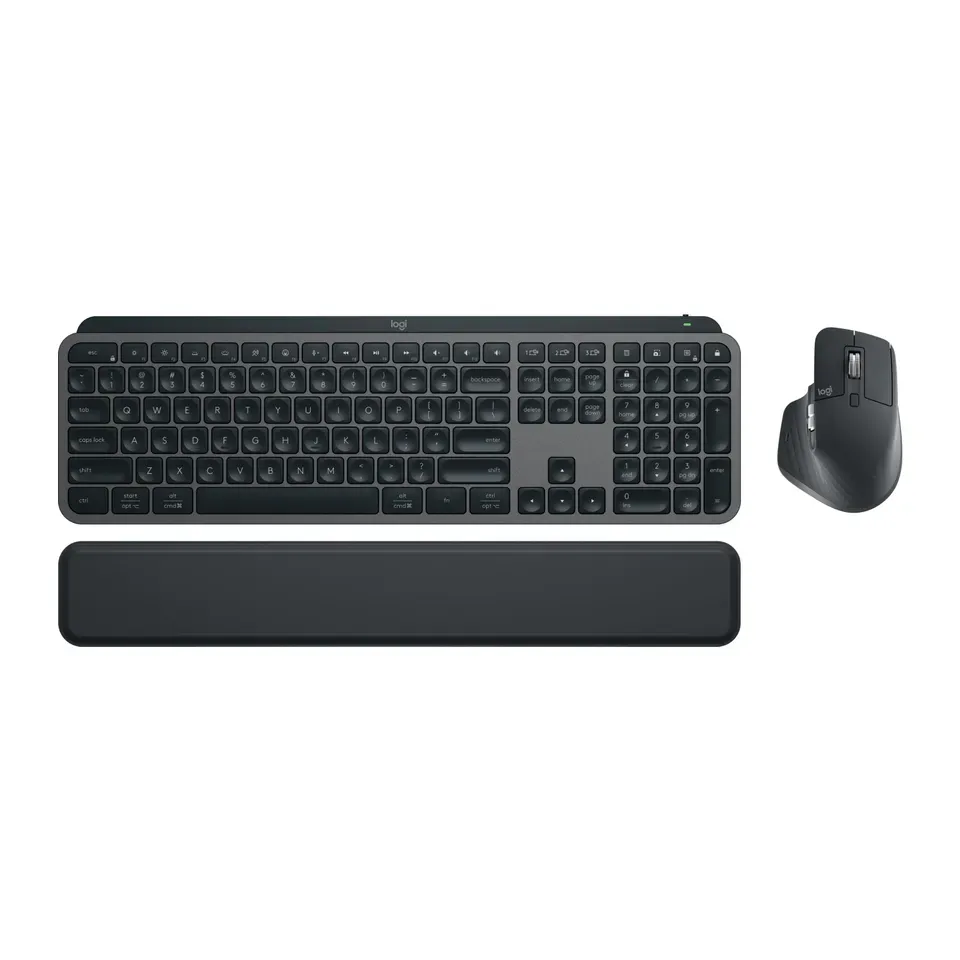
Number 37: Logitech MX Keys S Combo
About $200
Number keys: YesWireless
Details: Logitech MX Keys S Combo
- Keys
- Flat, like a laptop
- Connection
- Wireless
- Number keys
- Yes
- Shape
- Straight
- Most reviews agree it's very good
- Costs a lot: about $200
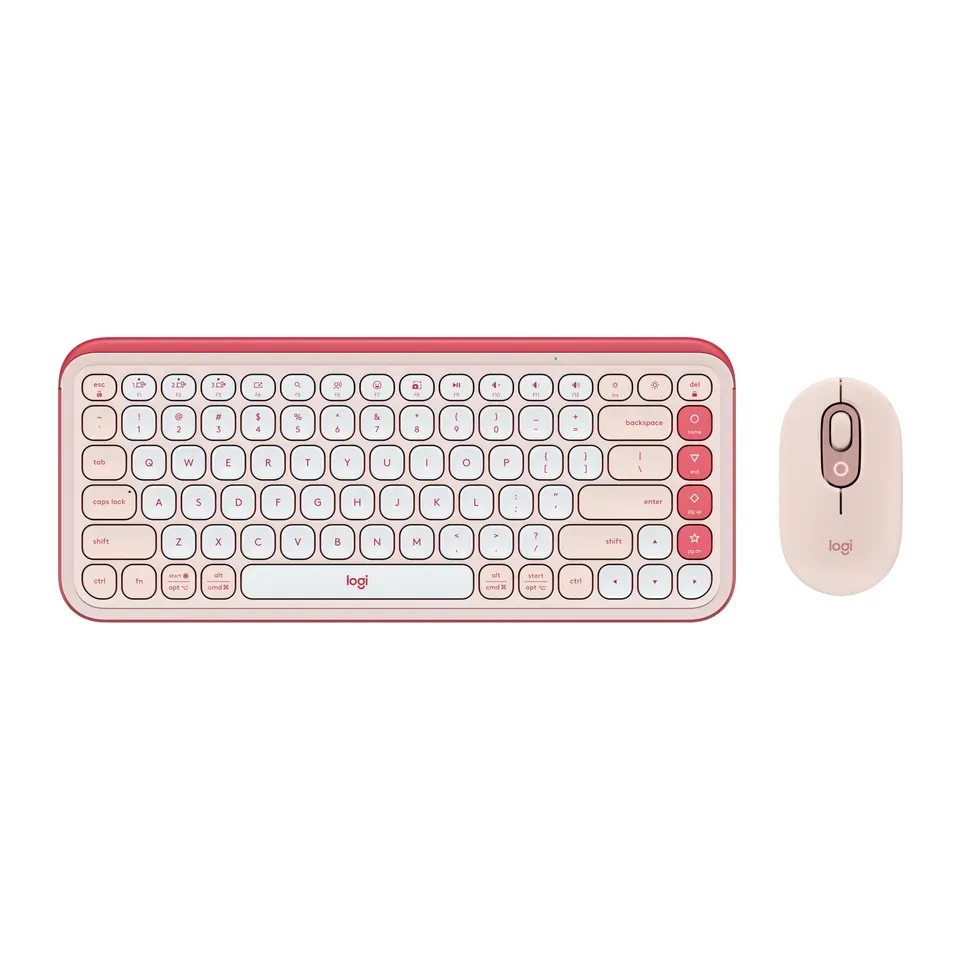
Number 38: Logitech POP Icon Combo
About $70
Number keys: NoWireless
Details: Logitech POP Icon Combo
- Keys
- Flat, like a laptop
- Connection
- Wireless
- Number keys
- No
- Shape
- Straight
- Reviewers like it
- Bluetooth only: no USB receiver in the box
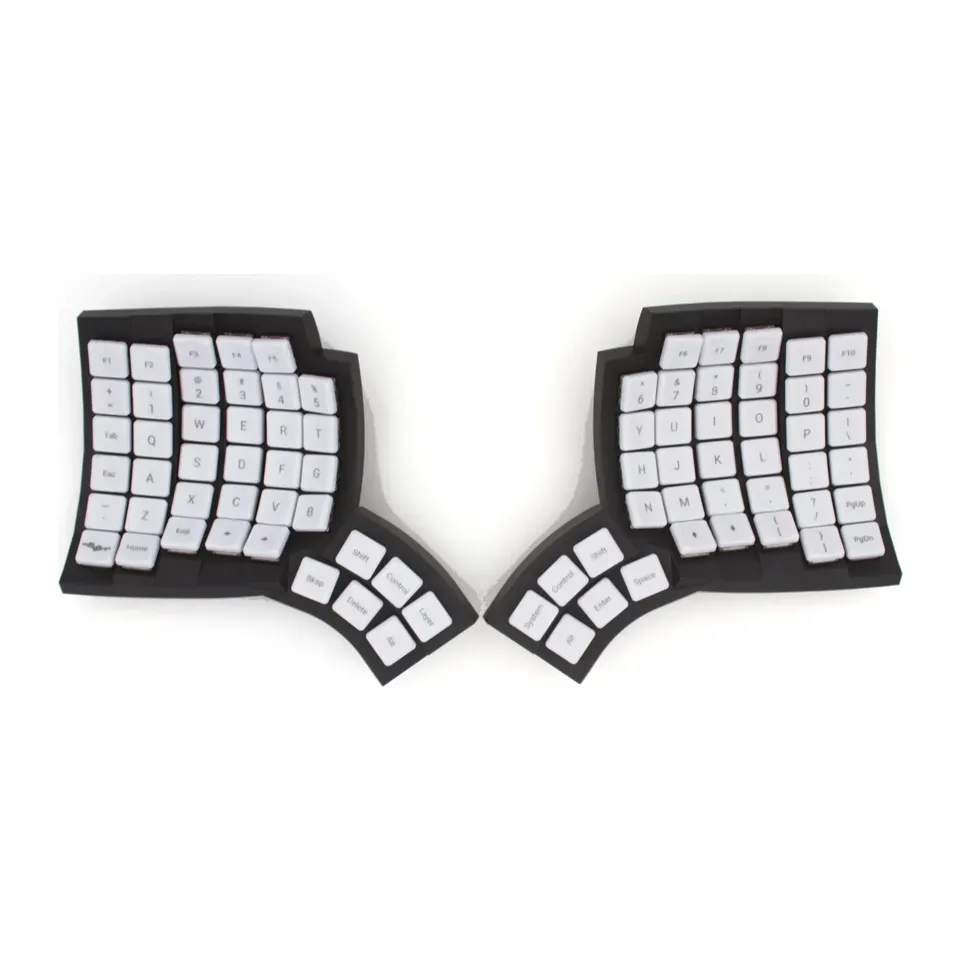
Number 39: MoErgo Glove80
About $380
Number keys: NoWireless or cable
Details: MoErgo Glove80
- Keys
- Low mechanical
- Connection
- Wireless or cable
- Number keys
- No
- Shape
- Two separate halves
- Reviewers like it
- Keys sit in straight columns with thumb keys: plan a few weeks to relearn typing
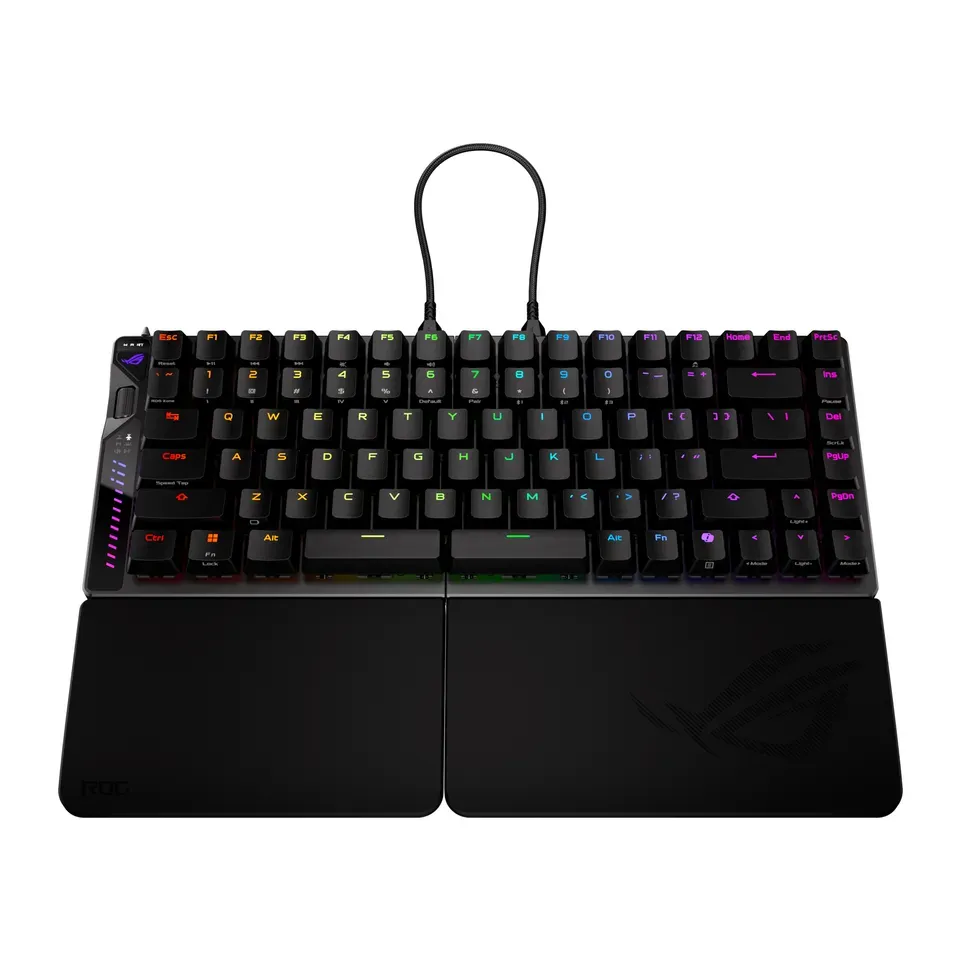
Number 40: ASUS ROG Falcata
About $420
Number keys: NoWireless or cable
Details: ASUS ROG Falcata
- Keys
- Magnetic, for games
- Connection
- Wireless or cable
- Number keys
- No
- Shape
- Two separate halves
- Reviewers like it
- Costs a lot, and the two halves need a cable between them
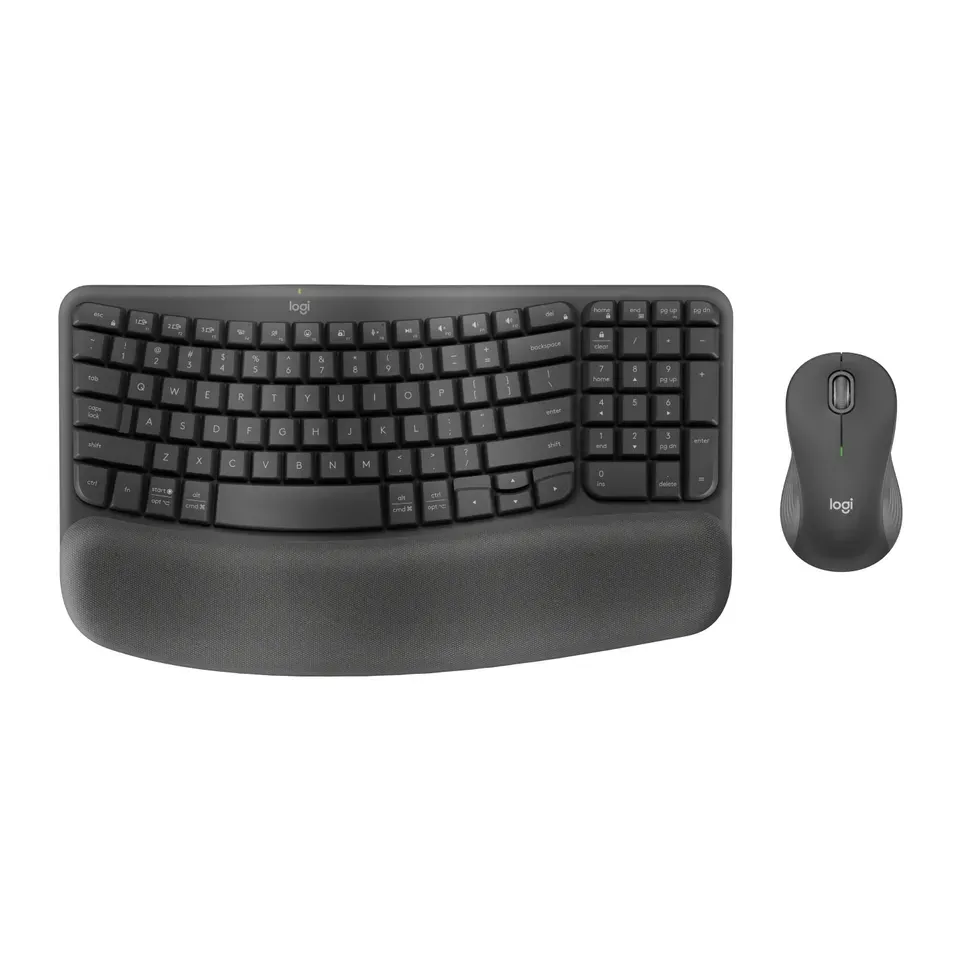
Number 41: Logitech Wave Keys MK670 Combo
About $90
Number keys: YesWireless
Details: Logitech Wave Keys MK670 Combo
- Keys
- Soft and quiet
- Connection
- Wireless
- Number keys
- Yes
- Shape
- Gentle curve
- Reviewers like it
- Runs on batteries you replace (they last a long time)
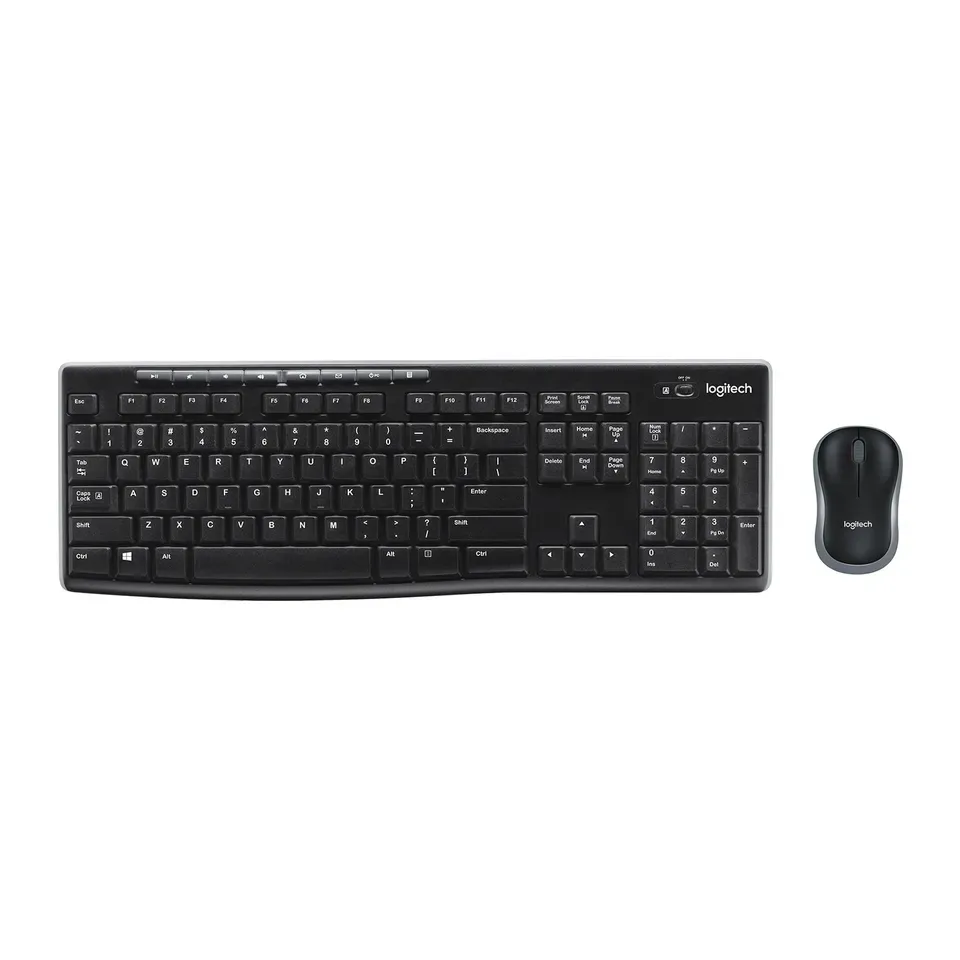
Number 42: Logitech MK270 Wireless Combo
About $30
Number keys: YesWireless
Details: Logitech MK270 Wireless Combo
- Keys
- Soft and quiet
- Connection
- Wireless
- Number keys
- Yes
- Shape
- Straight
- Good value at about $30
- Typing is a little loud and it feels cheap, reviewers say
Number 43: Macally Backlit Large Print Keyboard for Mac
About $70
Number keys: YesCable
Details: Macally Backlit Large Print Keyboard for Mac
- Keys
- Flat, like a laptop
- Connection
- Cable
- Number keys
- Yes
- Shape
- Straight
- Quiet to type on
- Cable only: it isn't wireless
No expert review yet
Number 44: Logickeyboard TITAN Large Print Backlit Keyboard
About $140
Number keys: YesWireless or cable
Details: Logickeyboard TITAN Large Print Backlit Keyboard
- Keys
- Flat, like a laptop
- Connection
- Wireless or cable
- Number keys
- Yes
- Shape
- Straight
- Quiet to type on
- Sold as a Mac version and a Windows version: pick the right one
No expert review yet
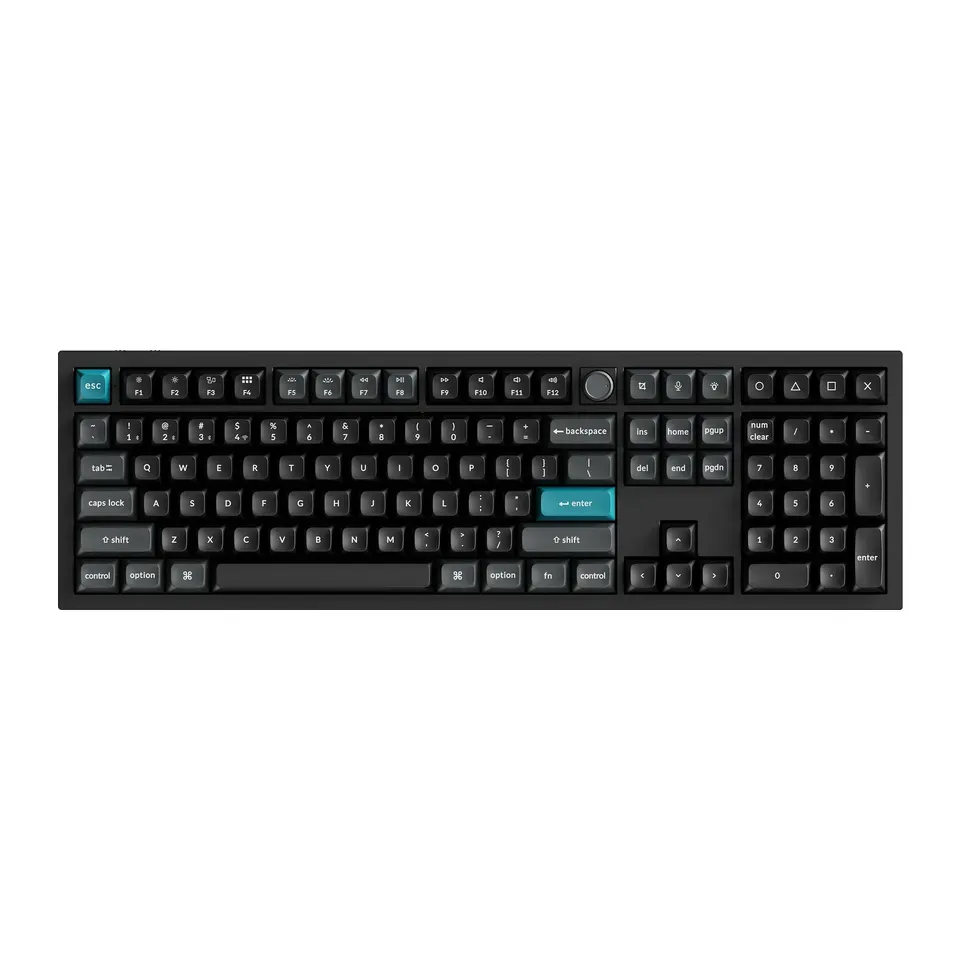
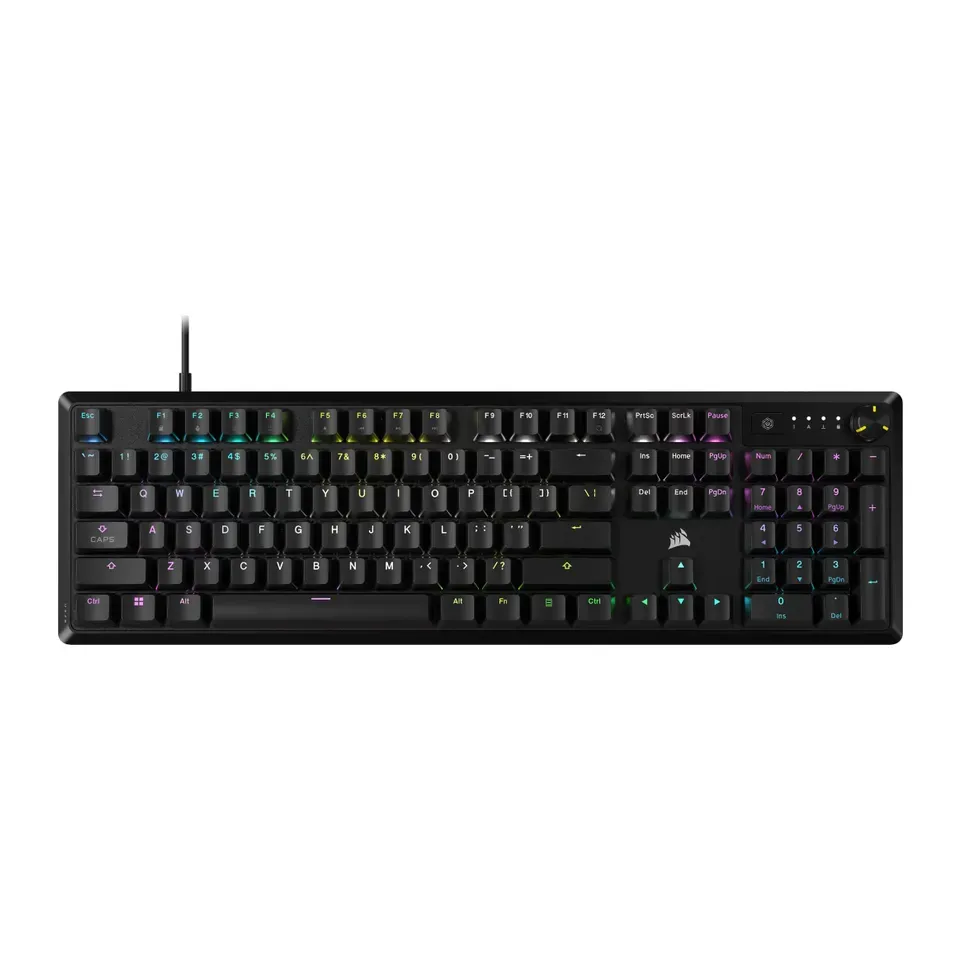
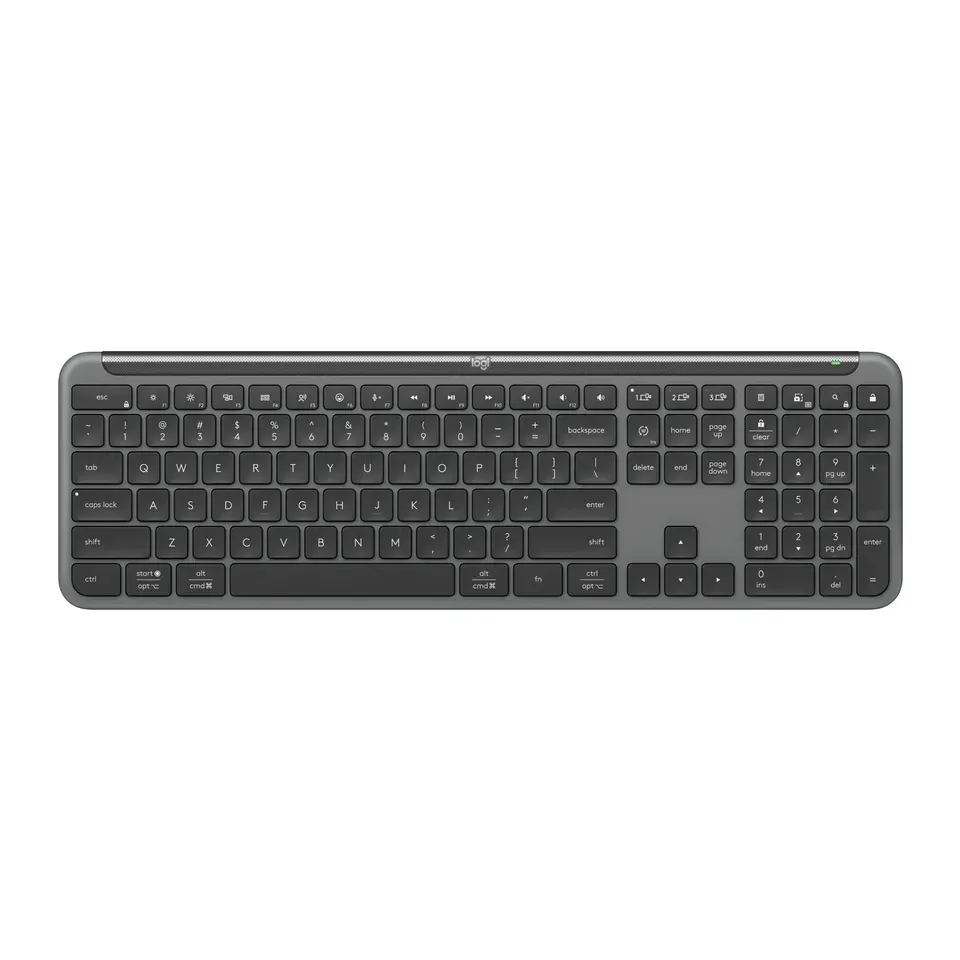
What matters when you choose a keyboard
Only a few things really change which keyboard suits you.
- How the keys feel. Flat keys feel like a laptop and are quiet. Mechanical keys are deeper and you feel each press. Some click loudly, which you may love and the people near you may not.
- Your hands and wrists. If they hurt, a curved or split shape keeps your wrists straighter. A palm rest helps too.
- Number keys. You need them for sums and spreadsheets. Without them, the keyboard is smaller and your mouse sits closer.
- What you use it with. A Mac shows Command and Option keys. An iPad needs Bluetooth. Some keyboards switch between two or three devices with one key.
- Seeing the letters. Big, high-contrast letters help if your eyes are tired. Keys that light up help in a dark room.
Some things matter less than ads suggest:
- “Gaming” for everyday use. A gaming keyboard is not better for typing emails. It is often louder and costs more.
- Polling rates of 8000 Hz. Hz means times per second. 1000 is plenty for nearly everyone.
- Colourful lights. They look nice, but they don’t help you type. Plain white light shows the letters just as well.
- Switch brands and colours. For most people, “flat”, “deep and quiet” or “clicky” says enough.
How we ranked them
We read the maker’s page for every keyboard, and expert reviews where they exist. Most come from RTINGS, Tom’s Guide, TechRadar, PCWorld, TechGearLab and PC Gamer. Every keyboard on the list is sold in the US now, and we checked prices in November 2026.
Large-print keyboards are a special case. Labs have not reviewed them, so we list their facts from the maker and say so on each one.
Before you answer, the list is sorted by two things: how highly the reviews rate each keyboard, and how much you get for the money. Your answers then add weight to what you need. Say your wrists hurt, and curved or split keyboards come first. Choose fast games, and keys that react at once count most.
Some answers rule keyboards out. A Mac or an iPad needs a keyboard its maker says works with it. Number keys, a cable, deep or clicky keys, big letters, a mouse in the box and a budget also set limits. If fewer than 5 fit, we show the closest ones and say what they miss.
Each pick says why it fits you and what to keep in mind. We never call a keyboard “the best” for everyone. Nobody paid to be on this list.
Questions and answers
Should I get a mechanical keyboard or a normal one?
It depends on how you like typing to feel. Flat keys, like a laptop's, are quiet and need little effort. Mechanical keys move further and you feel each press. Many people who type a lot love them, but they are louder and taller.
If you are not sure, start with flat keys. They feel familiar, and most people get used to them in a day.
What is the best keyboard for older people?
Look for big, high-contrast letters, keys that light up, and a full size with number keys. A keyboard that runs on AA or AAA batteries for years saves you from charging it. If your hands get tired, a palm rest helps. Choose "Big letters that are easy to read" in the questions to see large-print keyboards first.
Can a keyboard help with wrist pain or carpal tunnel?
A curved or split keyboard keeps your wrists straighter, and many people find it more comfortable. A gentle curve is the easiest to get used to. Two separate halves help most, but take a week or two to learn.
These shapes help many people, but they are not a treatment. See a doctor if the pain lasts.
Does any keyboard work with a Mac or an iPad?
Most do, but some keys may be named differently. Mac keyboards show Command and Option. An iPad needs a Bluetooth keyboard, unless your iPad has a USB-C port. When you choose Mac or iPad, we only show keyboards whose maker says they work with it.
Is my old keyboard really broken?
Test it first. Our keyboard tester shows every key you press, so you can see if a key is dead. A key that types twice is often dirt under the key, which you can clean. A new set of batteries fixes many wireless keyboards.
Not affiliated with or endorsed by any maker or shop. Product photos are the makers' own. To have one removed, email hello@devicetests.com.