Which webcam should I buy?
Answer up to 7 short questions and see the 5 webcams that suit you best.
19 webcams compared from the makers' spec sheets and expert reviews. How we rank
The questions
19 webcams compared from the makers' spec sheets and expert reviews. How we rank
Picks for common needs
Choose a need to see its top 5. You can change any answer after.
For video calls
- Number 1: Logitech Brio 100About $30
- Number 2: EMEET PIXYAbout $100
- Number 3: Elgato Facecam NeoAbout $50
For a dim room
- Number 1: Logitech MX BrioAbout $170
- Number 2: Insta360 Link 2C ProAbout $200
- Number 3: Insta360 Link 2 ProAbout $250
For streaming and videos
- Number 1: Logitech MX BrioAbout $170
- Number 2: Insta360 Link 2C ProAbout $200
- Number 3: Insta360 Link 2 ProAbout $250
For teaching and moving around
- Number 1: Insta360 Link 2 ProAbout $250
- Number 2: Insta360 Link 2About $200
- Number 3: OBSBOT Tiny 3About $350
Under $50
- Number 1: Logitech Brio 100About $30
- Number 2: Elgato Facecam NeoAbout $50
- Number 3: Logitech Brio 300About $50
Answer the questions
Up to 7 short questions. Your own top 5 at the end.
All 19 webcams, ranked
Ranked by expert reviews and value for money, before any answers. How we rank
Prices checked .
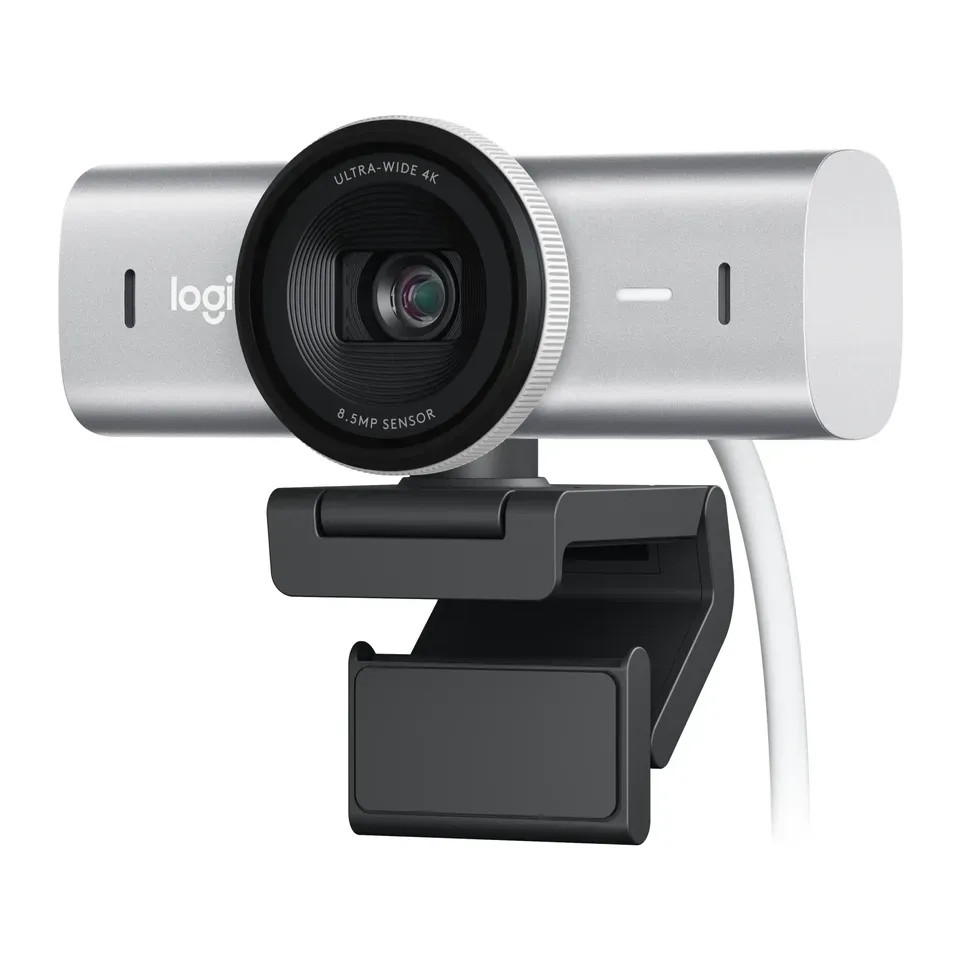
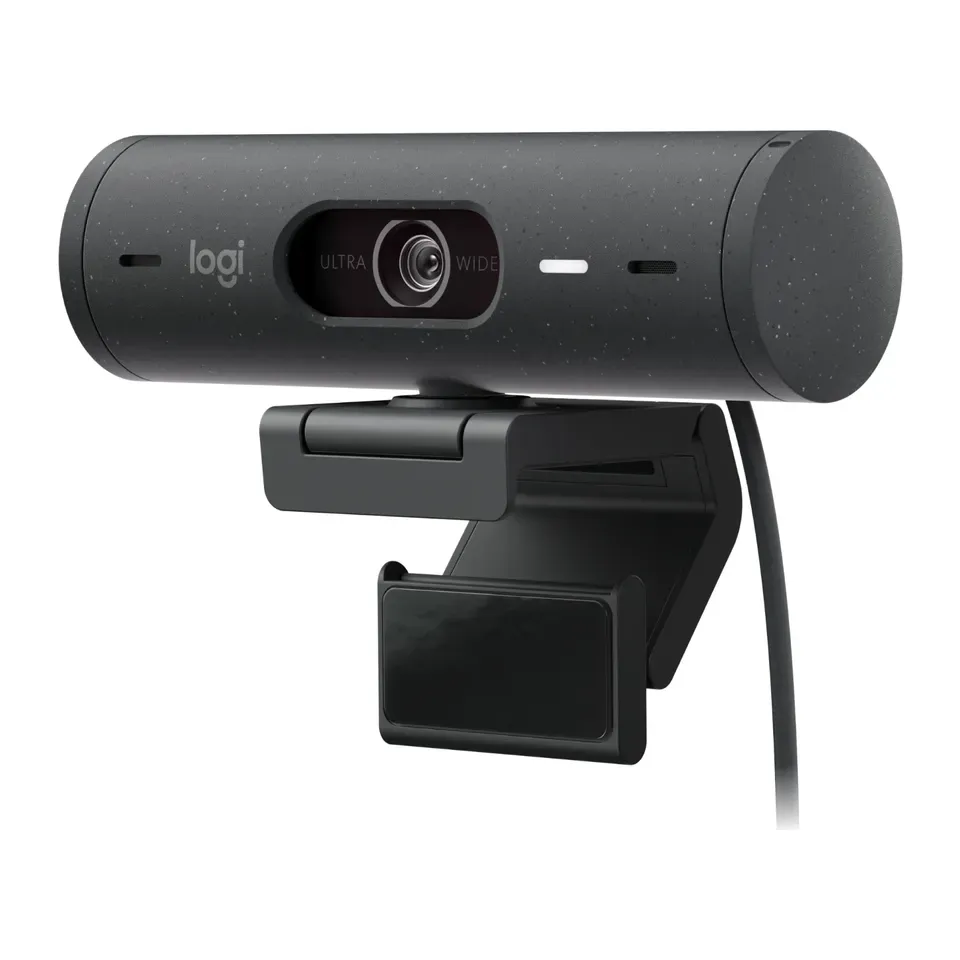
Number 1: Logitech MX Brio
About $170
4KFollows you: Yes, by cropping the picture
Details: Logitech MX Brio
- Video
- 4K
- View angle
- 90°
- Follows you
- Yes, by cropping the picture
- Lens cover
- Built in
- Most expert reviews rate it very highly
- A lamp in front of you helps any webcam more than a pricier camera
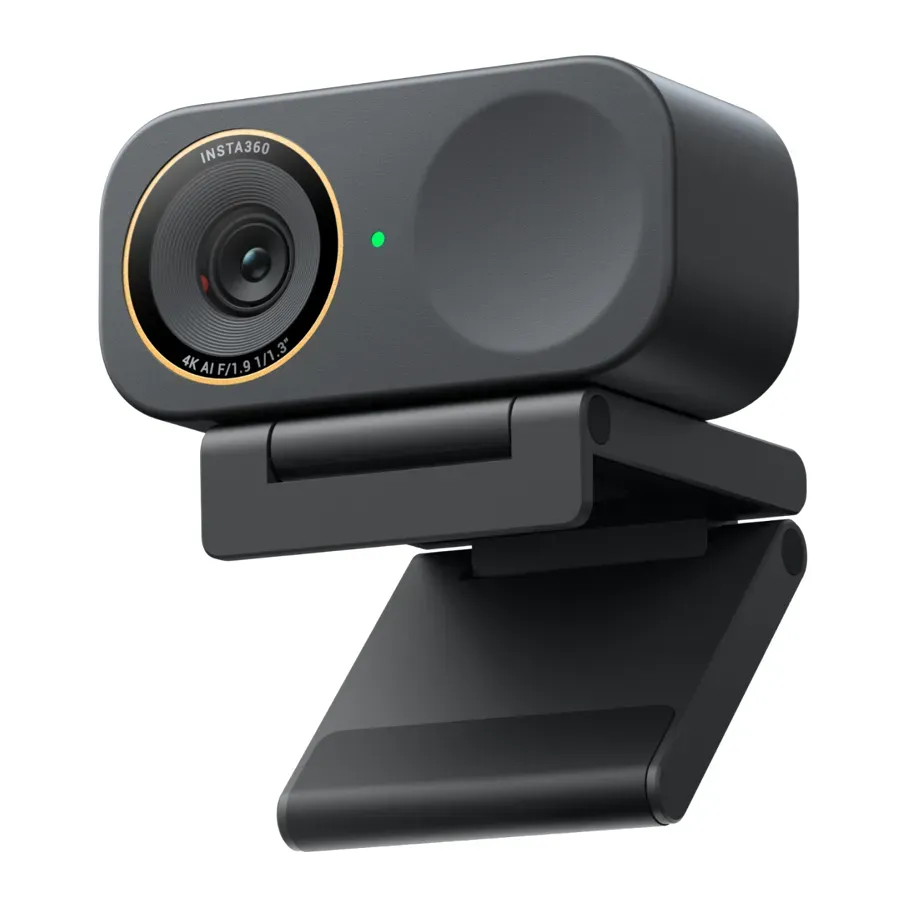
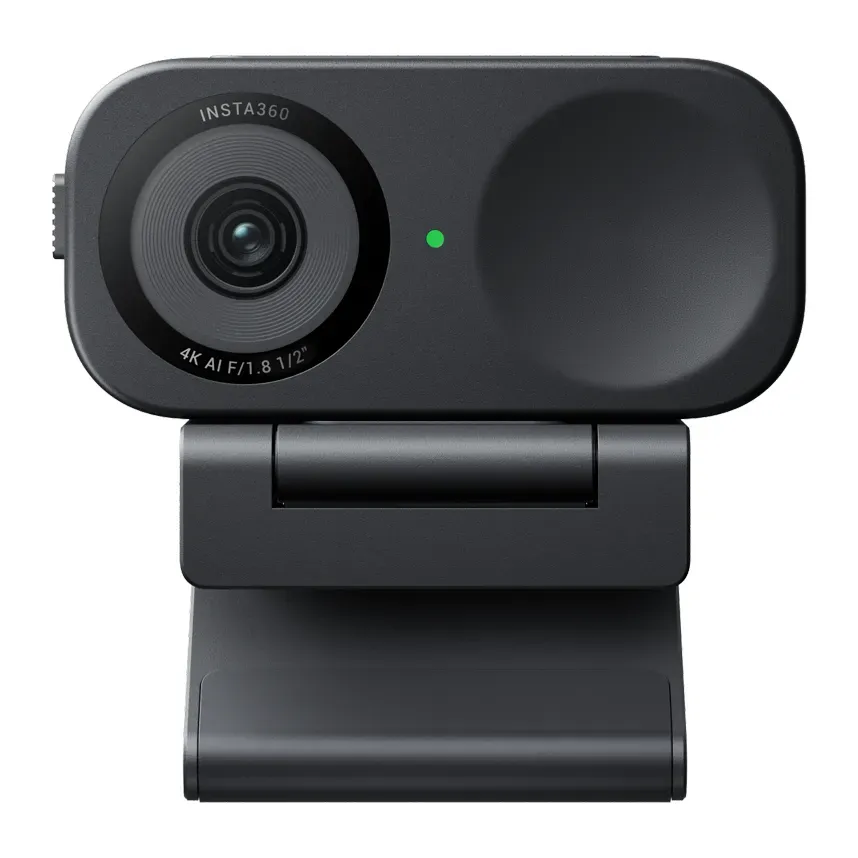
Number 2: Insta360 Link 2C Pro
About $200
4KFollows you: Yes, by cropping the picture
Details: Insta360 Link 2C Pro
- Video
- 4K
- View angle
- 83.9°
- Follows you
- Yes, by cropping the picture
- Lens cover
- Built in
- Most expert reviews rate it very highly
- To show your desk, you tilt it down by hand
Number 3: Insta360 Link 2C
About $150
4KFollows you: Yes, by cropping the picture
Details: Insta360 Link 2C
- Video
- 4K
- View angle
- 79.5°
- Follows you
- Yes, by cropping the picture
- Lens cover
- Built in
- Most expert reviews rate it very highly
- For a good picture in poor light, turn on HDR in its app (the setting that evens out bright and dark parts), reviewers say
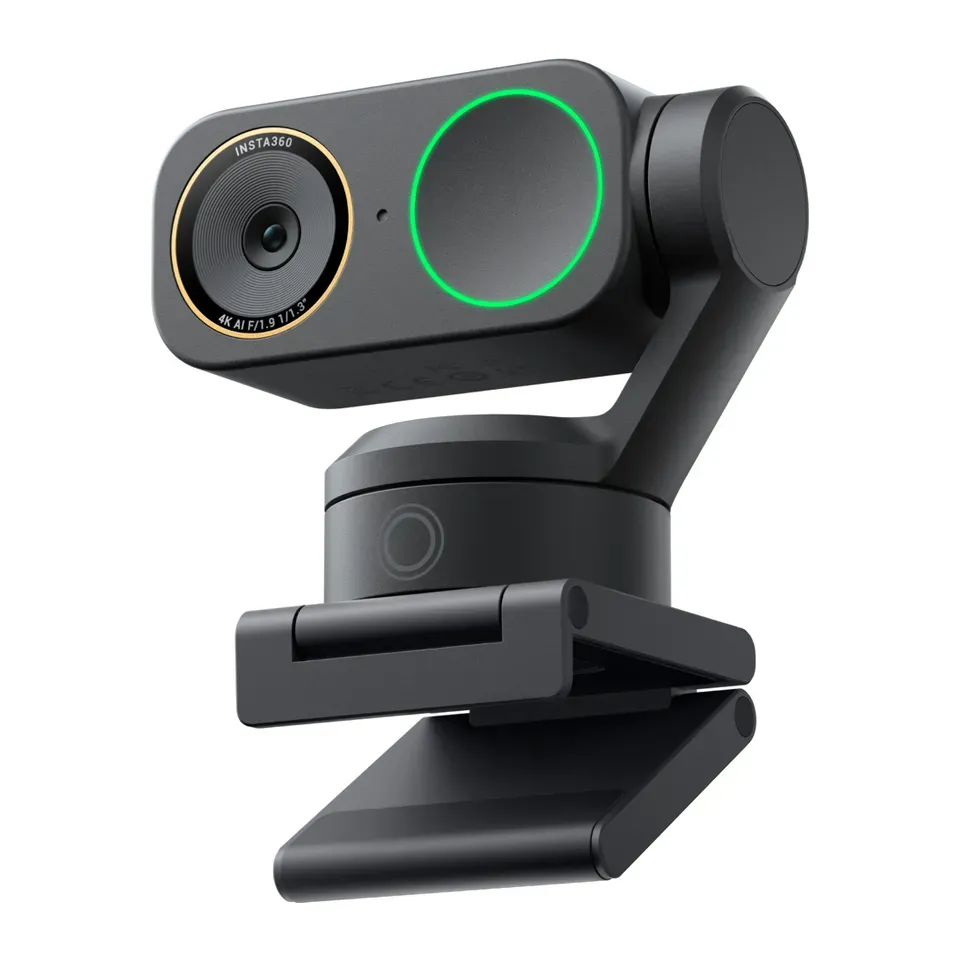
Number 4: Insta360 Link 2 Pro
About $250
4KFollows you: Yes, it turns to follow you
Details: Insta360 Link 2 Pro
- Video
- 4K
- View angle
- 83.9°
- Follows you
- Yes, it turns to follow you
- Lens cover
- Turns the lens down
- Most expert reviews rate it very highly
- Hand-gesture controls can be hit and miss, reviewers say
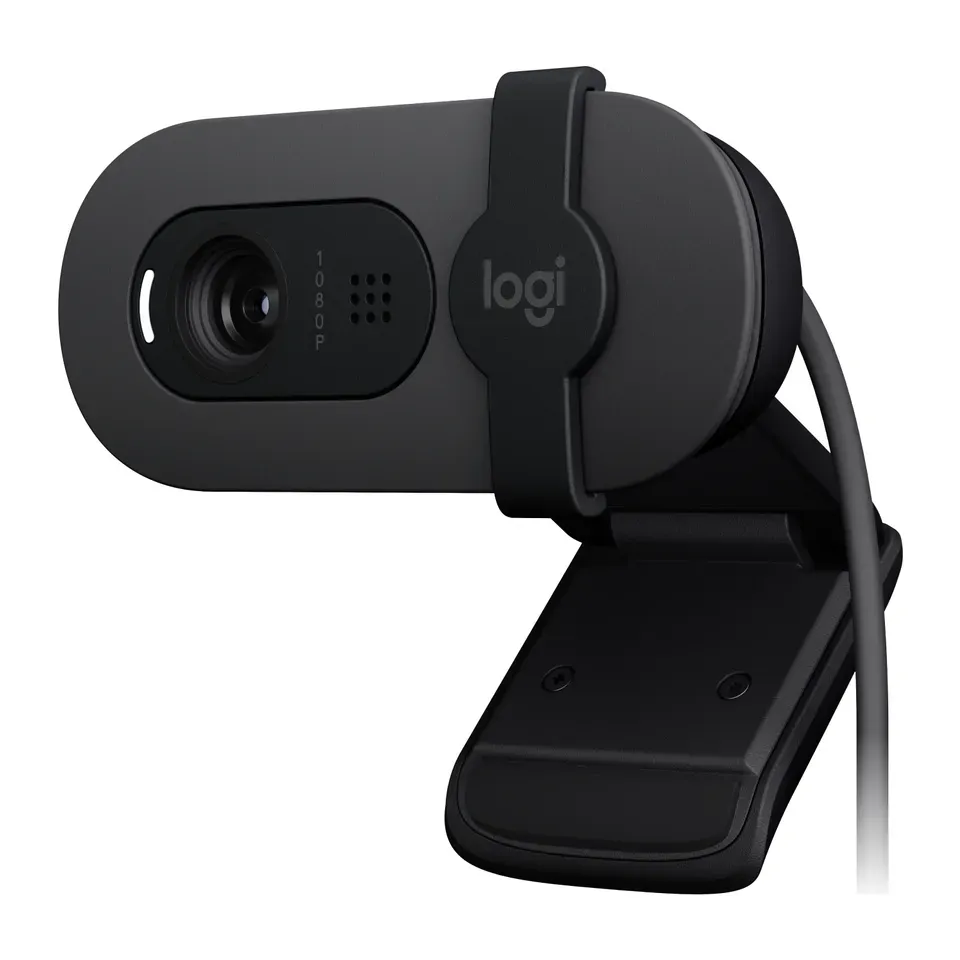
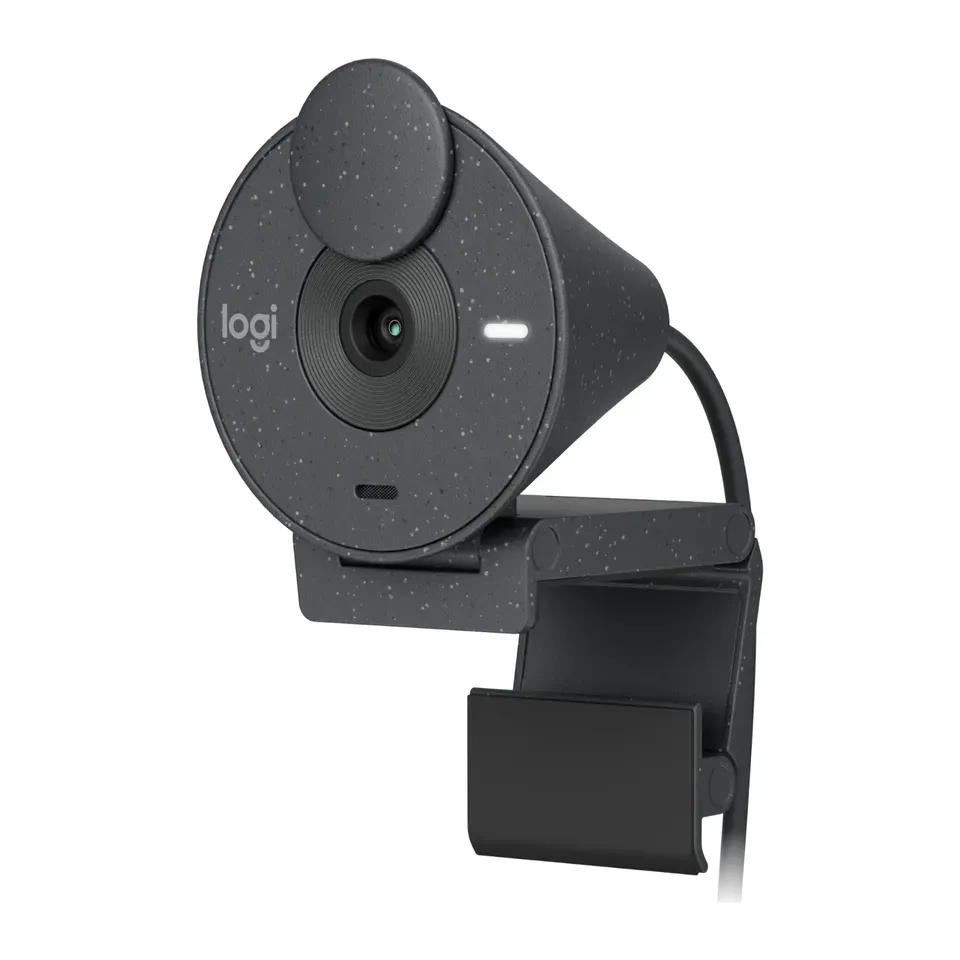
Number 5: Logitech Brio 100
About $30
1080p (Full HD)Follows you: No
Details: Logitech Brio 100
- Video
- 1080p (Full HD)
- View angle
- 58°
- Follows you
- No
- Lens cover
- Built in
- About $30, less than most webcams here
- A narrow view and fixed focus: it shows only you, and things held close look blurry
Number 6: Logitech Brio 500
About $130
1080p (Full HD)Follows you: Yes, by cropping the picture
Details: Logitech Brio 500
- Video
- 1080p (Full HD)
- View angle
- 90°
- Follows you
- Yes, by cropping the picture
- Lens cover
- Built in
- A built-in cover blocks the lens
- The cable is fixed and ends in USB-C: an older computer needs an adapter
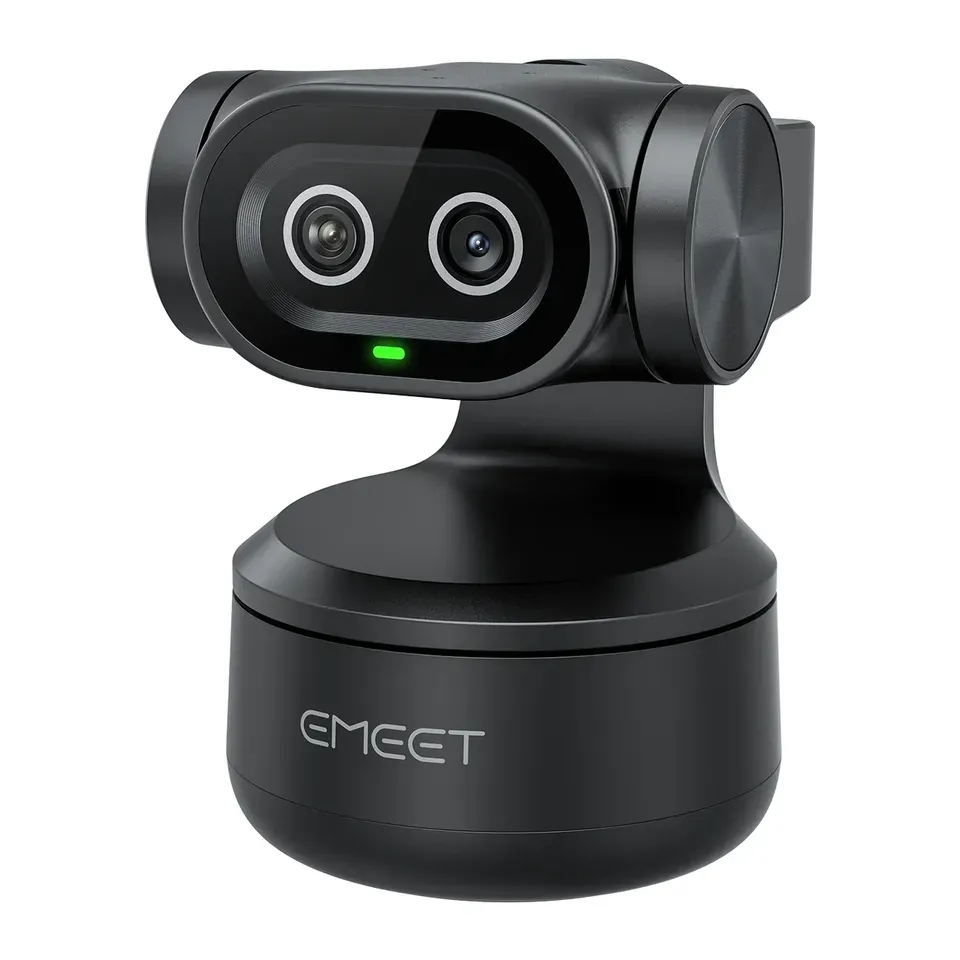
Number 7: EMEET PIXY
About $100
4KFollows you: Yes, it turns to follow you
Details: EMEET PIXY
- Video
- 4K
- View angle
- 73°
- Follows you
- Yes, it turns to follow you
- Lens cover
- Turns the lens down
- A motor turns the camera to follow you
- Its app can be buggy: one reviewer saw it keep recording while its light was off
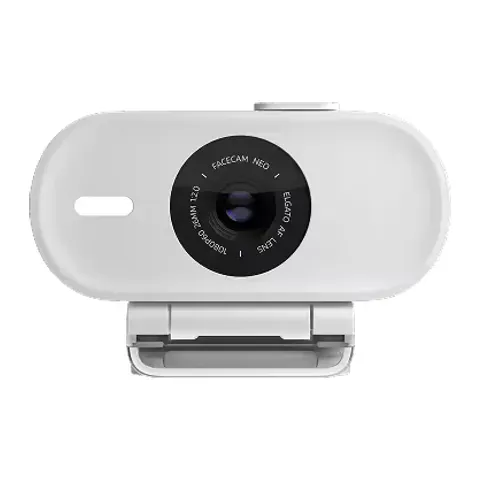
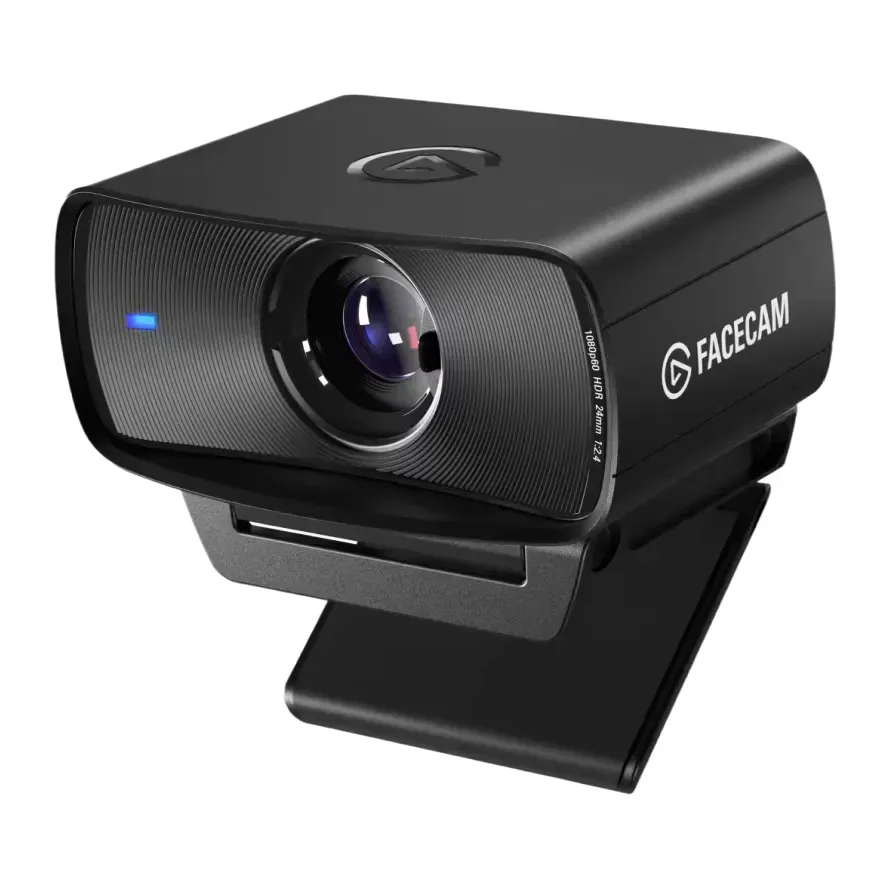
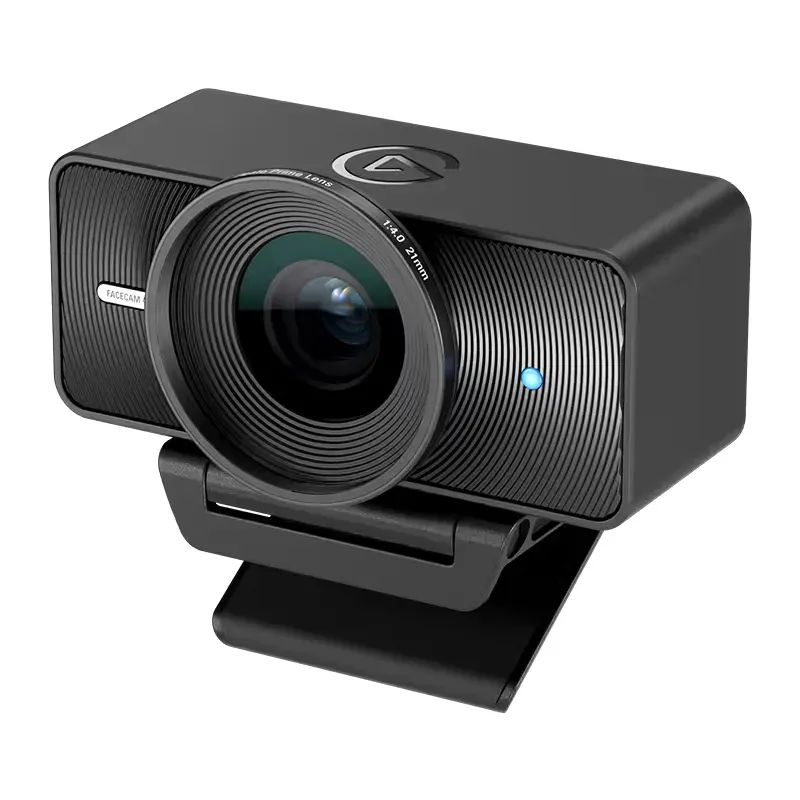
Number 8: Elgato Facecam Neo
About $50
1080p (Full HD)Follows you: No
Details: Elgato Facecam Neo
- Video
- 1080p (Full HD)
- View angle
- 77°
- Follows you
- No
- Lens cover
- Built in
- About $50, less than most webcams here
- Slow to focus, and bright scenes can look washed out, reviewers say
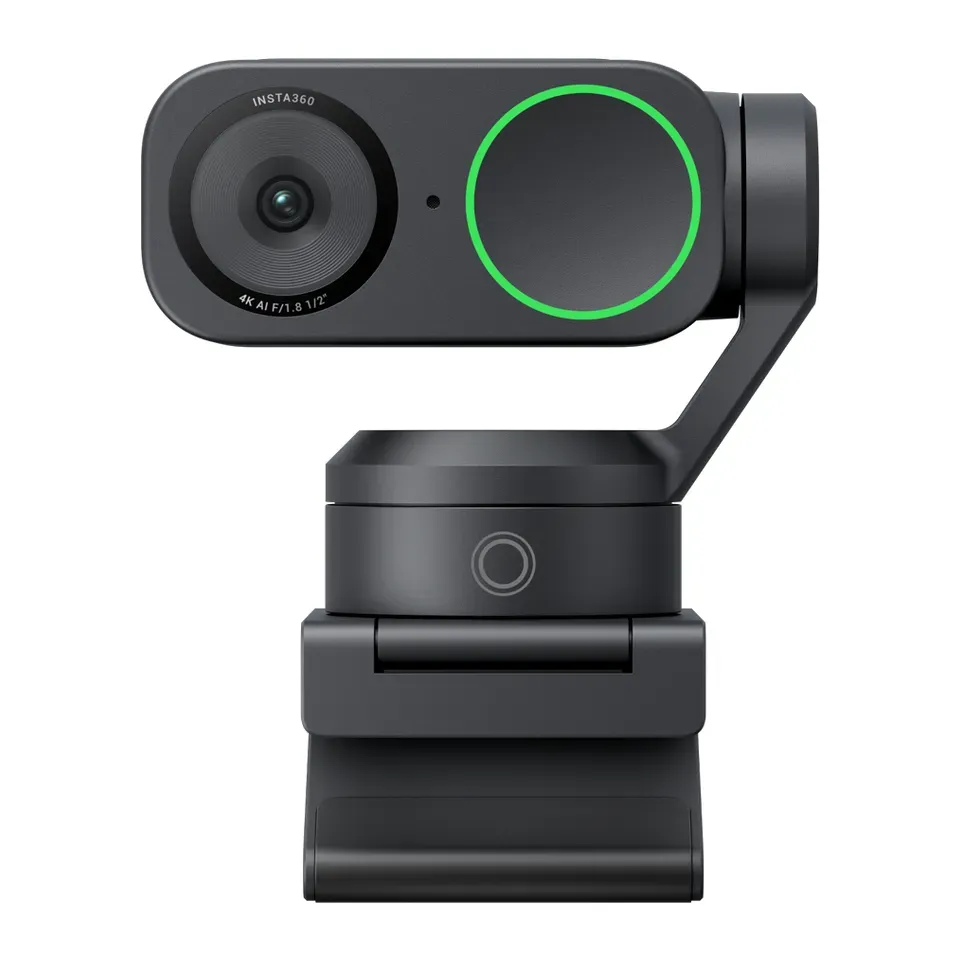
Number 9: Insta360 Link 2
About $200
4KFollows you: Yes, it turns to follow you
Details: Insta360 Link 2
- Video
- 4K
- View angle
- 79.5°
- Follows you
- Yes, it turns to follow you
- Lens cover
- Turns the lens down
- A motor turns the camera to follow you
- Tracking and brightness can change a little unevenly, reviewers say
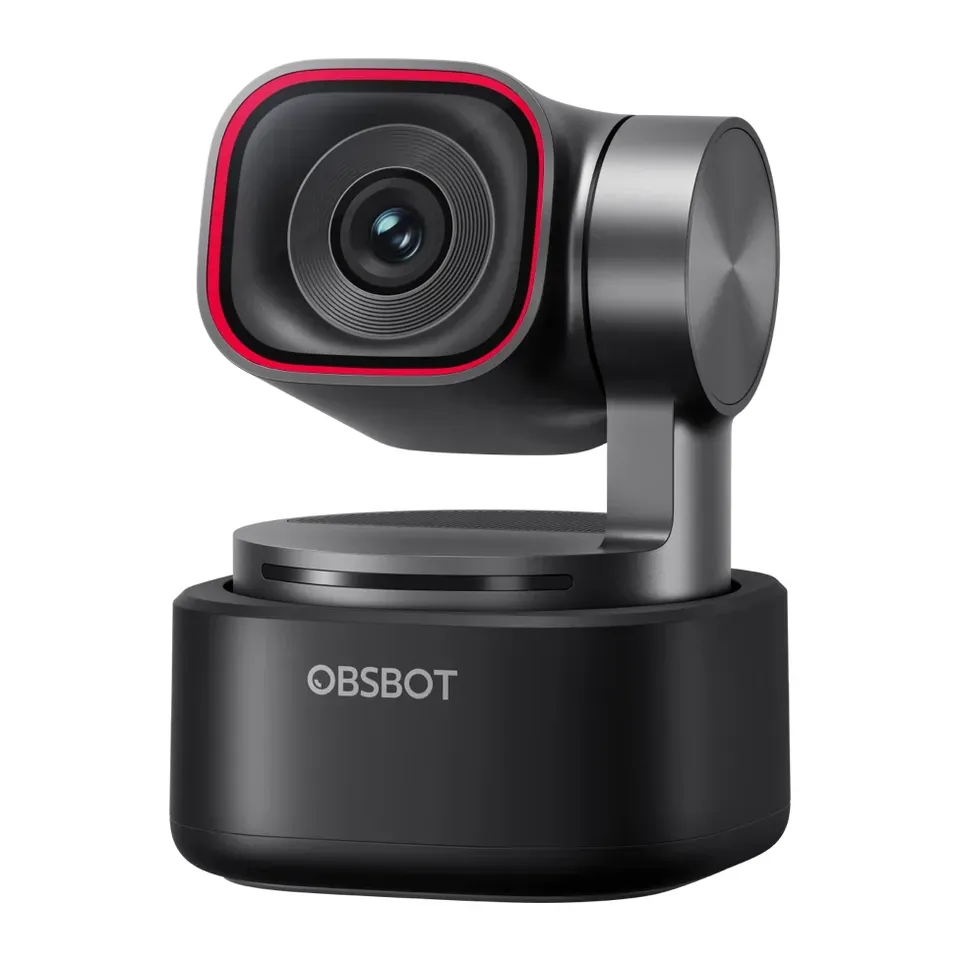
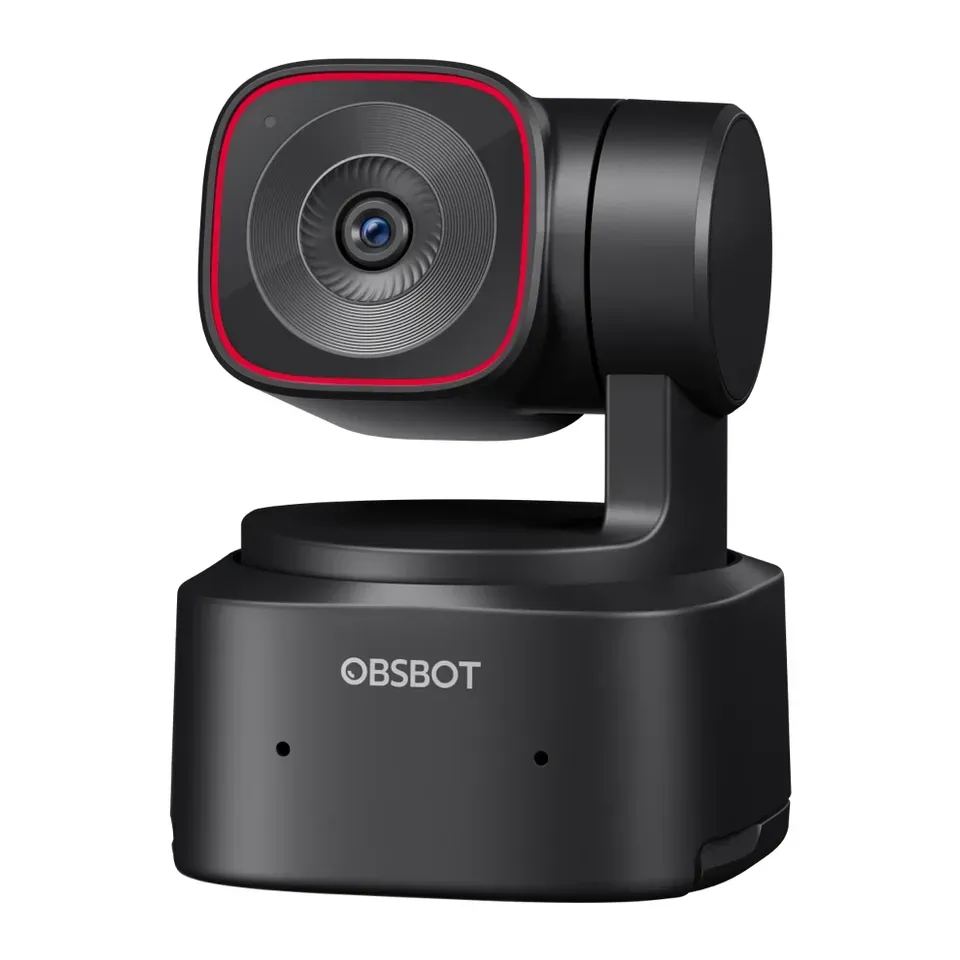
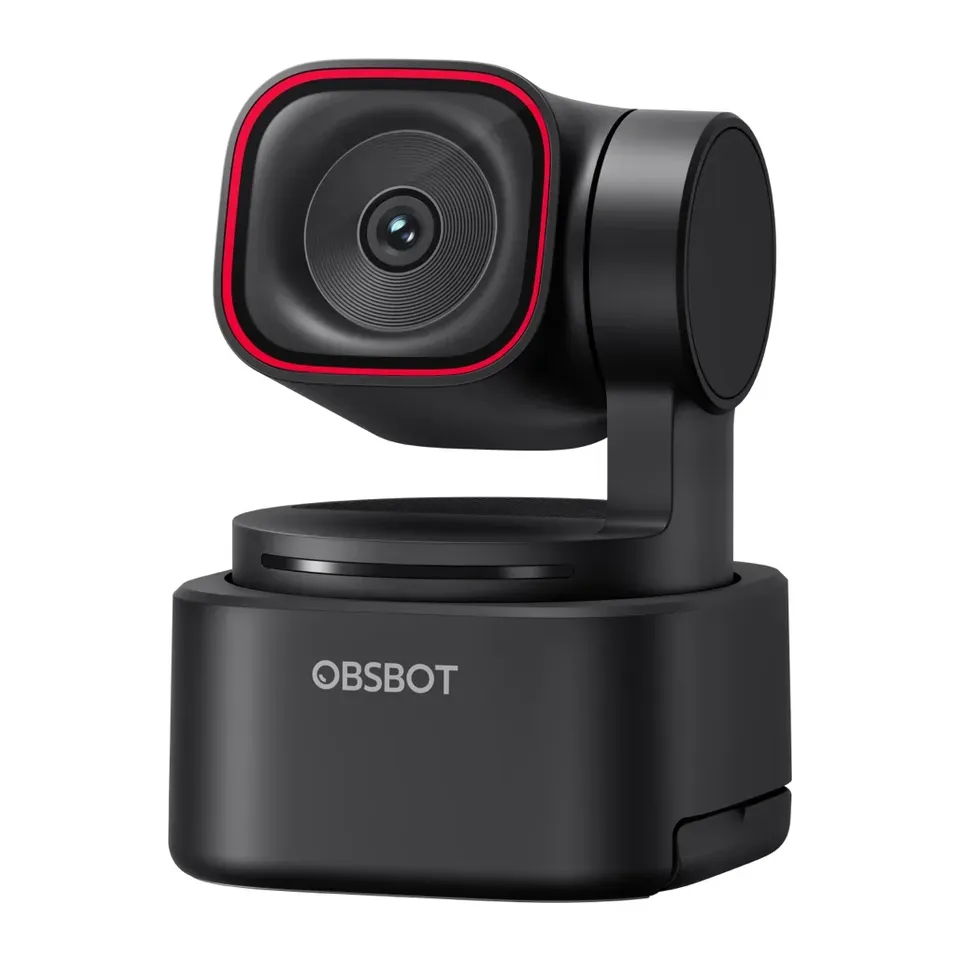
Number 10: OBSBOT Tiny 3
About $350
4KFollows you: Yes, it turns to follow you
Details: OBSBOT Tiny 3
- Video
- 4K
- View angle
- 82.4°
- Follows you
- Yes, it turns to follow you
- Lens cover
- Turns the lens down
- Your face stays clear in a dim room, reviewers say
- Voice control is unreliable, reviewers say
Number 11: OBSBOT Tiny 2 Lite
About $180
4KFollows you: Yes, it turns to follow you
Details: OBSBOT Tiny 2 Lite
- Video
- 4K
- View angle
- 79.4°
- Follows you
- Yes, it turns to follow you
- Lens cover
- Turns the lens down
- Most expert reviews rate it very highly
- Grainier in a dim room than the larger OBSBOT Tiny models, reviewers say
Number 12: Elgato Facecam MK.2
About $120
1080p (Full HD)Follows you: No
Details: Elgato Facecam MK.2
- Video
- 1080p (Full HD)
- View angle
- 84°
- Follows you
- No
- Lens cover
- Built in
- A built-in cover blocks the lens
- Fixed focus: sharp only from about 1 to 4 feet away
Show all 19 webcams
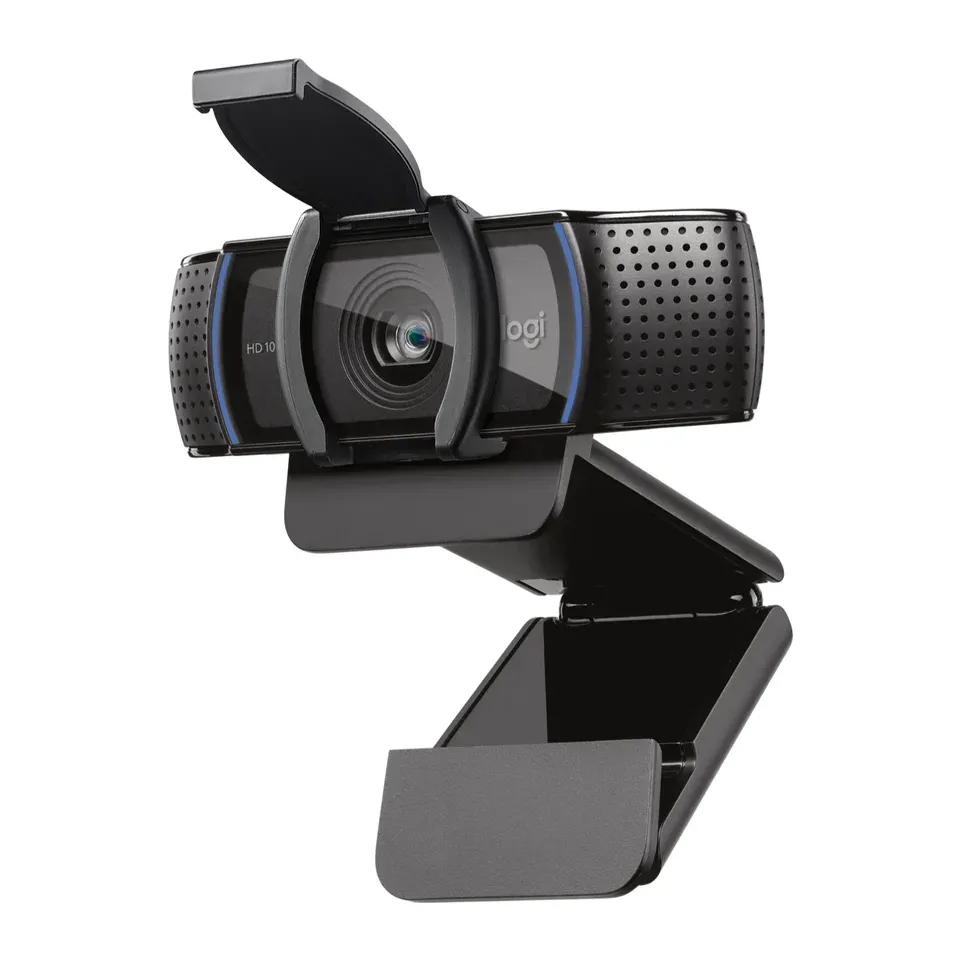
Number 13: Logitech C920s Pro HD
About $60
1080p (Full HD)Follows you: No
Details: Logitech C920s Pro HD
- Video
- 1080p (Full HD)
- View angle
- 78°
- Follows you
- No
- Lens cover
- A cap in the box
- About $60, less than most webcams here
- An older design: newer webcams handle poor light and bright windows better
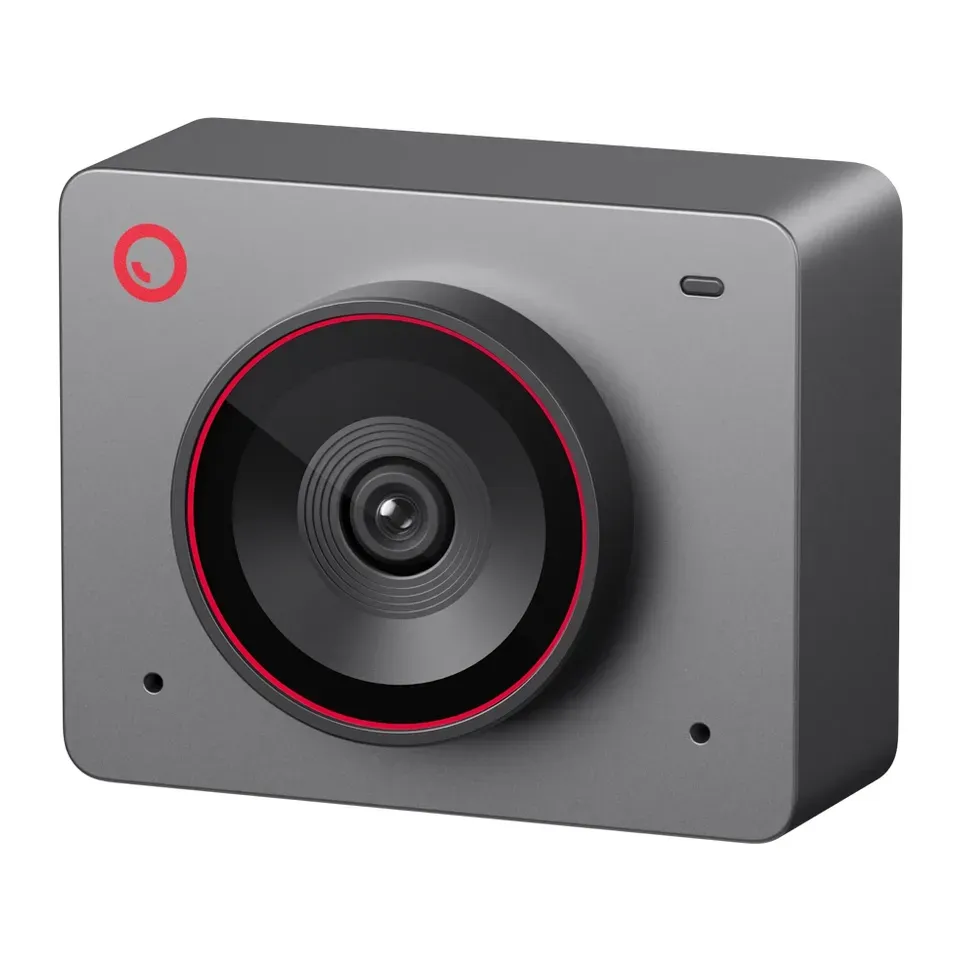
Number 14: OBSBOT Meet 2
About $100
4KFollows you: Yes, by cropping the picture
Details: OBSBOT Meet 2
- Video
- 4K
- View angle
- 79.4°
- Follows you
- Yes, by cropping the picture
- Lens cover
- A cap in the box
- Reviewers rate it well for what it costs
- The screen clip is weak: a stiff cable can knock it off, reviewers say
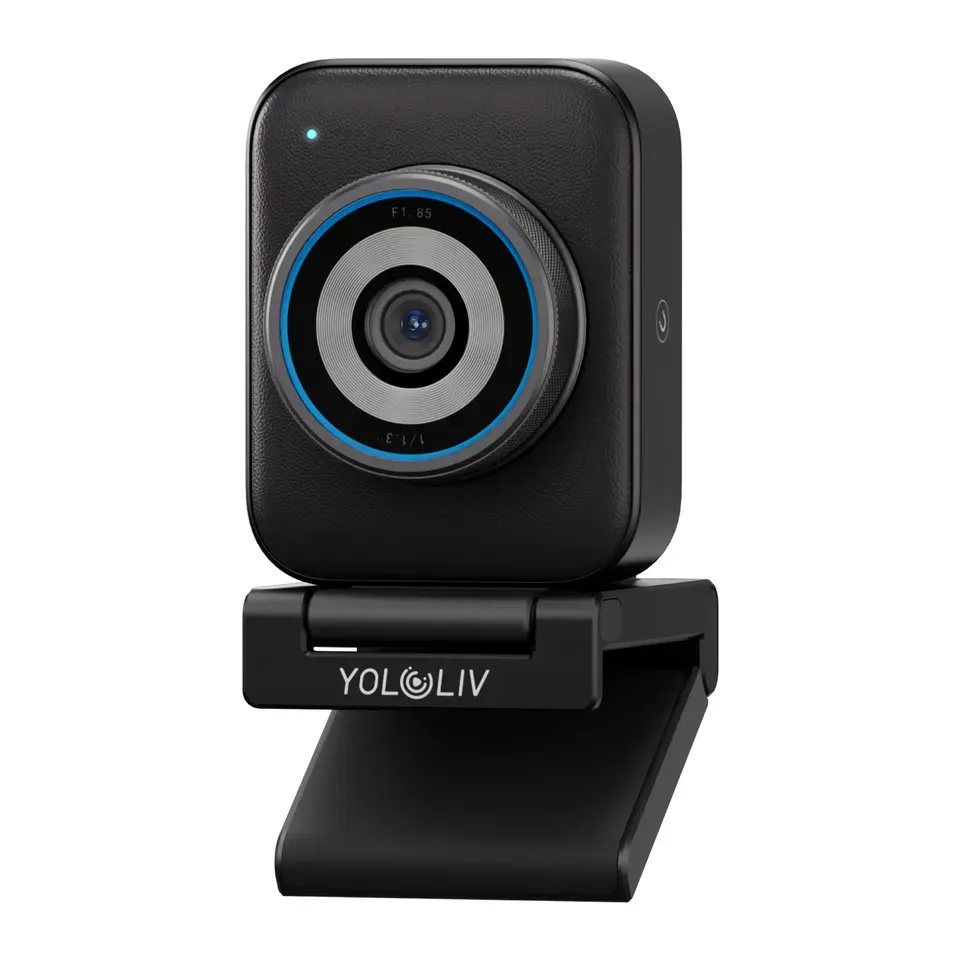
Number 15: YoloLiv YoloCam S3
About $200
4KFollows you: No
Details: YoloLiv YoloCam S3
- Video
- 4K
- View angle
- 82°
- Follows you
- No
- Lens cover
- None
- Reviewers rate it well for what it costs
- Needs a fast USB 3 port, and the picture looks too contrasty until you adjust it in its app
Number 16: Elgato Facecam 4K
About $200
4KFollows you: No
Details: Elgato Facecam 4K
- Video
- 4K
- View angle
- 90°
- Follows you
- No
- Lens cover
- None
- Reviewers rate it well for what it costs
- Brightness can change unevenly on its own, reviewers say
Number 17: OBSBOT Tiny 3 Lite
About $200
4KFollows you: Yes, it turns to follow you
Details: OBSBOT Tiny 3 Lite
- Video
- 4K
- View angle
- 79.1°
- Follows you
- Yes, it turns to follow you
- Lens cover
- Turns the lens down
- A motor turns the camera to follow you
- Grainier than the Tiny 3 in a dim room, and it has no desk mode
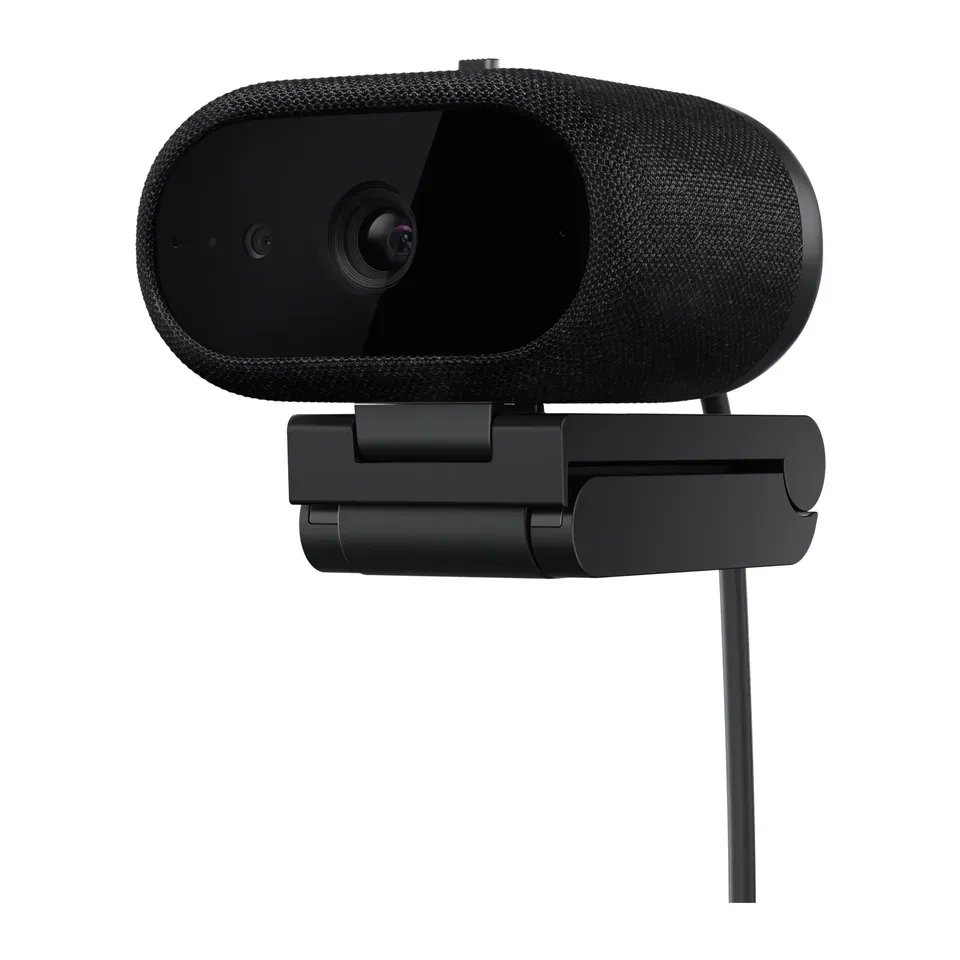
Number 18: Dell Pro 7 Webcam 4K (WB726)
About $200
4KFollows you: Yes, by cropping the picture
Details: Dell Pro 7 Webcam 4K (WB726)
- Video
- 4K
- View angle
- 90°
- Follows you
- Yes, by cropping the picture
- Lens cover
- Built in
- A built-in cover blocks the lens
- Colours can look a little off, and the camera and cable are heavy, reviewers say
Number 19: Logitech Brio 300
About $50
1080p (Full HD)Follows you: No
Details: Logitech Brio 300
- Video
- 1080p (Full HD)
- View angle
- 70°
- Follows you
- No
- Lens cover
- Built in
- About $50, less than most webcams here
- Fixed focus, and an ordinary picture when the light is poor, reviewers say
What matters when you choose a webcam
Only a few things really change which webcam suits you.
- The light in your room. Light changes the picture more than anything else. In a dim room, a camera with a bigger sensor still shows your face clearly. With a window behind you, a camera with HDR (a setting that evens out bright and dark parts of the picture) keeps your face from turning dark.
- What you use it for. For calls, you need a clear face and good colours. Streams and videos need smooth motion and more detail. To teach or show things, you need a camera that can point at your desk.
- Who is in the picture. A narrow camera cuts off the person next to you. A group on a sofa needs a wide view.
- Moving around. Some cameras turn to follow you. They cost more, so they are only worth it if you stand up or walk around.
- A lens cover. Many people feel better with a cover that blocks the camera when they are not on a call.
Some things matter less than ads suggest:
- 4K for calls. Zoom, Teams and Google Meet send 1080p at most. A good 1080p webcam looks just as sharp on a call.
- Megapixels. They say little about how good the picture looks. The size of the sensor says more, and reviews say most.
- A light built into the webcam. It is too small to help much. A lamp in front of you does far more.
- “AI beauty” filters. Your call app has its own, and good light works better.
How we ranked them
We read the maker’s spec sheet for every webcam, and at least two expert reviews. Most come from Tom’s Hardware, PC Gamer, PCWorld, TechRadar and Tom’s Guide. Every webcam on the list is sold in the US now, and we checked prices in November 2026.
Before you answer, the list is sorted by three things: how highly the reviews rate each webcam, how good the picture is in an ordinary room, and how much you get for the money. Your answers then add weight to what you need. Choose a dim room, and the picture in poor light counts most. Choose to move around, and cameras that turn to follow you come first.
Some answers set a must. A group needs a wide view. If you move around, the camera must follow you. To teach, it must be able to show your desk. If you ask for a built-in mic, it must have one. A Chromebook needs a certified camera, and a budget sets a limit. If fewer than 5 fit, we show the closest ones and say what they miss.
Each pick says why it fits you and what to keep in mind. We never call a webcam “the best” for everyone. Nobody paid to be on this list.
Questions and answers
Is a webcam better than my laptop's camera?
Usually, yes. Most laptop cameras are small and look grainy indoors. Even a $50 webcam shows a clearer face. It also sits higher on top of your screen, which looks better than a camera that looks up at your chin.
First, try our webcam test to see how your camera looks now. Then try a lamp in front of you. Better light sometimes fixes the picture without a new camera.
Do I need a 4K webcam for Zoom or Teams?
No. Zoom, Teams and Google Meet send 1080p at most, and often less. A good 1080p webcam looks just as sharp on a call. 4K helps if you record videos, or if you want to zoom in on your face without losing detail.
Can I use my iPhone as a webcam?
Yes, on a Mac. Continuity Camera turns an iPhone XR or newer into a webcam. You need iOS 16 and macOS Ventura or newer. Its picture is better than most webcams. You also need a mount to hold the phone on top of your screen.
On a Windows computer, you need an extra app on both the phone and the computer. A webcam is often simpler.
How do I look better on video calls?
Light matters most. Sit facing a window or put a lamp behind your screen, so the light falls on your face. Raise the camera to eye level. Close the curtains if a window is behind you. Our guide to preparing for a video call walks you through it.
Is a webcam that follows me worth it?
Only if you move. Teachers, fitness coaches and people who stand up to present use it every day. If you sit still at a desk, a simple webcam gives the same picture for less money.
Not affiliated with or endorsed by any maker or shop. Product photos are the makers' own. To have one removed, email hello@devicetests.com.