Which battery backup should I buy?
Answer up to 5 short questions and see the battery backups that suit you best.
14 battery backups compared from the makers' spec sheets and expert reviews. How we rank
The questions
14 battery backups compared from the makers' spec sheets and expert reviews. How we rank
Picks for common needs
Choose a need to see its top 5. You can change any answer after.
For your internet
- Number 1: APC Back-UPS 600VA (BE600M1)About $85
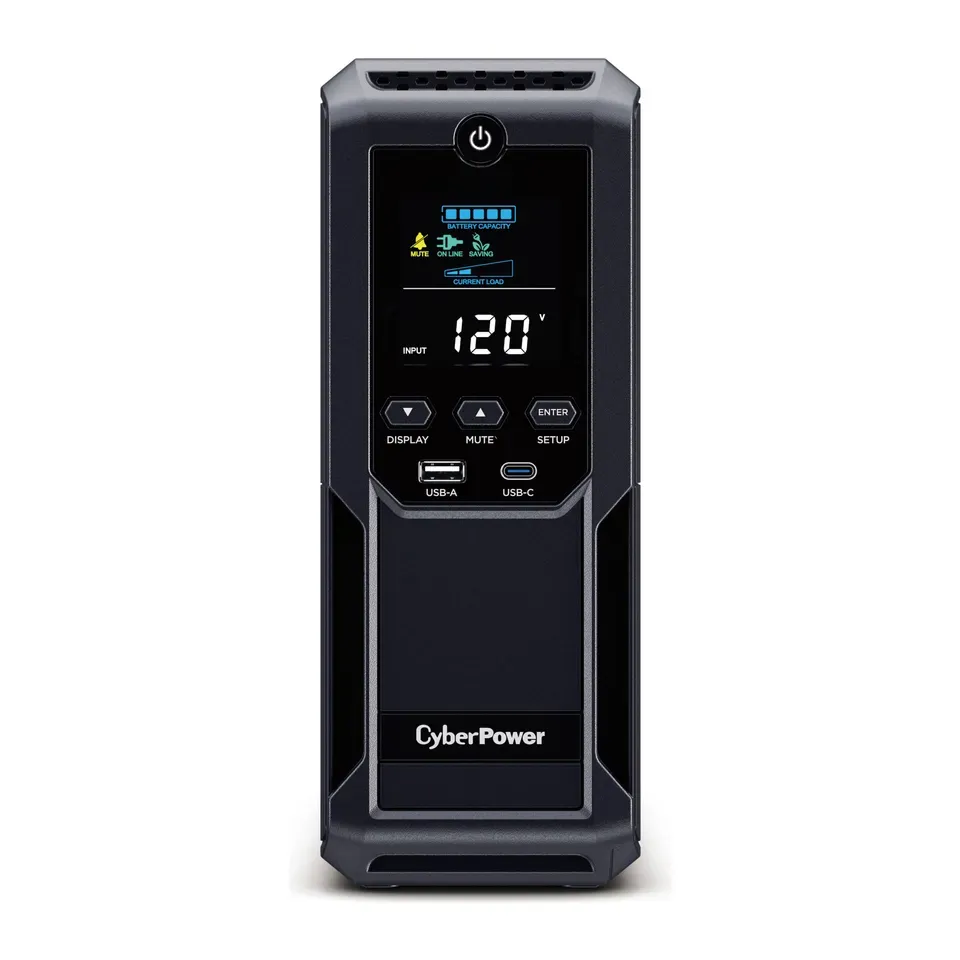
- Number 2: CyberPower LE1000DGAbout $140
- Number 3: APC Back-UPS 850VA (BE850G2)About $140
For a home office computer
- Number 1: APC Back-UPS Pro 1000VA (BR1000MS)About $200
- Number 2: CyberPower CP1500PFCLCDAbout $240
- Number 3: APC Back-UPS Pro 1500VA (BR1500MS2)About $300
For a gaming computer
- Number 1: CyberPower CP1500PFCLCDAbout $240
- Number 2: APC Back-UPS Pro 1500VA (BR1500MS2)About $300
- Number 3: APC Back-UPS Pro 1000VA (BR1000MS)About $200
For Wi-Fi through a long power cut
- Number 1: CyberPower CP1500AVRLCD3About $220
- Number 2: CyberPower CP1350AVRLCD3About $200
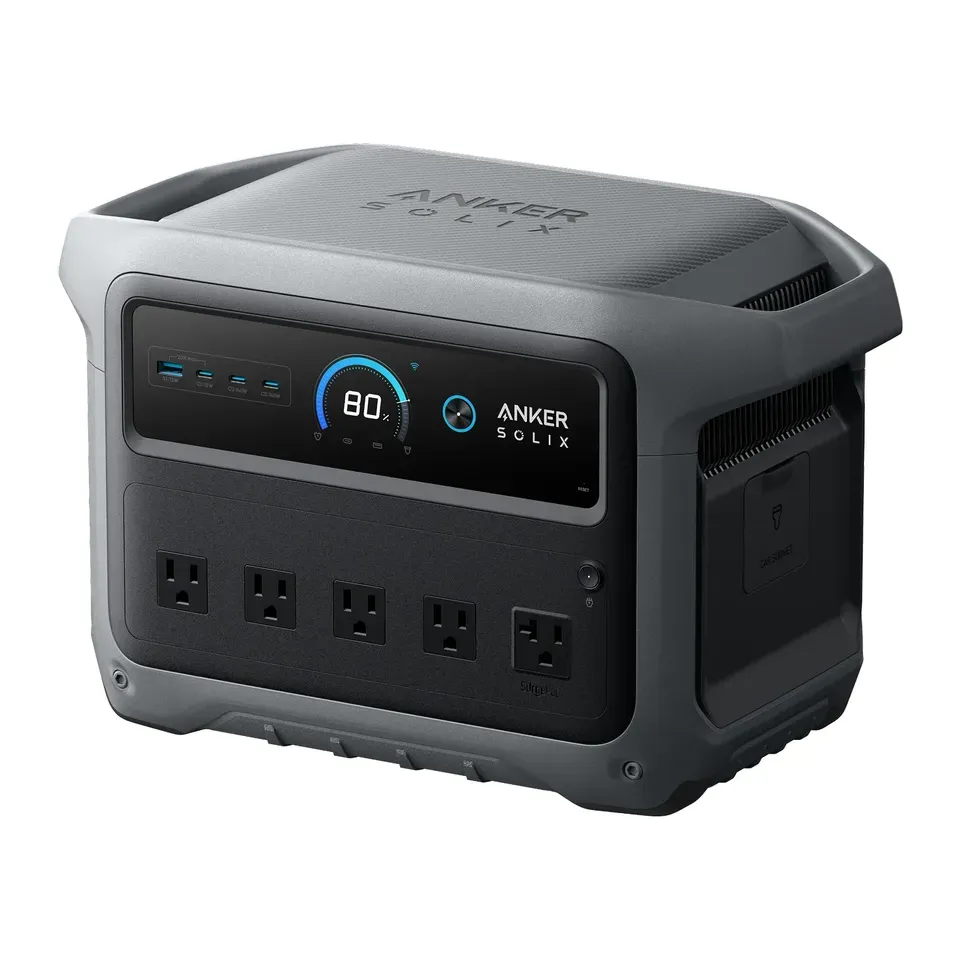
- Number 3: Anker SOLIX C1000 Gen 2About $550
Just protection from power spikes
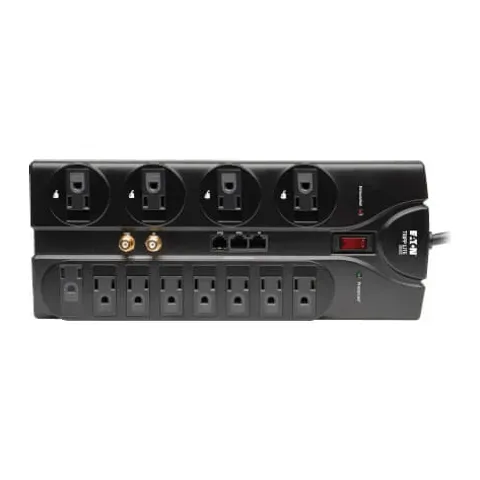
- Number 1: Eaton Tripp Lite Protect It! 12-Outlet (TLP1208SAT)About $50
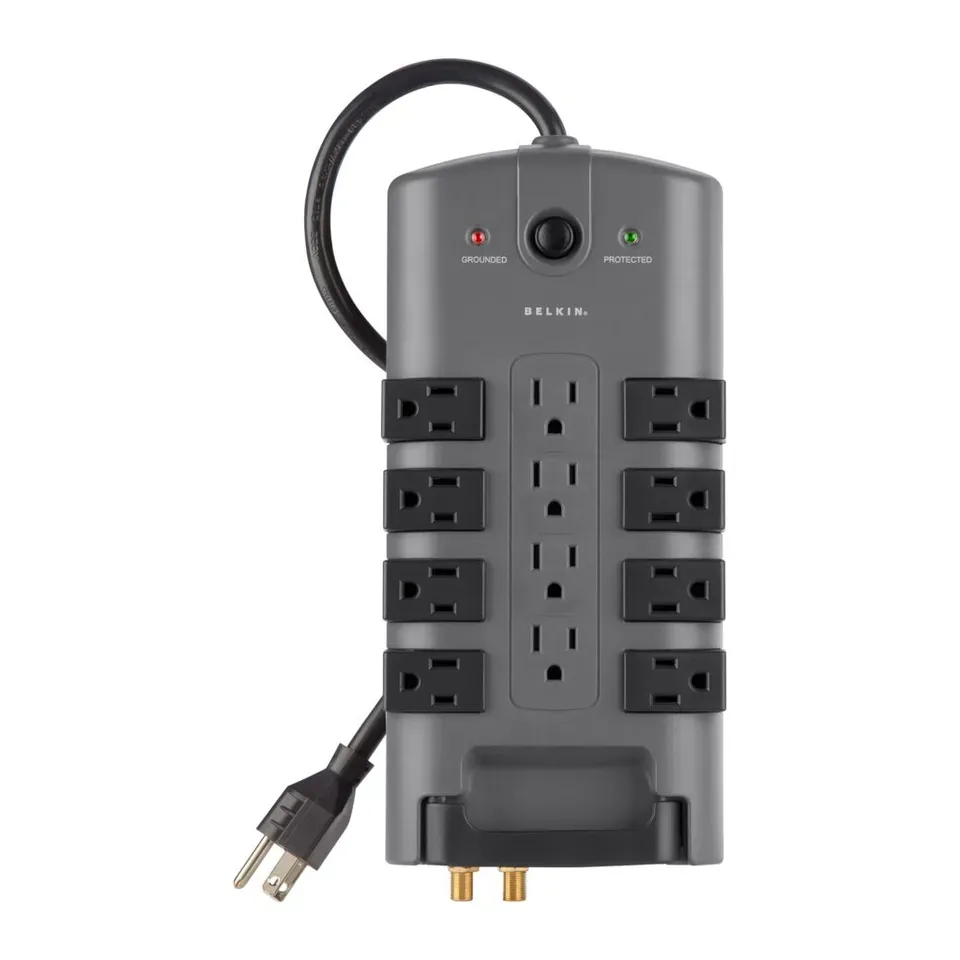
- Number 2: Belkin PivotPlug 12-Outlet (BP112230-08)About $50
Answer the questions
Up to 5 short questions. Your own top 5 at the end.
All 14 battery backups, ranked
Ranked by expert reviews and value for money, before any answers. How we rank
Prices checked .
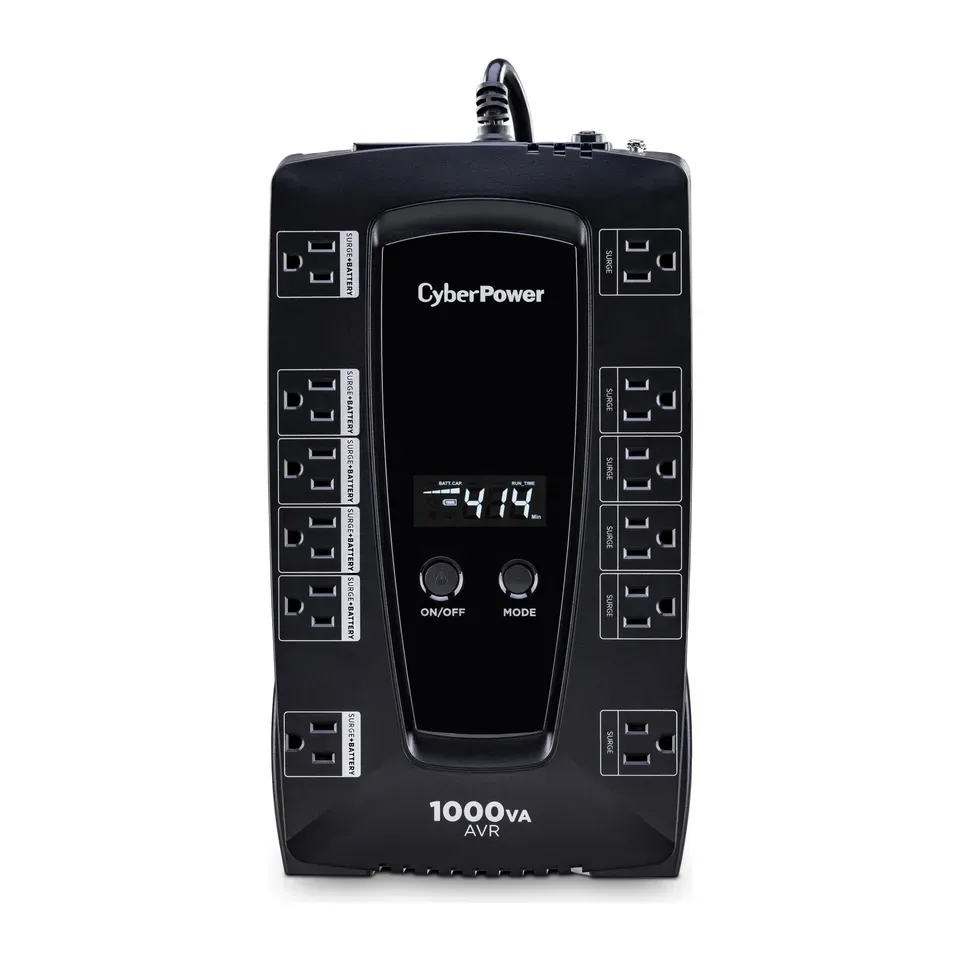
Number 1: CyberPower LE1000DG
About $140
Battery backup (UPS)Runs a modem and router: 3 hr
Details: CyberPower LE1000DG
- Type
- Battery backup (UPS)
- Runs a modem and router
- 3 hr
- Outlets on battery
- 6
- Power on battery
- Stepped (simulated)
- Most reviews agree it's very good
- No USB ports to charge a phone
Number 2: CyberPower CP1350AVRLCD3
About $200
Battery backup (UPS)Runs a modem and router: 4.5 hr
Details: CyberPower CP1350AVRLCD3
- Type
- Battery backup (UPS)
- Runs a modem and router
- 4.5 hr
- Outlets on battery
- 6
- Power on battery
- Stepped (simulated)
- Most reviews agree it's very good
- Needs a new battery every 3 to 5 years, for about $30 to $60
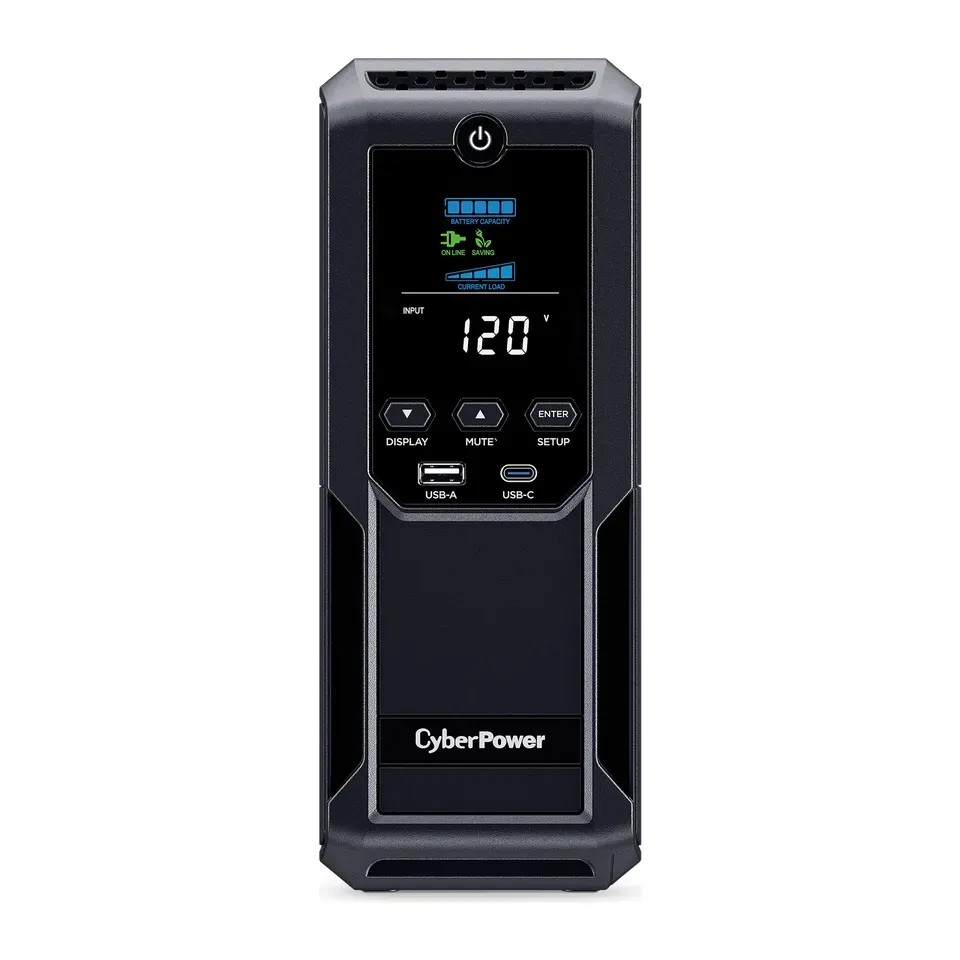
Number 3: CyberPower CP1500AVRLCD3
About $220
Battery backup (UPS)Runs a modem and router: 5 hr
Details: CyberPower CP1500AVRLCD3
- Type
- Battery backup (UPS)
- Runs a modem and router
- 5 hr
- Outlets on battery
- 6
- Power on battery
- Stepped (simulated)
- Most reviews agree it's very good
- Needs a new battery every 3 to 5 years, for about $30 to $60
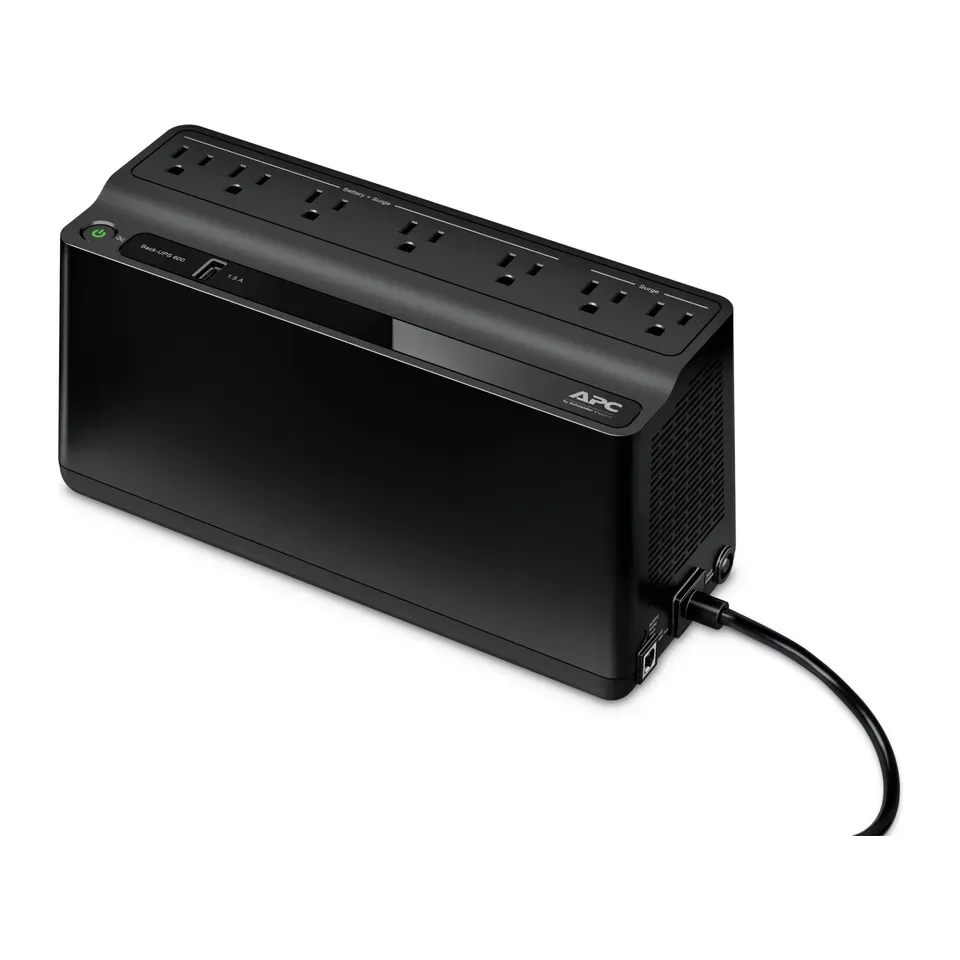
Number 4: APC Back-UPS 600VA (BE600M1)
About $85
Battery backup (UPS)Runs a modem and router: 2 hr
Details: APC Back-UPS 600VA (BE600M1)
- Type
- Battery backup (UPS)
- Runs a modem and router
- 2 hr
- Outlets on battery
- 5
- Power on battery
- Stepped (simulated)
- Good value at about $85
- Needs a new battery every 3 to 5 years, for about $30 to $60
Number 5: CyberPower BRG1500AVRLCD2
About $300
Battery backup (UPS)Runs a modem and router: 5 hr
Details: CyberPower BRG1500AVRLCD2
- Type
- Battery backup (UPS)
- Runs a modem and router
- 5 hr
- Outlets on battery
- 6
- Power on battery
- Stepped (simulated)
- Most reviews agree it's very good
- Needs a new battery every 3 to 5 years, for about $30 to $60
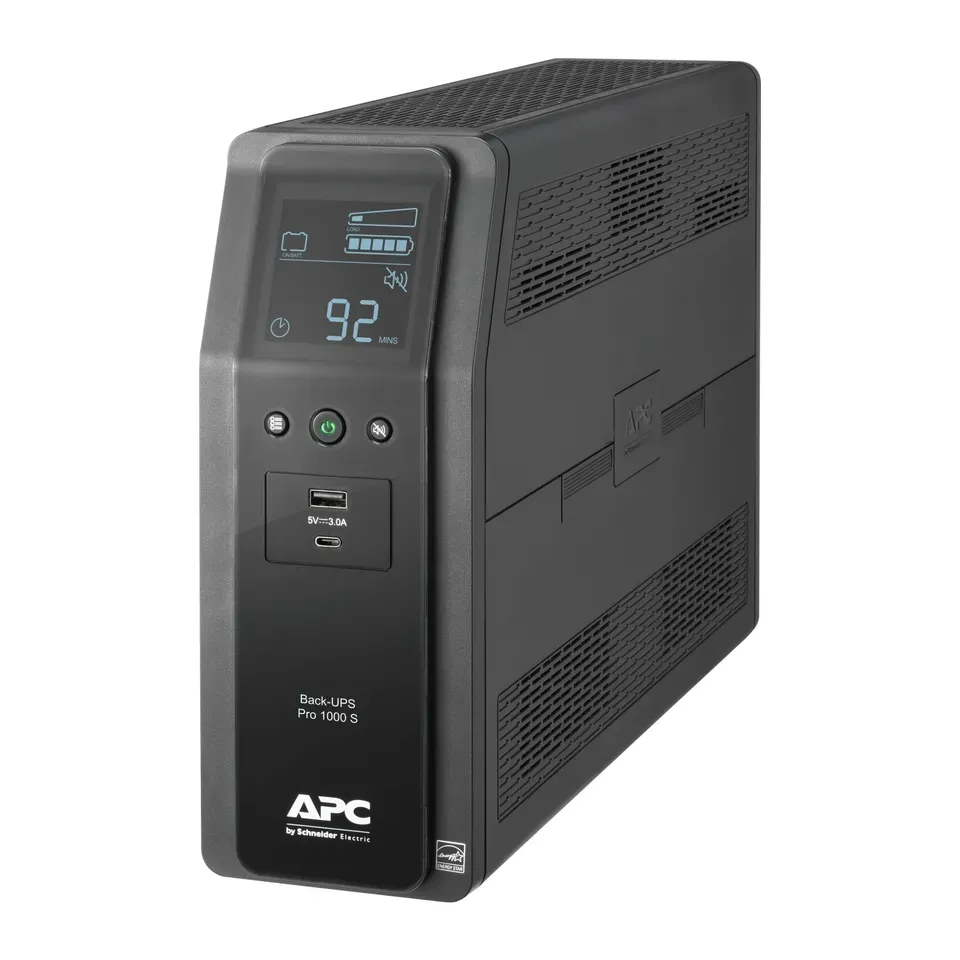
Number 6: APC Back-UPS Pro 1000VA (BR1000MS)
About $200
Battery backup (UPS)Runs a modem and router: 2 hr
Details: APC Back-UPS Pro 1000VA (BR1000MS)
- Type
- Battery backup (UPS)
- Runs a modem and router
- 2 hr
- Outlets on battery
- 6
- Power on battery
- Smooth (pure sine)
- Evens out dips in the power without using its battery
- Needs a new battery every 3 to 5 years, for about $30 to $60
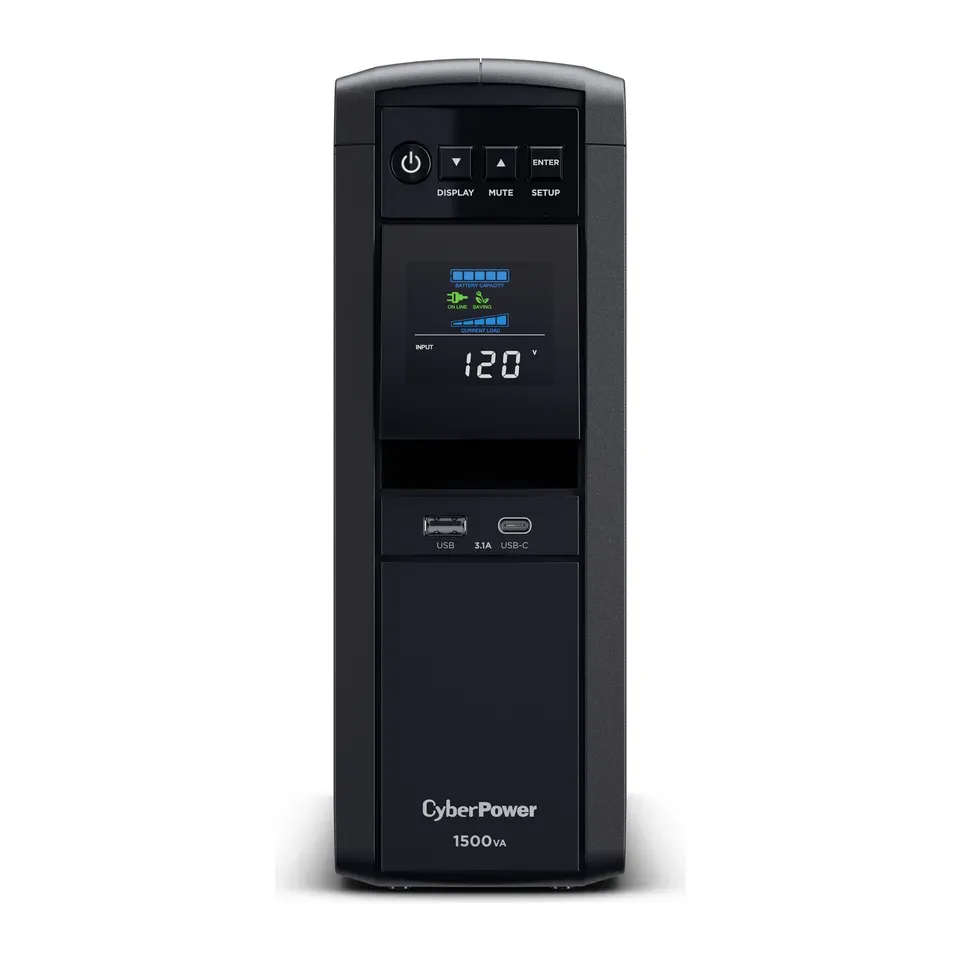
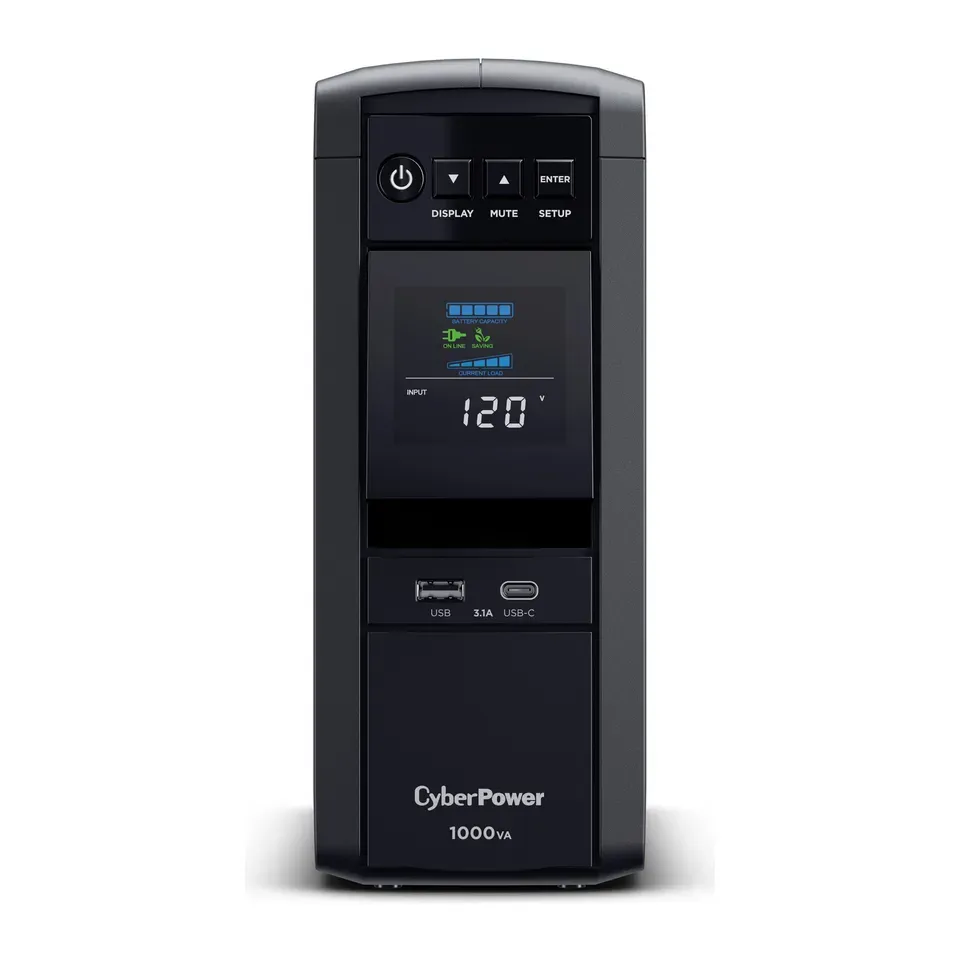
Number 7: CyberPower CP1500PFCLCD
About $240
Battery backup (UPS)Runs a modem and router: 2.5 hr
Details: CyberPower CP1500PFCLCD
- Type
- Battery backup (UPS)
- Runs a modem and router
- 2.5 hr
- Outlets on battery
- 6
- Power on battery
- Smooth (pure sine)
- Evens out dips in the power without using its battery
- Let more of a big power spike through than the best ones in a reviewer's test
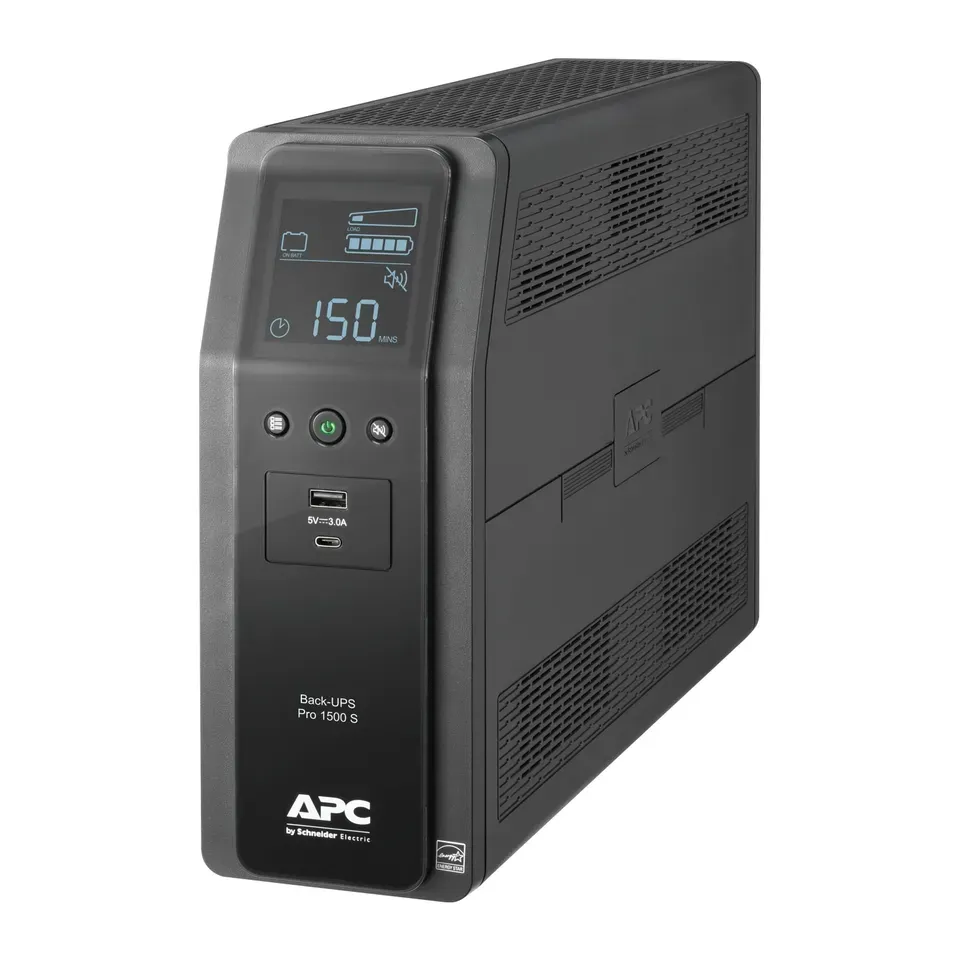
Number 8: APC Back-UPS Pro 1500VA (BR1500MS2)
About $300
Battery backup (UPS)Runs a modem and router: 2.5 hr
Details: APC Back-UPS Pro 1500VA (BR1500MS2)
- Type
- Battery backup (UPS)
- Runs a modem and router
- 2.5 hr
- Outlets on battery
- 6
- Power on battery
- Smooth (pure sine)
- Evens out dips in the power without using its battery
- In a reviewer's test, its surge protection covered only one of the three wires
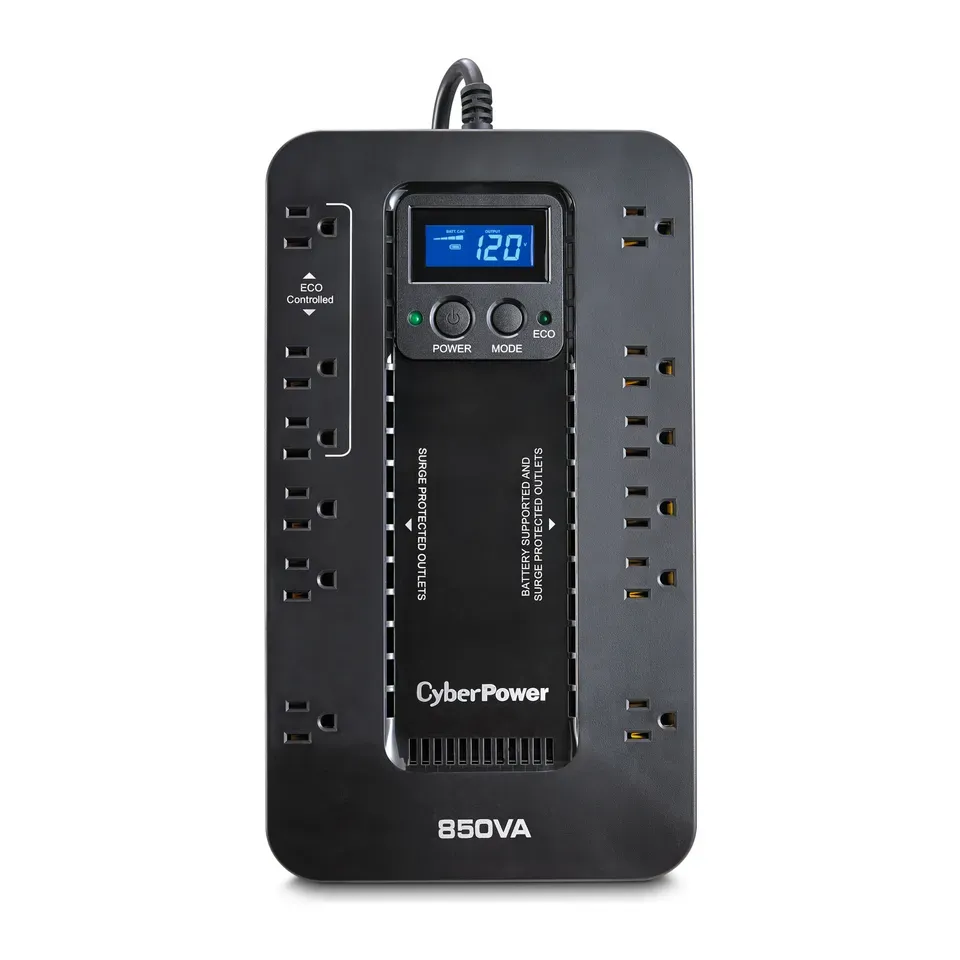
Number 9: CyberPower EC850LCD
About $120
Battery backup (UPS)Runs a modem and router: 85 min
Details: CyberPower EC850LCD
- Type
- Battery backup (UPS)
- Runs a modem and router
- 85 min
- Outlets on battery
- 6
- Power on battery
- Stepped (simulated)
- Runs a modem and router about 85 min
- Let more of a big power spike through than the best ones in a reviewer's test
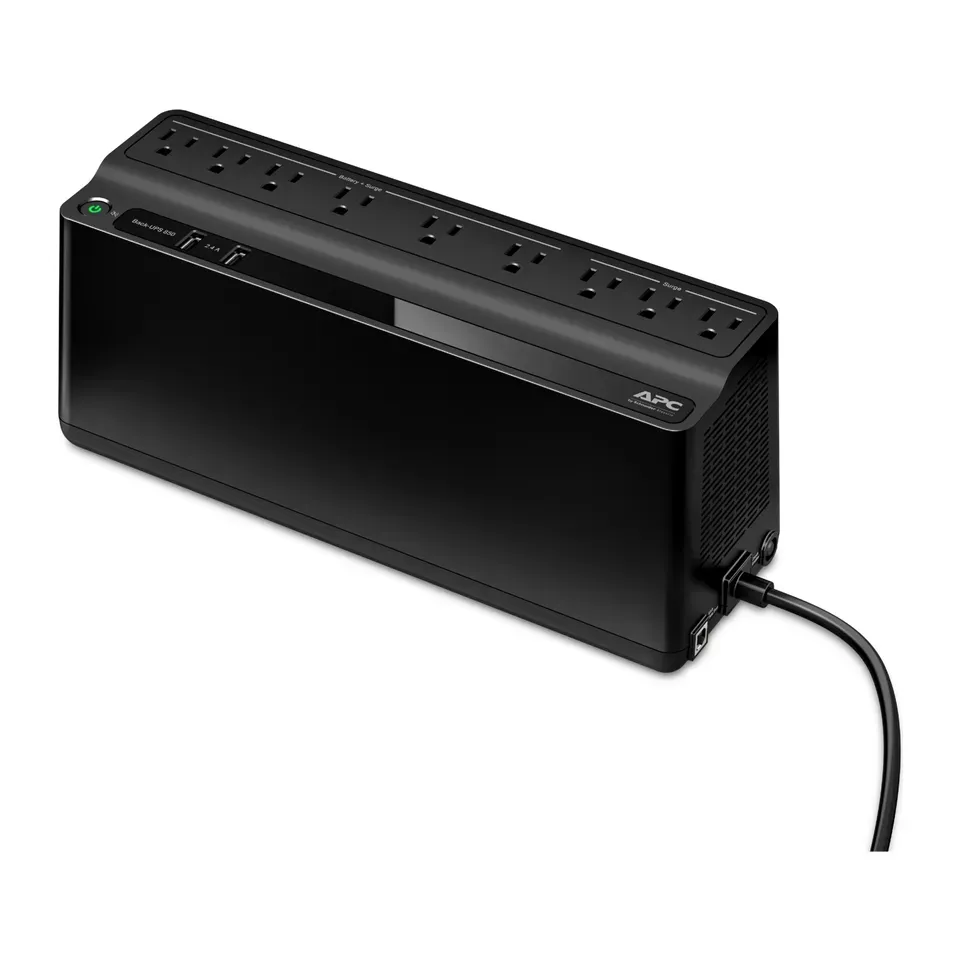
Number 10: APC Back-UPS 850VA (BE850G2)
About $140
Battery backup (UPS)Runs a modem and router: 2 hr
Details: APC Back-UPS 850VA (BE850G2)
- Type
- Battery backup (UPS)
- Runs a modem and router
- 2 hr
- Outlets on battery
- 6
- Power on battery
- Stepped (simulated)
- Runs a modem and router about 2 hr
- Needs a new battery every 3 to 5 years, for about $30 to $60
Number 11: CyberPower CP1000PFCLCD
About $180
Battery backup (UPS)Runs a modem and router: 1.5 hr
Details: CyberPower CP1000PFCLCD
- Type
- Battery backup (UPS)
- Runs a modem and router
- 1.5 hr
- Outlets on battery
- 5
- Power on battery
- Smooth (pure sine)
- Evens out dips in the power without using its battery
- A reviewer measured less time on battery and less power than its rating
Number 12: Anker SOLIX C1000 Gen 2
About $550
Power stationRuns a modem and router: 41 hr
Details: Anker SOLIX C1000 Gen 2
- Type
- Power station
- Runs a modem and router
- 41 hr
- Outlets on battery
- 5
- Power on battery
- Smooth (pure sine)
- Most reviews agree it's very good
- A power station, not a UPS: it switches over a little slower and can't shut your computer down
Show all 14 battery backups
Number 13: Eaton Tripp Lite Protect It! 12-Outlet (TLP1208SAT)
About $50
Surge protectorRuns a modem and router: No battery
Details: Eaton Tripp Lite Protect It! 12-Outlet (TLP1208SAT)
- Type
- Surge protector
- Runs a modem and router
- No battery
- Outlets on battery
- 0
- Power on battery
- No battery
- Most reviews agree it's very good
- A power station, not a UPS: it switches over a little slower and can't shut your computer down
Number 14: Belkin PivotPlug 12-Outlet (BP112230-08)
About $50
Surge protectorRuns a modem and router: No battery
Details: Belkin PivotPlug 12-Outlet (BP112230-08)
- Type
- Surge protector
- Runs a modem and router
- No battery
- Outlets on battery
- 0
- Power on battery
- No battery
- Good value at about $50
- A power station, not a UPS: it switches over a little slower and can't shut your computer down
What matters when you choose a battery backup
A battery backup, also called a UPS, keeps your things on for a while when the power goes out. Only a few things decide which one suits you.
- What you keep on. A modem and router need very little power. A desktop computer needs about 7 times more, and a gaming computer about 20 times more.
- How long it must last. Most backups give you minutes with a computer and hours with a router. Longer means a bigger, heavier battery.
- Smooth power for gaming computers. Cheaper backups give stepped power on battery. That is fine for routers and most computers, but some gaming power supplies switch off on it.
- Lights that flicker. Some backups even out small dips without using the battery. Then the battery wears out more slowly.
- Size and weight. A small backup weighs 8 pounds and can hang on a wall. A big one weighs 25 pounds.
Some things matter less than the box suggests:
- The VA number. It sounds like power, but the watt rating is what counts. We read both for you.
- “Gaming” labels and colour screens. A screen that shows the battery level is handy, but it doesn’t make the battery last longer.
- The insurance amount. Promises like “$500,000 equipment guarantee” are hard to claim. Good surge protection matters more.
Every lead-acid battery wears out in 3 to 5 years. Most of these let you swap the battery yourself, for about $30 to $60.
How we ranked them
We read the maker’s page and runtime chart for every battery backup, and expert reviews where they exist. Most come from Wirecutter, which measured runtime and surge protection in a lab, and from The Gadgeteer, How-To Geek and Android Authority.
To turn your answers into numbers, we assume about 20 watts for a modem and router, 150 for a desktop computer and screen, 200 for a computer with your internet, and 400 for a gaming computer. We then read how long each backup lasts at that load. Where a reviewer measured it with a modem and router, we use their figure. Every time we give is “about”, because batteries lose time as they age.
Before you answer, the list is sorted by how highly the reviews rate each backup and how much you get for the money. Your answers then add weight to what you need. Some answers rule products out. A surge protector has no battery, and a backup can’t run more than its rating. A runtime, smooth power for gaming and a budget also set limits. If fewer than 5 fit, we show the closest ones and say what they miss.
Each pick says why it fits you and what to keep in mind. We never call one backup “the best” for everyone. Nobody paid to be on this list.
Questions and answers
What size battery backup do I need?
Think about what you plug in, not the big number on the box. A modem and Wi-Fi router use about 20 watts, and almost any battery backup runs them for an hour or more. A desktop computer and screen use about 150 watts, and a gaming computer can use 400 or more.
Keep the total under 80% of the backup's watt rating. Then a start-up surge won't trip it, and it runs longer.
How long will a battery backup last in a power cut?
With a modem and router, a small one lasts 1 to 2 hours, and a big one 3 to 5 hours. With a desktop computer, most last 10 to 50 minutes. That is time to save your work and shut down, not to keep working.
For hours of power for a computer, you need a power station with a big battery. It costs more and weighs about 25 pounds.
Do I need a pure sine wave battery backup?
For a gaming computer, yes. Many gaming power supplies want smooth power, and some switch off on the stepped power that cheaper backups give. Routers, modems, consoles and most everyday computers work fine on stepped power.
When you choose a gaming computer, we only show backups with smooth power first.
Is a surge protector the same as a battery backup?
No. A surge protector stops power spikes, but it has no battery, so everything turns off in a power cut. A battery backup does both. Never plug a battery backup into a surge protector or an extension cord.
Surge protectors wear out after big spikes. Replace one every 3 to 5 years, or sooner if its "protected" light goes off.
Can I plug a medical device into a battery backup?
We don't cover medical devices such as CPAP or oxygen machines here. Ask the device's maker which backup they approve. Also don't plug a laser printer, a heater or anything with a big motor into a battery backup: they draw too much power.
Not affiliated with or endorsed by any maker or shop. Product photos are the makers' own. To have one removed, email hello@devicetests.com.