Which microphone should I buy?
Answer up to 6 short questions and see the 5 microphones that suit you best.
24 microphones compared from the makers' spec sheets and expert reviews. How we rank
The questions
24 microphones compared from the makers' spec sheets and expert reviews. How we rank
Picks for common needs
Choose a need to see its top 5. You can change any answer after.
For video calls
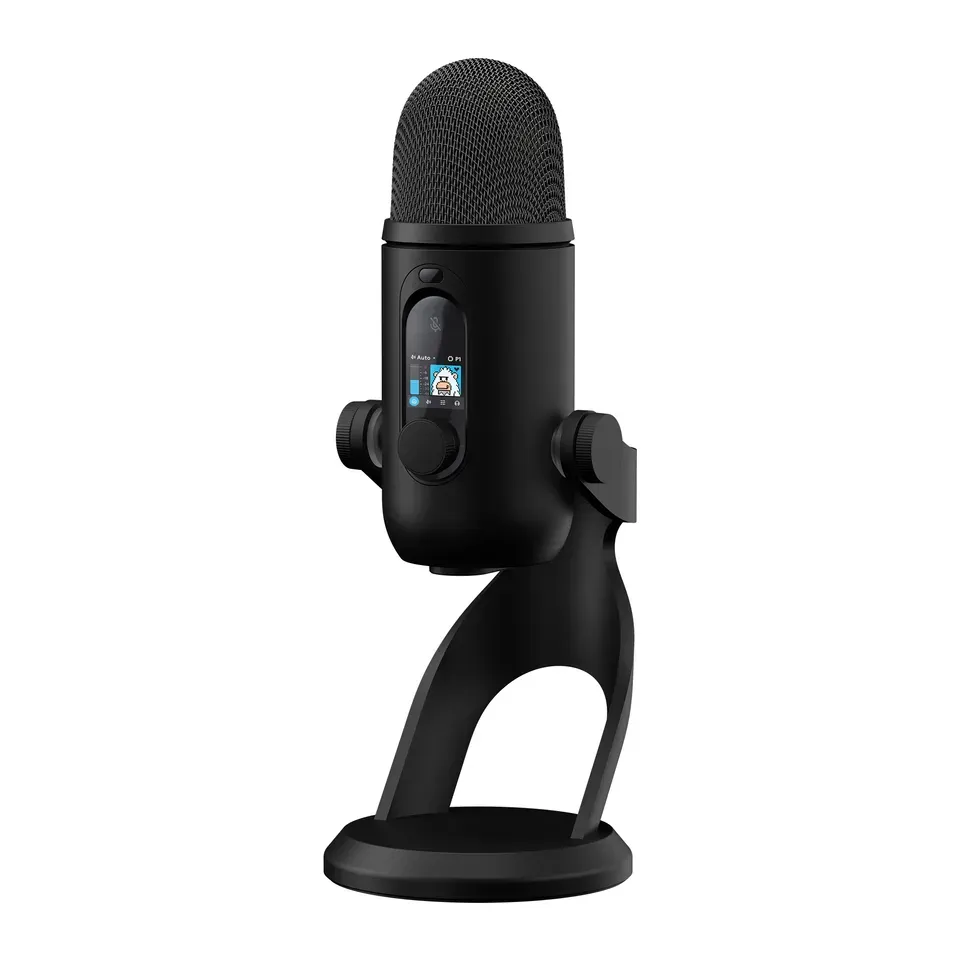
- Number 1: Logitech G Yeti 2About $160
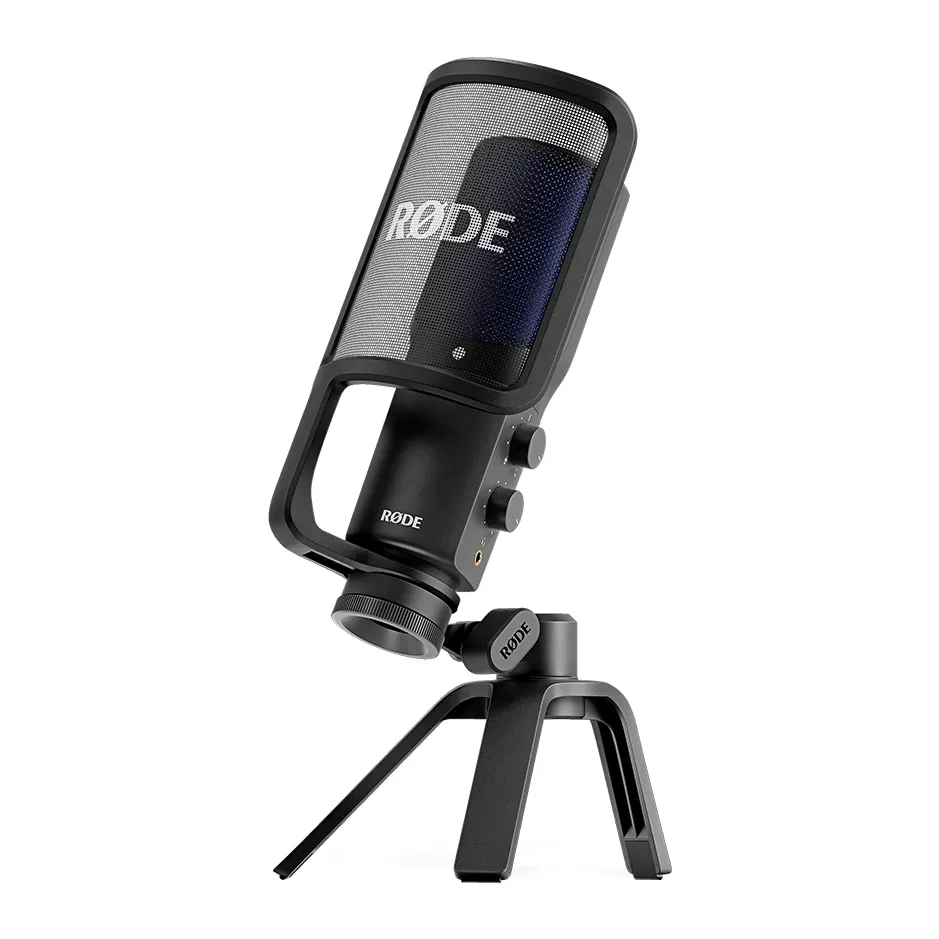
- Number 2: RØDE NT-USB+About $170
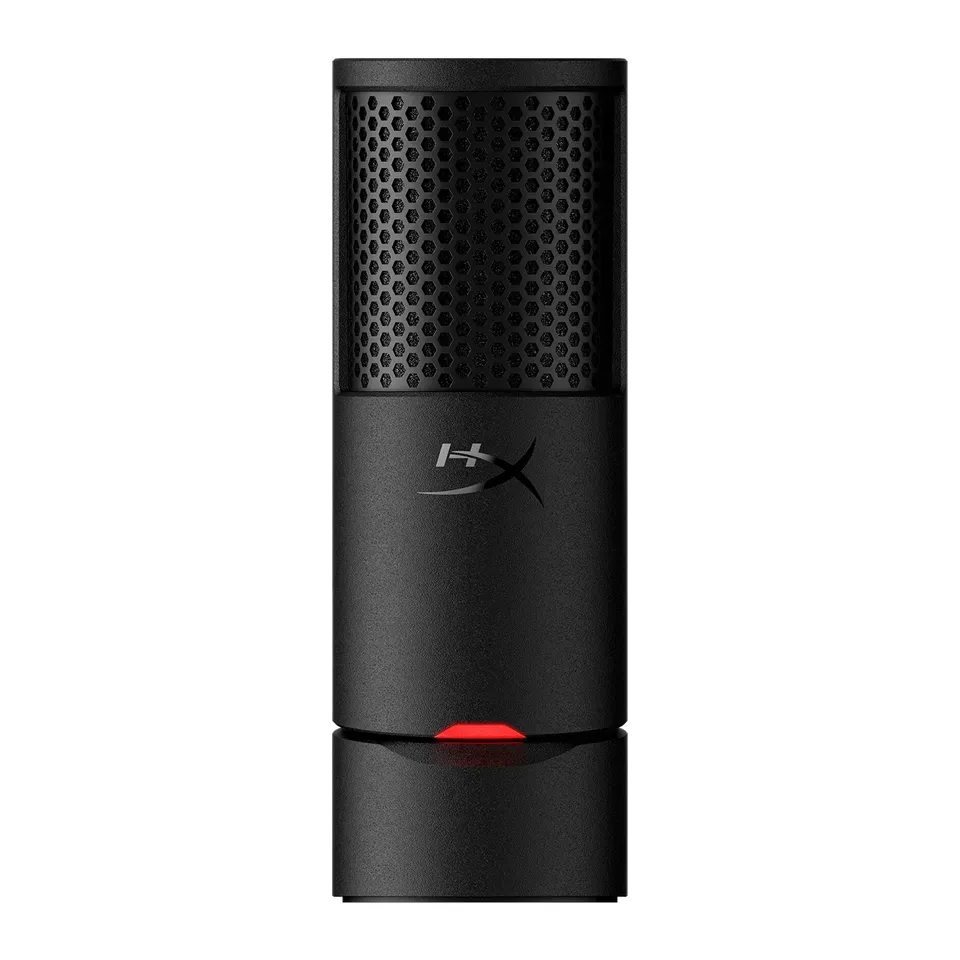
- Number 3: HyperX SoloCast 2About $60
For games
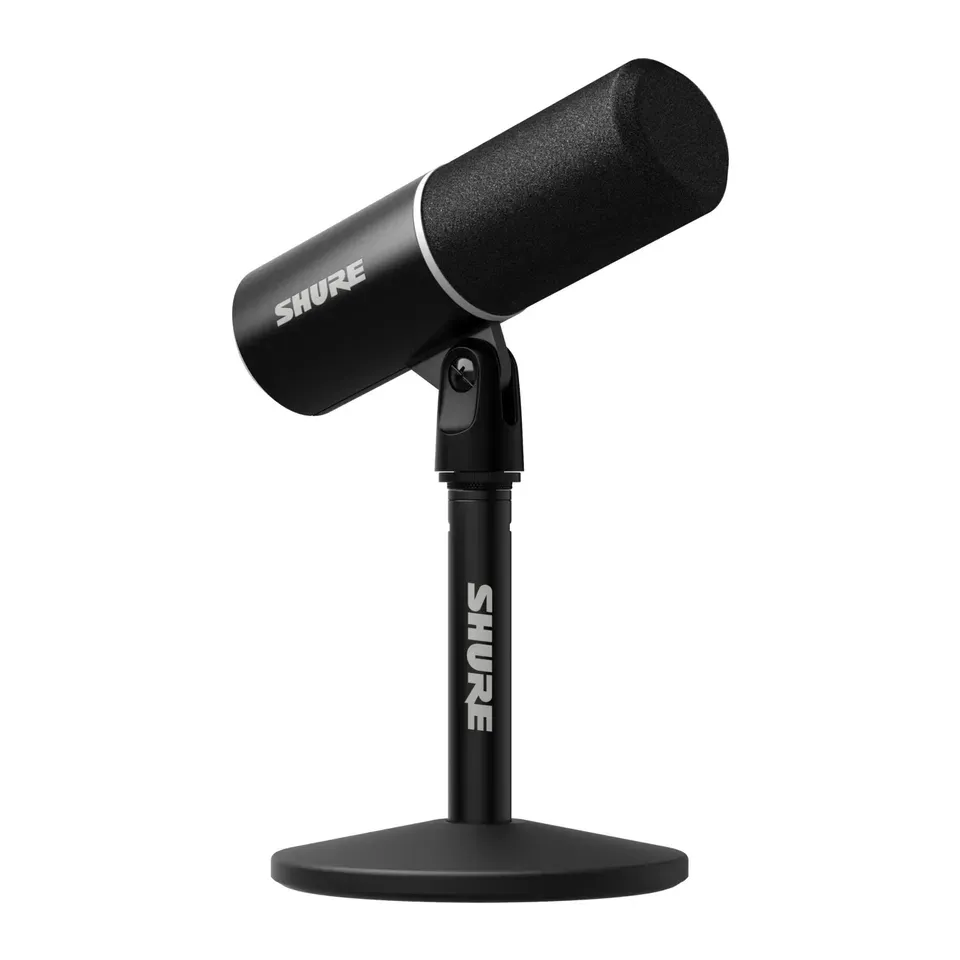
- Number 1: Shure MV6 Gen 2About $170
- Number 2: FIFINE AmpliGame AM8About $55
- Number 3: Shure MV7+About $280
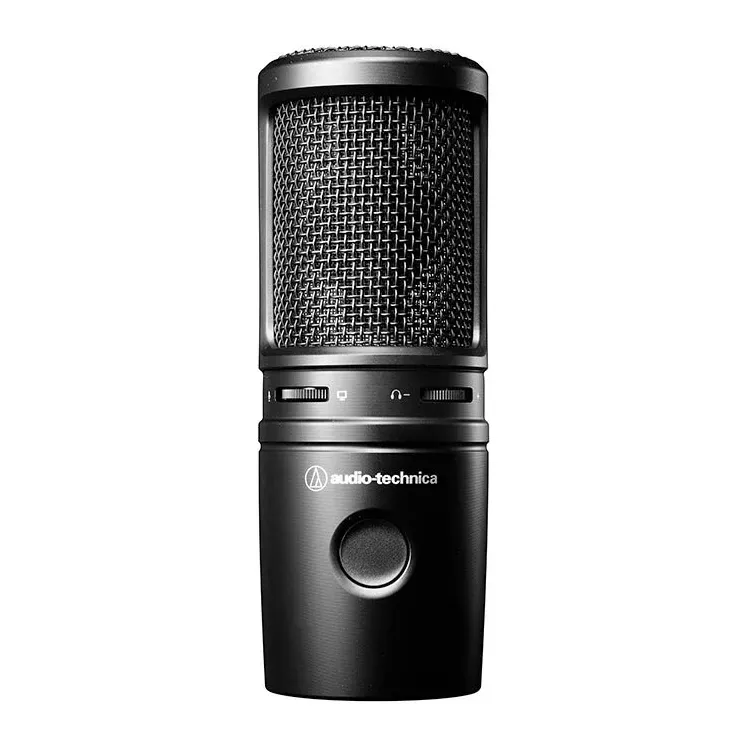
For a podcast
- Number 1: FIFINE AmpliGame AM8About $55
- Number 2: Shure MV7+About $280
- Number 3: Audio-Technica ATR2100x-USBAbout $80
For singing at home
- Number 1: RØDE NT-USB MiniAbout $110
- Number 2: Audio-Technica AT2020USB-XAbout $150
- Number 3: RØDE NT-USB+About $170
For a group around a table
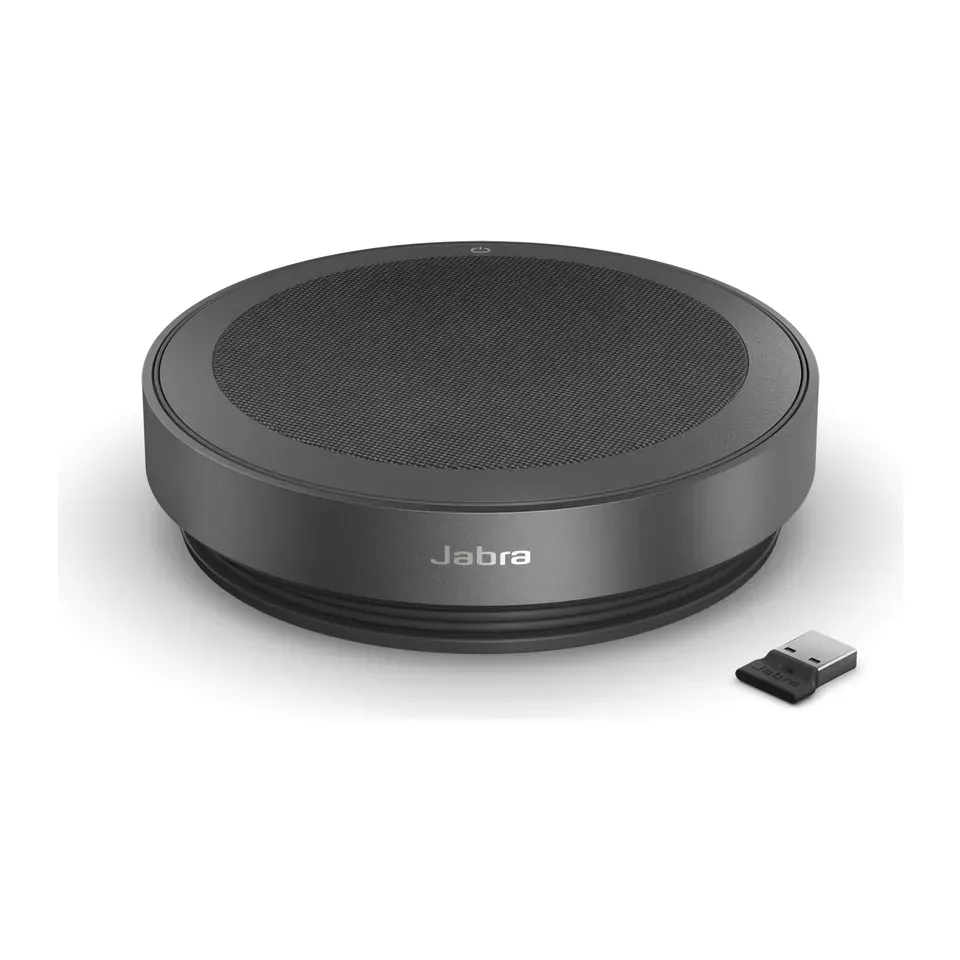
- Number 1: Jabra Speak2 75About $370
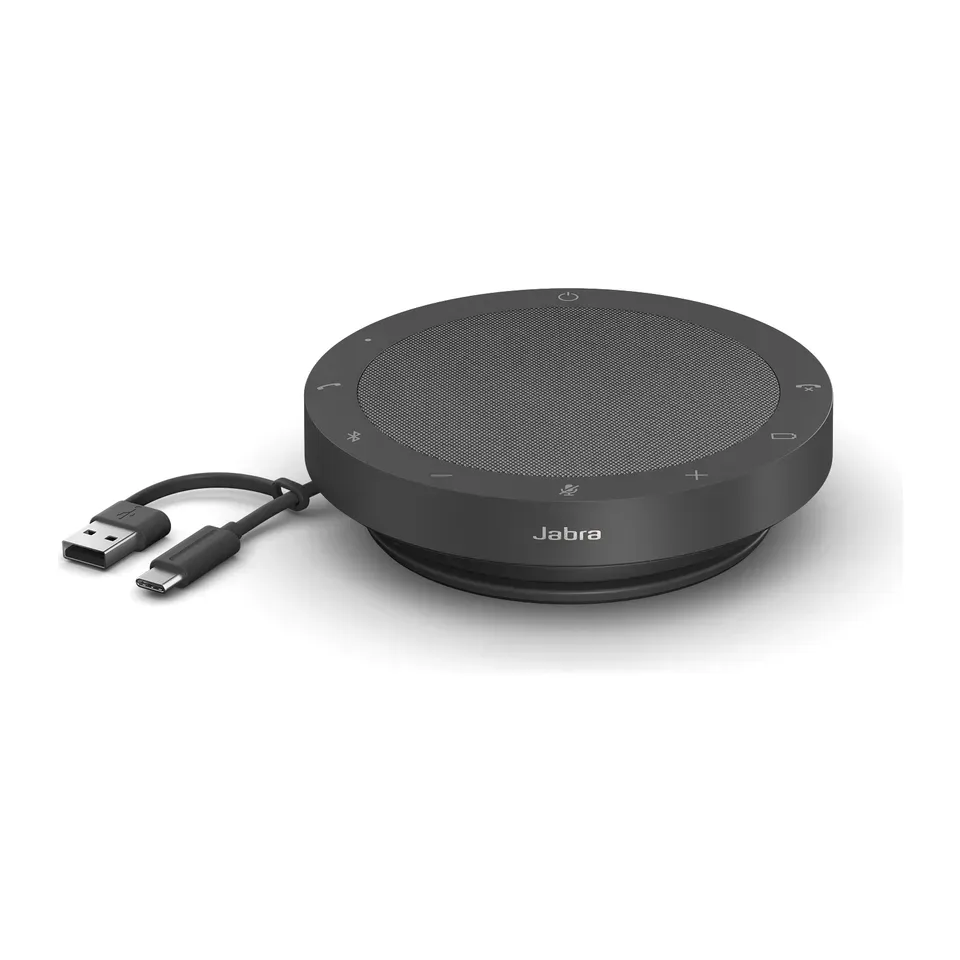
- Number 2: Jabra Speak2 55About $150
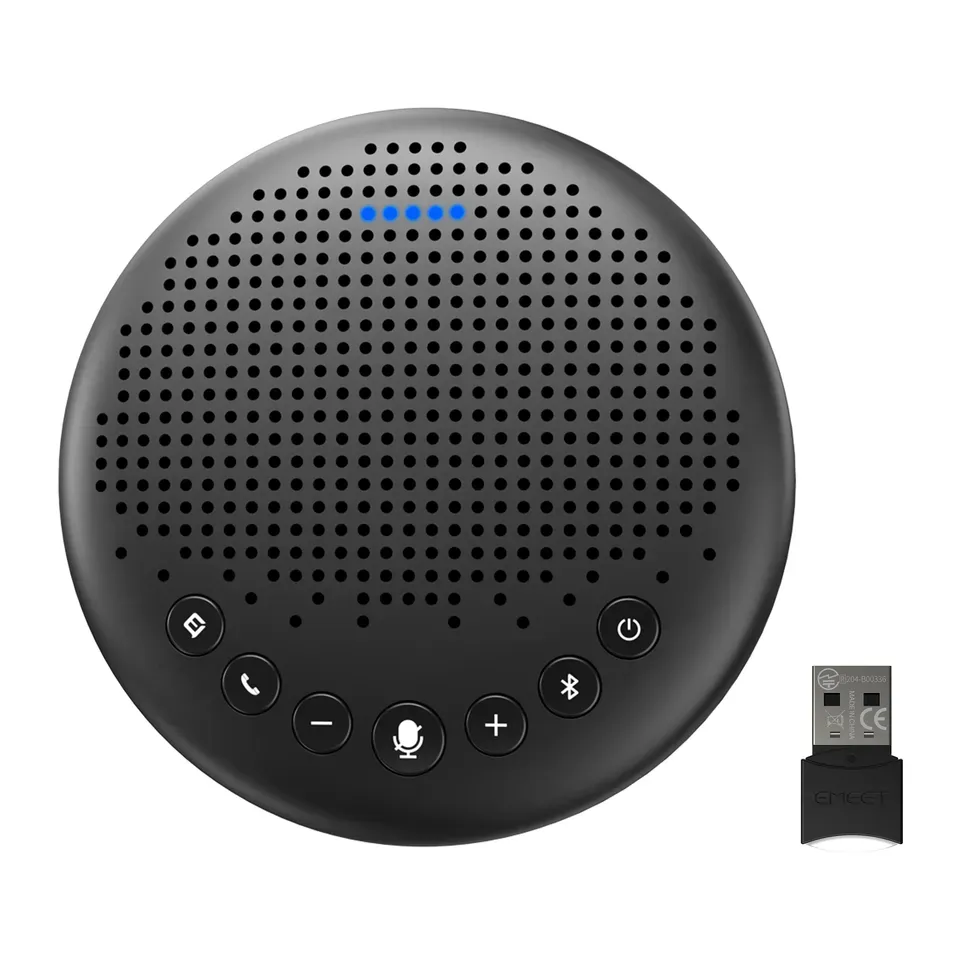
- Number 3: EMEET OfficeCore LunaAbout $70
Answer the questions
Up to 6 short questions. Your own top 5 at the end.
All 24 microphones, ranked
Ranked by expert reviews and value for money, before any answers. How we rank
Prices checked .
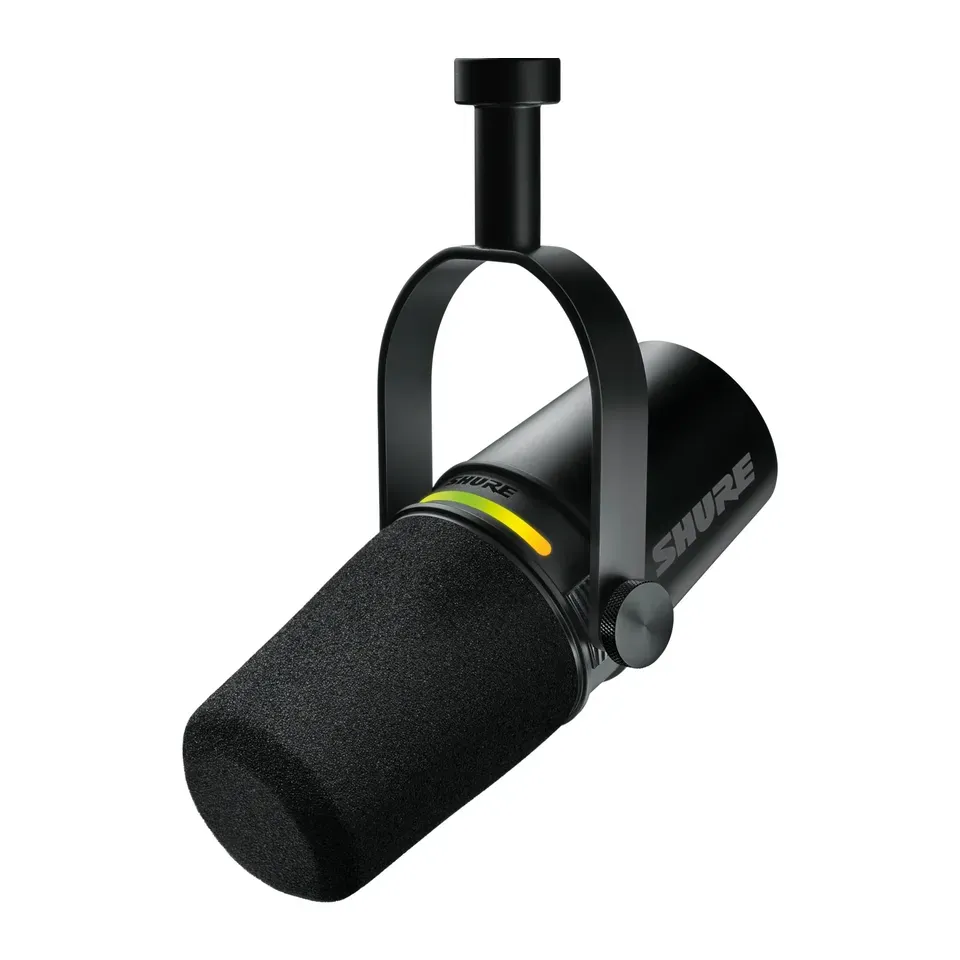
Number 1: Shure MV6 Gen 2
About $170
Plugs in by: USBMostly your voice
Details: Shure MV6 Gen 2
- Plugs in by
- USB
- Hears
- Mostly your voice
- Stand
- In the box
- Headphone jack
- Yes
- Most expert reviews rate it very highly
- Voices sound a little thin in the low end, a reviewer found
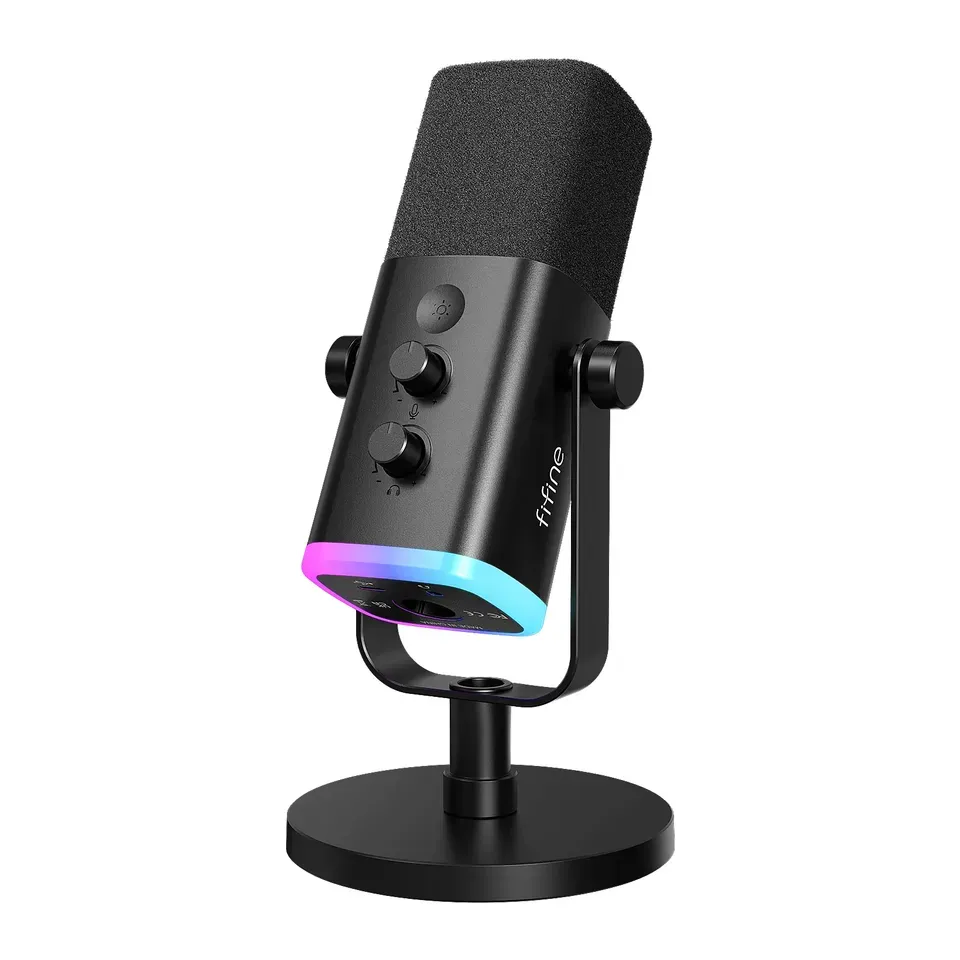
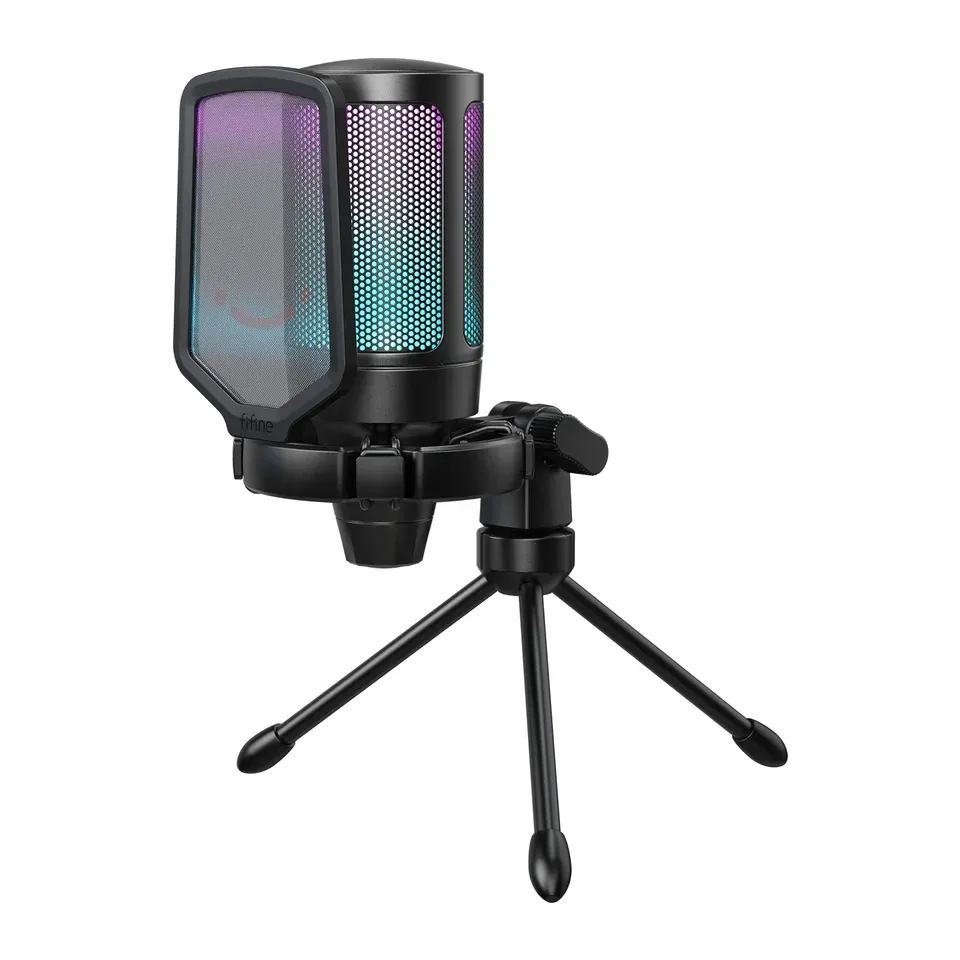
Number 2: FIFINE AmpliGame AM8
About $55
Plugs in by: USB or XLRMostly your voice
Details: FIFINE AmpliGame AM8
- Plugs in by
- USB or XLR
- Hears
- Mostly your voice
- Stand
- In the box
- Headphone jack
- Yes
- Hears mostly your voice, not the keyboard, fan or echo
- No XLR cable in the box, if you want to use a mixer later
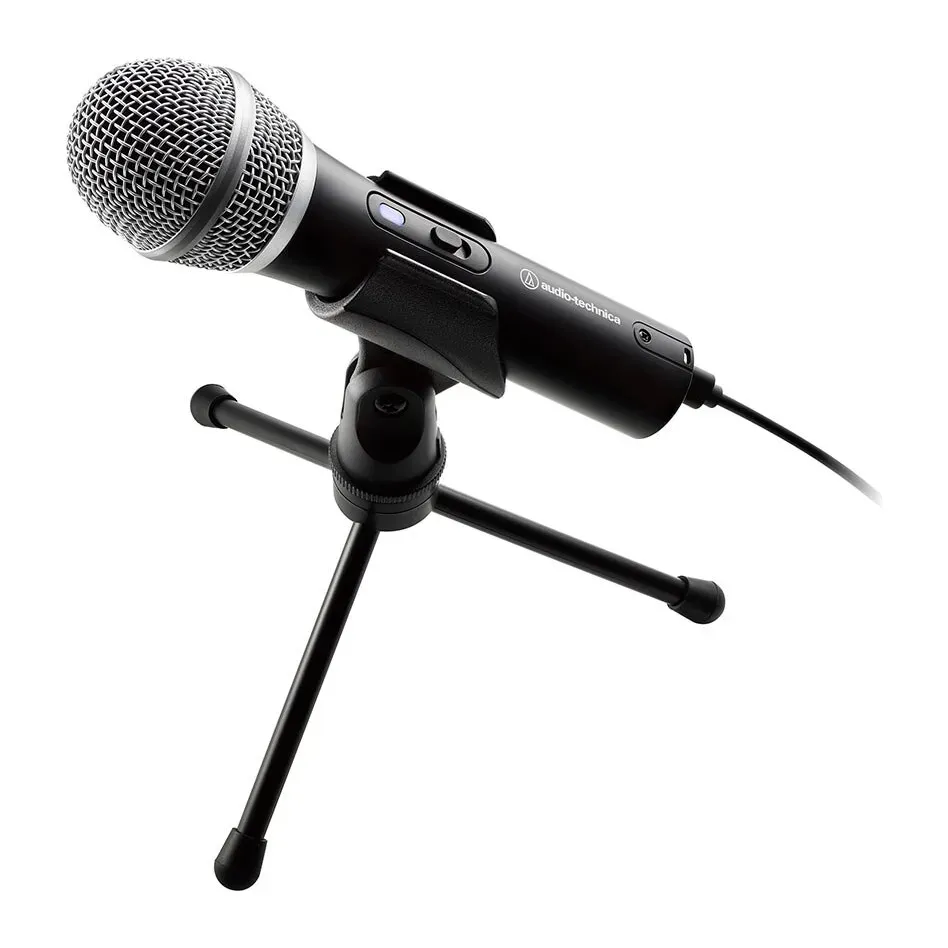
Number 3: Audio-Technica ATR2100x-USB
About $80
Plugs in by: USB or XLRMostly your voice
Details: Audio-Technica ATR2100x-USB
- Plugs in by
- USB or XLR
- Hears
- Mostly your voice
- Stand
- In the box
- Headphone jack
- Yes
- Hears mostly your voice, not the keyboard, fan or echo
- The small tripod wobbles: most people add an arm, reviewers say
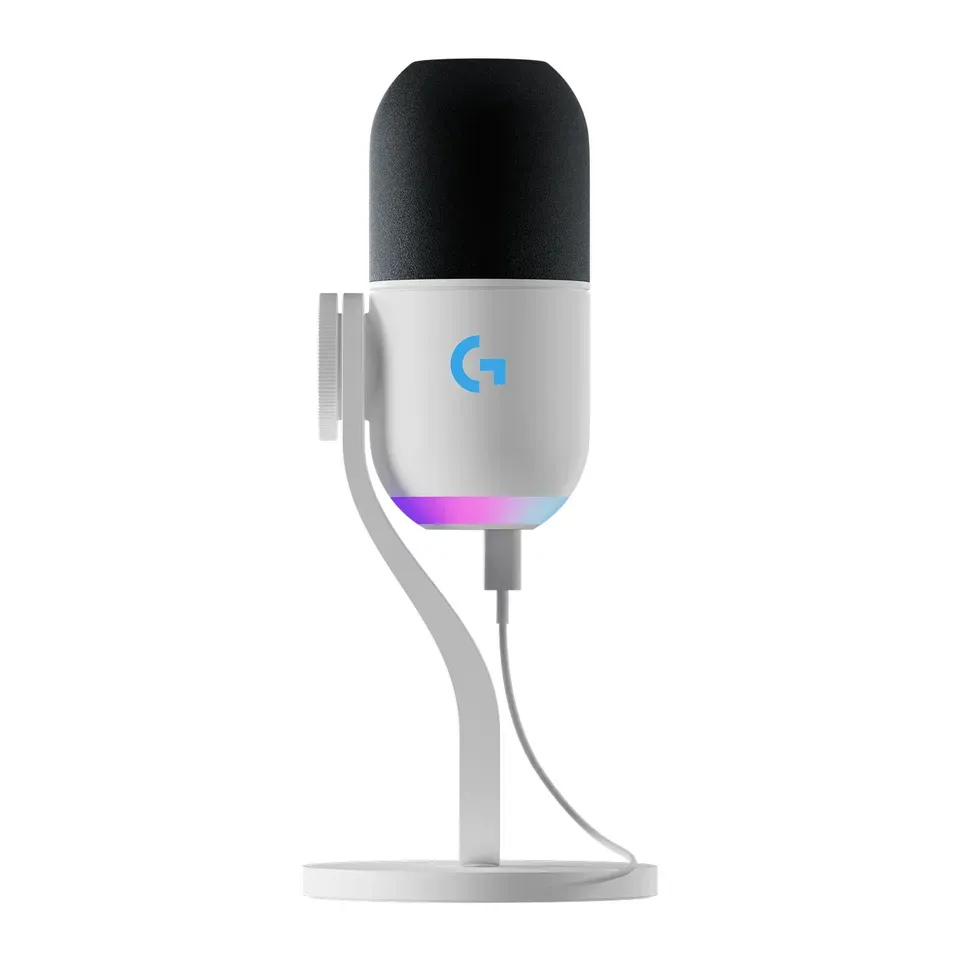
Number 4: Logitech G Yeti 2
About $160
Plugs in by: USBYour voice and a little of the room
Details: Logitech G Yeti 2
- Plugs in by
- USB
- Hears
- Your voice and a little of the room
- Stand
- In the box
- Headphone jack
- Yes
- Most expert reviews rate it very highly
- One push-dial runs every setting, and reviewers found it fiddly
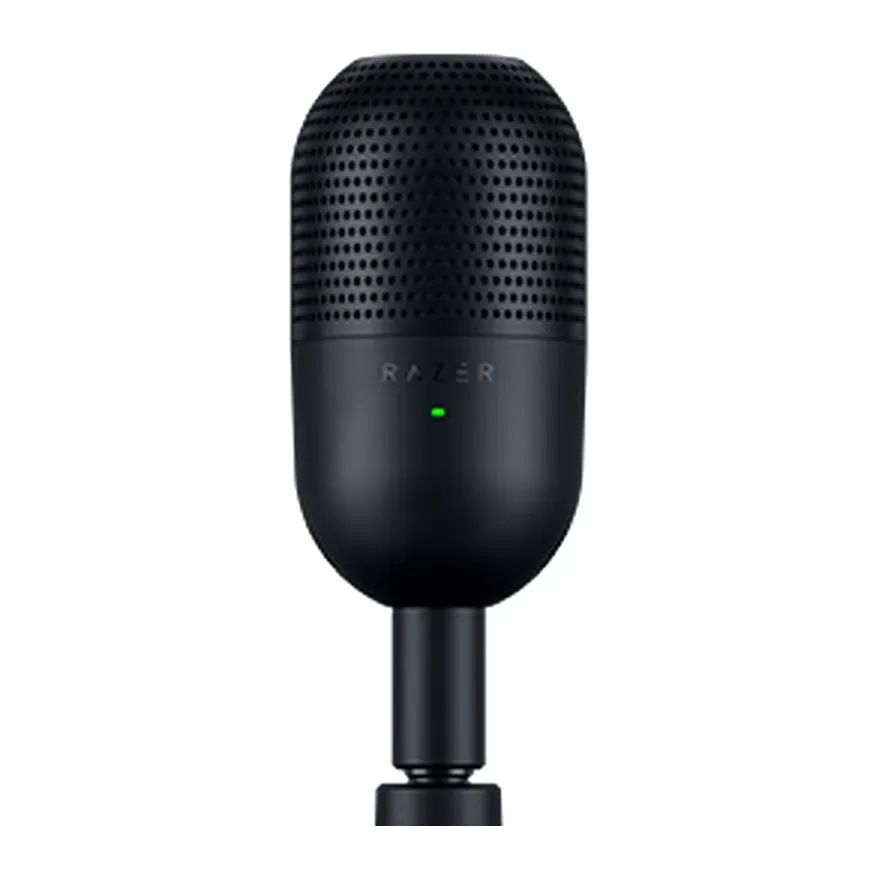
Number 5: Razer Seiren V3 Mini
About $45
Plugs in by: USBYour voice and the room
Details: Razer Seiren V3 Mini
- Plugs in by
- USB
- Hears
- Your voice and the room
- Stand
- In the box
- Headphone jack
- No
- About $45, less than most mics here
- Hears the whole room: keyboard, fan and echo too
Number 6: RØDE NT-USB+
About $170
Plugs in by: USBYour voice and a little of the room
Details: RØDE NT-USB+
- Plugs in by
- USB
- Hears
- Your voice and a little of the room
- Stand
- In the box
- Headphone jack
- Yes
- Cleans up your voice inside the mic, so it works the same in every app
- No mute button on the mic
Number 7: Logitech G Yeti GX
About $130
Plugs in by: USBMostly your voice
Details: Logitech G Yeti GX
- Plugs in by
- USB
- Hears
- Mostly your voice
- Stand
- In the box
- Headphone jack
- No
- Hears mostly your voice, not the keyboard, fan or echo
- Expert reviews are mixed
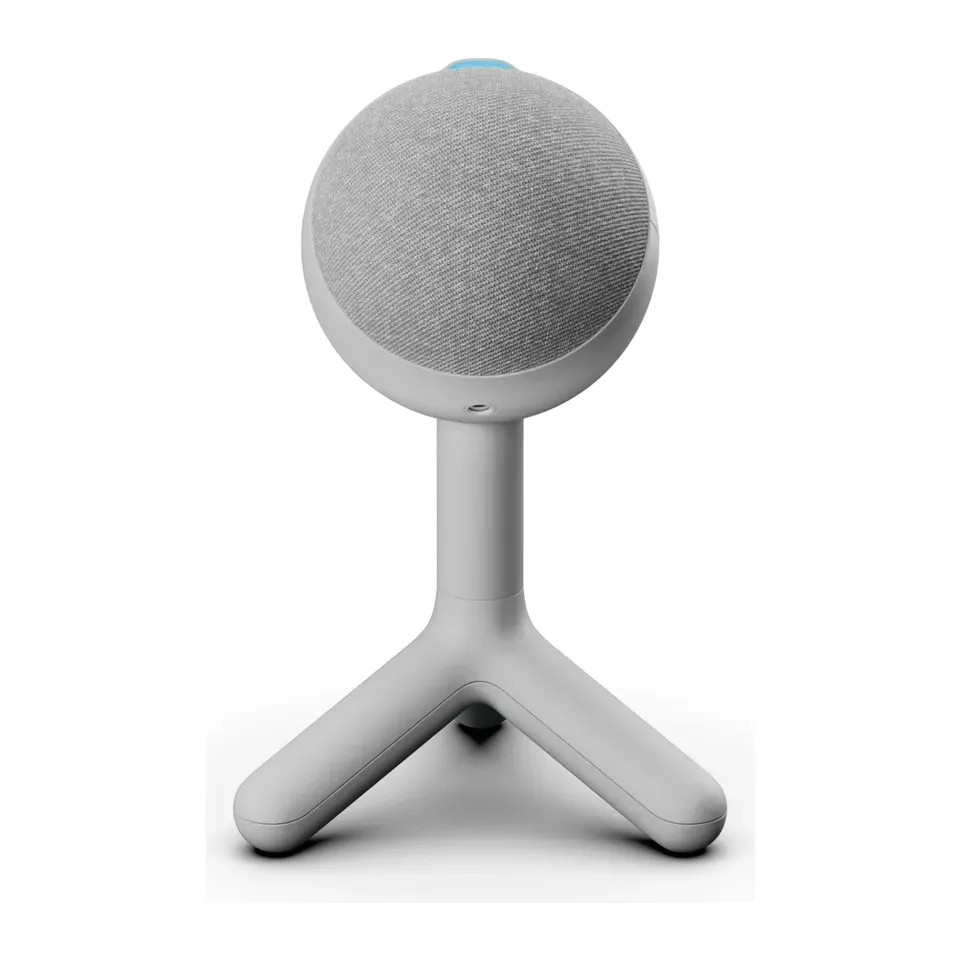
Number 8: Logitech G Yeti Orb
About $50
Plugs in by: USBYour voice and the room
Details: Logitech G Yeti Orb
- Plugs in by
- USB
- Hears
- Your voice and the room
- Stand
- In the box
- Headphone jack
- No
- About $50, less than most mics here
- Hears the whole room: keyboard, fan and echo too
Number 9: Shure MV7+
About $280
Plugs in by: USB or XLRMostly your voice
Details: Shure MV7+
- Plugs in by
- USB or XLR
- Hears
- Mostly your voice
- Stand
- Not included
- Headphone jack
- Yes
- Most expert reviews rate it very highly
- No stand in the box: you need an arm or a stand
Number 10: HyperX SoloCast 2
About $60
Plugs in by: USBYour voice and the room
Details: HyperX SoloCast 2
- Plugs in by
- USB
- Hears
- Your voice and the room
- Stand
- In the box
- Headphone jack
- No
- About $60, less than most mics here
- Hears the whole room: keyboard, fan and echo too
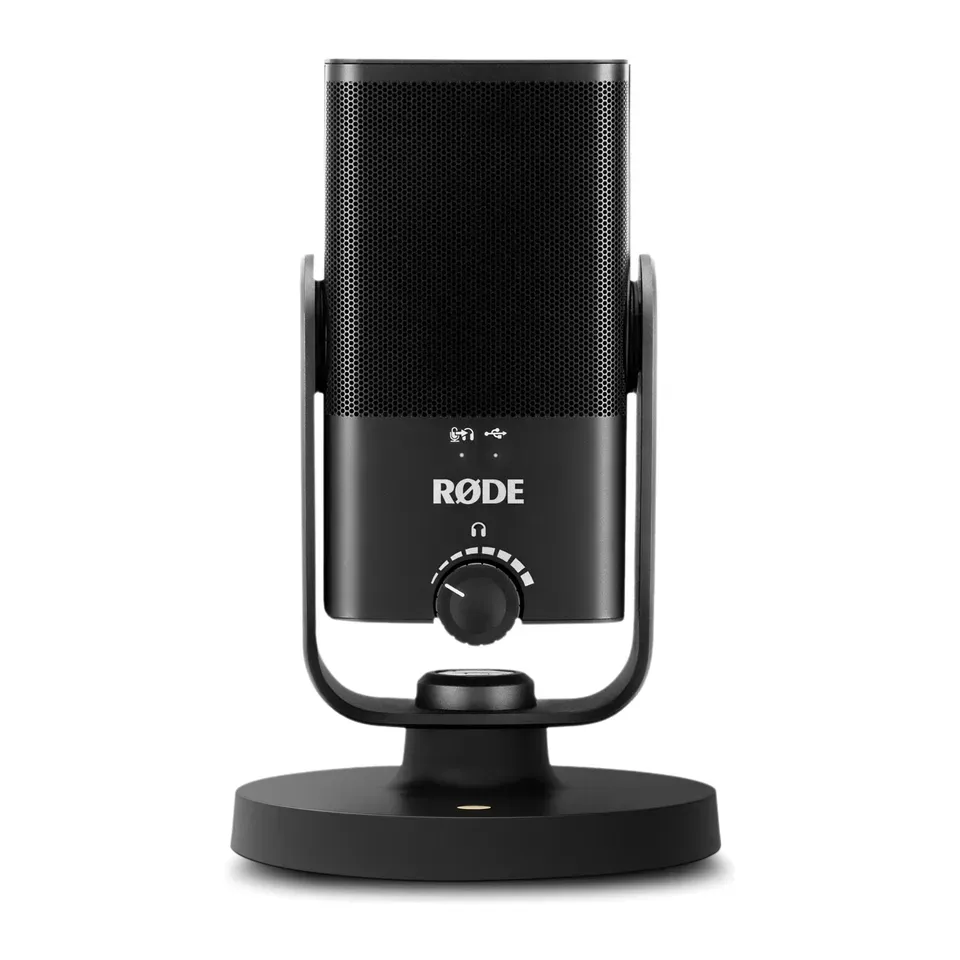
Number 11: RØDE NT-USB Mini
About $110
Plugs in by: USBYour voice and the room
Details: RØDE NT-USB Mini
- Plugs in by
- USB
- Hears
- Your voice and the room
- Stand
- In the box
- Headphone jack
- Yes
- Reviewers recommend it for singing and instruments
- Hears the whole room: keyboard, fan and echo too
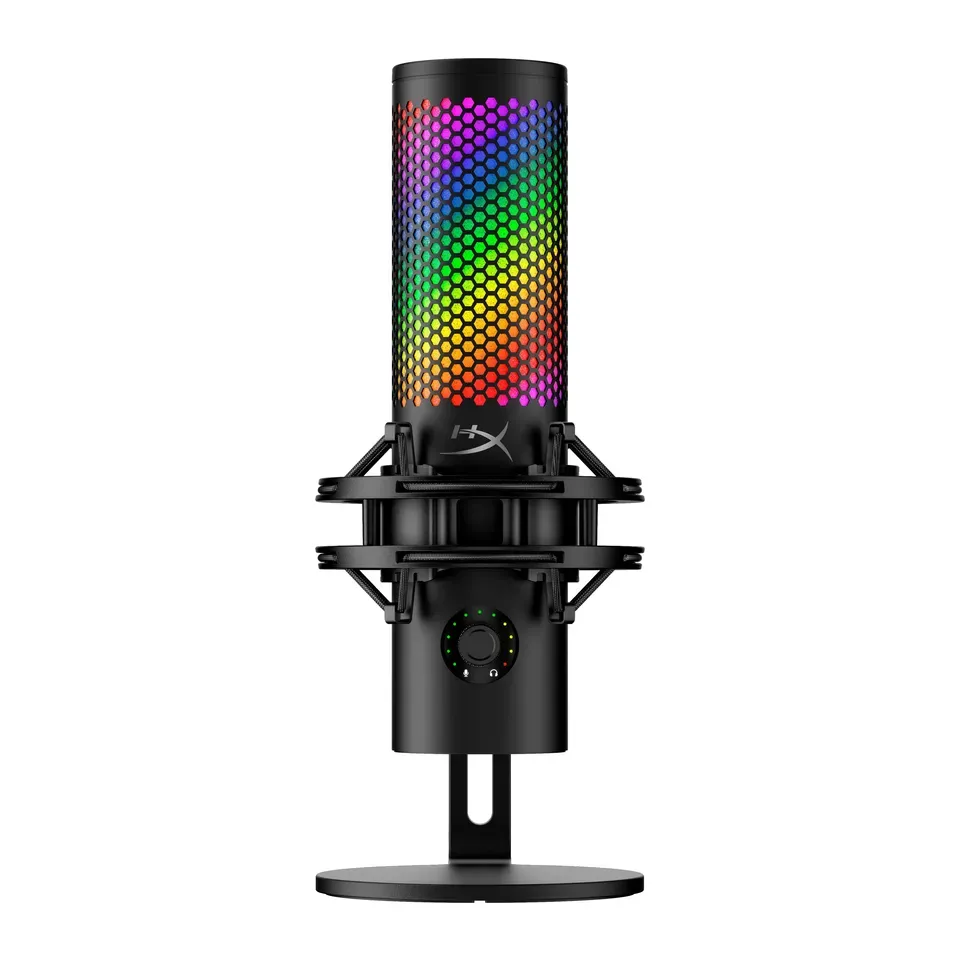
Number 12: HyperX QuadCast 2 S
About $130
Plugs in by: USBYour voice and the room
Details: HyperX QuadCast 2 S
- Plugs in by
- USB
- Hears
- Your voice and the room
- Stand
- In the box
- Headphone jack
- Yes
- Mute button on the mic
- Hears the whole room: keyboard, fan and echo too
Show all 24 microphones
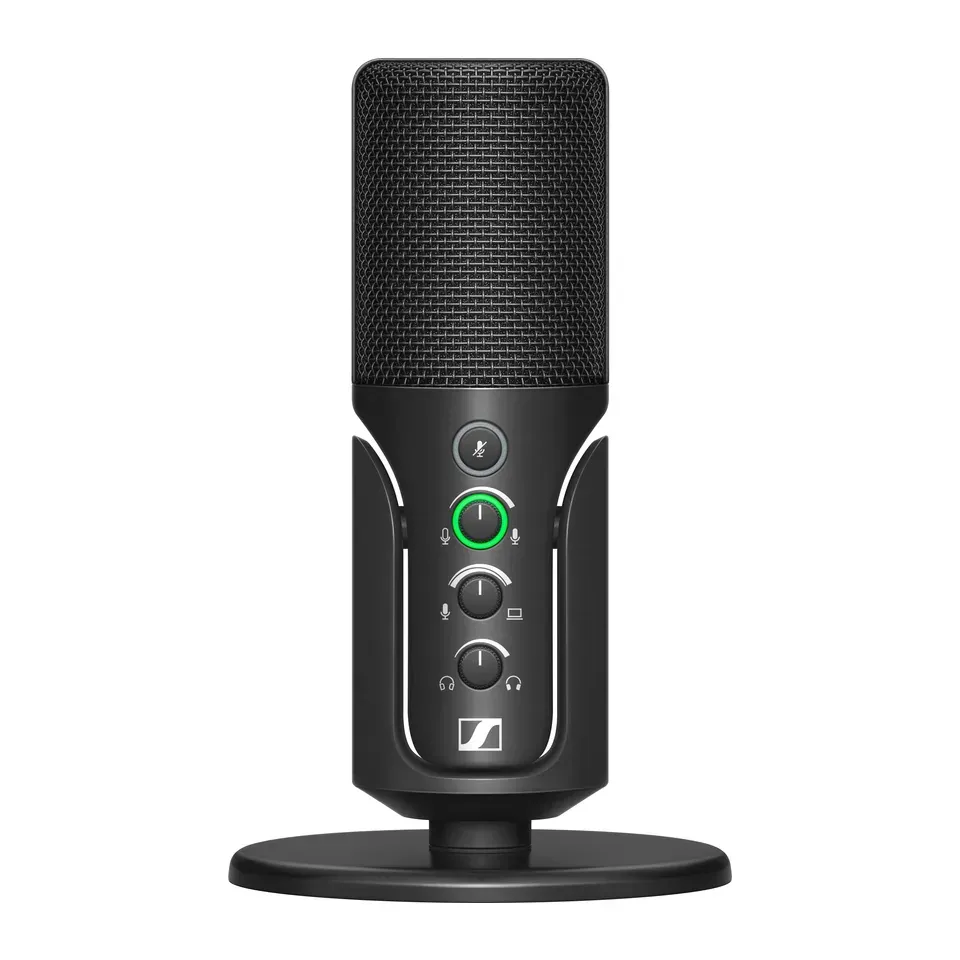
Number 13: Sennheiser Profile USB Microphone
About $130
Plugs in by: USBYour voice and the room
Details: Sennheiser Profile USB Microphone
- Plugs in by
- USB
- Hears
- Your voice and the room
- Stand
- In the box
- Headphone jack
- Yes
- Mute button on the mic
- Hears the whole room: keyboard, fan and echo too
Number 14: FIFINE AmpliGame A6V
About $35
Plugs in by: USBYour voice and the room
Details: FIFINE AmpliGame A6V
- Plugs in by
- USB
- Hears
- Your voice and the room
- Stand
- In the box
- Headphone jack
- No
- About $35, less than most mics here
- Expert reviews are mixed
Number 15: Audio-Technica AT2020USB-X
About $150
Plugs in by: USBYour voice and the room
Details: Audio-Technica AT2020USB-X
- Plugs in by
- USB
- Hears
- Your voice and the room
- Stand
- In the box
- Headphone jack
- Yes
- Reviewers recommend it for singing and instruments
- Hears the whole room: keyboard, fan and echo too
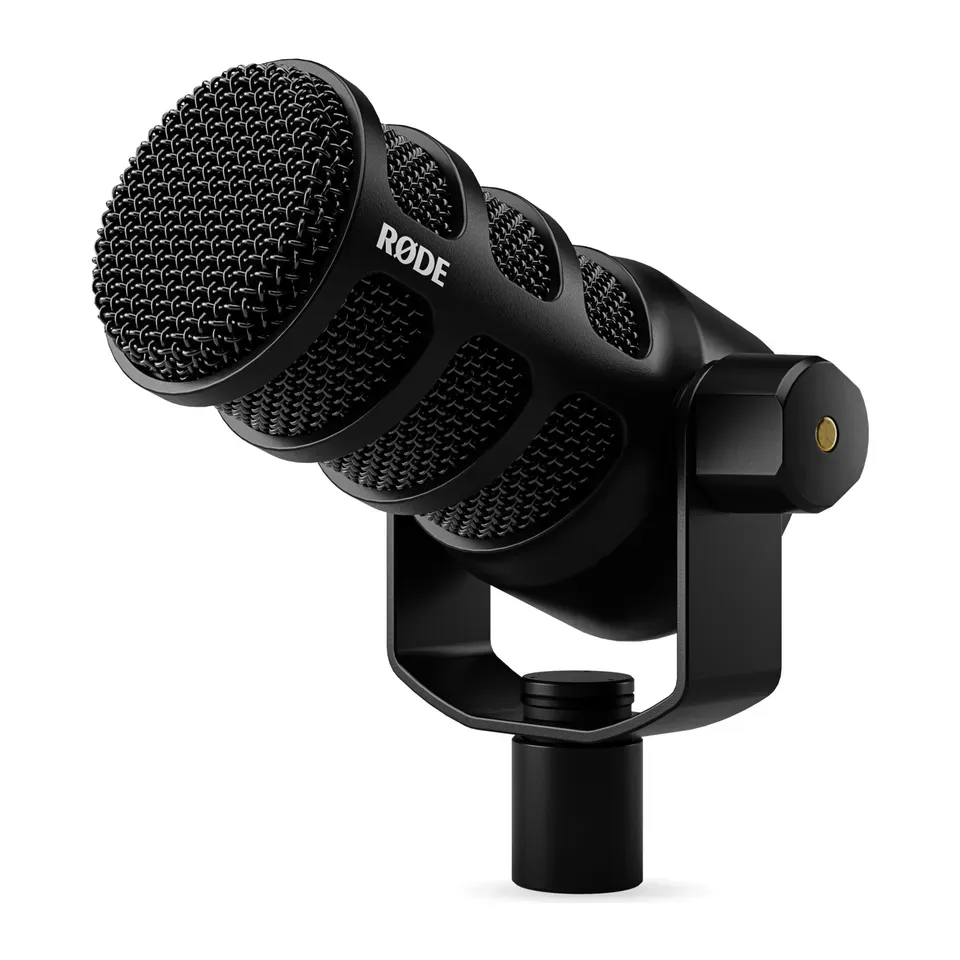
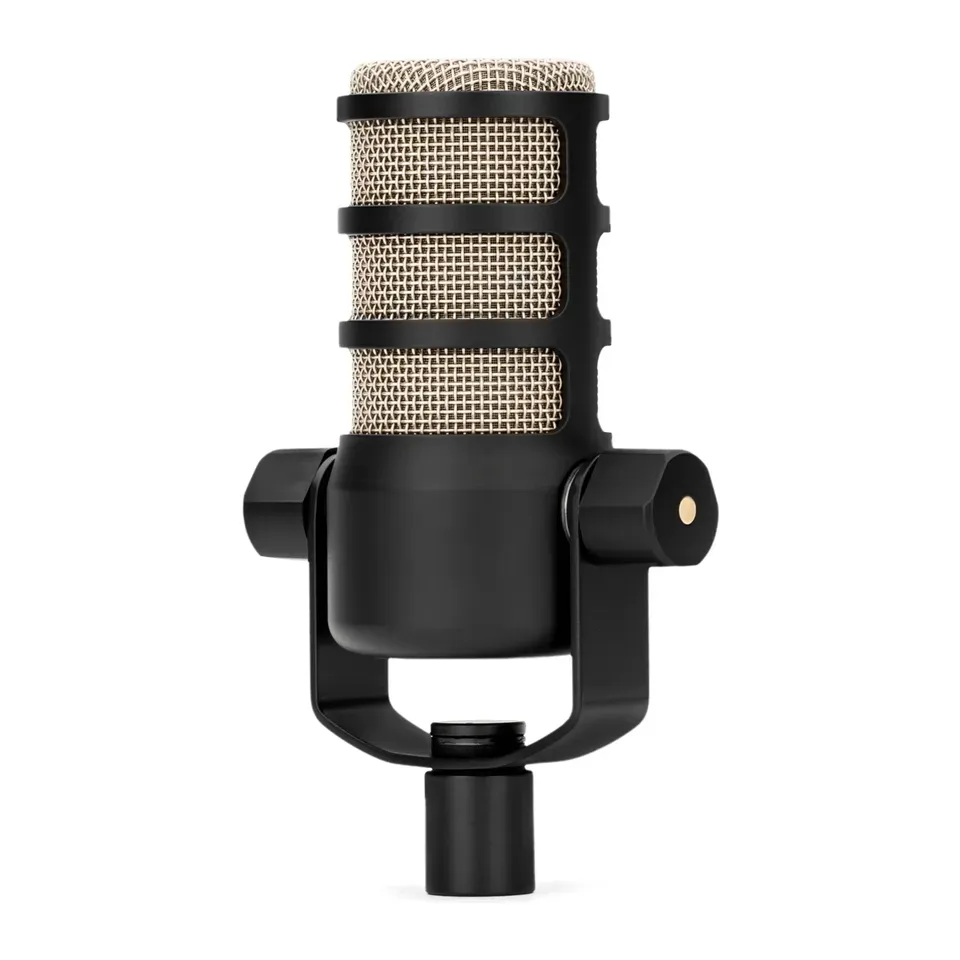
Number 16: RØDE PodMic USB
About $200
Plugs in by: USB or XLRMostly your voice
Details: RØDE PodMic USB
- Plugs in by
- USB or XLR
- Hears
- Mostly your voice
- Stand
- Not included
- Headphone jack
- Yes
- Hears mostly your voice, not the keyboard, fan or echo
- No stand in the box: you need an arm or a stand
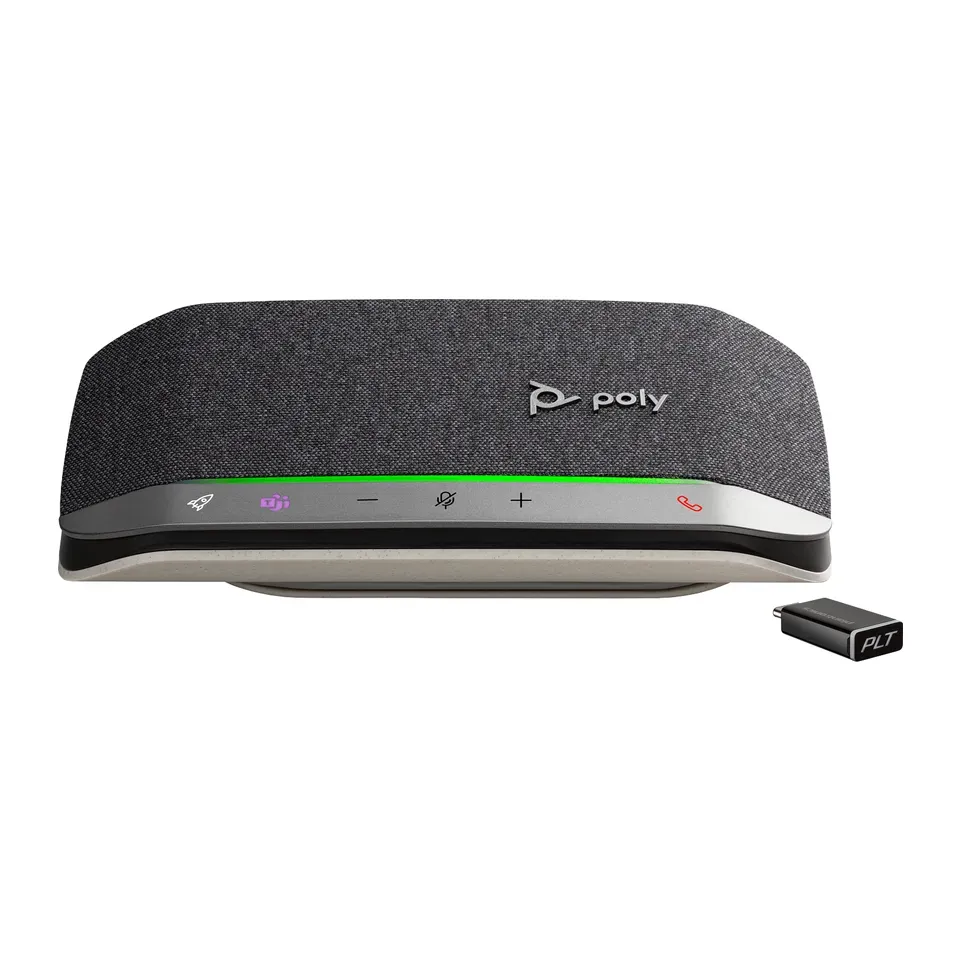
Number 17: Jabra Speak2 75
About $370
Plugs in by: USB or BluetoothEveryone around the table
Details: Jabra Speak2 75
- Plugs in by
- USB or Bluetooth
- Hears
- Everyone around the table
- Stand
- Sits on the table
- Headphone jack
- No
- Most expert reviews rate it very highly
- A speakerphone for a group, not a mic for one person
Number 18: Jabra Speak2 55
About $150
Plugs in by: USB or BluetoothEveryone around the table
Details: Jabra Speak2 55
- Plugs in by
- USB or Bluetooth
- Hears
- Everyone around the table
- Stand
- Sits on the table
- Headphone jack
- No
- Hears mostly your voice, not the keyboard, fan or echo
- A speakerphone for a group, not a mic for one person
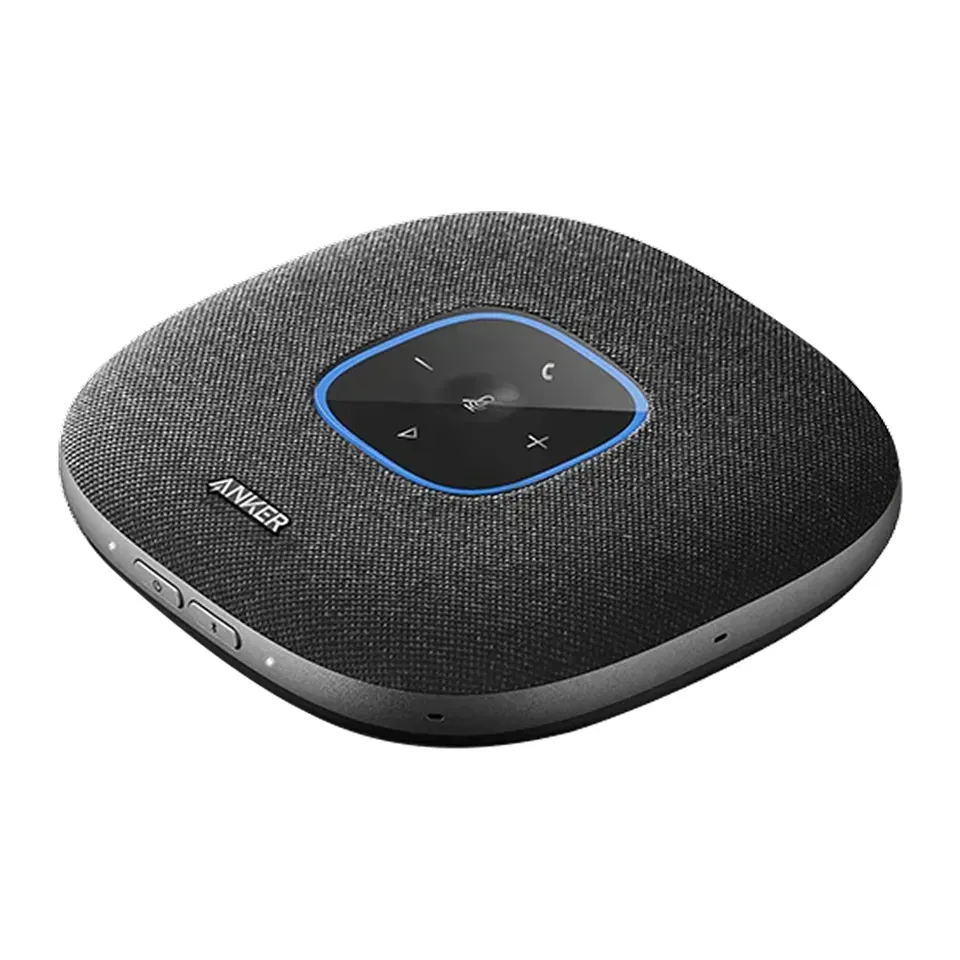
Number 19: Anker PowerConf S3
About $100
Plugs in by: USB or BluetoothEveryone around the table
Details: Anker PowerConf S3
- Plugs in by
- USB or Bluetooth
- Hears
- Everyone around the table
- Stand
- Sits on the table
- Headphone jack
- No
- Cleans up your voice inside the mic, so it works the same in every app
- A speakerphone for a group, not a mic for one person
Number 20: Poly Sync 20+ (USB-C)
About $150
Plugs in by: USB or BluetoothEveryone around the table
Details: Poly Sync 20+ (USB-C)
- Plugs in by
- USB or Bluetooth
- Hears
- Everyone around the table
- Stand
- Sits on the table
- Headphone jack
- No
- Cleans up your voice inside the mic, so it works the same in every app
- A speakerphone for a group, not a mic for one person
Number 21: RØDE PodMic
About $100
Plugs in by: XLR onlyMostly your voice
Details: RØDE PodMic
- Plugs in by
- XLR only
- Hears
- Mostly your voice
- Stand
- Not included
- Headphone jack
- No
- Most expert reviews rate it very highly
- XLR only: it needs an audio interface or mixer to work with a computer
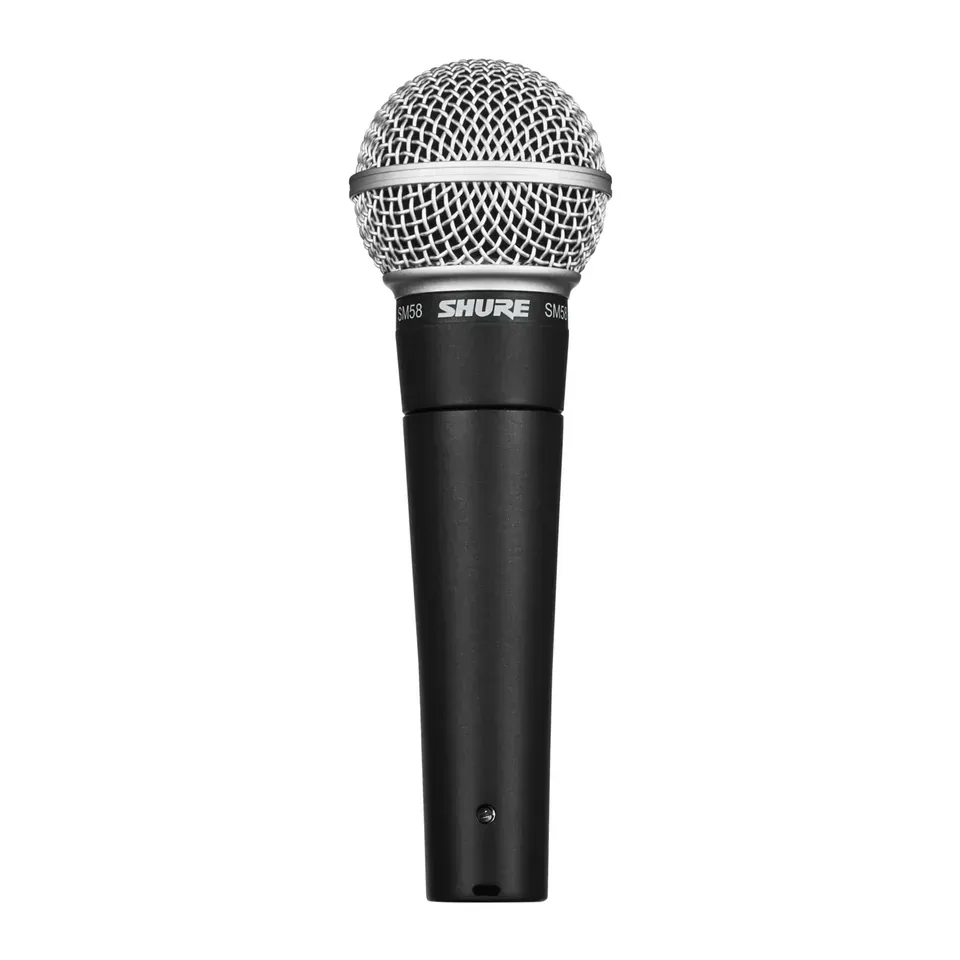
Number 22: Shure SM58
About $110
Plugs in by: XLR onlyMostly your voice
Details: Shure SM58
- Plugs in by
- XLR only
- Hears
- Mostly your voice
- Stand
- Not included
- Headphone jack
- No
- Most expert reviews rate it very highly
- XLR only: it needs an audio interface or mixer to work with a computer
Number 23: EMEET OfficeCore Luna
About $70
Plugs in by: USB or BluetoothEveryone around the table
Details: EMEET OfficeCore Luna
- Plugs in by
- USB or Bluetooth
- Hears
- Everyone around the table
- Stand
- Sits on the table
- Headphone jack
- No
- Cleans up your voice inside the mic, so it works the same in every app
- A speakerphone for a group, not a mic for one person
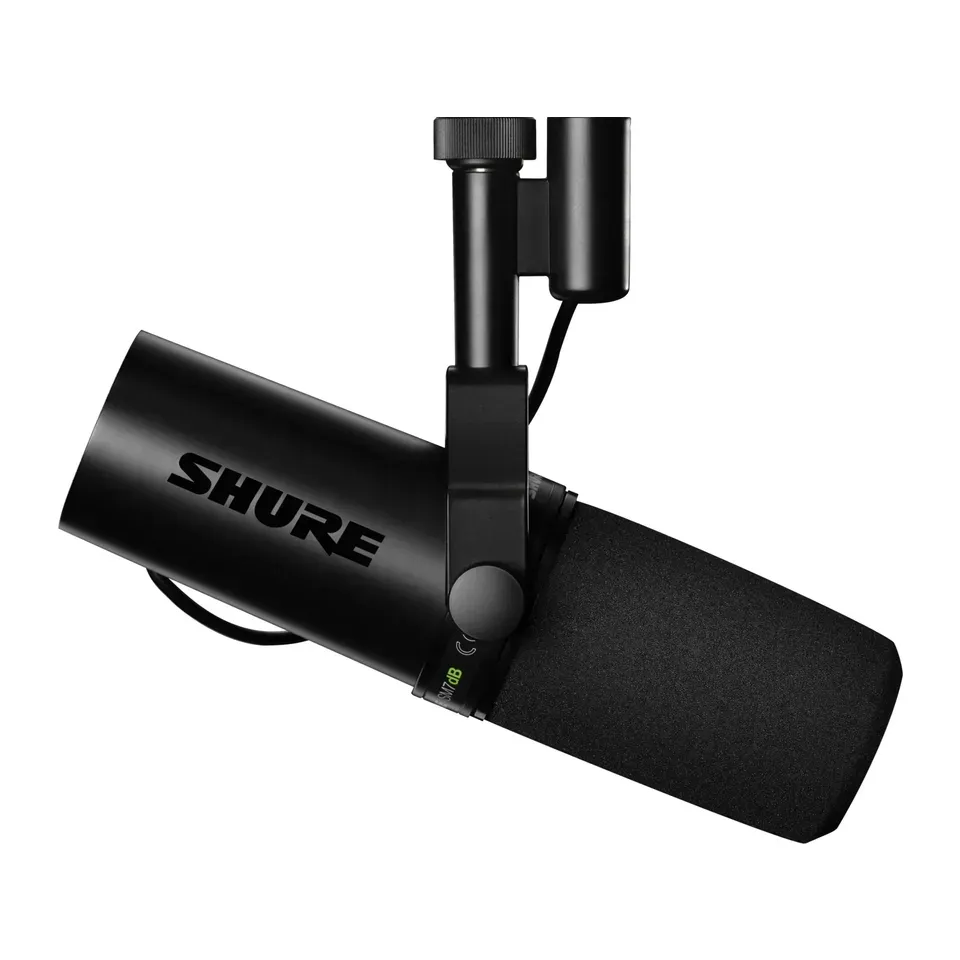
Number 24: Shure SM7dB
About $500
Plugs in by: XLR onlyMostly your voice
Details: Shure SM7dB
- Plugs in by
- XLR only
- Hears
- Mostly your voice
- Stand
- Not included
- Headphone jack
- No
- Most expert reviews rate it very highly
- XLR only: it needs an audio interface or mixer to work with a computer
What matters when you choose a microphone
Only a few things really change which mic suits you.
- What you use it for. Calls need a clear voice without background noise. Games need a quick mute button. Podcasts and streams sound best with a full, close-up voice. Singing and instruments need a mic that catches every detail.
- Your room. This matters more than the price. Some mics hear the whole room: the keyboard, the fan and the echo from bare walls. In a noisy room you need a mic that hears mostly your voice.
- Where the mic sits. Many mics only sound good a few inches from your mouth, on an arm. If it will stand on the desk at arm’s length, you need one that works from further away.
- What you plug it into. Most USB mics work with any Windows computer or Mac. A phone, an iPad or a PlayStation 5 needs a mic its maker says works there. A mixer needs an XLR plug.
- How many people talk. Two people can share a mic that has a two-sided or all-around mode. A group around a table needs a speakerphone.
Some things matter less than ads suggest:
- “24-bit, 192 kHz” on the box. For a voice on a call or a stream, you won’t hear a difference above what every mic here already does.
- Lights and colours. They look fun on a stream, but they don’t change how you sound.
- A higher price in a noisy room. A cheap mic that hears mostly your voice beats an expensive one that hears the whole room.
How we ranked them
We read the maker’s spec sheet for every mic, and at least one expert review. Most come from Tom’s Hardware, TechRadar, SoundGuys and MusicRadar. Every mic on the list is sold in the US now, and we checked prices in November 2026.
Before you answer, the list is sorted by two things: how highly the reviews rate each mic, and how much you get for the money. Mics that plug straight into a computer, with a stand in the box, come first. Your answers then add weight to what you need. Choose a noisy room, and mics that hear mostly your voice count most. Choose singing, and mics reviewers recommend for singing count most.
Some answers rule mics out. A mixer only shows mics with an XLR plug. For a phone or a PS5, mics whose maker says they work there come first. A group around a table gets speakerphones. Games, streams, podcasts and singing never get one. If a budget leaves fewer than 5, we show the closest ones and say what they miss.
Each pick says why it fits you and what to keep in mind. We never call a mic “the best” for everyone. Nobody paid to be on this list.
Questions and answers
Do I need a separate microphone, or is my headset enough?
For calls and games, a good headset mic is often enough. A separate USB mic makes your voice sound fuller and clearer, and you don't have to wear anything.
It helps most if people often say you sound far away, muffled or "like a robot". Run our microphone test first to hear how you sound now.
USB or XLR: which one do I need?
USB plugs straight into a computer, and it is the easy choice for most people. XLR is the round plug that studio mics use. It needs an audio interface or a mixer between the mic and the computer.
Some mics have both plugs. You can start with USB and add an interface later. Choose A mixer or audio interface I already have and the finder only shows mics with an XLR plug.
Why does my mic pick up my keyboard?
Many USB mics are built to hear everything in front of them, so they hear your keyboard and fan too. A dynamic mic close to your mouth hears mostly your voice. Some mics also clean up noise inside the mic.
Moving the mic closer to your mouth and turning its volume (the gain) down helps any mic. Choose Some noise or Noisy or echoey and the finder puts mics that hear mostly your voice first.
Does a USB mic work on a PS5 or an Xbox?
Many USB mics work on a PS5: plug it into a USB port on the console. We put mics whose maker says they work there first. Others may work too, but we can't promise it.
An Xbox doesn't accept USB mics. Use a headset that plugs into the controller instead.
What is a speakerphone, and when do I need one?
A speakerphone is a small, flat device with a mic and a speaker in one. It sits in the middle of a table, so a group of people can join a call from one room. Choose A group around a table and the finder shows these first.
Not affiliated with or endorsed by any maker or shop. Product photos are the makers' own. To have one removed, email hello@devicetests.com.