Which printer should I buy?
Answer 6 short questions and see the 5 printers that suit you best.
33 printers compared from the makers' spec sheets and expert reviews. How we rank
The questions
33 printers compared from the makers' spec sheets and expert reviews. How we rank
Picks for common needs
Choose a need to see its top 5. You can change any answer after.
For printing now and then
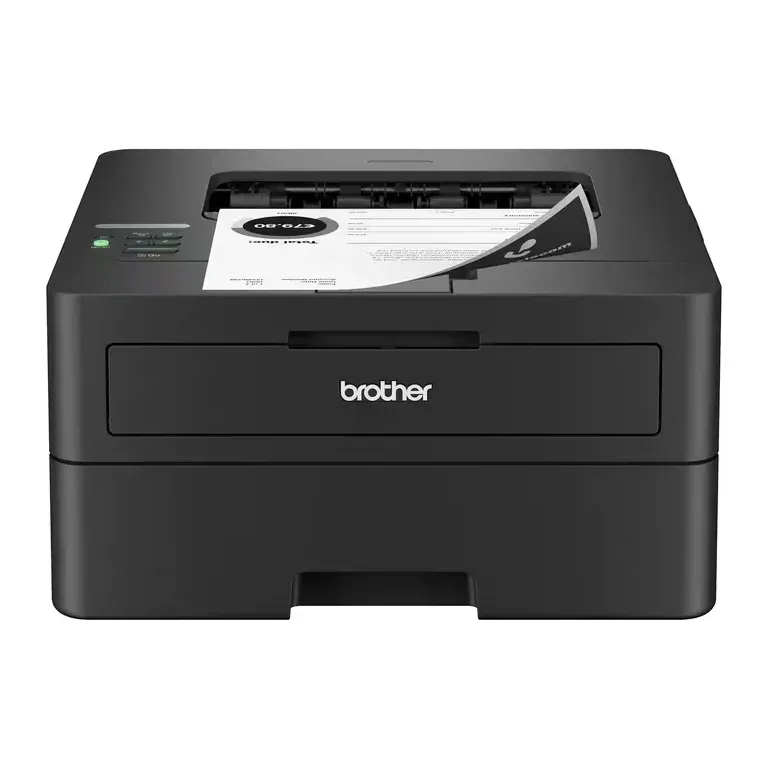
- Number 1: Brother HL-L2460DWAbout $160
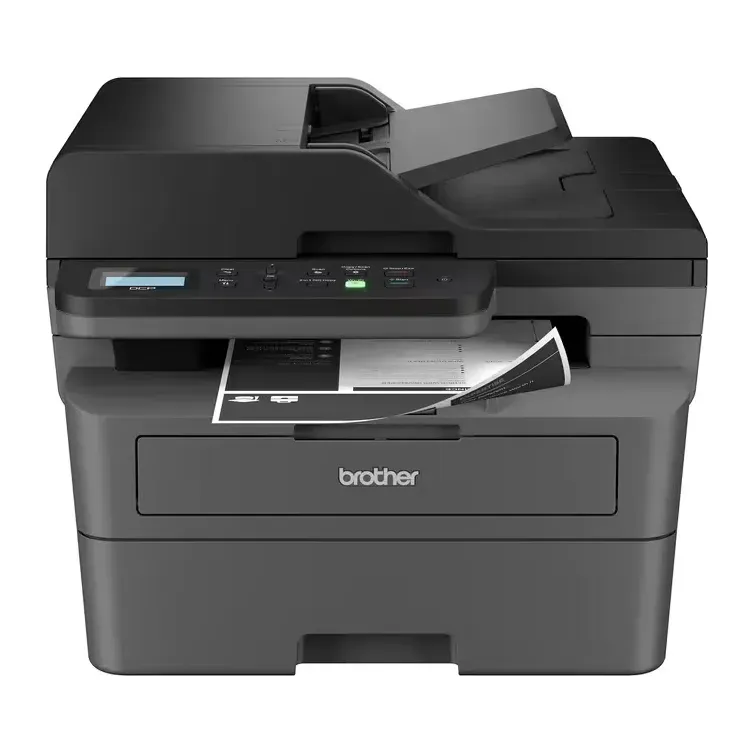
- Number 2: Brother DCP-L2640DWAbout $190
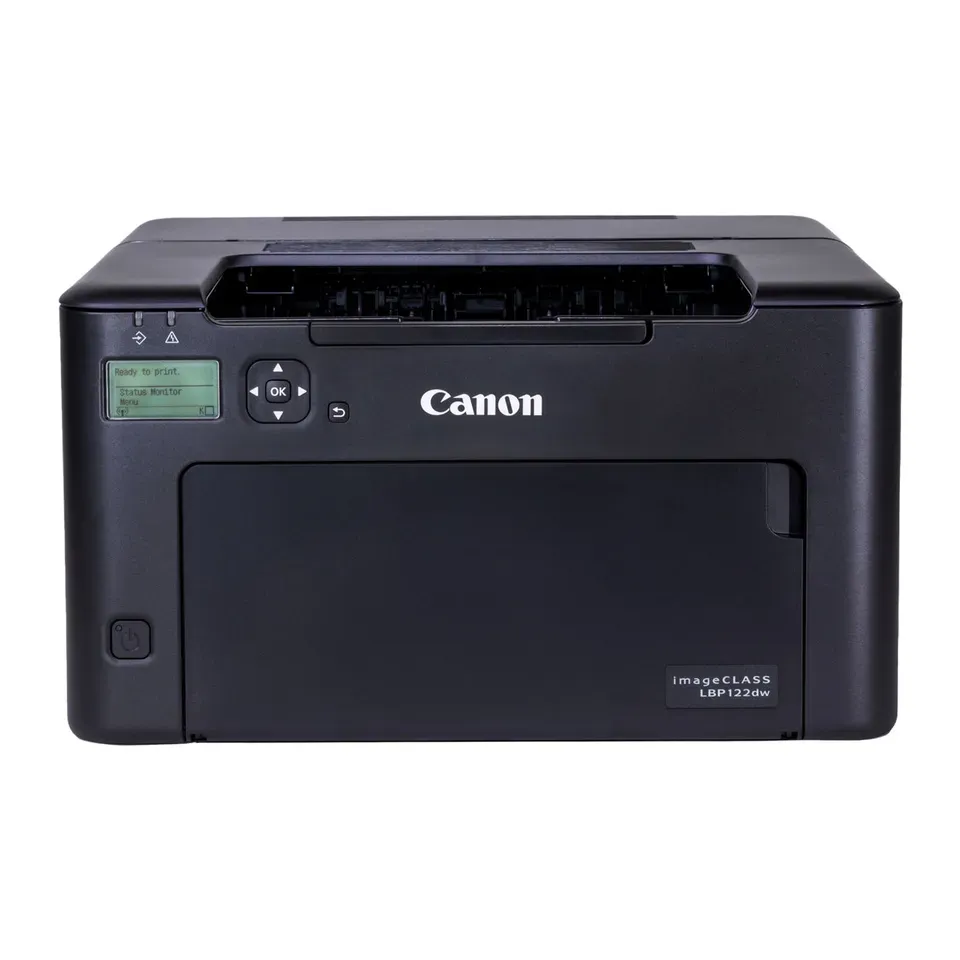
- Number 3: Canon imageCLASS LBP122dwAbout $130
For a home office
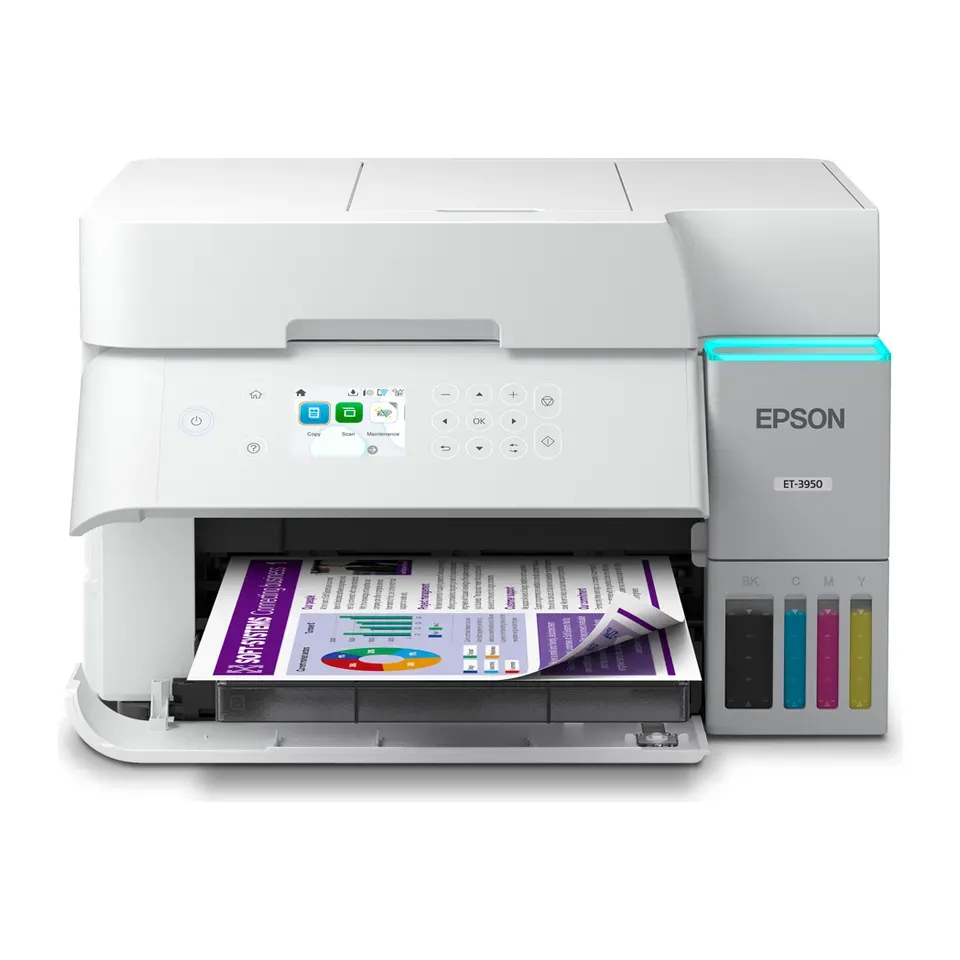
- Number 1: Epson EcoTank ET-3950About $400
- Number 2: Epson EcoTank ET-4950About $500
- Number 3: HP Smart Tank 7603About $350
For photos
- Number 1: Epson EcoTank Photo ET-8500About $700
- Number 2: Epson EcoTank Photo ET-8550About $750
- Number 3: Canon SELPHY CP1500About $160
For lots of pages and cheap ink
- Number 1: Brother HL-L2460DWAbout $160
- Number 2: Brother DCP-L2640DWAbout $190
- Number 3: Canon imageCLASS LBP122dwAbout $130
Under $150
- Number 1: Brother HL-L2460DWAbout $160
- Number 2: Brother HL-L2405WAbout $130
- Number 3: Canon imageCLASS LBP122dwAbout $130
Answer the questions
Up to 6 short questions. Your own top 5 at the end.
All 33 printers, ranked
Ranked by expert reviews and value for money, before any answers. How we rank
Prices checked .
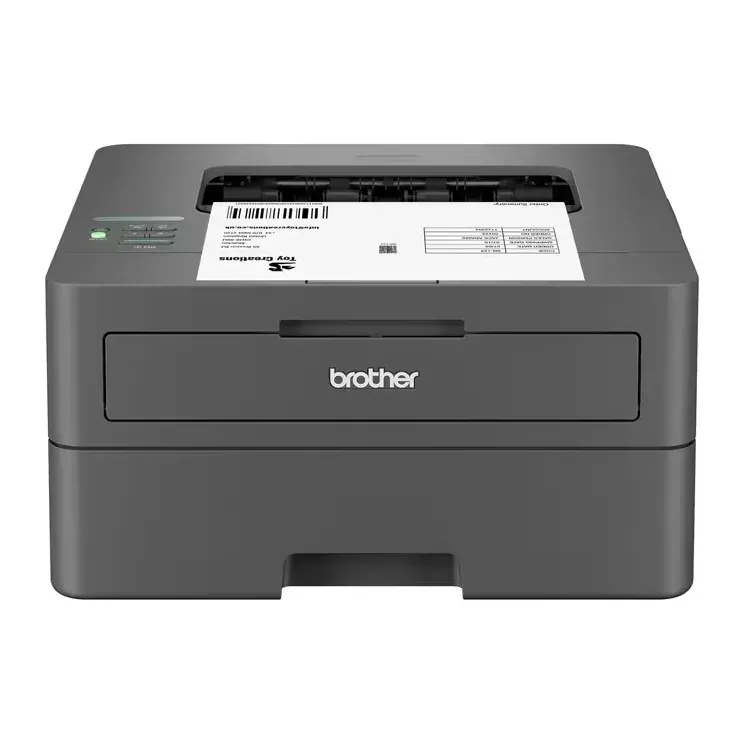
Number 1: Brother HL-L2460DW
About $160
Black-and-white laserScanner: None, print only
Details: Brother HL-L2460DW
- Type
- Black-and-white laser
- Scanner
- None, print only
- Ink cost per page
- Low
- Prints both sides
- Yes
- Most expert reviews rate it very highly
- Prints in black and white only
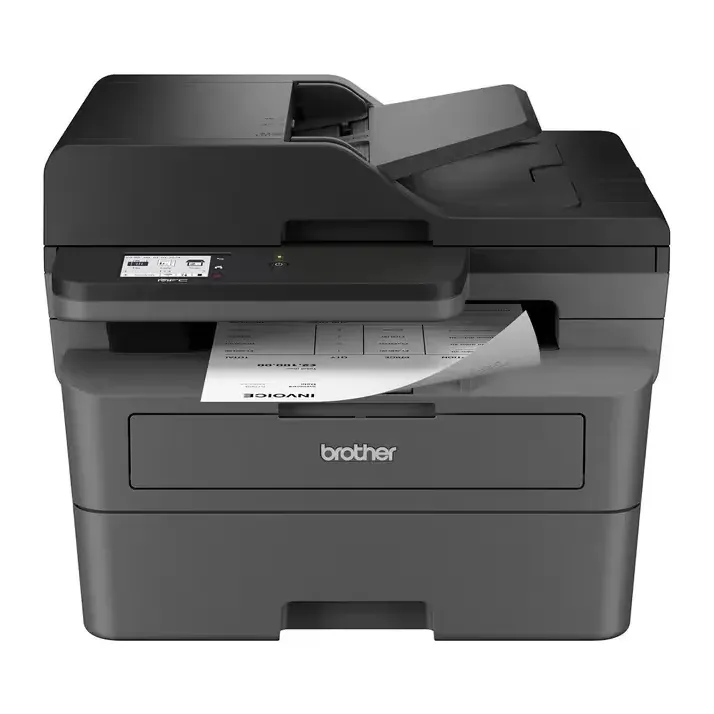
Number 2: Brother DCP-L2640DW
About $190
Black-and-white laserScanner: Yes, with a page feeder
Details: Brother DCP-L2640DW
- Type
- Black-and-white laser
- Scanner
- Yes, with a page feeder
- Ink cost per page
- Low
- Prints both sides
- Yes
- Most expert reviews rate it very highly
- Prints in black and white only
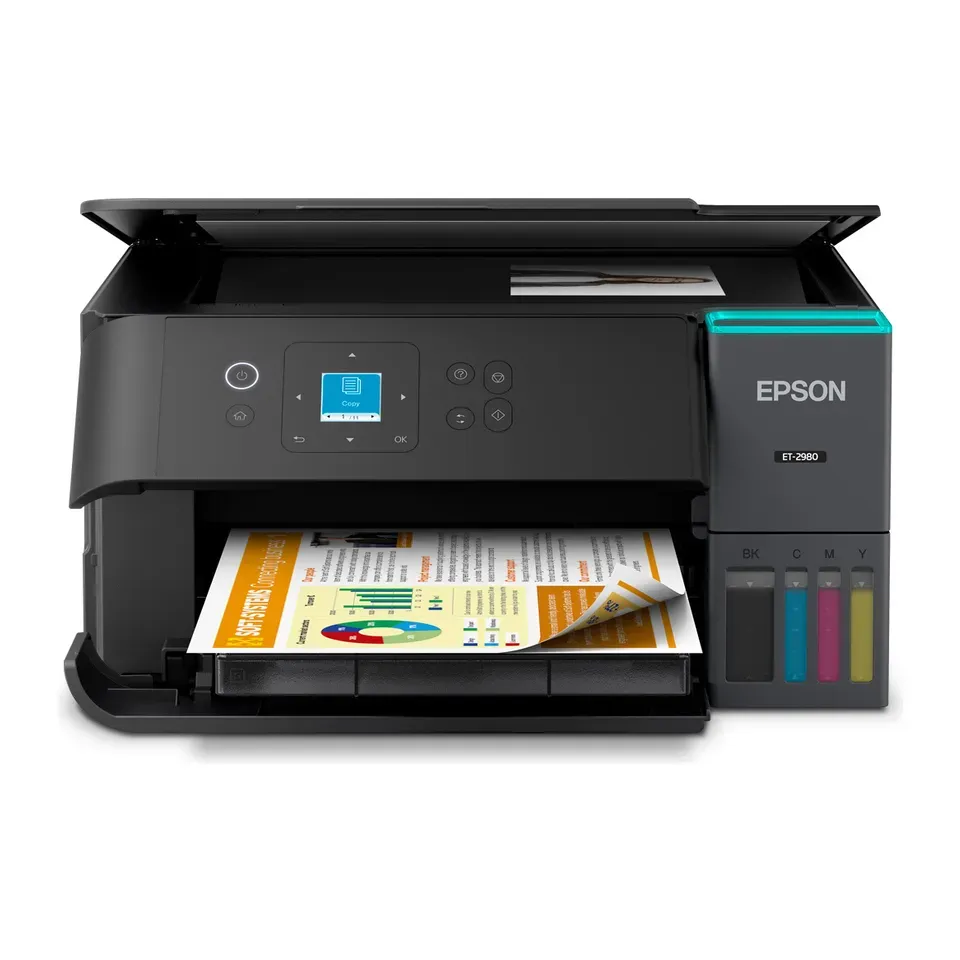
Number 3: Epson EcoTank ET-2980
About $330
Ink tankScanner: Yes, one page at a time
Details: Epson EcoTank ET-2980
- Type
- Ink tank
- Scanner
- Yes, one page at a time
- Ink cost per page
- Very low
- Prints both sides
- Yes
- Most expert reviews rate it very highly
- No paper drawer: paper goes in a slot at the back
Number 4: Brother HL-L2405W
About $130
Black-and-white laserScanner: None, print only
Details: Brother HL-L2405W
- Type
- Black-and-white laser
- Scanner
- None, print only
- Ink cost per page
- Low
- Prints both sides
- No
- About $130, less than most printers here
- Prints in black and white only
Number 5: Brother MFC-L2820DW
About $250
Black-and-white laserScanner: Yes, with a page feeder
Details: Brother MFC-L2820DW
- Type
- Black-and-white laser
- Scanner
- Yes, with a page feeder
- Ink cost per page
- Low
- Prints both sides
- Yes
- Most expert reviews rate it very highly
- Prints in black and white only
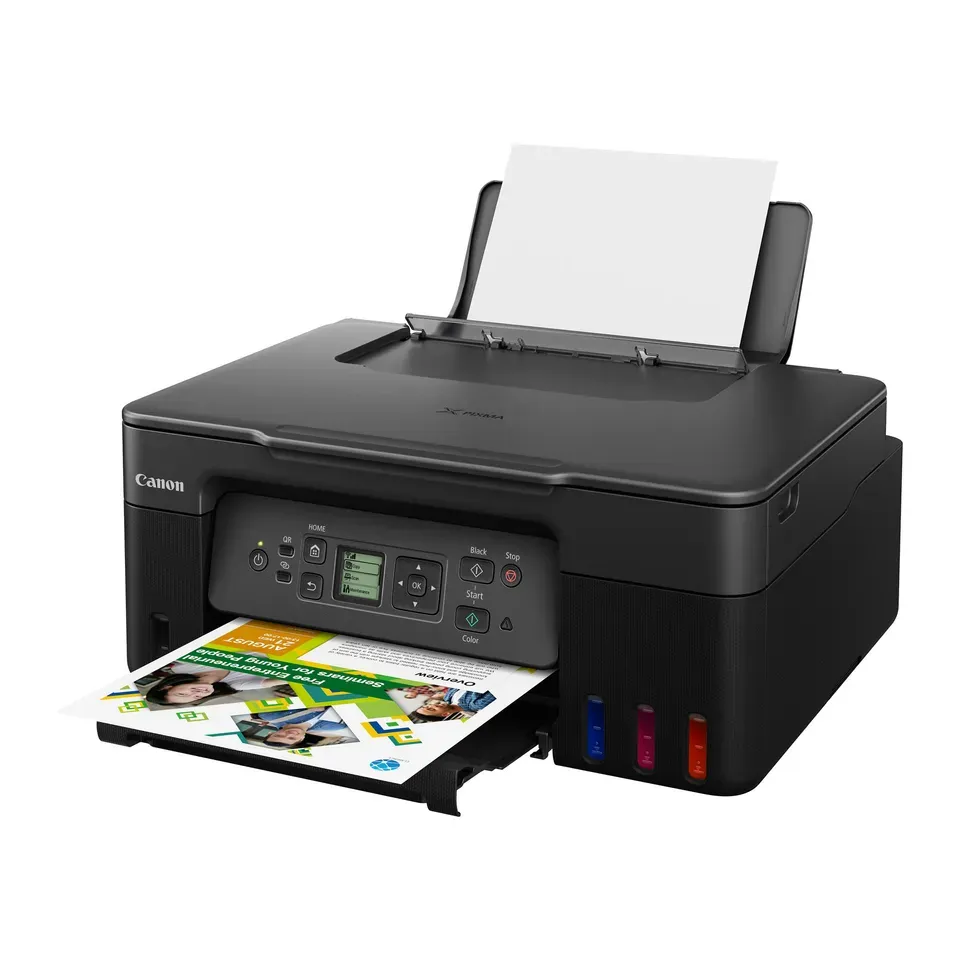
Number 6: Canon PIXMA G3270
About $180
Ink tankScanner: Yes, one page at a time
Details: Canon PIXMA G3270
- Type
- Ink tank
- Scanner
- Yes, one page at a time
- Ink cost per page
- Very low
- Prints both sides
- No
- You refill it from bottles, so each page costs well under a cent
- Slow, mostly for colour pages, and paper goes in a slot at the back
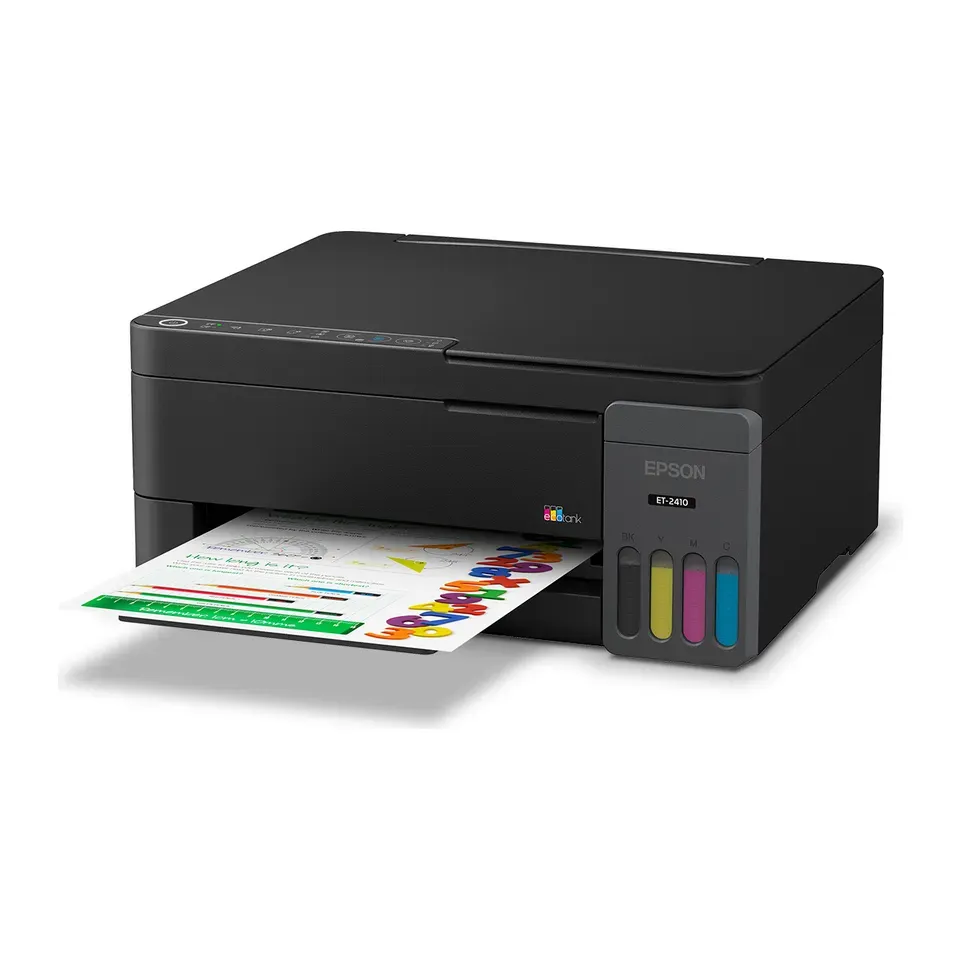
Number 7: Epson EcoTank ET-2410
About $180
Ink tankScanner: Yes, one page at a time
Details: Epson EcoTank ET-2410
- Type
- Ink tank
- Scanner
- Yes, one page at a time
- Ink cost per page
- Very low
- Prints both sides
- No
- You refill it from bottles, so each page costs well under a cent
- No screen, and it prints slowly, reviewers say
Number 8: Canon imageCLASS LBP122dw
About $130
Black-and-white laserScanner: None, print only
Details: Canon imageCLASS LBP122dw
- Type
- Black-and-white laser
- Scanner
- None, print only
- Ink cost per page
- Low
- Prints both sides
- Yes
- About $130, less than most printers here
- Text looks a little grainy, reviewers say
Number 9: Epson EcoTank ET-3950
About $400
Ink tankScanner: Yes, with a page feeder
Details: Epson EcoTank ET-3950
- Type
- Ink tank
- Scanner
- Yes, with a page feeder
- Ink cost per page
- Very low
- Prints both sides
- Yes
- Most expert reviews rate it very highly
- Slow to wake up from sleep, reviewers say
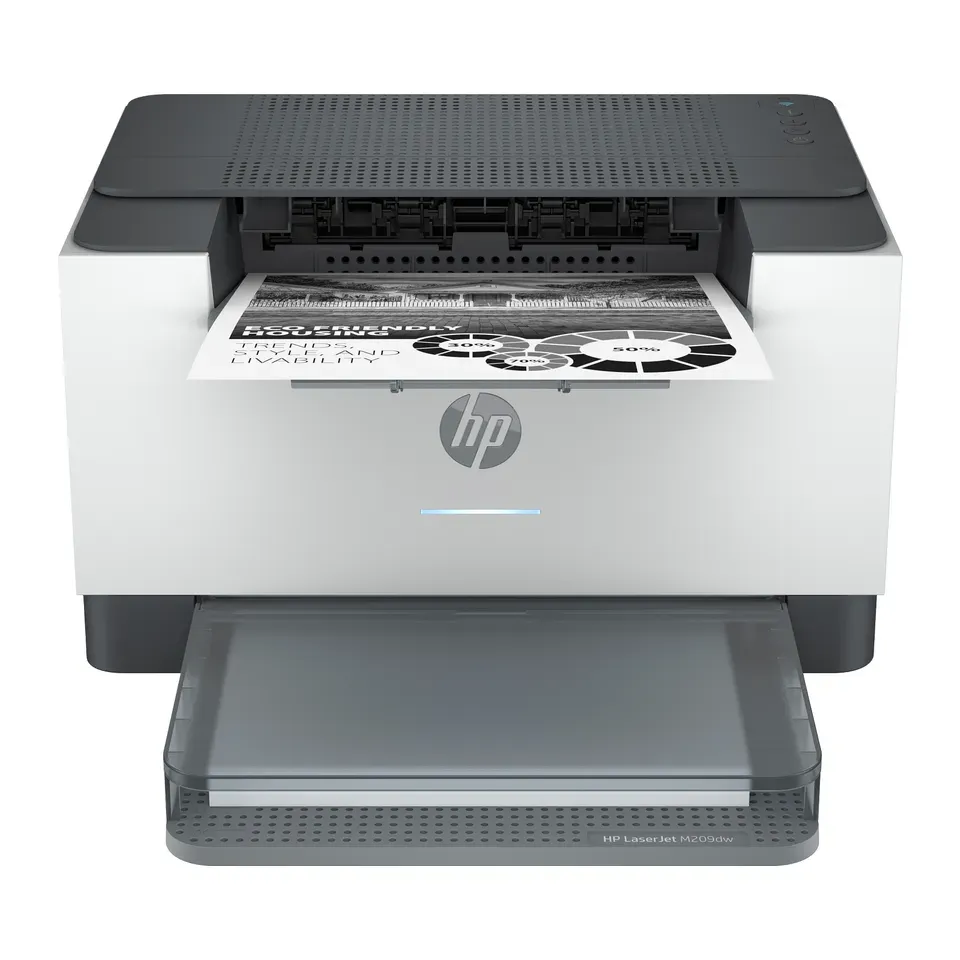
Number 10: HP LaserJet M209dw
About $150
Black-and-white laserScanner: None, print only
Details: HP LaserJet M209dw
- Type
- Black-and-white laser
- Scanner
- None, print only
- Ink cost per page
- Low
- Prints both sides
- Yes
- About $150, less than most printers here
- No screen: you set it up from a phone or computer
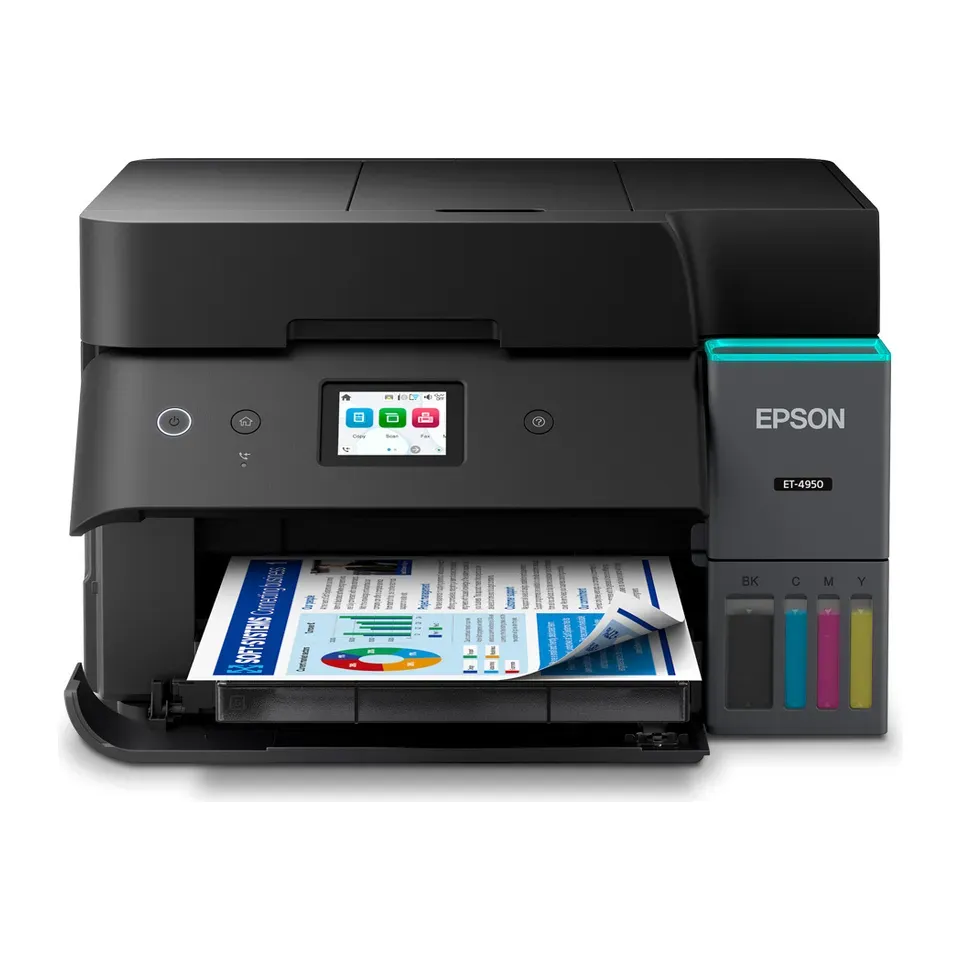
Number 11: Epson EcoTank ET-4950
About $500
Ink tankScanner: Yes, with a page feeder
Details: Epson EcoTank ET-4950
- Type
- Ink tank
- Scanner
- Yes, with a page feeder
- Ink cost per page
- Very low
- Prints both sides
- Yes
- Most expert reviews rate it very highly
- Slow to wake up from sleep, reviewers say
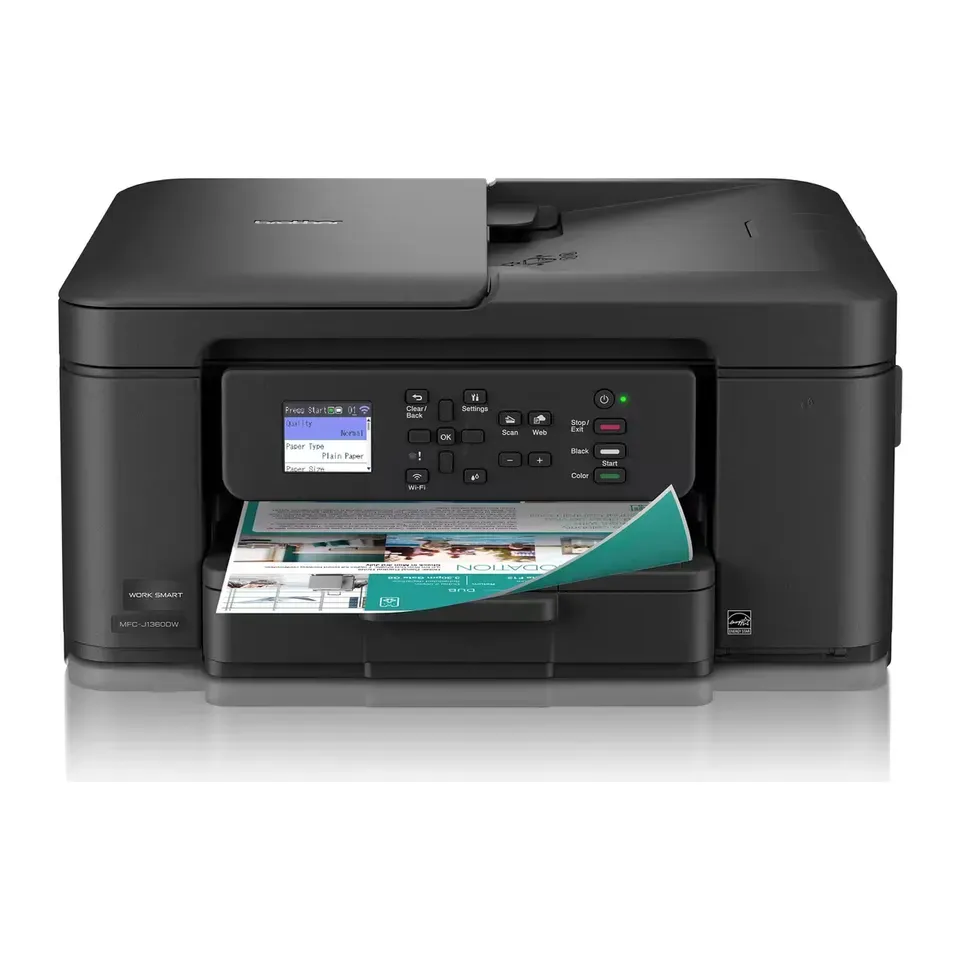
Number 12: Brother MFC-J1360DW
About $100
Ink cartridgesScanner: Yes, with a page feeder
Details: Brother MFC-J1360DW
- Type
- Ink cartridges
- Scanner
- Yes, with a page feeder
- Ink cost per page
- Medium
- Prints both sides
- Yes
- About $100, less than most printers here
- Pages scanned with the feeder can come out crooked, reviewers say
Show all 33 printers
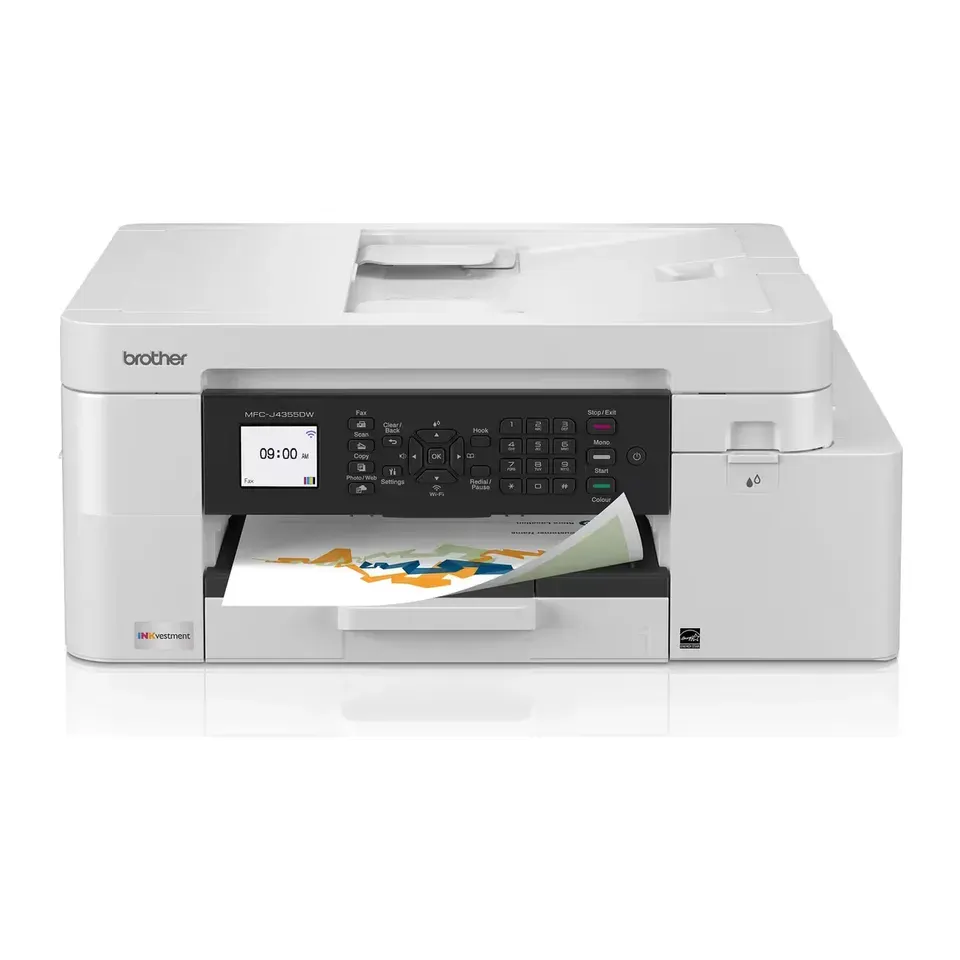
Number 13: Brother MFC-J4355DW
About $210
Ink cartridgesScanner: Yes, with a page feeder
Details: Brother MFC-J4355DW
- Type
- Ink cartridges
- Scanner
- Yes, with a page feeder
- Ink cost per page
- Low
- Prints both sides
- Yes
- Low cost per page, so it suits printing a lot
- Photo colours look a little off, reviewers say
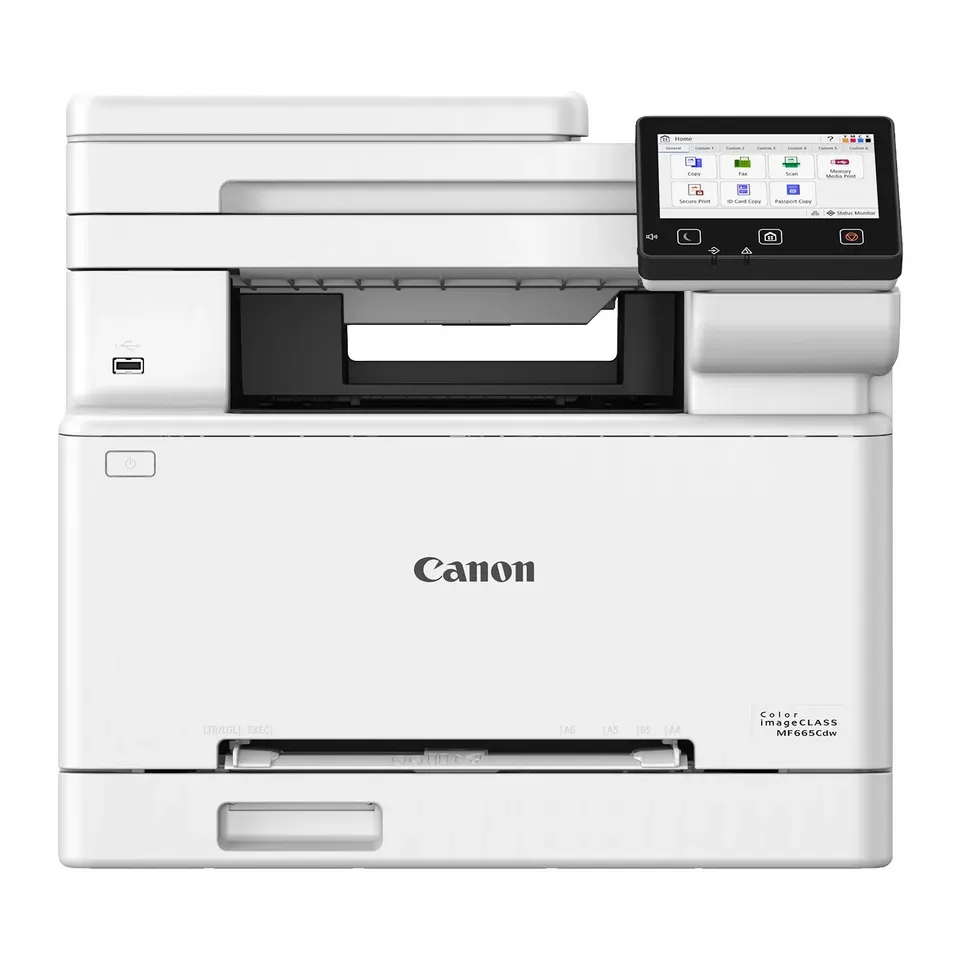
Number 14: Canon Color imageCLASS MF665Cdw
About $450
Colour laserScanner: Yes, with a page feeder
Details: Canon Color imageCLASS MF665Cdw
- Type
- Colour laser
- Scanner
- Yes, with a page feeder
- Ink cost per page
- Low
- Prints both sides
- Yes
- Most expert reviews rate it very highly
- Big and heavy: it needs a lot of room on a desk
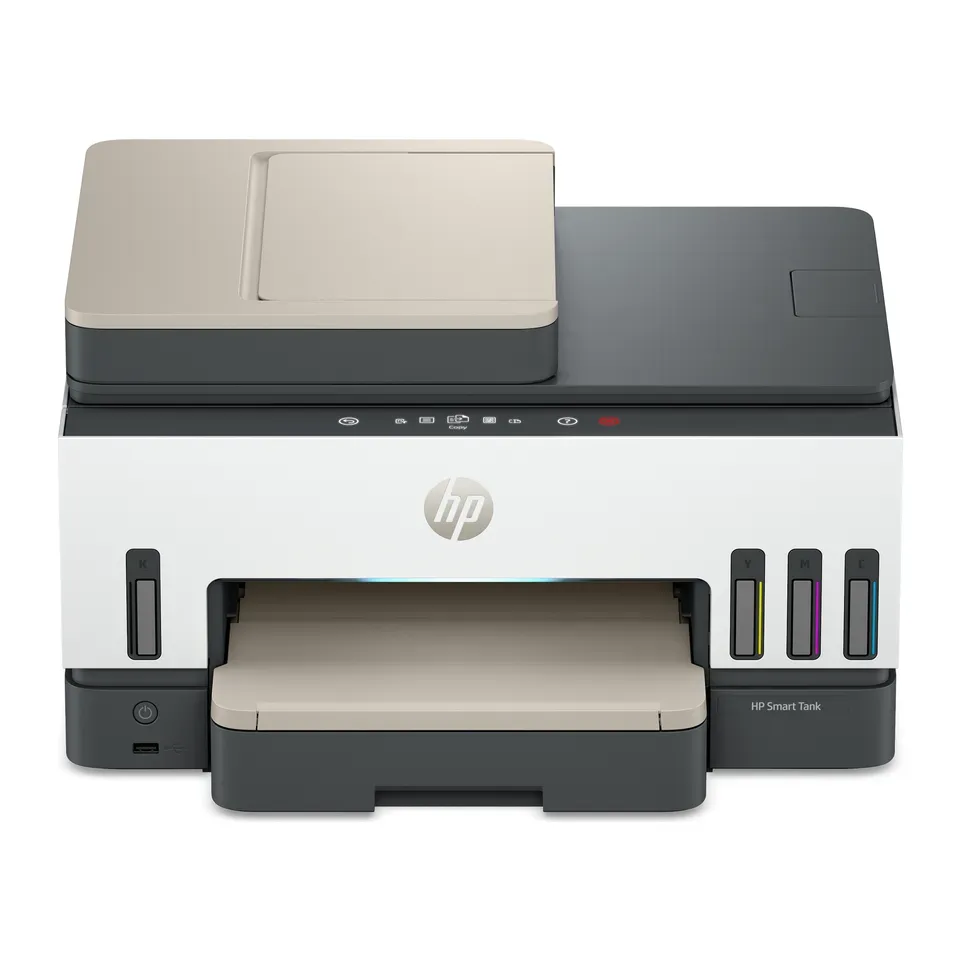
Number 15: HP Smart Tank 7603
About $350
Ink tankScanner: Yes, with a page feeder
Details: HP Smart Tank 7603
- Type
- Ink tank
- Scanner
- Yes, with a page feeder
- Ink cost per page
- Very low
- Prints both sides
- Yes
- You refill it from bottles, so each page costs well under a cent
- Prints slowly, reviewers say
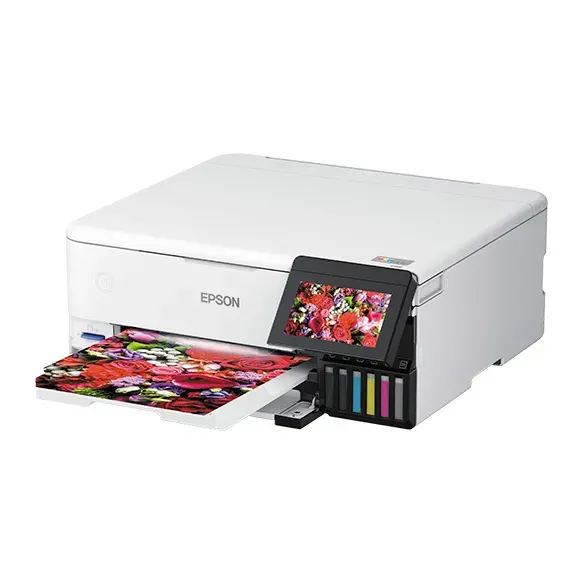
Number 16: Epson EcoTank Photo ET-8500
About $700
Ink tankScanner: Yes, one page at a time
Details: Epson EcoTank Photo ET-8500
- Type
- Ink tank
- Scanner
- Yes, one page at a time
- Ink cost per page
- Very low
- Prints both sides
- Yes
- Most expert reviews rate it very highly
- Photo colours can look a little too strong, reviewers say
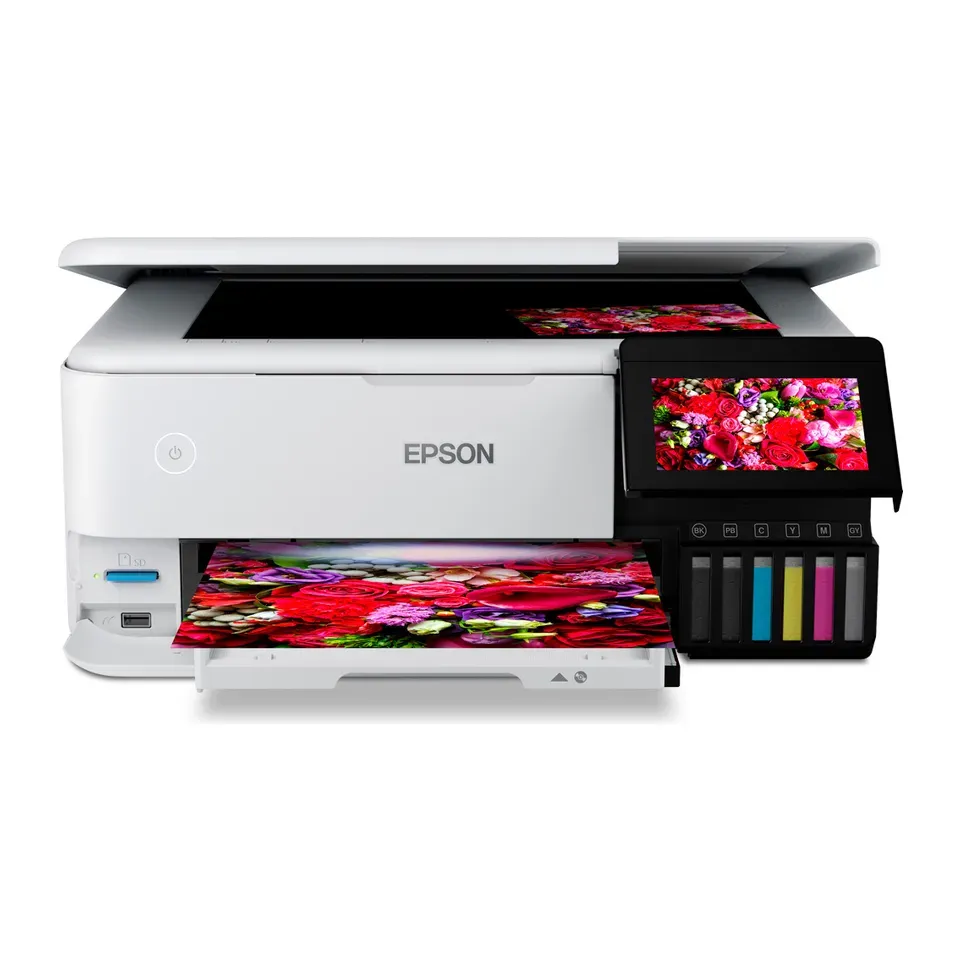
Number 17: Epson EcoTank Photo ET-8550
About $750
Ink tankScanner: Yes, one page at a time
Details: Epson EcoTank Photo ET-8550
- Type
- Ink tank
- Scanner
- Yes, one page at a time
- Ink cost per page
- Very low
- Prints both sides
- Yes
- Most expert reviews rate it very highly
- Photo colours can look a little too strong, reviewers say
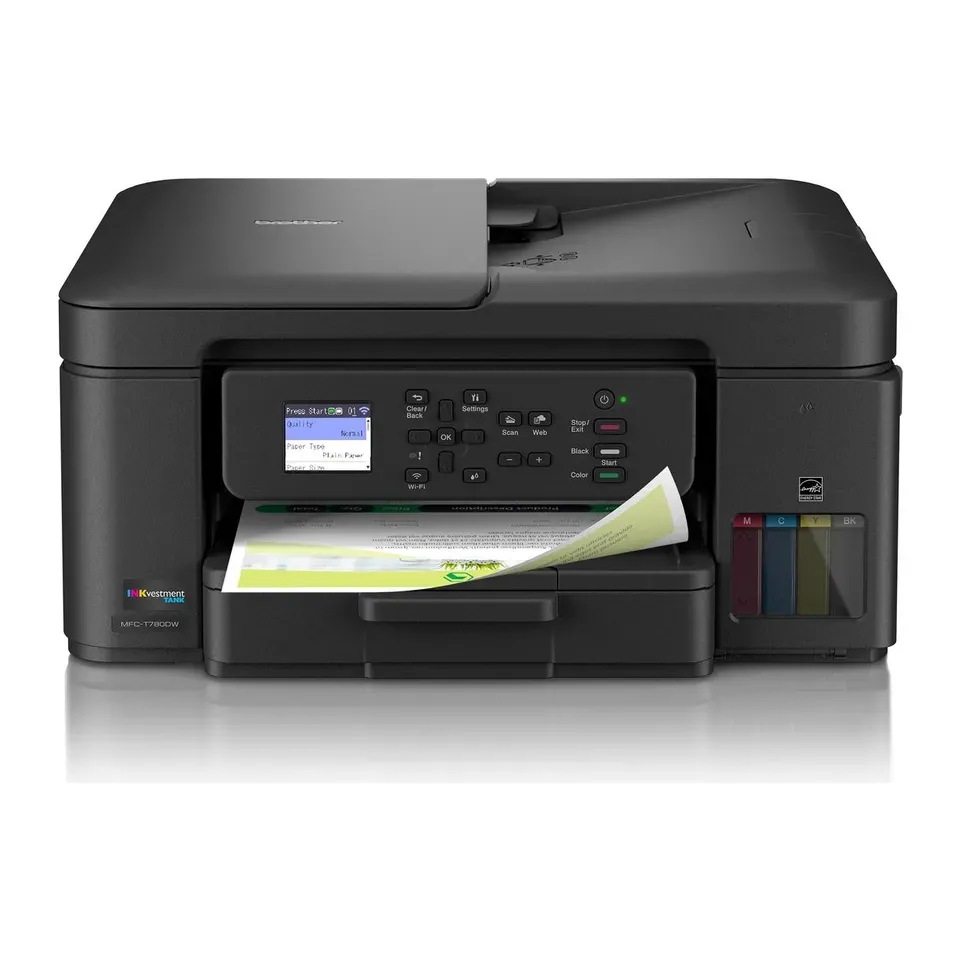
Number 18: Brother MFC-T780DW
About $380
Ink tankScanner: Yes, with a page feeder
Details: Brother MFC-T780DW
- Type
- Ink tank
- Scanner
- Yes, with a page feeder
- Ink cost per page
- Very low
- Prints both sides
- Yes
- You refill it from bottles, so each page costs well under a cent
- Small screen, and the paper tray holds only 150 sheets
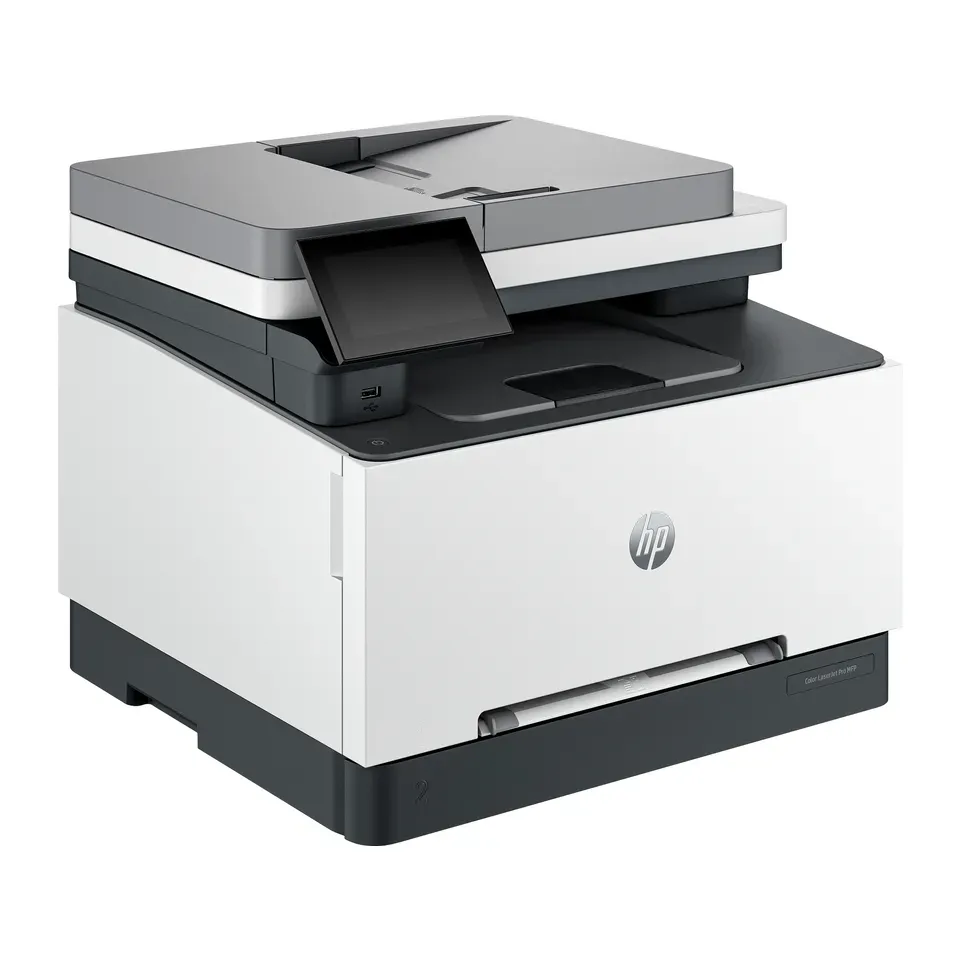
Number 19: HP Color LaserJet Pro MFP 3301fdw
About $540
Colour laserScanner: Yes, with a page feeder
Details: HP Color LaserJet Pro MFP 3301fdw
- Type
- Colour laser
- Scanner
- Yes, with a page feeder
- Ink cost per page
- Low
- Prints both sides
- Yes
- Most expert reviews rate it very highly
- Colour toner is costly, and the feeder can scan pages crooked, reviewers say
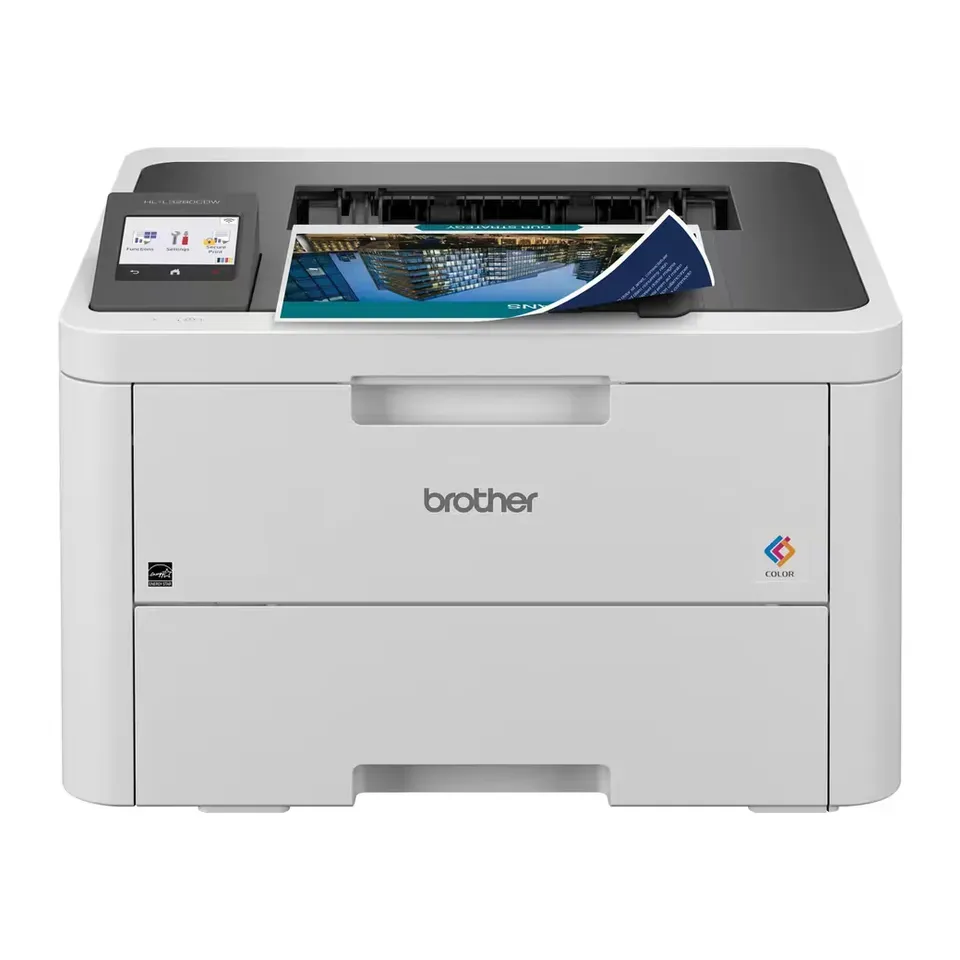
Number 20: Brother HL-L3280CDW
About $310
Colour laserScanner: None, print only
Details: Brother HL-L3280CDW
- Type
- Colour laser
- Scanner
- None, print only
- Ink cost per page
- Low
- Prints both sides
- Yes
- Low cost per page, so it suits printing a lot
- Print only: it can't copy or scan
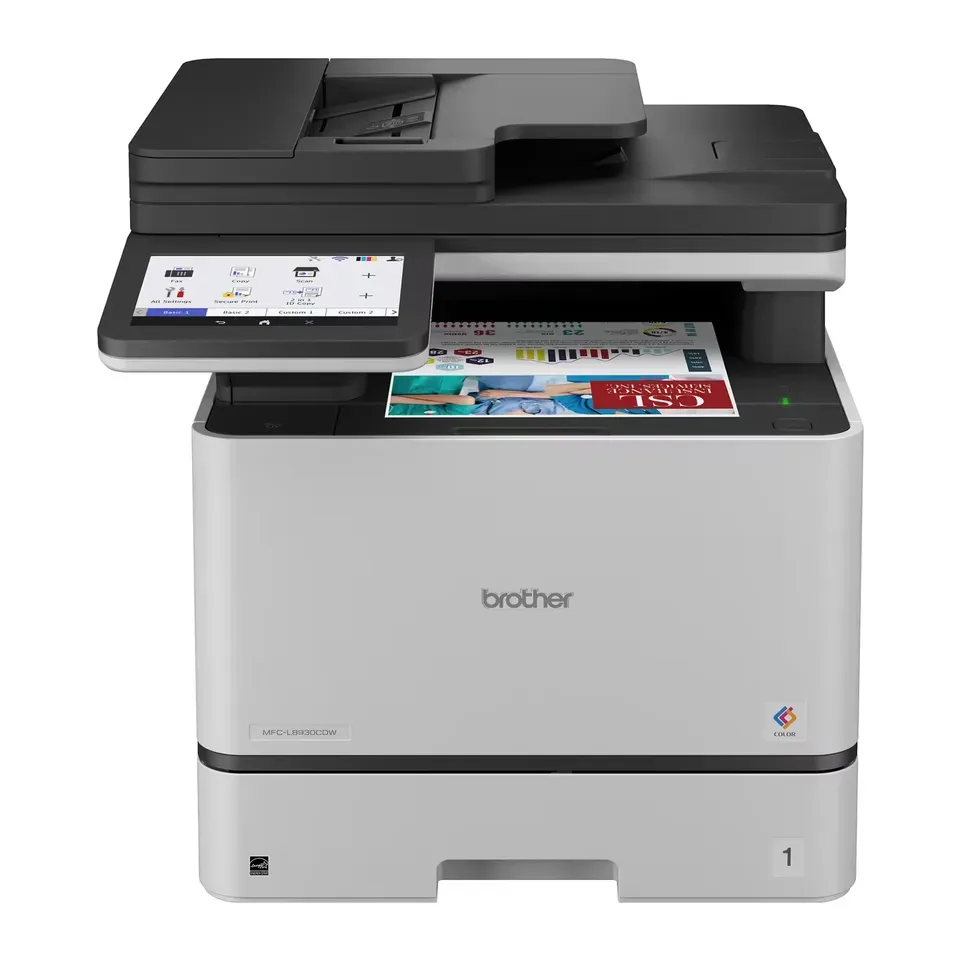
Number 21: Brother MFC-L8930CDW
About $700
Colour laserScanner: Yes, with a page feeder
Details: Brother MFC-L8930CDW
- Type
- Colour laser
- Scanner
- Yes, with a page feeder
- Ink cost per page
- Low
- Prints both sides
- Yes
- Most expert reviews rate it very highly
- Very big and heavy, made for an office
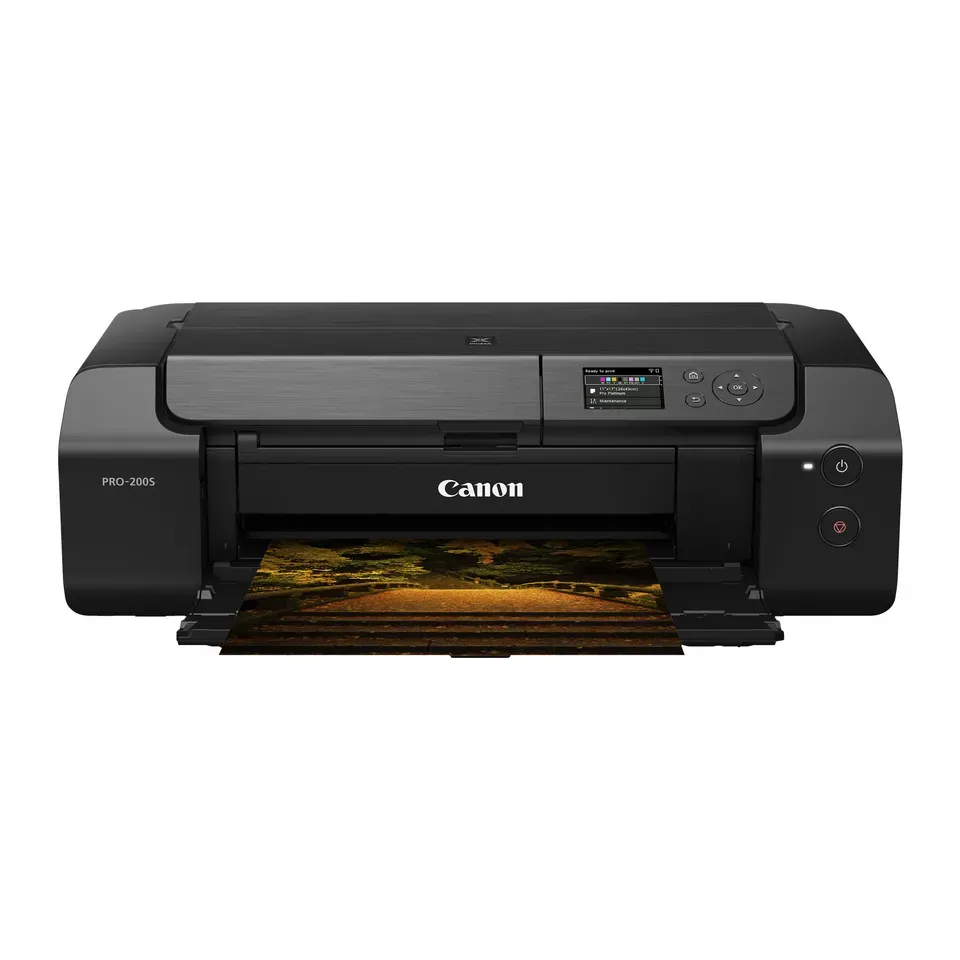
Number 22: Canon PIXMA PRO-200S
About $550
Ink cartridgesScanner: None, print only
Details: Canon PIXMA PRO-200S
- Type
- Ink cartridges
- Scanner
- None, print only
- Ink cost per page
- Medium
- Prints both sides
- No
- Most expert reviews rate it very highly
- Very slow for letters and forms, and big and heavy, reviewers say
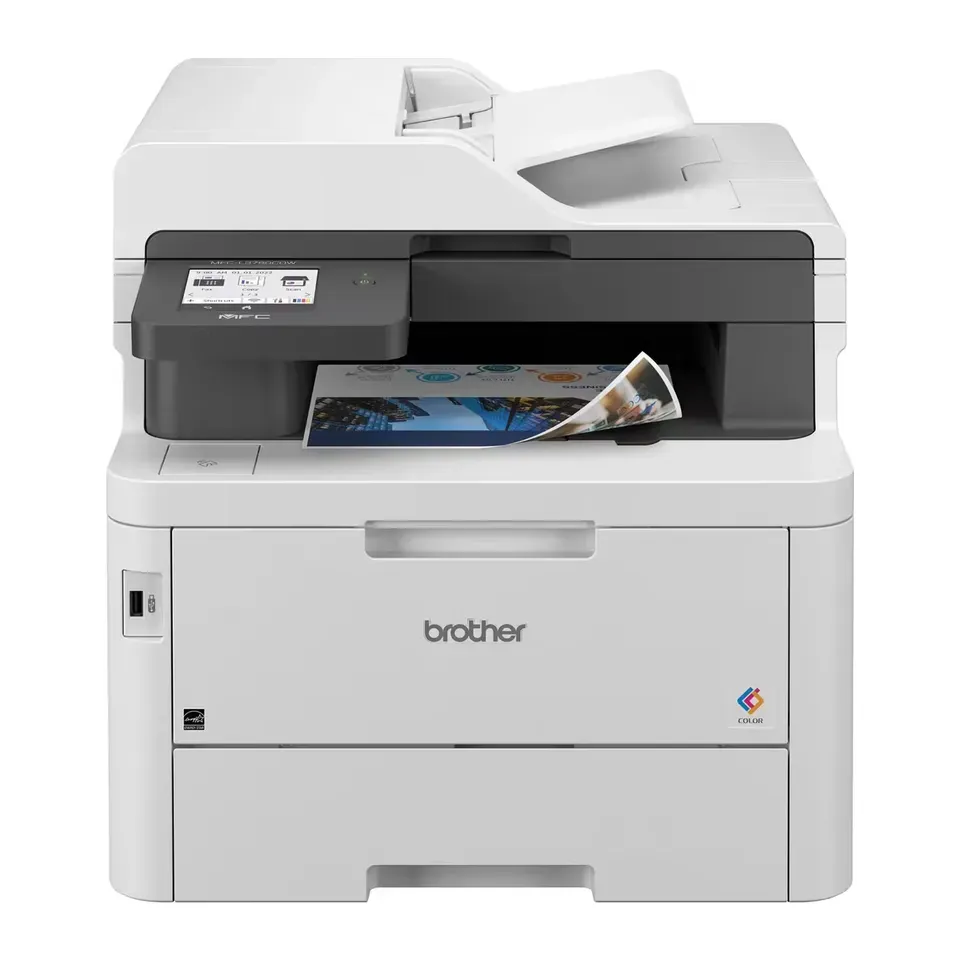
Number 23: Brother MFC-L3780CDW
About $510
Colour laserScanner: Yes, with a page feeder
Details: Brother MFC-L3780CDW
- Type
- Colour laser
- Scanner
- Yes, with a page feeder
- Ink cost per page
- Low
- Prints both sides
- Yes
- Low cost per page, so it suits printing a lot
- Big and heavy: it needs a lot of room on a desk
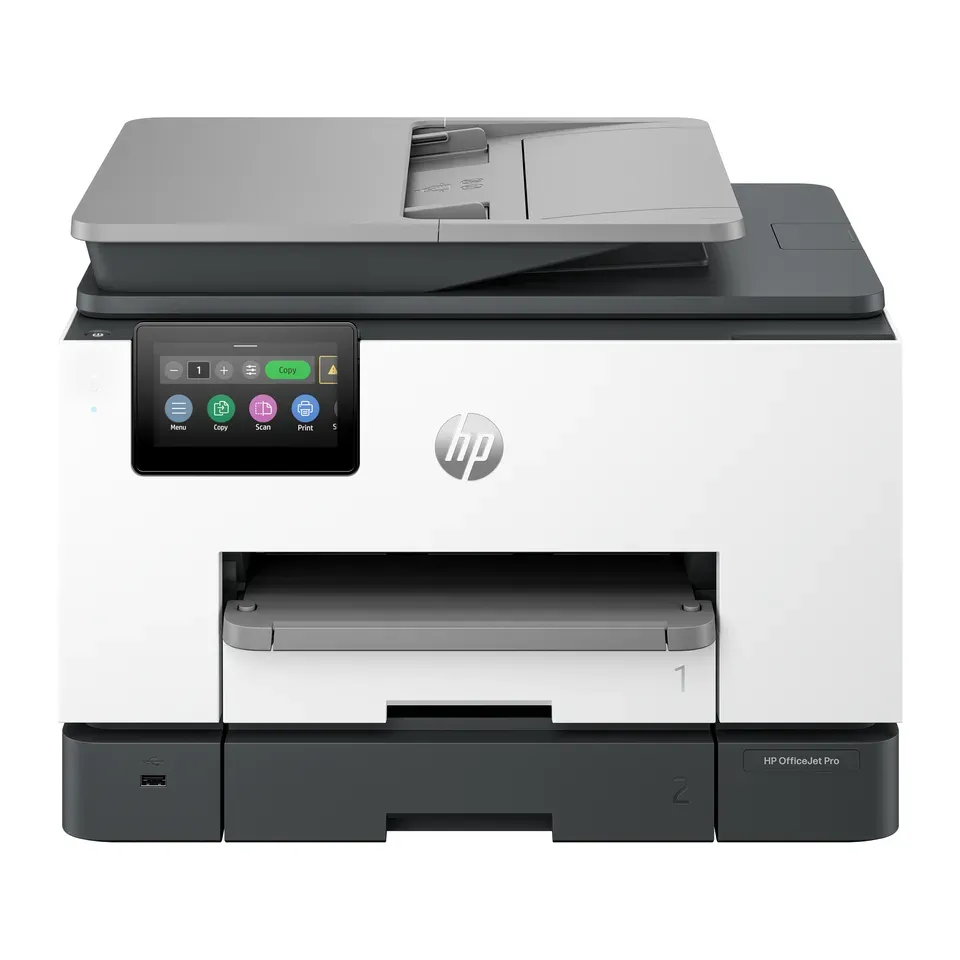
Number 24: HP OfficeJet Pro 9135
About $300
Ink cartridgesScanner: Yes, with a page feeder
Details: HP OfficeJet Pro 9135
- Type
- Ink cartridges
- Scanner
- Yes, with a page feeder
- Ink cost per page
- Medium
- Prints both sides
- Yes
- Has a page feeder that copies and scans a stack of pages
- Pages scanned with the feeder can come out crooked, reviewers say
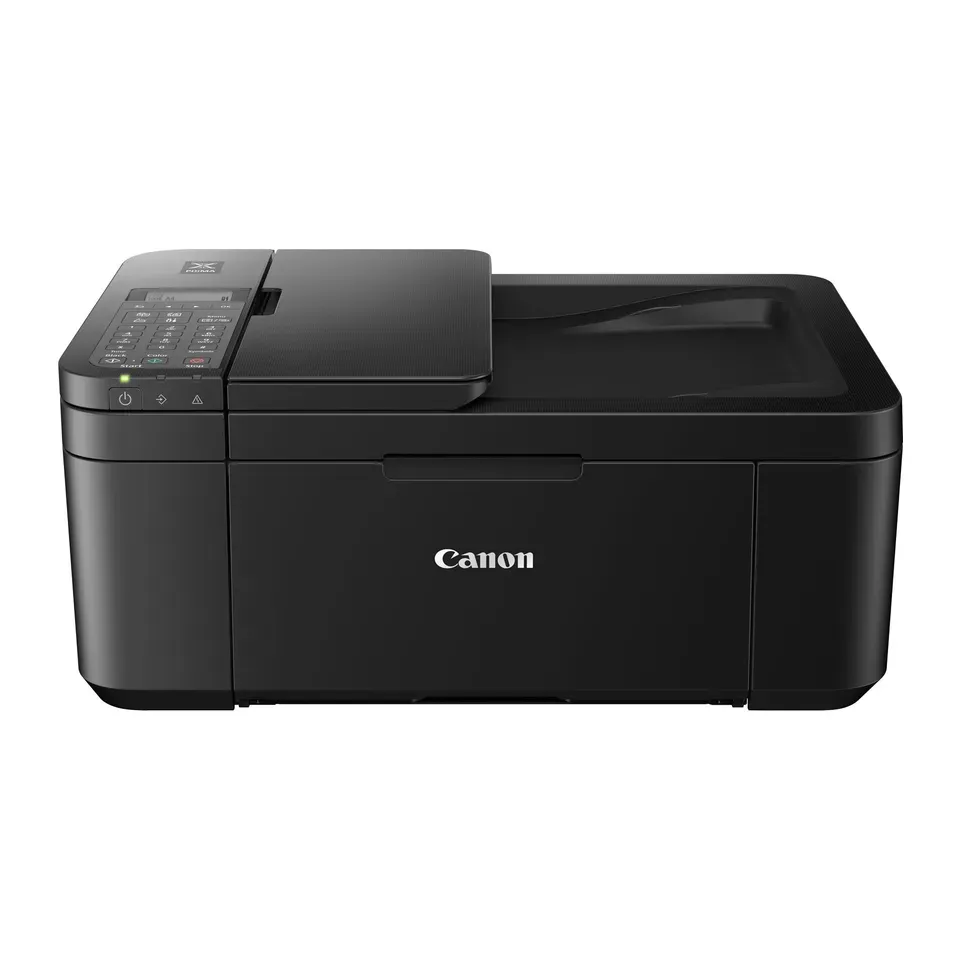
Number 25: Canon PIXMA TR4720
About $90
Ink cartridgesScanner: Yes, with a page feeder
Details: Canon PIXMA TR4720
- Type
- Ink cartridges
- Scanner
- Yes, with a page feeder
- Ink cost per page
- High
- Prints both sides
- Yes
- About $90, less than most printers here
- Small cartridges: each page costs more than on most printers here
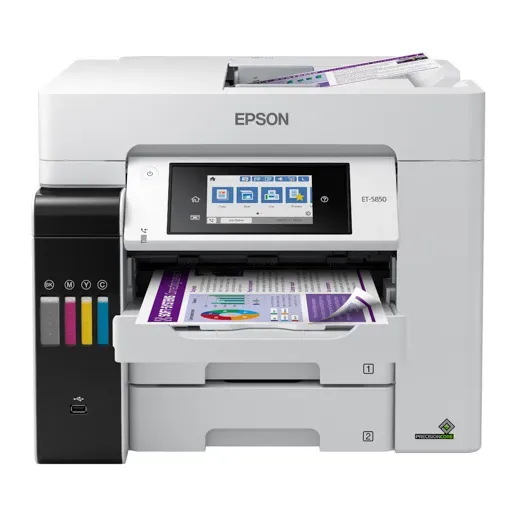
Number 26: Epson EcoTank Pro ET-5850
About $850
Ink tankScanner: Yes, with a page feeder
Details: Epson EcoTank Pro ET-5850
- Type
- Ink tank
- Scanner
- Yes, with a page feeder
- Ink cost per page
- Very low
- Prints both sides
- Yes
- You refill it from bottles, so each page costs well under a cent
- Big and heavy: it needs a lot of room on a desk
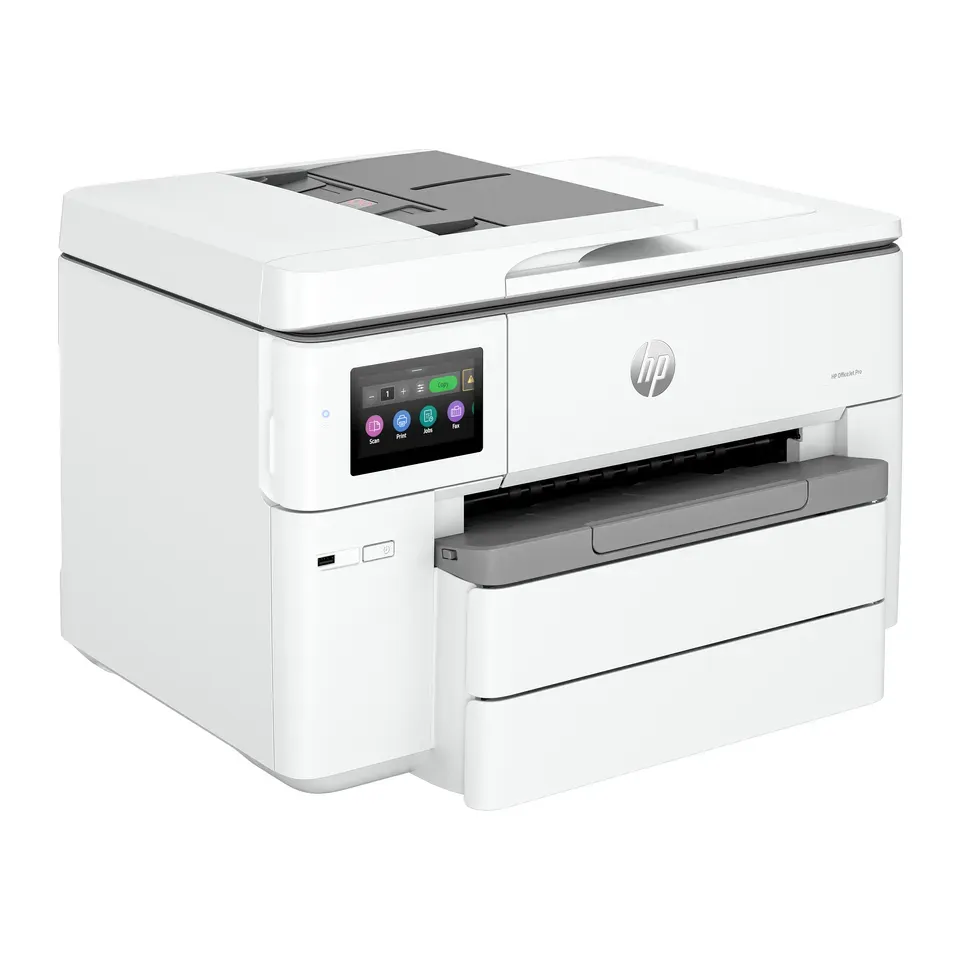
Number 27: HP OfficeJet Pro 9730
About $340
Ink cartridgesScanner: Yes, with a page feeder
Details: HP OfficeJet Pro 9730
- Type
- Ink cartridges
- Scanner
- Yes, with a page feeder
- Ink cost per page
- Medium
- Prints both sides
- Yes
- Has a page feeder that copies and scans a stack of pages
- The page feeder takes letter and legal size only: 11 × 17 pages go on the glass
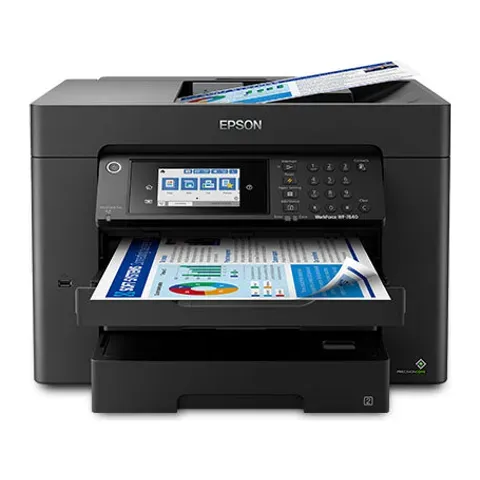
Number 28: Epson WorkForce Pro WF-7840
About $380
Ink cartridgesScanner: Yes, with a page feeder
Details: Epson WorkForce Pro WF-7840
- Type
- Ink cartridges
- Scanner
- Yes, with a page feeder
- Ink cost per page
- Medium
- Prints both sides
- Yes
- Has a page feeder that copies and scans a stack of pages
- An older model from 2020 that is still sold
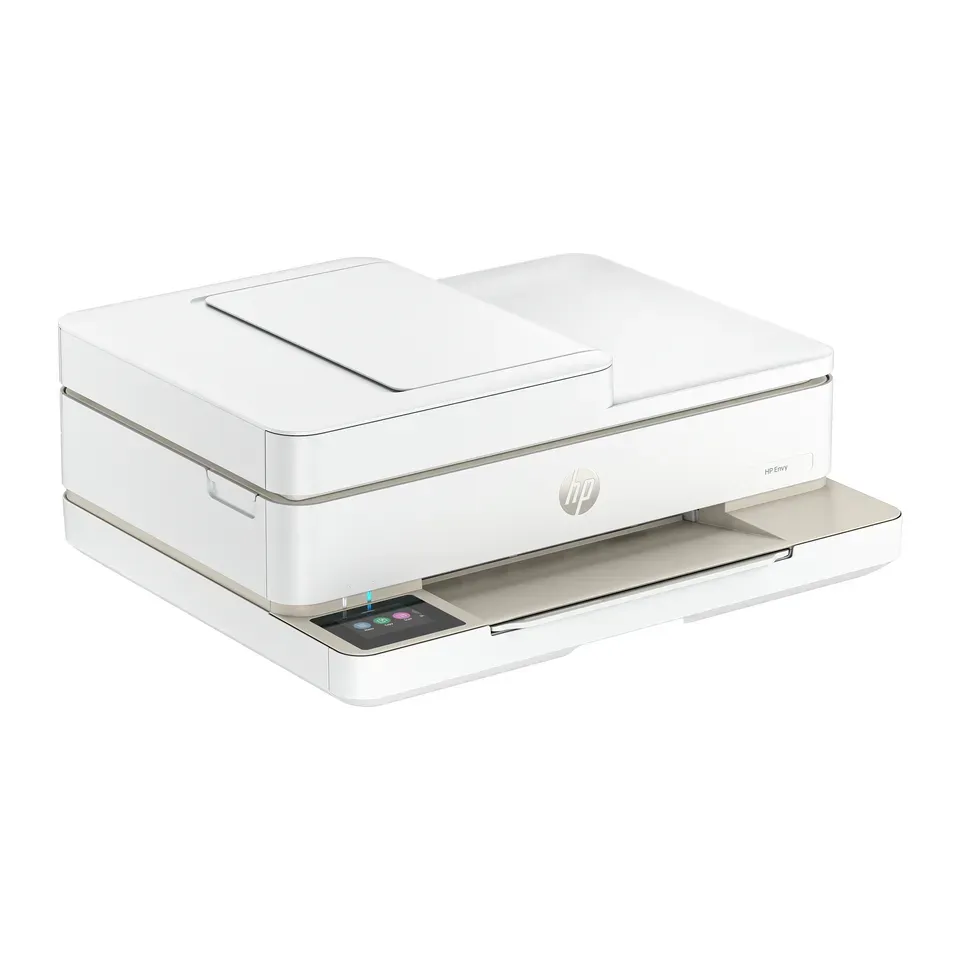
Number 29: HP Envy 6555
About $110
Ink cartridgesScanner: Yes, with a page feeder
Details: HP Envy 6555
- Type
- Ink cartridges
- Scanner
- Yes, with a page feeder
- Ink cost per page
- High
- Prints both sides
- Yes
- About $110, less than most printers here
- Small cartridges: each page costs more than on most printers here
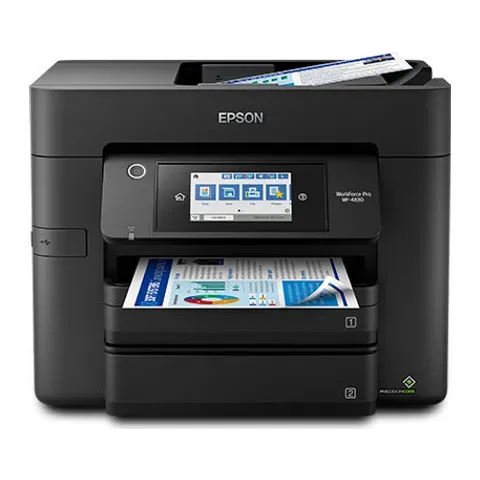
Number 30: Epson WorkForce Pro WF-4830
About $280
Ink cartridgesScanner: Yes, with a page feeder
Details: Epson WorkForce Pro WF-4830
- Type
- Ink cartridges
- Scanner
- Yes, with a page feeder
- Ink cost per page
- Medium
- Prints both sides
- Yes
- Has a page feeder that copies and scans a stack of pages
- An older model from 2020 that is still sold
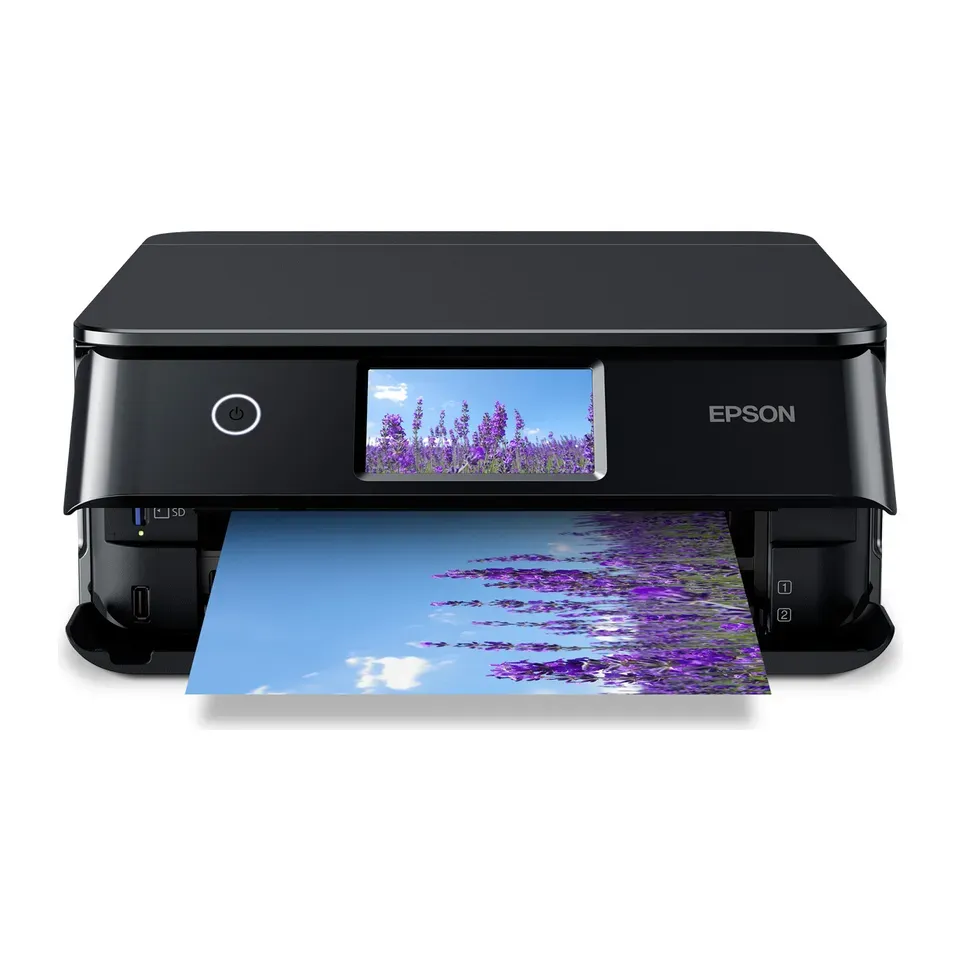
Number 31: Epson Expression Photo XP-8800
About $330
Ink cartridgesScanner: Yes, one page at a time
Details: Epson Expression Photo XP-8800
- Type
- Ink cartridges
- Scanner
- Yes, one page at a time
- Ink cost per page
- High
- Prints both sides
- No
- Photos look like lab prints, reviewers say
- Small cartridges: each page costs more than on most printers here
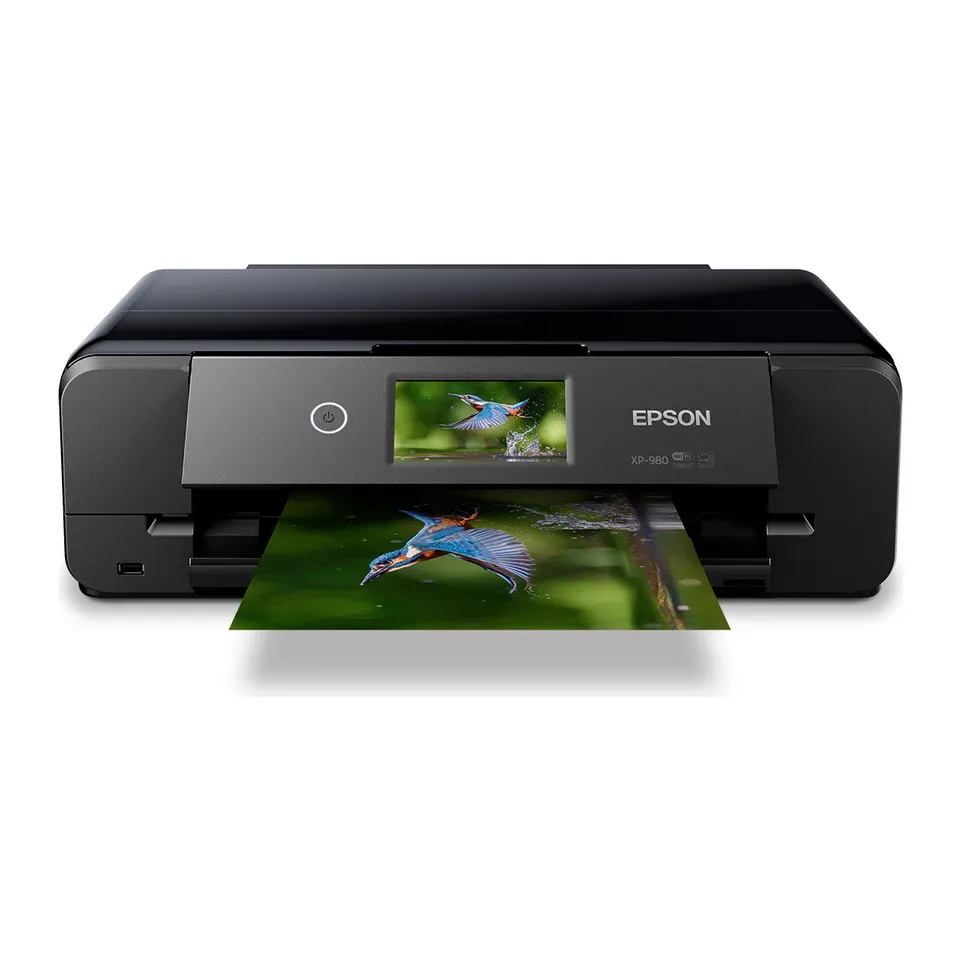
Number 32: Epson Expression Photo XP-980
About $380
Ink cartridgesScanner: Yes, one page at a time
Details: Epson Expression Photo XP-980
- Type
- Ink cartridges
- Scanner
- Yes, one page at a time
- Ink cost per page
- High
- Prints both sides
- No
- Photos look like lab prints, reviewers say
- Small cartridges: each page costs more than on most printers here
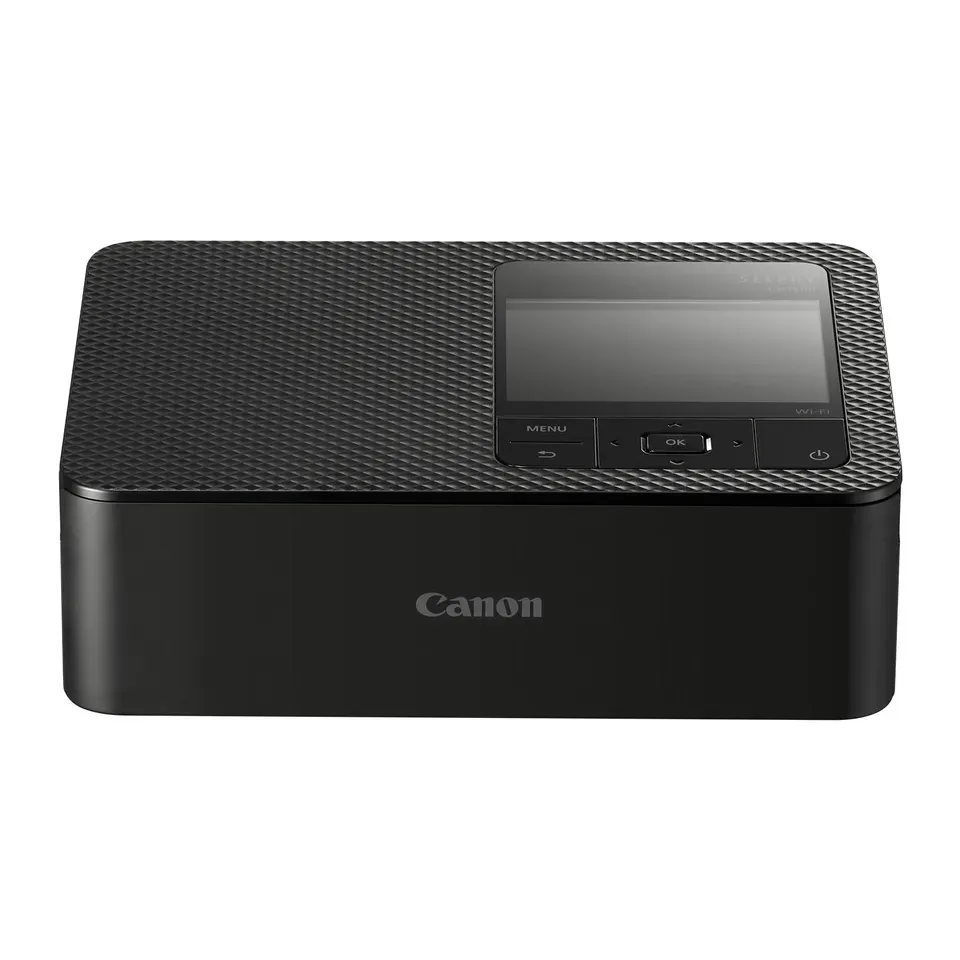
Number 33: Canon SELPHY CP1500
About $160
Small photo printerScanner: None, print only
Details: Canon SELPHY CP1500
- Type
- Small photo printer
- Scanner
- None, print only
- Ink cost per page
- High
- Prints both sides
- No
- Most expert reviews rate it very highly
- Prints small photos only, up to 4 × 6 inches: no letters or pages
What matters when you choose a printer
Only a few things really decide which printer suits you.
- What you print. Black text, like letters and forms, is easy for any printer. Colour pages need a colour printer. Photos look best on a photo printer with six or more inks. A small photo printer makes 4 × 6 inch prints only.
- How often you print. This matters more than most people think. Ink can dry inside an inkjet printer that sits unused for weeks, and then pages come out with lines. Toner in a laser printer never dries out.
- The cost of ink. A cheap printer can cost a lot in ink. Small cartridges print a few hundred pages. Ink tanks print thousands of pages from the bottles in the box.
- Copying and scanning. A scanner makes the printer bigger. A page feeder on top copies a stack of pages for you, so you don’t scan them one by one.
- Ink from other brands. Some printers only take the maker’s own cartridges. Printers that fill from bottles take any brand.
Some things matter less than ads suggest:
- Pages per minute. At home you rarely print more than a few pages at once.
- Dots per inch. Every printer here prints sharp text. Reviewers’ print tests tell you more.
- “Works with your phone”. Every printer here prints from an iPhone or an Android phone.
How we ranked them
For every printer we read the maker’s spec sheet and at least one expert review. Most reviews come from RTINGS, TechRadar, Tom’s Guide and PCMag. Every printer on the list is sold in the US now, and we checked prices in November 2026.
Before you answer, the list is sorted by three things: how highly the reviews rate each printer, its price, and the cost of ink per page. Your answers then add weight to what you need. Choose photos, and photo quality counts most. Choose lots of pages, and cheap ink counts most.
Some answers rule printers out. A black-and-white printer never shows up for colour pages or photos. A printer without a scanner never shows up if you need to copy. If you print rarely, laser printers come first. For photos printed rarely, the small photo printer comes first. It never shows up for letters or colour pages. If you ask for a page feeder, two-sided printing, big paper, a fax, any brand of ink or a budget, we show those first. If fewer than 5 fit, we show the closest ones and say what they miss.
Each pick says why it fits you and what to keep in mind. Nobody paid to be on this list.
Questions and answers
Inkjet or laser: which is better for home?
If you print a few pages a month, get a laser printer. Its toner is a dry powder, so it can't dry out. It prints fine after months unused.
If you print photos, or lots of colour pages, get an inkjet. Print at least one page a week so the ink doesn't dry in the printer.
What is an ink tank printer?
An ink tank printer has big tanks that you fill from bottles, instead of small cartridges. It costs more to buy, but the ink in the box lasts for years. Each page then costs well under a cent. It suits people who print every week.
Can I use cheaper ink from other brands?
It depends on the printer. Ink tank printers fill from bottles, so other brands' ink fits. Some makers say their cartridge printers only work with their own cartridges. Choose Yes, I want to buy cheaper ink from any brand and the finder puts printers without that limit first.
Ink from other brands can still cause problems that the warranty doesn't cover, the makers say.
HP printers check for an HP chip on each cartridge, and HP's updates can block cartridges that worked before. HP printers with an "e" in the name (HP+) also need an HP account, the internet and HP's own ink for as long as you use them, HP says. The finder lists the models without the "e".
Which printer is best if I hardly ever print?
A black-and-white laser printer, if you only print text. For colour, a colour laser printer. Both still work after months without use. For photos, a small photo printer like the Canon SELPHY. It prints with a dry ribbon, so nothing can dry out. Choose A few pages a month or less and the finder shows these first.
Will the printer work with my phone?
Yes. Every printer here works with iPhones and iPads (AirPrint) over Wi-Fi. All but one also work with Android phones (Mopria), so you don't need to install an app to print. The small Canon SELPHY photo printer needs Canon's free app on Android.
Not affiliated with or endorsed by any maker or shop. Product photos are the makers' own. To have one removed, email hello@devicetests.com.