Which monitor should I buy?
Answer up to 7 short questions and see the 5 monitors that suit you best.
51 monitors compared from the makers' spec sheets and expert reviews. How we rank
The questions
51 monitors compared from the makers' spec sheets and expert reviews. How we rank
Picks for common needs
Choose a need to see its top 5. You can change any answer after.
For a home office with a laptop
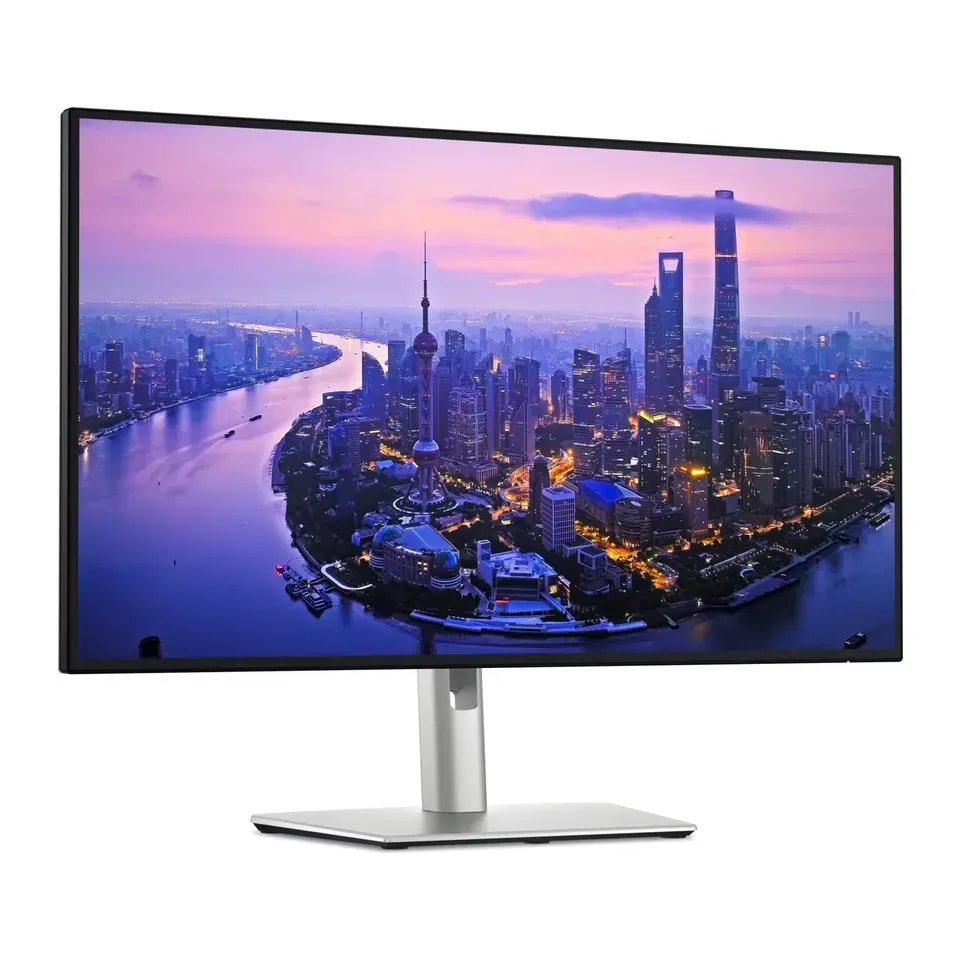
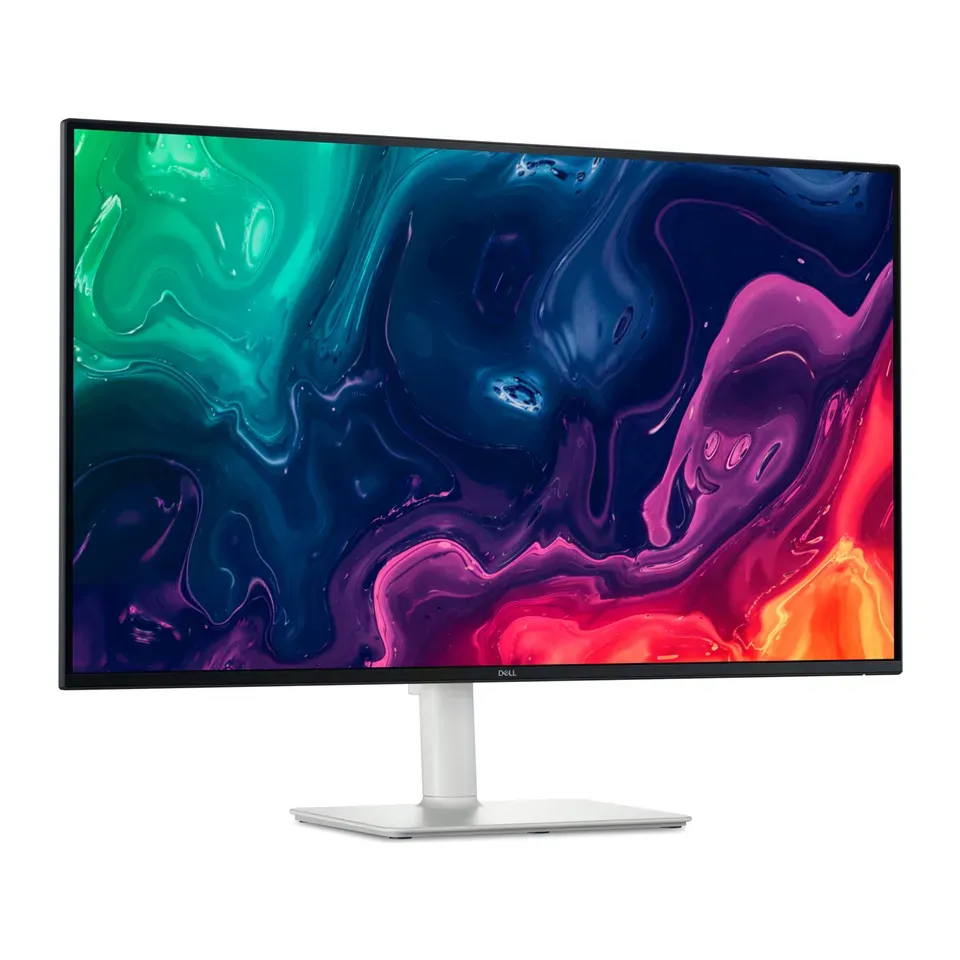
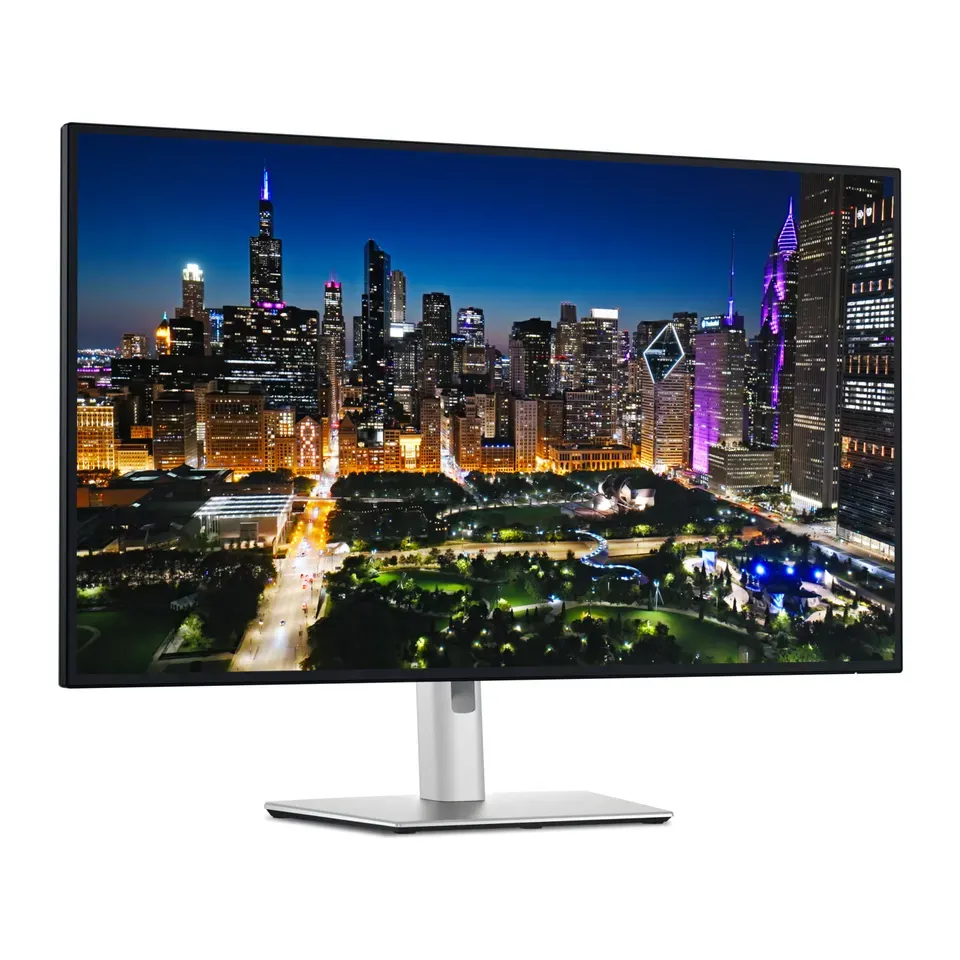
- Number 1: Dell UltraSharp 27 4K Thunderbolt Hub Monitor (U2725QE)About $660
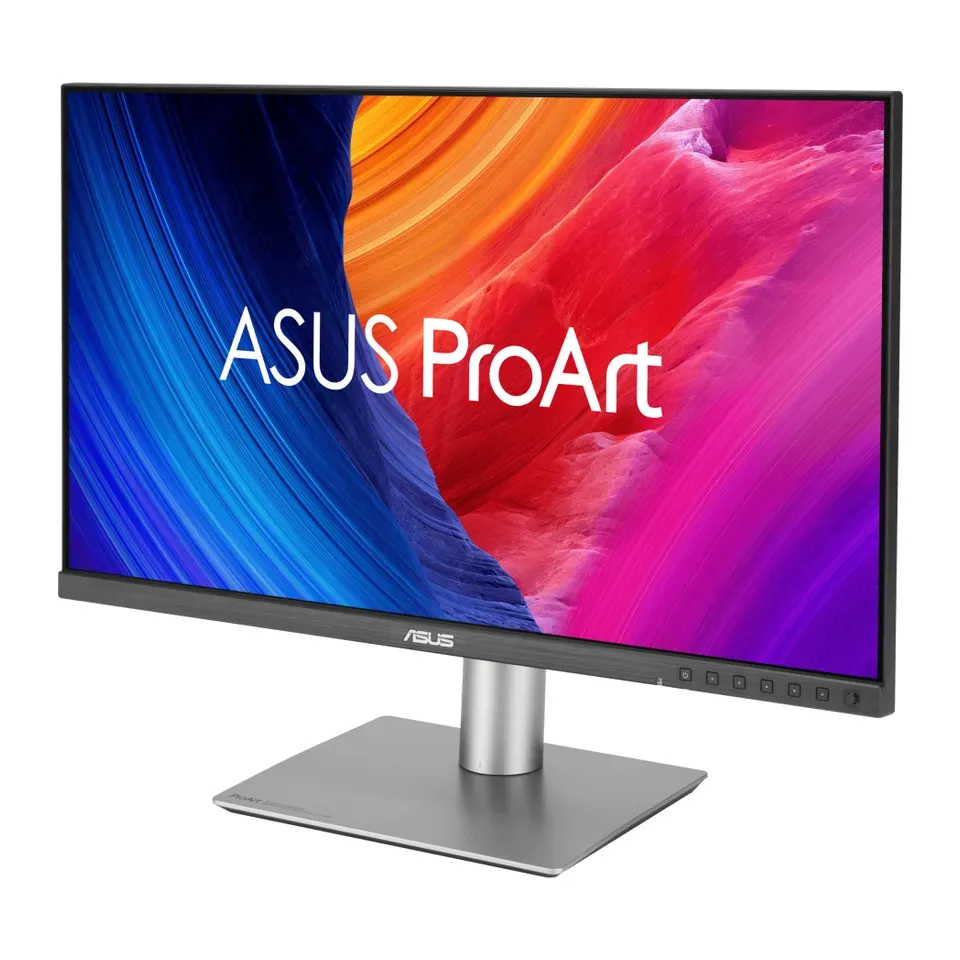
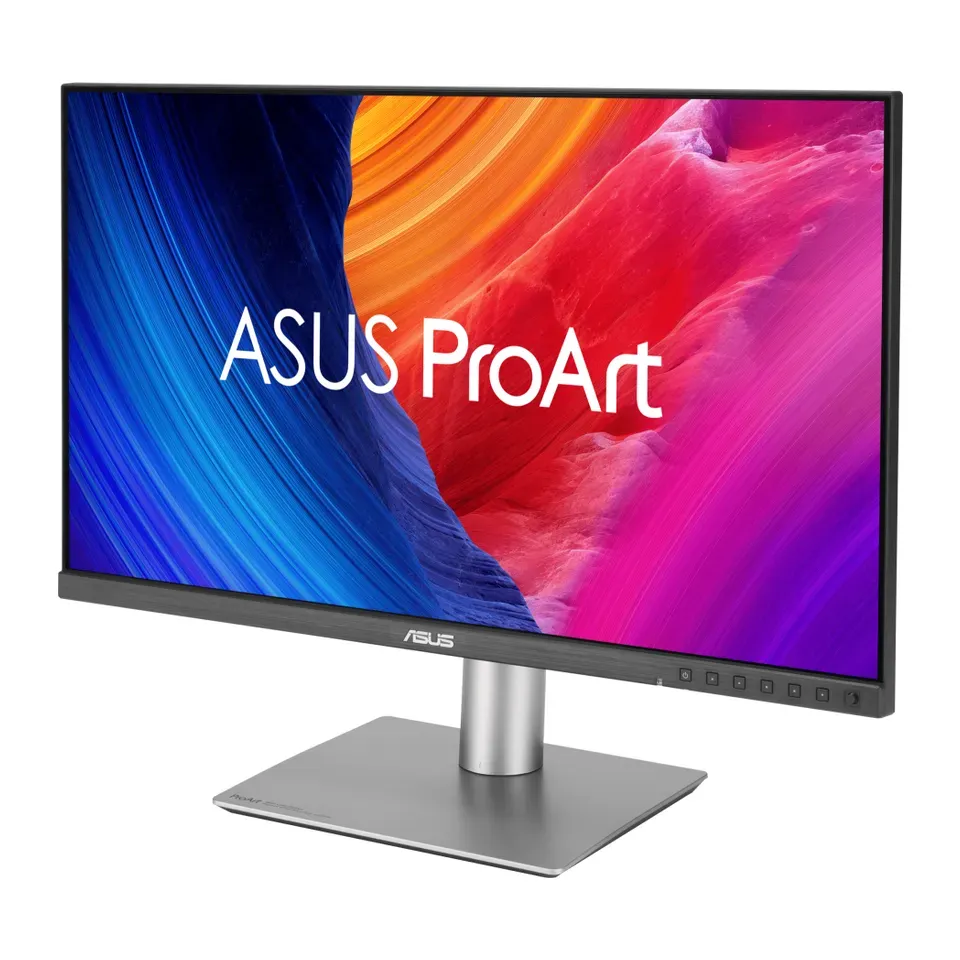
- Number 2: ASUS ProArt Display 5K PA27JCVAbout $700
- Number 3: Acer Nitro XV275K P5About $350
For PC games
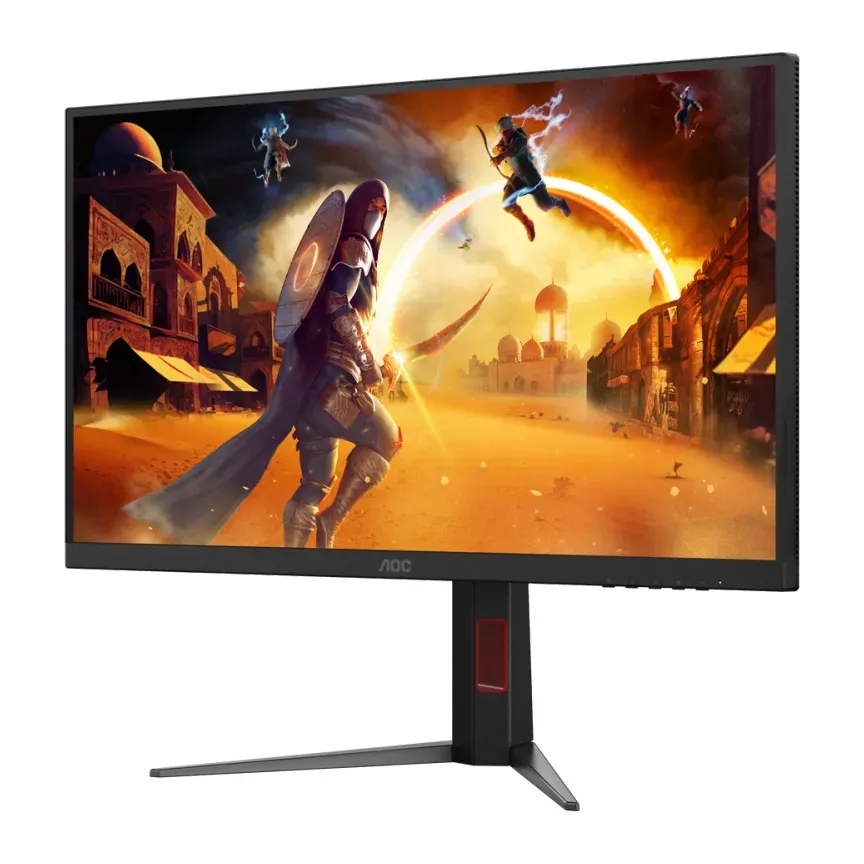
- Number 1: AOC U27G4XMAbout $350
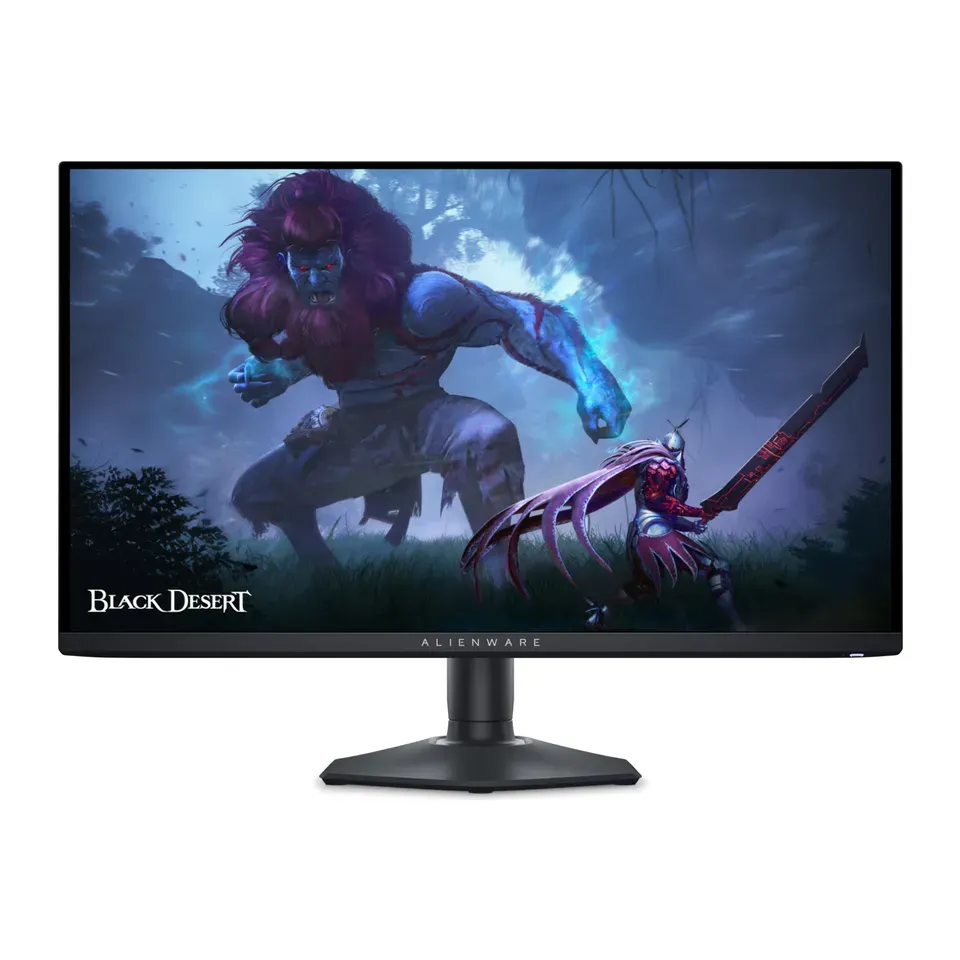
- Number 2: Alienware 27 360Hz QD-OLED Gaming Monitor (AW2725DF)About $650
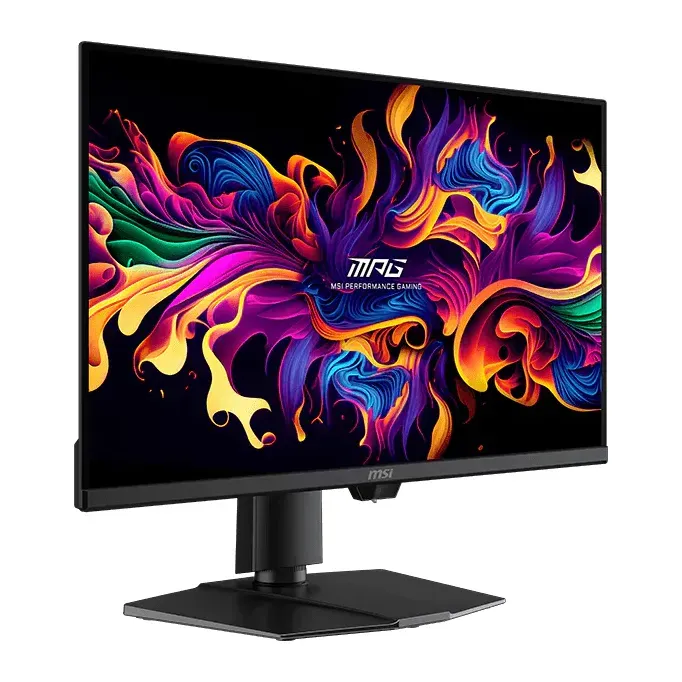
- Number 3: MSI MPG 271QR QD-OLED X50About $680
For a Mac
- Number 1: ASUS ProArt Display 5K PA27JCVAbout $700
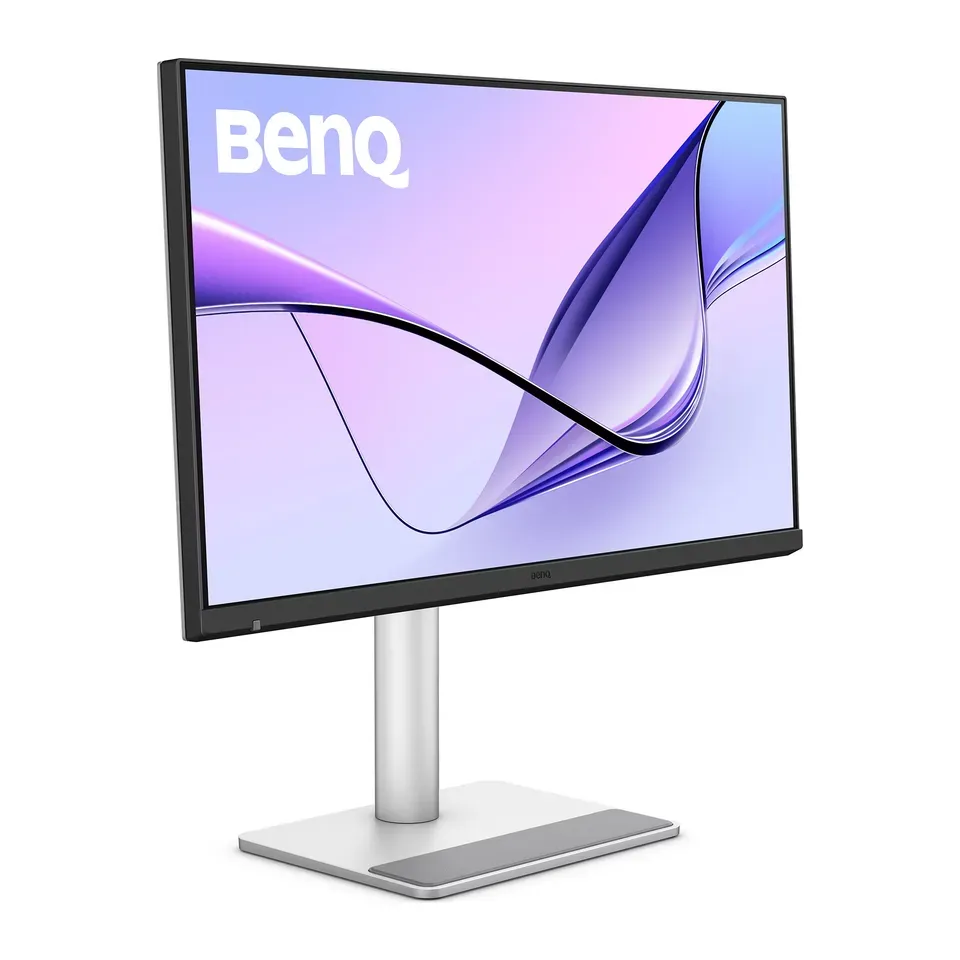
- Number 2: BenQ MA270SAbout $1,000
- Number 3: Dell UltraSharp 27 4K Thunderbolt Hub Monitor (U2725QE)About $660
For big, easy-to-read text
- Number 1: Dell 32 Plus 4K Monitor (S3225QS)About $330
- Number 2: Dell UltraSharp 32 4K Thunderbolt Hub Monitor (U3225QE)About $970
- Number 3: ASUS ProArt Display 6K PA32QCVAbout $1,300
Under $150
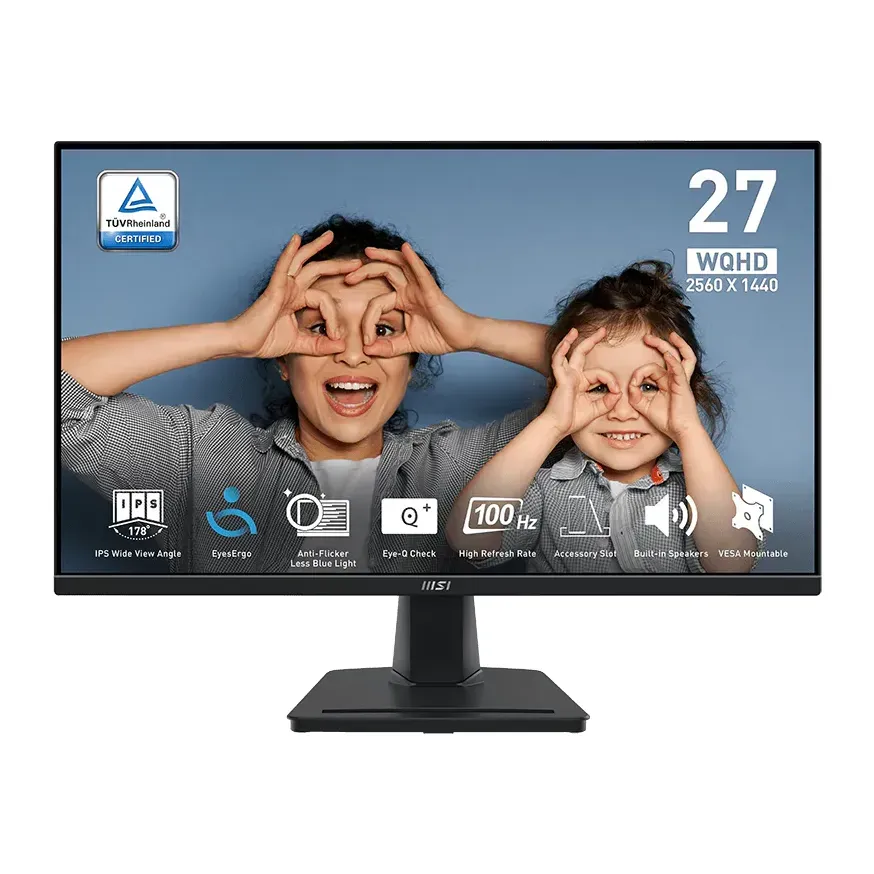
- Number 1: MSI PRO MP275QAbout $160
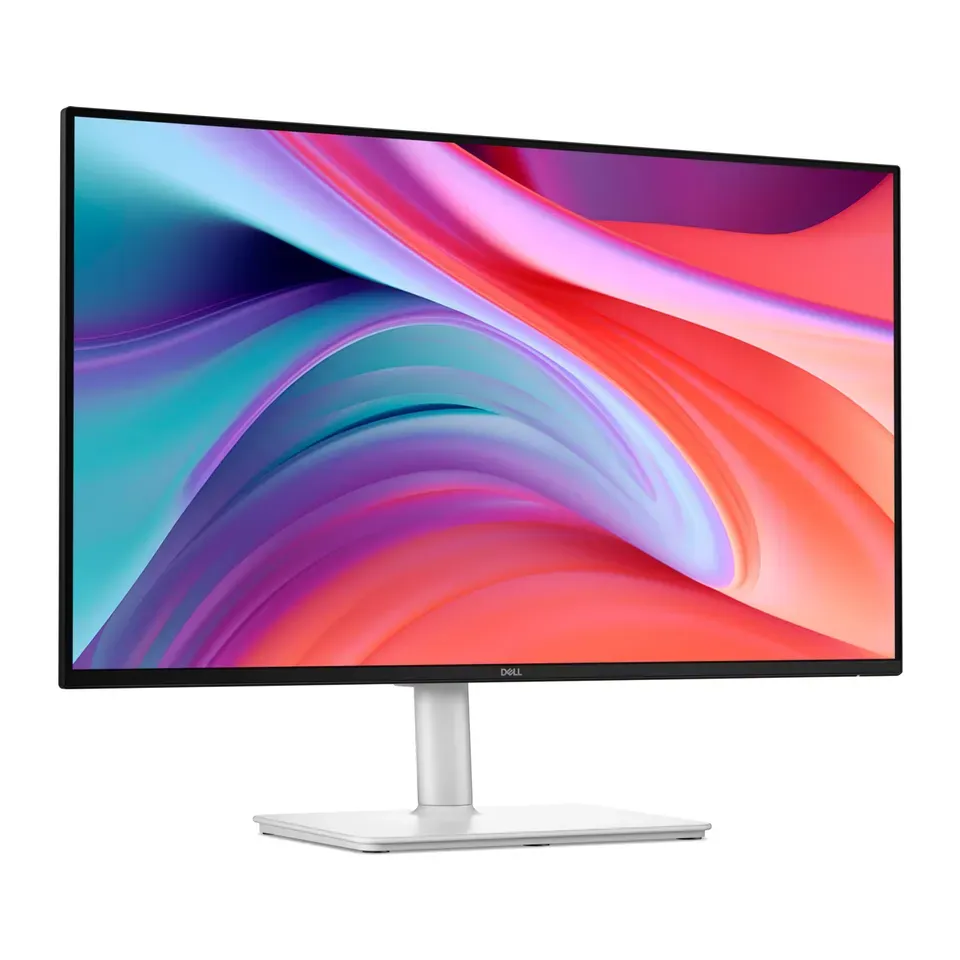
- Number 2: Dell S 27 Monitor (S2725HSM)About $160
- Number 3: Dell 24 240Hz Monitor (SE2426HGS)About $100
Answer the questions
Up to 7 short questions. Your own top 5 at the end.
All 51 monitors, ranked
Ranked by expert reviews and value for money, before any answers. How we rank
Prices checked .
Number 1: ASUS ROG Strix XG27ACS
About $260
27 in2560 × 1440
Details: ASUS ROG Strix XG27ACS
- Size
- 27 in
- Pixels
- 2560 × 1440
- Refresh rate
- 180 Hz
- Screen type
- LCD (IPS): even colours
- Most expert reviews rate it very highly
- Its USB-C port shows the picture but can't charge a laptop
Number 2: AOC U27G4XM
About $350
27 in3840 × 2160
Details: AOC U27G4XM
- Size
- 27 in
- Pixels
- 3840 × 2160
- Refresh rate
- 160 Hz
- Screen type
- LCD with mini-LED backlight
- Most expert reviews rate it very highly
- The stand wobbles a little, reviewers say
Number 3: ViewSonic XG2536
About $240
24.5 in1920 × 1080
Details: ViewSonic XG2536
- Size
- 24.5 in
- Pixels
- 1920 × 1080
- Refresh rate
- 280 Hz
- Screen type
- LCD (IPS): even colours
- Most expert reviews rate it very highly
- No USB ports for a keyboard or mouse
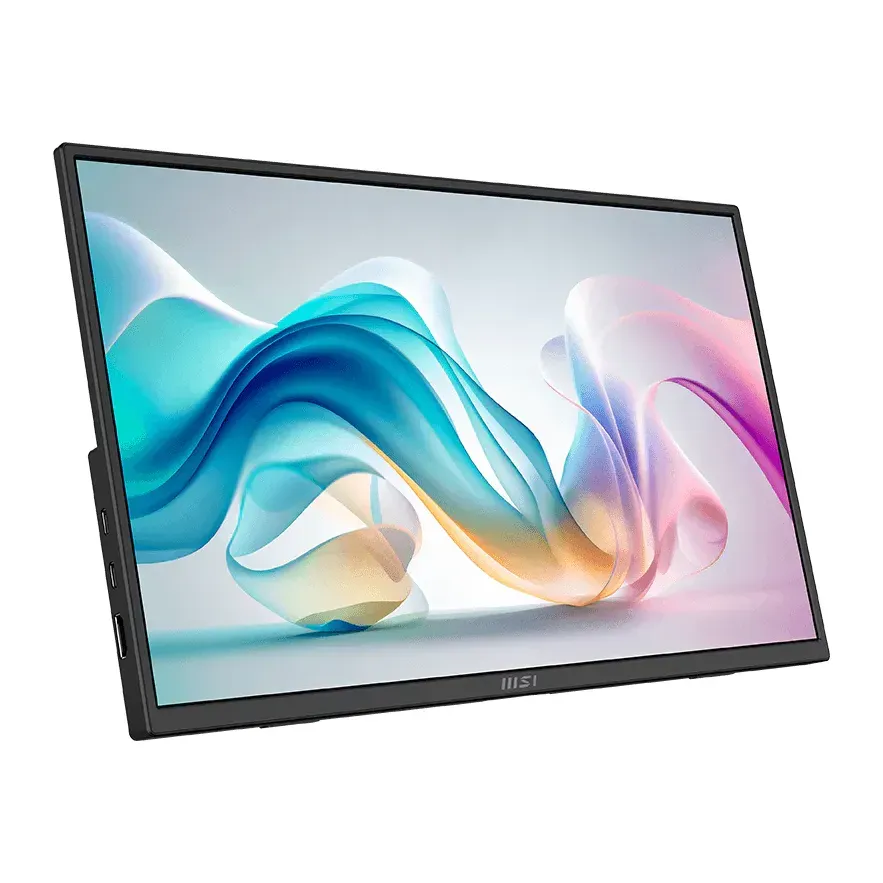
Number 4: MSI PRO MP275Q
About $160
27 in2560 × 1440
Details: MSI PRO MP275Q
- Size
- 27 in
- Pixels
- 2560 × 1440
- Refresh rate
- 100 Hz
- Screen type
- LCD (IPS): even colours
- About $160, less than most monitors here
- Light can leak at the top and bottom edges on dark screens, reviewers say
Number 5: Dell S 27 Monitor (S2725HSM)
About $160
27 in1920 × 1080
Details: Dell S 27 Monitor (S2725HSM)
- Size
- 27 in
- Pixels
- 1920 × 1080
- Refresh rate
- 144 Hz
- Screen type
- LCD (IPS): even colours
- About $160, less than most monitors here
- The speakers are weak, and it has no USB ports, reviewers say
Number 6: Dell 24 240Hz Monitor (SE2426HGS)
About $100
23.8 in1920 × 1080
Details: Dell 24 240Hz Monitor (SE2426HGS)
- Size
- 23.8 in
- Pixels
- 1920 × 1080
- Refresh rate
- 240 Hz
- Screen type
- LCD (IPS): even colours
- About $100, less than most monitors here
- Moving things can leave faint trails at low frame rates, reviewers say
Number 7: Dell S 24 Monitor (S2425HSM)
About $130
23.8 in1920 × 1080
Details: Dell S 24 Monitor (S2425HSM)
- Size
- 23.8 in
- Pixels
- 1920 × 1080
- Refresh rate
- 144 Hz
- Screen type
- LCD (IPS): even colours
- About $130, less than most monitors here
- HDMI inputs only: no DisplayPort or USB-C
Number 8: Acer Predator XB273U F5
About $500
27 in2560 × 1440
Details: Acer Predator XB273U F5
- Size
- 27 in
- Pixels
- 2560 × 1440
- Refresh rate
- 360 Hz
- Screen type
- LCD (IPS): even colours
- Most expert reviews rate it very highly
- No USB-C picture input: you need an HDMI cable, and maybe an adapter
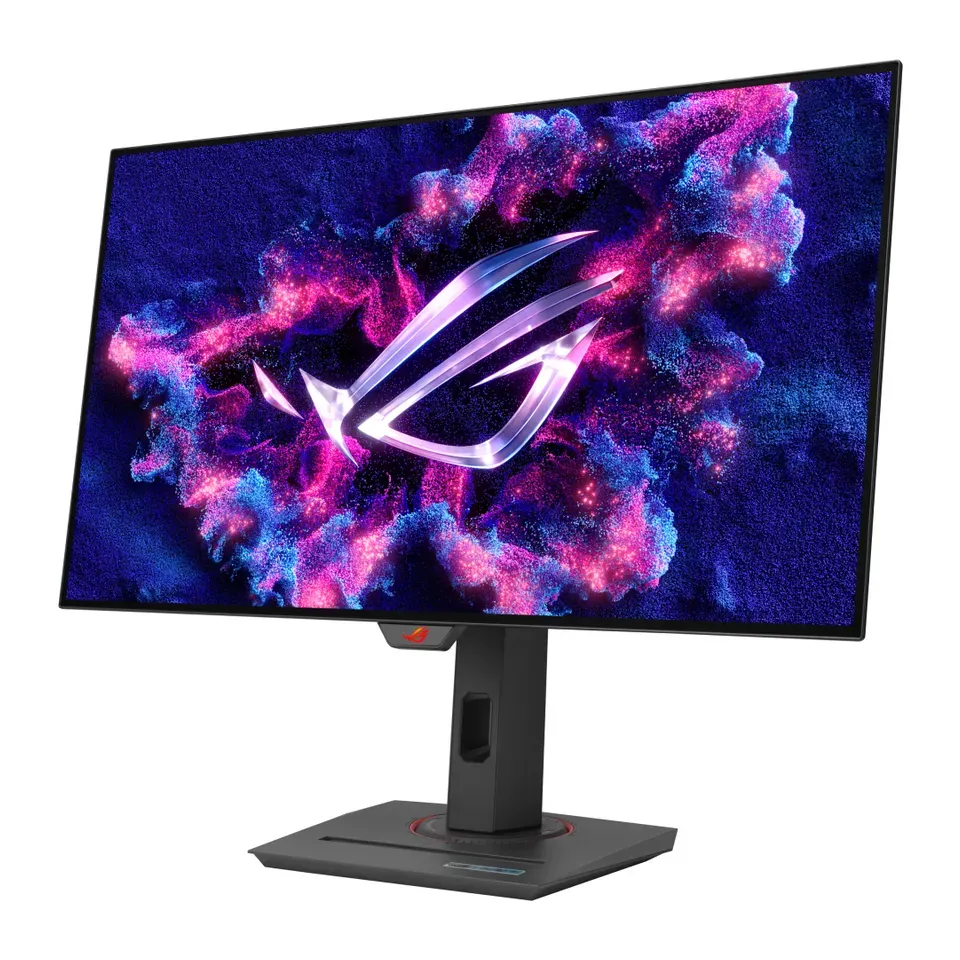
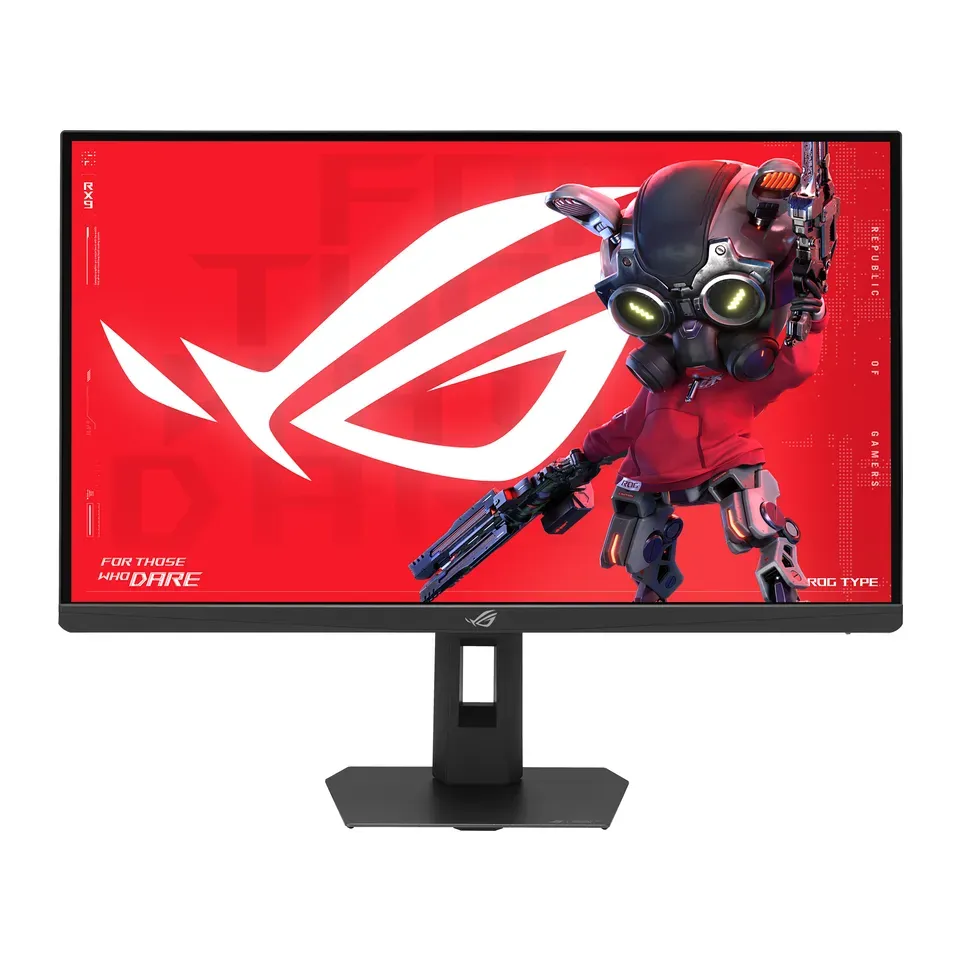
Number 9: ASUS ROG Strix Pulsar XG27AQNGV
About $600
27 in2560 × 1440
Details: ASUS ROG Strix Pulsar XG27AQNGV
- Size
- 27 in
- Pixels
- 2560 × 1440
- Refresh rate
- 360 Hz
- Screen type
- LCD (IPS): even colours
- Most expert reviews rate it very highly
- Its top speed needs a DisplayPort cable. Over HDMI it stops at 120 Hz
Number 10: Dell S 27 QHD USB-C Monitor (S2725DC)
About $260
27 in2560 × 1440
Details: Dell S 27 QHD USB-C Monitor (S2725DC)
- Size
- 27 in
- Pixels
- 2560 × 1440
- Refresh rate
- 144 Hz
- Screen type
- LCD (IPS): even colours
- About $260, less than most monitors here
- Motion looks blurry in fast games, reviewers say
Number 11: AOC Q27G3XMN
About $280
27 in2560 × 1440
Details: AOC Q27G3XMN
- Size
- 27 in
- Pixels
- 2560 × 1440
- Refresh rate
- 180 Hz
- Screen type
- LCD with mini-LED backlight
- About $280, less than most monitors here
- No USB-C picture input: you need an HDMI cable, and maybe an adapter
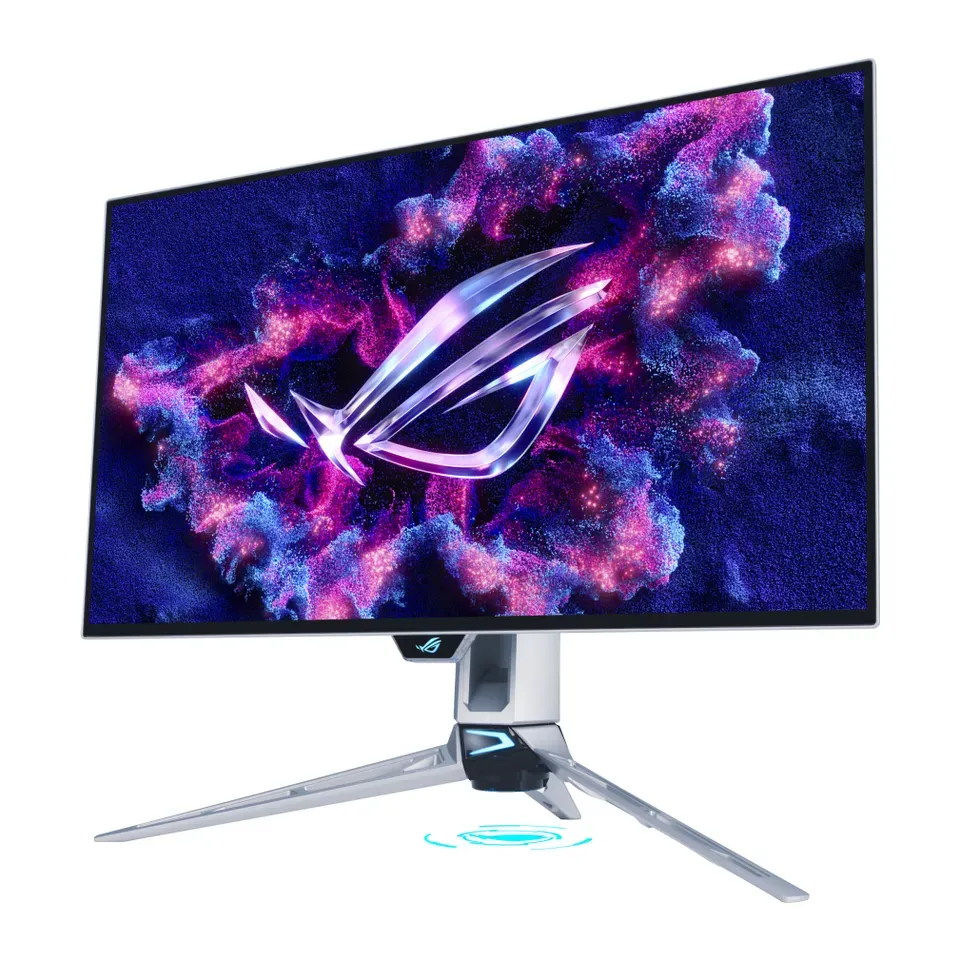
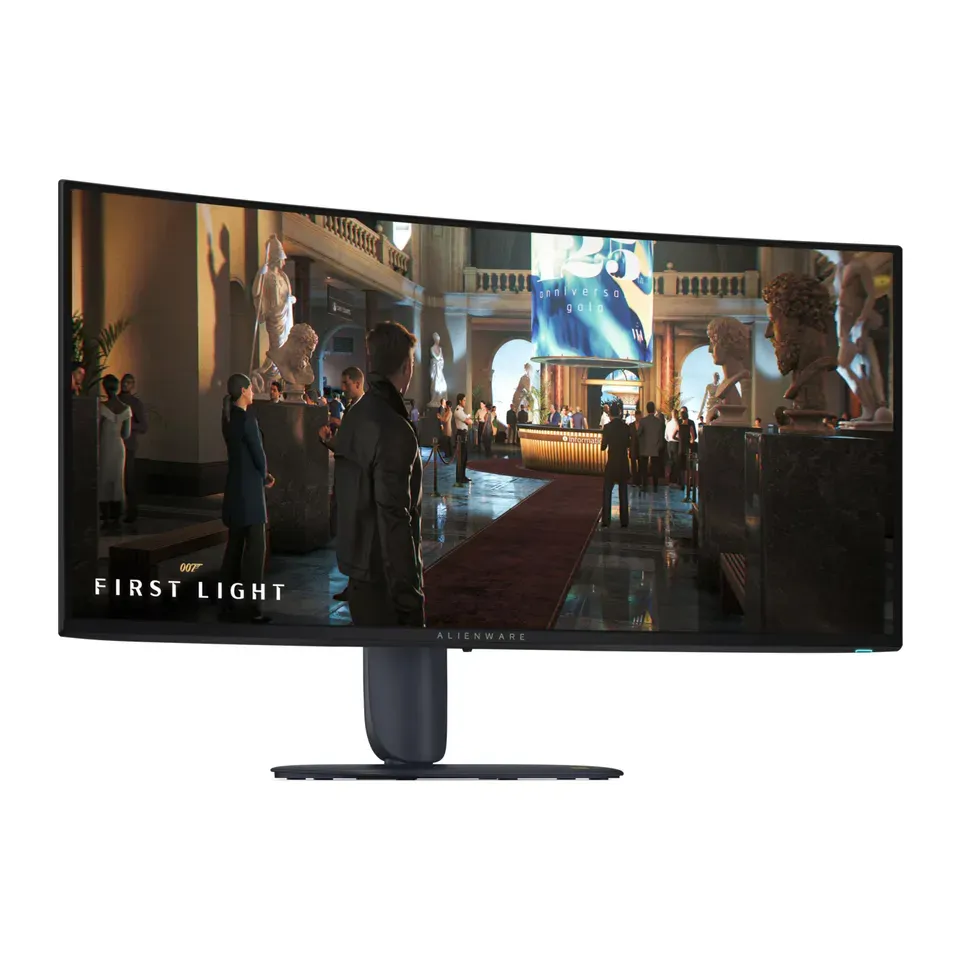
Number 12: Alienware 27 360Hz QD-OLED Gaming Monitor (AW2725DF)
About $650
26.7 in2560 × 1440
Details: Alienware 27 360Hz QD-OLED Gaming Monitor (AW2725DF)
- Size
- 26.7 in
- Pixels
- 2560 × 1440
- Refresh rate
- 360 Hz
- Screen type
- OLED
- Most expert reviews rate it very highly
- Its top speed needs a DisplayPort cable. Over HDMI it stops at 120 Hz
Show all 51 monitors
Number 13: Dell S 27 4K Monitor (S2725QS)
About $280
27 in3840 × 2160
Details: Dell S 27 4K Monitor (S2725QS)
- Size
- 27 in
- Pixels
- 3840 × 2160
- Refresh rate
- 120 Hz
- Screen type
- LCD (IPS): even colours
- Plays PS5 and Xbox Series X games at 120 Hz
- No USB-C picture input: you need an HDMI cable, and maybe an adapter
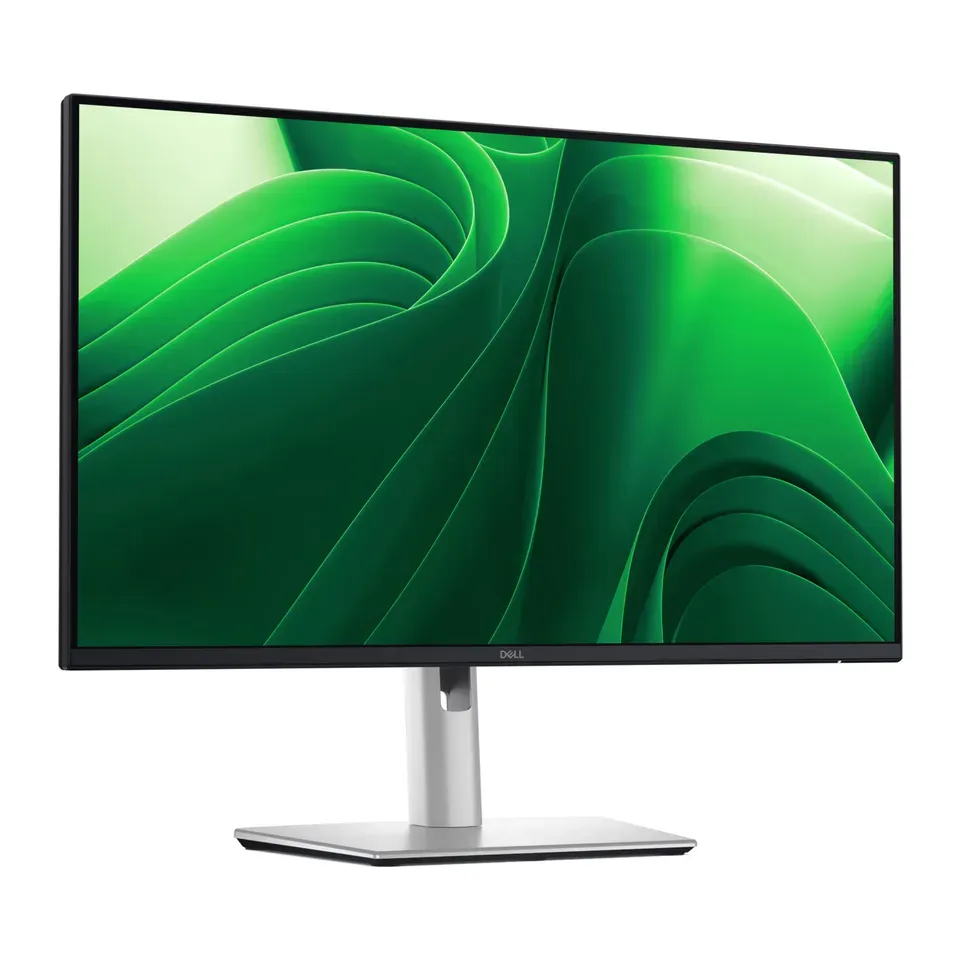
Number 14: Dell UltraSharp 27 4K Thunderbolt Hub Monitor (U2725QE)
About $660
27 in3840 × 2160
Details: Dell UltraSharp 27 4K Thunderbolt Hub Monitor (U2725QE)
- Size
- 27 in
- Pixels
- 3840 × 2160
- Refresh rate
- 120 Hz
- Screen type
- LCD (IPS): even colours
- Most expert reviews rate it very highly
- Motion looks blurry in fast games, reviewers say
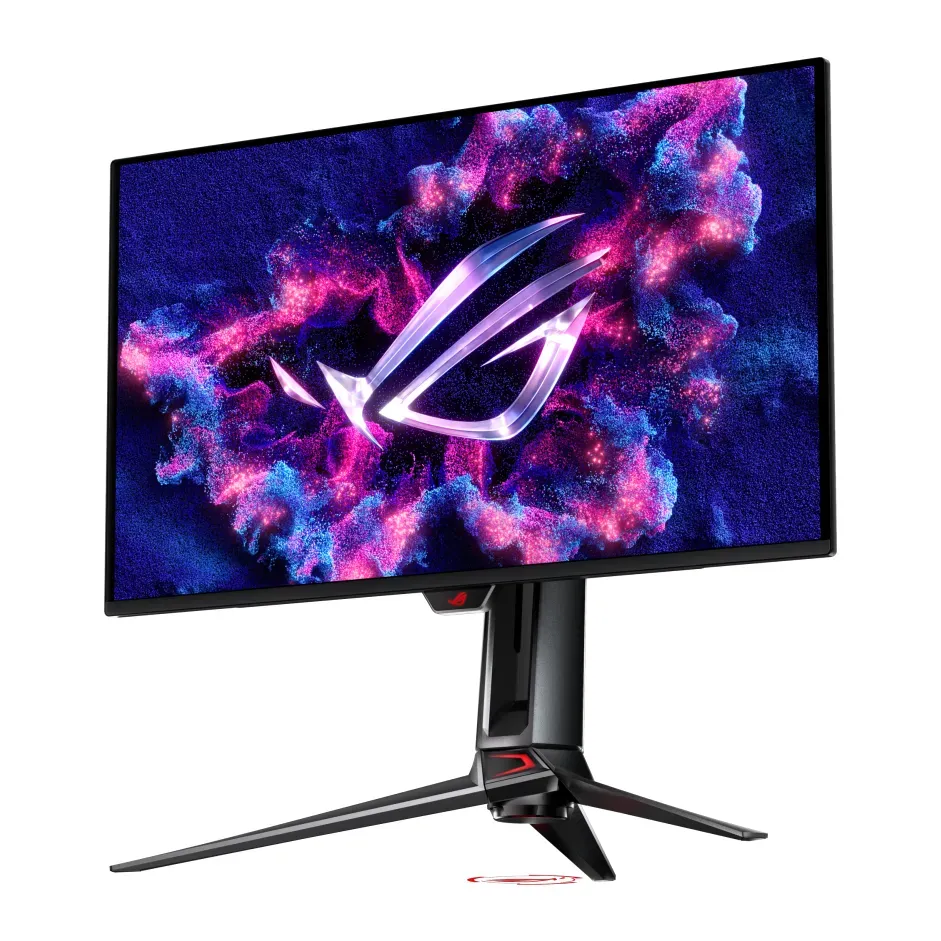
Number 15: MSI MPG 271QR QD-OLED X50
About $680
26.5 in2560 × 1440
Details: MSI MPG 271QR QD-OLED X50
- Size
- 26.5 in
- Pixels
- 2560 × 1440
- Refresh rate
- 500 Hz
- Screen type
- OLED
- Most expert reviews rate it very highly
- OLED: a still picture left on for hours, like a taskbar, can burn in
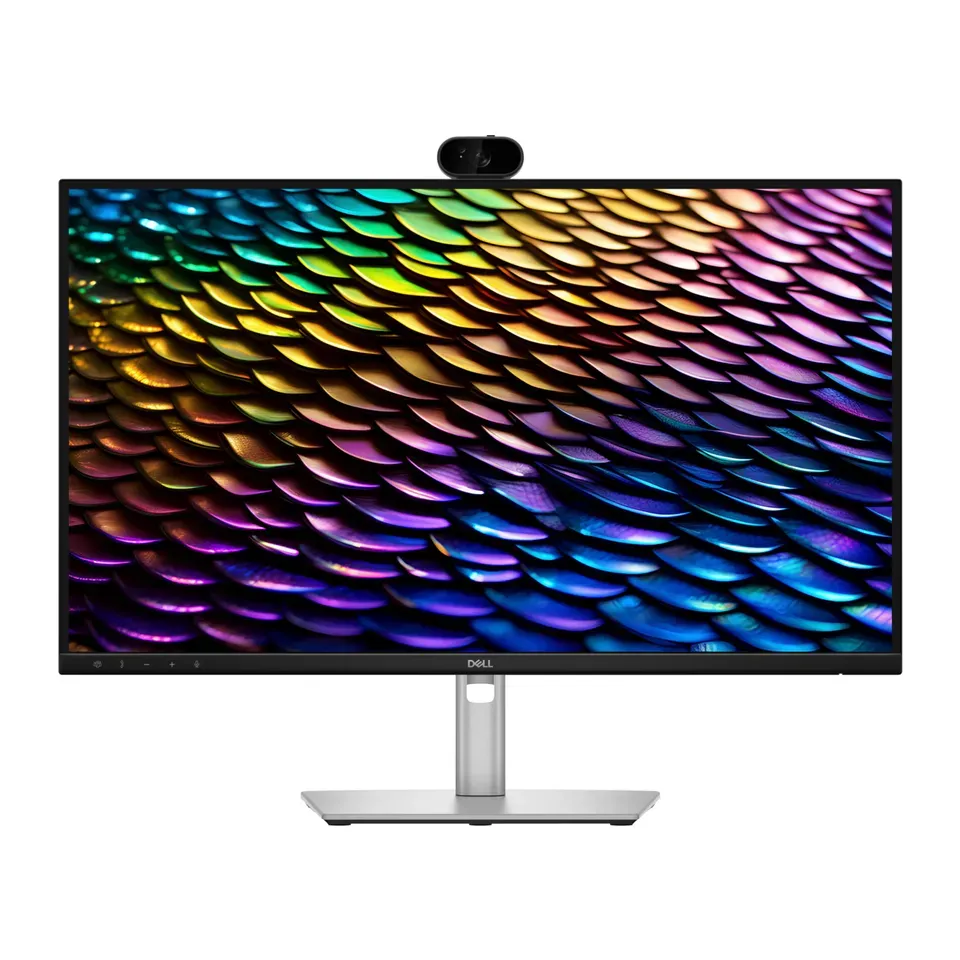
Number 16: ASUS ProArt Display 5K PA27JCV
About $700
27 in5120 × 2880
Details: ASUS ProArt Display 5K PA27JCV
- Size
- 27 in
- Pixels
- 5120 × 2880
- Refresh rate
- 60 Hz
- Screen type
- LCD (IPS): even colours
- Most expert reviews rate it very highly
- Only 60 Hz, so games look less smooth than on a gaming monitor
Number 17: Gigabyte GS32Q
About $220
31.5 in2560 × 1440
Details: Gigabyte GS32Q
- Size
- 31.5 in
- Pixels
- 2560 × 1440
- Refresh rate
- 170 Hz
- Screen type
- LCD (IPS): even colours
- About $220, less than most monitors here
- The stand only tilts: raise it with a monitor arm or a riser
Number 18: Acer Nitro XV275K P5
About $350
27 in3840 × 2160
Details: Acer Nitro XV275K P5
- Size
- 27 in
- Pixels
- 3840 × 2160
- Refresh rate
- 160 Hz
- Screen type
- LCD with mini-LED backlight
- One USB-C cable for picture and charging, up to 90 watts
- Its extra-deep blacks only work in HDR films and games, not for everyday use
Number 19: Alienware 27 240Hz QD-OLED Gaming Monitor (AW2726DM)
About $350
26.5 in2560 × 1440
Details: Alienware 27 240Hz QD-OLED Gaming Monitor (AW2726DM)
- Size
- 26.5 in
- Pixels
- 2560 × 1440
- Refresh rate
- 240 Hz
- Screen type
- OLED
- OLED: deep blacks and very clear motion
- Dimmer than most, and it has no USB ports
Number 20: Dell S 27 4K USB-C Monitor (S2725QC)
About $350
27 in3840 × 2160
Details: Dell S 27 4K USB-C Monitor (S2725QC)
- Size
- 27 in
- Pixels
- 3840 × 2160
- Refresh rate
- 120 Hz
- Screen type
- LCD (IPS): even colours
- One USB-C cable for picture and charging, up to 65 watts
- Motion looks blurry in fast games, reviewers say
Number 21: ASUS ROG Swift OLED PG27AQWP-W
About $1,100
26.5 in2560 × 1440
Details: ASUS ROG Swift OLED PG27AQWP-W
- Size
- 26.5 in
- Pixels
- 2560 × 1440
- Refresh rate
- 540 Hz
- Screen type
- OLED
- Most expert reviews rate it very highly
- Its very fastest mode only works at a much lower sharpness
Number 22: ASUS ROG Swift OLED PG27UCDM
About $1,100
26.5 in3840 × 2160
Details: ASUS ROG Swift OLED PG27UCDM
- Size
- 26.5 in
- Pixels
- 3840 × 2160
- Refresh rate
- 240 Hz
- Screen type
- OLED
- Most expert reviews rate it very highly
- Some HDR modes (for films and games with bright highlights) show colours less accurately, reviewers say
Number 23: Dell 32 Plus 4K Monitor (S3225QS)
About $330
31.5 in3840 × 2160
Details: Dell 32 Plus 4K Monitor (S3225QS)
- Size
- 31.5 in
- Pixels
- 3840 × 2160
- Refresh rate
- 120 Hz
- Screen type
- LCD (VA): deeper blacks
- Plays PS5 and Xbox Series X games at 120 Hz
- Fast motion looks blurry, and colours fade when you look from the side
Number 24: Dell Pro P 24 QHD USB-C Hub Monitor (P2425DE)
About $380
23.8 in2560 × 1440
Details: Dell Pro P 24 QHD USB-C Hub Monitor (P2425DE)
- Size
- 23.8 in
- Pixels
- 2560 × 1440
- Refresh rate
- 100 Hz
- Screen type
- LCD (IPS): even colours
- One USB-C cable for picture and charging, up to 90 watts
- Expert reviews so far cover the older model it replaces, not this one
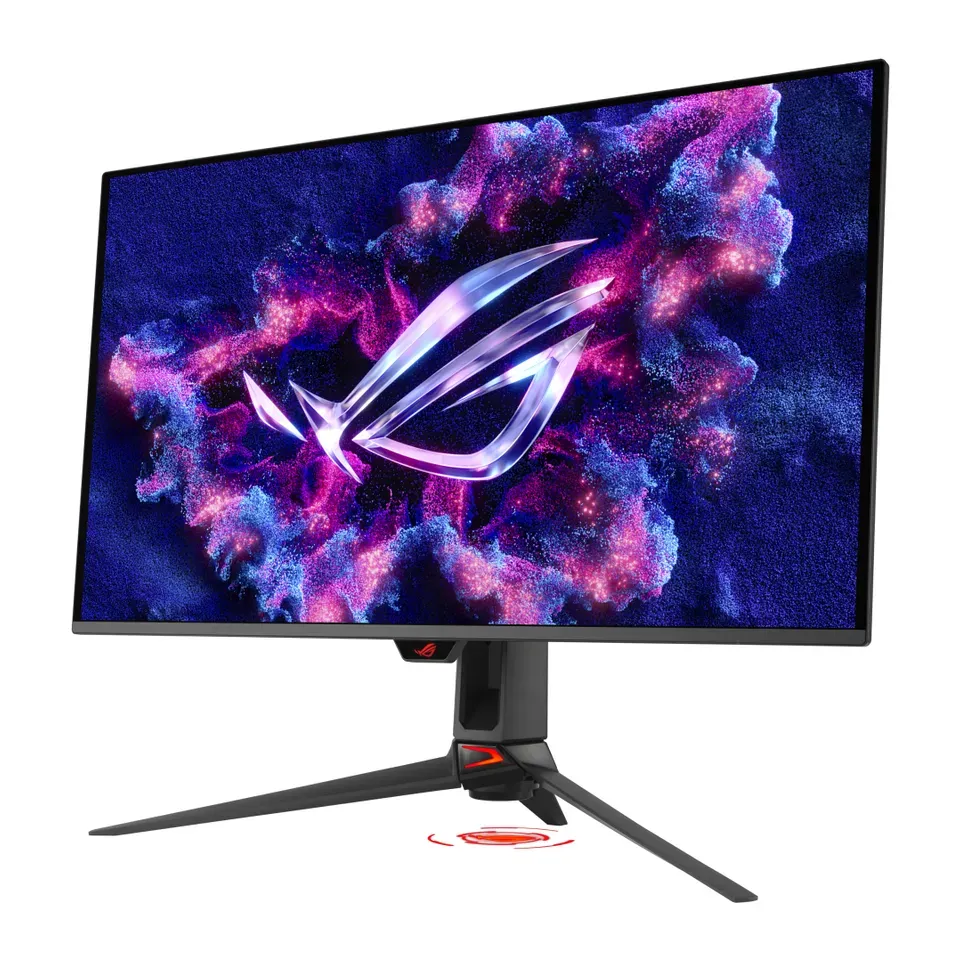
Number 25: ASUS ROG Strix OLED XG27AQDMG
About $600
26.5 in2560 × 1440
Details: ASUS ROG Strix OLED XG27AQDMG
- Size
- 26.5 in
- Pixels
- 2560 × 1440
- Refresh rate
- 240 Hz
- Screen type
- OLED
- OLED: deep blacks and very clear motion
- Small text can show coloured edges, reviewers say
Number 26: Dell Pro P 27 USB-C Hub Conferencing Monitor (P2726DEB)
About $600
27 in2560 × 1440
Details: Dell Pro P 27 USB-C Hub Conferencing Monitor (P2726DEB)
- Size
- 27 in
- Pixels
- 2560 × 1440
- Refresh rate
- 100 Hz
- Screen type
- LCD (IPS): even colours
- One USB-C cable for picture and charging, up to 90 watts
- Expert reviews so far cover the older model it replaces, not this one
Number 27: Dell Pro P 24 Monitor (P2426H)
About $170
23.8 in1920 × 1080
Details: Dell Pro P 24 Monitor (P2426H)
- Size
- 23.8 in
- Pixels
- 1920 × 1080
- Refresh rate
- 120 Hz
- Screen type
- LCD (IPS): even colours
- About $170, less than most monitors here
- Expert reviews so far cover the older model it replaces, not this one
Number 28: LG UltraGear OLED 32GX870B
About $930
31.5 in3840 × 2160
Details: LG UltraGear OLED 32GX870B
- Size
- 31.5 in
- Pixels
- 3840 × 2160
- Refresh rate
- 240 Hz
- Screen type
- OLED
- Most expert reviews rate it very highly
- OLED: a still picture left on for hours, like a taskbar, can burn in
Number 29: Dell UltraSharp 32 4K Thunderbolt Hub Monitor (U3225QE)
About $970
31.5 in3840 × 2160
Details: Dell UltraSharp 32 4K Thunderbolt Hub Monitor (U3225QE)
- Size
- 31.5 in
- Pixels
- 3840 × 2160
- Refresh rate
- 120 Hz
- Screen type
- LCD (IPS): even colours
- Most expert reviews rate it very highly
- HDR (brighter highlights in films and games) is mostly a badge here: films look much the same with it on
Number 30: Dell Pro P 24 Touch USB-C Hub Monitor (P2424HT)
About $430
23.8 in1920 × 1080
Details: Dell Pro P 24 Touch USB-C Hub Monitor (P2424HT)
- Size
- 23.8 in
- Pixels
- 1920 × 1080
- Refresh rate
- 60 Hz
- Screen type
- LCD (IPS): even colours
- One USB-C cable for picture and charging, up to 90 watts
- Heavy for its size, because the stand folds back for touch
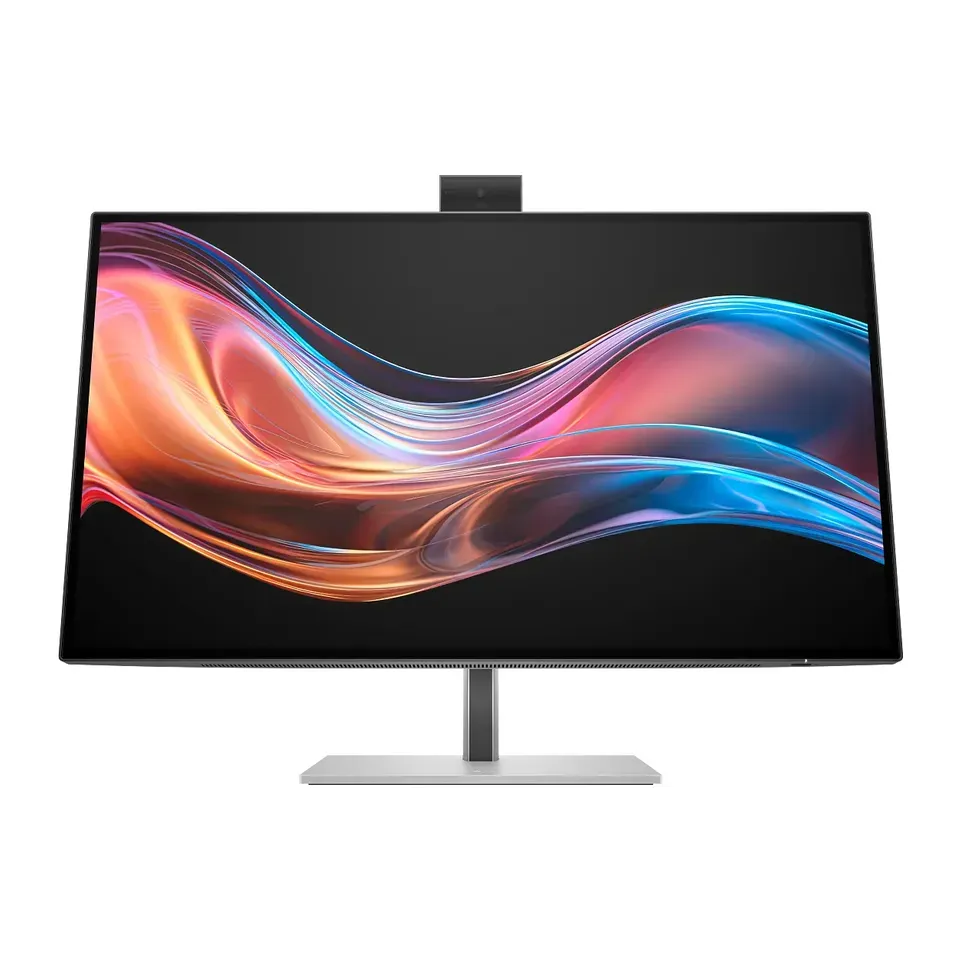
Number 31: HP Series 7 Pro 727pm
About $750
27 in3840 × 2160
Details: HP Series 7 Pro 727pm
- Size
- 27 in
- Pixels
- 3840 × 2160
- Refresh rate
- 60 Hz
- Screen type
- LCD (IPS): even colours
- One USB-C cable for picture and charging, up to 100 watts
- Only 60 Hz, so games look less smooth than on a gaming monitor
Number 32: ASUS ROG Strix 5K XG27JCG
About $790
27 in5120 × 2880
Details: ASUS ROG Strix 5K XG27JCG
- Size
- 27 in
- Pixels
- 5120 × 2880
- Refresh rate
- 180 Hz
- Screen type
- LCD (IPS): even colours
- Can switch to 330 Hz for fast games, at a lower sharpness
- Contrast and colours are only average for the price, reviewers say
Number 33: ASUS ROG Swift OLED PG32UCDM Gen3
About $1,300
31.5 in3840 × 2160
Details: ASUS ROG Swift OLED PG32UCDM Gen3
- Size
- 31.5 in
- Pixels
- 3840 × 2160
- Refresh rate
- 240 Hz
- Screen type
- OLED
- Most expert reviews rate it very highly
- OLED: a still picture left on for hours, like a taskbar, can burn in
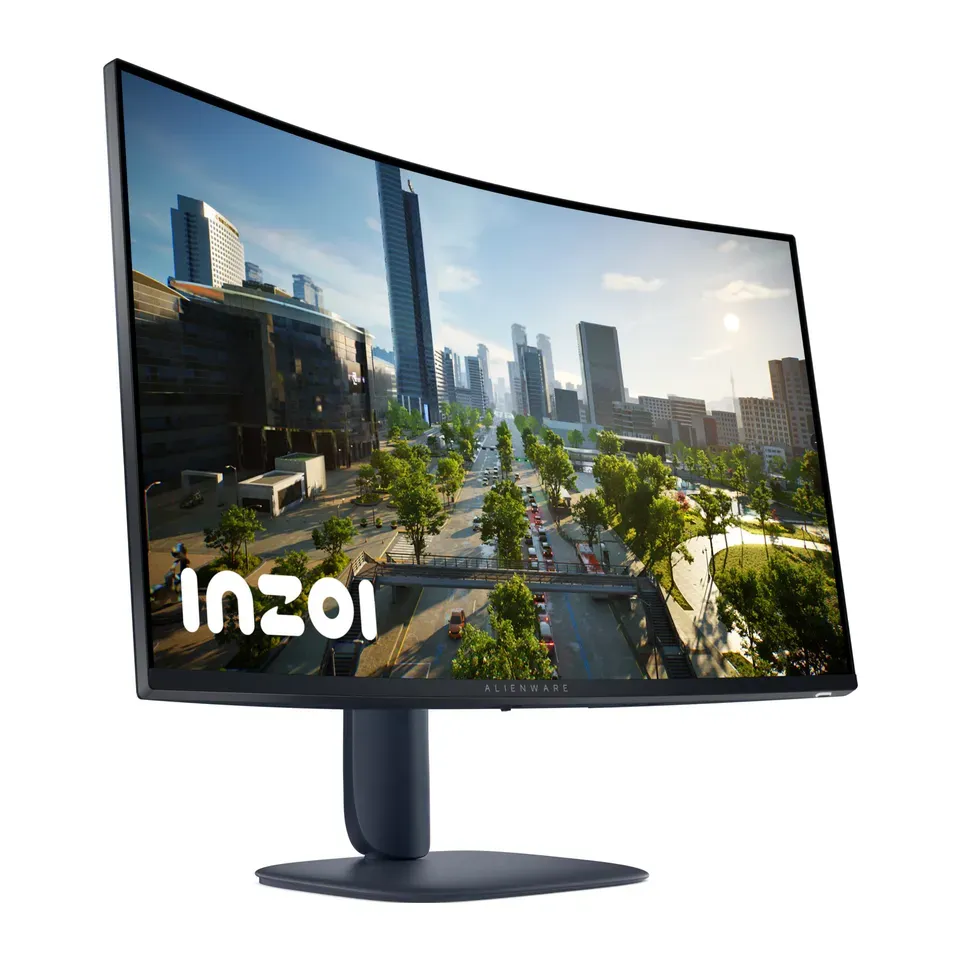
Number 34: Alienware 32 Curved Gaming Monitor (AW3225DM)
About $250
31.5 in2560 × 1440
Details: Alienware 32 Curved Gaming Monitor (AW3225DM)
- Size
- 31.5 in
- Pixels
- 2560 × 1440
- Refresh rate
- 180 Hz
- Screen type
- LCD (VA): deeper blacks
- About $250, less than most monitors here
- Dark parts of fast scenes can smear, reviewers say
Number 35: BenQ MA270S
About $1,000
27 in5120 × 2880
Details: BenQ MA270S
- Size
- 27 in
- Pixels
- 5120 × 2880
- Refresh rate
- 70 Hz
- Screen type
- LCD (IPS): even colours
- One USB-C cable for picture and charging, up to 96 watts
- Glossy screen: you see reflections in a bright room
Number 36: Alienware 34 280Hz QD-OLED Gaming Monitor (AW3426DW)
About $800
34 in3440 × 1440
Details: Alienware 34 280Hz QD-OLED Gaming Monitor (AW3426DW)
- Size
- 34 in
- Pixels
- 3440 × 1440
- Refresh rate
- 280 Hz
- Screen type
- OLED
- Most expert reviews rate it very highly
- Its USB-C port doesn't carry a picture
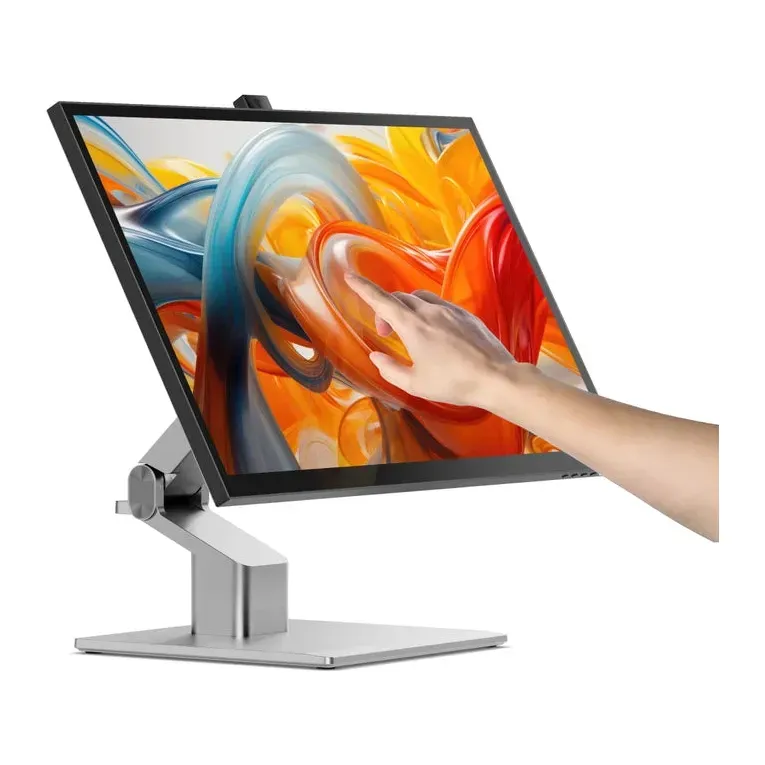
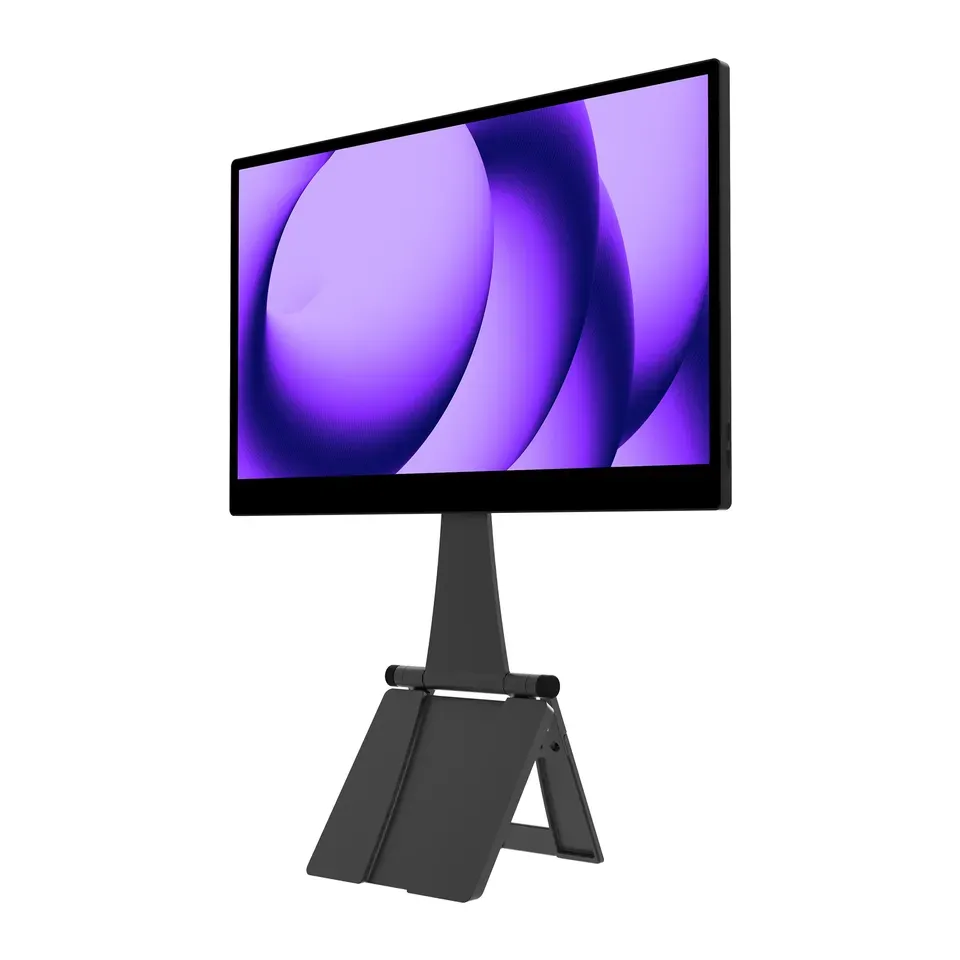
Number 37: ALOGIC Clarity Fold Touch 27
About $1,500
27 in3840 × 2160
Details: ALOGIC Clarity Fold Touch 27
- Size
- 27 in
- Pixels
- 3840 × 2160
- Refresh rate
- 60 Hz
- Screen type
- LCD (IPS): even colours
- One USB-C cable for picture and charging, up to 65 watts
- Touch on a Mac needs a driver that takes some setting up, reviewers say
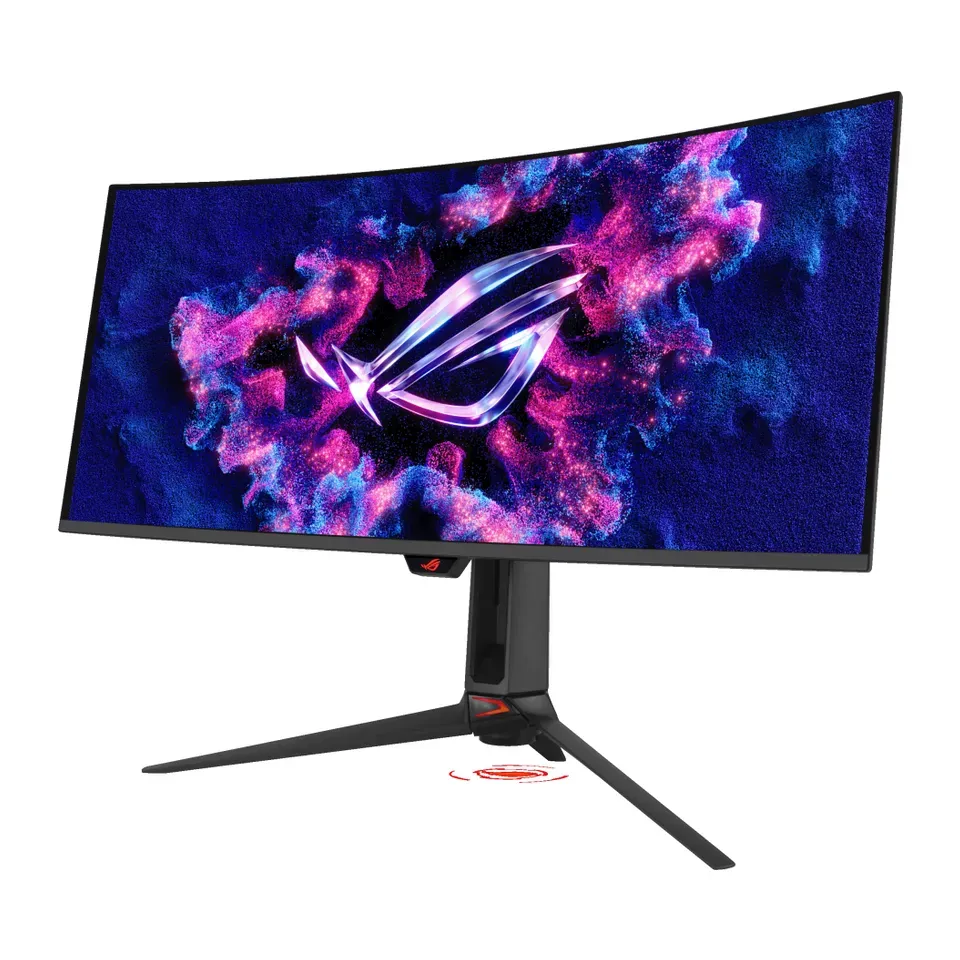
Number 38: ASUS ROG Swift OLED PG34WCDN
About $1,300
34 in3440 × 1440
Details: ASUS ROG Swift OLED PG34WCDN
- Size
- 34 in
- Pixels
- 3440 × 1440
- Refresh rate
- 360 Hz
- Screen type
- OLED
- Most expert reviews rate it very highly
- OLED: a still picture left on for hours, like a taskbar, can burn in
Number 39: ASUS ProArt Display 6K PA32QCV
About $1,300
31.5 in6016 × 3384
Details: ASUS ProArt Display 6K PA32QCV
- Size
- 31.5 in
- Pixels
- 6016 × 3384
- Refresh rate
- 60 Hz
- Screen type
- LCD (IPS): even colours
- One USB-C cable for picture and charging, up to 96 watts
- Only 60 Hz, so games look less smooth than on a gaming monitor
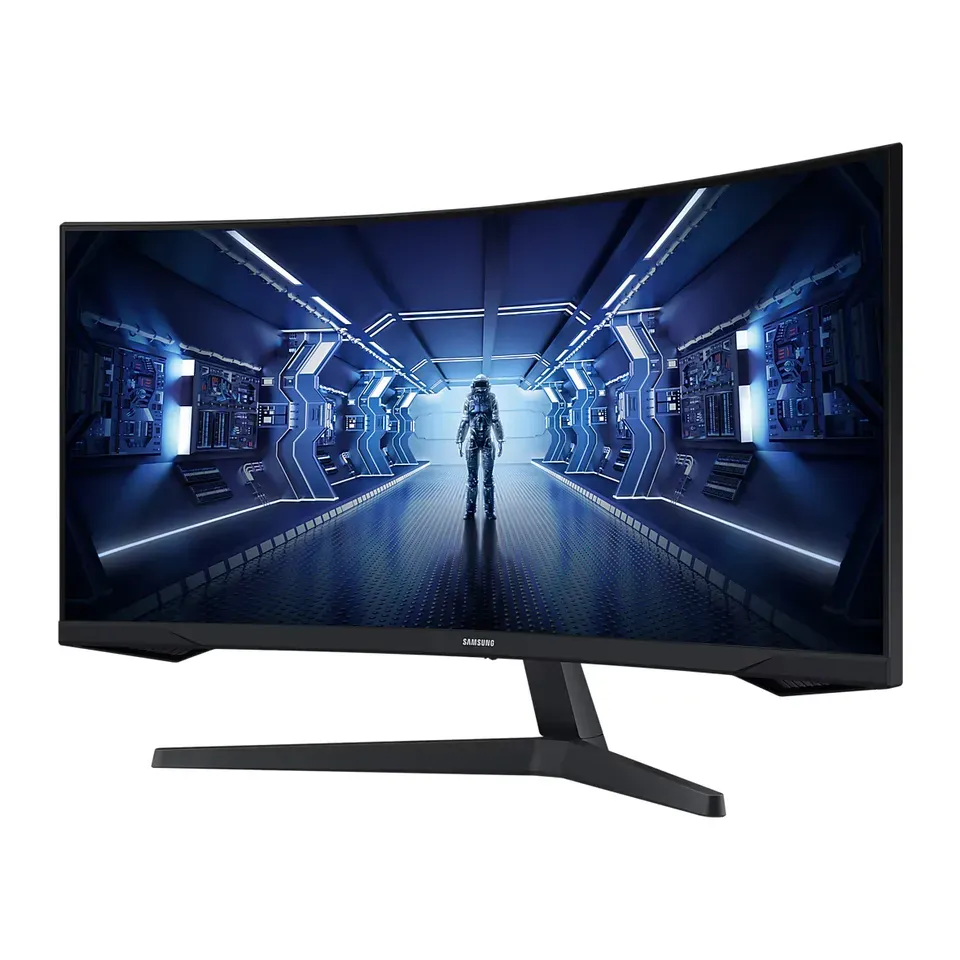
Number 40: Samsung Odyssey G5 34 (C34G55T)
About $280
34 in3440 × 1440
Details: Samsung Odyssey G5 34 (C34G55T)
- Size
- 34 in
- Pixels
- 3440 × 1440
- Refresh rate
- 165 Hz
- Screen type
- LCD (VA): deeper blacks
- Reviewers rate it well for what it costs
- The stand only tilts: raise it with a monitor arm or a riser
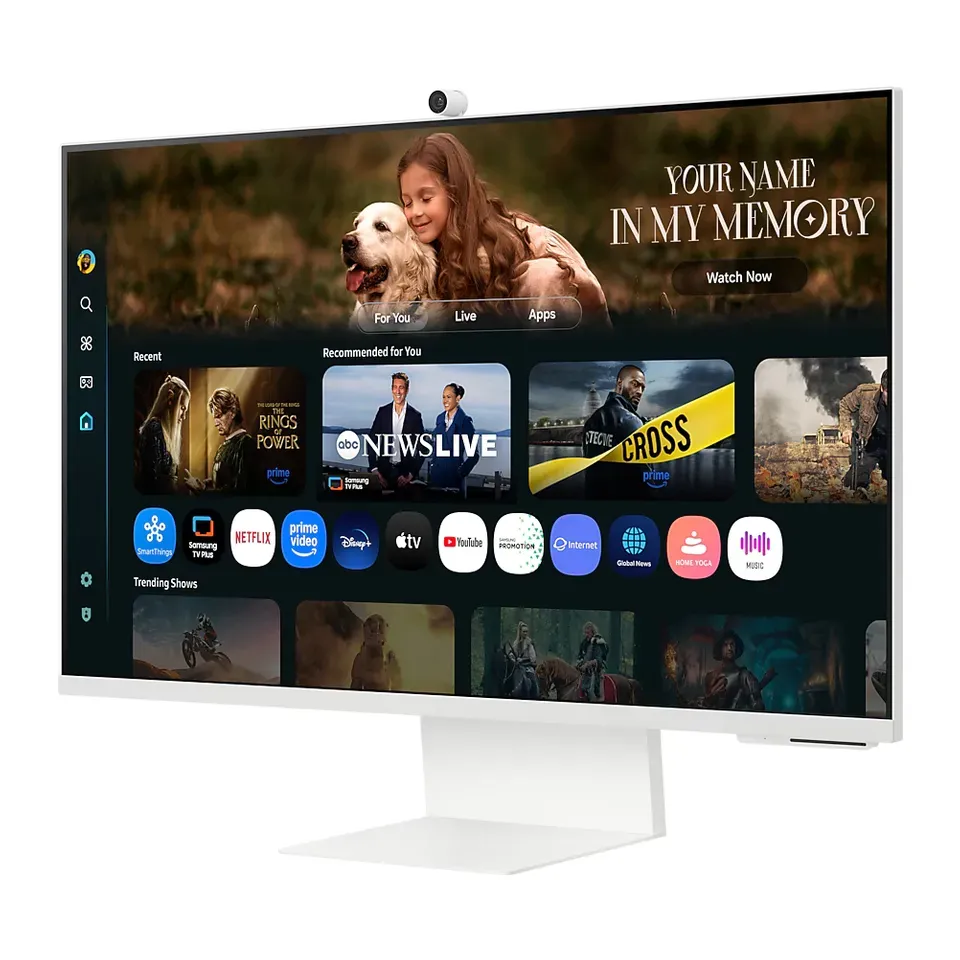
Number 41: Samsung Smart Monitor M8 32 (M80F)
About $700
31.5 in3840 × 2160
Details: Samsung Smart Monitor M8 32 (M80F)
- Size
- 31.5 in
- Pixels
- 3840 × 2160
- Refresh rate
- 60 Hz
- Screen type
- LCD (VA): deeper blacks
- One USB-C cable for picture and charging, up to 65 watts
- Expert reviews so far cover the older model it replaces, not this one
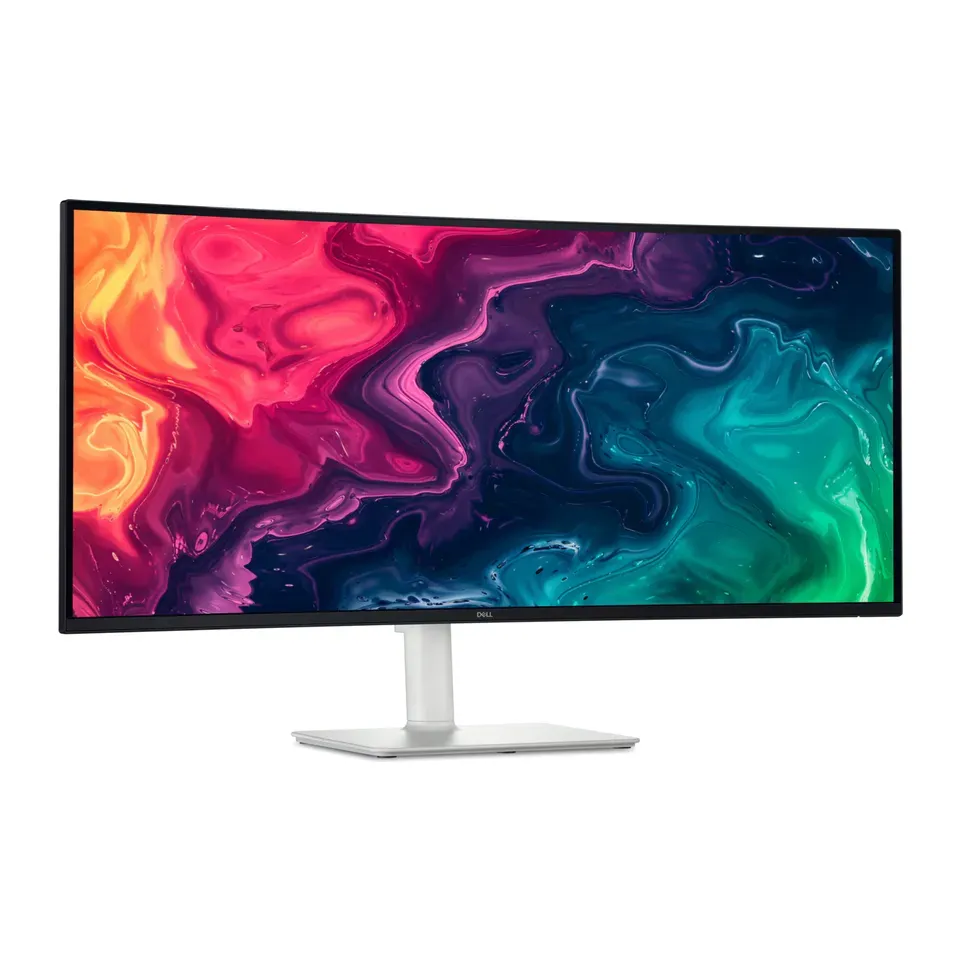
Number 42: Dell 34 Plus USB-C Monitor (S3425DW)
About $420
34 in3440 × 1440
Details: Dell 34 Plus USB-C Monitor (S3425DW)
- Size
- 34 in
- Pixels
- 3440 × 1440
- Refresh rate
- 120 Hz
- Screen type
- LCD (VA): deeper blacks
- One USB-C cable for picture and charging, up to 65 watts
- The stand moves up and down but doesn't turn left or right
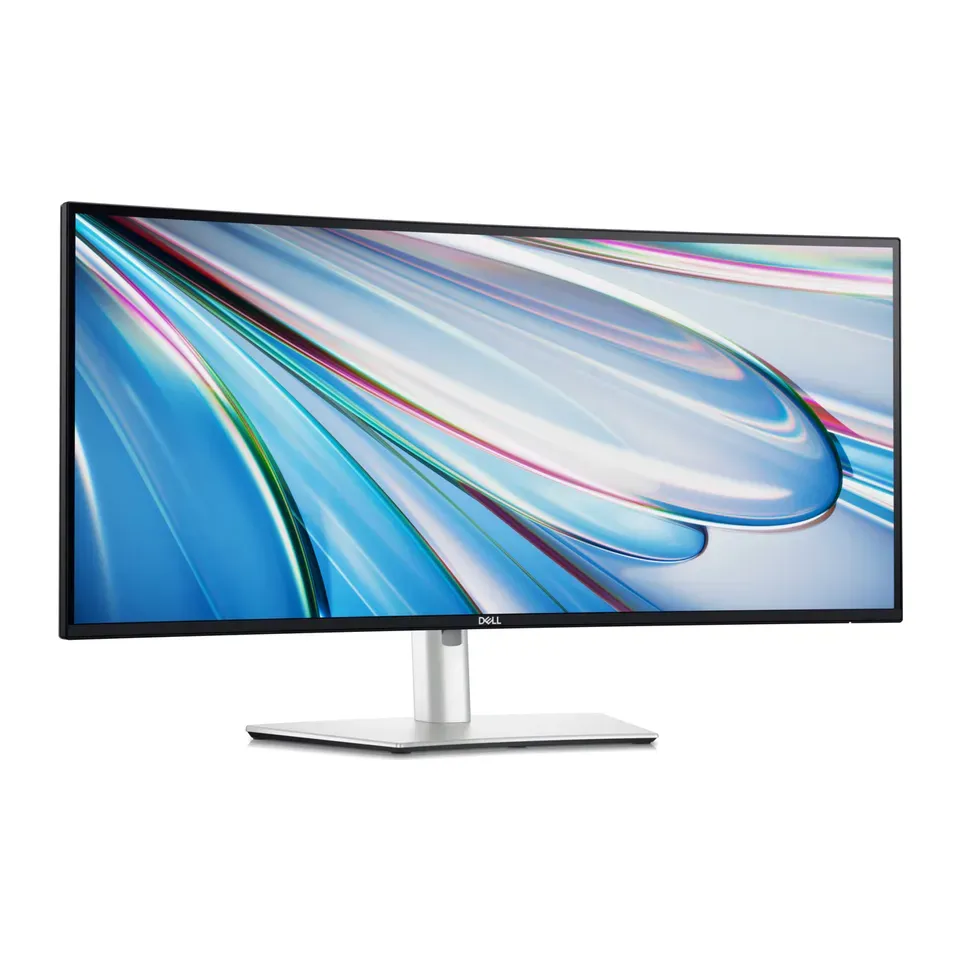
Number 43: Dell UltraSharp 34 Curved Thunderbolt Hub Monitor (U3425WE)
About $1,050
34 in3440 × 1440
Details: Dell UltraSharp 34 Curved Thunderbolt Hub Monitor (U3425WE)
- Size
- 34 in
- Pixels
- 3440 × 1440
- Refresh rate
- 120 Hz
- Screen type
- LCD (IPS): even colours
- One USB-C cable for picture and charging, up to 90 watts
- Check that it has the right plug for your computer
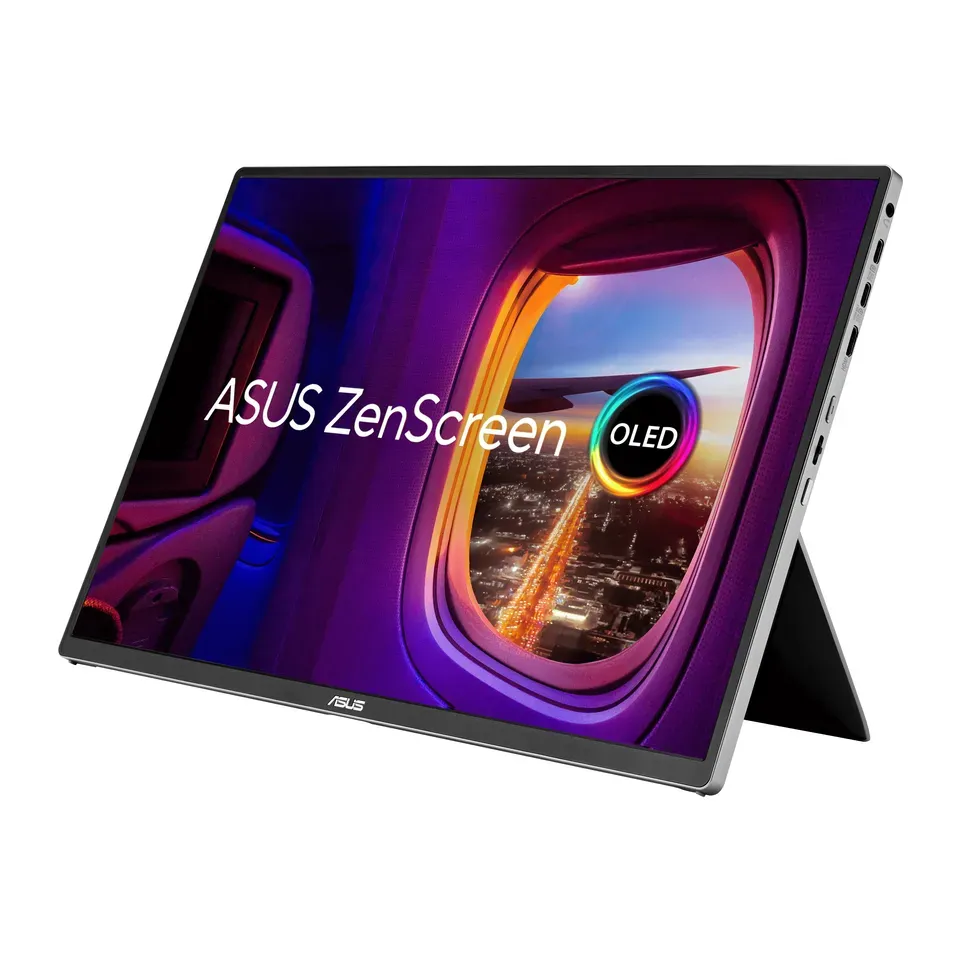
Number 44: ASUS ZenScreen OLED MQ16FC
About $280
16 in1920 × 1200
Details: ASUS ZenScreen OLED MQ16FC
- Size
- 16 in
- Pixels
- 1920 × 1200
- Refresh rate
- 60 Hz
- Screen type
- OLED
- About $280, less than most monitors here
- A small portable screen, not a desk monitor
Number 45: MSI PRO MP165 E6
About $90
15.6 in1920 × 1080
Details: MSI PRO MP165 E6
- Size
- 15.6 in
- Pixels
- 1920 × 1080
- Refresh rate
- 60 Hz
- Screen type
- LCD (IPS): even colours
- About $90, less than most monitors here
- A small portable screen, not a desk monitor
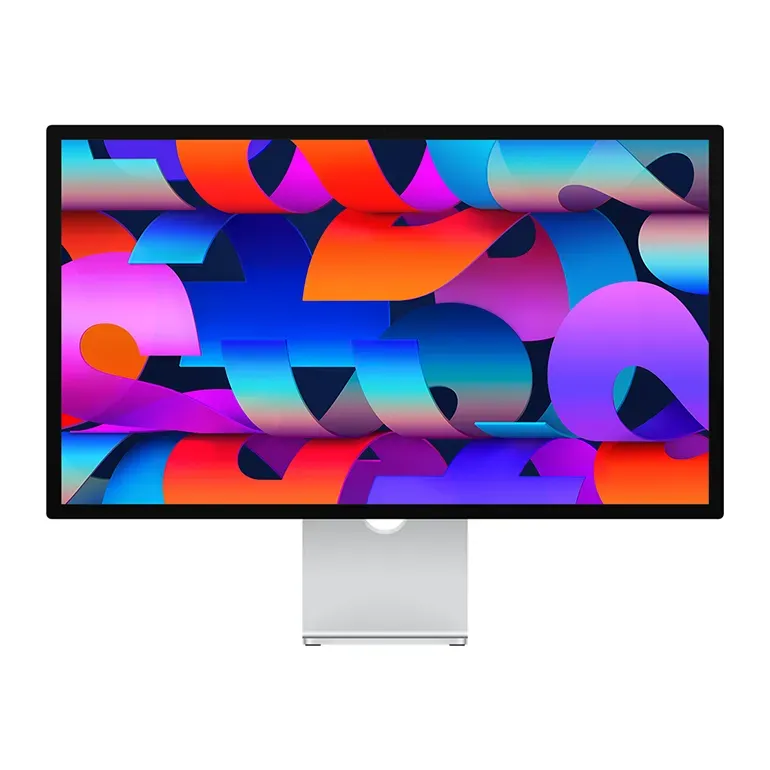
Number 46: Apple Studio Display (2026)
About $1,600
27 in5120 × 2880
Details: Apple Studio Display (2026)
- Size
- 27 in
- Pixels
- 5120 × 2880
- Refresh rate
- 60 Hz
- Screen type
- LCD (IPS): even colours
- One USB-C cable for picture and charging, up to 96 watts
- The base price buys a stand that only tilts. A stand that moves up and down costs extra
Number 47: espresso 15 Pro
About $700
15.6 in3840 × 2160
Details: espresso 15 Pro
- Size
- 15.6 in
- Pixels
- 3840 × 2160
- Refresh rate
- 60 Hz
- Screen type
- LCD (IPS): even colours
- Most expert reviews rate it very highly
- A small portable screen, not a desk monitor
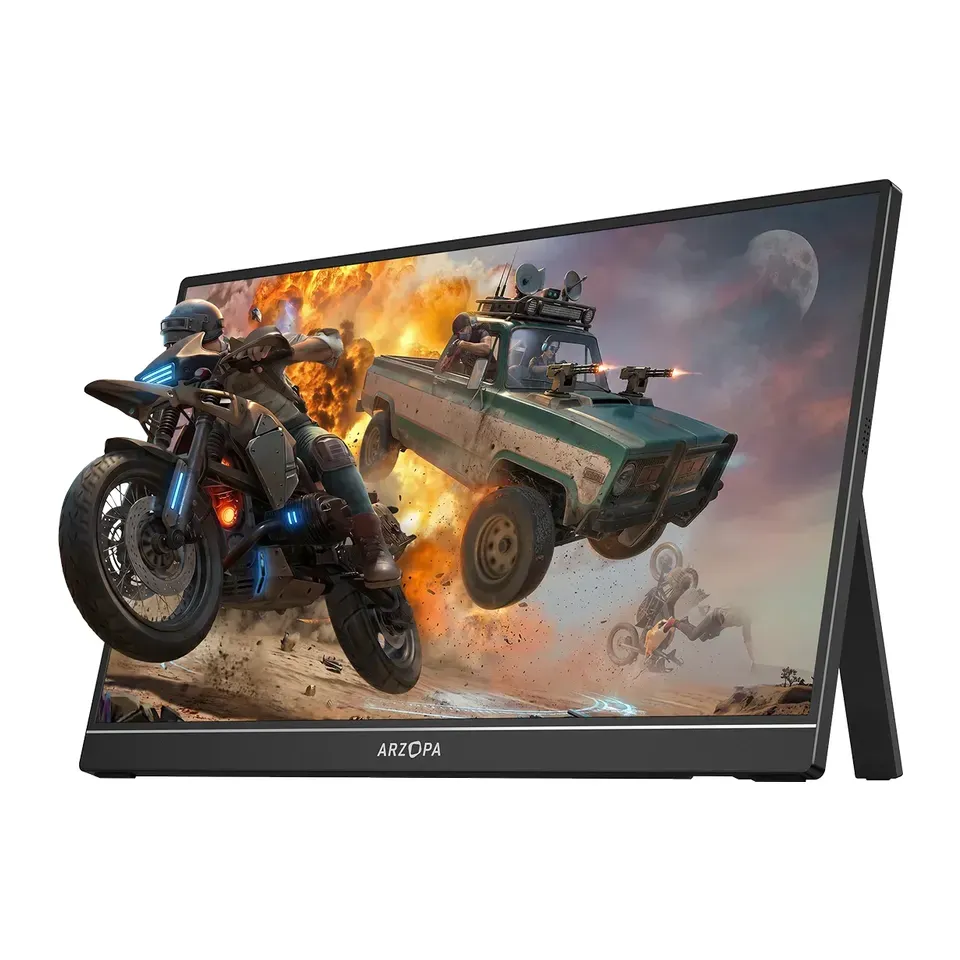
Number 48: Arzopa Z1FC
About $130
16.1 in1920 × 1080
Details: Arzopa Z1FC
- Size
- 16.1 in
- Pixels
- 1920 × 1080
- Refresh rate
- 144 Hz
- Screen type
- LCD (IPS): even colours
- About $130, less than most monitors here
- A small portable screen, not a desk monitor
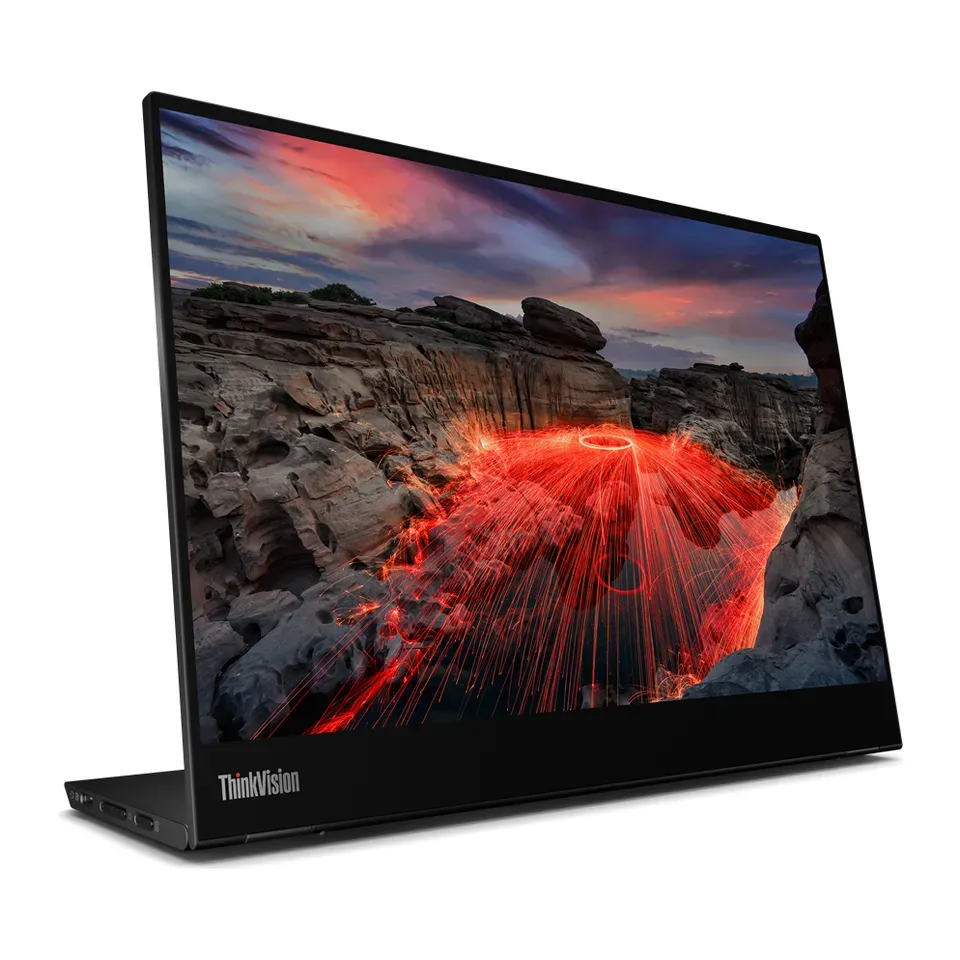
Number 49: Lenovo ThinkVision M14t Gen 2
About $400
14 in2240 × 1400
Details: Lenovo ThinkVision M14t Gen 2
- Size
- 14 in
- Pixels
- 2240 × 1400
- Refresh rate
- 60 Hz
- Screen type
- LCD (IPS): even colours
- Touch screen
- A small portable screen, not a desk monitor
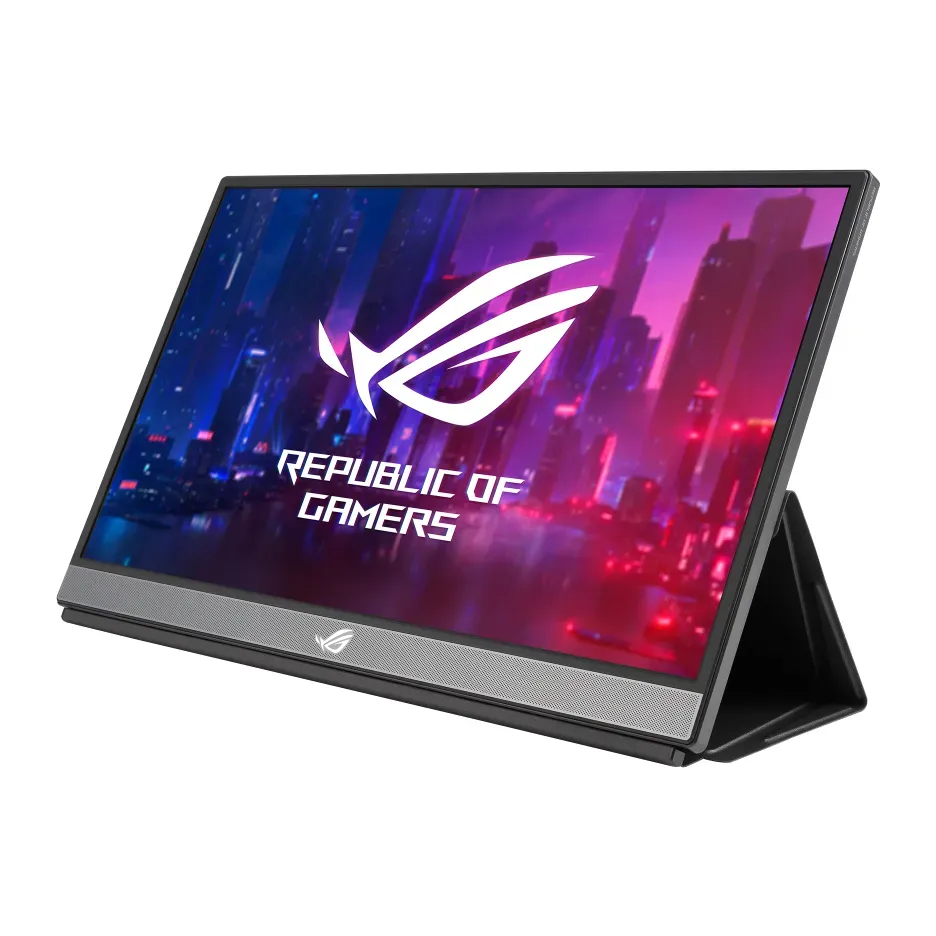
Number 50: ASUS ROG Strix XG17AHPE
About $470
17.3 in1920 × 1080
Details: ASUS ROG Strix XG17AHPE
- Size
- 17.3 in
- Pixels
- 1920 × 1080
- Refresh rate
- 240 Hz
- Screen type
- LCD (IPS): even colours
- Reviewers rate it well for what it costs
- A small portable screen, not a desk monitor
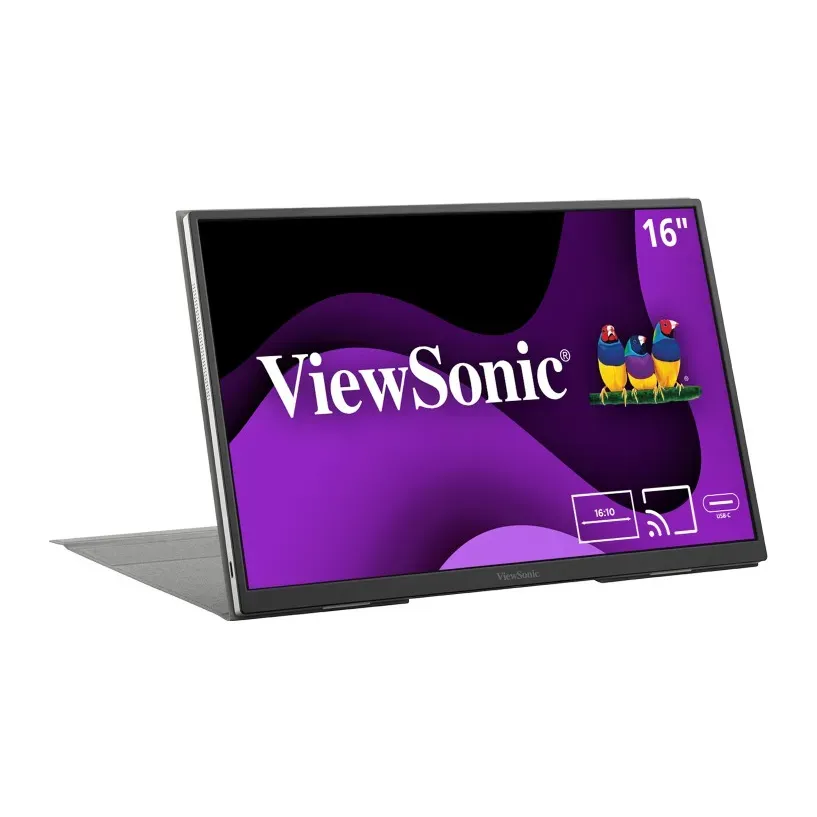
Number 51: ViewSonic VG1656N
About $330
16 in1920 × 1200
Details: ViewSonic VG1656N
- Size
- 16 in
- Pixels
- 1920 × 1200
- Refresh rate
- 60 Hz
- Screen type
- LCD (IPS): even colours
- Reviewers rate it well for what it costs
- Expert reviews are mixed
What matters when you choose a monitor
Only a few things really change which monitor suits you.
- What you do on it. Office work needs sharp text and room for windows. Games need a quick screen that looks smooth. Films look best with deep blacks. Photo editing needs accurate colours.
- What you plug in. A laptop or a Mac is easiest with one USB-C cable that carries the picture and charges the laptop. A PlayStation or Xbox needs a monitor that takes 120 Hz over HDMI. A Mac shows softer text on some screens, so we prefer sharp ones.
- Size. Size decides most of the list. We then pick how sharp the screen should be for that size, so you don’t need to know about 1440p or 4K.
- The room. Shiny screens reflect a sunny window. In a dark room you notice which screens have deep blacks.
- Comfort. A stand that moves up and down lets you put the top of the screen at eye level. That helps your neck, especially if you wear glasses.
Some things matter less than ads suggest:
- “HDR400” badges. HDR means brighter highlights in films and games. Most cheap HDR monitors don’t look much different with HDR on. Real HDR needs an OLED or a mini-LED screen.
- Response times on the box. Makers measure them in different ways, so the numbers can’t be compared. We use what reviewers measured.
- A curved screen at 27 inch. It is a matter of taste. A curve helps on extra-wide screens.
- Very high refresh rates for consoles. A PS5 or Xbox stops at 120 Hz, so anything faster adds nothing.
How we ranked them
We read the maker’s spec sheet for every monitor, and at least one expert review. Most come from RTINGS, Tom’s Hardware, PCWorld, TechRadar and TFTCentral. Every monitor on the list is sold in the US now, and we checked prices in November 2026.
Before you answer, the list is sorted by two things: how highly the reviews rate each monitor, and how much screen you get for the money. Your answers then add weight to what you need. Choose games, and smooth motion counts most. Choose office work, and room for windows counts most, while OLED screens drop because of burn-in.
Some answers rule monitors out. A portable screen is never swapped for a desk monitor. A console needs an HDMI port. If you ask for a touch screen, a webcam, a size or a budget, we show those first. If fewer than 5 fit, we show the closest ones and say what they miss.
Each pick says why it fits you and what to keep in mind. We never call a monitor “the best” for everyone. Nobody paid to be on this list.
Questions and answers
What size monitor should I get?
For most desks, 27 inch is the easy choice. It fits a normal desk and shows two windows side by side.
Pick 24 inch for a small desk. Pick 32 inch if you sit a little further back, or if you want bigger text. A 34 inch extra-wide screen needs a desk about 3 feet wide.
Is 1440p or 4K better?
At 24 inch, 1080p or 1440p is sharp enough. At 27 inch, 1440p is fine for games, and 4K gives clearly sharper text for work. At 32 inch, choose 4K.
You don't have to pick: the finder chooses the sharpness that suits your size and use.
Is an OLED monitor worth it?
For games and films, yes: blacks are truly black and motion is very clear. Most reviews agree it is the best picture you can buy.
For office work, usually not. A still picture left on for hours, like a taskbar, can slowly burn in. Most OLED monitors here come with a 3-year warranty that covers burn-in. Check that before you buy.
Can my laptop charge from the monitor?
Yes, if the monitor has a USB-C port with power for your laptop. One cable then carries the picture and charges the laptop. Most laptops need 65 watts or more. Choose A Windows laptop or Chromebook or A Mac or MacBook and the finder puts these monitors first.
How do I get 120 Hz on a PS5 or Xbox?
The monitor needs a fast HDMI port, called HDMI 2.1, or one that reviewers confirm takes 120 Hz from a console. Use the HDMI cable that came with the console. Then turn on 120 Hz in the console's screen settings. Choose A PlayStation or Xbox and the finder only shows monitors that can do it.
Not affiliated with or endorsed by any maker or shop. Product photos are the makers' own. To have one removed, email hello@devicetests.com.