Which mouse should I buy?
Answer up to 9 short questions and see the 5 mice that suit you best.
41 mice compared from the makers' spec sheets and expert reviews. How we rank
The questions
41 mice compared from the makers' spec sheets and expert reviews. How we rank
Picks for common needs
Choose a need to see its top 5. You can change any answer after.
For sore wrists
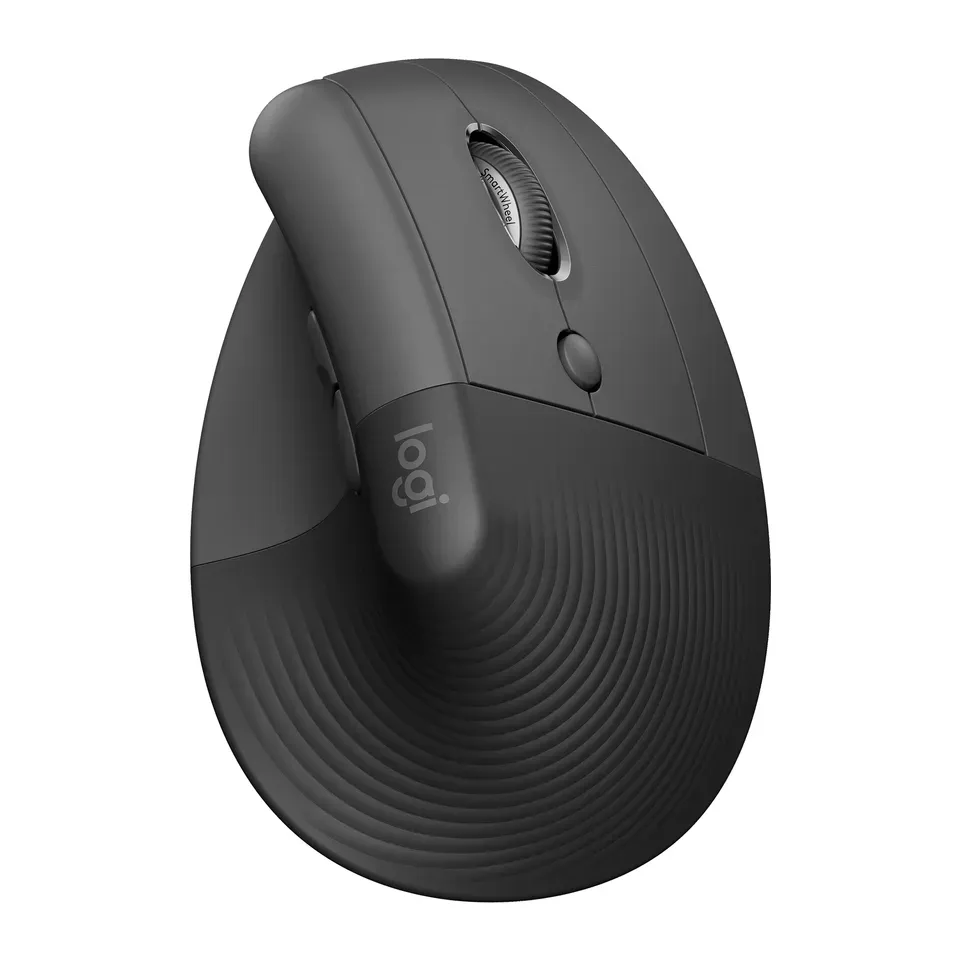
- Number 1: Logitech LiftAbout $70
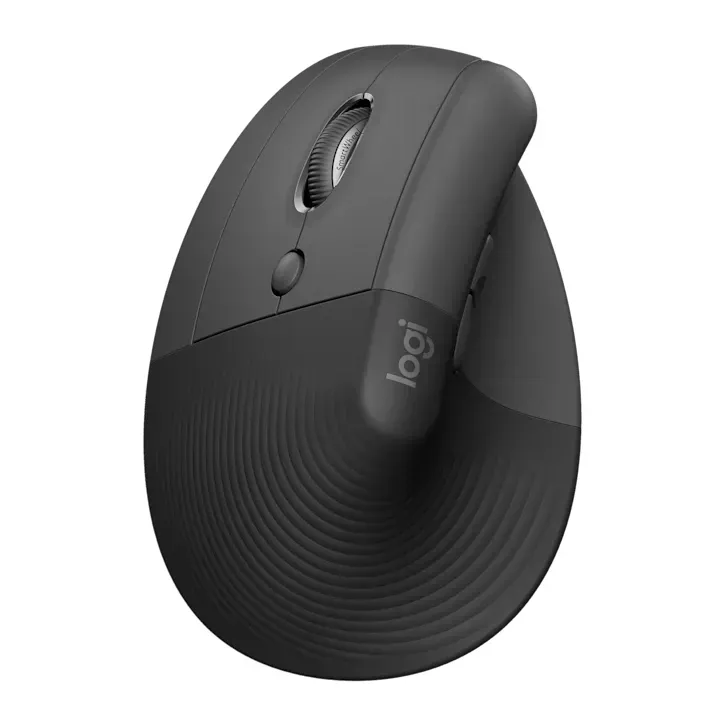
- Number 2: Logitech Lift LeftAbout $70
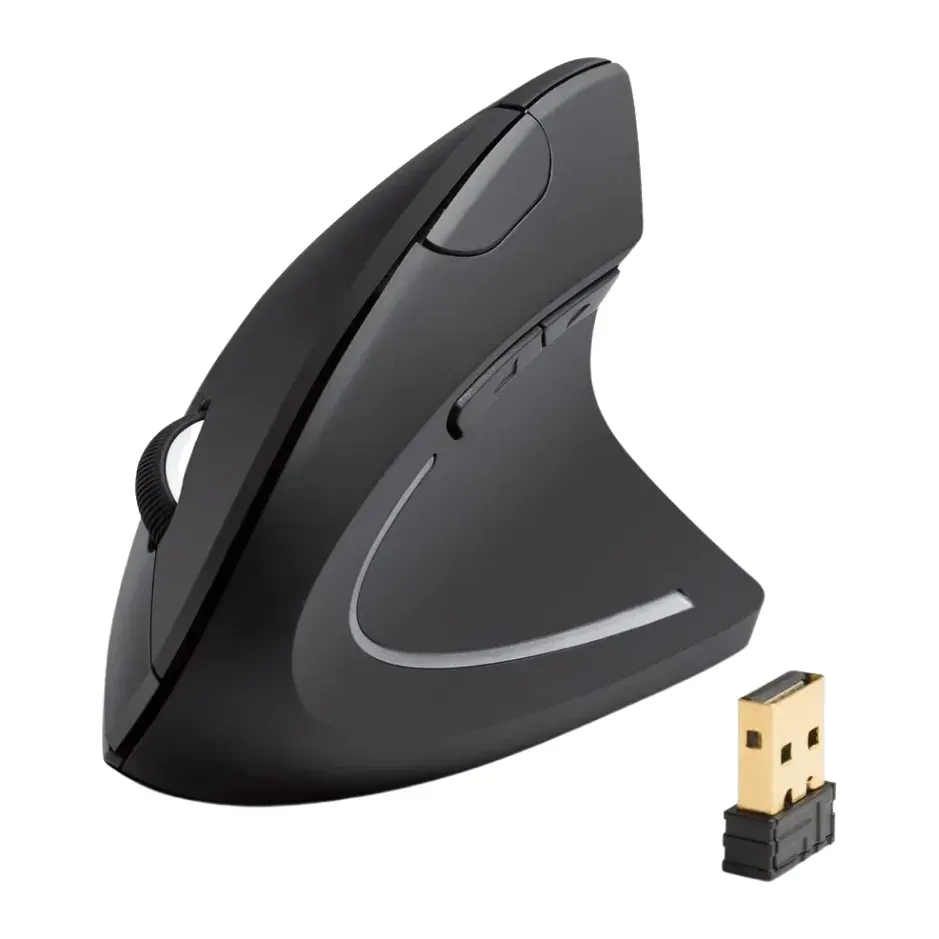
- Number 3: Anker 2.4G Wireless Vertical Ergonomic Optical MouseAbout $25
For small hands
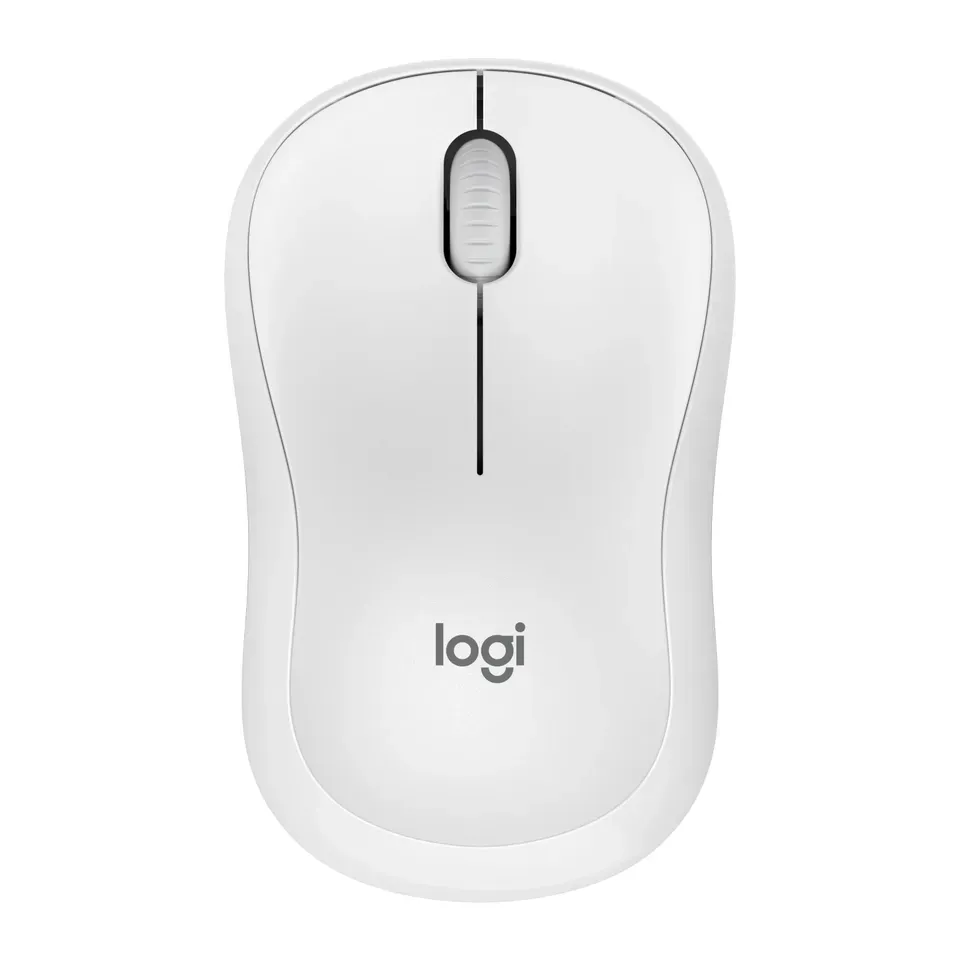
- Number 1: Logitech M240 Silent Bluetooth MouseAbout $20
- Number 2: Logitech G Pro X2 SuperstrikeAbout $180
- Number 3: Razer Orochi V2About $40
For left-handers
- Number 1: Logitech M240 Silent Bluetooth MouseAbout $20
- Number 2: Logitech Lift LeftAbout $70
- Number 3: Logitech Pebble Mouse 2 M350sAbout $25
For fast games
- Number 1: Logitech G Pro X2 SuperstrikeAbout $180
- Number 2: Razer CobraAbout $40
- Number 3: Razer Orochi V2About $40
Under $50
- Number 1: Logitech M240 Silent Bluetooth MouseAbout $20
- Number 2: Logitech Pebble Mouse 2 M350sAbout $25
- Number 3: Razer CobraAbout $40
Answer the questions
Up to 9 short questions. Your own top 5 at the end.
All 41 mice, ranked
Ranked by expert reviews and value for money, before any answers. How we rank
Prices checked .
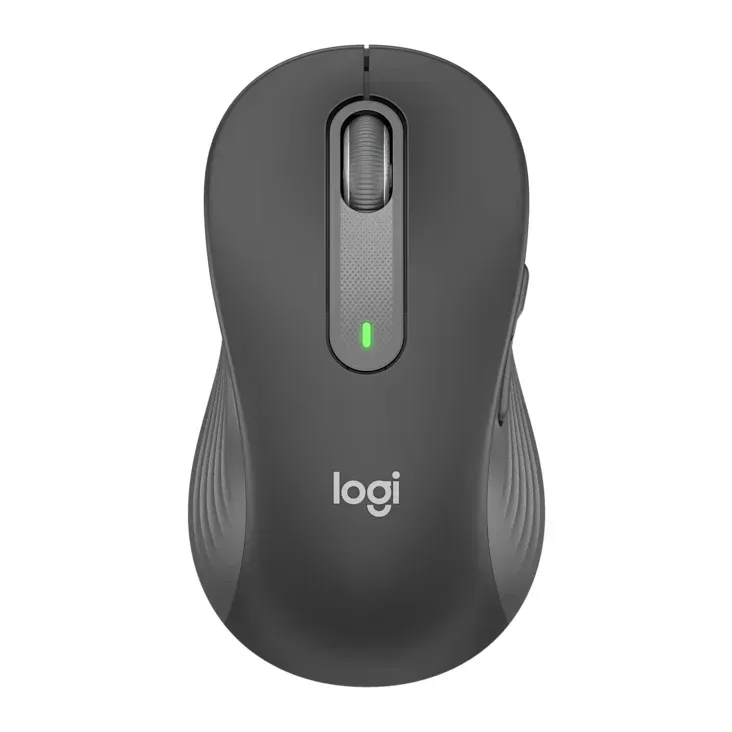
Number 1: Logitech M240 Silent Bluetooth Mouse
About $20
Normal mouseBluetooth
Details: Logitech M240 Silent Bluetooth Mouse
- Kind
- Normal mouse
- Hand
- Either hand
- Weight
- 74 g
- Connects by
- Bluetooth
- Costs about $20, less than most mice here
- Shape is personal. Keep the box in case it doesn't suit you
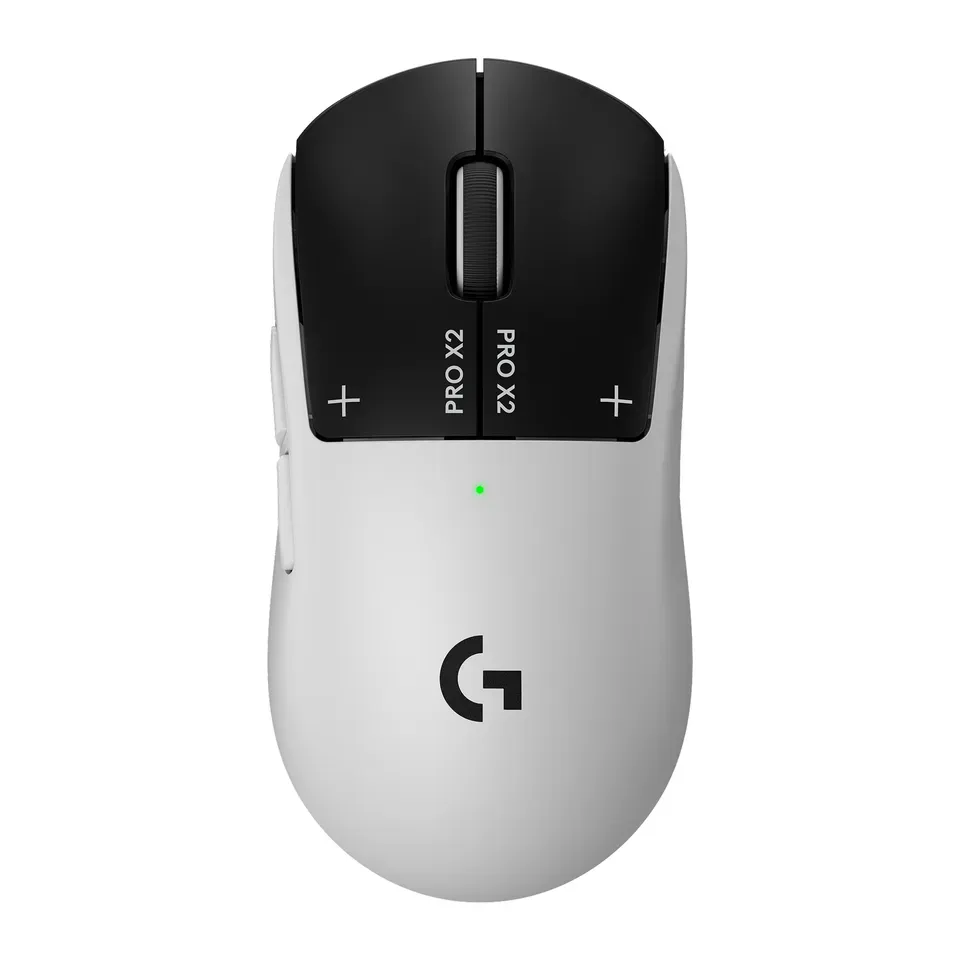
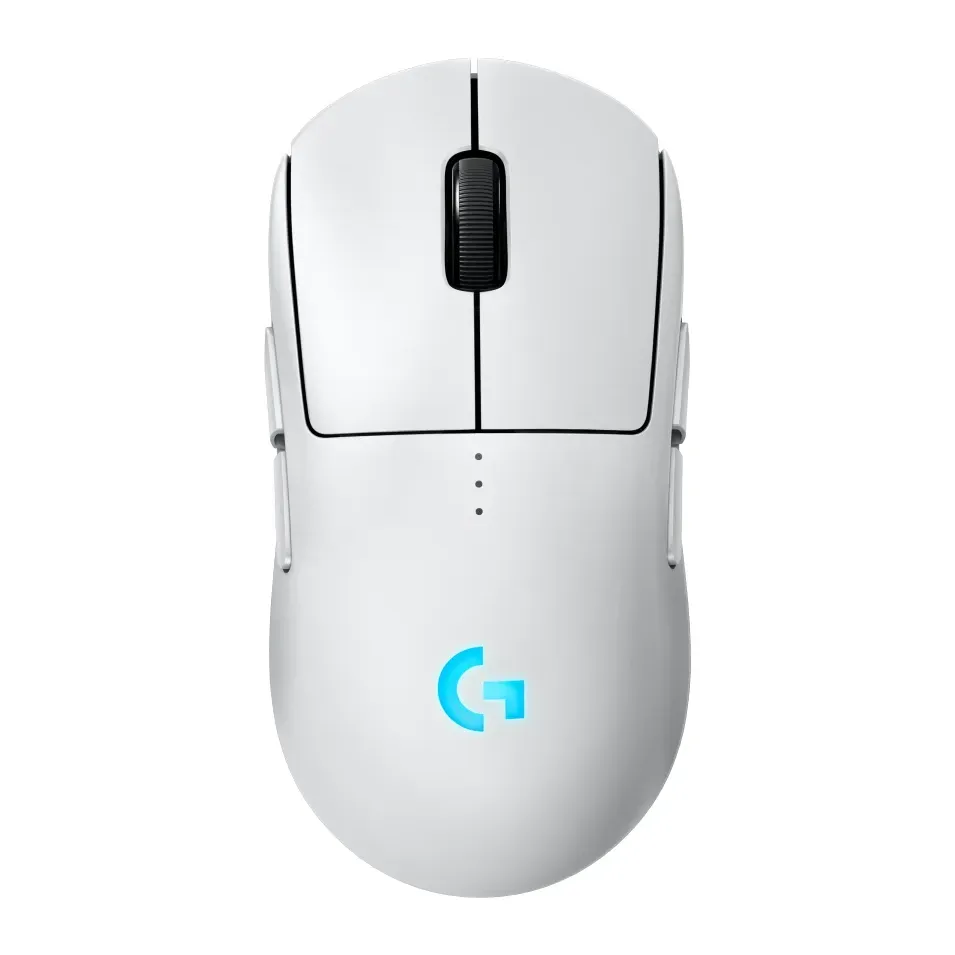
Number 2: Logitech G Pro X2 Superstrike
About $180
Normal mouseUSB receiver
Details: Logitech G Pro X2 Superstrike
- Kind
- Normal mouse
- Hand
- Either hand
- Weight
- 61 g
- Connects by
- USB receiver
- Most expert reviews rate it highly
- Costs about $180, more than most mice here
Number 3: Logitech Lift
About $70
Upright mouseBluetooth or USB receiver
Details: Logitech Lift
- Kind
- Upright mouse
- Hand
- Right
- Weight
- 125 g
- Connects by
- Bluetooth or USB receiver
- Most expert reviews rate it highly
- Shape is personal. Keep the box in case it doesn't suit you
Number 4: Logitech Lift Left
About $70
Upright mouseBluetooth or USB receiver
Details: Logitech Lift Left
- Kind
- Upright mouse
- Hand
- Left
- Weight
- 125 g
- Connects by
- Bluetooth or USB receiver
- Most expert reviews rate it highly
- Shape is personal. Keep the box in case it doesn't suit you
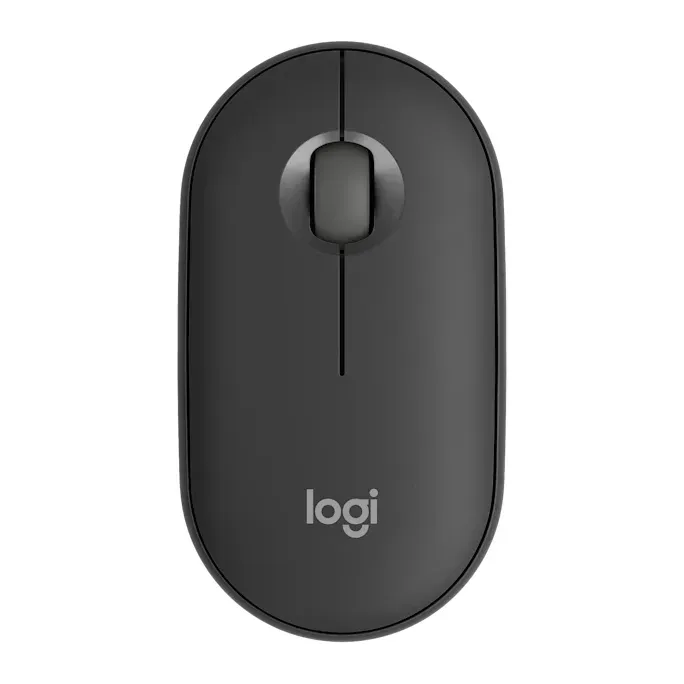
Number 5: Logitech Pebble Mouse 2 M350s
About $25
Normal mouseBluetooth
Details: Logitech Pebble Mouse 2 M350s
- Kind
- Normal mouse
- Hand
- Either hand
- Weight
- 76 g
- Connects by
- Bluetooth
- Costs about $25, less than most mice here
- Shape is personal. Keep the box in case it doesn't suit you
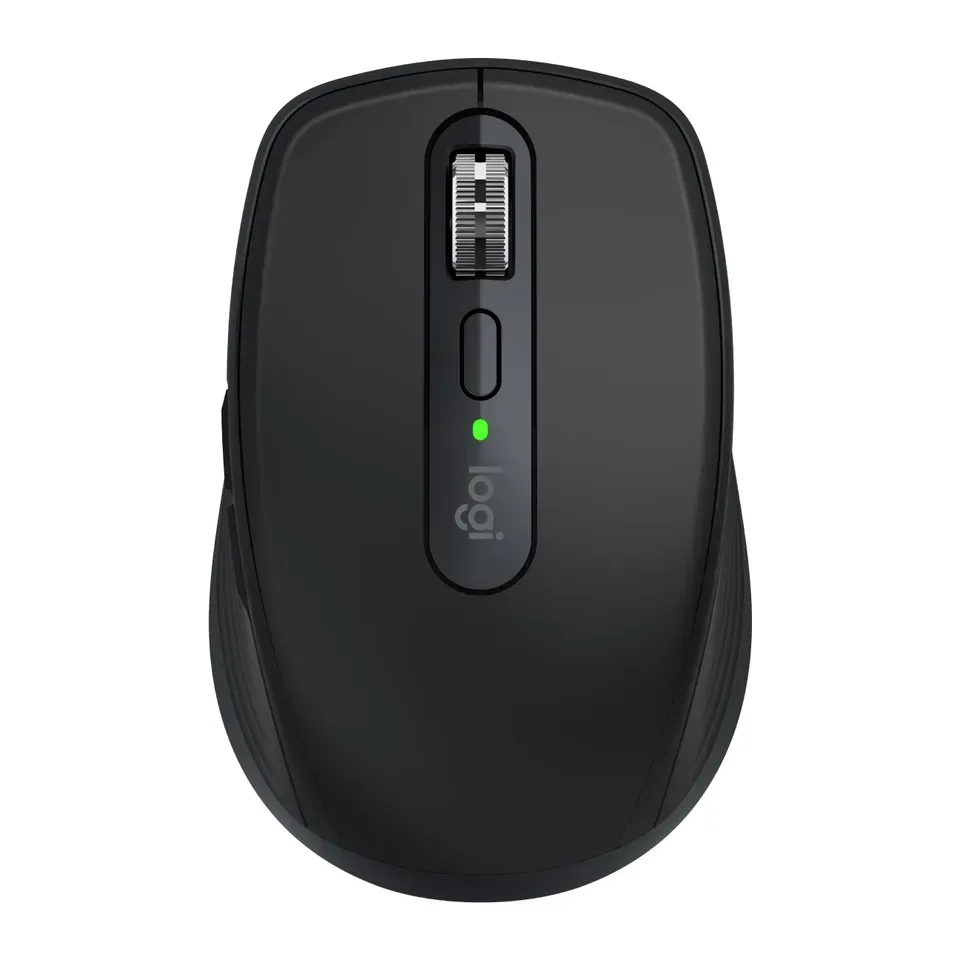
Number 6: Logitech MX Anywhere 3S
About $80
Normal mouseBluetooth
Details: Logitech MX Anywhere 3S
- Kind
- Normal mouse
- Hand
- Either hand
- Weight
- 99 g
- Connects by
- Bluetooth
- Most expert reviews rate it highly
- Shape is personal. Keep the box in case it doesn't suit you
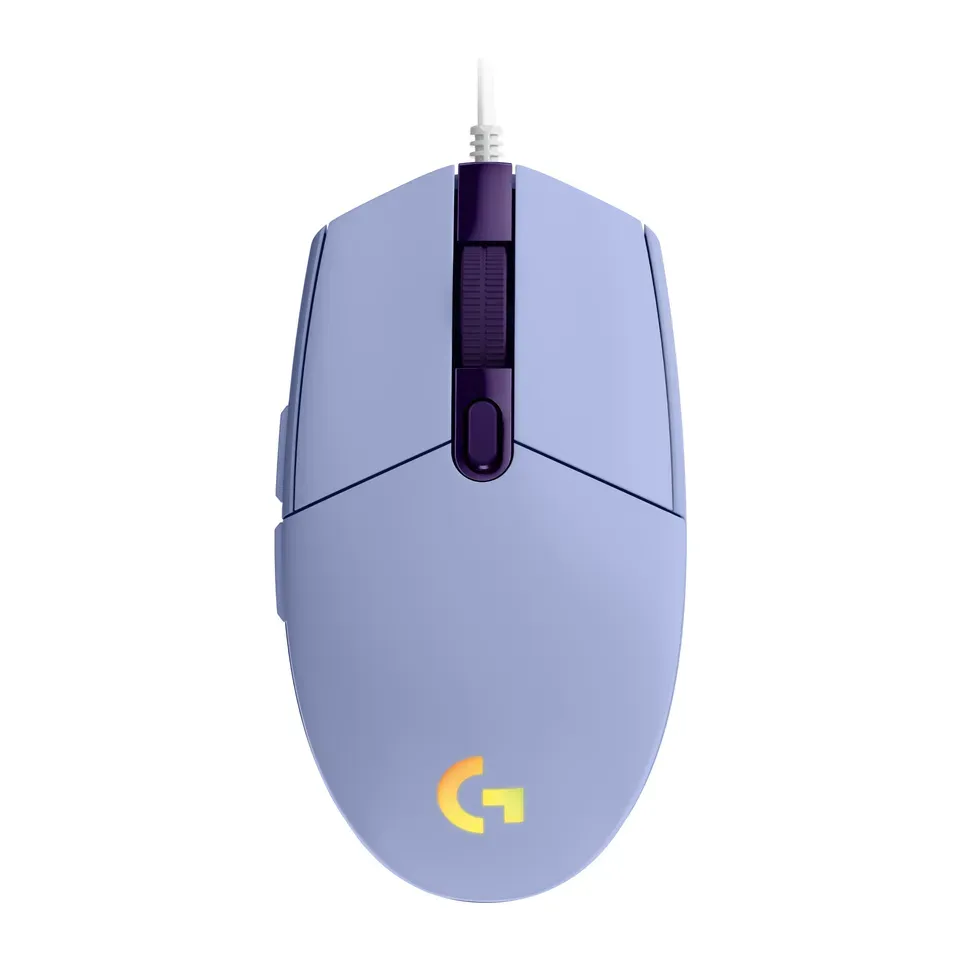
Number 7: Logitech G203 Lightsync
About $30
Normal mouseCable
Details: Logitech G203 Lightsync
- Kind
- Normal mouse
- Hand
- Either hand
- Weight
- 85 g
- Connects by
- Cable
- Costs about $30, less than most mice here
- Has a cable, so it stays at your desk
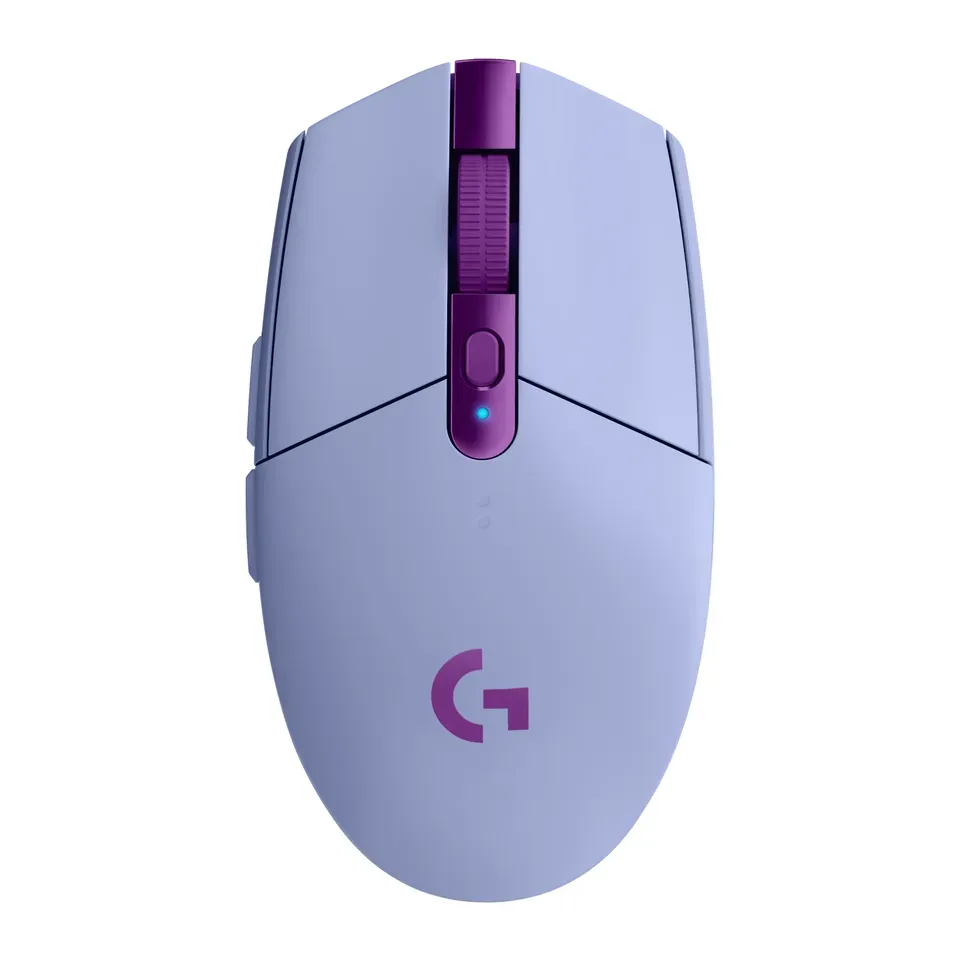
Number 8: Logitech G305 Lightspeed
About $35
Normal mouseUSB receiver
Details: Logitech G305 Lightspeed
- Kind
- Normal mouse
- Hand
- Either hand
- Weight
- 99 g
- Connects by
- USB receiver
- Up to 250 hours of use per battery or charge, the maker says
- No Bluetooth: its receiver needs a USB-A port
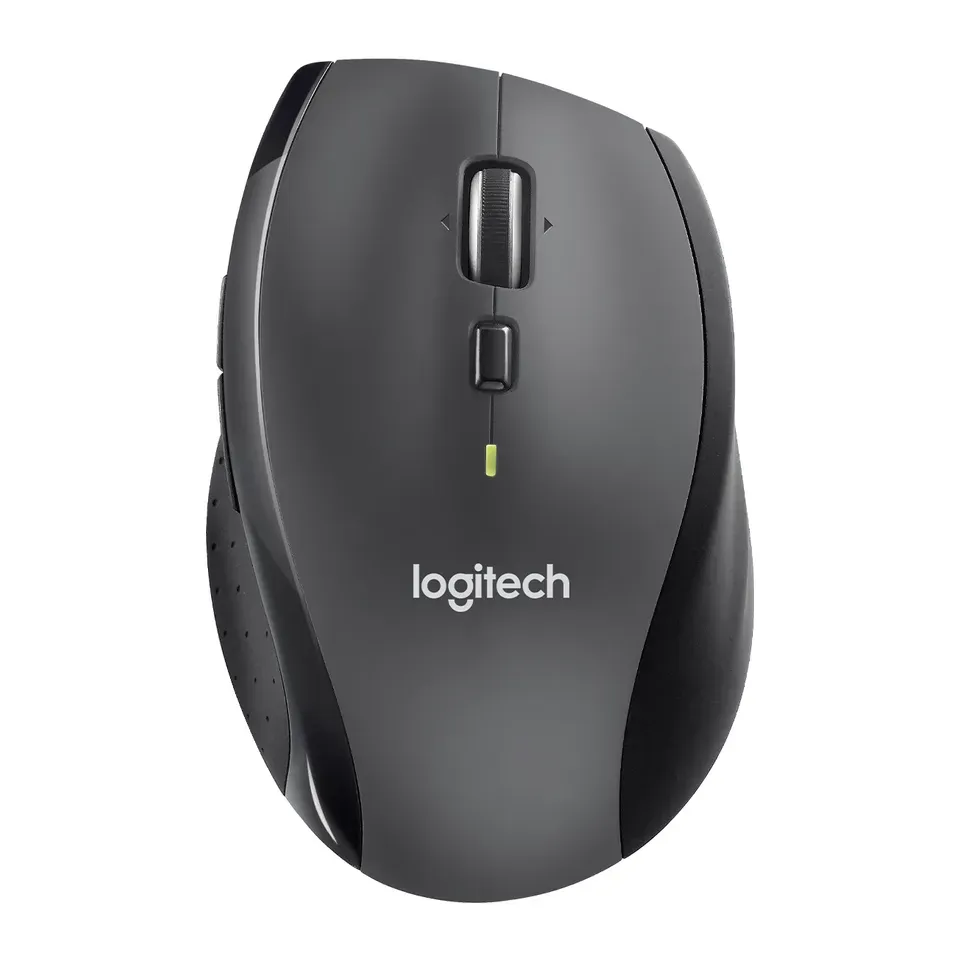
Number 9: Logitech Marathon Mouse M705
About $35
Normal mouseUSB receiver
Details: Logitech Marathon Mouse M705
- Kind
- Normal mouse
- Hand
- Right
- Weight
- 135 g
- Connects by
- USB receiver
- One battery lasts up to 36 months, the maker says
- No Bluetooth: its receiver needs a USB-A port
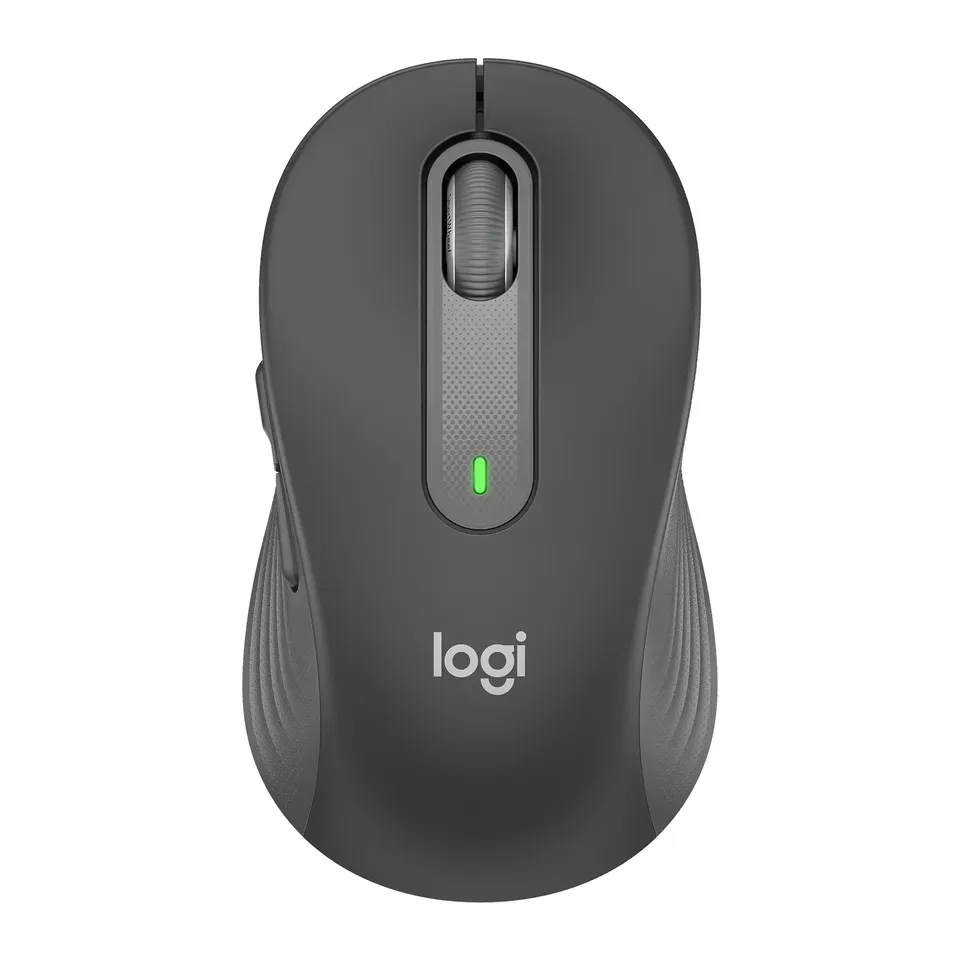
Number 10: Logitech Signature M650
About $35
Normal mouseBluetooth or USB receiver
Details: Logitech Signature M650
- Kind
- Normal mouse
- Hand
- Right
- Weight
- 101 g
- Connects by
- Bluetooth or USB receiver
- Quiet clicks, the maker says
- Shape is personal. Keep the box in case it doesn't suit you
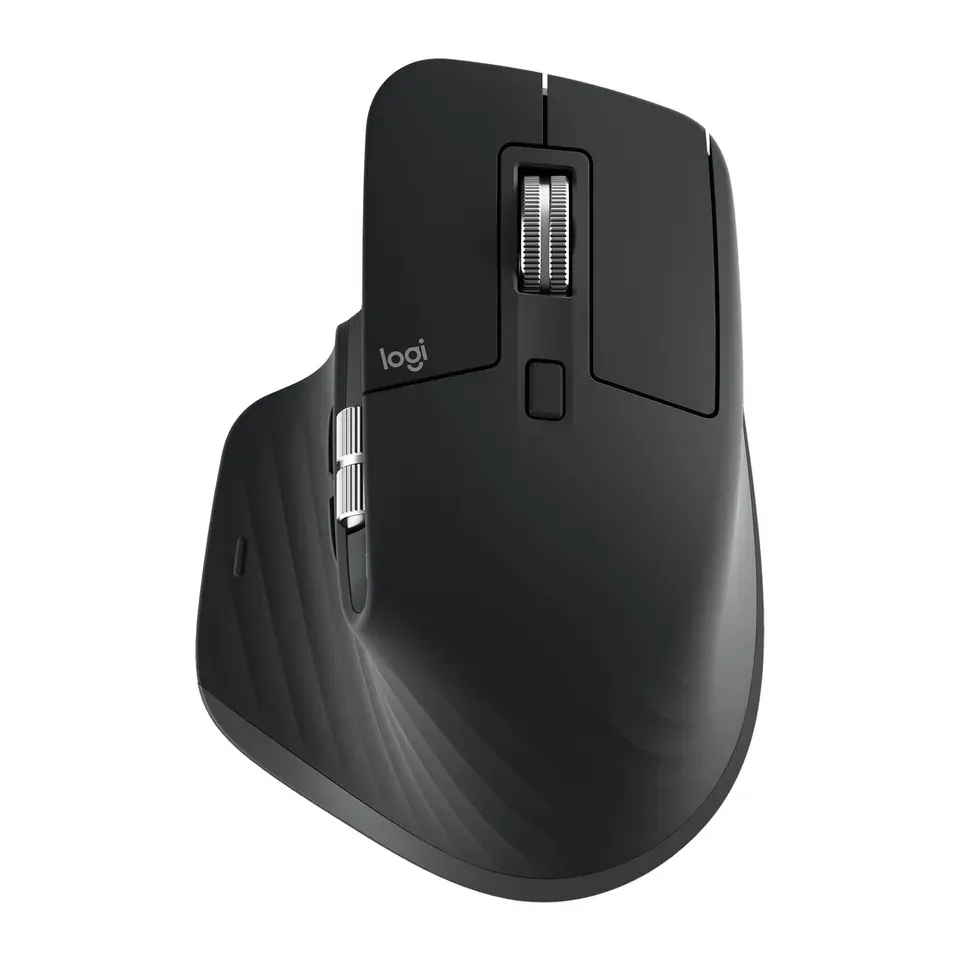
Number 11: Logitech MX Master 3S
About $100
Normal mouseBluetooth or USB receiver
Details: Logitech MX Master 3S
- Kind
- Normal mouse
- Hand
- Right
- Weight
- 141 g
- Connects by
- Bluetooth or USB receiver
- Most expert reviews rate it highly
- Costs about $100, more than most mice here
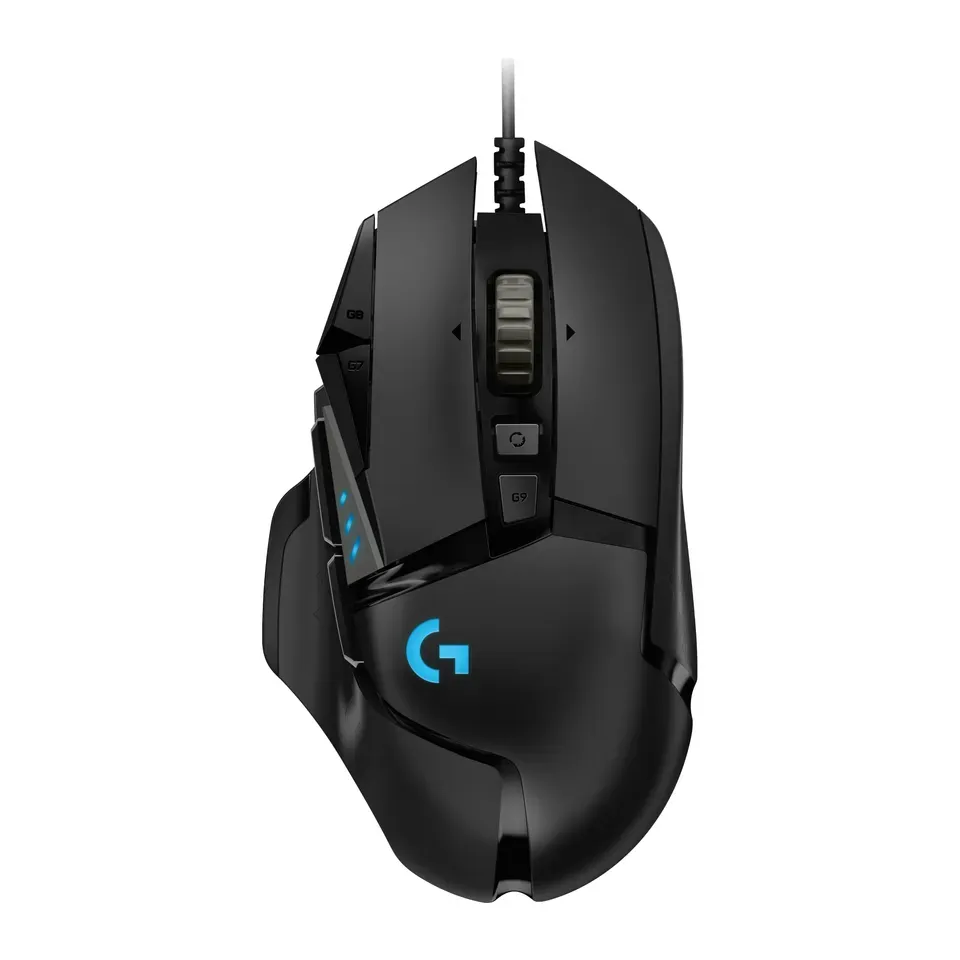
Number 12: Logitech G502 Hero
About $40
Normal mouseCable
Details: Logitech G502 Hero
- Kind
- Normal mouse
- Hand
- Right
- Weight
- 121 g
- Connects by
- Cable
- Plugs in with a cable: no batteries to charge or change
- Has a cable, so it stays at your desk
Show all 41 mice
Number 13: Logitech Signature M650 L
About $40
Normal mouseBluetooth or USB receiver
Details: Logitech Signature M650 L
- Kind
- Normal mouse
- Hand
- Right
- Weight
- 115 g
- Connects by
- Bluetooth or USB receiver
- Quiet clicks, the maker says
- Shape is personal. Keep the box in case it doesn't suit you
Number 14: Logitech Signature M650 L Left
About $40
Normal mouseBluetooth or USB receiver
Details: Logitech Signature M650 L Left
- Kind
- Normal mouse
- Hand
- Left
- Weight
- 115 g
- Connects by
- Bluetooth or USB receiver
- Quiet clicks, the maker says
- Shape is personal. Keep the box in case it doesn't suit you
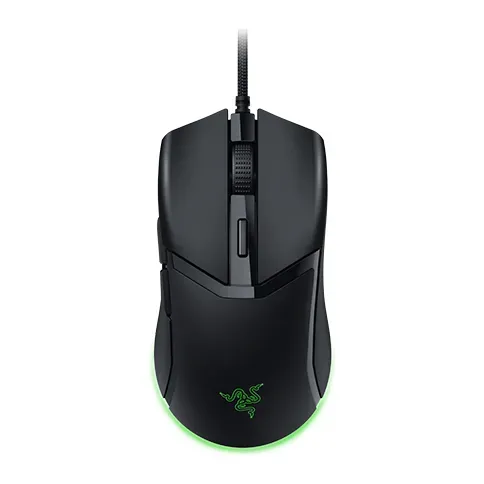
Number 15: Razer Cobra
About $40
Normal mouseCable
Details: Razer Cobra
- Kind
- Normal mouse
- Hand
- Either hand
- Weight
- 58 g
- Connects by
- Cable
- Plugs in with a cable: no batteries to charge or change
- Has a cable, so it stays at your desk
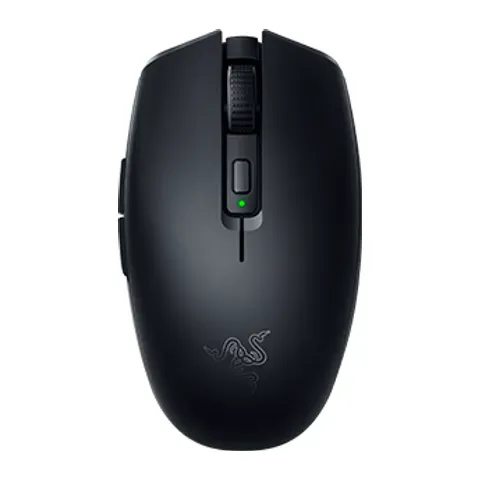
Number 16: Razer Orochi V2
About $40
Normal mouseBluetooth or USB receiver
Details: Razer Orochi V2
- Kind
- Normal mouse
- Hand
- Either hand
- Weight
- 60 g
- Connects by
- Bluetooth or USB receiver
- Switches between 2 devices with a button
- Shape is personal. Keep the box in case it doesn't suit you
Number 17: Logitech G Pro 2 Lightspeed
About $120
Normal mouseUSB receiver
Details: Logitech G Pro 2 Lightspeed
- Kind
- Normal mouse
- Hand
- Either hand
- Weight
- 80 g
- Connects by
- USB receiver
- Most expert reviews rate it highly
- Costs about $120, more than most mice here
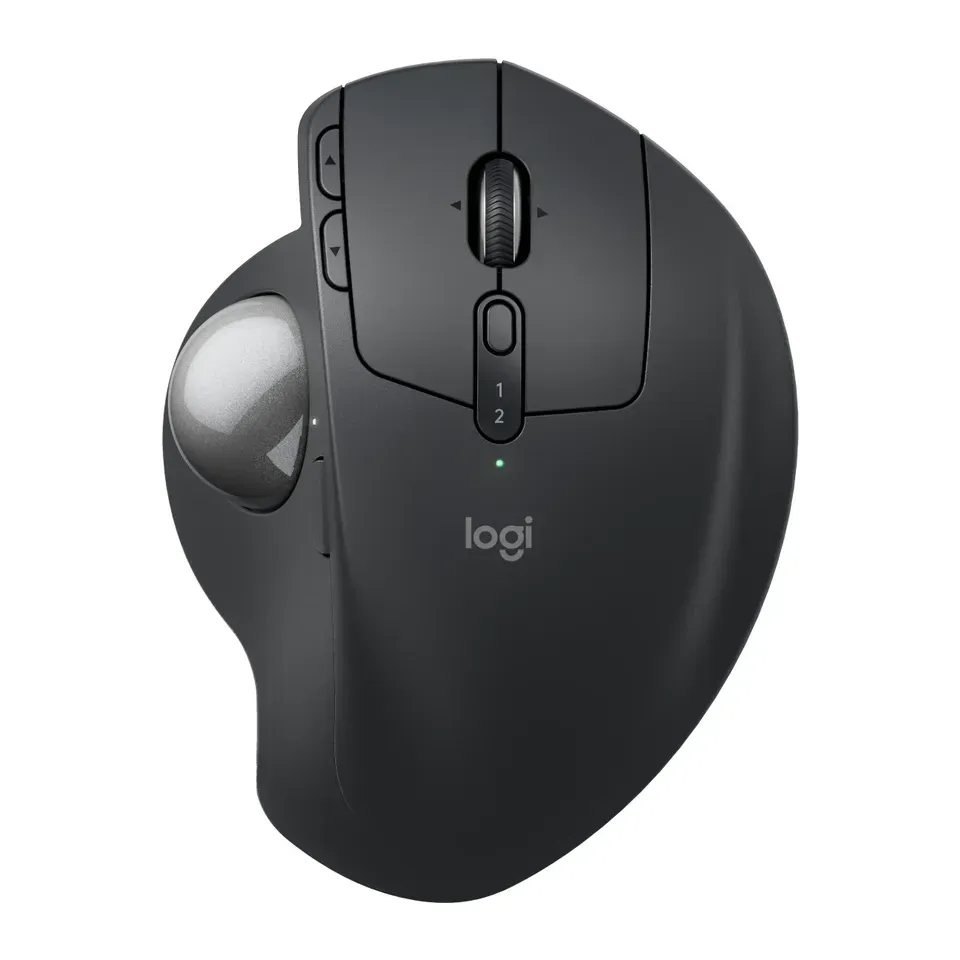
Number 18: Logitech MX Ergo S
About $120
Thumb ballBluetooth or USB receiver
Details: Logitech MX Ergo S
- Kind
- Thumb ball
- Hand
- Right
- Weight
- 164 g
- Connects by
- Bluetooth or USB receiver
- Most expert reviews rate it highly
- Costs about $120, more than most mice here
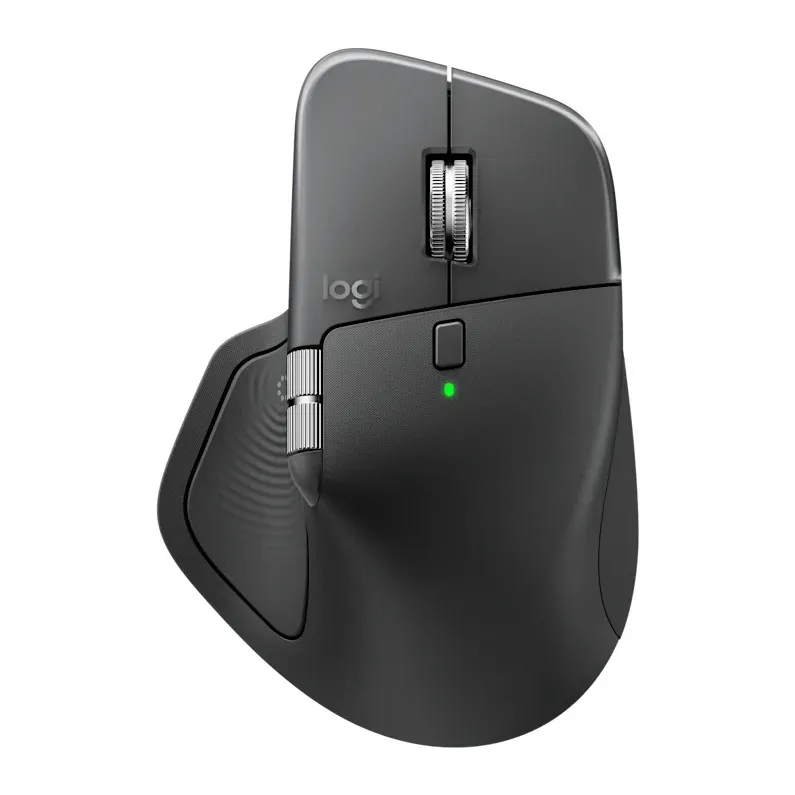
Number 19: Logitech MX Master 4
About $120
Normal mouseBluetooth or USB receiver
Details: Logitech MX Master 4
- Kind
- Normal mouse
- Hand
- Right
- Weight
- 150 g
- Connects by
- Bluetooth or USB receiver
- Most expert reviews rate it highly
- Costs about $120, more than most mice here
Number 20: Logitech M720 Triathlon
About $45
Normal mouseBluetooth or USB receiver
Details: Logitech M720 Triathlon
- Kind
- Normal mouse
- Hand
- Right
- Weight
- 135 g
- Connects by
- Bluetooth or USB receiver
- Switches between 3 devices with a button
- Heavier than most: 135 g
Number 21: Logitech Ergo M575S
About $50
Thumb ballBluetooth or USB receiver
Details: Logitech Ergo M575S
- Kind
- Thumb ball
- Hand
- Right
- Weight
- 145 g
- Connects by
- Bluetooth or USB receiver
- Quiet clicks, the maker says
- Shape is personal. Keep the box in case it doesn't suit you
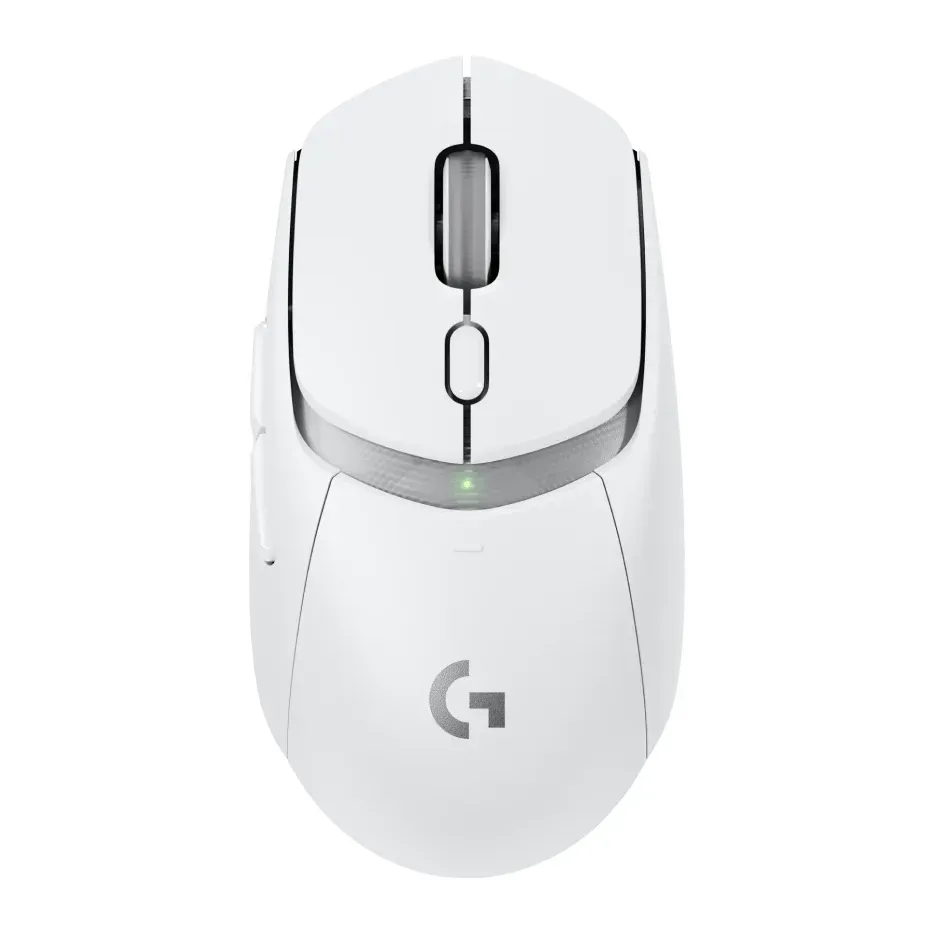
Number 22: Logitech G Pro X Superlight 2c
About $150
Normal mouseUSB receiver
Details: Logitech G Pro X Superlight 2c
- Kind
- Normal mouse
- Hand
- Either hand
- Weight
- 51 g
- Connects by
- USB receiver
- Most expert reviews rate it highly
- Costs about $150, more than most mice here
Number 23: Logitech M330 Silent Plus
About $20
Normal mouseUSB receiver
Details: Logitech M330 Silent Plus
- Kind
- Normal mouse
- Hand
- Right
- Weight
- 78 g
- Connects by
- USB receiver
- Costs about $20, less than most mice here
- No Bluetooth: its receiver needs a USB-A port
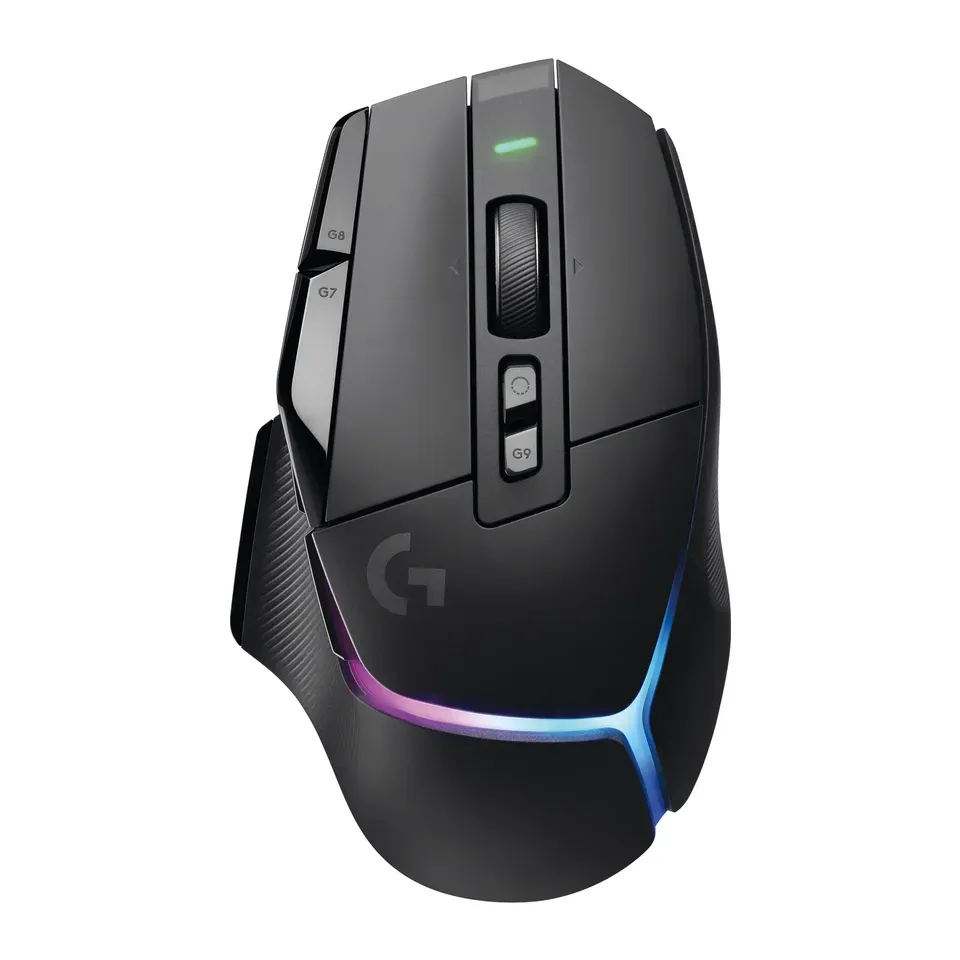
Number 24: Logitech G502 X Plus
About $160
Normal mouseUSB receiver
Details: Logitech G502 X Plus
- Kind
- Normal mouse
- Hand
- Right
- Weight
- 106 g
- Connects by
- USB receiver
- Most expert reviews rate it highly
- Costs about $160, more than most mice here
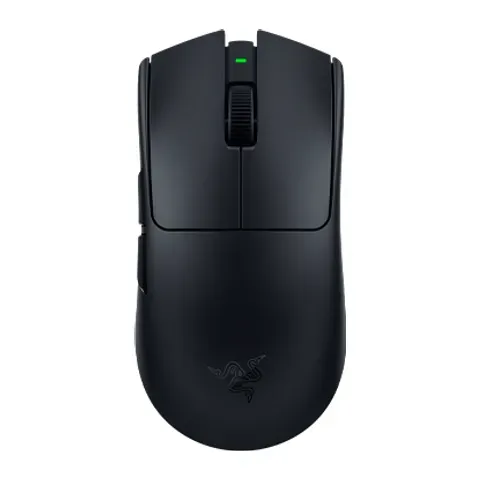
Number 25: Razer Viper V4 Pro
About $160
Normal mouseUSB receiver
Details: Razer Viper V4 Pro
- Kind
- Normal mouse
- Hand
- Either hand
- Weight
- 49 g
- Connects by
- USB receiver
- Most expert reviews rate it highly
- Costs about $160, more than most mice here
Number 26: Logitech G309 Lightspeed
About $60
Normal mouseBluetooth or USB receiver
Details: Logitech G309 Lightspeed
- Kind
- Normal mouse
- Hand
- Either hand
- Weight
- 86 g
- Connects by
- Bluetooth or USB receiver
- Switches between 2 devices with a button
- Shape is personal. Keep the box in case it doesn't suit you
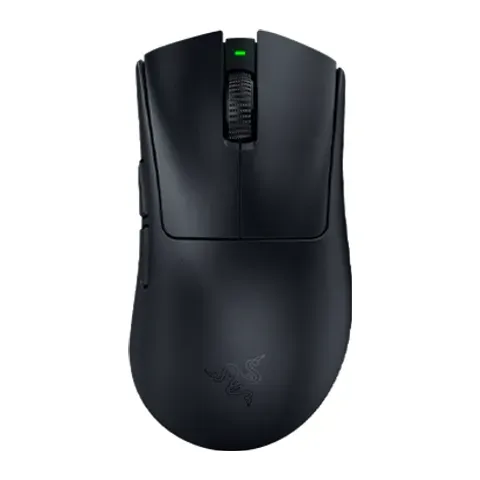
Number 27: Razer DeathAdder V4 Pro
About $170
Normal mouseUSB receiver
Details: Razer DeathAdder V4 Pro
- Kind
- Normal mouse
- Hand
- Right
- Weight
- 56 g
- Connects by
- USB receiver
- Most expert reviews rate it highly
- Costs about $170, more than most mice here
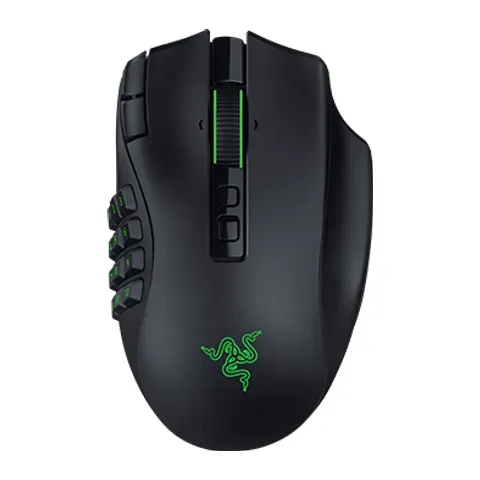
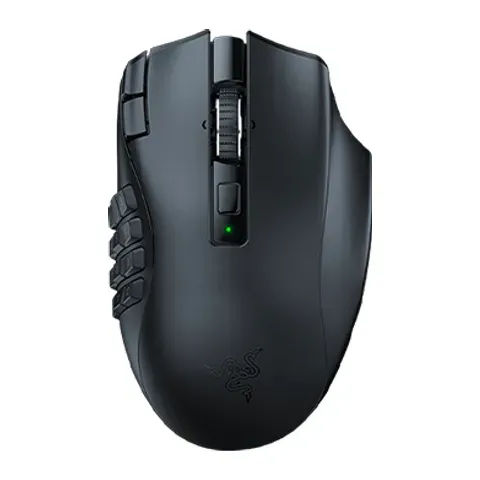
Number 28: Razer Naga V3 Pro
About $180
Normal mouseBluetooth or USB receiver
Details: Razer Naga V3 Pro
- Kind
- Normal mouse
- Hand
- Right
- Weight
- 117 g
- Connects by
- Bluetooth or USB receiver
- Most expert reviews rate it highly
- Costs about $180, more than most mice here
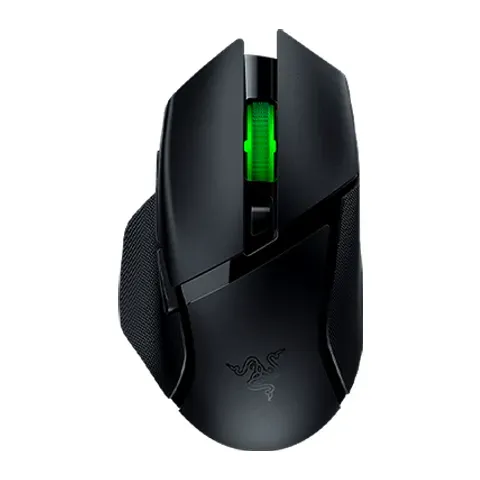
Number 29: Razer Basilisk V3 X HyperSpeed
About $70
Normal mouseBluetooth or USB receiver
Details: Razer Basilisk V3 X HyperSpeed
- Kind
- Normal mouse
- Hand
- Right
- Weight
- 110 g
- Connects by
- Bluetooth or USB receiver
- Switches between 2 devices with a button
- Shape is personal. Keep the box in case it doesn't suit you
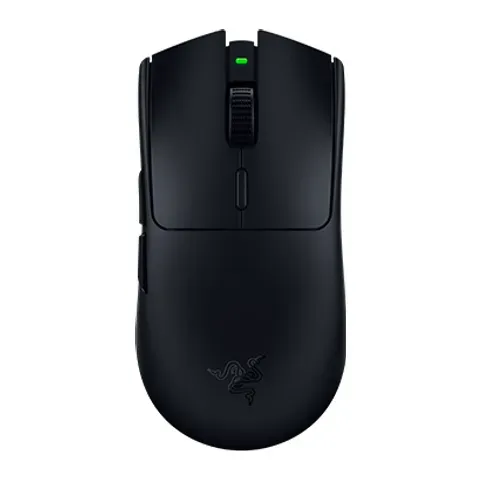
Number 30: Razer Viper V3 HyperSpeed
About $70
Normal mouseUSB receiver
Details: Razer Viper V3 HyperSpeed
- Kind
- Normal mouse
- Hand
- Either hand
- Weight
- 82 g
- Connects by
- USB receiver
- Up to 280 hours of use per battery or charge, the maker says
- No Bluetooth: its receiver needs a USB-A port
Number 31: Anker 2.4G Wireless Vertical Ergonomic Optical Mouse
About $25
Upright mouseUSB receiver
Details: Anker 2.4G Wireless Vertical Ergonomic Optical Mouse
- Kind
- Upright mouse
- Hand
- Right
- Weight
- 96 g
- Connects by
- USB receiver
- Costs about $25, less than most mice here
- No Bluetooth: its receiver needs a USB-A port
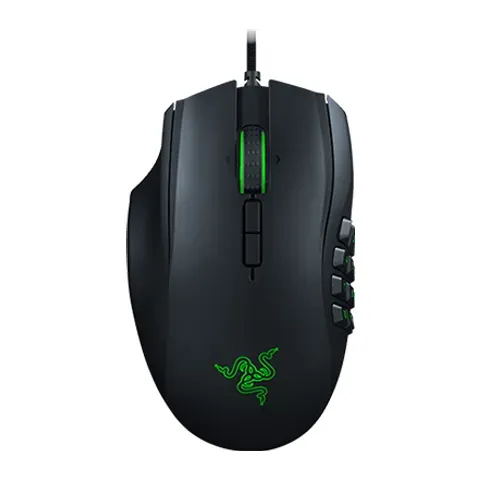
Number 32: Razer Naga Left-Handed Edition
About $100
Normal mouseCable
Details: Razer Naga Left-Handed Edition
- Kind
- Normal mouse
- Hand
- Left
- Weight
- 109 g
- Connects by
- Cable
- Plugs in with a cable: no batteries to charge or change
- Costs about $100, more than most mice here
Number 33: Razer Naga V2 HyperSpeed
About $100
Normal mouseBluetooth or USB receiver
Details: Razer Naga V2 HyperSpeed
- Kind
- Normal mouse
- Hand
- Right
- Weight
- 95 g
- Connects by
- Bluetooth or USB receiver
- Switches between 2 devices with a button
- Costs about $100, more than most mice here
Number 34: Razer Pro Click V2
About $100
Normal mouseBluetooth or USB receiver
Details: Razer Pro Click V2
- Kind
- Normal mouse
- Hand
- Right
- Weight
- 110 g
- Connects by
- Bluetooth or USB receiver
- Switches between 4 devices with a button
- Costs about $100, more than most mice here
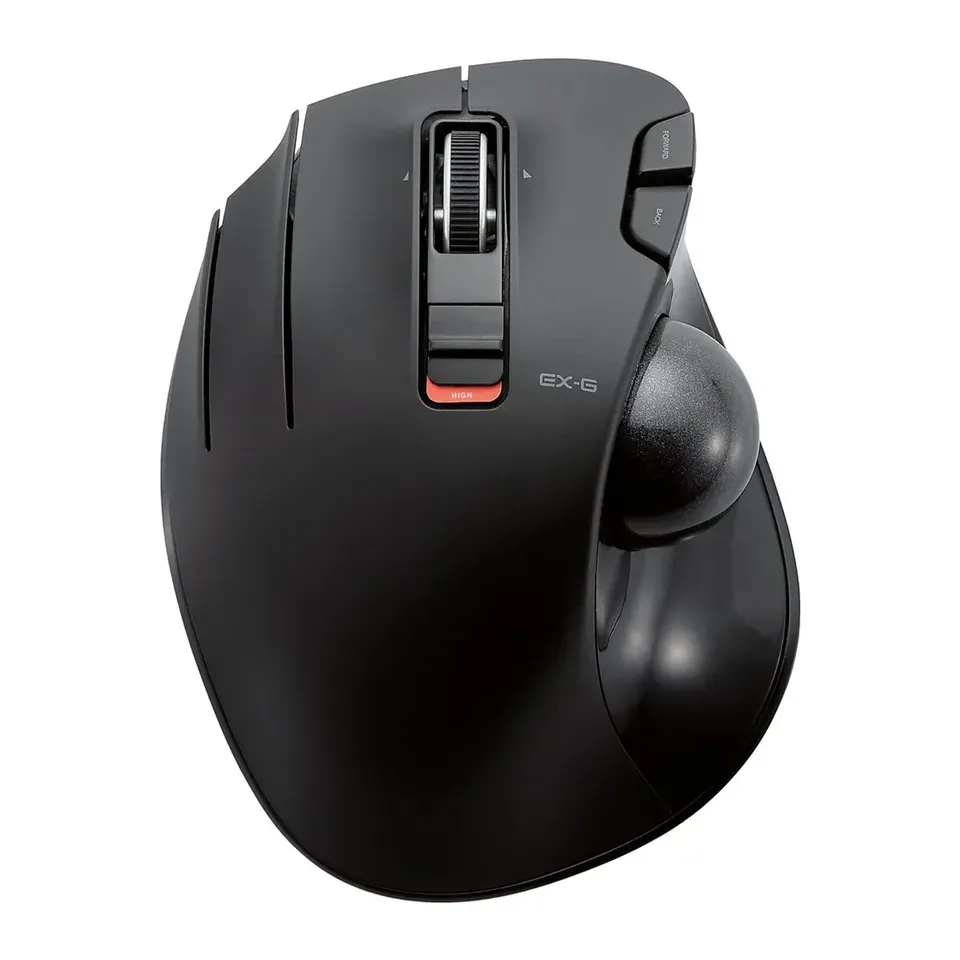
Number 35: Elecom EX-G Left-Handed Wireless Trackball (M-XT4DRBK)
About $40
Thumb ballUSB receiver
Details: Elecom EX-G Left-Handed Wireless Trackball (M-XT4DRBK)
- Kind
- Thumb ball
- Hand
- Left
- Weight
- 128 g
- Connects by
- USB receiver
- Comes with its own wireless receiver
- No Bluetooth: its receiver needs a USB-A port
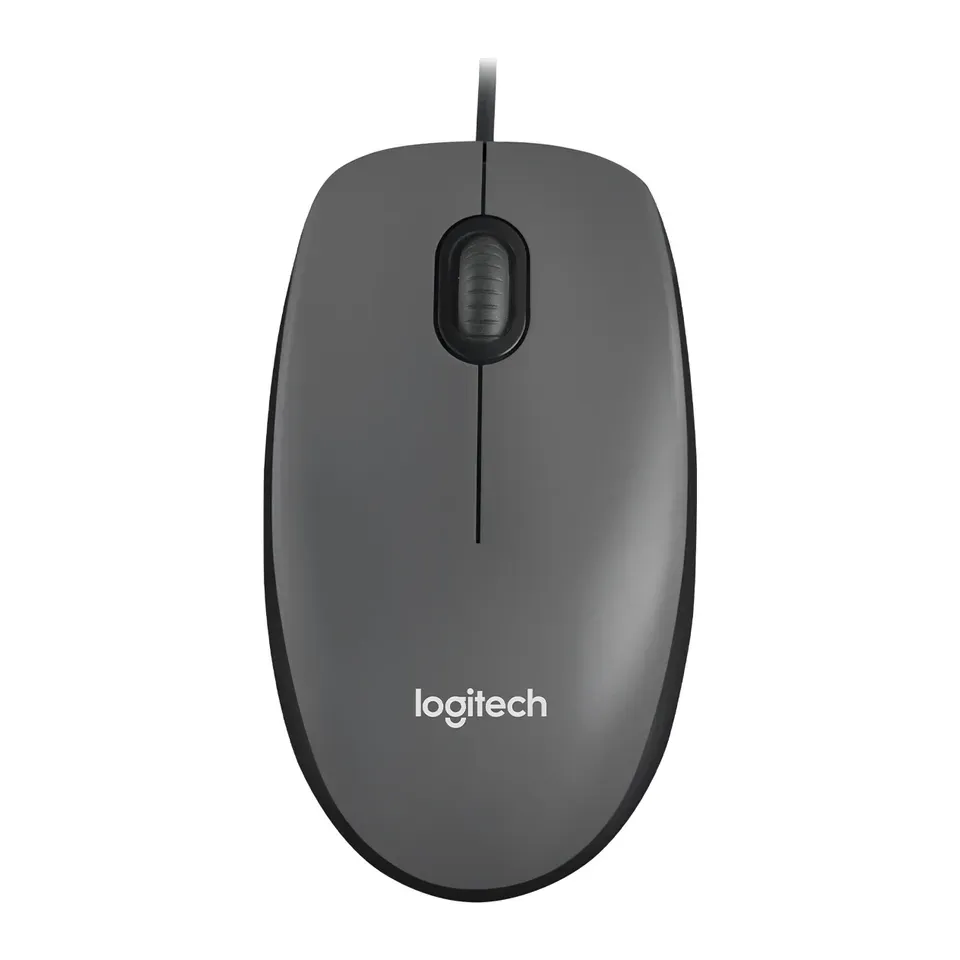
Number 36: Logitech M100
About $10
Normal mouseCable
Details: Logitech M100
- Kind
- Normal mouse
- Hand
- Either hand
- Weight
- 90 g
- Connects by
- Cable
- Costs about $10, less than most mice here
- Reviews are mixed
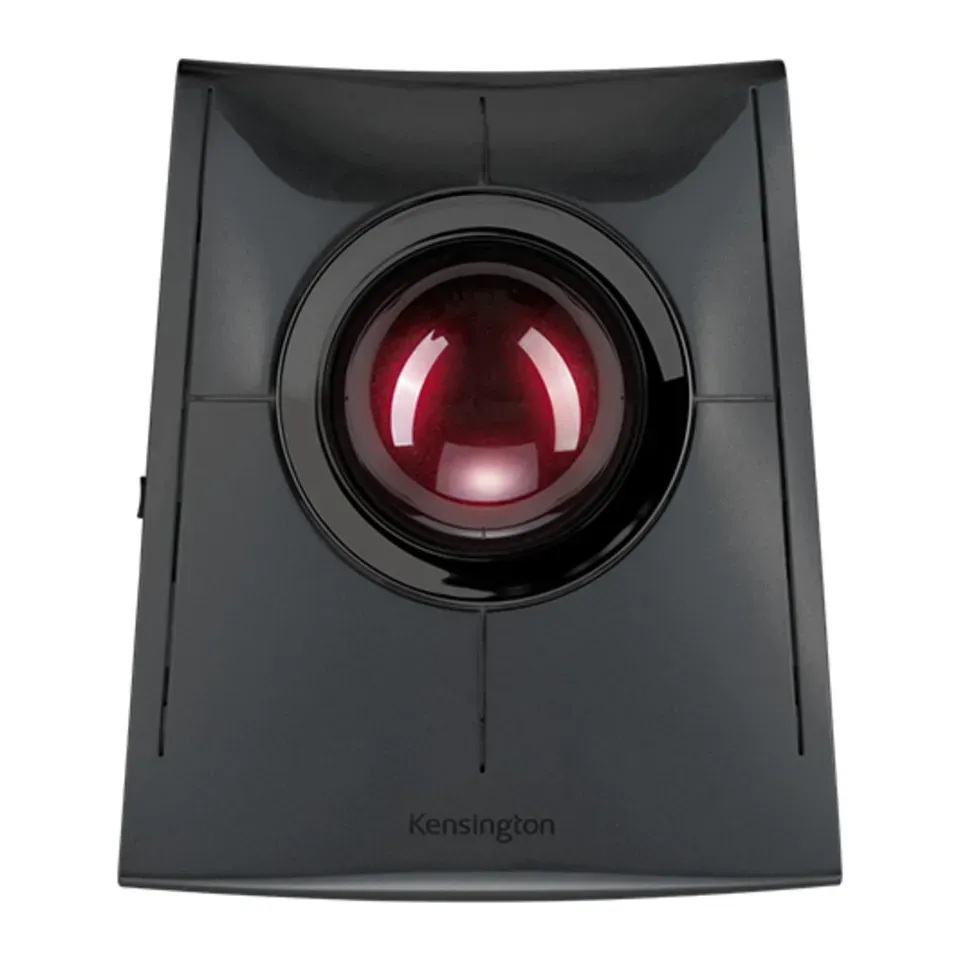
Number 37: Kensington SlimBlade Pro Trackball
About $120
Finger ballBluetooth or USB receiver
Details: Kensington SlimBlade Pro Trackball
- Kind
- Finger ball
- Hand
- Either hand
- Weight
- 285 g
- Connects by
- Bluetooth or USB receiver
- Switches between 2 devices with a button
- Costs about $120, more than most mice here
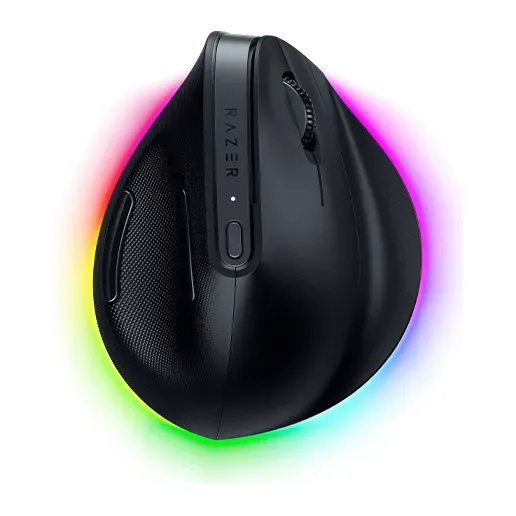
Number 38: Razer Pro Click V2 Vertical Edition
About $120
Upright mouseBluetooth or USB receiver
Details: Razer Pro Click V2 Vertical Edition
- Kind
- Upright mouse
- Hand
- Right
- Weight
- 150 g
- Connects by
- Bluetooth or USB receiver
- Switches between 4 devices with a button
- Costs about $120, more than most mice here
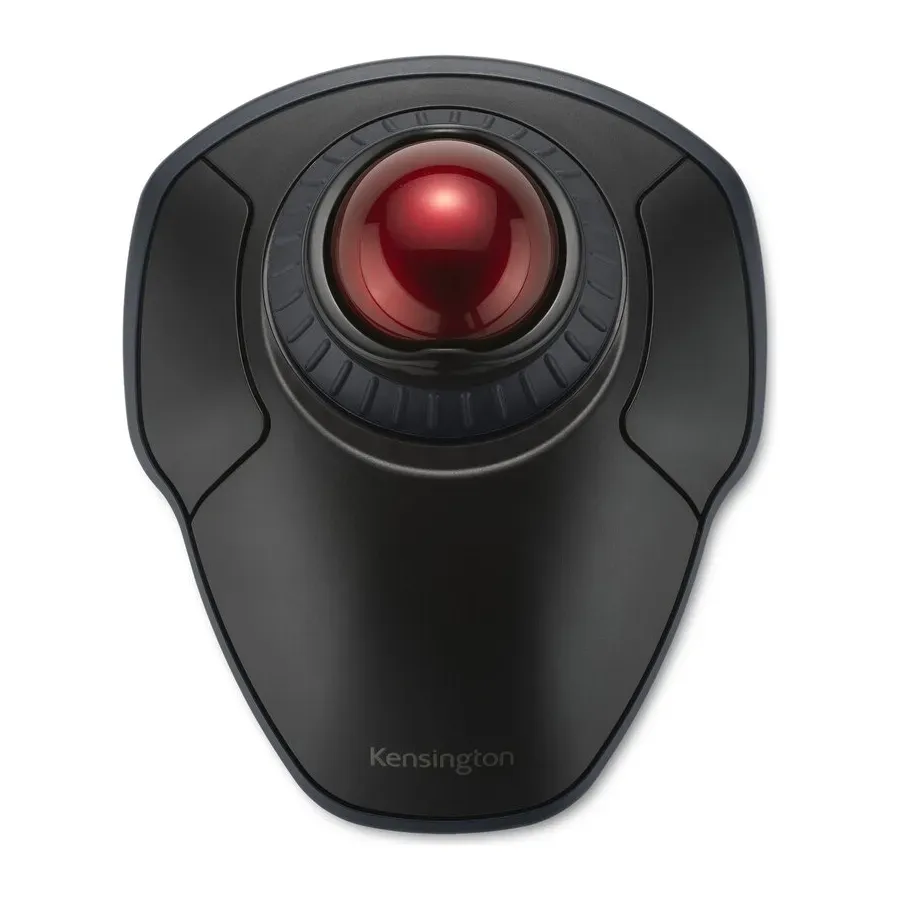
Number 39: Kensington Orbit Wireless Trackball with Scroll Ring
About $50
Finger ballBluetooth or USB receiver
Details: Kensington Orbit Wireless Trackball with Scroll Ring
- Kind
- Finger ball
- Hand
- Either hand
- Weight
- 161 g
- Connects by
- Bluetooth or USB receiver
- Connects by Bluetooth: no receiver to lose
- Shape is personal. Keep the box in case it doesn't suit you
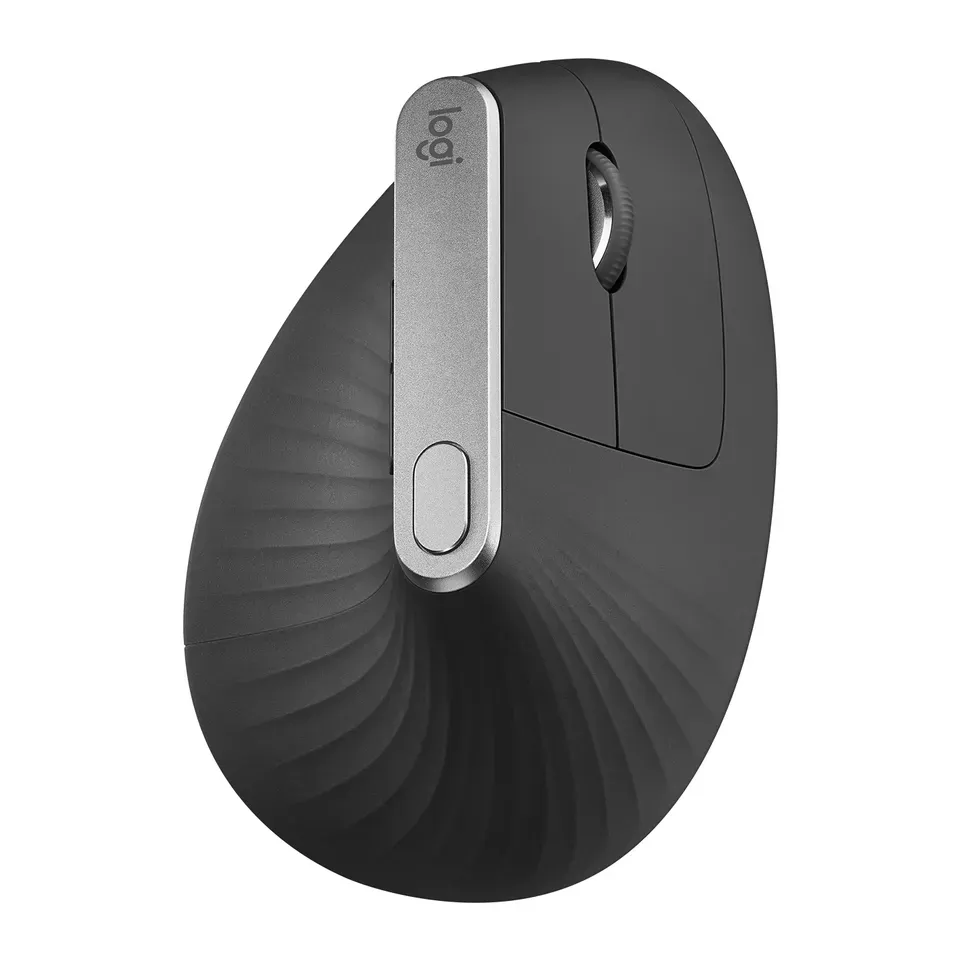
Number 40: Logitech MX Vertical
About $100
Upright mouseBluetooth or USB receiver
Details: Logitech MX Vertical
- Kind
- Upright mouse
- Hand
- Right
- Weight
- 125 g
- Connects by
- Bluetooth or USB receiver
- Switches between 3 devices with a button
- Costs about $100, more than most mice here
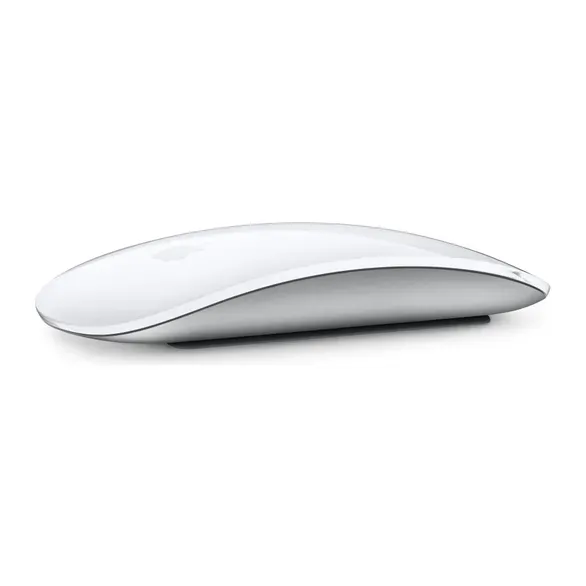
Number 41: Apple Magic Mouse (USB-C)
About $80
Normal mouseBluetooth
Details: Apple Magic Mouse (USB-C)
- Kind
- Normal mouse
- Hand
- Either hand
- Weight
- 99 g
- Connects by
- Bluetooth
- Connects by Bluetooth: no receiver to lose
- Reviews are mixed
What matters when you choose a mouse
Only a few things really change which mouse suits you.
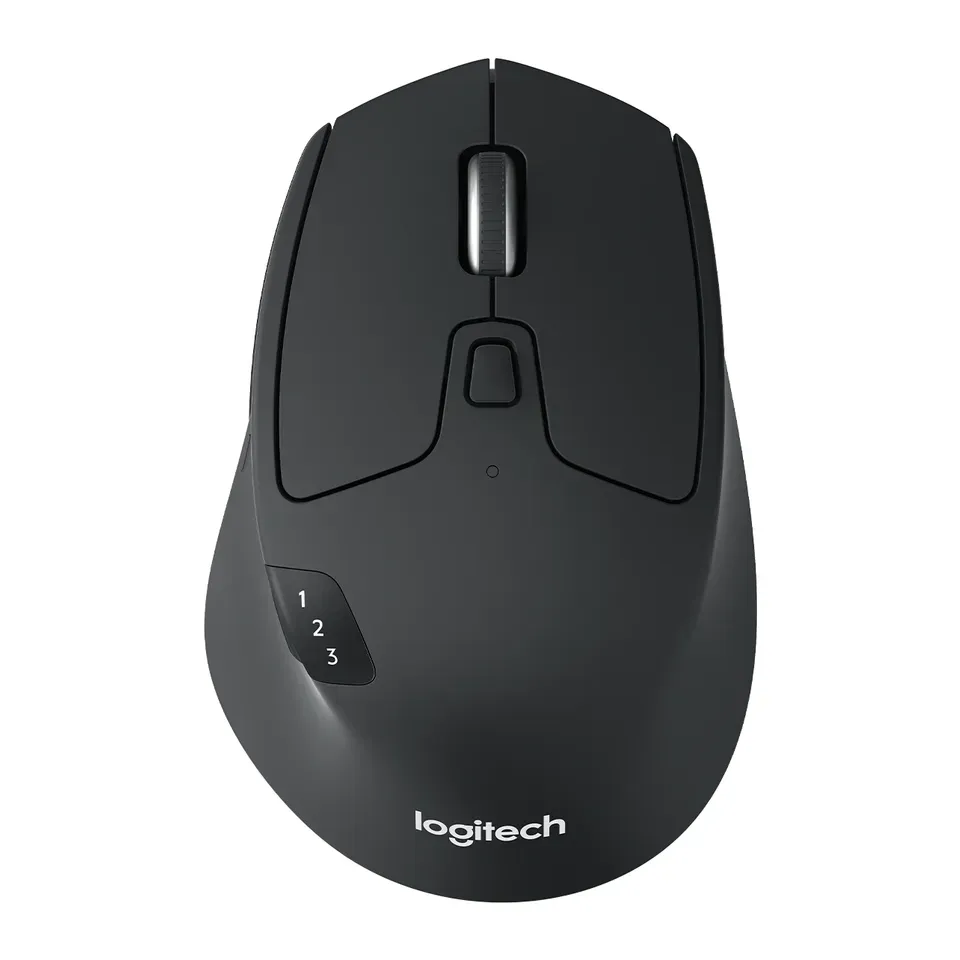
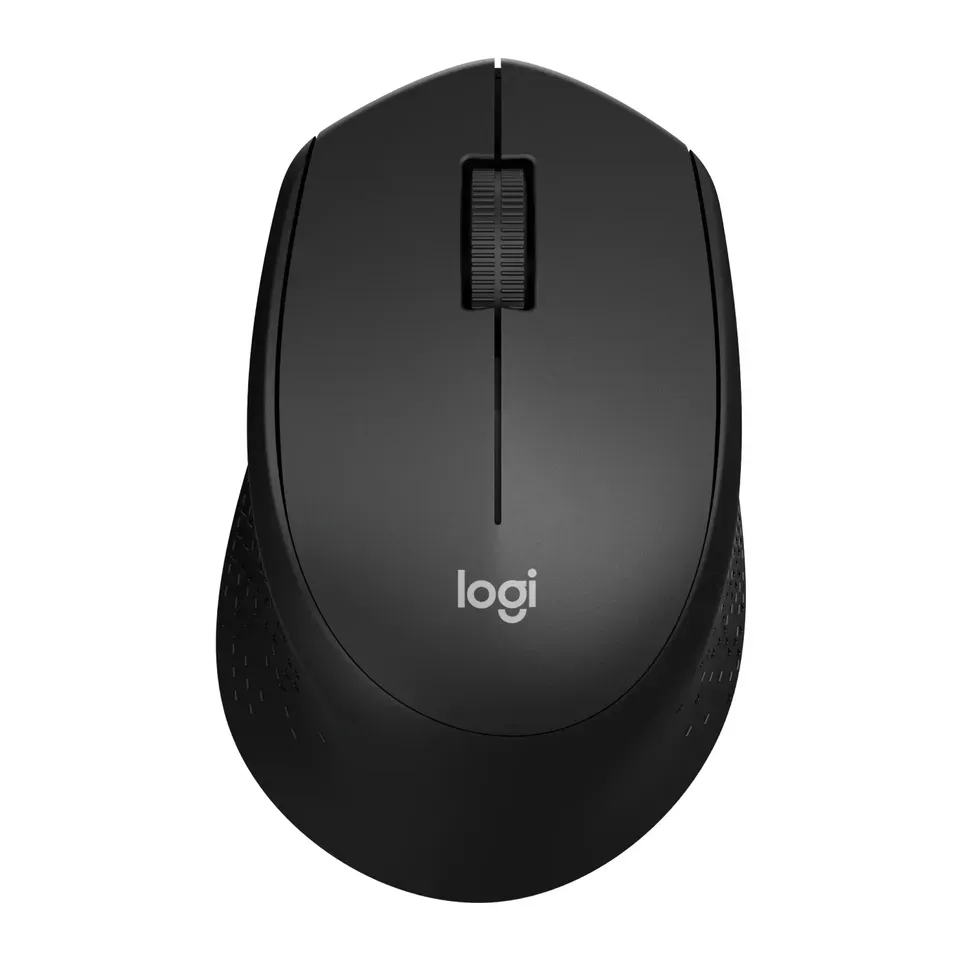
- Your hand. A mouse shaped for the right hand feels wrong in the left. Size matters too. A mouse that is too big makes you stretch, and one that is too small makes you grip hard.
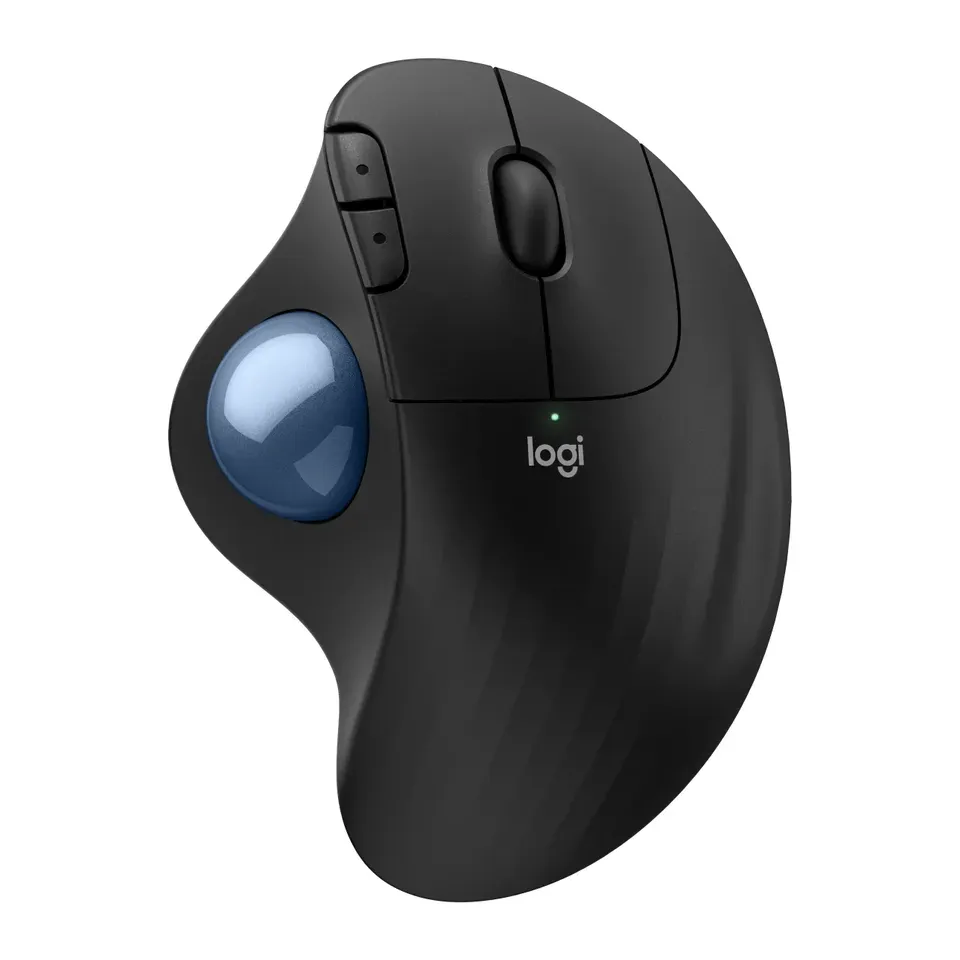
- Your wrist. If your wrist or arm hurts, an upright mouse or a trackball puts less strain on it. A normal mouse with a thumb rest helps a little.
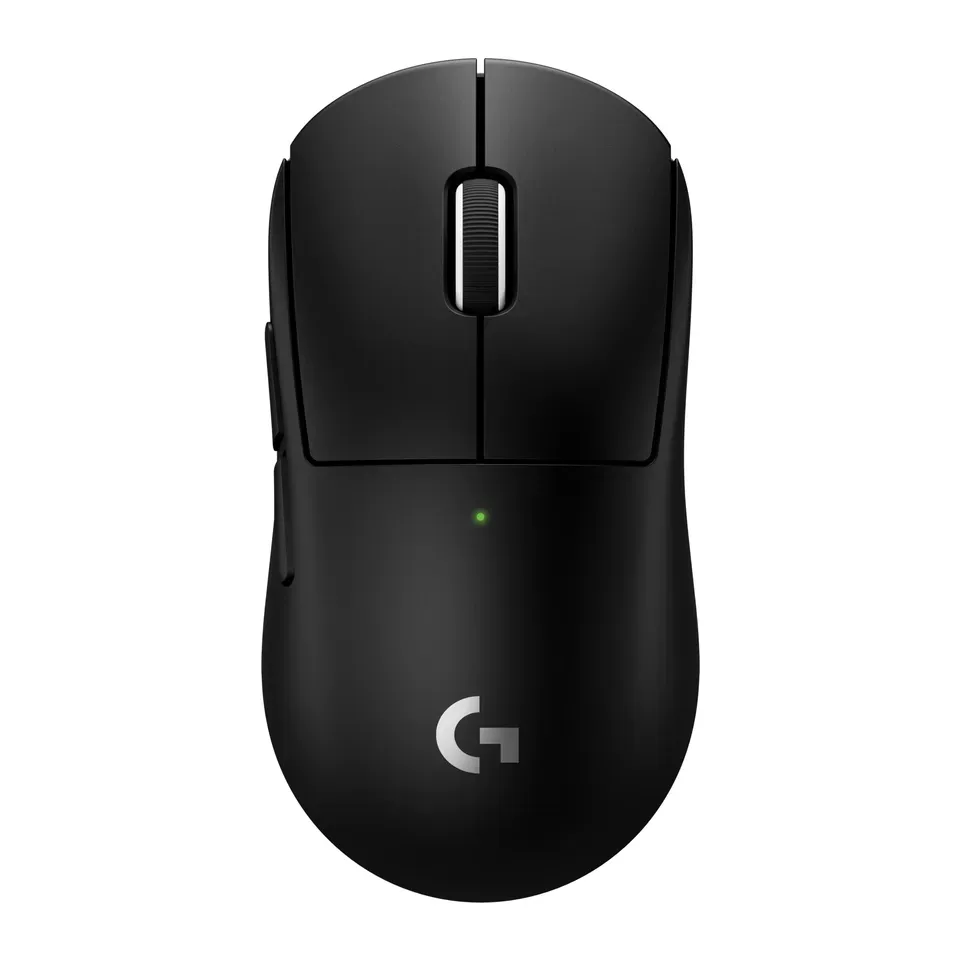
- What you do. Fast games need a light mouse. Games with many actions need a mouse with a grid of thumb buttons. A small mouse is easier to carry with a laptop.
- Your computer. A Bluetooth mouse is easiest on an iPad. A USB mouse works too, but most iPads need an adapter for it. Many Macs have only USB-C ports, so a USB-A receiver needs an adapter.
- Quiet clicks. They help in a shared room or a quiet office.
Some things matter less than ads suggest:
- DPI. Every mouse on this list tracks well enough for normal use. A big DPI number on the box is marketing.
- A very high report rate (8,000 Hz). Only top players notice it. We prefer it a little for fast games, and that’s all.
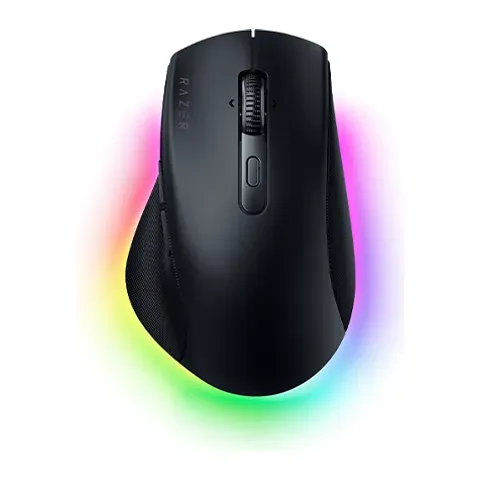
- Lights. They look nice but don’t change how a mouse feels.
How we ranked them
We read the maker’s spec sheet for every mouse, and expert reviews. Most come from RTINGS and Tom’s Hardware. Every mouse on the list is sold in the US now, and we checked prices in November 2026.
Before you answer, the list is sorted by two things: how highly the reviews rate each mouse, and how much it costs. Your answers then add weight to what you need. Say your wrist hurts often, and upright mice and trackballs come first. Choose fast games, and light gaming mice come first.
Some answers rule mice out. A left hand never gets a mouse shaped for the right hand. On an iPad, Bluetooth mice come first. The kind of mouse, wireless or cable, and your budget set limits too. If fewer than 5 fit, we show the closest ones and say what they miss.
Each pick says why it fits you and what to keep in mind. We never call a mouse “the best” for everyone. Nobody paid to be on this list.
Questions and answers
Is a vertical mouse or a trackball better for wrist pain?
Both help many people. An upright (vertical) mouse turns your hand on its side, like a handshake, so your forearm doesn't twist. A trackball stays still: you roll the ball with your thumb or fingers, so your arm and wrist barely move. If your hands shake or are stiff, a trackball is often easier, because the pointer doesn't jump when you click.
Give a new shape a week or two before you decide. These mice help, but they are not a treatment. See a doctor if the pain lasts.
What is the best mouse for small hands?
Look for a mouse that is shorter than about 4.5 inches (115 mm). Measure your hand from the crease of your wrist to the tip of your middle finger. Under 6.7 inches (17 cm) is a small hand. In the finder, answer that most mice feel too big, and short mice move to the top.
Is there a good mouse for left-handed people?
Yes, but there are fewer. A few mice are made for the left hand, like the Logitech Lift Left and the Signature M650 L Left. Many more have an even shape that works in either hand. On some even mice, the side buttons are only on the left, so a left thumb can't reach them. The finder tells you when that happens.
Does a Mac need a special mouse?
No. Any mouse works with a Mac. Two things help: a mouse that connects by Bluetooth or with a USB-C receiver, because many Macs have no USB-A port, and a settings app that runs on a Mac. The Apple Magic Mouse adds touch gestures, but many people find it flat and tiring for long days.
Is my old mouse broken, or does it just need cleaning?
Test it before you buy a new one. Our mouse test checks every button, and the double-click test catches a button that clicks twice by itself. A jumpy pointer is often a dirty sensor or a shiny desk. Try a mouse pad first.
Not affiliated with or endorsed by any maker or shop. Product photos are the makers' own. To have one removed, email hello@devicetests.com.