Short answer
MP3 and AAC are small, for listening and sharing: they leave out sounds you hardly hear. WAV and FLAC keep every detail. Use WAV for recording and editing, and FLAC to keep music without loss in less space. Turning an MP3 into WAV or FLAC can’t bring lost detail back.
The bars show the size of one minute of CD-quality stereo. FLAC isn’t shown: its size depends on the music.
- WAV: about 10.6 MB.
- MP3 at 320 kbps: about 2.4 MB.
- AAC at 256 kbps, the iTunes Store’s rate: about 1.9 MB.
- MP3 at 192 kbps: about 1.4 MB.
- MP3 at 128 kbps: about 1 MB.
| WAV | FLAC | MP3 | AAC | |
|---|---|---|---|---|
| Loses detail? | No: an exact copy | No: an exact copy, packed smaller | Yes, sounds you hardly hear | Yes, a little less than MP3 at the same size |
| 1 minute of stereo | About 10.6 MB | Less than WAV; how much depends on the music | 1 to 2.4 MB | About 1.9 MB at 256 kbps |
| Plays on | Computers, most phones | Windows, Mac, iPhone, Android | Almost everything, including cars and old players | Phones, computers, many newer devices |
| Best for | Recording and editing | Keeping a music collection without loss | Sharing, cars, old players | Apple devices, streaming |
Here, WAV means the usual kind: sound stored unpacked, exactly as recorded. (A WAV file can also hold packed sound, but that’s rare.)
The sizes come from simple maths. kbps means kilobits per second: how much data the sound uses each second. CD-quality stereo has two channels, left and right. Each takes 44,100 samples a second, at 16 bits each. Together that’s 1,411 kbps, or about 10.6 MB a minute. An MP3 at 192 kbps: 192 × 60 seconds ÷ 8 = 1,440 kB, or 1.44 MB.
Which one should you use?
Lossy or lossless?
- Lossless (WAV, FLAC, Apple Lossless): you get back exactly what was recorded. FLAC packs it like a ZIP file for sound, and the unpacked sound is identical.
- Lossy (MP3, AAC, Opus, Ogg Vorbis): the encoder leaves out sounds people hardly hear, so the file is much smaller. What’s left out is gone for good.
A lossy file never gets better. Turning an MP3 into a WAV or a FLAC makes it much bigger, but it still sounds like the MP3.
WAV: the exact copy for recording
WAV is a sound file made by Microsoft and IBM. It usually holds the sound unpacked, exactly as recorded. That makes it easy to edit, but big: about 10.6 MB a minute at CD quality, and more for studio files at 24 bits.
Recorders and music programs save WAV. Keep your own recordings as WAV while you work on them, and share an MP3. Recording a family story? See which copy to keep.
FLAC: the exact copy, packed smaller
FLAC (Free Lossless Audio Codec) packs sound without losing anything: the sound you get back is identical, bit for bit. It’s open and free of patents. How much smaller than WAV it gets depends on the music: quiet, simple music packs smaller than loud, busy music.
Windows Media Player plays FLAC, and so do Android phones (Android 3.1 and later) and new iPhones and Macs. Some car stereos and older players can’t, so keep an MP3 copy for those.
MP3: plays everywhere
MP3 has been around since the 1990s, and almost every device plays it. At 192 kbps it is about 1.4 MB a minute. 320 kbps is the highest an MP3 goes. 128 kbps is about 11 times smaller than CD audio, the Library of Congress notes.
Confused by MP4 or M4A? See MP3 vs MP4 vs M4A.
AAC: smaller than MP3 for the same sound
AAC is a newer format than MP3. At the same bit rate, it can sound better than MP3. Fraunhofer, which helped make both, says so, and so does the Library of Congress. Apple uses it: songs from the iTunes Store are 256 kbps AAC, usually in an M4A file. Phones and computers play it.
What streaming services send
| Service | Lossy | Lossless |
|---|---|---|
| Spotify | About 24 to 320 kbps, by the quality you choose | FLAC up to 24-bit/44.1 kHz, for Premium (since September 2025) |
| Apple Music | AAC | Apple Lossless (ALAC), up to 24-bit/192 kHz |
Can you hear the difference?
That depends on your ears, your headphones and the music. Test it yourself:
- Take a WAV file of music you know well.
- Make two MP3s from it with our WAV to MP3 converter: one at 128 kbps, one at 320 kbps.
- Ask someone to play the three files to you in a random order, with good wired headphones. Hide the file names.
- Use the same short part and the same volume each time. Repeat in a new order.
- If you can’t tell which is which, the smaller file is good enough for you.
Check your headphones first with the headphone test, so a faulty side doesn’t spoil the test.
Turn a WAV into an MP3, or back
Test it now
WAV to MP3 converter
It makes an MP3 from a WAV in your browser, so you see the real size before you send it.
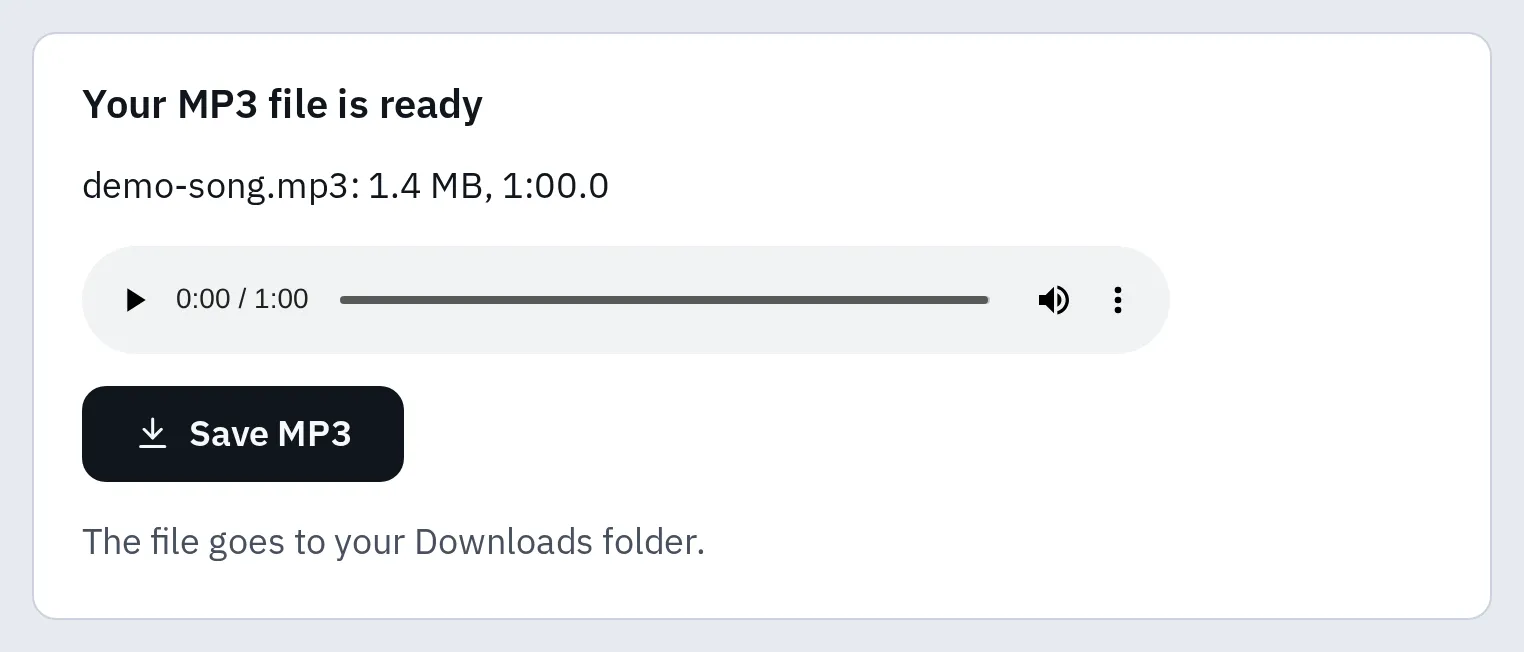
Our 1-minute test WAV (10.58 MB) as an MP3 at 192 kbps.
| Our test WAV, 1 minute | File size | Smaller by |
|---|---|---|
| WAV (the original) | 10.58 MB | – |
| MP3 at 320 kbps | 2.40 MB | 4.4 times |
| MP3 at 192 kbps | 1.44 MB | 7.3 times |
| MP3 at 128 kbps | 0.96 MB | 11 times |
The sizes match the maths above: at a fixed bit rate, an MP3’s size depends on its length, not on the music. Song details and the file header add a little.
A program that only takes WAV? The MP3 to WAV converter makes one. The WAV is much bigger, but it can’t bring back detail the MP3 left out.
Questions people ask
Is FLAC better than MP3?
FLAC keeps every detail, and MP3 leaves some out to make a much smaller file. Whether you hear the difference: try the test above.
Is WAV better than MP3?
For recording and editing, yes: it’s an exact copy. For listening and sharing, an MP3 is much smaller: about 7 times at 192 kbps.
Is AAC better than MP3?
At the same bit rate, AAC usually sounds better. MP3 plays on a few more old devices and car stereos.
Is WAV or FLAC better?
They sound exactly the same. FLAC is smaller and can hold the song title and cover. WAV is easier for music programs to edit.
What about Ogg and Opus?
Both are free, lossy formats. Ogg Vorbis is the older one. Opus is used for calls and in WebM videos, and it sounds good at low bit rates.