Short answer
MP3 is a sound file. MP4 is a box that usually holds a video and its sound. M4A is the same kind of box with only sound inside. For music, podcasts and voice recordings, use MP3 or M4A. For anything with a picture, use MP4.
The drawing shows what is inside each kind of file.
- MP4: a box (a container) with a picture track and a sound track. It can hold subtitles too.
- M4A: the same kind of box, with only a sound track. The sound is usually AAC.
- MP3: only the sound, with no box around it.
| MP3 | MP4 | M4A | |
|---|---|---|---|
| What it is | Sound | A box for video and sound | The same box, sound only |
| Picture | No | Yes, usually | No |
| Sound inside | MP3 | Usually AAC | AAC, or Apple Lossless |
| 1 minute | About 1 MB at 128 kbps | Depends on what’s inside. With video, much more | About 1.9 MB as AAC at 256 kbps |
| Plays on | Almost everything, including old players and cars | Phones, computers, TVs | Phones, computers, most new devices |
| Typical file | A song, a podcast | A phone video, a film | An iTunes song, an iPhone voice memo |
The sizes come from the bit rate: kilobits per second, times 60 seconds, divided by 8.
Which one should you use?
MP3: only the sound
MP3 is short for MPEG-1 Audio Layer III, a standard from 1993. It makes sound files small by leaving out sounds people hardly hear. So it loses a little detail, which is called lossy.
Its patents ended in 2017, and almost every phone, computer, car and old music player plays it. That’s why forms and older devices often ask for MP3.
MP4: a box for video
MP4 is short for MPEG-4 Part 14. It’s a container: a box that holds tracks. A typical MP4 has a video track, a sound track (usually AAC) and sometimes subtitles. Android phones save videos as MP4. iPhones save MOV, a close relative. When a player says the video codec isn’t supported, it can’t read the video track inside.
An MP4 can’t be “better” or “worse” than an MP3. It holds different things. Its sound is a separate track inside, so you can take it out.
M4A: the box with only sound
An M4A file is an MP4 box with only a sound track. The sound is usually AAC, which is lossy like MP3, or Apple Lossless, which keeps every detail.
At the same bit rate, AAC sounds better than MP3, the Library of Congress notes. Apple uses it: songs from the iTunes Store are 256 kbps AAC. iPhone voice memos export as M4A. Two close relatives: M4B for audiobooks, and M4P for old copy-protected iTunes songs.
Get the sound out of an MP4
Test it now
MP4 to MP3 converter
It saves the sound of an MP4, MOV or WebM video as an MP3, without uploading the video.
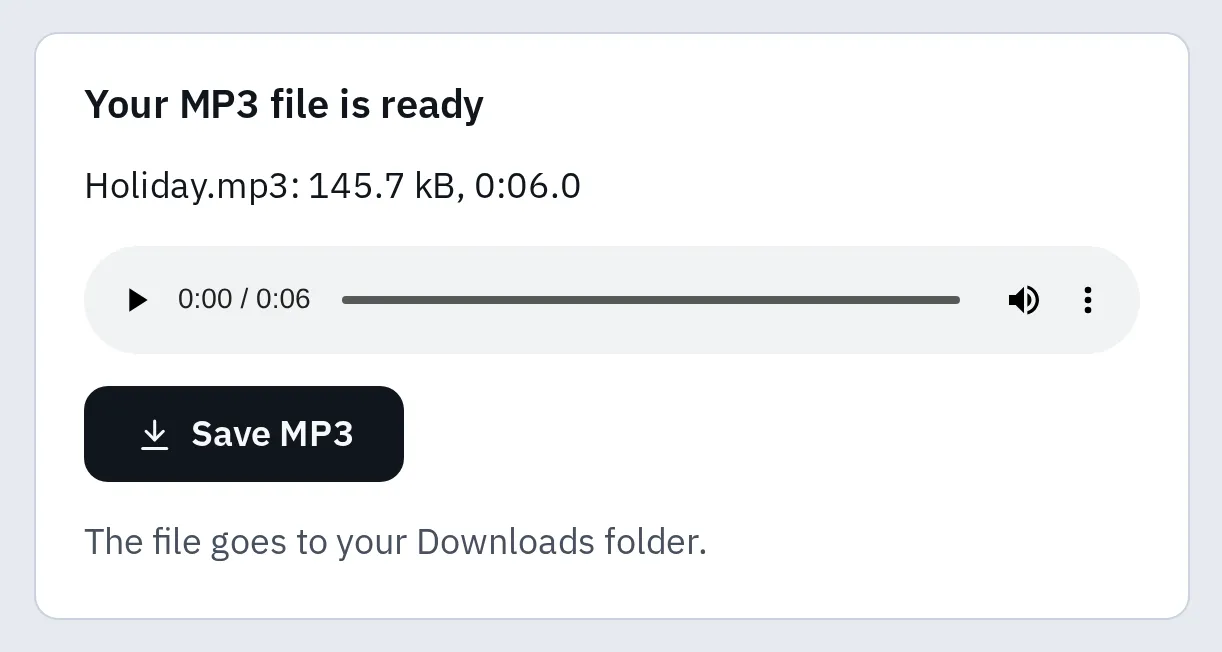
A 6-second sample video turned into an MP3 at 192 kbps: about 146 kB.
Turn an M4A into an MP3
Test it now
M4A to MP3 converter
It turns M4A files, such as iPhone voice memos, into MP3 on your device, without uploading them.
Saving as MP3 loses a little detail, and an AAC file loses a little more on top. At 192 kbps, most people hear little or no difference. Keep the M4A as well if it’s a recording you care about. How to get a voice memo off the iPhone: see the converter’s voice memo steps.
Questions people ask
Is M4A better than MP3?
At the same size, AAC in an M4A usually sounds better. MP3 plays on more devices. Pick M4A for Apple devices and new phones, MP3 when it must play everywhere.
Is M4A lossless?
Only when it holds Apple Lossless. Most M4A files hold AAC, which is lossy like MP3.
Can Windows and Android play M4A?
Yes. Windows Media Player plays M4A files, and Android plays AAC in M4A files. Some car stereos and old music players can’t, so use MP3 there.
Can I rename an MP4 to M4A?
Only if it has no picture: then it’s already the same kind of box. A video renamed to .m4a still holds the video, so take the sound out instead.
Can my iPhone play MP3 and MP4 files?
Yes, both. See how to play MP3 files on an iPhone and how to play MP4 on an iPhone.