Short answer
Most email services take about 20 to 25 MB per email, and a free Discord account 20 MB. WhatsApp takes about 64 to 100 MB as a video. Is your video bigger? Send a link to keep the full quality, or make the video smaller to fit the limit.
- Gmail, per email
- 25 MB
- Discord without Nitro
- 20 MB
- WhatsApp, sent as a document
- 2 GB
Size limits by service
Checked on each service’s own help page in November 2026. Services change these, so if a limit stops working, check their page.
| Service | Limit | Above the limit |
|---|---|---|
| Gmail | 25 MB per email, all attachments together | Gmail offers a Google Drive link |
| Outlook.com | 20 to 25 MB (Microsoft’s pages give both) | Share it from OneDrive: up to 2 GB |
| Outlook at work (Exchange) | 10 MB by default; your IT team can change it | OneDrive or SharePoint link |
| iCloud Mail | 20 MB | Mail Drop: up to 5 GB, the link lasts 30 days |
| Yahoo Mail | 25 MB per email, all attachments together | No link offered |
| Discord without Nitro | 20 MB (since August 2026; was 10 MB) | Nitro Basic 50 MB, Nitro up to 1 GB |
| Discord server with boosts | Level 2: 50 MB, level 3: 100 MB, for that server only | – |
| WhatsApp, as a video | 100 MB at 720p on a fast connection, 64 MB at 480p on a slow one. Another WhatsApp page says 64 MB everywhere | Send it as a document: up to 2 GB, unchanged |
| Text message (MMS) | Set by your phone carrier | Use iMessage, WhatsApp or a link |
In the iPhone Mail app, the limit is set by your email service, such as Gmail or iCloud.
Link or smaller file?
Make the video smaller
Test it now
Video compressor
Pick your limit, and it tells you before you start whether the video fits and at what picture size.
- Pick your limit. The compressor stays a little under it. For a free Discord account, choose 20 MB.
- Email: if Gmail still makes a Drive link, choose a smaller size, such as 18 MB.
- Then send the new file. Go back to your message and attach the saved video, not the original. Check its name and size first.
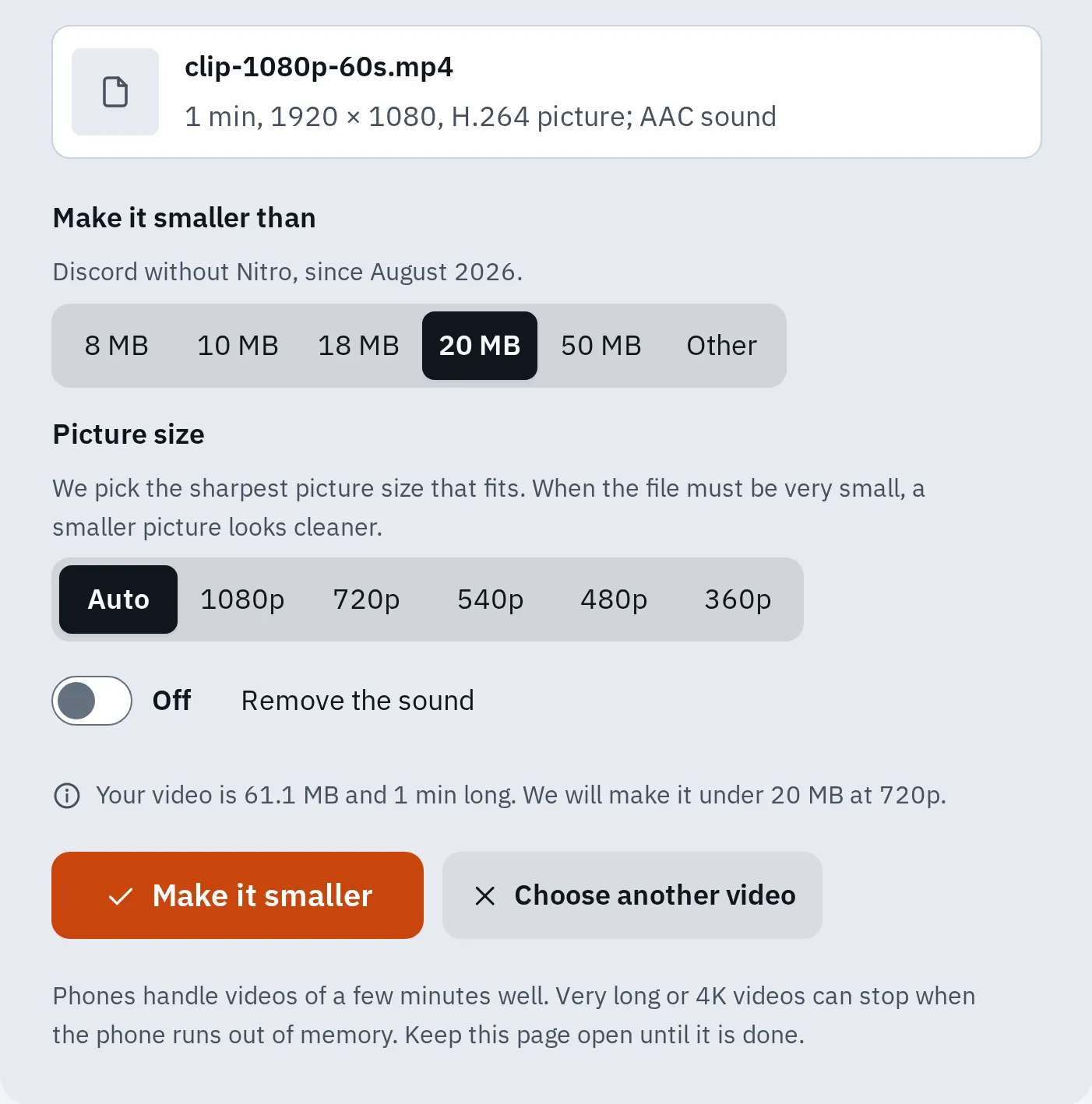
Our 1-minute 1080p test video. It came out at 18.8 MB, 69% smaller, at 720p, in 13 seconds on our computer.
A smaller file means less detail. The compressor keeps the picture sharp by making it smaller in pixels, such as 720p instead of 1080p. How long a video fits in each size: see the compressor’s table.
We tested the compressor in Chrome on a computer. If it fails on your phone, use a computer, or send a link instead.
If it still won’t fit
- Cut it shorter with the video trimmer. A shorter video needs less space.
- Choose a smaller picture size, such as 480p, under Picture size.
- Remove the sound if nobody needs it: all the space goes to the picture.
Filming the next video at 1080p instead of 4K also helps: higher resolutions and frame rates make bigger files.
Send a link instead
A link keeps the video as it is, and the other person downloads it. Pick the way that matches your email.
Gmail
Attach the video as usual. If the email gets too big, Gmail offers to put it in Google Drive and sends a link instead. If Gmail asks who can open the file, let the people you’re writing to open it.
Outlook
- Sign in at onedrive.com and upload the video.
- Select the video, then select Share.
- Work or school account: choose who can open it in the link settings, then select Apply.
- Select Copy and paste the link into your email.
Files up to 2 GB work this way.
iPhone Mail
- Open Photos and tap the video.
- Tap the Share button, then Mail.
- Add the address and tap Send.
- If the video is too big for your email account, Mail offers Mail Drop. Tap it.
Mail Drop sends up to 5 GB as a link, and the person has 30 days to download it. It doesn’t count against your iCloud storage.
Discord: the size is checked first
The Discord phone app makes videos smaller by itself, by your setting under Video Uploads. Standard is 480p, and Best Quality is 720p. But Discord now checks the size of the original file first. A video over your limit is refused, even if the smaller copy would fit. So make it smaller before you send it, as above.
Discord says it is testing other limits, so some accounts may allow more than 20 MB.
WhatsApp: send it as a document
WhatsApp makes normal videos smaller by itself. You can choose HD quality before you send, but WhatsApp may still make it smaller.
To send the original, attach the video as a Document instead of as a photo or video. Documents up to 2 GB are sent unchanged. Status videos can be up to 90 seconds long.
Questions people ask
Why does Gmail make a Drive link when my video is just under 25 MB?
Gmail’s limit counts all attachments in the email together. If it still offers a Drive link, make the video smaller, such as 18 MB, and try again.
Does compressing a video lose quality?
Yes, a little. The compressor picks the picture size that looks best in the space you have. For full quality, send a link instead.
How can I send a 1 GB video?
Use a link from Google Drive or OneDrive, Mail Drop on an iPhone or Mac, or WhatsApp as a document.
Is my video uploaded when I compress it here?
No. The compressor works in your browser, on your device. See the compressor’s help.