Short answer
Check the settings, connected devices and speaker openings before you book a repair. Silent mode, a Bluetooth device still connected or a case over the holes can all silence a phone. Play the test sound below. If it sounds muffled, clean the grille with a soft, dry brush.
Step 1: test the speaker
Unplug headphones and turn Bluetooth off. Open the sound test and press Play left, then Play right.
Test it now
Sound test
If you hear the notes clearly, your phone can play sound through its speakers. It can’t check each speaker on its own, or how calls sound.
On an iPhone with a current iOS, the test plays even in Silent mode, like a video. Hear nothing? Turn off Silent mode and try again.
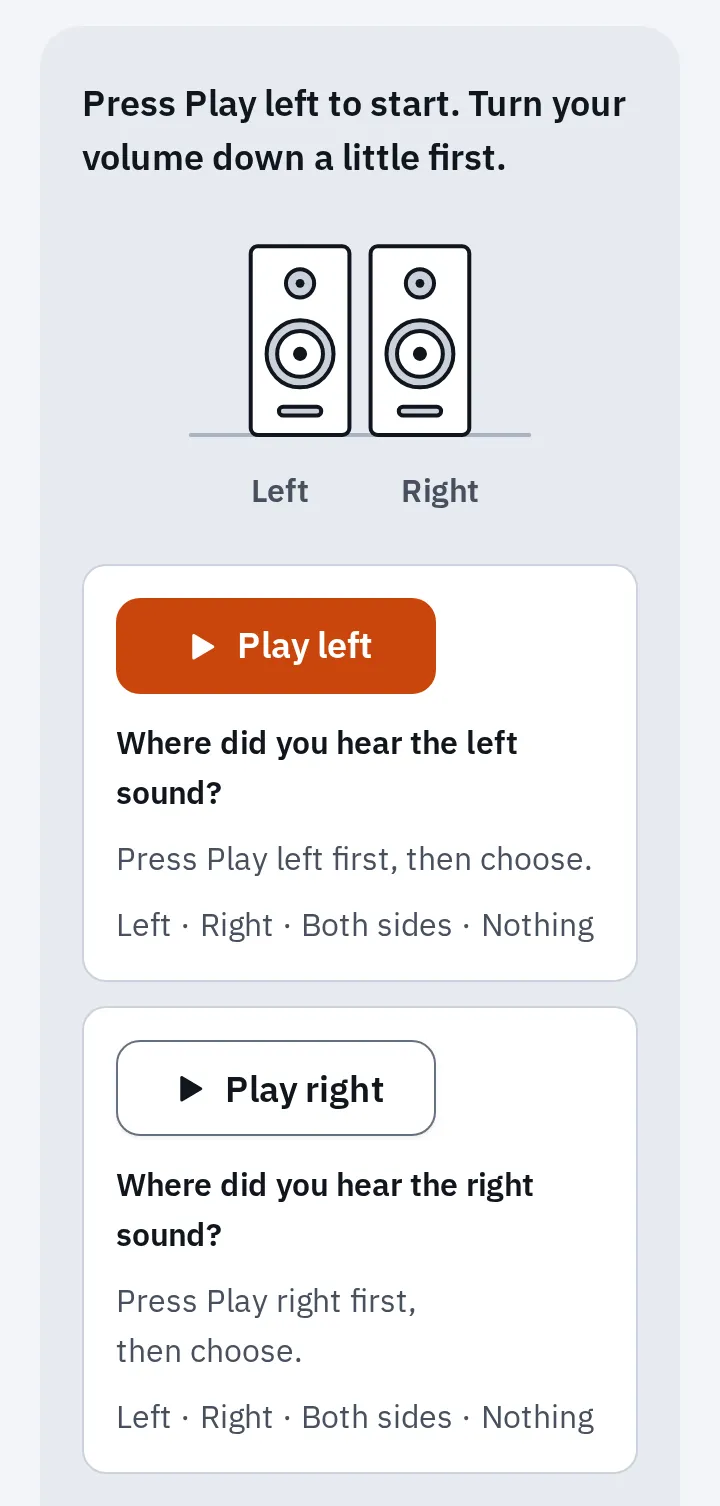
The sound test at phone size. Press a play button, then say where you heard it.
A phone has more than one opening for sound. Each problem below points to one of them.
- Earpiece (receiver): you hear calls here. On phones with stereo speakers, it also plays music.
- Speaker grille: ringtones, videos, music and speakerphone.
- Charging port.
- Microphone holes: the caller hears you through these.
Where the sound comes out. The exact spots differ by model.
No sound at all
Test again after each step.
- Turn Bluetooth off. The sound may be going to earbuds, a speaker or a car that is still connected.
- Turn the volume up with the side buttons while the test sound plays. While sound plays, the buttons change the volume of media, not the ringtone.
- On a Samsung Galaxy, turn off Mute all sounds: Settings Accessibility Hearing enhancements. Turn off Separate app sound too: Settings Sounds and vibration Separate app sound. It can send an app’s sound to another device.
- Restart the phone. Then play the test sound again.
Still nothing? Use your phone maker’s own speaker check in When it’s the hardware.
Only ringtones and alerts are silent
If media plays but your phone won’t ring, check the ringer settings next. The ringer has its own switch and its own volume.
iPhone and iPad
- Turn off Silent mode. With a Ring/Silent switch on the side, move it toward the screen, so no orange shows. With an Action button, open Control Center and check that Silent mode is off.
- Turn off Do Not Disturb or another Focus: Settings Focus Do Not Disturb.
- Turn up the ringtone: open Settings Sounds & Haptics and drag the slider under Ringtone. Turn on Change with Buttons if you want the side buttons to change it when no sound plays.
Samsung Galaxy
- Choose Sound mode: open Settings Sounds and vibration and choose Sound, not Vibrate or Mute.
- Turn up the ringtone: in the same screen, open Volume and drag the Ringtone slider up.
- Turn off Do not disturb: Settings Notifications Do not disturb.
Quiet or muffled
Start with what sits in front of the grille. Work down the list and play the test sound after each step.
- Take off the case, screen protector and any film. Apple and Samsung both name these first. On a Galaxy, a case can also cover the small air vent holes, which makes the sound low or crackly.
- Look at the openings in good light: the speaker grille at the bottom and the earpiece at the top.
- Turn the phone off and unplug all cables.
- Brush the openings gently with a small, soft brush that is clean and dry. Apple says to use one that isn’t metal. Use short, light strokes.
- Brush the earpiece mesh lightly. On an iPhone, a microphone sits in the same opening, so be very careful there.
- Wipe off the loose dirt with a soft, lint-free cloth.
Clean, but still quiet? On a Galaxy, open Settings Accessibility Hearing enhancements Left/right sound balance and move the slider to the centre. For other ways to get more volume, see how to make your speakers louder.
After water
Drops in the grille make the sound muffled or crackly. Do what the phone maker advises first.
- Unplug the charging cable and any accessories. Wipe the phone with a soft, dry cloth.
- iPhone: gently tap it against your hand with the charging port facing down. Galaxy: gently shake it a few times with the speaker facing down.
- Leave it in a dry place with some airflow. Apple says a wet charging port can take up to 24 hours to dry.
- Play the sound test again once it is dry.
If the sound is still muffled, you can also try our water eject. It plays a low tone for 30 seconds. Hold the phone with the speaker facing down.
Test it now
Water eject
The tone may help move drops out of the speaker grille, but it can’t tell you whether your phone is dry inside.
Apple’s and Samsung’s full do’s and don’ts are on the water eject page. In short: no rice, no hair dryer and no compressed air.
Crackling or rattling
- Turn the volume down a little and play the test sound again. Small speakers often rattle only when they are loud.
- Play the sweep in the sound test at that lower volume, and listen for a buzz.
- Buzzing? Clean the grille and, after water, let the phone dry, as above.
If it still rattles at a normal volume when clean and dry, the speaker is probably damaged. See When it’s the hardware.
Only calls sound bad
On calls, you hear through the earpiece. The other person hears you through a microphone.
You can't hear the caller
Earpiece or network
Turn on speakerphone during the call. If the caller now sounds clear, check the in-call volume and the earpiece. Press Volume up during the call: in-call volume is set while you talk. Take off the screen protector and brush the earpiece mesh. If speakerphone sounds bad too, Apple says the network or reception may be the cause. Try again from another place.
The caller can't hear you
The microphone
Record your voice with the microphone test and play it back. A clear recording checks the microphone your browser uses and the speaker that plays it back. Muffled? Brush the microphone holes the same way as the grille. More microphone fixes for iPhone.
On a Galaxy, Samsung also suggests turning off Wi-Fi Calling in Settings Connections if call sound is low.
When it’s the hardware
Use your phone maker’s own check before you pay for a repair.
iPhone and iPad
Open Settings Sounds & Haptics and drag the ringtone slider back and forth. If you hear nothing, the speaker may need service. Apple says a dimmed speaker button next to the slider can also mean this. Contact Apple or an Apple Authorized Service Provider.
Samsung Galaxy
Open Settings Device care Diagnostics Phone diagnostics (Android 12 or later) and run the Speaker test. It is also in the Samsung Members app, under Diagnostics. If it fails, book a repair with Samsung.
The speaker itself may be faulty when:
- the test sound is silent with Bluetooth off and the volume up, or
- it stays muffled or rattles after cleaning and a full day of drying, or
- the maker’s check fails.
Contact your phone maker if these checks don’t bring the sound back.
Check your warranty, insurance and local consumer rights before you book a repair. Apple says its one-year warranty doesn’t cover liquid damage.
Questions people ask
Can a speaker cleaner sound remove dust?
Use a small, soft brush that is clean and dry: Apple recommends this for blocked speaker openings. The water eject sound is for drops of water, not dust.
Can I clean the speaker with alcohol or a toothpick?
No. Use a small, soft brush that is clean and dry. Apple says to keep moisture out of every opening.
Why does my phone play music but not ring?
If music plays, the speaker can make sound. Check the ringer settings: Silent mode, Do Not Disturb or a low ringtone volume. See Only ringtones and alerts are silent.
Why can I hear on speakerphone but not with the phone at my ear?
Speakerphone uses the bottom speaker, and the phone at your ear uses the earpiece. Take off the screen protector and gently brush the earpiece mesh. If that doesn’t help, the earpiece may need a repair.