Short answer
Yes, but only for PS4 games. A PS4 controller (DUALSHOCK 4) works on a PS5 with PS4 games, and PS5 games need a PS5 controller (DualSense). The other way round, a DualSense doesn’t work on a PS4. PS Remote Play gets round both limits: you play the console on another screen, with the controller connected to that screen.
Which controller works where
| Controller | On a PS5 | On a PS4 |
|---|---|---|
| PS4 controller (DUALSHOCK 4) | PS4 games only. Not PS5 games. | Yes |
| PS5 controller (DualSense) | Yes | No |
| Licensed PS4 gamepads (from other brands) | PS4 games only, and not every model. Ask the maker. | Yes |
| Licensed racing wheels, arcade sticks, flight sticks | PS5 games and PS4 games | Yes |
| PS VR games (the first PS VR headset) | Sony recommends a DUALSHOCK 4. Some games need PS Move controllers. | Yes |
Sony’s reason: PS5 games are made for the DualSense’s haptic feedback and adaptive triggers, which a DUALSHOCK 4 doesn’t have.
How to connect a PS4 controller to a PS5
- Turn on the PS5.
- Connect the PS4 controller to the PS5 with a micro-USB cable that carries data.
- Press the PS button in the middle of the controller.
- When the battery has charge, unplug the cable. The controller keeps working without it.
A controller pairs with one console at a time. To use it on your PS4 again, connect it to the PS4 with the cable and press the PS button.
Nothing happens? See controller won’t connect.
What a PS4 controller can’t do on a PS5
- Play PS5 games. Connect a DualSense for those.
- Play PS4 games that don’t run on a PS5. There are only a few. PlayStation Store marks them Playable on: PS4 only.
Some games come in a PS4 and a PS5 version. Play the PS4 version, and the PS4 controller works with it on the PS5.
Play your PS5 with a PS4 controller: PS Remote Play
PS Remote Play shows your PS5 on another screen, and you play with the controller connected to that screen. Sony lists the DUALSHOCK 4 for it on a PS4, a Windows PC and a phone or tablet.
First, on the PS5, open Settings System Remote Play and turn on Enable Remote Play. Sign in with the same PlayStation account on both sides.
From a PS4
- Turn on the PS5, or put it in rest mode.
- On the PS4’s home screen, select PS5 Remote Play, then Find Your PS5.
You play with a DUALSHOCK 4 on the PS4. Sony recommends a wired home network for this.
From a Windows PC
- Install the PS Remote Play app from PlayStation’s website.
- Turn on the PS5, or put it in rest mode.
- Connect the DUALSHOCK 4 to the PC with a USB cable.
- Open PS Remote Play, select Sign In, then select PS5.
From a phone or tablet
- Install the PS Remote Play app. For a DUALSHOCK 4, Sony needs iOS 14 or later, or Android 10 or later.
- Pair the controller: unplug its cable, hold SHARE and PS until the light bar flashes, then choose it in your phone’s Bluetooth settings.
- Turn on the PS5, or put it in rest mode.
- Open PS Remote Play, sign in, then select PS5.
What to expect:
- Sony says the touch pad, motion sensor, light bar and vibration might not work.
- Games that need a VR headset, and games streamed with PS Plus Premium, don’t work with Remote Play.
- Sony asks for an internet speed of at least 5 Mbps and recommends 15 Mbps.
Can you use a PS5 controller on a PS4?
No. A DualSense doesn’t work as a controller on a PS4, and Sony documents no way to pair one with it.
Remote Play works the other way too. On the PS4, turn on Enable Remote Play in Settings Remote Play Connection Settings. Then, on the PS5, open Remote Play on the Games home screen and select PS4: you play your PS4 with a DualSense. A PC or phone with the PS Remote Play app can also play a PS4 with a DualSense.
Test an old or second-hand controller
A PS4 controller that sat in a drawer or came second-hand may have a dead button or a drifting stick. Check it before you play with it.
Test it now
Controller tester
Connect the controller to a computer with a USB cable, press every button and move both sticks. If everything passes, every press reaches the computer. A worn battery or a weak wireless link can still cause problems.
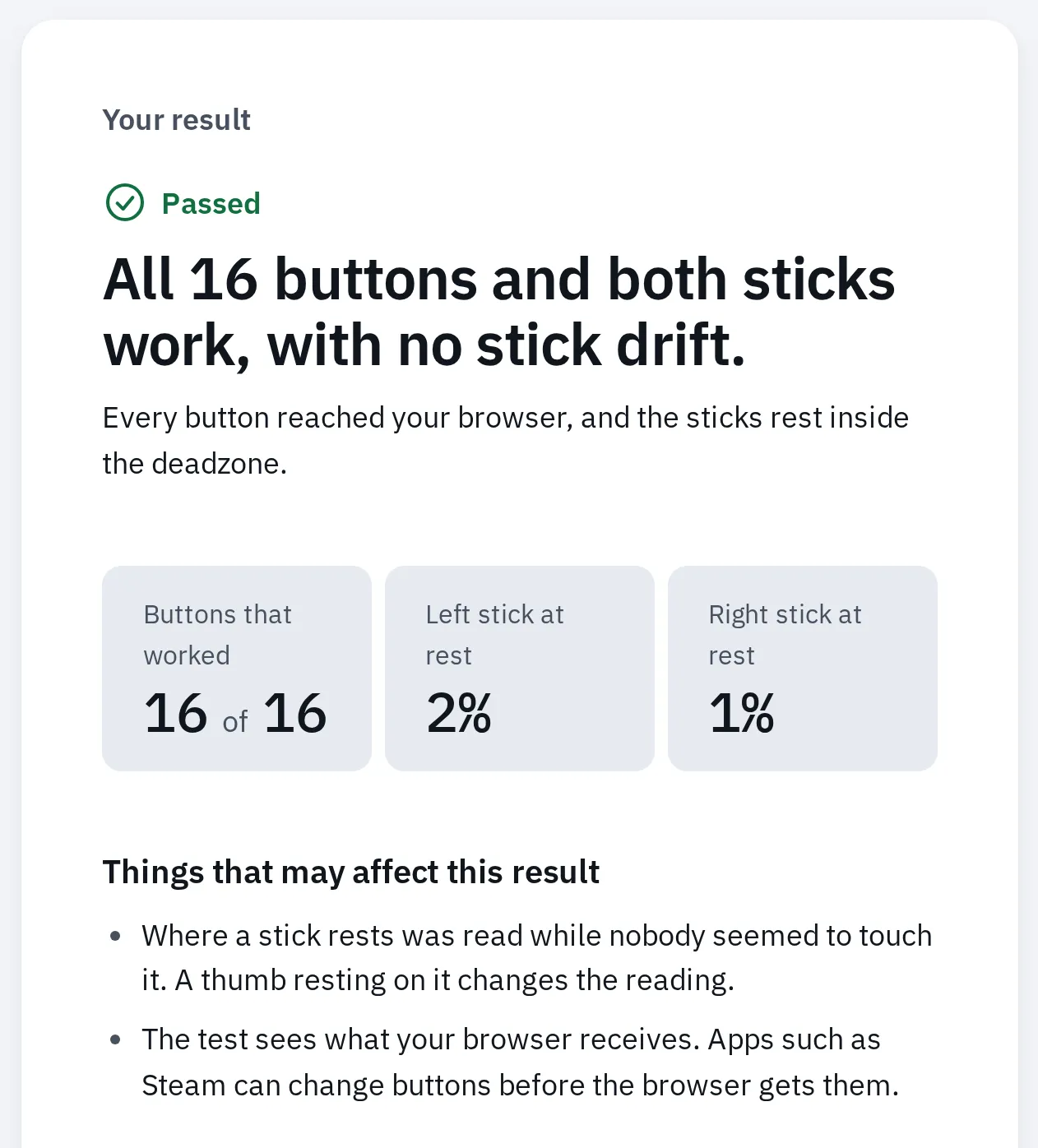
A PS4 controller that passed: every button reached the browser, and both sticks rest near the centre.
If a stick moves by itself, see stick drift.
Questions people ask
Why won't my PS4 controller work in a PS5 game?
PS5 games only accept a DualSense. The PS4 controller still works in the PS5’s PS4 games.
Can I play a PS4 game on my PS5 with a PS4 and a PS5 controller?
Yes. Both controllers work with PS4 games on a PS5, so each player can use one.
Do I need a PS4 controller for PS VR on a PS5?
For the first PS VR headset, Sony recommends a DUALSHOCK 4 on the PS5. Some games need PS Move controllers instead.
Do PS4 controllers from other brands work on a PS5?
Officially licensed ones work with PS4 games, like Sony’s own. Sony says not every licensed or third-party controller works on a PS5, so check with the maker.
More: how to connect a controller to a PC, how to reset a controller and can you use an Xbox One controller on an Xbox 360.