Short answer
A subwoofer is a speaker for deep bass, such as film rumbles and low musical notes. It takes over below a handover point called the crossover, often 80 Hz. A subwoofer may help if you want deeper bass than your speakers give you. The test below shows how deep yours go.
Step 1: hear how deep your speakers go
Turn the volume down first. Press Play sweep, then press I can’t hear it any more when the deep tone fades away. Play it through the speakers you want to judge.
Test it now
Bass test
The result is your speakers, your room, your ears and the volume together, not a measured speaker spec.
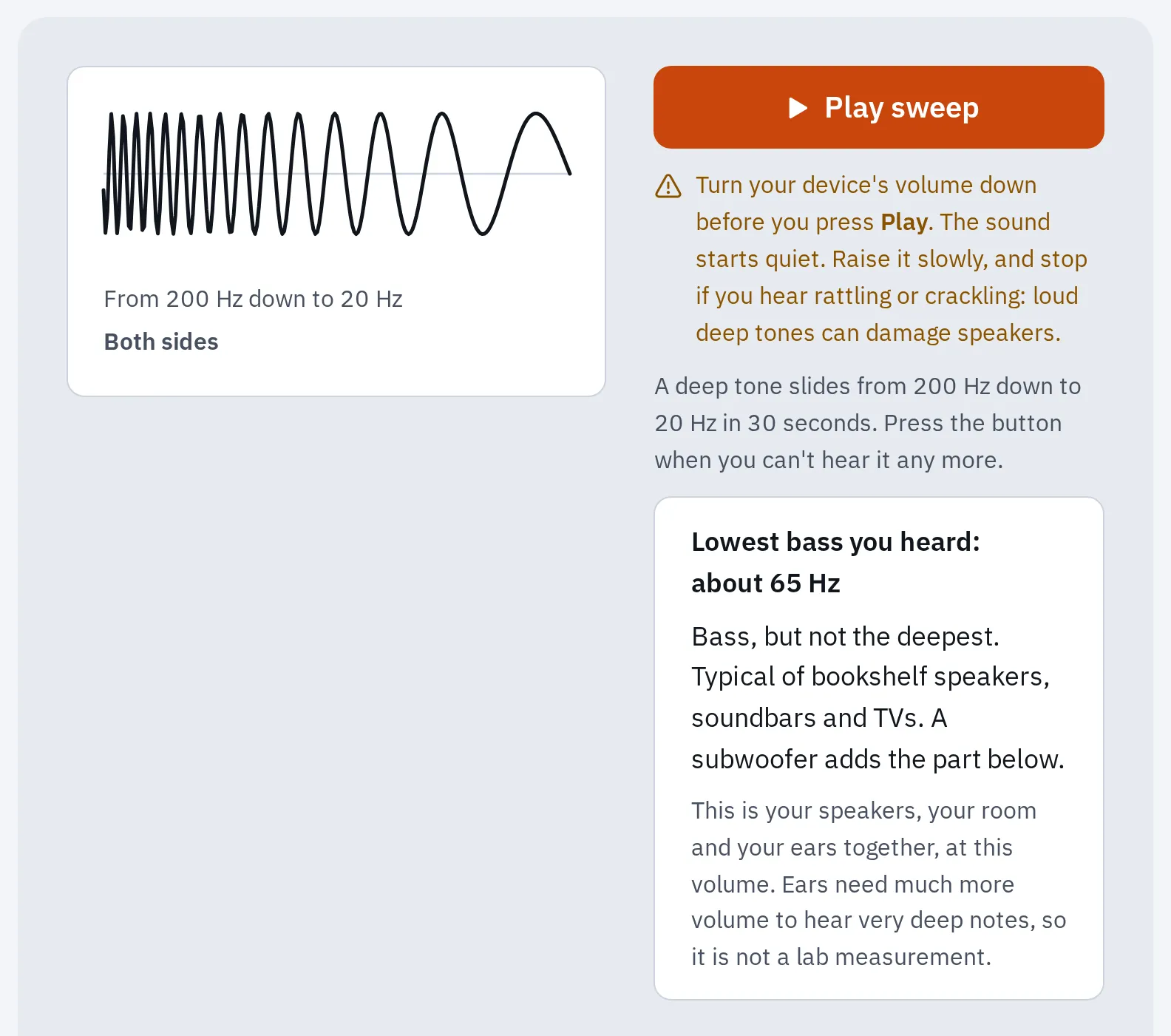
Our bass test after a sweep. At about 65 Hz, a subwoofer would add the deepest part.
Treat these ranges as rough guidance.
Hertz (Hz) counts how many times a sound vibrates each second. A lower number is a deeper sound. People hear from about 20 Hz (see the human hearing range).
What a subwoofer does
A subwoofer uses one or more big cones, because deep bass needs a lot of air to move. A crossover splits the sound. With bass management on, the system sends the deepest notes to the subwoofer and turns them down in your other speakers.
- Deep bass, below the crossover: the subwoofer
- The crossover, often 80 Hz
- Everything above: your main speakers
The crossover hands the deepest bass to the subwoofer and the rest to your speakers.
- What home subwoofers cover (Wikipedia)
- 20–200 Hz
- The most common crossover, and the THX standard (SVS)
- 80 Hz
- The top of the LFE channel in films (Wikipedia, citing Dolby)
- 120 Hz
Your ears find it hard to tell where very deep bass comes from. That is true at about 100 Hz and below. So one subwoofer can sit to the side, and the bass still seems to come from your speakers. That only works if the crossover is low: higher notes give away where the subwoofer is.
The .1 in 5.1: the LFE channel
In 5.1 or 7.1 surround sound, the .1 is an extra channel for deep effects, such as explosions. It is called LFE (low-frequency effects) and goes up to 120 Hz. It is played back with an extra 10 dB of gain, within its bass range.
A receiver sends two things to the subwoofer:
- the LFE channel, and
- the deep bass it takes from the other speakers. This is called bass management, and the crossover decides where it starts.
To check this channel, use a computer connected to your surround system. Press Start test and check that it finds six or eight channels. Then play the subwoofer: it gets a low rumble on the LFE channel only. If another speaker plays it, check the computer’s channel setup and the receiver’s speaker settings.
Test it now
Surround sound test
Hearing the rumble from your subwoofer shows that this test channel reaches it.
Do you need one?
It depends on what you watch and on how deep your speakers go. Use the bass test result from step 1.
Films and games
Usually worth it
The LFE channel is mixed for a subwoofer. Soundbars, TVs and bookshelf speakers stop above much of it, so you miss the deepest effects.
Music
Depends on your speakers
Small speakers can miss the low notes of bass guitars, drums and organs. A subwoofer can add those notes. Big floor-standing speakers that reach 30 to 40 Hz may not need one.
News, talk and TV shows
Little gain
Speech has almost no deep bass, so a subwoofer adds little.
Active or passive? Most home subwoofers are active (powered): they have their own amplifier and plug into a wall socket. A passive subwoofer has no amplifier, so it needs one to drive it.
Connect and set it up
AV receiver
These steps are for a powered subwoofer. Plug it into power and turn it on.
- Connect a subwoofer cable (RCA) from the receiver’s Sub out to the subwoofer’s LFE or Line in socket.
- In the receiver’s speaker setup, set Subwoofer to Yes and the main speakers to Small. Small sends their deep bass to the subwoofer. It doesn’t describe their size.
- Set the crossover in the receiver. 80 Hz is a common start. Check it against your speakers’ published bass range, and don’t set it from the bass test result alone.
- Turn the subwoofer’s own crossover knob to its highest setting, or to LFE, so only the receiver decides.
- Run the receiver’s automatic setup if it has one. It evens out the levels of every speaker, the subwoofer too.
Setting up a whole 5.1 system? See how to set up surround sound.
Stereo amplifier
Connect the subwoofer as its manual shows. Check whether your amplifier has crossover settings. If it does, follow its manual. Otherwise, use the crossover knob on the subwoofer.
Your main speakers may still play their full range then. Set the crossover from your speakers’ published bass range, not from the bass test result alone. Then set the subwoofer’s volume so the bass blends in and doesn’t boom.
Soundbar
Use a subwoofer listed as compatible with your soundbar. One that comes with the soundbar often pairs by itself when both are plugged in. If it doesn’t, its light shows it isn’t connected, and you pair it by hand as your model’s manual shows.
Samsung: a solid blue light on the subwoofer means it is connected. If it keeps blinking, pair it by hand:
- Plug in the soundbar and the subwoofer.
- Hold ID SET on the back of the subwoofer with a pen tip. Let go when the blue light blinks fast.
- With the soundbar off, hold Mute on the remote until ID SET shows on the soundbar. Some models use the Up button or an ID SET button instead.
- Turn on the soundbar while the blue light blinks. A solid blue light means it worked.
LG: a solid green light means it is connected. A red light means it isn’t. LG suggests keeping the subwoofer close to the soundbar, with nothing in between, and away from Wi-Fi routers and microwaves. Then pair it by hand:
- Turn the soundbar off with its power button.
- Press Pairing on the back of the subwoofer. The light blinks green.
- Turn the soundbar back on. Solid green means it worked. Still red? Hold Pairing again.
Where to put it
Where the subwoofer stands changes the bass more than most settings. Deep sound bounces between the walls, so some notes boom and others vanish, and it changes from seat to seat. SVS, a subwoofer maker, suggests a corner first, then the “subwoofer crawl”.
- Start in a front corner
- Other spots to try along the walls
- Your seat: the subwoofer goes here for the crawl
Try a front corner first. If the bass booms or sounds thin, use the crawl to find a better spot.
- Put the subwoofer on your seat, or on the floor right in front of it.
- Play a song or film scene with a steady, repeating bass line.
- Crouch down and listen at each spot where the subwoofer could stand.
- Pick the spot where the bass sounds most even, note to note. Not the loudest one.
- Put the subwoofer there.
Two subwoofers in different spots make the bass more even at more seats. Start with one. Think about a second if the bass changes too much from seat to seat.
Check that it works
Press Subwoofer in the bass test. It plays steps from 30 to 120 Hz on both sides, like music. At a low volume, listen near the subwoofer for the 40 Hz step. Your main speakers may play it too, depending on your setup.
Test it now
Bass test
This checks whether your setup sends low notes to the subwoofer.
- No sound from the subwoofer: see The subwoofer stays silent in the bass test help.
- One step booms, another nearly vanishes: it is usually the room. Move the subwoofer or your seat a little, as in the crawl above.
- It rattles: turn the volume down and see Buzzing or rattling.
- 5.1 or 7.1 at home: check every speaker with the surround sound test.
Questions people ask
What is the difference between a woofer and a subwoofer?
A woofer is the bass cone inside a normal speaker. A subwoofer is a separate speaker built for the notes below what a woofer plays well.
How low should a subwoofer go?
Different subwoofers reach different low notes, so check the model’s published bass range. In the bass test, hearing bass down to 30 to 40 Hz is already very good.
Can I add a subwoofer to a laptop or PC?
Yes. Buy a 2.1 speaker set: two speakers and a small subwoofer. Or connect the computer to an AV receiver by HDMI. Phone and laptop speakers play almost no deep bass, so headphones are the easy way to hear it on those.
Can a subwoofer play on its own, without other speakers?
Yes, but you would hear only bass. Use other speakers too if you want voices and the rest of the music.
Do I need two subwoofers?
Not usually. A second subwoofer can make the bass more even across several seats. That helps most in large rooms with more than one row.