Short answer
Use JPG for photos you send, print or upload: almost everything opens it. Use PNG for screenshots, logos and see-through backgrounds: it keeps every pixel. WebP does both jobs in smaller files, but some apps and forms reject it. When in doubt, choose JPG.
The drawing shows what each format does to a picture.
- JPG: made for photos. To stay small, it blurs fine detail a little, which you only see when you zoom in close.
- PNG: keeps every pixel, so edges and text stay sharp. The checkerboard means see-through: PNG can have no background.
- WebP: can do both, a photo and a see-through background, in a smaller file.
| JPG | PNG | WebP | |
|---|---|---|---|
| Best for | Photos to send, print or upload | Screenshots, logos, text | Pictures on websites |
| Loses detail? | Yes, a little | No | Usually a little; it can also keep everything |
| See-through background | No | Yes | Yes |
| Moving pictures | No | Yes, as animated PNG (APNG) | Yes |
| Opens on | Almost everything | Almost everything | Browsers, phones, most new apps |
JPG and JPEG are the same format, spelled two ways.
Which one should you use?
How big each format is: our test
We saved three pictures in every format with our image converter, at its default High quality. Each version came from the same PNG file. The photo PNG was made from a JPG photo, shrunk to 1920 × 1280. A PNG saved as PNG is kept as it is, so the PNG column shows the starting files.
| Picture | JPG | PNG | WebP | AVIF |
|---|---|---|---|---|
| Photo, 1920 × 1280 | 388 kB | 2.9 MB | 263 kB | 151 kB |
| Screenshot of our EXIF viewer, 1344 × 1131 | 106 kB | 110 kB | 58 kB | 51 kB |
| Our app icon, 1024 × 1024, see-through | 36 kB, now on white | 58 kB | 18.5 kB | 10.5 kB |
What this shows:
- A photo as PNG is huge: about 7.5 times the size of our JPG.
- A screenshot as JPG saves almost nothing (106 vs 110 kB). Keep screenshots as PNG, which stays exact.
- Our WebP photo was 32% smaller than our JPG, and the AVIF smaller still. These settings don’t promise exactly the same picture quality, so treat this as a rough guide.
- The icon lost its see-through background as a JPG. It got a white one instead.
Your own pictures will give other numbers, but the order is usually the same.
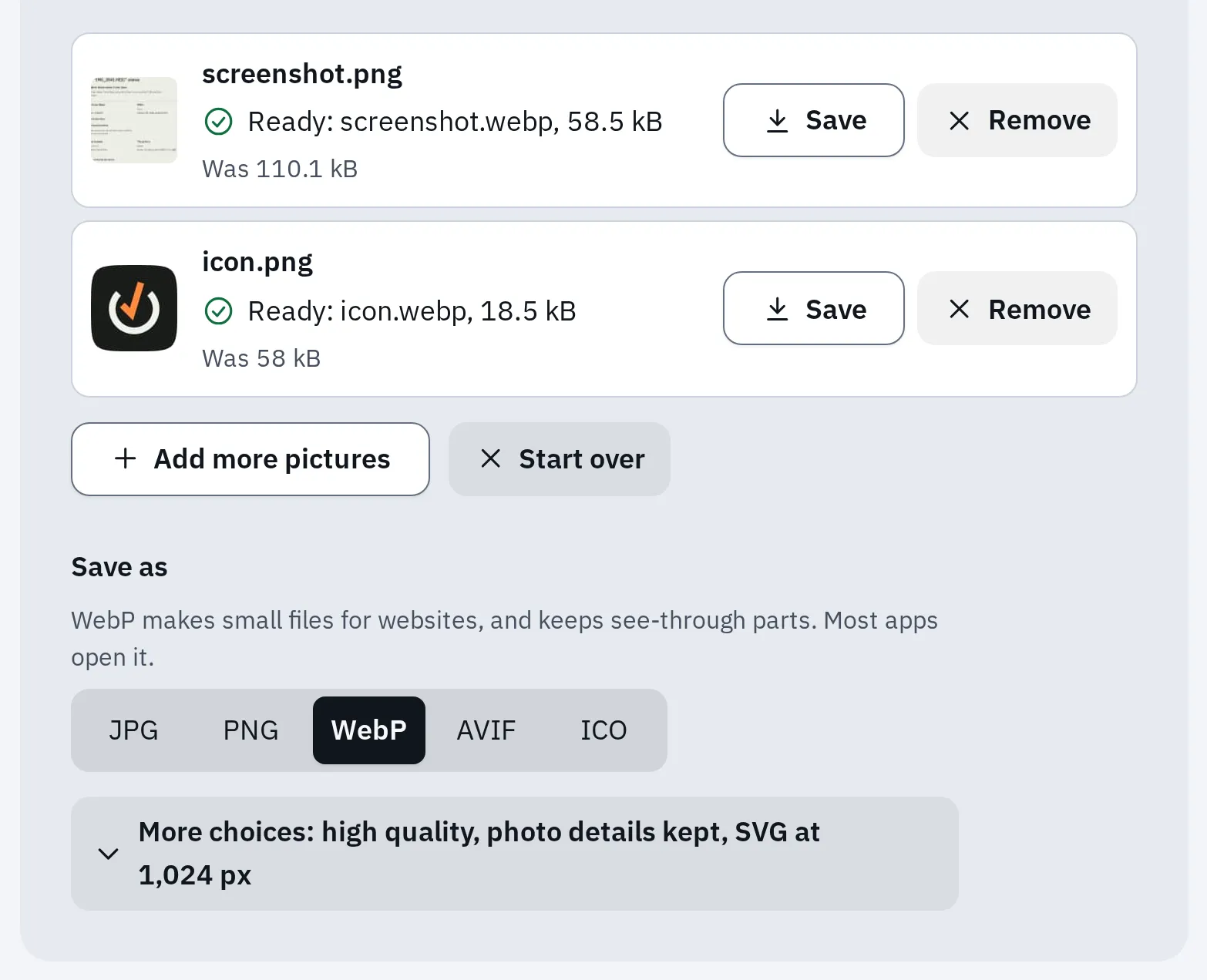
The screenshot and the icon saved as WebP in our converter: about half and a third of the PNG size.
JPG: photos that open everywhere
JPG makes photos small by leaving out detail your eyes hardly notice. Almost every phone, computer, website and printer takes it. That’s why it’s the safe choice for anything you send.
Each time you edit and save a JPG again, it loses a little more. Keep the original, and save a new copy for each change.
PNG: sharp edges and see-through parts
PNG keeps every pixel exactly. Text, lines and flat colours stay crisp, and parts of the picture can be see-through. That’s why logos and screenshots are PNG.
For sharing photos, JPG usually makes much smaller files, as our test shows. Use PNG for a photo only when you need to keep every pixel, for example while editing. Turning a JPG into a PNG doesn’t bring back lost detail. The file only gets bigger.
What is a WebP file?
WebP is a picture format from Google, made so websites load faster. It can leave out detail like a JPG, or keep everything like a PNG. It can also have see-through parts and move like a GIF. Google measured lossy WebP files 25 to 34% smaller than JPG at the same picture quality. Lossless ones were 26% smaller than PNG.
That’s why so many pictures you save from websites end up as .webp: the website sent you a WebP. Browsers show it, but some photo apps, printing shops, email programs and upload forms still only take JPG or PNG.
| Device | Opens WebP? |
|---|---|
| Chrome, Edge, Firefox | Yes |
| Safari | Yes, from Safari 14 (iOS 14 and macOS Big Sur) |
| Android | Yes, from Android 4.0; see-through and lossless WebP from Android 4.2.1 |
| Windows | Yes, with Microsoft’s free WebP Image Extension from the Microsoft Store |
How to open or save a WebP as JPG
- To look at it on a computer: drag the file into your browser window. Every current browser shows it.
- To look at it on a phone: open the downloaded file. If nothing shows it, use the converter below.
- To send, print or upload it: turn it into a JPG.
Test it now
WebP to JPG converter
It turns WebP pictures into JPG in your browser, many at once, without uploading them.
A see-through background becomes white in a JPG. To keep it see-through, use WebP to PNG instead.
AVIF: even smaller
AVIF is newer than WebP and made our files smallest: the photo was 61% smaller than the JPG. Current browsers show it, though older Safari versions may not. Many apps and forms don’t take it yet, so use it only for your own website.
Questions people ask
Is PNG better quality than JPG?
PNG keeps every pixel, so it never loses detail. JPG leaves out some detail to make photos much smaller.
Which format is best for printing?
JPG at its best quality, or PNG for logos and text. Check which formats your print shop takes. In our converter, choose Best under More choices. To get the size right, see print a photo at the right size.
Why is my PNG file so big?
It’s probably a photo. PNG keeps every pixel, and photos have millions of slightly different ones. Save it as a JPG or WebP instead.
Can I just rename a .webp file to .jpg?
No. The name changes, but the file is still a WebP inside, and many apps will still refuse it. Convert it instead.
What about HEIC photos from an iPhone?
HEIC is the iPhone’s photo format. See what a HEIC file is and how to turn it into a JPG.