Short answer
On Windows, open Settings System About: the model is under the device name, and Device specifications lists the processor and RAM. On a Mac, choose Apple menu About This Mac. On a Chromebook, open the Diagnostics app. The table below shows where every other spec is.
Quick look in your browser
Test it now
My device
It shows your system, screen, processor threads, memory and graphics as your browser reports them. A website can’t see the model or the serial number, so use the steps below for those.
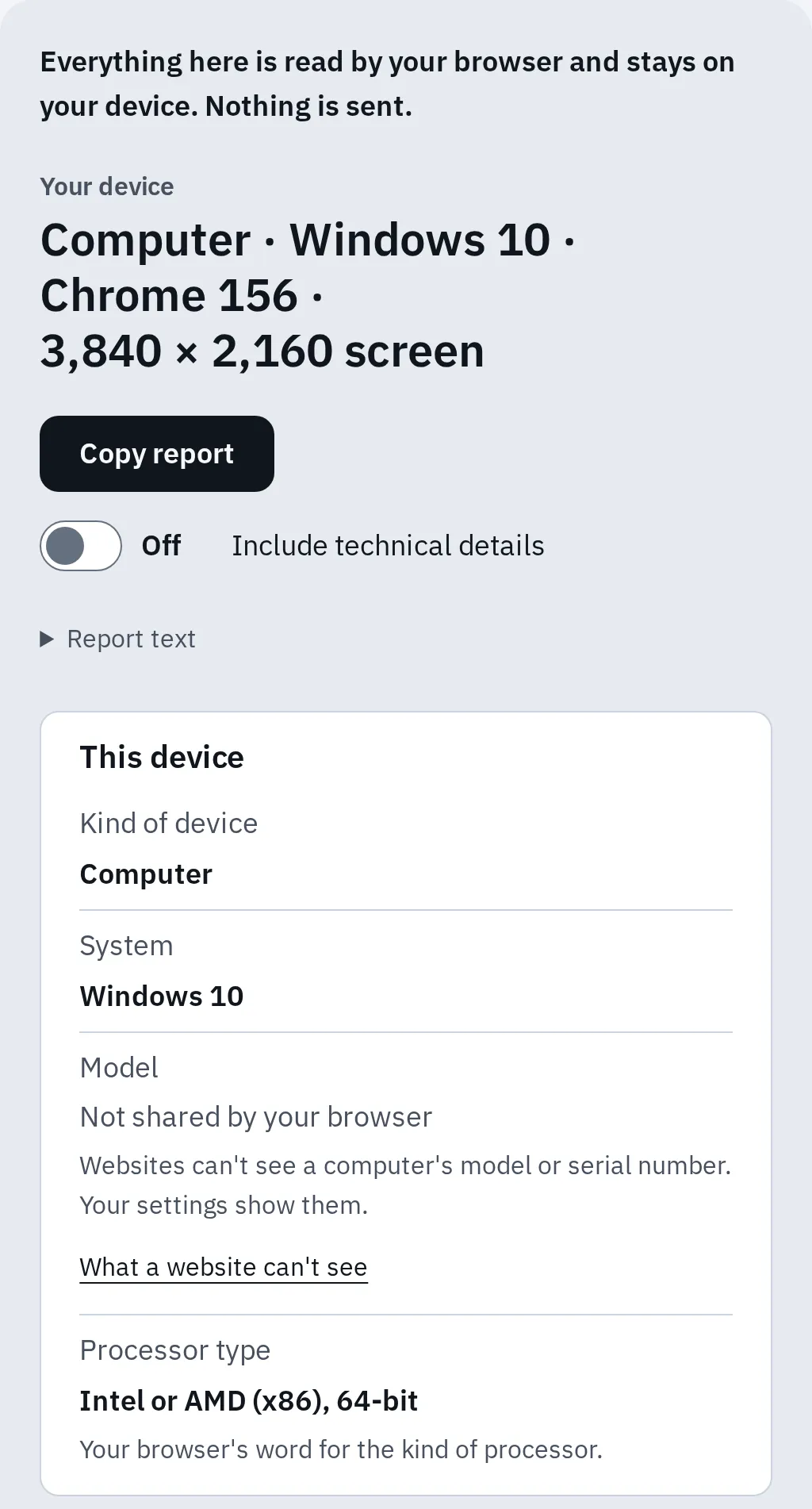
The report says plainly what the browser keeps to itself, such as the model. It shows your memory rounded, in browsers that share it, such as Chrome and Edge.
Open the about page
Windows
- Right-click Start and choose Settings.
- Choose System, then About.
- The model name is just below the device name at the top.
- Device specifications lists the Processor, Installed RAM and System type (64-bit or 32-bit).
- Windows specifications lists the edition and version, such as Windows 11 Home 25H2.
Need more? Press Windows + R, type msinfo32 and press Enter. System Information opens. System Model is the exact model, and BIOS Version/Date is there too.
Mac
- Click the Apple menu in the top-left corner.
- Choose About This Mac.
- It shows the model name, such as MacBook Air (13-inch, M3, 2024), then Chip, Memory, Startup disk, Serial number and the macOS version.
Need more? Hold Option and choose Apple menu System Information. Select Hardware in the sidebar for the model identifier and serial number.
Chromebook
- Press the Launcher key and type
Diagnostics. Or open Settings About ChromeOS Diagnostics. - The CPU and Memory sections show the processor and how much RAM the Chromebook has.
- Settings About ChromeOS shows the ChromeOS version.
The model name is on the label on the bottom. See how to check RAM on a Chromebook for each way in detail.
Where to find each spec
| Spec | Windows 11 and 10 | Mac | Chromebook |
|---|---|---|---|
| Model | About page, or msinfo32 |
About This Mac | Label on the bottom |
| Processor | About page | About This Mac: Chip | Diagnostics: CPU |
| RAM | About page: Installed RAM | About This Mac: Memory | Diagnostics: Memory |
| Graphics | Task Manager, Performance | System Information | Look up the model |
| Storage | Settings, System, Storage | System Settings, General, Storage | Search Settings for Storage |
| System version | About page | About This Mac: macOS | Settings, About ChromeOS |
| Serial number | The label, or PowerShell | About This Mac | Alt + V at sign-in |
- About page means Settings System About on Windows.
- Graphics on Windows: open Task Manager with Ctrl + Shift + Esc, then Performance. A laptop with two graphics chips, such as a built-in one and a gaming card, shows GPU 0 and GPU 1. The Display tab of
dxdiagnames the graphics too. - Graphics on a Mac: hold Option and choose Apple menu System Information, then Graphics/Displays.
- Intel Mac: About This Mac says Processor instead of Chip.
Screen size isn’t listed on Windows. Look up the model on the maker’s site, or use the ways in how to find your laptop’s screen size. On a Mac, the size is in the model name.
Check if it can run a program or game
The program’s system requirements list the same specs. Compare them one by one:
- System: the Windows or macOS version, and 64-bit if it says so.
- Processor and RAM: as listed on the about page.
- Graphics: the chip name from Task Manager or System Information.
- Free space: from the Storage settings.
To see what your graphics can do in a browser, run the GPU test. It checks WebGL and WebGPU and how fast your graphics draw.
What a website can and can’t see
Device info pages, including ours, only see what your browser shares. That is less than your settings show: browsers hide or round some details to make tracking harder.
| Spec | What a browser shares |
|---|---|
| Model and serial number | Never, on a computer. |
| Memory | Rounded: in current Chrome and Edge on a computer up to 32 GB, on phones up to 8 GB. Safari and Firefox don’t share it. |
| Processor | The number of threads (logical processors), not the name. Safari always says 4 or 8. |
| Graphics | A name, which may be close but not exact. Safari only says Apple graphics. |
| System | Windows, macOS or ChromeOS. Some browsers can’t tell Windows 10 from 11. |
That’s why our report says Not shared by your browser where it can’t see something, rather than guessing.
Serial number
The serial number is unique to your laptop. Support and warranty pages ask for it.
- Any laptop: the label on the bottom, marked S/N or Serial.
- Windows: right-click Start, open Terminal or Windows PowerShell, and type
Get-CimInstance -ClassName Win32_BIOS | Select-Object -Property SerialNumber. The olderwmiccommand no longer works: Microsoft removed it from current Windows 11. On a Surface, the serial number is also in Settings System About. - Mac: About This Mac shows it.
- Chromebook: press Alt + V on the sign-in screen. It appears in the top-right corner.
For Lenovo, Dell, HP and Asus labels, maker apps and the BIOS screen, see how to find your laptop’s serial number.
On Linux, sudo dmidecode -s system-product-name shows the model and sudo dmidecode -s system-serial-number the serial number.
Questions people ask
How do I find out what laptop I have?
On Windows, open Settings, System, About: the model name is under the device name. On a Mac, choose About This Mac. On any laptop, the label on the bottom names the model.
How much RAM does my laptop have?
Windows shows it as Installed RAM in Settings, System, About. A Mac shows Memory in About This Mac. A browser only gives a rounded figure, if any. Wondering how much is in use? See how much RAM should be used at idle.
How old is my laptop?
The model name and the maker’s spec page give the year it came out, and a Mac’s model name includes it. The serial number on the maker’s warranty page can help too. See how old is my laptop.
Where do I find my computer ID or battery model?
They’re in different places. See how to find your computer ID and how to find your laptop’s battery model.